1
Choose the real intent
Start from what the user is trying to do: generate from text, edit an image, restyle a reference, compare options, or make a specific asset.


Find the right LlamaGen workflow for text-to-image prompts, image-to-image transformations, AI image editing, character assets, covers, collectibles, and social-ready visuals.
Start from text, transform a reference image, edit an existing result, compare generators, or turn an image into video.
For creators comparing text-to-image, image-to-image, editing, and image-to-video workflows.
For creators comparing editors by identity preservation, prompt control, edit boundaries, and reusable output quality.
For creators who already have a reference image and want to restyle it, preserve identity, or turn it into a specific asset.
For users who want to refine an existing image: change outfit, fix composition, adjust style, or prepare a final shareable version.
For people comparing how AI image generation works before they choose a model, prompt, reference workflow, or output format.
For users who want a clear path from a plain idea to a finished image without learning prompt engineering first.
For users whose real goal is motion. Route them to video instead of forcing them through an image-only page.
Choose the asset you want to create, then open the workflow with the most relevant inputs and controls.
Start from what the user is trying to do: generate from text, edit an image, restyle a reference, compare options, or make a specific asset.
Each page explains the input, output, prompt examples, and quality checks for that job before sending the user into creation.
Create the first image, check identity and composition, then reuse the result across comics, product mockups, profile art, and campaign sets.
Start with the pages that represent the collection best: character presentations, physical-product mockups, cover formats, and playful object transformations.
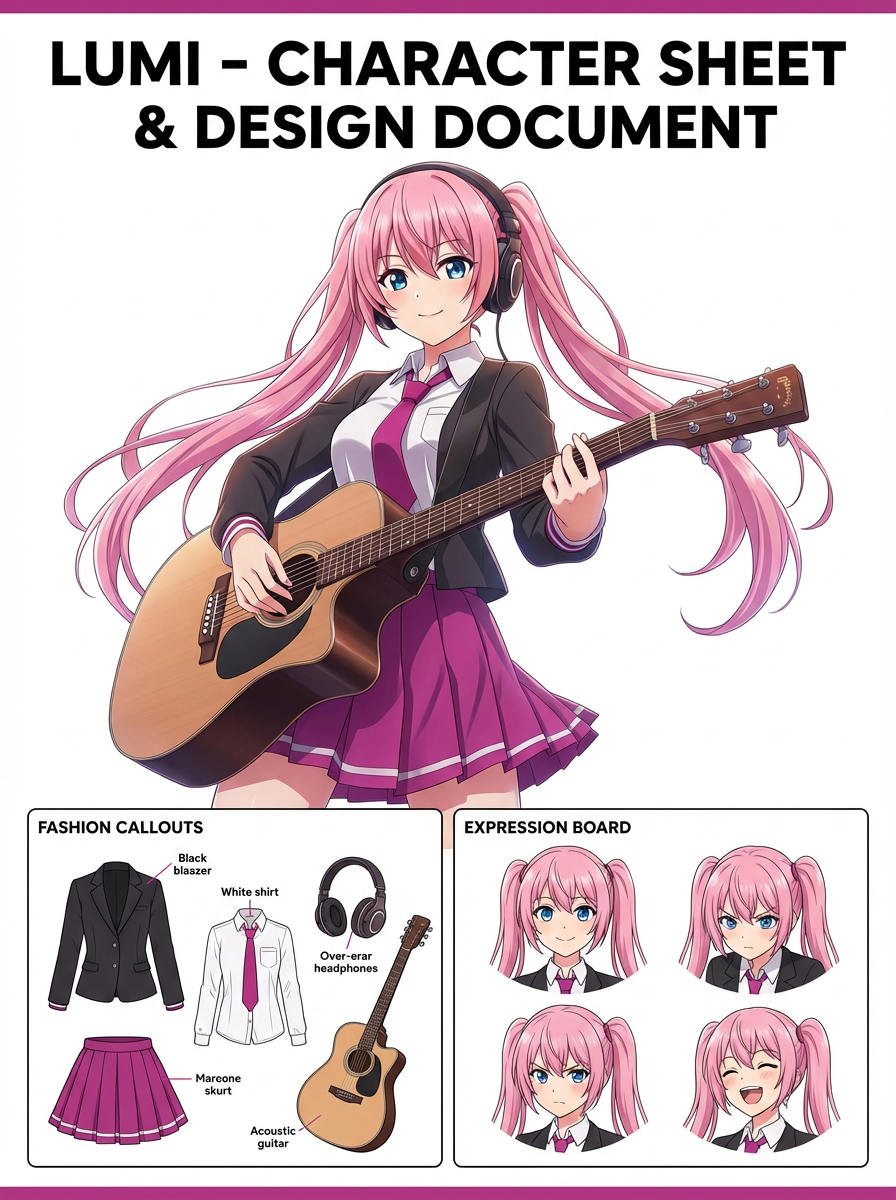
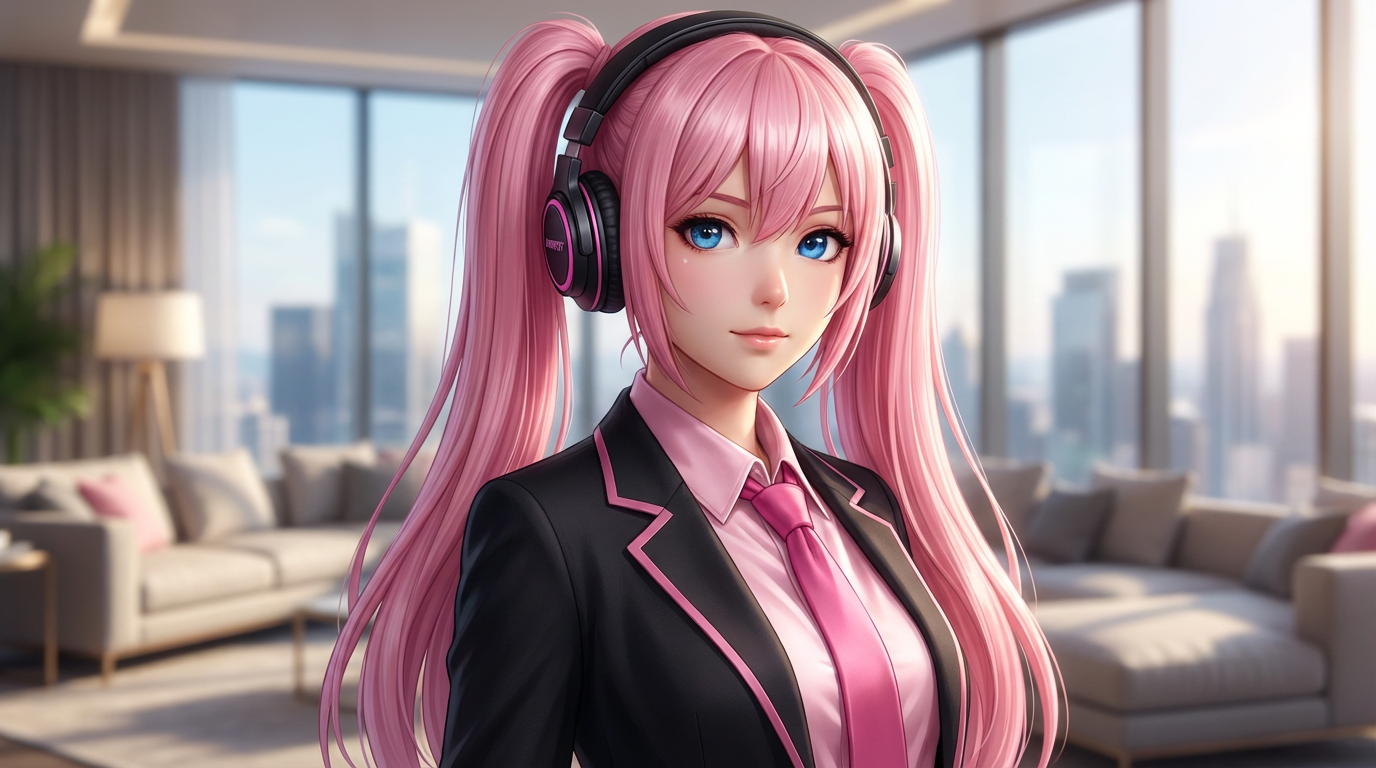
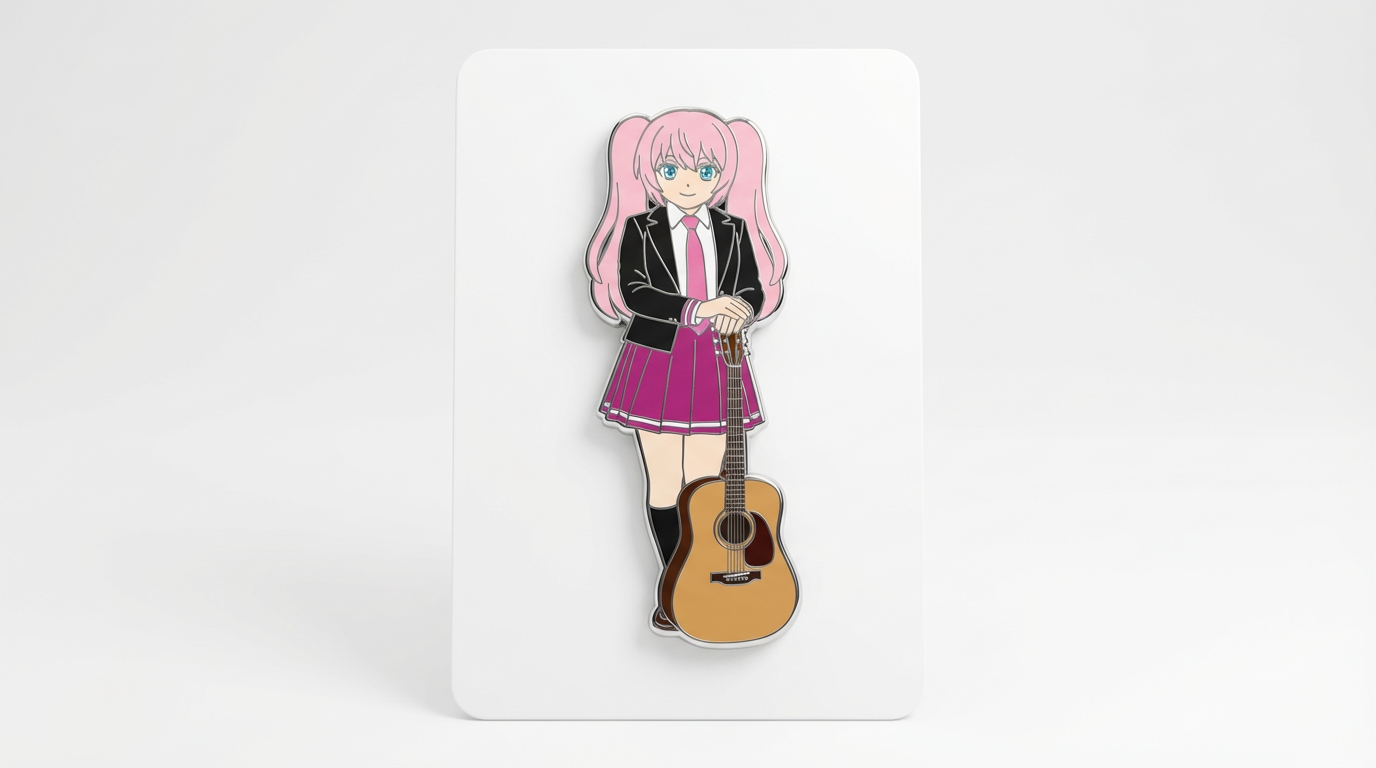
Each card includes examples, workflow guidance, practical answers, quality checks, and a direct creation path.
Compare LlamaGen image-generation workflows for text prompts, reference images, image editing, character consistency, and image-to-video handoff.
Evaluate AI image editors by control, identity preservation, prompt clarity, creative limits, and whether edited results are reusable.
Plan and create AI images with a workflow that separates text prompts, image-to-image references, editing goals, and final output checks.
Use an existing image as a reference, then turn it into a new style, asset, cover, mockup, badge, card, or character visual with AI.
Edit existing images with AI prompts for outfit changes, style fixes, composition cleanup, character variants, covers, badges, and campaign assets.

Compare what matters when choosing the best AI image generator for consistent characters, reference-based edits, comics, covers, and reusable assets.
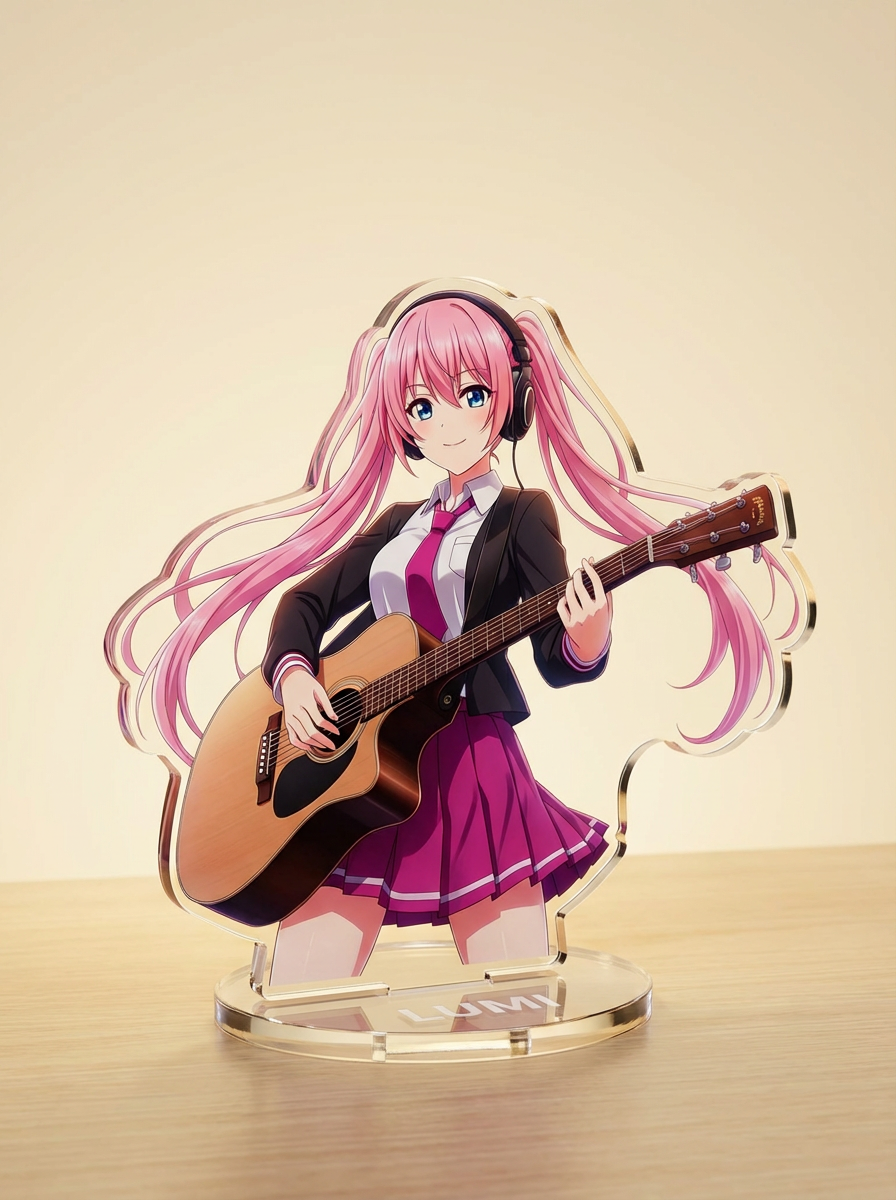
Generate images with AI from simple text prompts, then refine the subject, style, composition, and final asset format for practical creative use.
Преобразуйте арт персонажа в визуал в стиле значка: с аккуратной круглой рамкой, мерч-эстетикой и композицией, подходящей для иконок.
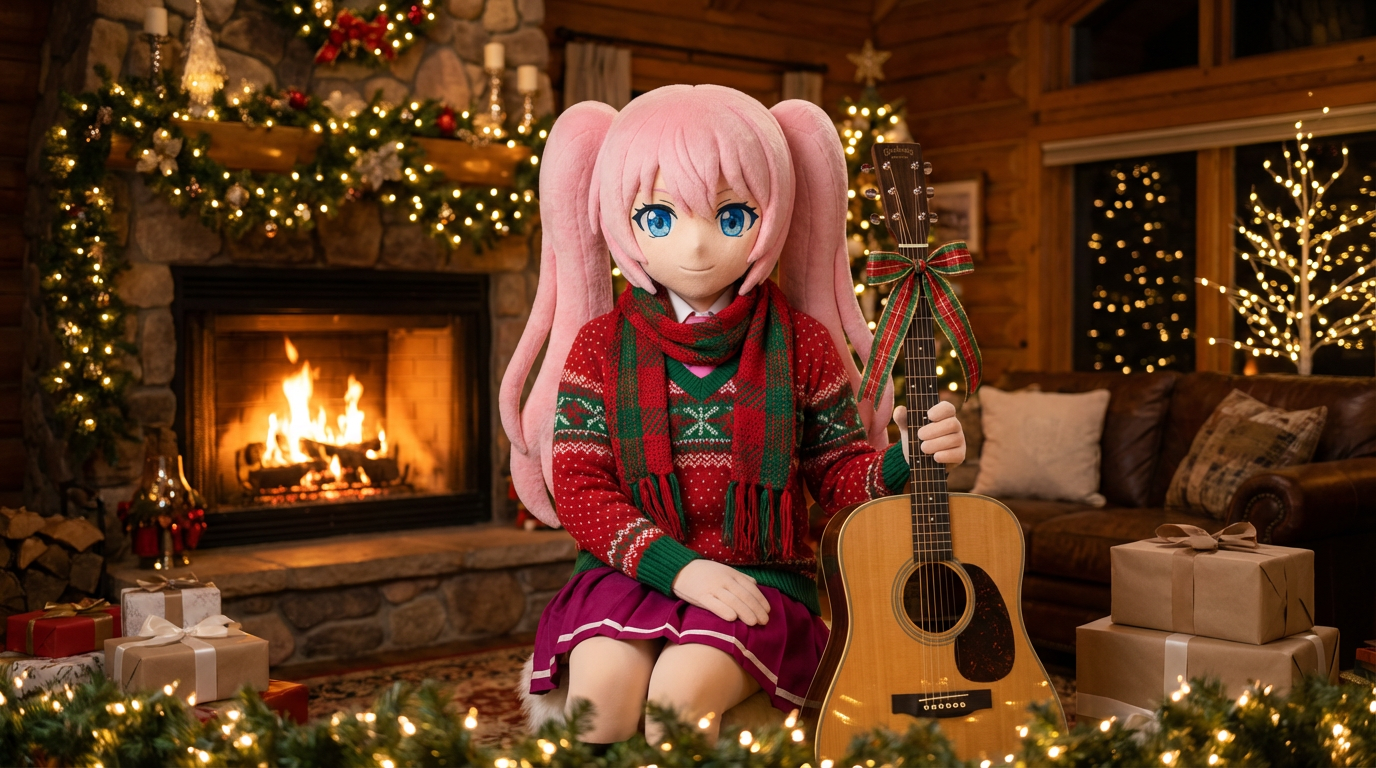
Преобразите портреты и арты персонажей в праздничном стиле — с шарфами, шапками и нарядной подачей в стиле Lumi.
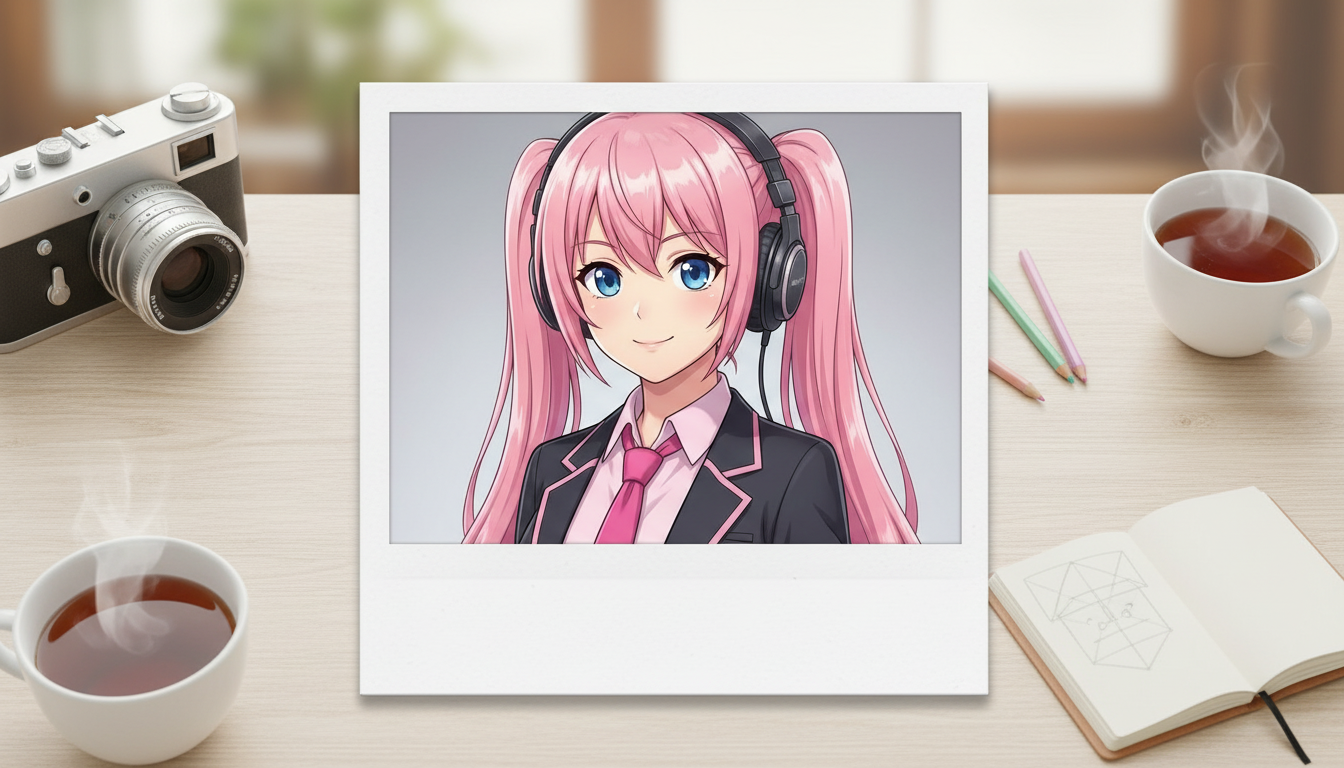
Преобразуйте изображения персонажей в стиль polaroid — с ностальгичной рамкой моментального фото и атмосферой коллекционного снимка.
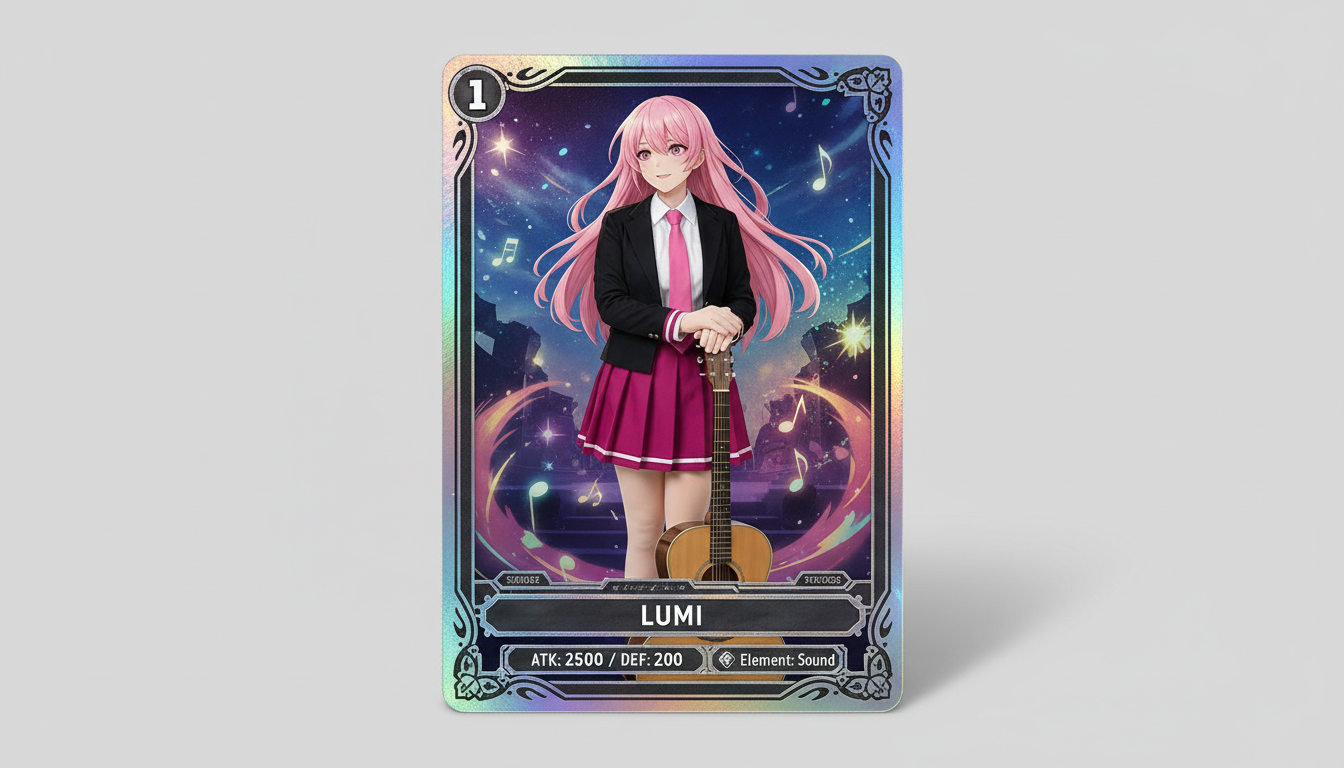
Превращайте изображения персонажей в визуалы в стиле коллекционных карточек — с ощущением редкости, оформленными характеристиками и композицией, подходящей для мерча.
Превращайте персонажей и OCs в глянцевые редакционные обложки с выразительной композицией, премиальным настроением и подачей в стиле журнала.
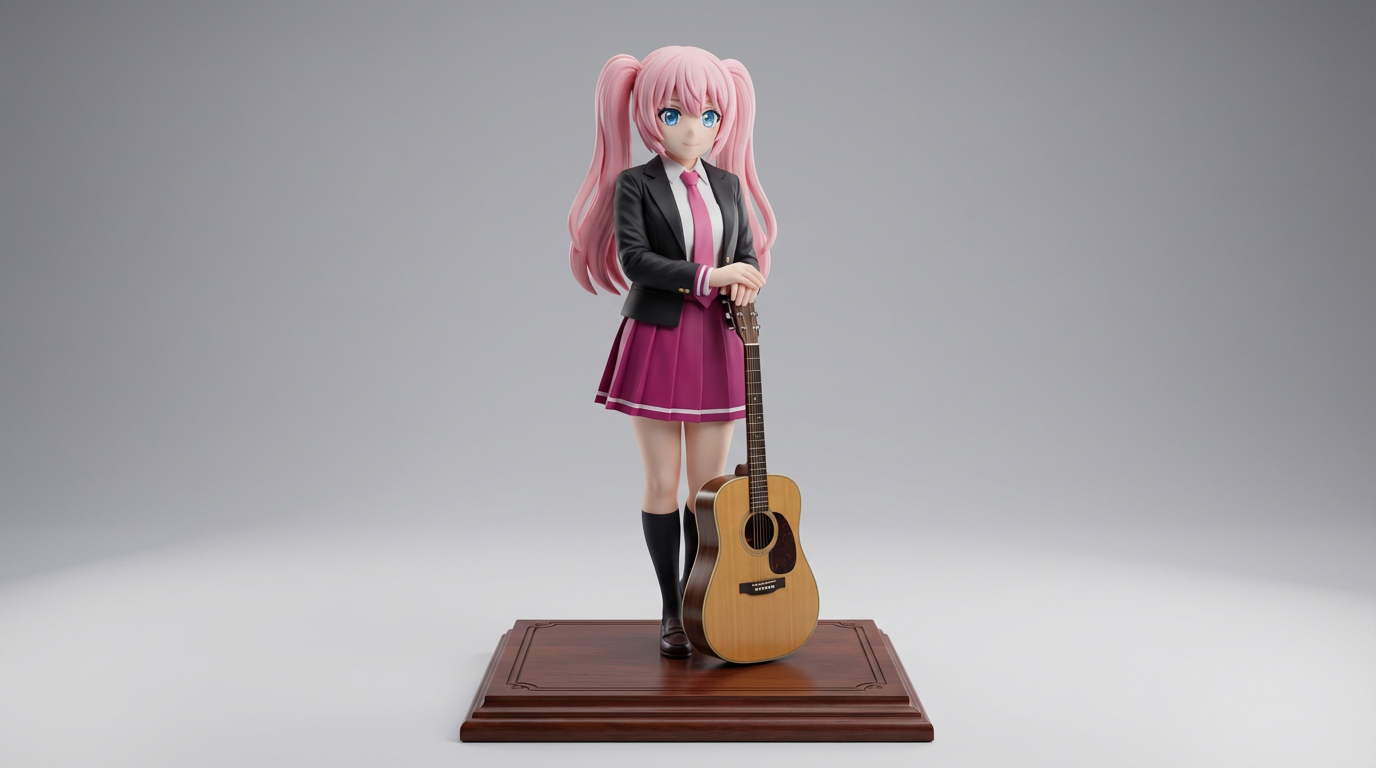
Превращайте плоский арт персонажей в визуалы в стиле коллекционных фигурок и продуктовые мокапы для витрины.
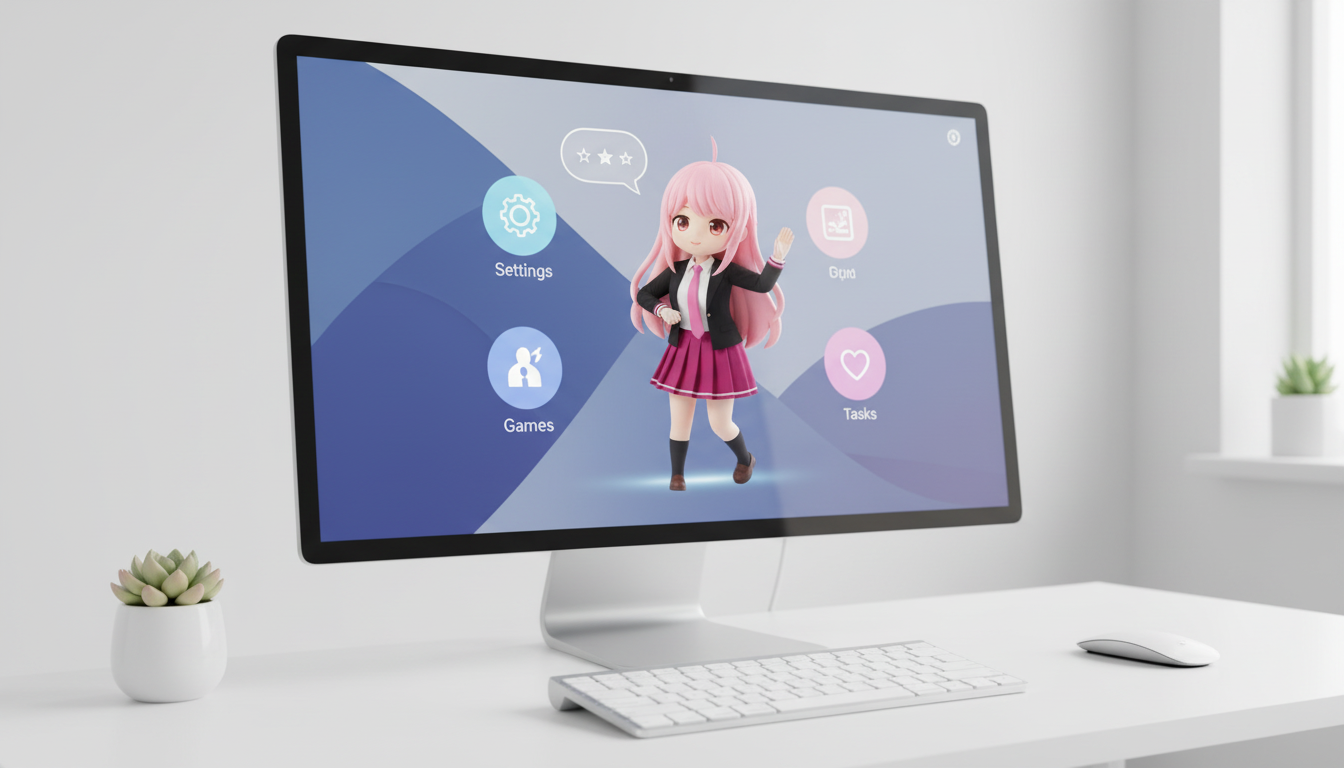
Преобразуйте персонажей и OCs в визуалы в стиле desktop pet с композицией, адаптированной под экран.
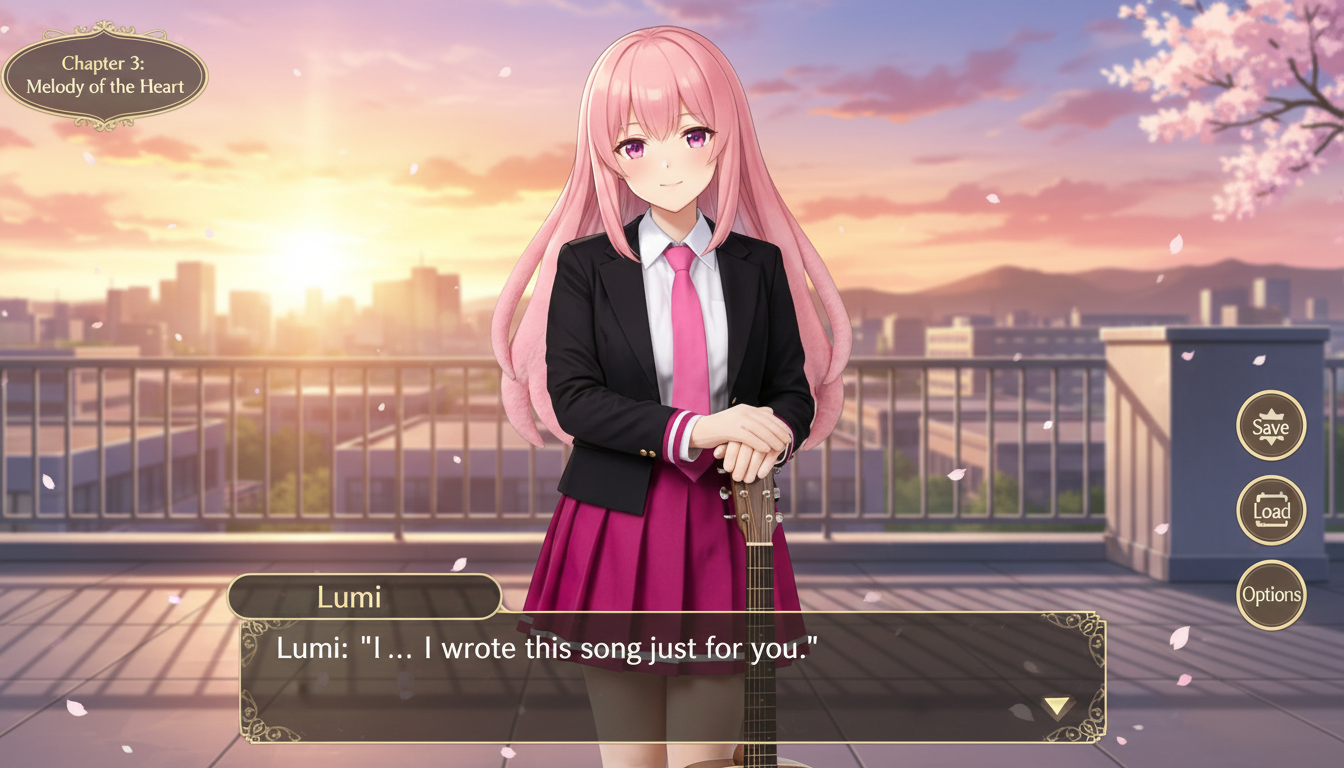
Преобразуйте изображение персонажа в сцену в стиле visual novel с интерфейсным оформлением, зоной для диалогов и композицией игрового экрана.
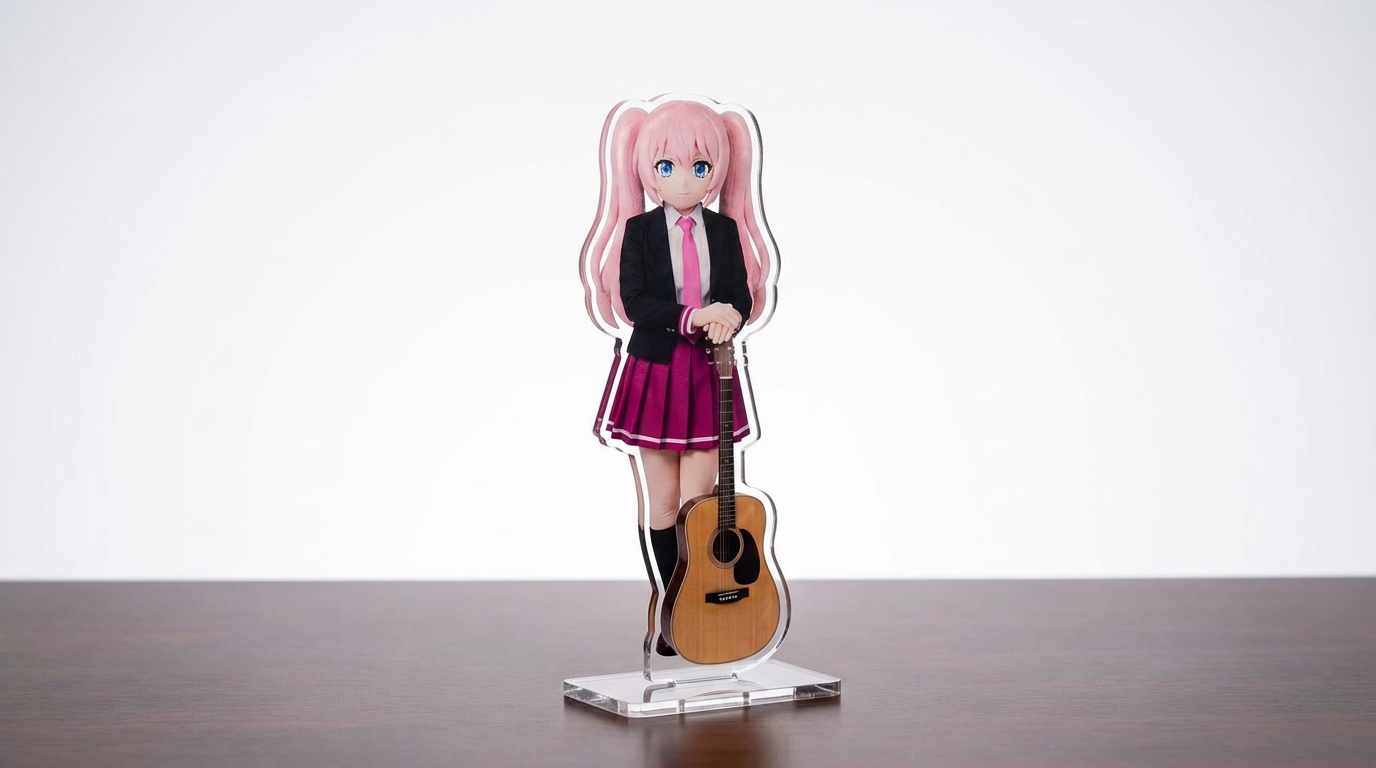
Преобразуйте арт персонажей, фото питомцев и авторские дизайны в мокапы акриловых стендов с настраиваемым workflow на базе Lumi.
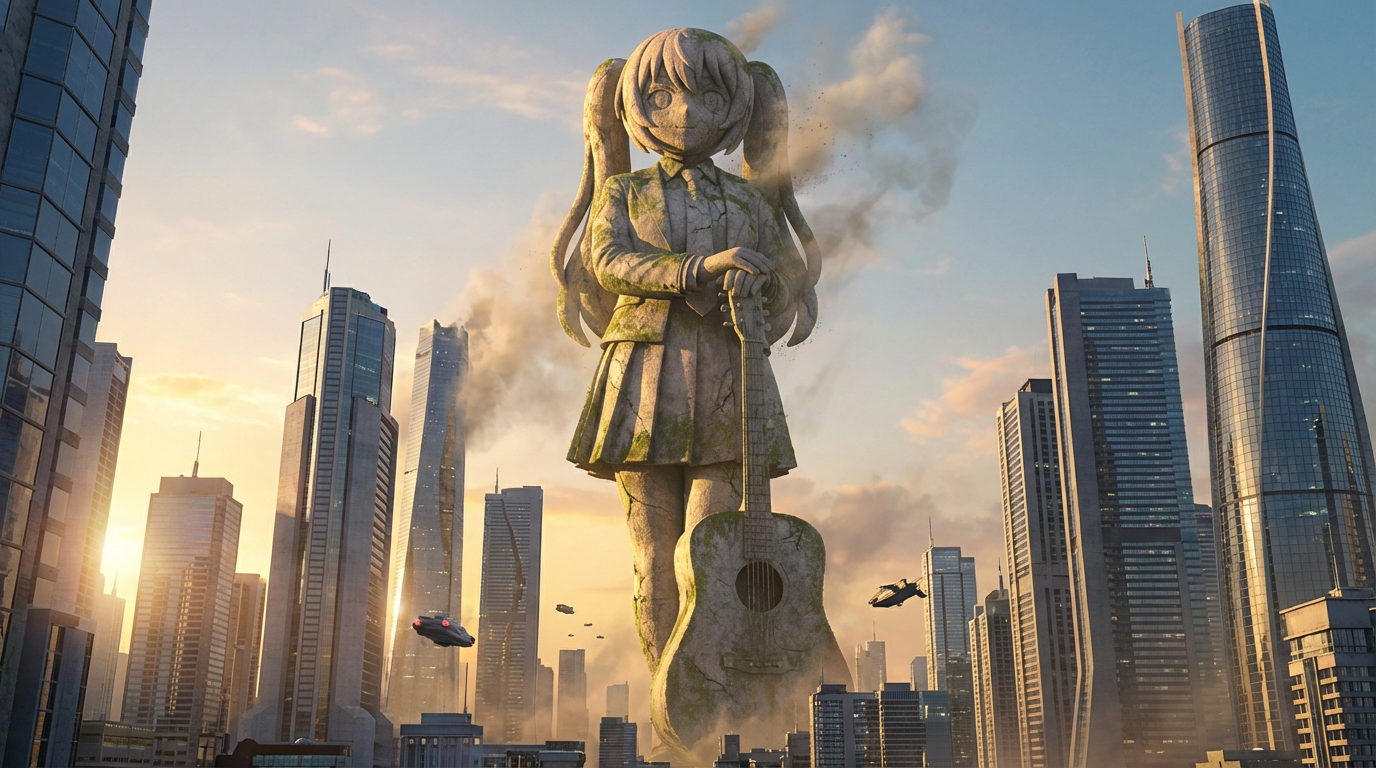
Преобразуйте персонажей в образы гигантских статуй с масштабом городского монумента, панорамой города и подачей в стиле достопримечательности.
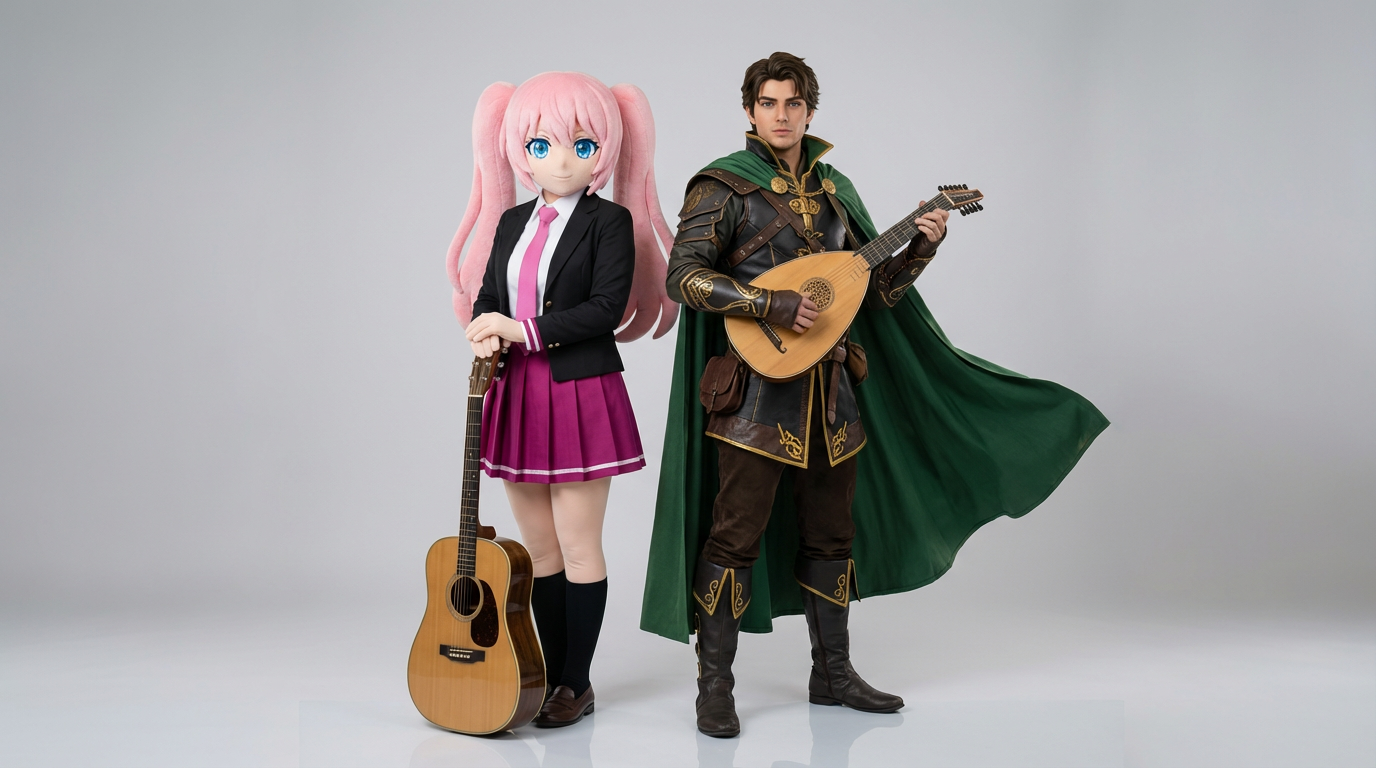
Загрузите два референса персонажей и создавайте аккуратные сцены взаимодействия, парные композиции и готовые кадры с дуэтом.
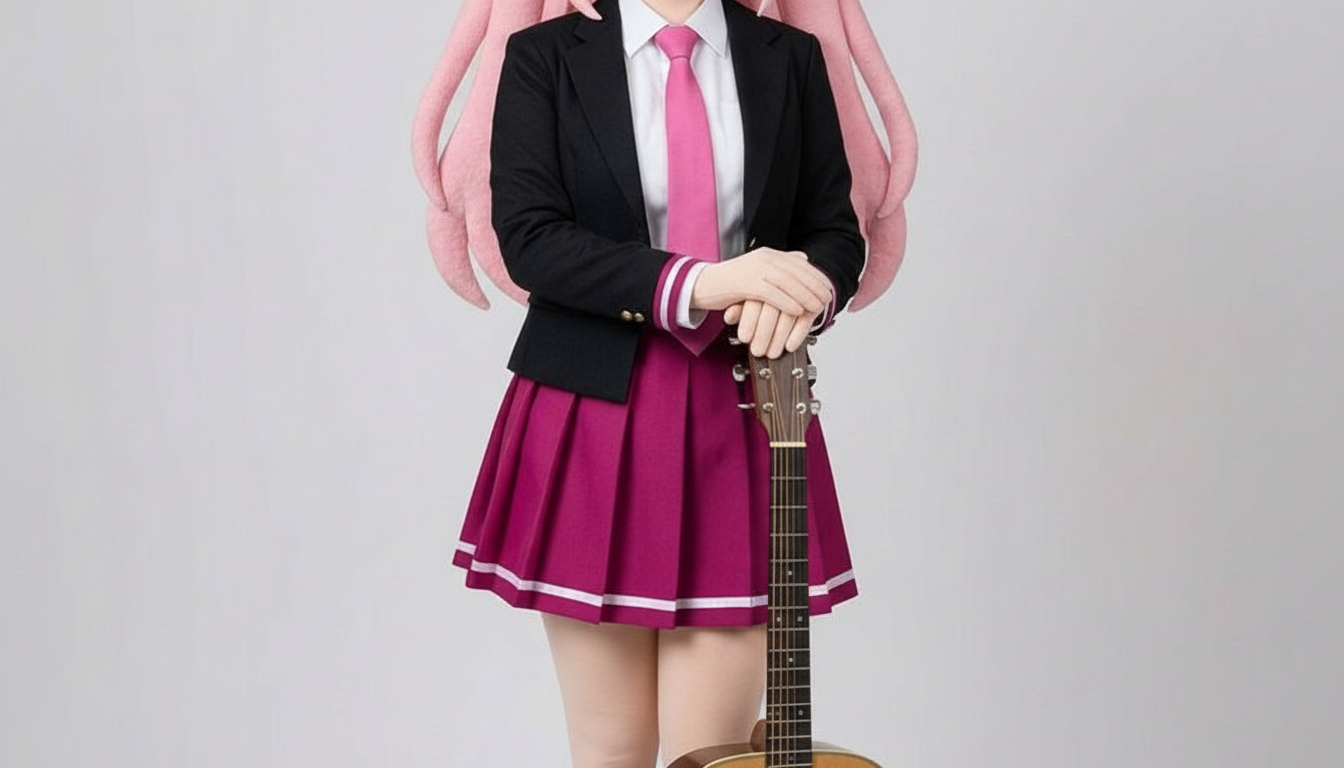
Преобразуйте персонажей в изображения в стиле бумажной аппликации с многослойными формами, ощутимой глубиной и точным контролем силуэта.
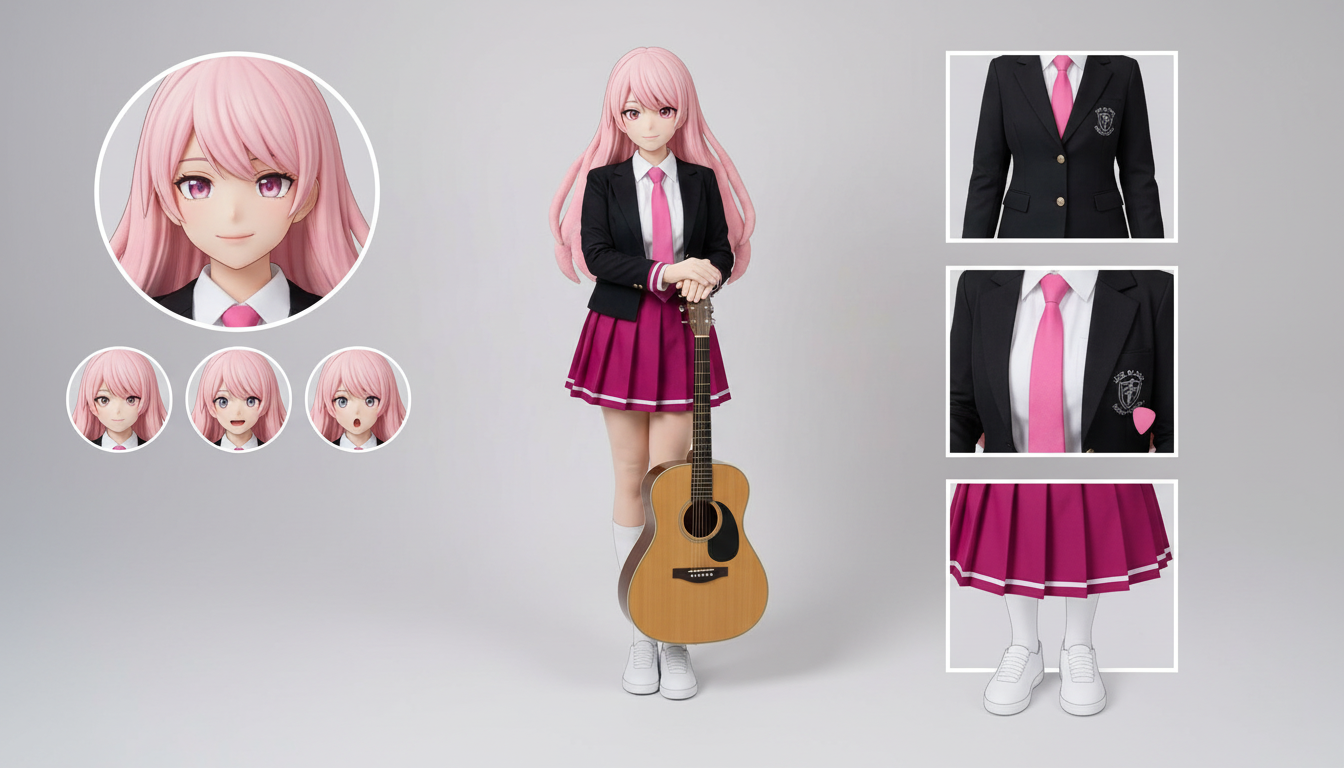
Создавайте листы персонажа с вариантами одежды, эмоциями, аксессуарами и референсами поз на основе одного загруженного дизайна.
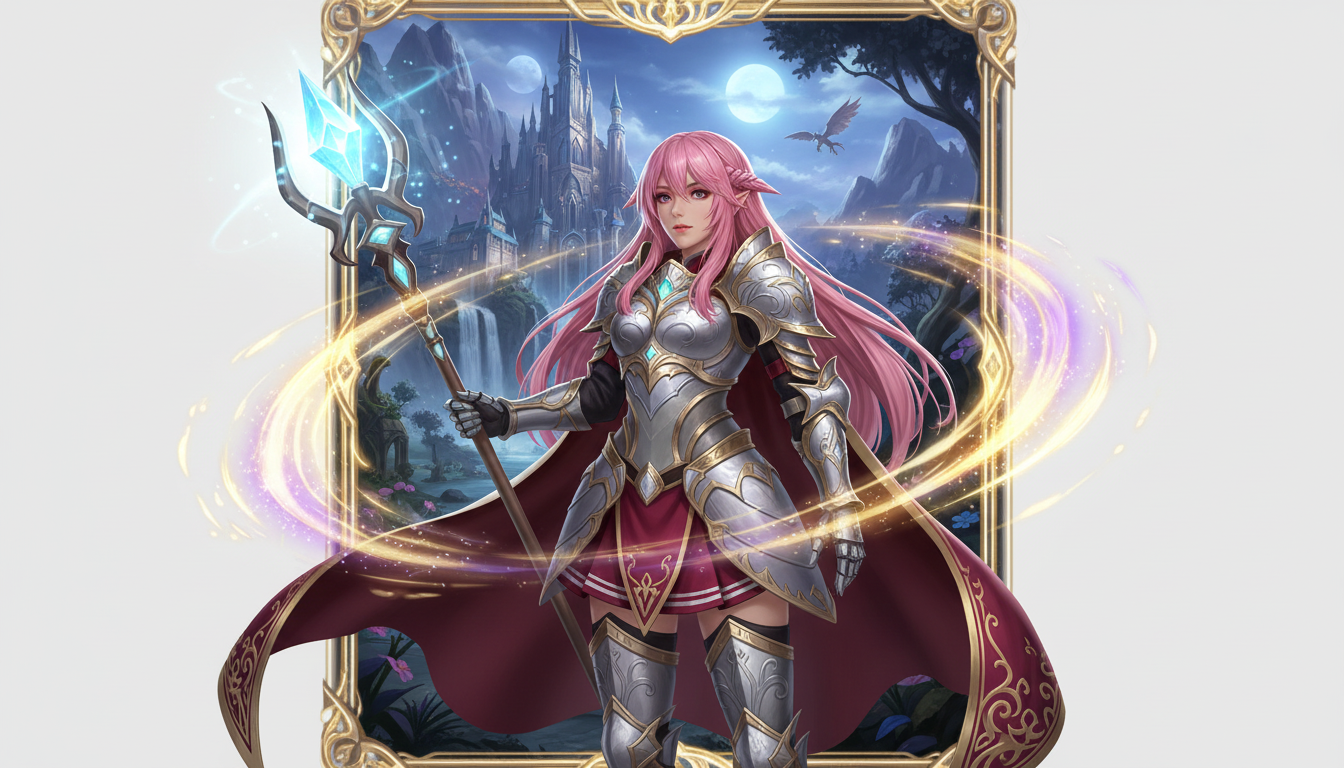
Преобразуйте изображение персонажа в образ фэнтези-героя с классовым стилем, атмосферой RPG и эстетикой коллекционной карточки.
Use this page when you know the kind of visual asset you want, but not the exact prompt or workflow yet.
Search behavior has moved beyond one broad text-to-image query. Many users now start with an existing image, ask for an editor, or compare image generation workflows before they create.
Yes. Each page is built around a specific problem, such as turning a reference image into a new style, creating a character sheet, or making a magazine-cover visual.
Pick the page that matches your starting point. Use text-to-image when you only have an idea, image-to-image when you have a reference, and AI image editor when you need controlled changes.