1
Choose the real intent
Start from what the user is trying to do: generate from text, edit an image, restyle a reference, compare options, or make a specific asset.


Find the right LlamaGen workflow for text-to-image prompts, image-to-image transformations, AI image editing, character assets, covers, collectibles, and social-ready visuals.
Start from text, transform a reference image, edit an existing result, compare generators, or turn an image into video.
For creators comparing text-to-image, image-to-image, editing, and image-to-video workflows.
For creators comparing editors by identity preservation, prompt control, edit boundaries, and reusable output quality.
For creators who already have a reference image and want to restyle it, preserve identity, or turn it into a specific asset.
For users who want to refine an existing image: change outfit, fix composition, adjust style, or prepare a final shareable version.
For people comparing how AI image generation works before they choose a model, prompt, reference workflow, or output format.
For users who want a clear path from a plain idea to a finished image without learning prompt engineering first.
For users whose real goal is motion. Route them to video instead of forcing them through an image-only page.
Choose the asset you want to create, then open the workflow with the most relevant inputs and controls.
Start from what the user is trying to do: generate from text, edit an image, restyle a reference, compare options, or make a specific asset.
Each page explains the input, output, prompt examples, and quality checks for that job before sending the user into creation.
Create the first image, check identity and composition, then reuse the result across comics, product mockups, profile art, and campaign sets.
Start with the pages that represent the collection best: character presentations, physical-product mockups, cover formats, and playful object transformations.
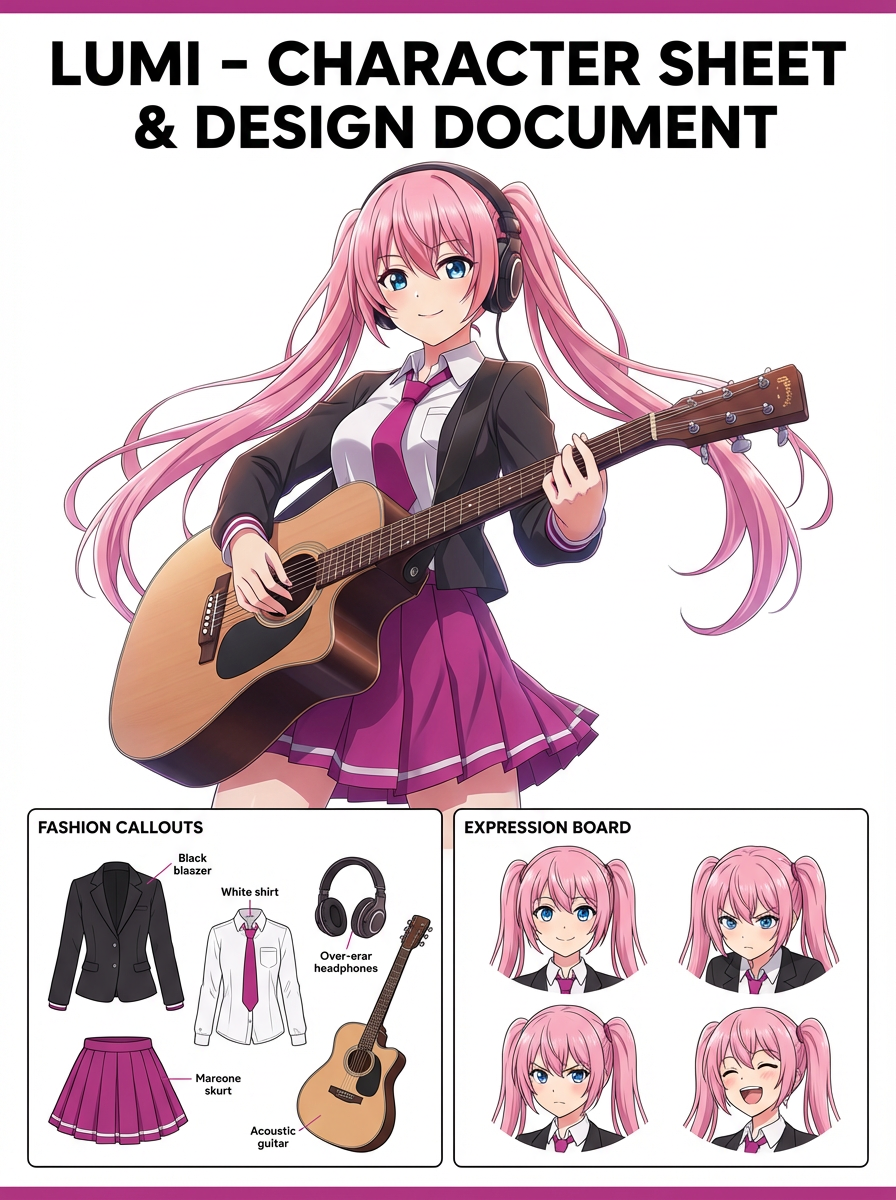
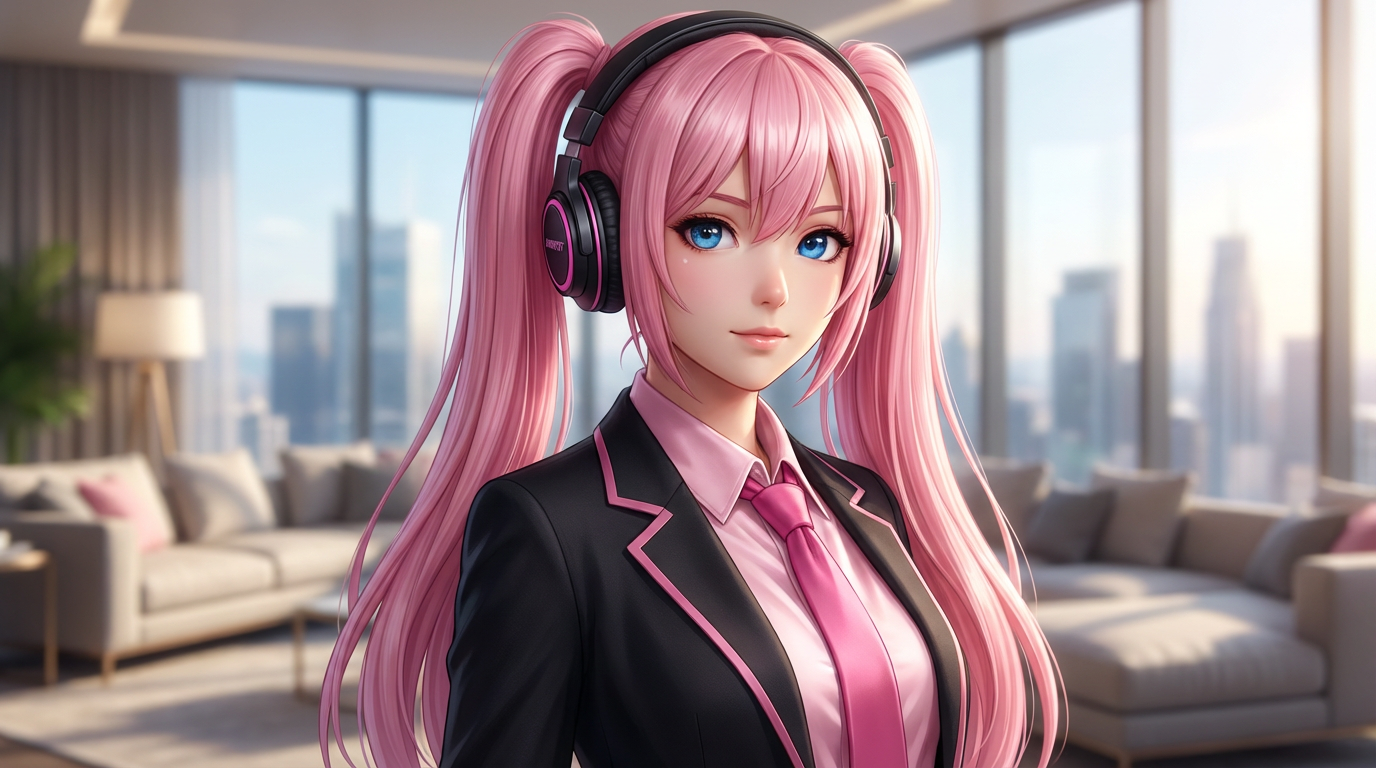
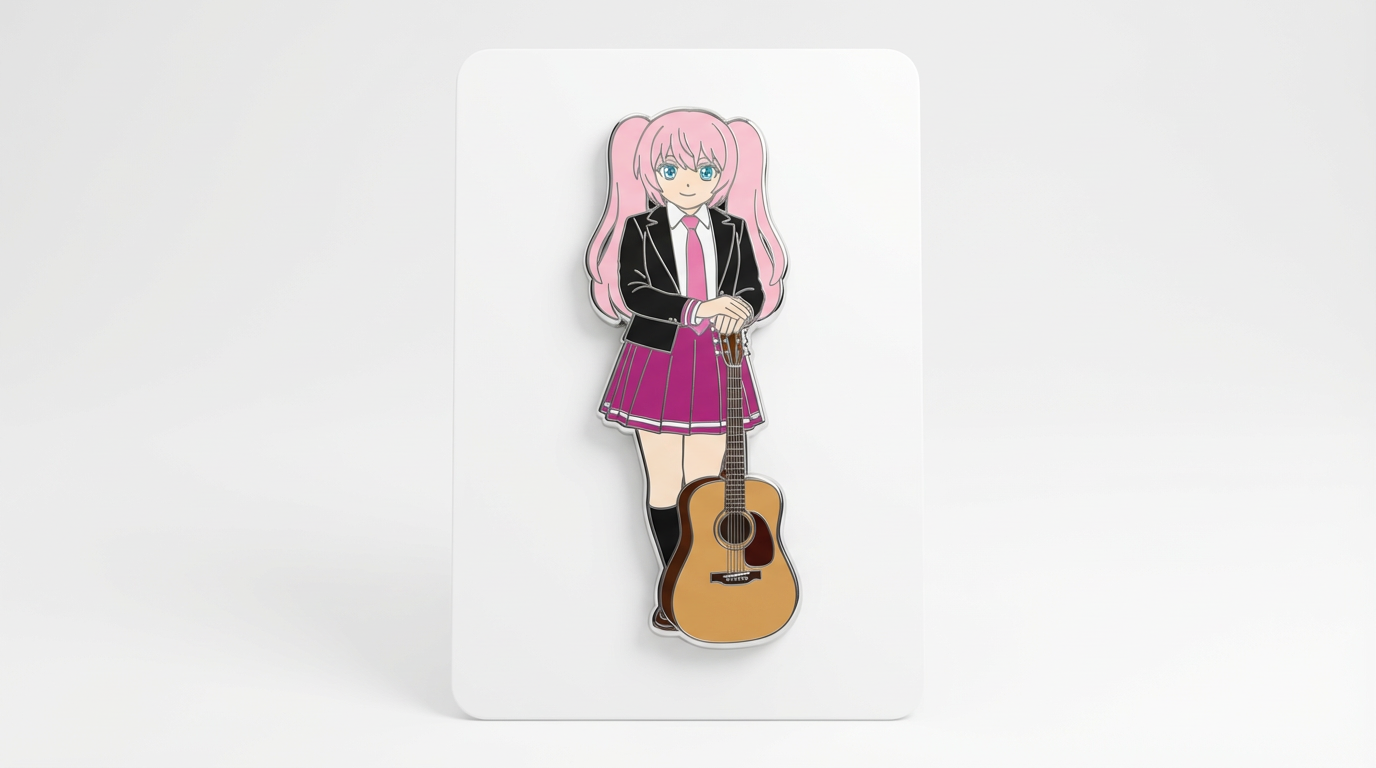
Each card includes examples, workflow guidance, practical answers, quality checks, and a direct creation path.
Compare LlamaGen image-generation workflows for text prompts, reference images, image editing, character consistency, and image-to-video handoff.
Evaluate AI image editors by control, identity preservation, prompt clarity, creative limits, and whether edited results are reusable.
Plan and create AI images with a workflow that separates text prompts, image-to-image references, editing goals, and final output checks.
Use an existing image as a reference, then turn it into a new style, asset, cover, mockup, badge, card, or character visual with AI.
Edit existing images with AI prompts for outfit changes, style fixes, composition cleanup, character variants, covers, badges, and campaign assets.

Compare what matters when choosing the best AI image generator for consistent characters, reference-based edits, comics, covers, and reusable assets.
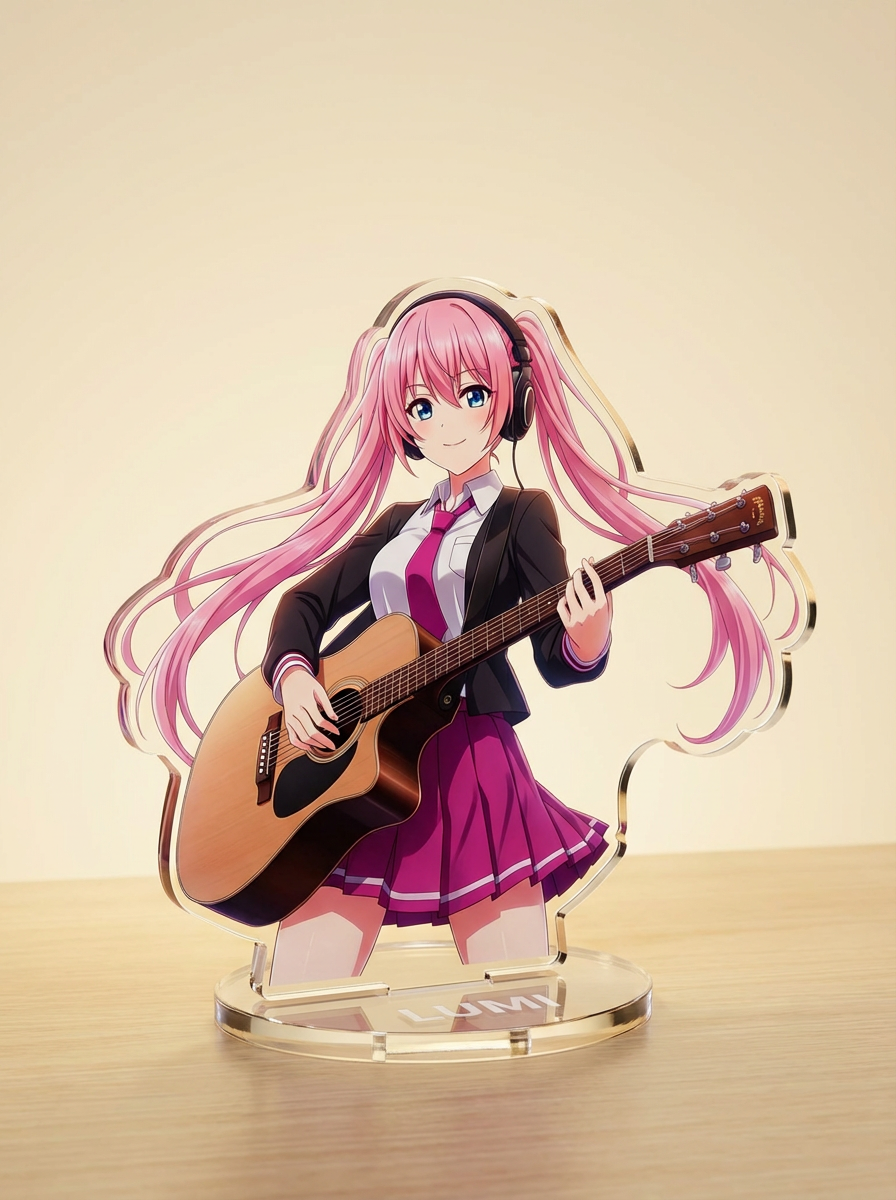
Generate images with AI from simple text prompts, then refine the subject, style, composition, and final asset format for practical creative use.
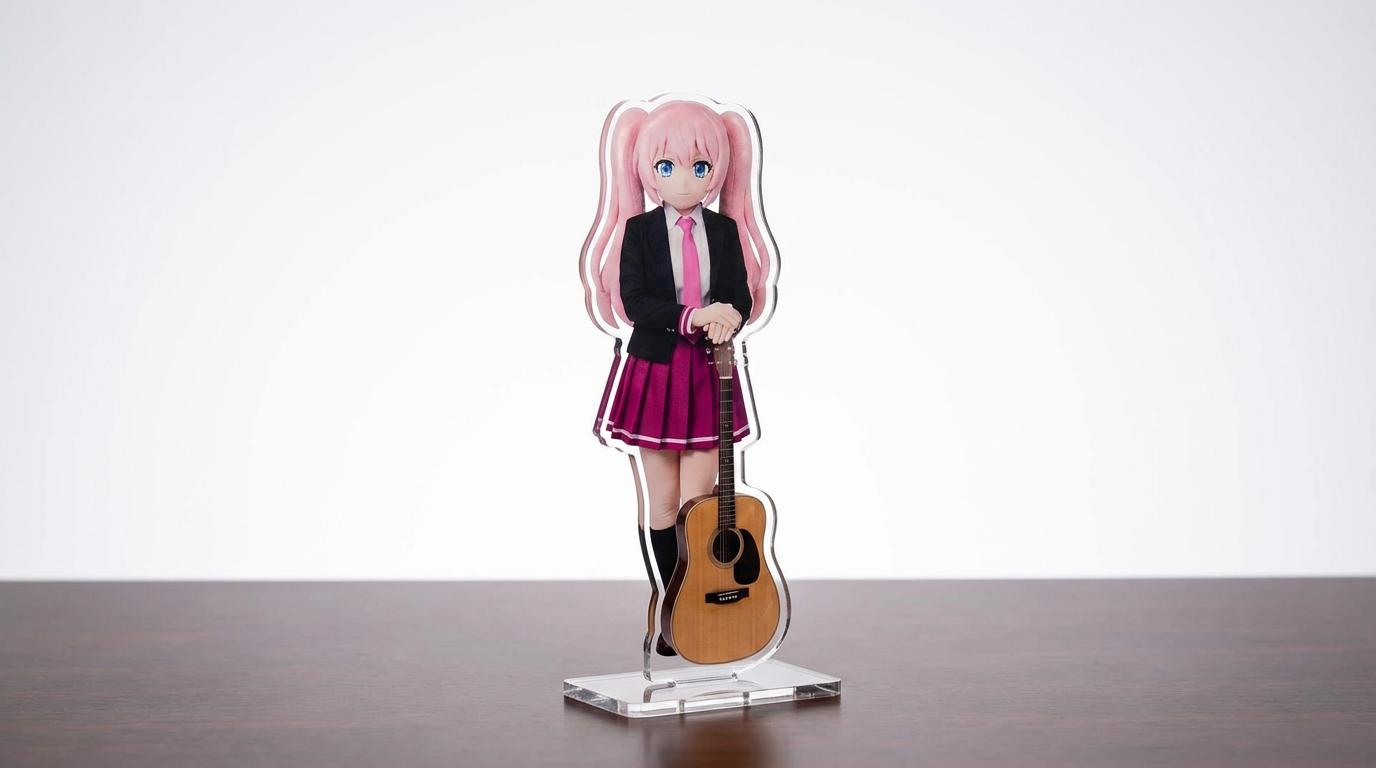
Pretvorite ilustracije likov, hišne ljubljenčke in izvirne dizajne v mockupe akrilnih stojal s prilagodljivim potekom dela, ki ga poganja Lumi.
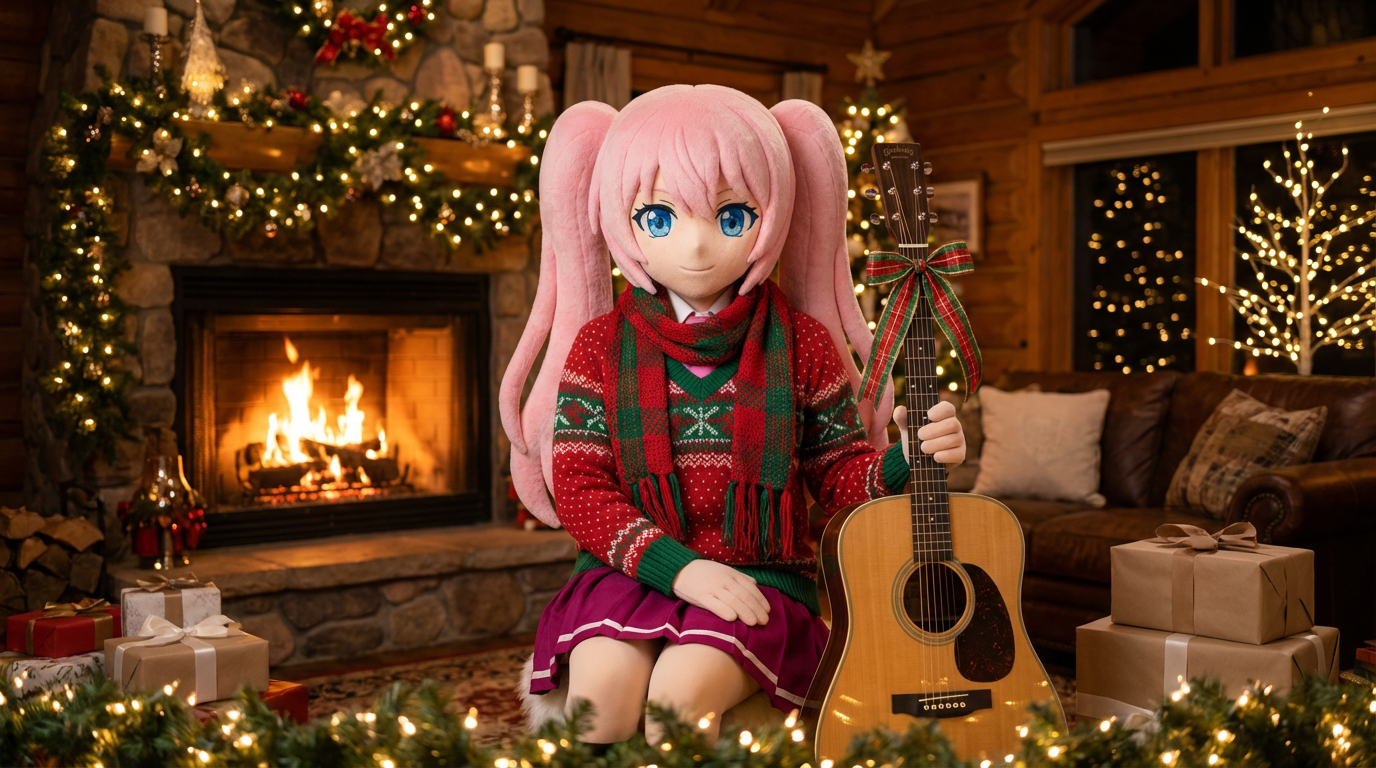
Portretom in ilustracijam likov dodajte praznični videz s šali, kapami in praznično predstavitvijo v slogu Lumi.
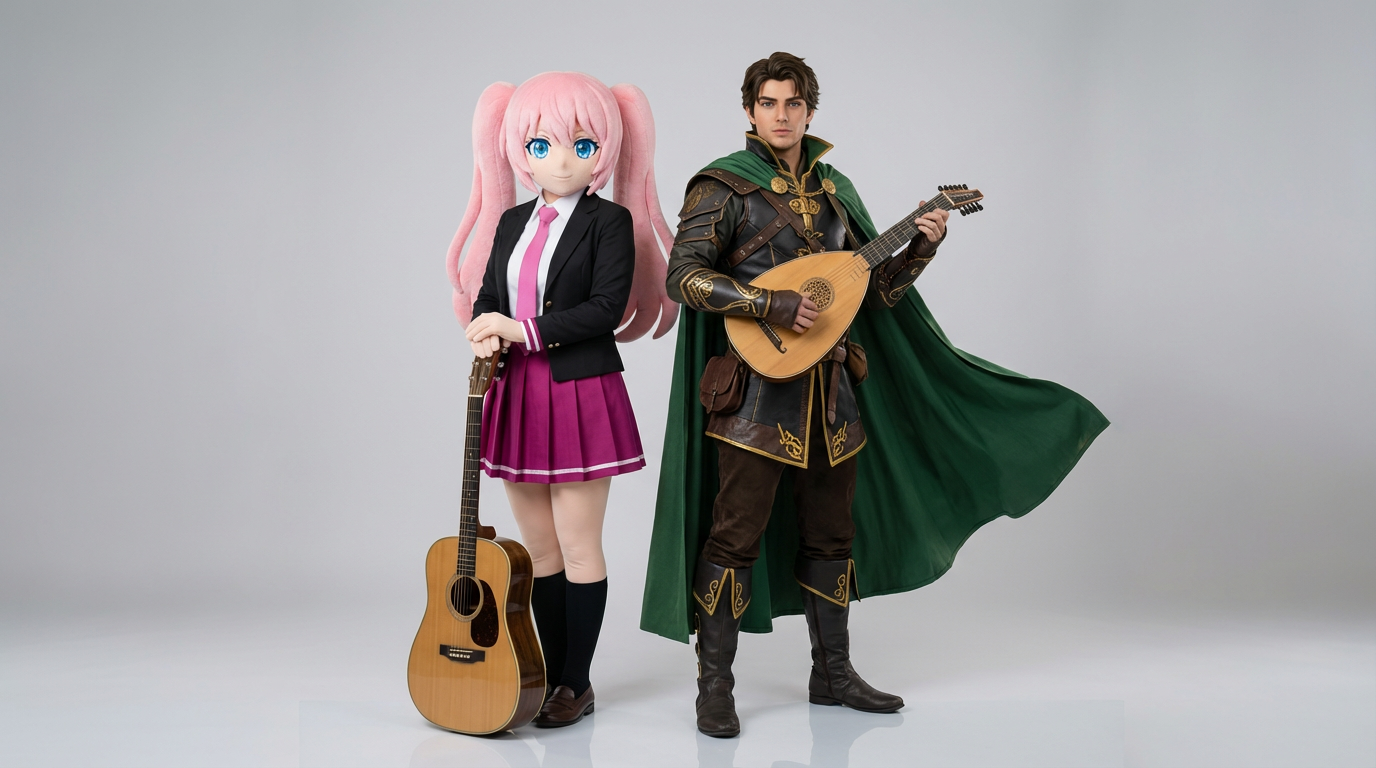
Naložite dve referenci likov in ustvarite jasne prizore interakcije, usklajene kompozicije v paru ter kadriranje dvojice, pripravljeno za prizor.
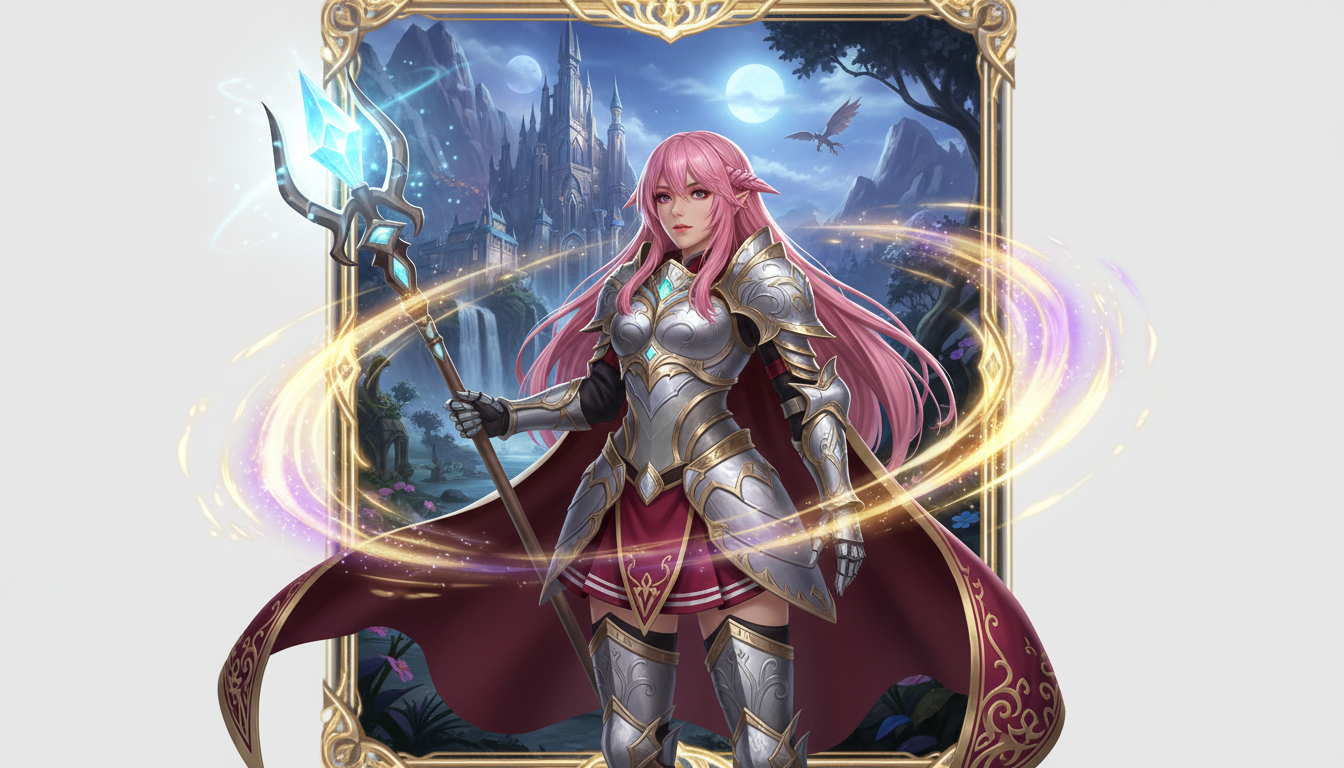
Iz slike lika ustvari predstavitev fantazijskega junaka z razredno podobo, RPG vzdušjem in energijo zbirateljske karte.
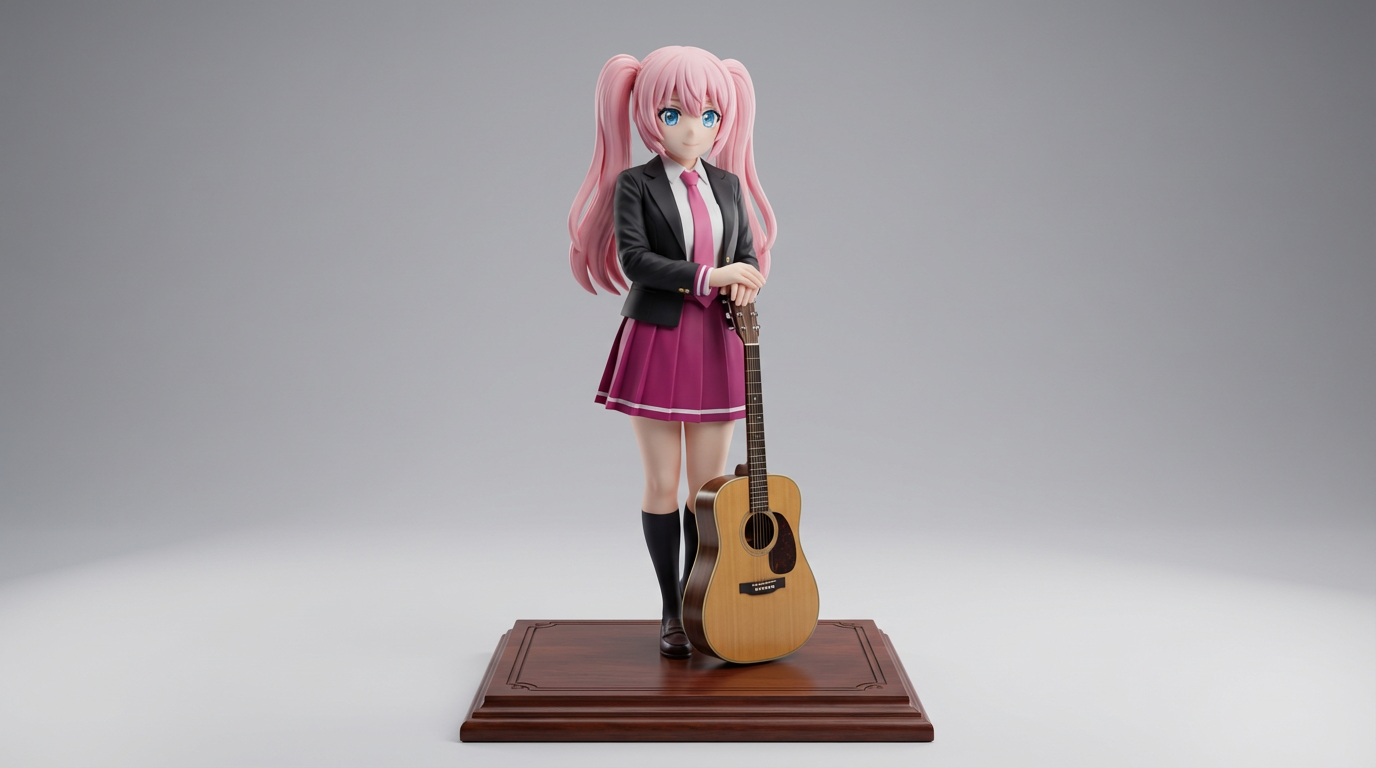
Pretvorite plosko ilustracijo lika v vizuale v slogu zbirateljskih figuric in produktnih mockupov za predstavitve izdelkov.
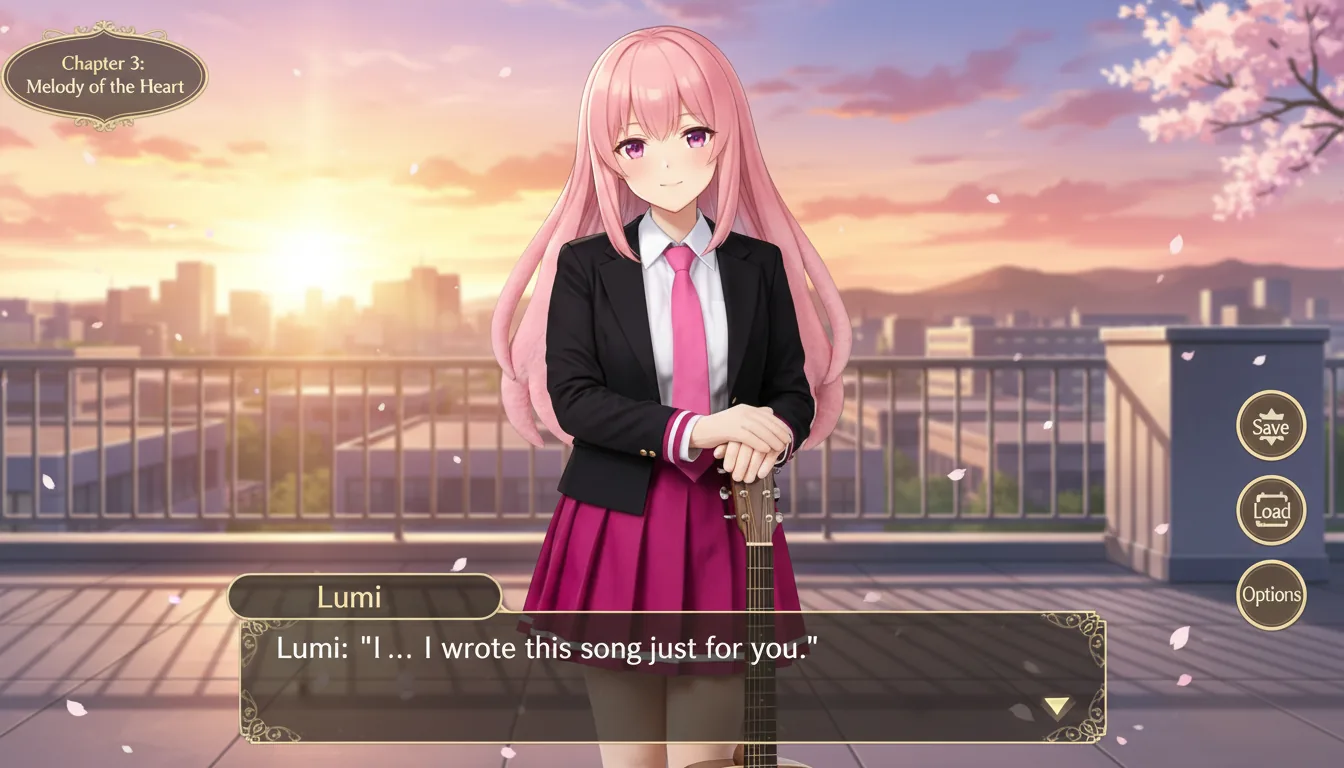
Lik lika pretvori v prizor v slogu vizualne novele z uokvirjanjem vmesnika, zasnovo prostora za dialog in kompozicijo zaslona kot v igri.
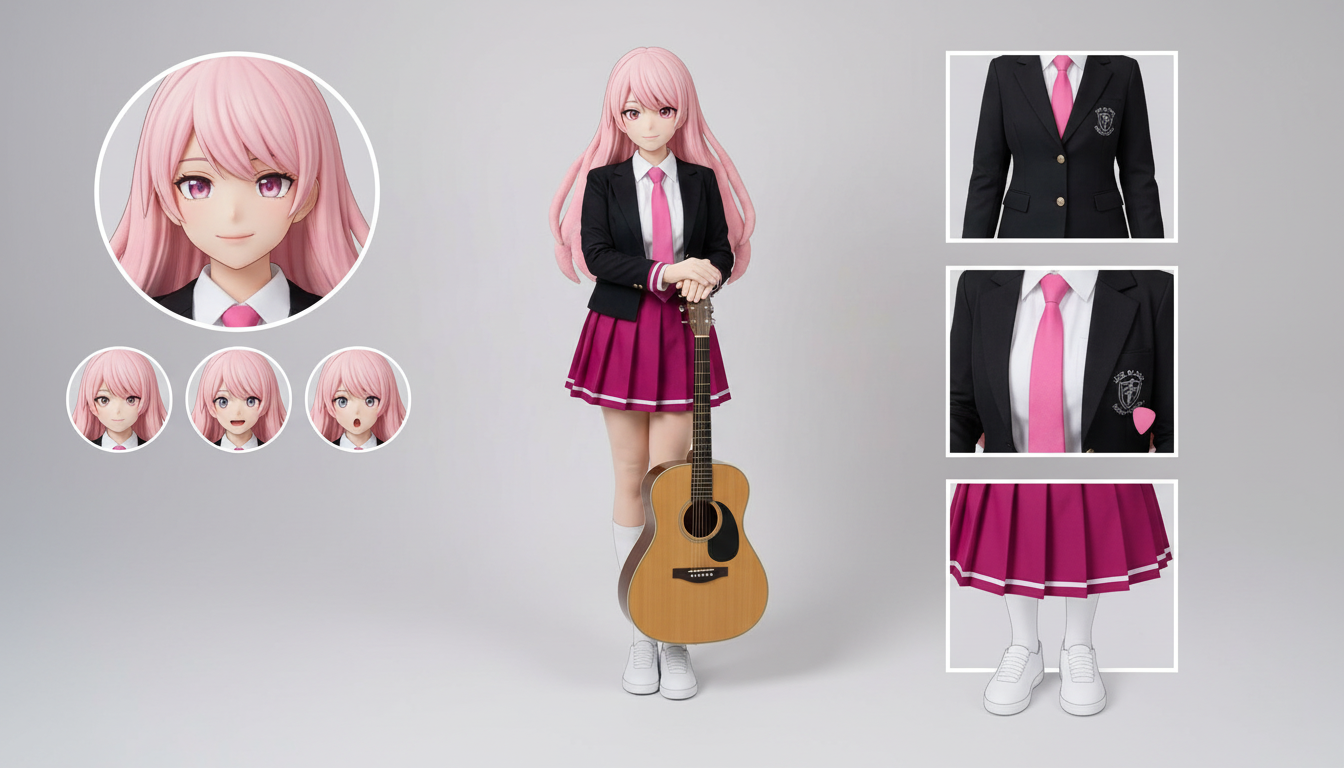
Iz ene naložene zasnove ustvarite liste lika z različnimi oblačili, izrazi, dodatki in referencami za poze.
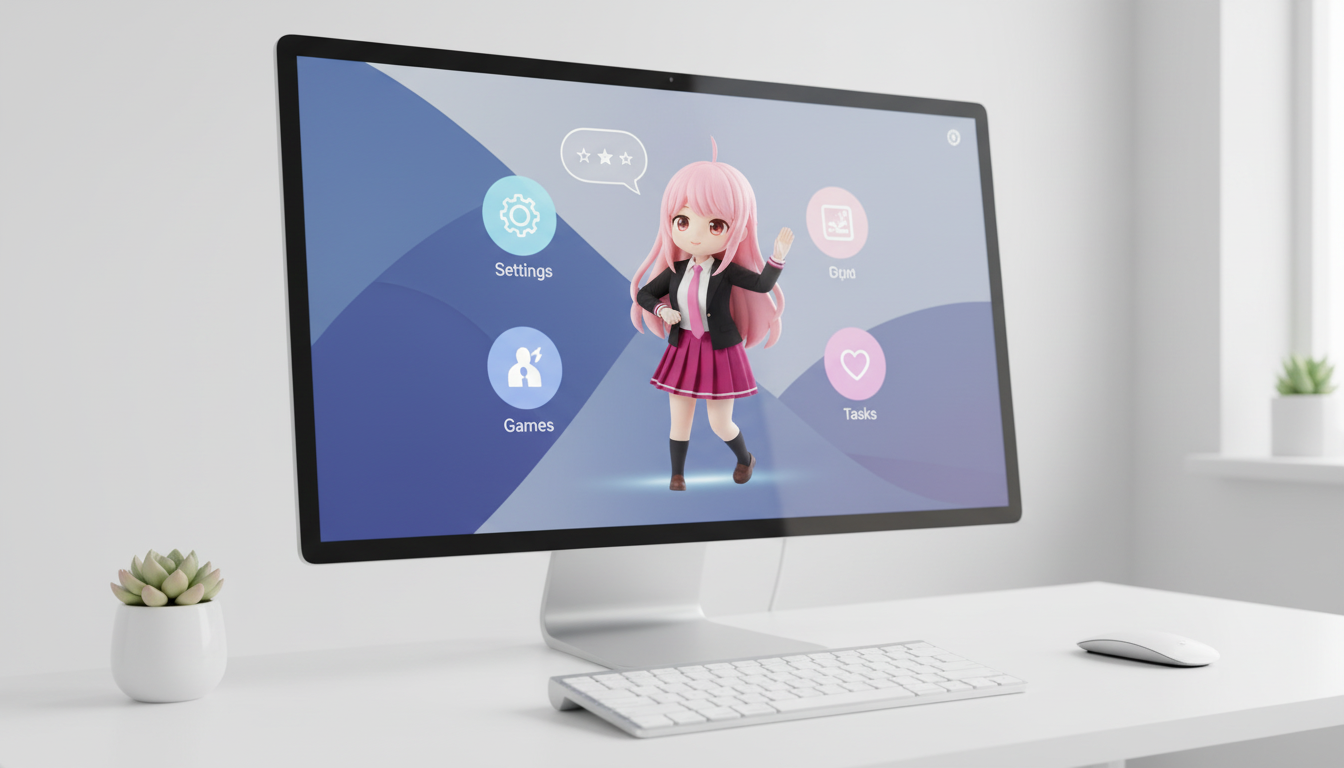
Spremenite like in izvirne like (OC) v vizuale v slogu namiznega ljubljenčka z uokvirjanjem, prilagojenim postavitvi za boljšo prisotnost na zaslonu.
Spremenite like in originalne like (OC) v sijoče uredniške naslovnice z močnim kadriranjem, prestižnim vzdušjem in postavitvijo v slogu revij.
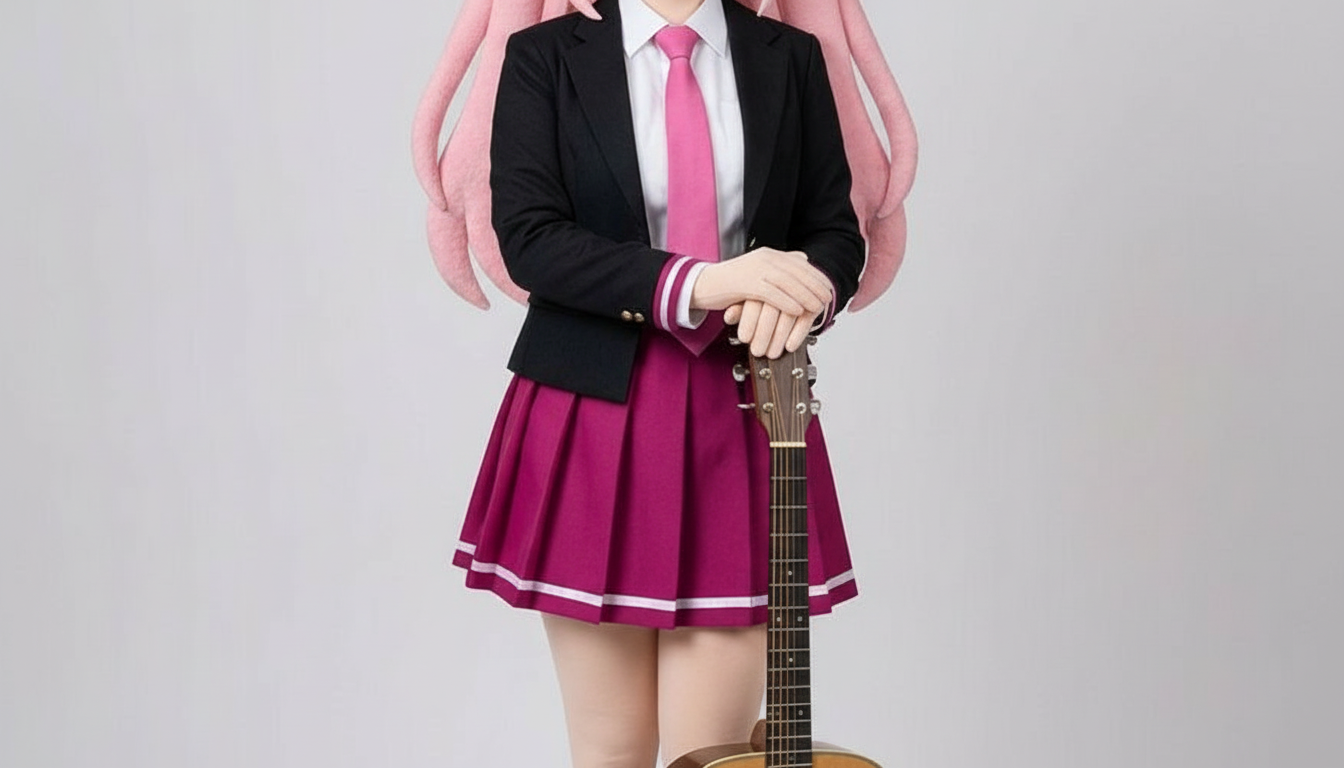
Spremenite like v slike v slogu papirnatih izrezank z večplastnimi oblikami, otipljivo globino in natančnim nadzorom silhuete.
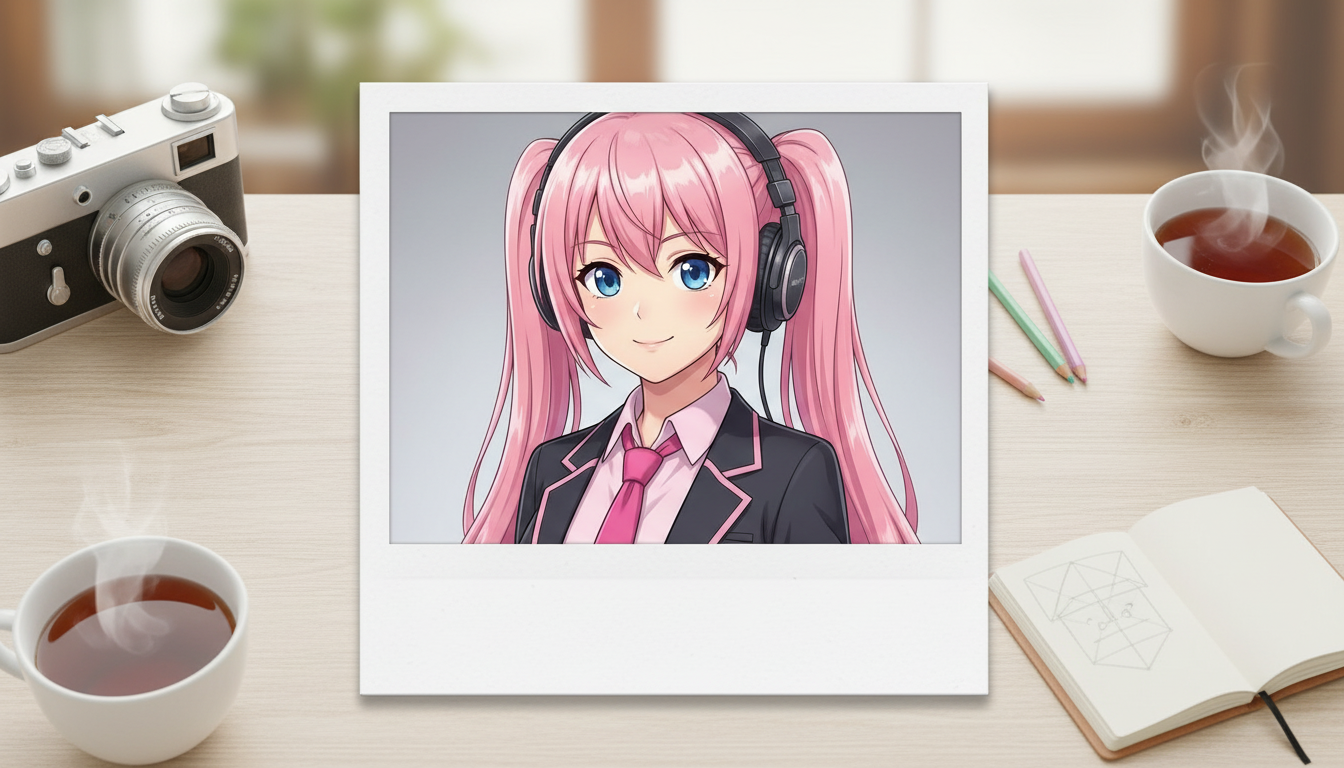
Pretvorite slike likov v izpise v slogu polaroida z nostalgičnim okvirjem instant fotografije in videzom zbirateljskega posnetka.
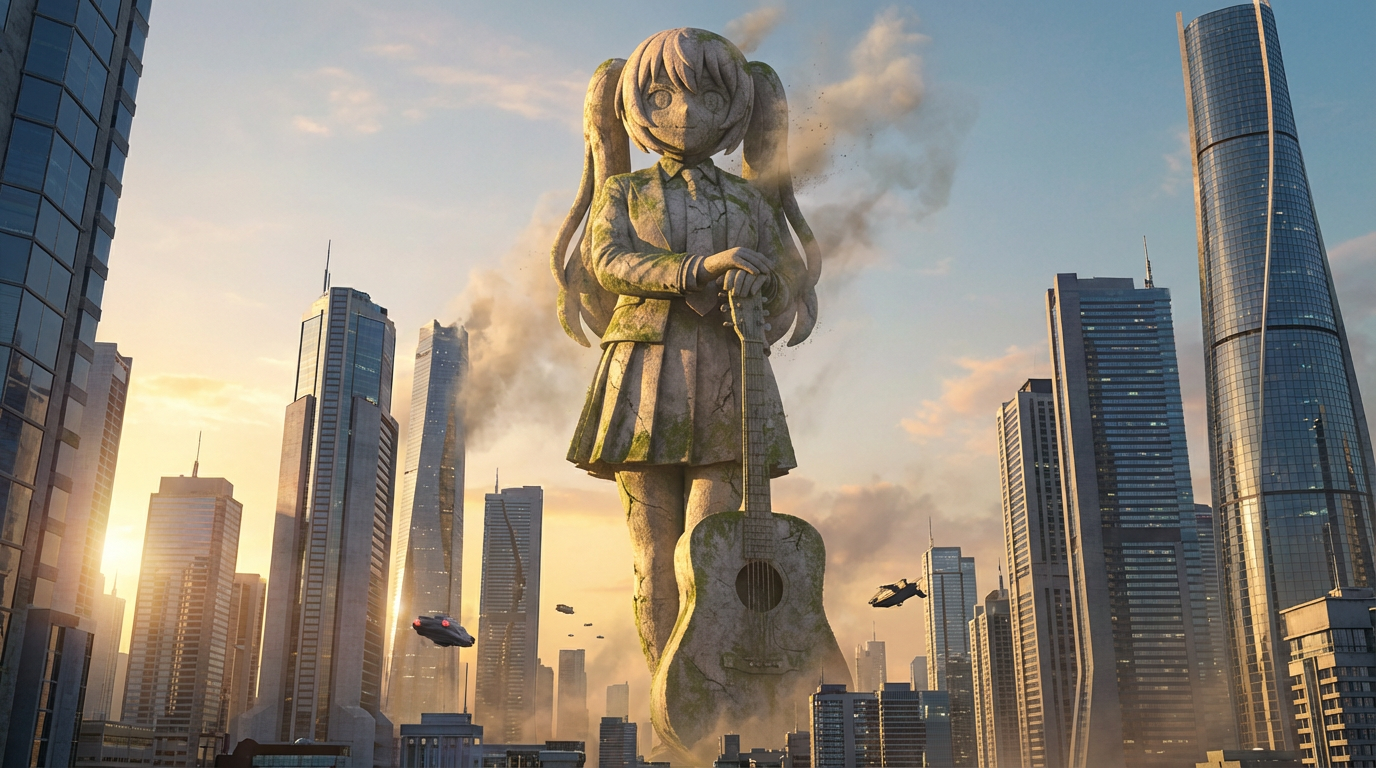
Preoblikujte like v podobe velikanskih kipov z monumentalnim merilom, mestnim ozadjem in predstavitvijo, podobno znamenitostim.
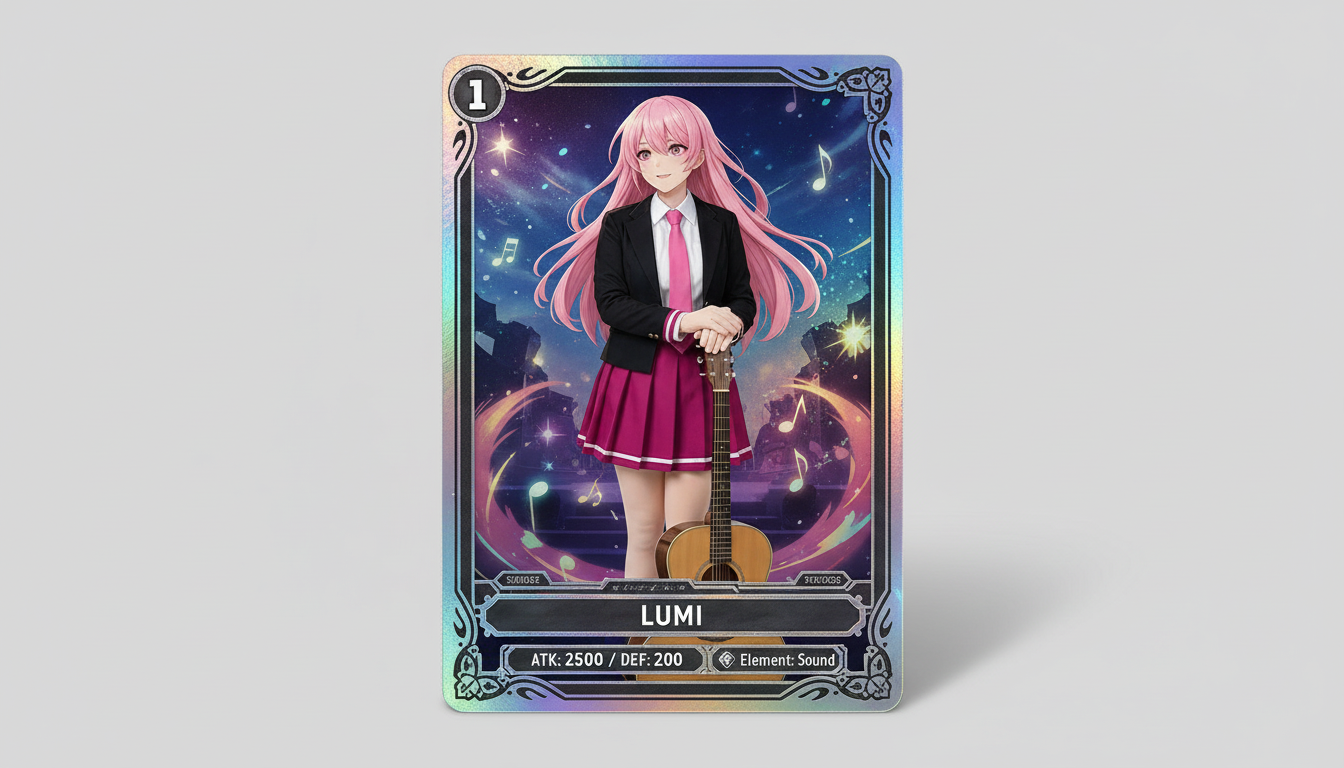
Spremenite slike likov v vizuale v slogu zbirateljskih kartic z občutkom redkosti, uokvirjenimi statistikami in kompozicijo, pripravljeno za merch.
Spremenite ilustracijo lika v vizual v slogu značke z jasno krožno postavitvijo, energijo merch izdelkov in kompozicijo, primerno za ikone.
Use this page when you know the kind of visual asset you want, but not the exact prompt or workflow yet.
Search behavior has moved beyond one broad text-to-image query. Many users now start with an existing image, ask for an editor, or compare image generation workflows before they create.
Yes. Each page is built around a specific problem, such as turning a reference image into a new style, creating a character sheet, or making a magazine-cover visual.
Pick the page that matches your starting point. Use text-to-image when you only have an idea, image-to-image when you have a reference, and AI image editor when you need controlled changes.