All posts
LlamaGen 1.0.38: LlamaGen.AI 1.0.38: Shot Lists and Live Progress Updates

Jay
October 1st, 2026
LlamaGen.AI 1.0.38: Shot Lists and Live Progress Updates
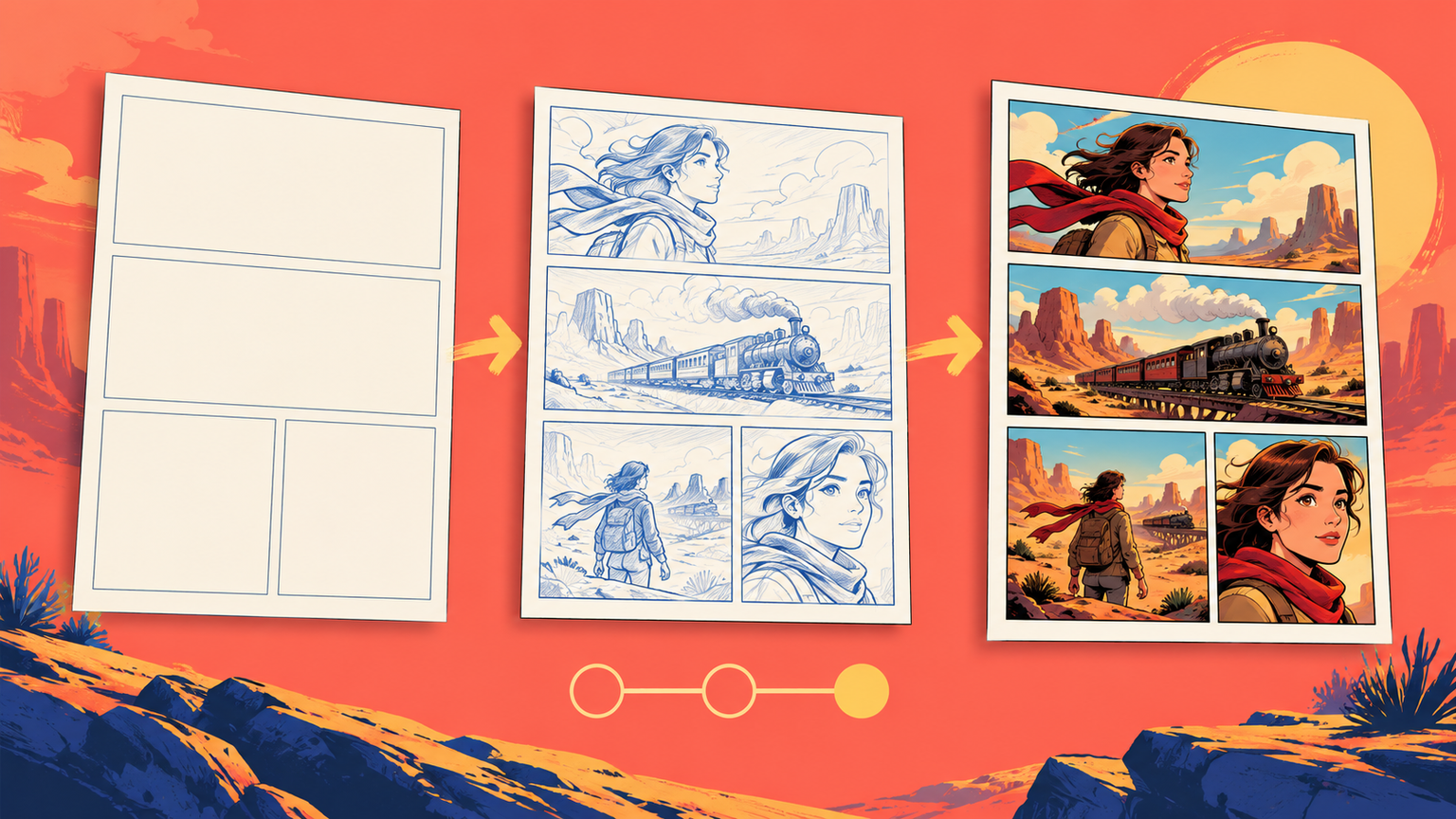
Production plans often begin outside a drawing tool, and long generation runs are easier to trust when progress remains visible. This release connects structured shot lists to the storyboard flow and gives comic creation a clearer sense of movement from submission to finished pages.
Bring an existing shot list into the storyboard flow
Storyboard projects can now begin from spreadsheet shot lists as well as common script documents. A production team can bring in an established scene plan instead of rebuilding every shot from a blank prompt.

The practical win is continuity: work already organized into scenes and shots can move forward without losing its production structure.
Review and edit every shot before images are created
Imported scenes open in a review table before drawing begins. Scene headings, dialogue, shot descriptions, framing, perspective, movement, equipment, focal length, aspect ratio, notes, and image directions can be checked and corrected in one place.
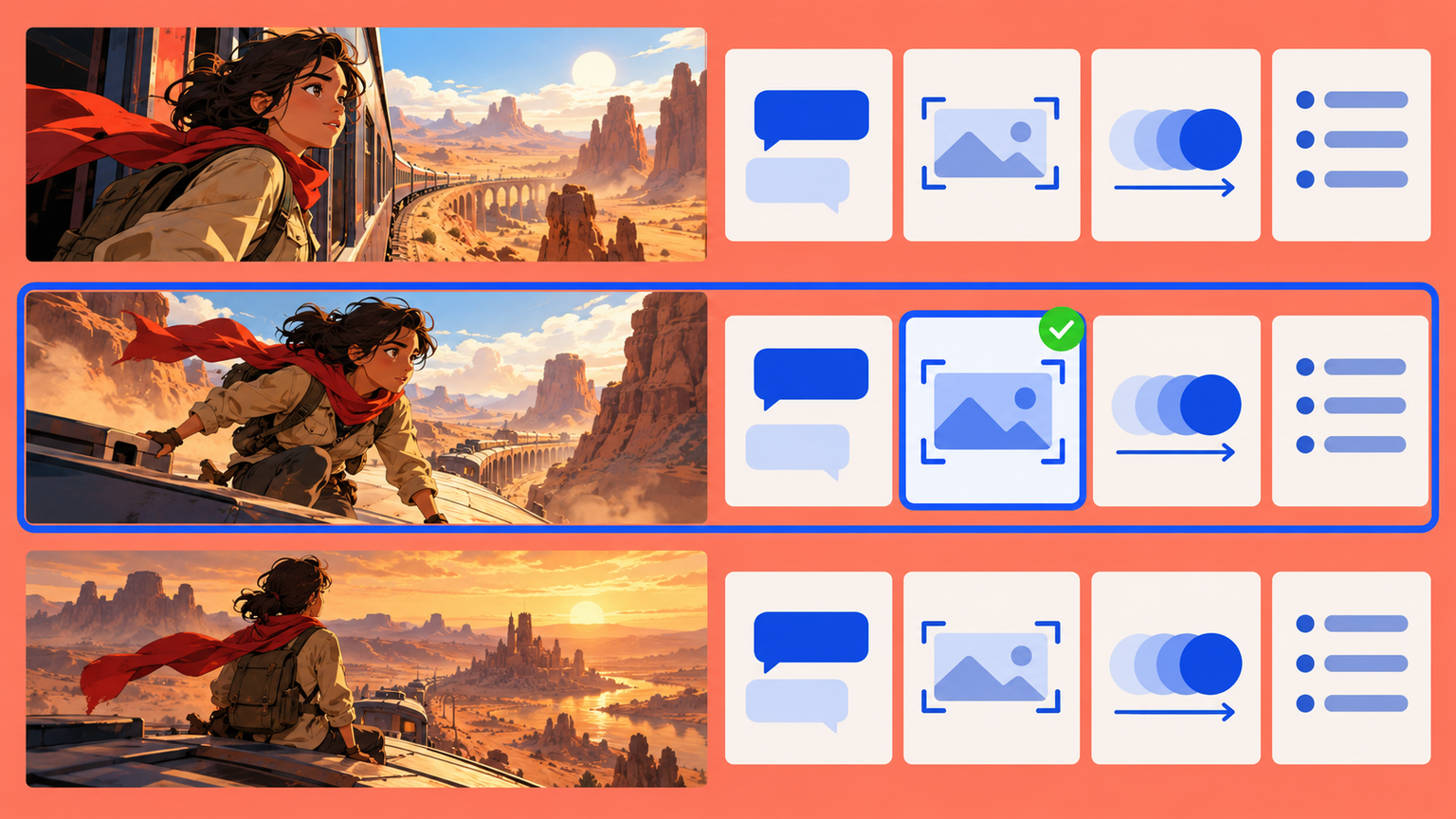
Changes save as the review continues. Creators can then select the shots that are ready, leave completed images untouched, and generate only the reviewed work that still needs artwork.
Follow creation through live stages
Comic generation now reports real stage and percentage updates. Instead of relying only on a generic waiting state, creators can see the page move through preparation and drawing as the work advances.
Podstaknite snove mladih
Gde milioni priča oživljavaju
Pregled najnovijih LlamaGen funkcija, unapređenja proizvoda, ažuriranja dizajna i važnih ispravki grešaka.