

4 Camera-Angle Prompts
Automatically generate 4 different camera angles, shot types, and sequence ideas from a single image
Shot Sequence Prompt AI
Upload one image and generate a prompt-ready multi-shot video plan: 4 camera angles, cinematic shot descriptions, storyboard notes, and a clear sequence for AI video production.
Kuha 1
Close-up
Kuha 2
Katamtaman
Kuha 3
Wide
Kuha 4
Aksyon
Plan the shot sequence, camera-angle prompts, and storyboard notes before you generate the final clip
Automatically generate 4 different camera angles, shot types, and sequence ideas from a single image
I-customize ang bawat paglalarawan ng shot para tumugma sa iyong malikhaing ideya
Generate multi-shot video prompts and storyboard notes in seconds, not hours
Mula sa mga propesyonal hanggang baguhan, ang aming tool ay umaangkop sa iyong pangangailangang malikhaing
Gumawa ng detalyadong storyboard at shot list para sa susunod mong pelikula
Generate multi-shot video prompts for social media and YouTube concepts
Gawing visual na kwento na maraming perspektibo ang mga sulat na kwento
Lumikha ng kawili-wiling visual campaign na may iba’t ibang shot
Paano Ito Gumagana
Mag-upload ng kahit anong larawan—photo, artwork, o concept image. Sinusuportahan ng aming AI ang lahat ng pangunahing format.
Our advanced AI analyzes your image and generates 4 unique camera-angle prompts and cinematic shot descriptions.
I-customize ang mga paglalarawan at i-export ang iyong multi-shot storyboard para sa paggawa ng video.
AI MULTI-SHOT STORYBOARD EXAMPLES
From single images to cinematic sequences, see how one source can become multiple shot prompts and video concepts.
Choose your output
Use the same source image to prepare camera angles, a connected shot sequence, or storyboard notes for the next production step.
Plan a prompt-ready video sequence from one source image instead of generating one disconnected clip.
Create close-up, medium, wide, product, action, and cinematic angle prompts for the same subject.
Turn a single image into a clear four-shot structure with framing, pacing, and production notes.
Use the generated shot descriptions as storyboard notes for AI video, ads, social clips, and pitches.
ANG LUMANG PROSESO NG PRODUKSYON NG VIDEO
The traditional path from concept to multi-shot video is expensive and time-consuming. Even before generation or filming, creators need shot planning, camera angles, sequence logic, and multiple revisions.
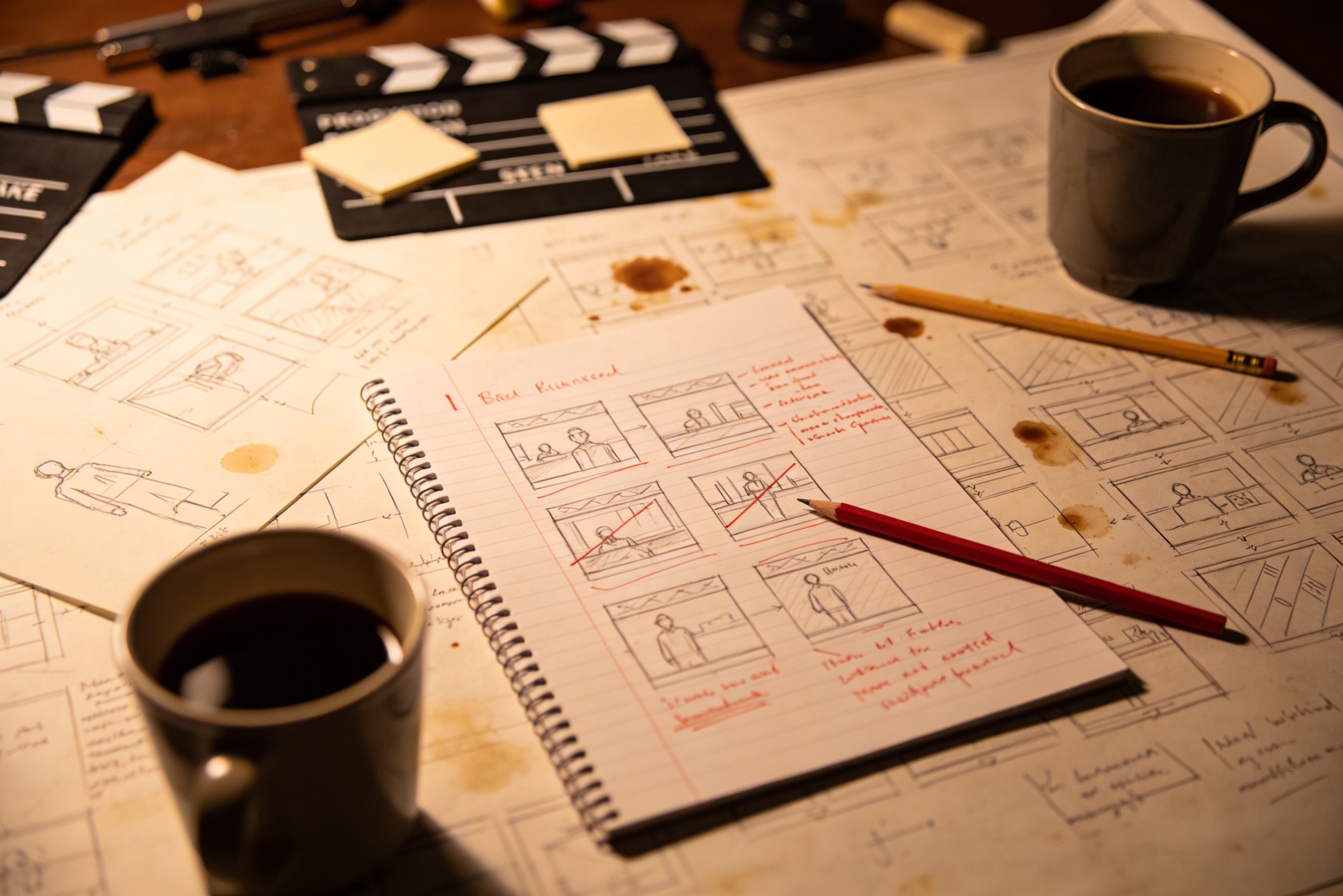
Ang pagsasalin ng iyong malikhaing ideya sa detalyadong paglalarawan ng mga kuha ay nangangailangan ng masusing pagpaplano at maraming pagwawasto para maging tama.
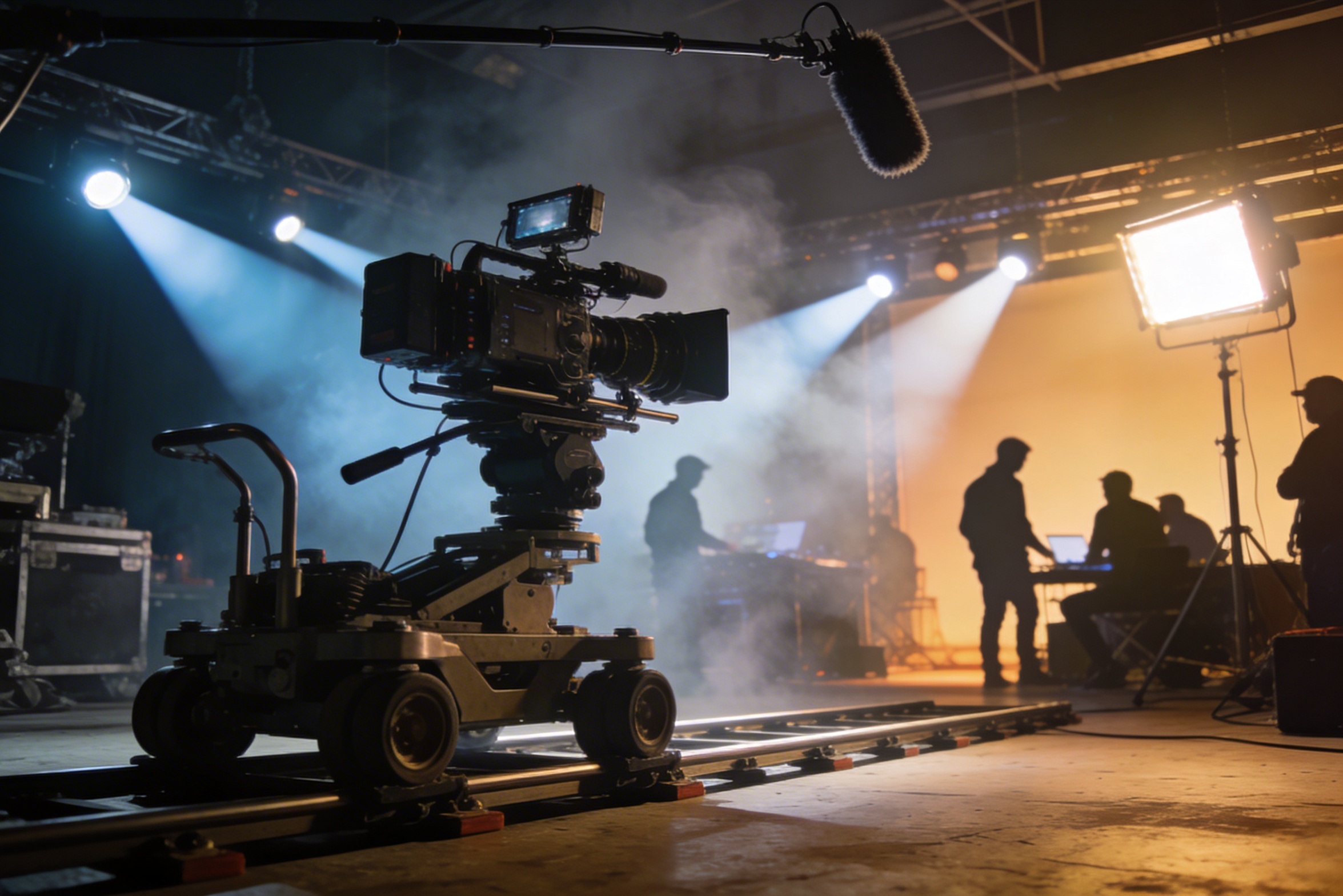
Professional filming requires expensive equipment, lighting setups, locations, and often a full crew – costs that quickly spiral out of control.
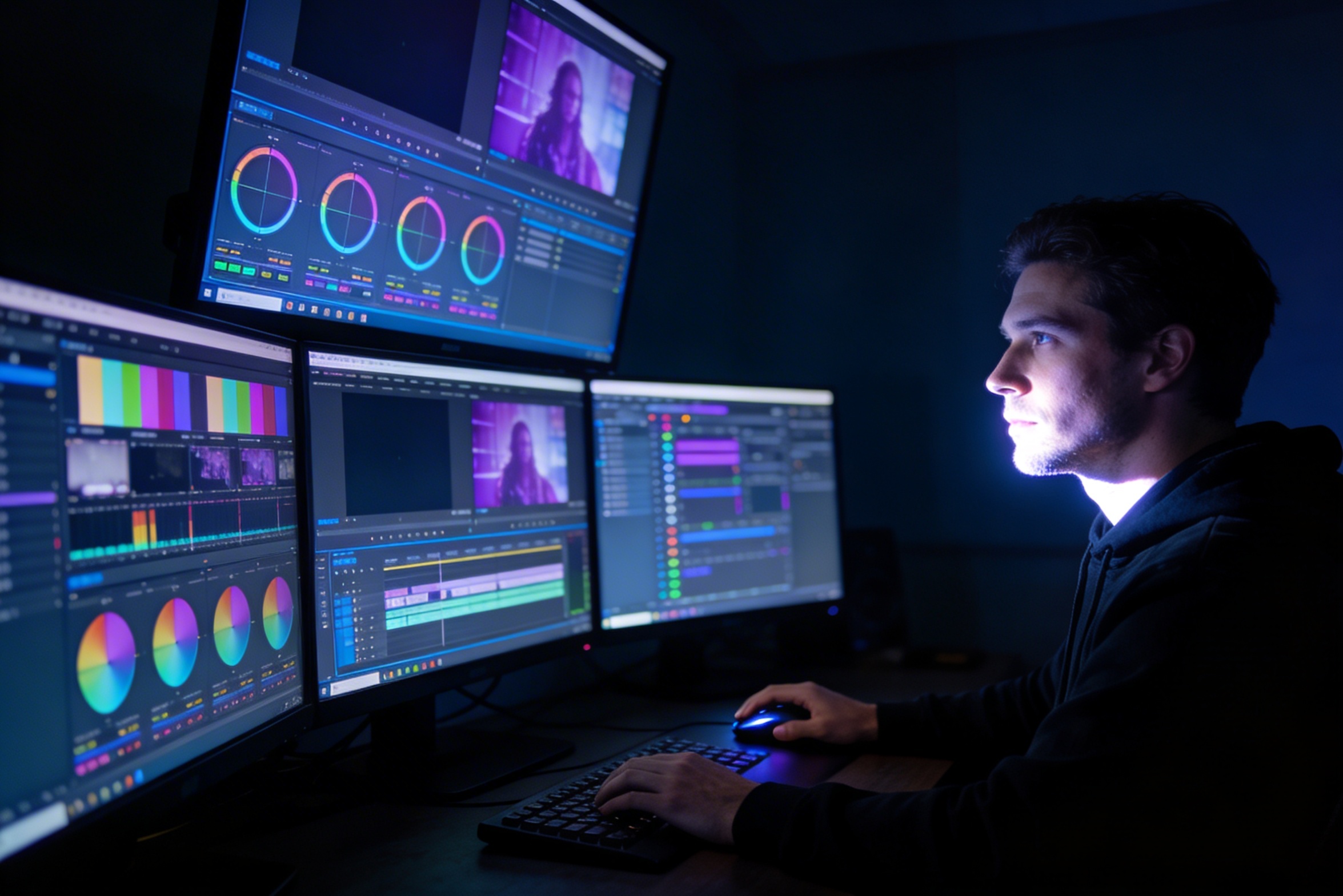
Ang pag-e-edit, color grading, visual effects, at paggawa ng iba't ibang bersyon ng kuha ay nangangailangan ng bihasang paggamit ng software at linggo ng pagtatrabaho.
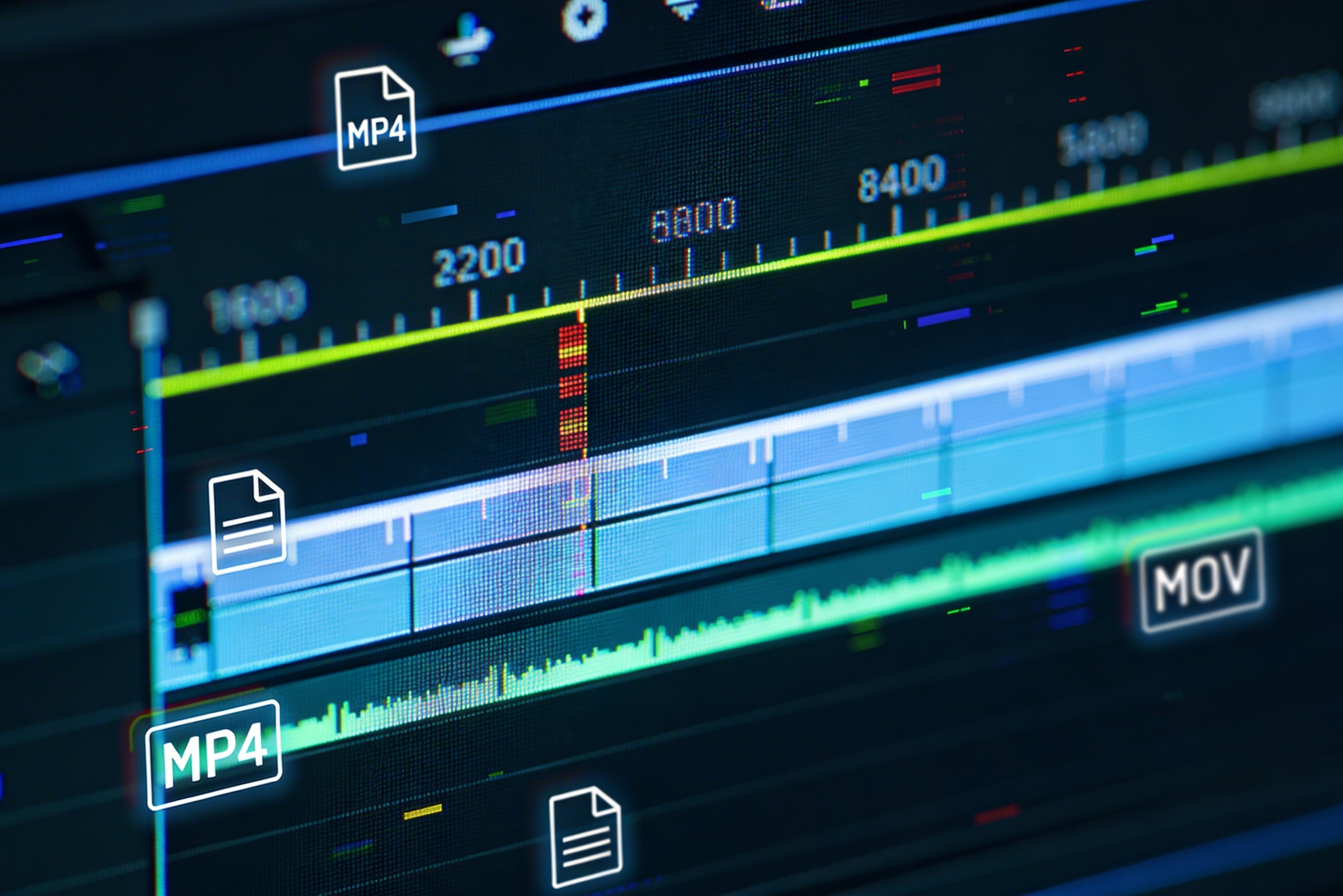
Creating versions for different platforms – YouTube, TikTok, Instagram – means re-editing and re-rendering for various aspect ratios and lengths.

Professional multi-shot planning can cost hours of creative direction before a final video is generated, filmed, edited, or approved.
It's not just about creating variations. Our AI reads composition, cinematography, and storytelling needs to create shot prompts that strengthen your visual narrative.
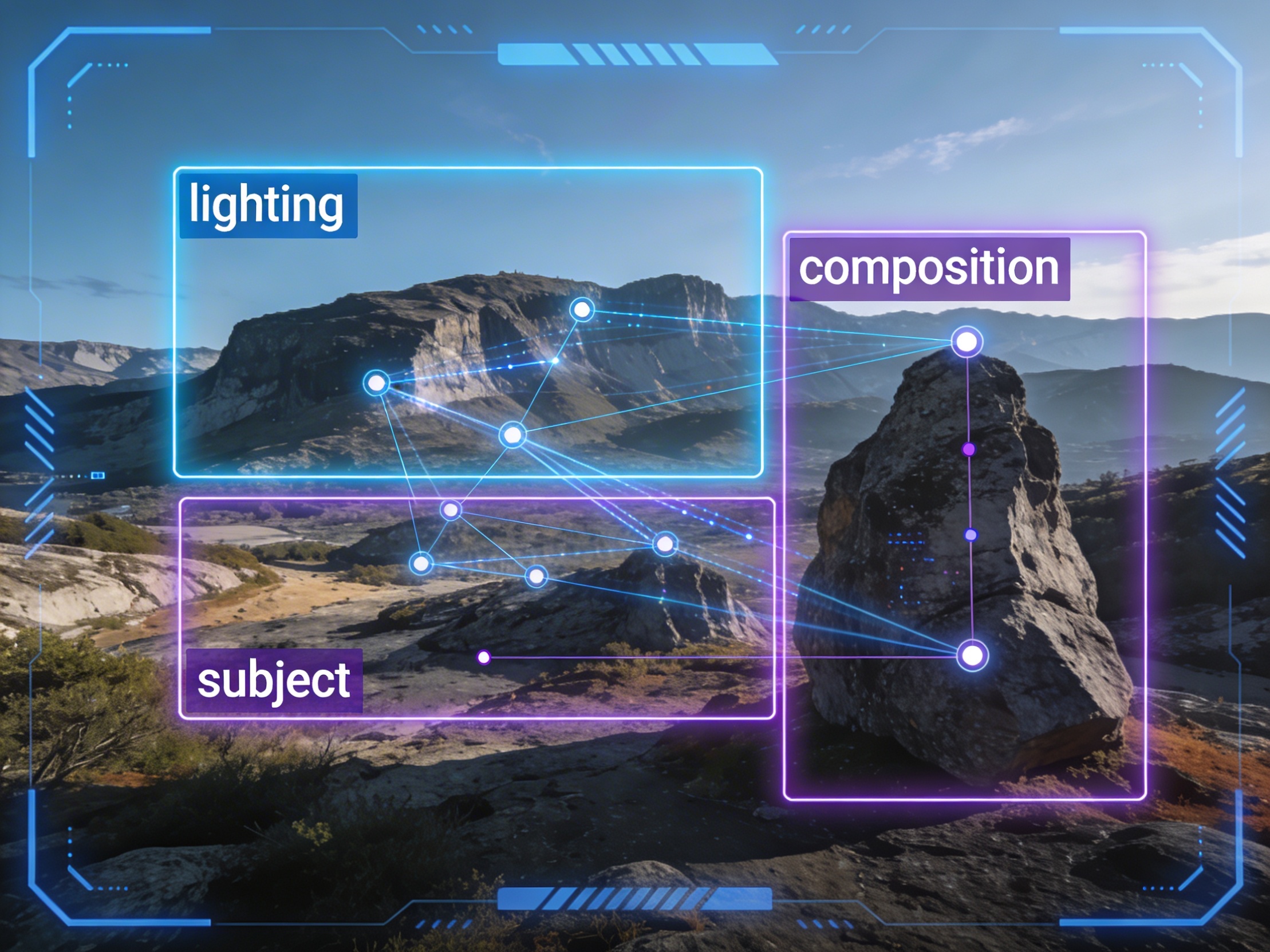
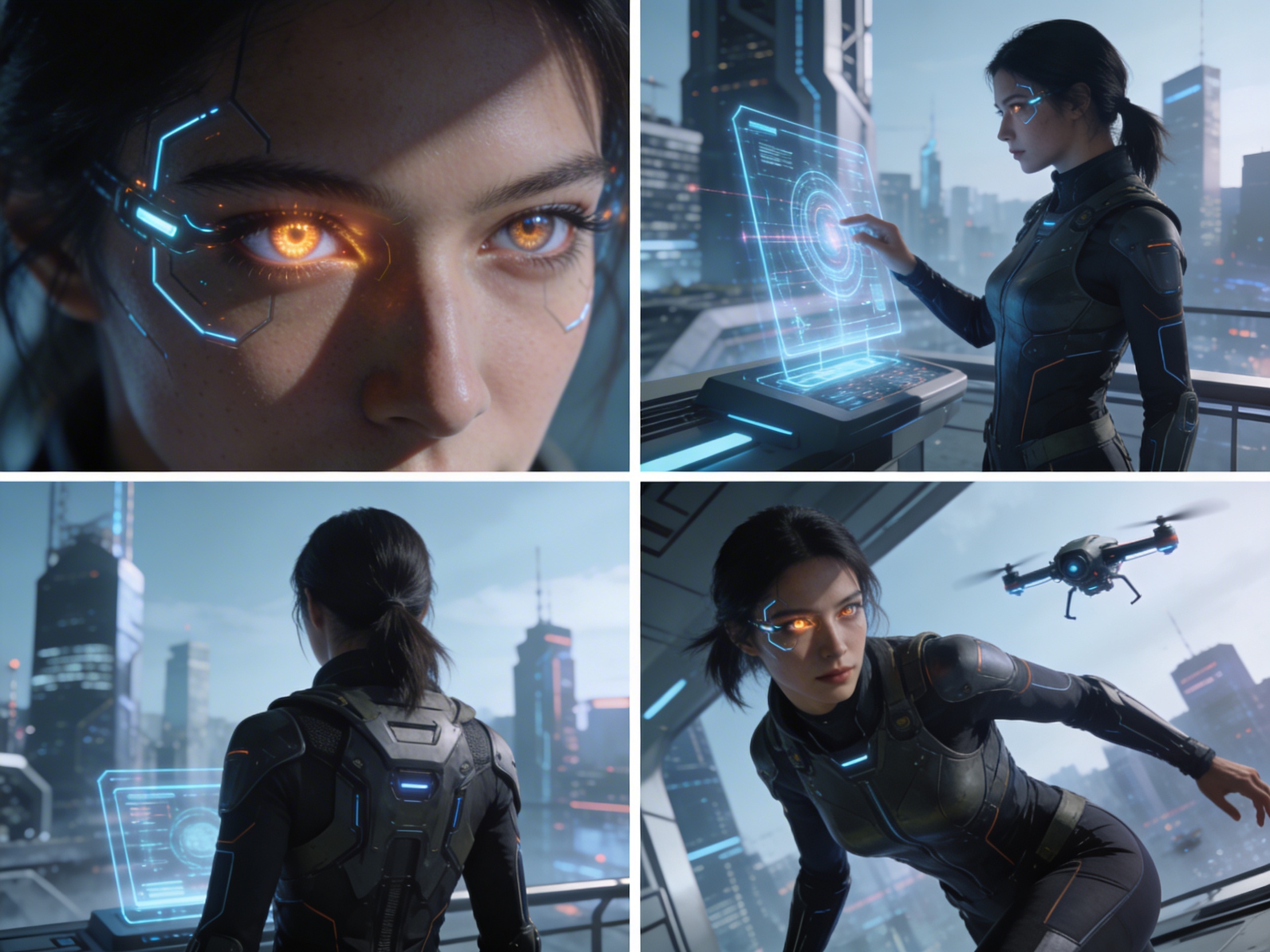
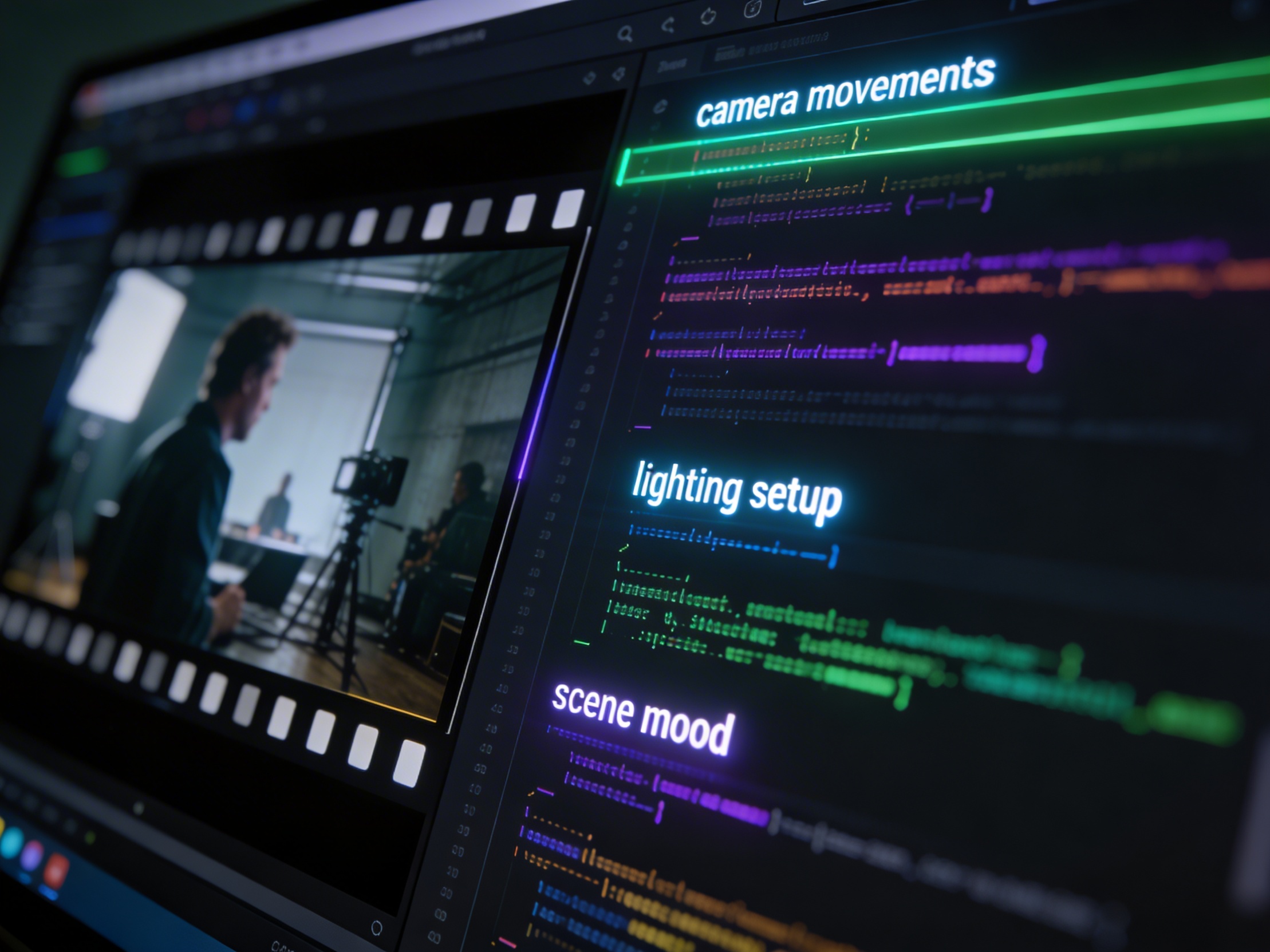
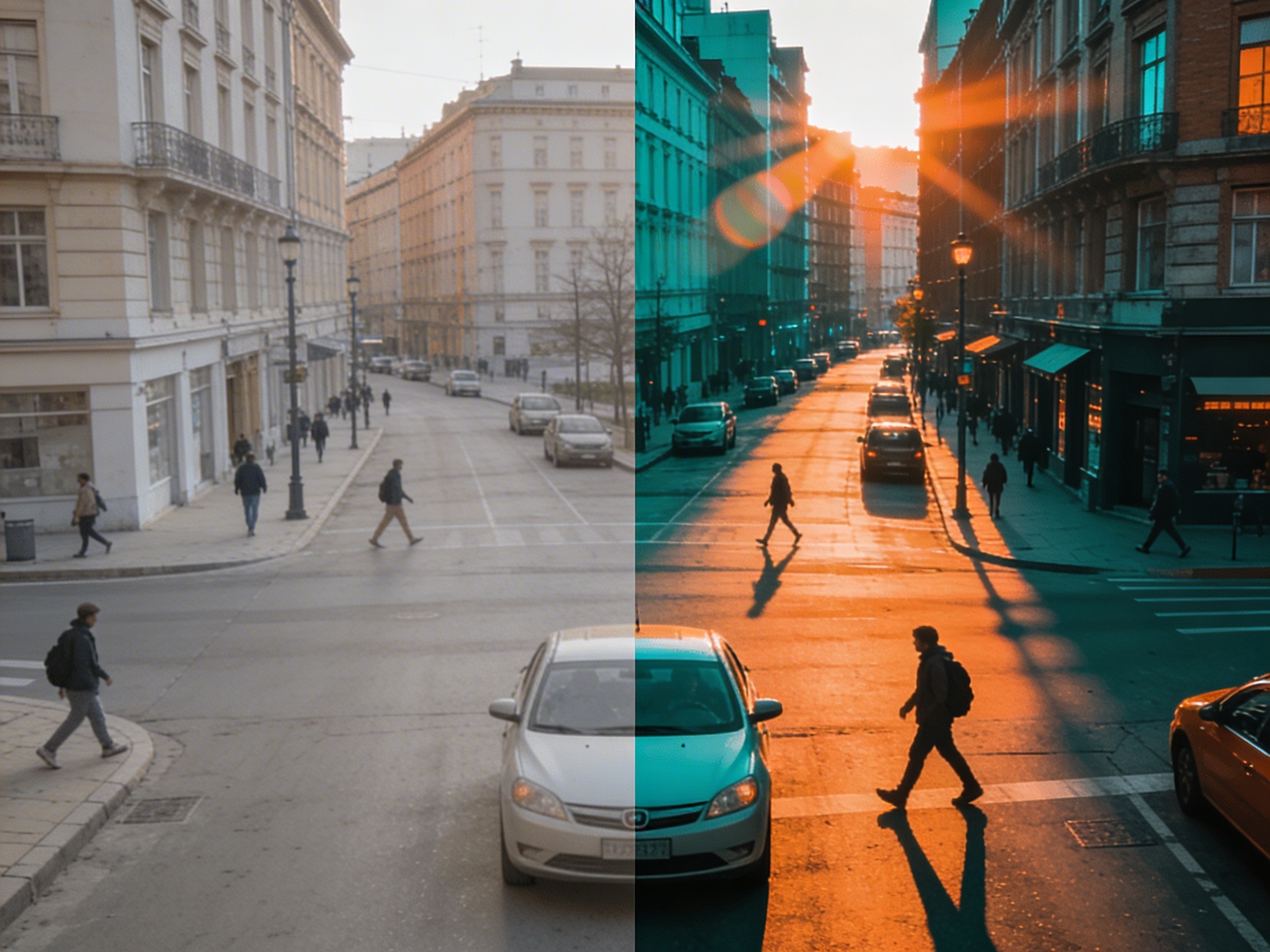
Join creators using LlamaGen to plan shot sequences, camera angles, and AI video prompts before production.
Related writing workflow
Use the AI Screenplay Editor when a script, fiction draft, storyboard brief, video idea, or canvas note needs proper scene headings, action, dialogue, parentheticals, cover pages, outlines, beats, and collaboration-ready revisions.
INT. COMMUNITY CENTER - NIGHT
Folded chairs. A storm outside. MAYA stands at the microphone with a page of notes she no longer needs.
MAYA
If the city will not read the record, we will read it out loud.