

Camera Angle Control - Photo Angle Editor with AI
Mag-upload ng media, i-hold at i-drag para baguhin ang camera angle, at bumuo mula sa 12 best angles. Baguhin ang iyong mga image gamit ang AI Image Camera Angle Control sa natural na usapan, kasama ang horizontal angle, vertical angle, at zoom distance controls.
Mag-edit sa chat, mag-expand ng scene, mag-alis ng objects, magpalit ng background, at bumuo ng bagong camera angle mula sa isang photo gamit ang Qwen Image Edit at AIOmnigen workflows.
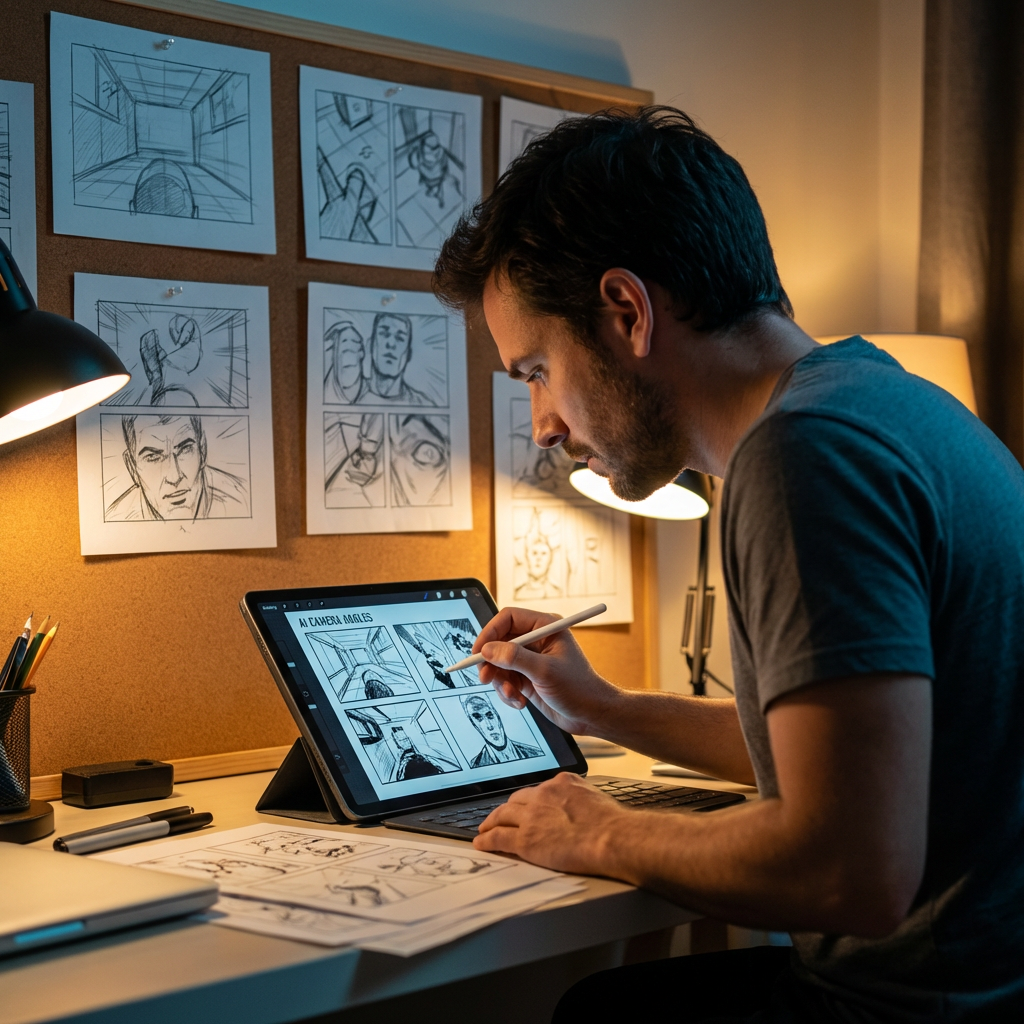
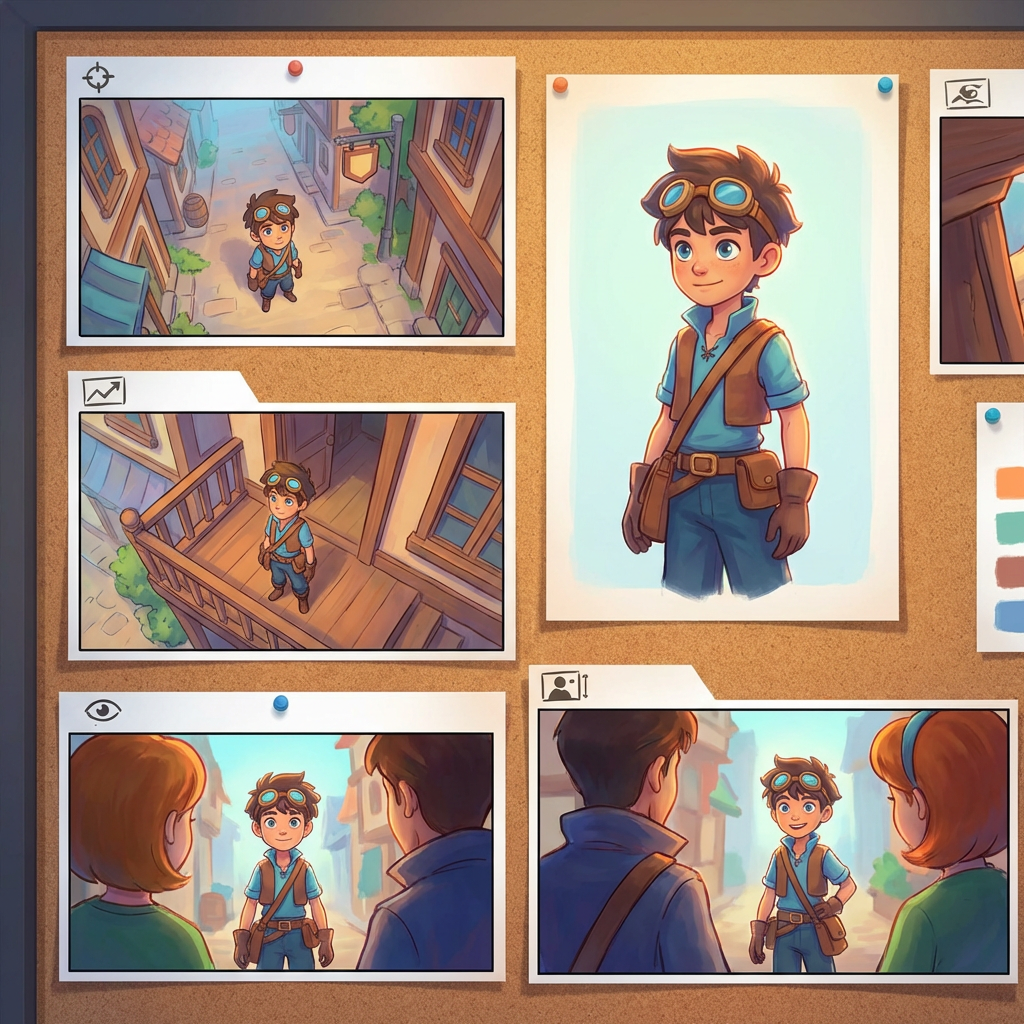
Interactive angle lab
Mag-upload ng isang image, baguhin ang angle, at mag-edit sa chat
Ang naka-embed na tool na ito ay nagbibigay-daan sa iyong baguhin ang mga image sa pamamagitan ng natural na usapan. Mag-upload ng isang photo, pagkatapos ay mag-expand, mag-alis ng objects, magpalit ng background, o bumuo ng bagong camera angle gamit ang interactive camera controls at edit models kabilang ang Qwen Image Edit.
Multi-Angles
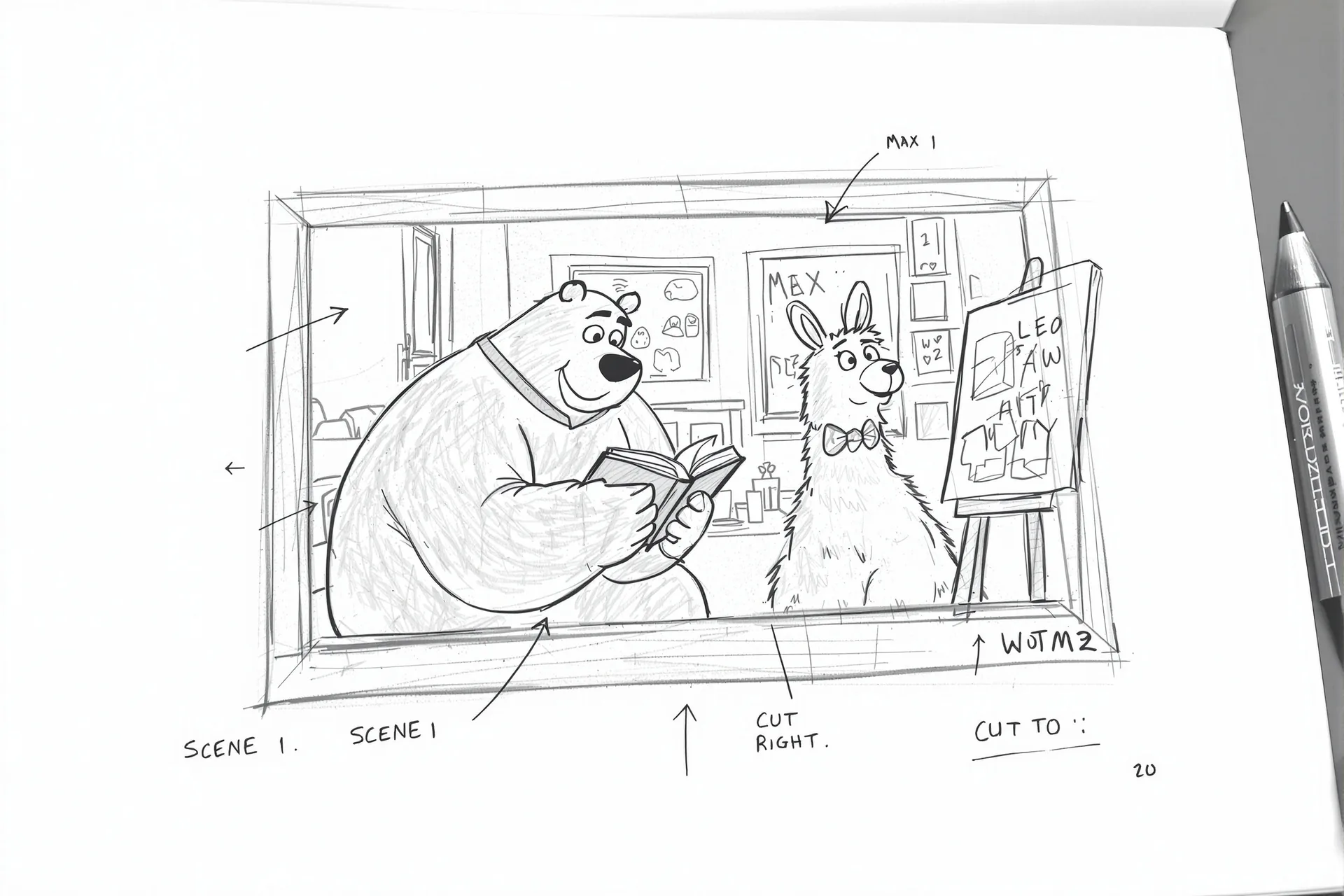
Source Reference
Upload a reference image
Use the Replace and Remove buttons above anytime.
Generated Result
Examples
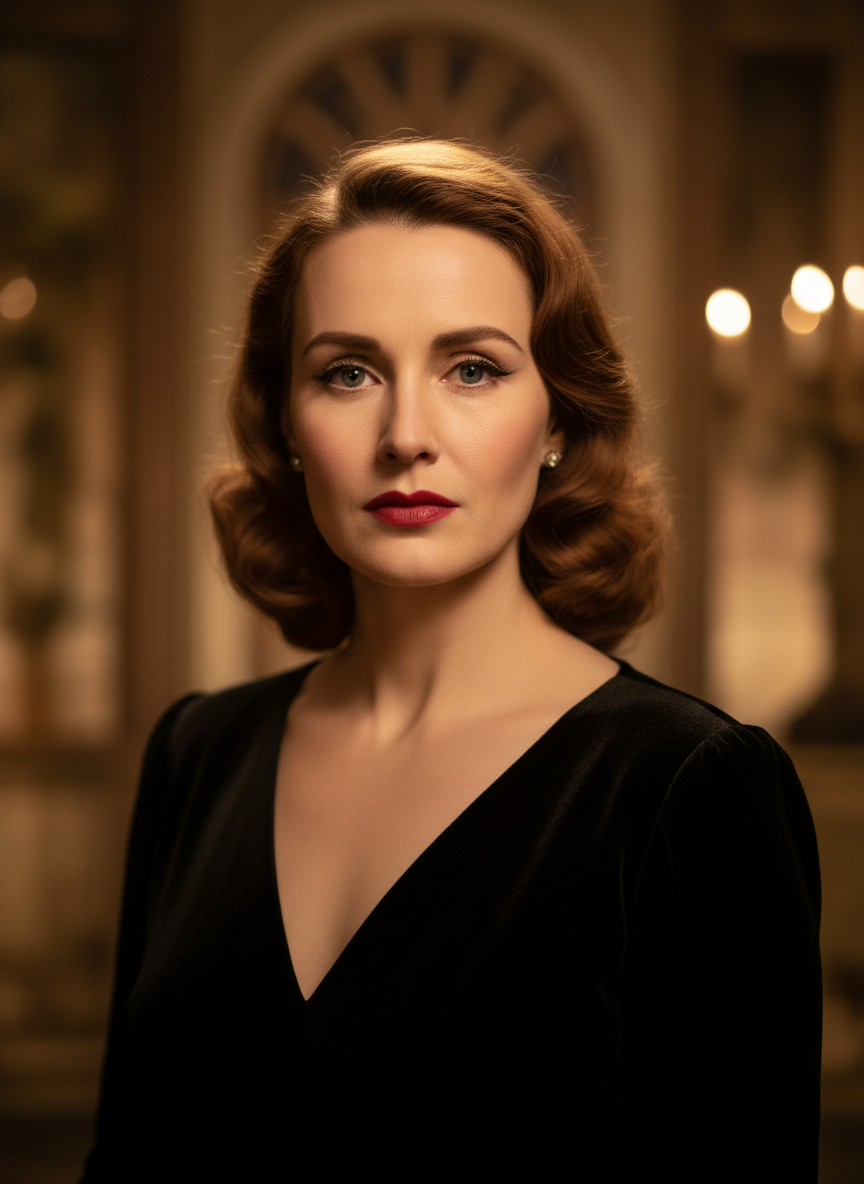
Source
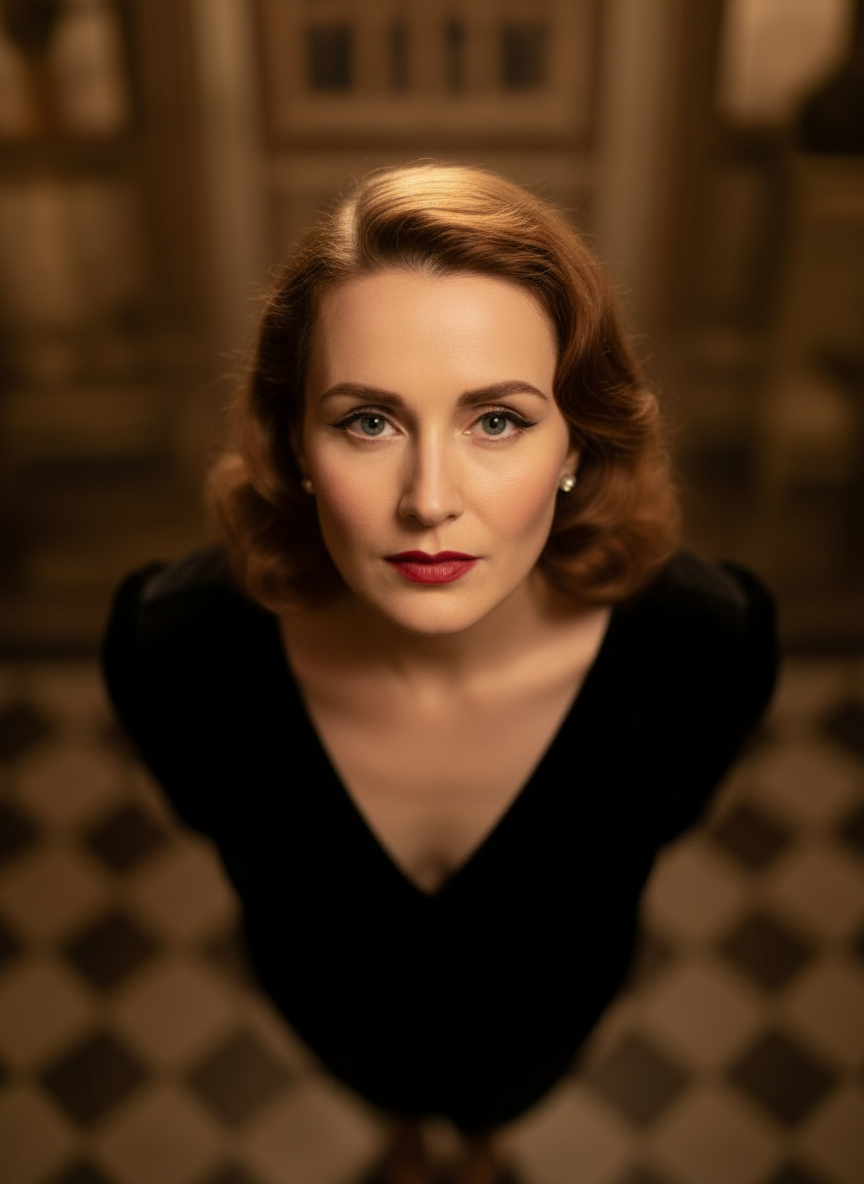
Overhead Angle
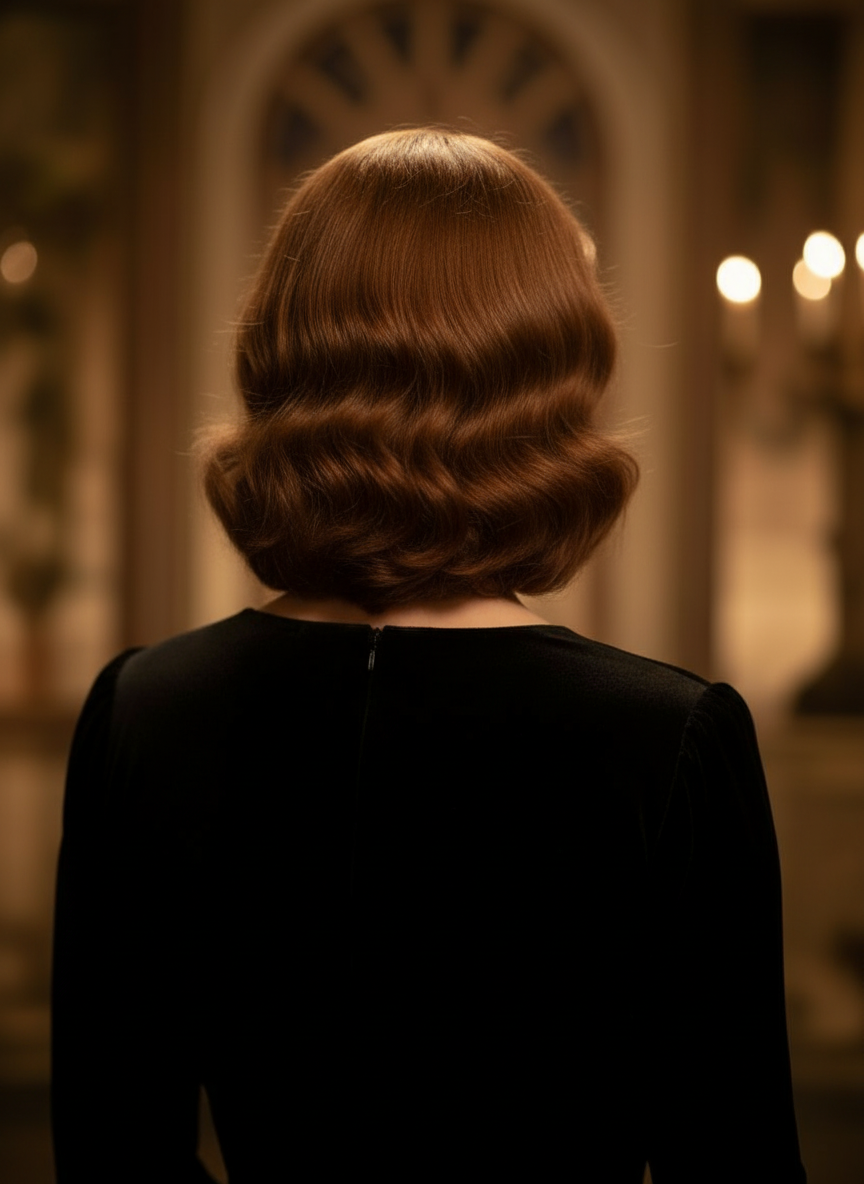
Back Angle
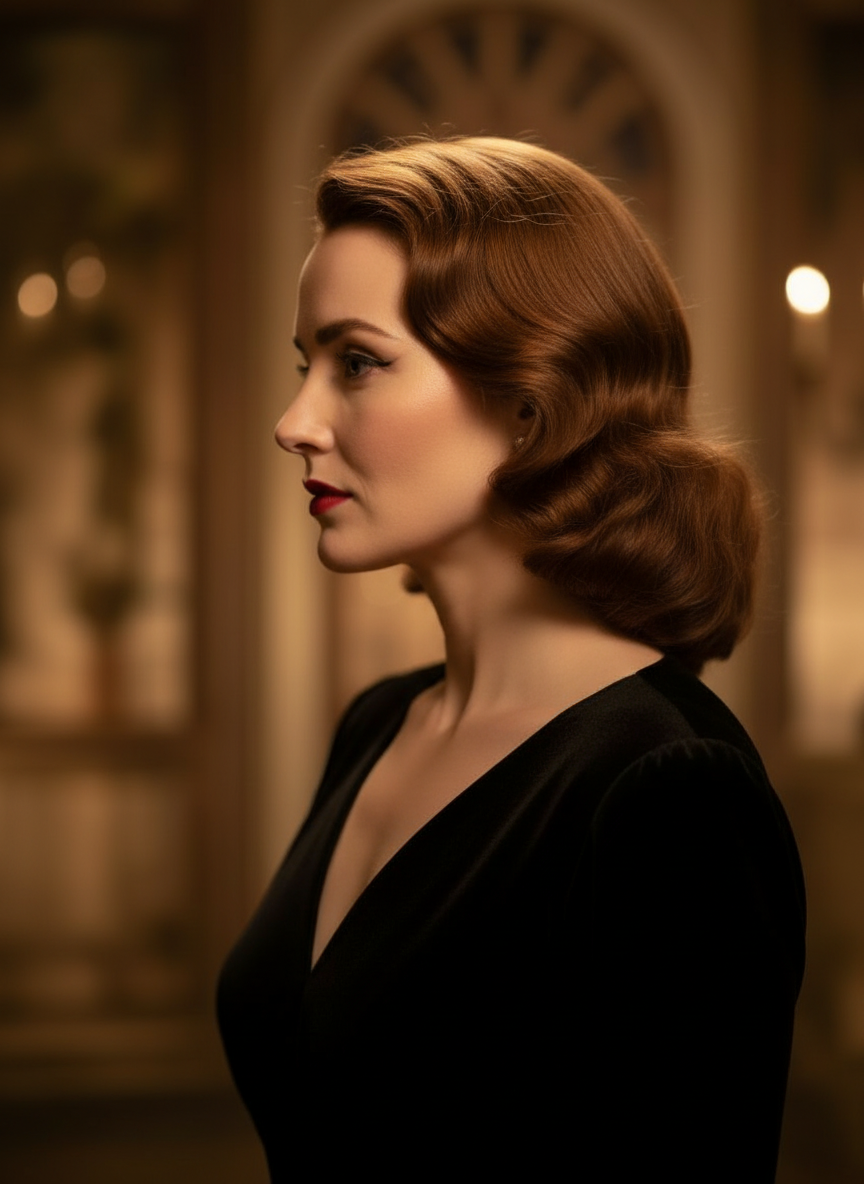
Three-Quarter Side
Baguhin ang iyong mga image sa pamamagitan ng natural na usapan
Mag-upload lang ng image at mag-chat para mag-edit. Palawakin ang frame, mag-alis ng objects, magpalit ng background, at bumuo ng alternatibong camera angle nang hindi muling binubuo ang image mula sa simula.
Buksan ang Camera Angle ControlAyusin ang horizontal angle, vertical angle, at zoom distance
Mag-hold at mag-drag para baguhin ang camera angle o gumamit ng intuitive sliders para i-adjust ang horizontal angle, vertical angle, at zoom distance. Bumuo ng malinis na variations mula sa iisang photo gamit ang mas mabilis na image-camera-control workflow.
Bumuo ng bagong anglePaano gamitin ang Camera Angle Control sa 3 hakbang
Isang simpleng workflow para sa photo editing, reframing, at AI camera control.
Mag-upload ng subject image
Magsimula sa isang photo o reference image na gusto mong panatilihing consistent habang nag-e-edit at nagre-reframe.
Itakda ang camera plan
Pumili ng isa sa 12 best angles, pagkatapos ay mag-hold at mag-drag o gamitin ang controls para ayusin ang horizontal angle, vertical angle, tilt, at zoom distance.
Mag-chat, mag-render, at mag-review
Ilarawan ang edits sa natural na wika, bumuo ng bagong view, at suriin ang resulta para sa design, content, o production handoff.
Tunay na Output ng Tool
Isang Input Image, Isang Nabuong Camera-Angle Resulta
Ihambing ang source image sa output na ginawa ng Camera Angle Control workflow. Mananatiling makikilala ang subject habang nagbabago ang viewpoint tungo sa mas malawak na angle study.
Input
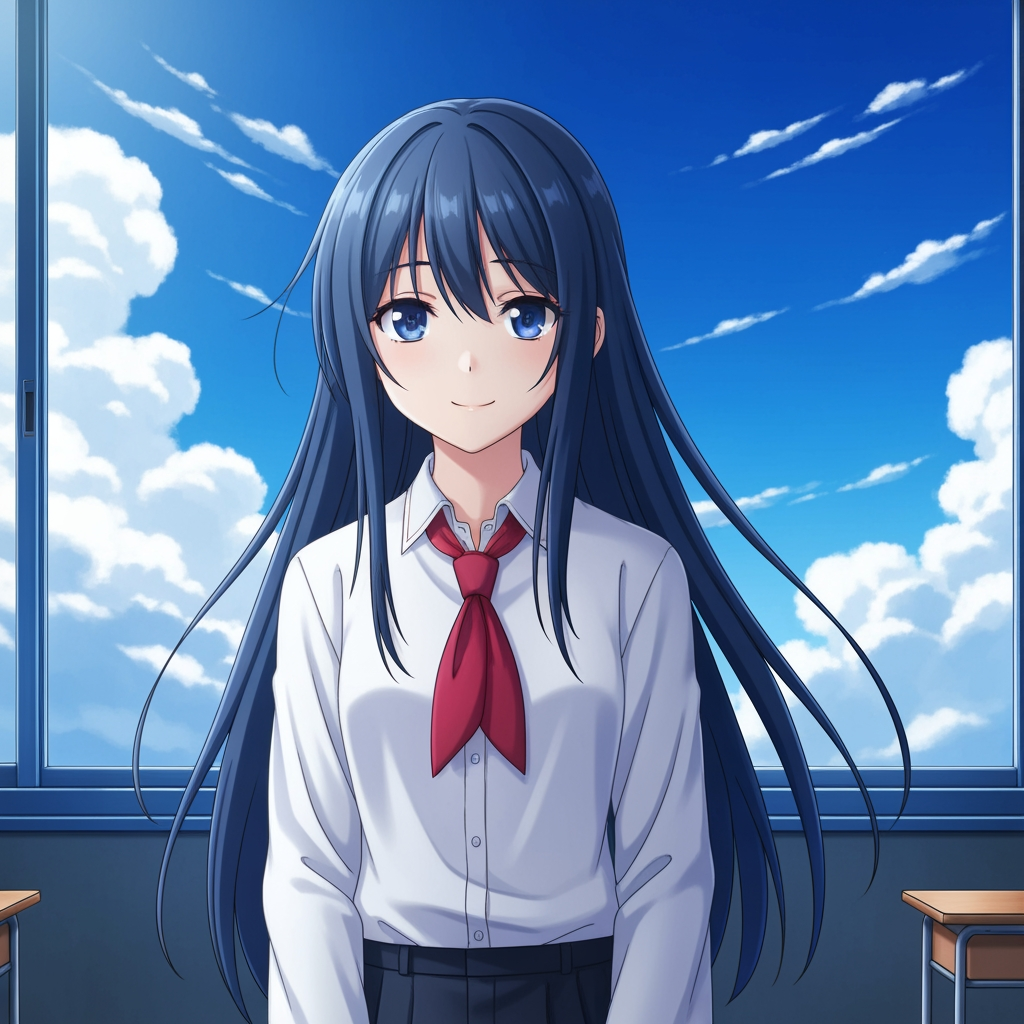
Orihinal na subject image
Mananatiling hindi nagbabago ang base drawing. Ito ang source image na ginamit para kontrolin ang camera-angle pass.
- Role
- In-upload na reference
- Subject
- Isang anime character
Generated Output

Muling inayos na camera-angle result
Ginagawang mas malawak na angle study ng generated output ang parehong reference para sa shot planning at visual review.
- Role
- Nabuong variation
- Use
- Angle at framing review
Ang mga image sa ibaba ay isang tunay na source-at-output na pares mula sa workflow ng tool, hindi stock mockup. Nag-iiba ang AI results depende sa source image, napiling model, angle, at framing controls.
Ano ang Camera Angle Control?
Ang Camera Angle Control ay isang photo angle editor na may AI para sa mga gustong baguhin ang mga image sa pamamagitan ng natural na usapan. Mag-upload ng isang image, mag-chat para mag-edit, pagkatapos ay ayusin ang angle, tilt, framing, at zoom para bumuo ng mga bagong viewpoint habang nananatiling consistent ang identity ng subject.
Prompt to Comic
Bumuo mula sa 12 best angles
Subukan ang low angle, high angle, eye-level, Dutch angle, over-the-shoulder, at iba pang reusable camera presets bago ka mag-finalize.
Bumuo mula sa 12 best angles
Subukan ang low angle, high angle, eye-level, Dutch angle, over-the-shoulder, at iba pang reusable camera presets bago ka mag-finalize.
Panatilihing consistent ang isang subject
Gumamit ng reference image para mas mapanatiling mas malapit ng tool ang subject, lighting logic, at visual identity sa orihinal na photo.
Mag-edit at mag-reframe sa iisang workflow
Pagsamahin ang chat-driven image edits at camera control para mag-expand ng scene, mag-alis ng objects, magpalit ng background, at i-reframe ang parehong image.

Bakit ginagamit ito ng mga team para sa camera-angle exploration
Ginawa para sa shot exploration, coverage planning, at mabilis na visual review.
Reference-driven generation
Magsimula sa in-upload na base image sa halip na mag-prompt ng bagong subject sa bawat pagkakataon.
Mga angle preset na akma sa production language
Mabilis na subukan ang eye-level, low angle, high angle, Dutch angle, bird's-eye, at over-the-shoulder coverage.
Nakatutulong para sa previz at boards
Ihambing ang mga shot idea bago ma-lock ang storyboarding, comic layout, o animation review.
Handa para sa comic at cartoon
Lumipat sa pagitan ng comic at cartoon visual direction nang hindi muling binubuo ang control surface.
Mabilis na framing experiments
Lumipat mula close-up patungong wide shot at mula neutral tilt patungong dramatic staging sa loob ng ilang segundo.
Ginawa para sa review cycles
Bumuo ng isang angle study, pag-usapan ito, pagkatapos ay agad na i-iterate ang susunod na setup.
Mga madalas itanong
Ano ang ginagawa ng Camera Angle Control?
Binabago nito ang iyong mga image sa pamamagitan ng natural na usapan at interactive camera controls, na tumutulong sa iyong bumuo ng bagong camera angles, mag-expand ng scenes, mag-alis ng objects, at magpalit ng background mula sa iisang in-upload na image.
Maaari ba akong bumuo ng bagong camera angle mula sa isang photo lang?
Oo. Mag-upload ng media nang isang beses, pagkatapos ay bumuo mula sa 12 best angles habang ina-adjust ang horizontal angle, vertical angle, at zoom distance.
Kailangan ko bang mag-upload ng reference image?
Oo. Ang workflow ay dinisenyo para sa image to image generation para mas mapanatili ng model ang subject na mas malapit sa iyong orihinal na board, character, o scene.
Anong mga uri ng camera-angle ang puwede kong subukan?
Maaari mong subukan ang eye-level, low angle, high angle, over-the-shoulder, Dutch angle, bird's-eye, at iba pang guided angle presets, pagkatapos ay i-refine ang mga ito gamit ang drag controls at sliders.
Kapaki-pakinabang ba ito para sa storyboard at previz review?
Oo. Kapaki-pakinabang ito para sa mga director, storyboard artist, comic team, at previz artist na nangangailangan ng mas mabilis na shot exploration at angle comparison.
Aling mga model ang nagpapatakbo sa edits at camera control?
Ang workflow ay dinisenyo para sa mga modernong image editing model kabilang ang Qwen Image Edit at AIOmnigen-style image camera control, depende sa aktibong generation path.
Kailangan mo ba ng reusable boards pagkatapos ng angle exploration?
Buksan ang Free Storyboard Template para hatiin ang storyboard sheets, mag-download ng malilinis na frames, at panatilihing organisado ang iyong review package.
Pumunta sa Free Storyboard TemplateHanda ka na bang kontrolin ang susunod na angle ng iyong image?
Mag-upload ng isang image, mag-hold at mag-drag para baguhin ang camera angle, at bumuo ng bagong view sa loob ng ilang minuto.