

Mahalaga ang timing
Nagiging ganap na shot lang ang frame kapag malinaw ang haba at pacing nito.
Gawing video-ready plan ang mga storyboard frame gamit ang shot timing, camera movement, motion notes, at creative direction para sa animation o AI video generation.
Storyboard plan
Prompt to result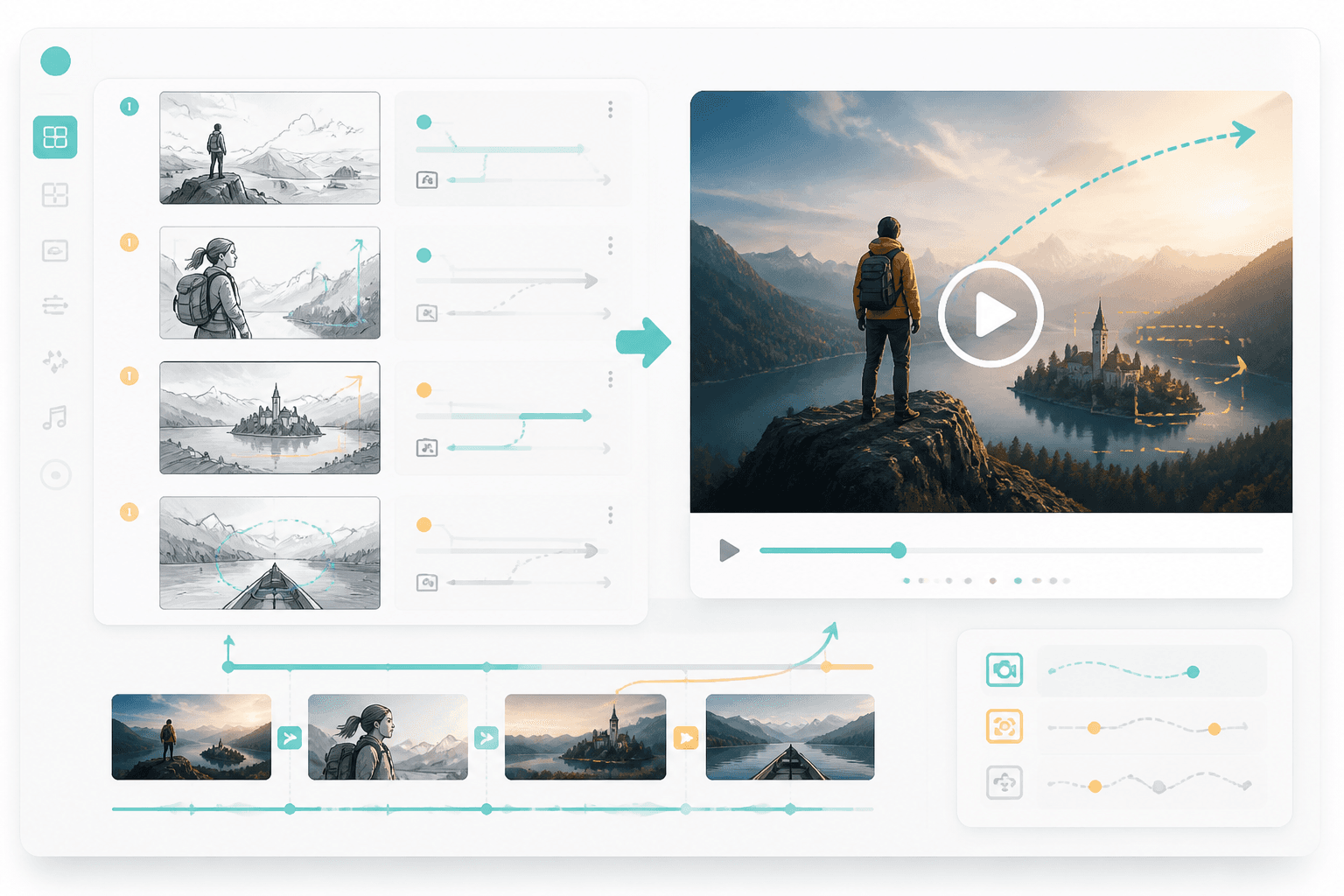
Motion plan
Frames
papunta sa motion plan
Timing
naka-map bawat shot
Gumamit ng storyboard, shot list, o visual sequence.
Itakda ang timing, camera moves, transitions, at aksyon ng character.
Gamitin ang plan para sa animation, AI video, o handoff sa editor.
Binibigyan ng page na ito ang users ng malinaw na susunod na hakbang pagkatapos ng storyboarding: magdagdag ng shot duration, camera movement, at creative instructions na handa para sa video.
Ilagay ang frame order, scene notes, at goals ng bawat shot.
Suriin ang timing, transitions, at motion direction.
Mas mahusay ang performance ng mga video tool kapag malinaw ang duration, camera movement, at transition direction ng bawat shot.
Nagiging ganap na shot lang ang frame kapag malinaw ang haba at pacing nito.
Binabago ng push-in, pan, zoom, at reveal ang pakiramdam ng kuwento.
Mas nagbibigay ng mas malinaw na instructions sa AI video o editing tools ang motion plan.
Motion
Magdagdag ng camera moves, transitions, at timing para maging eksenang handa sa video ang bawat storyboard frame.
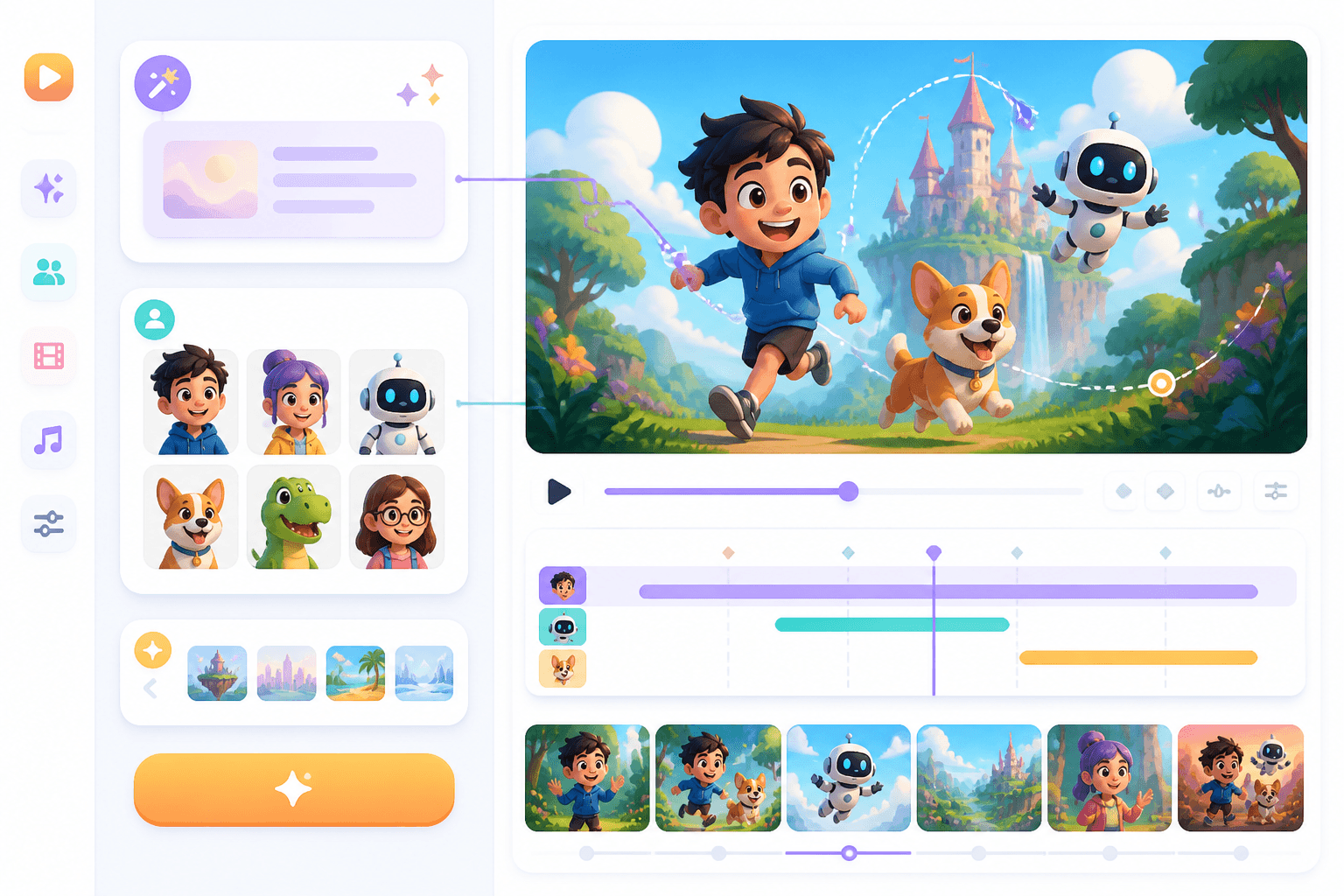
Cartoon
Para sa animated at cartoon workflows, nagiging pundasyon ng galaw ng character at timing ng eksena ang storyboard.
Workflow guide
Dapat ipaliwanag ng isang storyboard-to-video page kung paano nagkakaroon ng timing, movement, camera, at production direction ang mga frame.
Gumamit ng storyboard, shot list, o visual sequence.
Itakda ang timing, camera moves, transitions, at aksyon ng character.
Gamitin ang plan para sa animation, AI video, o handoff sa editor.
Banggitin ang pagkakasunod ng frame, duration, camera, at estilo ng galaw.
Related writing workflow
Use the AI Screenplay Editor when a script, fiction draft, storyboard brief, video idea, or canvas note needs proper scene headings, action, dialogue, parentheticals, cover pages, outlines, beats, and collaboration-ready revisions.
INT. COMMUNITY CENTER - NIGHT
Folded chairs. A storm outside. MAYA stands at the microphone with a page of notes she no longer needs.
MAYA
If the city will not read the record, we will read it out loud.
Magdagdag ng timing, movement, at camera direction para maging handa ang board mo sa video production.