

1. I-upload ang iyong photo o image
Magsimula nang libre gamit ang isang larawan. Gumamit ng portrait, pet photo, product shot, eksena, o screenshot na gusto mong i-convert sa comic style.
Mag-upload muna ng photo o image. I-convert ito sa comic-style artwork, comic book panels, o mabilis na photo-to-comic filter result bago magpatuloy sa captions, panels, o studio refinements.
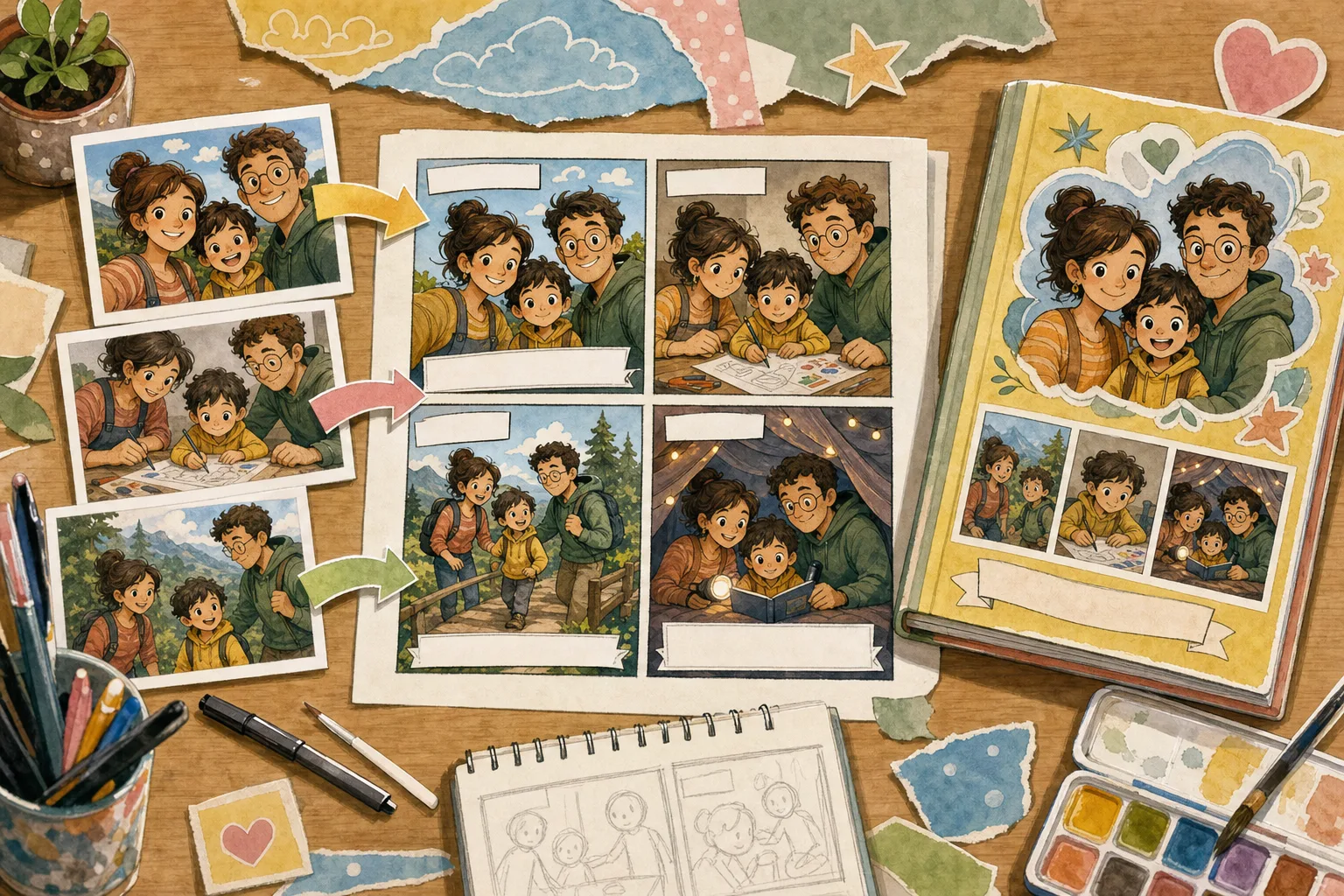
1Upload one photo
2Choose a comic style
Maikling proseso mula image papuntang comic style, comic book art, o nae-edit na comic panel
Magsimula nang libre gamit ang isang larawan. Gumamit ng portrait, pet photo, product shot, eksena, o screenshot na gusto mong i-convert sa comic style.
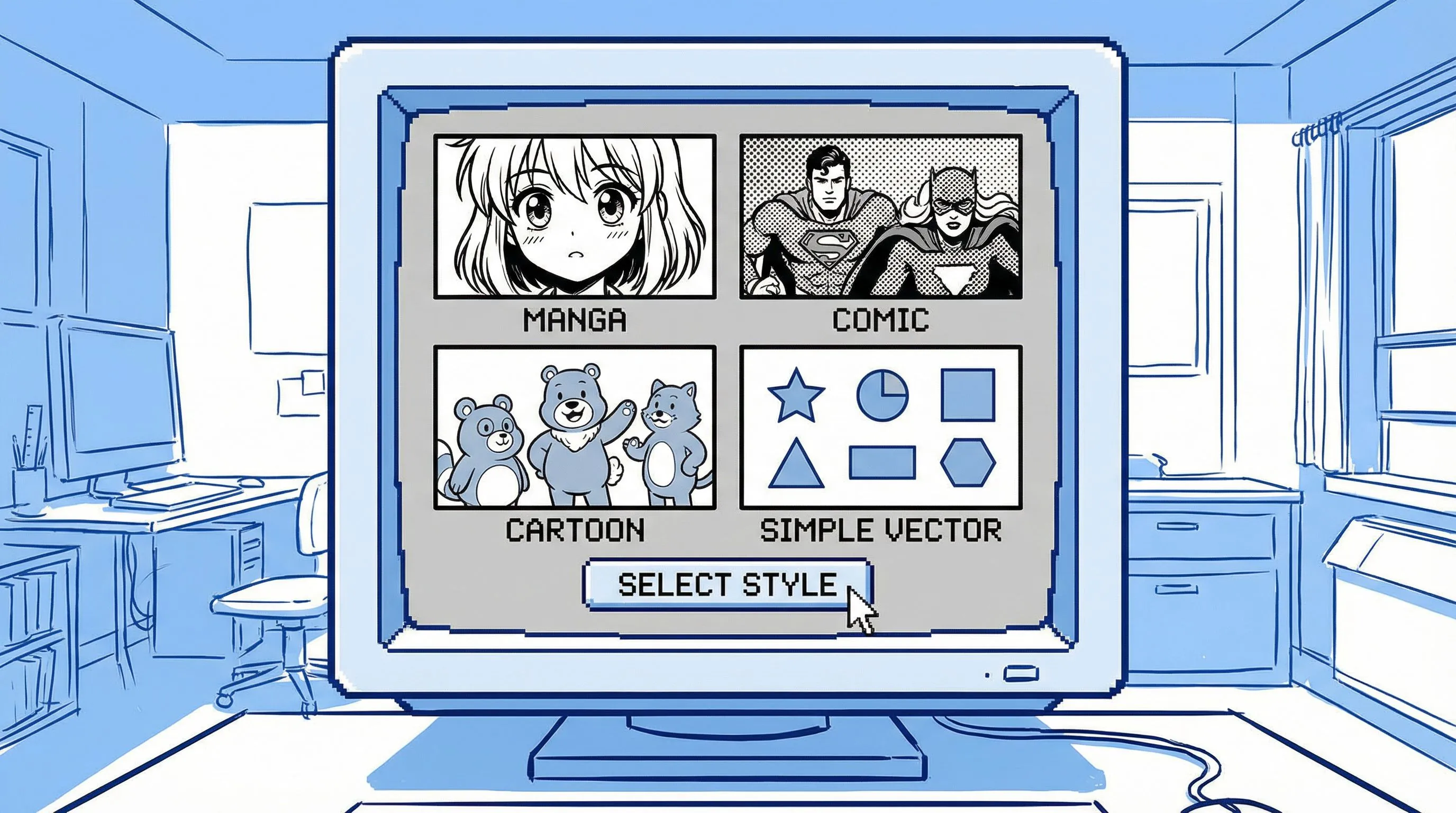
Humingi ng image to comic, photo to comic style, comic book art mula sa photo, 4-panel comic, o simpleng online comic filter result.
Buksan ang comic draft sa studio para i-refine ang itsura, panels, captions, prompts, at export-ready creative assets.
Image to Comic
Walang sapilitang character setup bago makita ng user ang value. I-upload ang larawan, pumili ng comic style, at gumawa ng unang photo-to-comic draft na puwedeng maging panel, ad, meme, storyboard, o keepsake.
Magsimula sa Isang Photo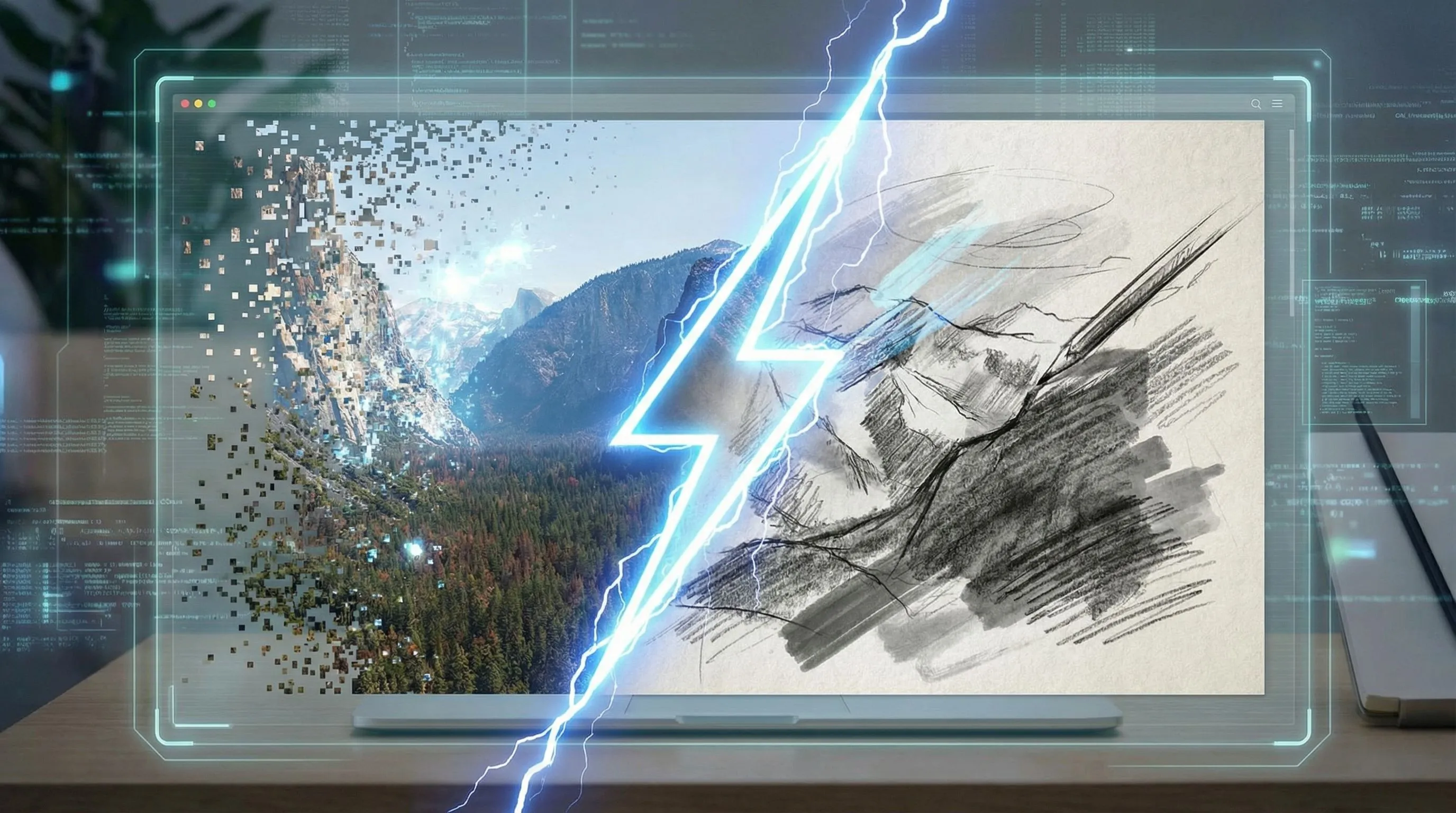
Personalized Character Comic
Kapag kailangan ng output ng paulit-ulit na tao, products, o eksena, magpatuloy sa buong studio workflow para magdagdag ng maraming references at reusable style directions.
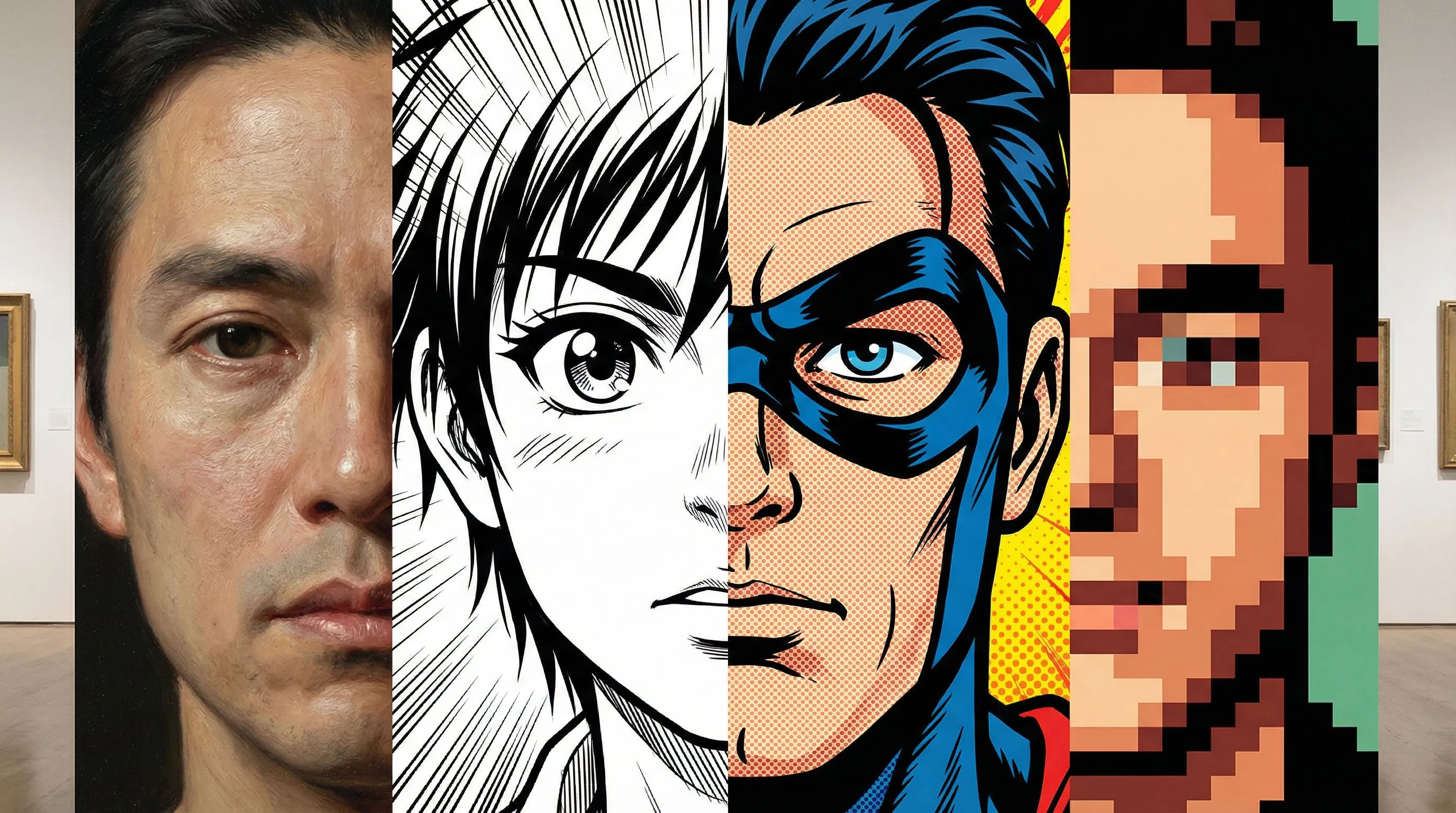
Itugma ang output sa query: isang comic-style image, comic book panel, o nae-edit na comic sequence.
I-convert ang portraits, pets, products, at mga eksena sa matapang na comic-style images na may ink lines, halftone shading, at malinaw na composition.
Gumamit ng isang instruction para itutok ang image sa superhero panels, manga-inspired scenes, retro comic art, o malinis na cartoon comic looks.
Magsimula sa isang image at simpleng comic filter direction, saka ipagpatuloy ang pag-edit kung kailangan ng draft ng captions, panels, o mas matibay na continuity.
Binabago ng filter ang itsura. Tinutulungan ka ng LlamaGen na gawing comic asset ang larawan na may malinaw na gamit.
Idinisenyo ang workflow para sa production value: consistency, layunin, at nae-edit na output.
| Pangangailangan | LlamaGen Image to Comic | Basic Photo Filter |
|---|---|---|
| Input | Image plus prompt, na may opsyonal na multi-reference support at style templates para sa mga project na nangangailangan ng continuity. | Isang image at generic na style preset. |
| Layunin | Kayang gumawa ng ads, explainers, social stories, storyboards, at training visuals. | Karaniwang isang stylized picture lang ang output. |
| Consistency | Nakakatulong ang maraming references para mapanatili ang products, tao, eksena, at visual direction. | Mahirap panatilihing consistent ang identity o detalye ng product sa iba't ibang outputs. |
| Output | Nae-edit na comic project na may panels, captions, prompts, at refinements. | Isang flat image na may limitadong paraan para mag-iterate. |
Generated with Gemini 3.1 Flash
Magsimula sa isang larawan para sa mabilis na comic-style result, saka magdagdag ng references kapag kailangan ng ideya ng mas mahabang personalized comic

Four-panel case
Campaign comic: high-energy na launch visual na may malinaw na hero moment.
Campaign comic: high-energy na launch visual na may malinaw na hero moment.
Four-panel case
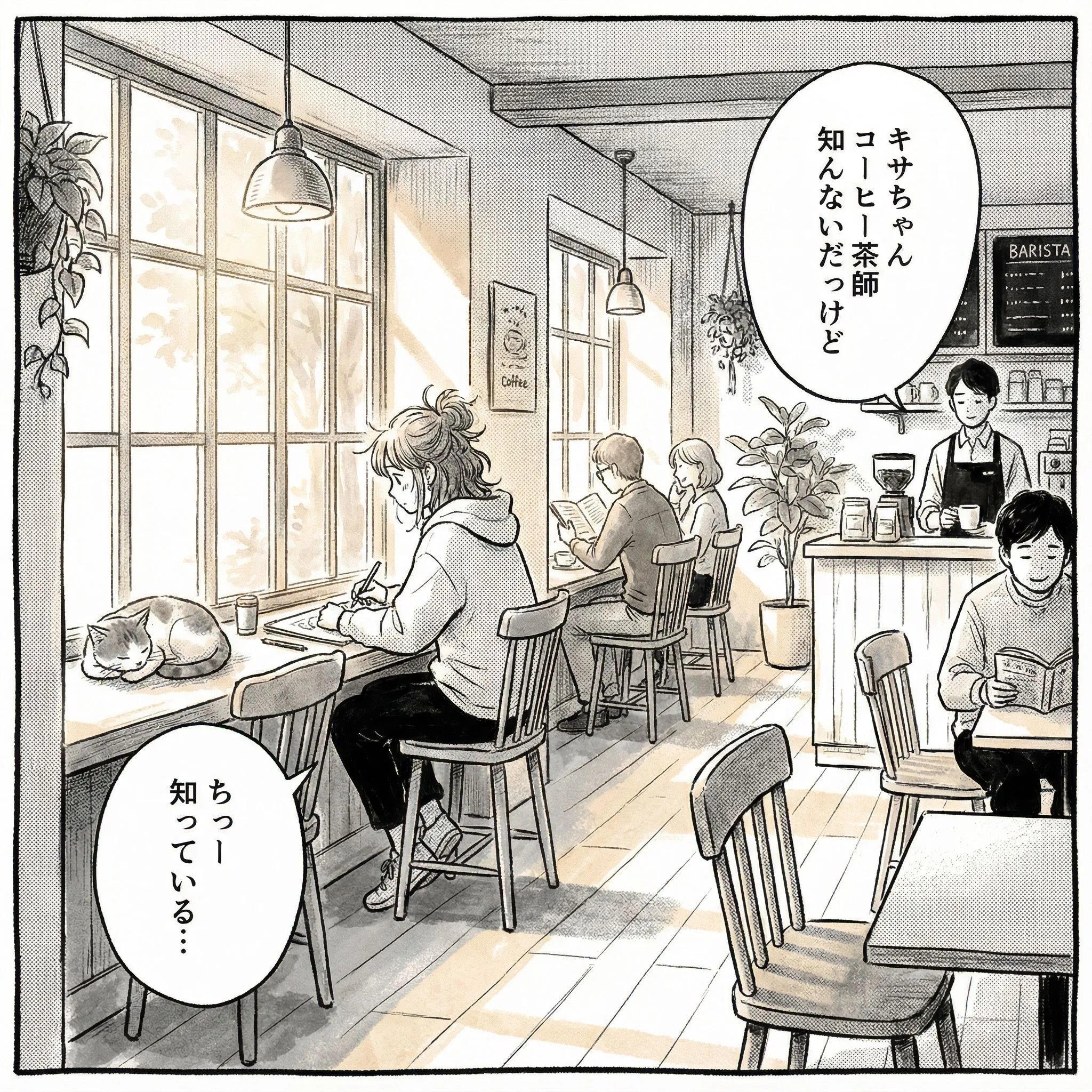
Social story: relatable na pang-araw-araw na eksena na may expressive na reaction ng character.
Social story: relatable na pang-araw-araw na eksena na may expressive na reaction ng character.
Four-panel case
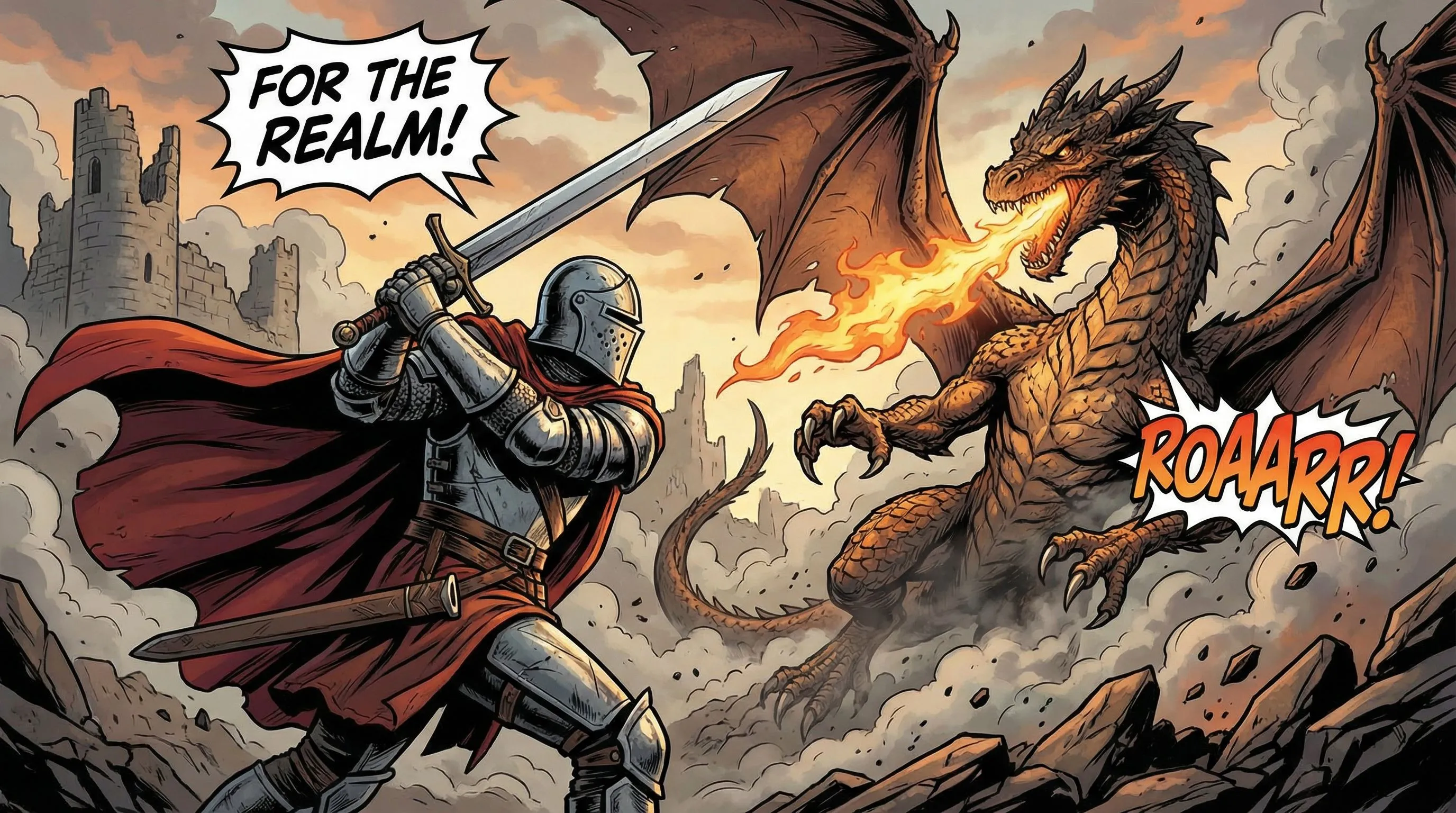
Storyboard draft: conflict, action, at malinaw na panel composition.
Storyboard draft: conflict, action, at malinaw na panel composition.
Suriin ang unang resulta, tapos gumamit ng nakatuong guide para hubugin ang kuwento, panatilihing makilala ang alaga, ayusin ang mahihinang panel, o tuklasin ang motion.
Gawing maikling sequence ang pamilyar na sandali. Buuin ang prompt base sa subject mo, mga detalye na dapat manatili, at malinaw na pagliko ng kuwento.
Gamitin ang mga marka sa balahibo, kulay, at accessories bilang reference na detalye, tapos ikumpara ang parehong features sa buong kuwento.
Suriin ang nagbago sa mukha, anatomy, lettering, at siksik na mga eksena. Isa-isang ayusin ang mga kondisyon para makita mo kung ano ang gumanda.
Alamin kung ano ang nadadagdag ng motion sa isang still comic panel, ano ang maaaring magbago habang nag-aanimate, at kung paano suriin ang resulta bago ibahagi.
Oo. Mag-upload ng photo o image, ilarawan ang comic style na gusto mo, at gamitin ang LlamaGen bilang photo to comic AI generator para sa comic-style images, panels, at nae-edit na comic drafts.
Sinusuportahan ng upload workflow ang mga karaniwang image format tulad ng JPG, PNG, GIF, WebP, HEIC, at HEIF. Para sa story notes, magsimula sa prompt box at panatilihing nakatuon ang in-upload na image sa visual na gusto mong baguhin.
Ang commercial use ay depende sa terms ng iyong LlamaGen plan at sa mga karapatang hawak mo sa source image. Gamitin muna ang unang resulta para subukan kung akma ang comic direction bago gumawa ng production assets.
Karaniwang nire-restyle lang ng basic filter ang isang image. Sa LlamaGen, puwede kang magsimula sa image na iyon, tapos magpatuloy sa panels, captions, prompts, character references, at studio refinements.
Oo. Pagkatapos ng unang photo-to-comic draft, gumamit ng karagdagang references at studio refinements kapag kailangan ng project ng paulit-ulit na tao, products, eksena, o mas mahahabang personalized comic sequences.
Ginagamit ng LlamaGen ang iyong character references, names, notes, style choices, at prompt context para mas madaling makilala ang paulit-ulit na characters sa buong comic.
Photos are uploaded for processing and may be sent to AI providers under the Privacy Policy. Use only photos you are allowed to share and avoid uploading sensitive personal or client material without permission.
Use a photo that clearly shows the eyes, ears, muzzle and coat markings. Describe those details, specify whether the pet should remain on four legs and start with a simple scene or short sequence.
Magsimula sa isang photo, pumili ng comic style, at patuloy na i-refine ang resulta para maging panel, comic book image, o personalized comic sequence.
Gawing Komiks ang Aking Larawan