Online Manga Maker
Gumawa ng sarili mong manga gamit ang manga maker na libre sa simula. Gamitin ang online manga creator para mag-draft ng characters, panels, story scenes, at kumpletong manga pages gamit ang AI, tapos tuloy-tuloy na i-edit ang layout at speech bubbles.

Start from text
Need a text-to-manga workflow before editing the page?
Use the AI Manga Generator to turn prompts, scripts, character notes, and black-and-white art direction into first-pass panels. Bring the strongest draft into Manga Maker for layout, speech bubbles, and final page assembly.
Para Kanino ang LlamaGen Manga Maker?
Mga feature na akma sa bawat uri ng visual storyteller.

Manga Artists
Native na suporta para sa B4/A4 canvas, vertical text, at right-to-left na reading flow.

Webtoon Creators
Dedicated long-strip canvas mode (800x2400px+) na naka-optimize para sa mobile scrolling.

Storyboarders
Mabilis na pag-block ng scenes gamit ang drag-and-drop panels bago mag-commit sa final art.

Beginners & Students
Magsimulang gumawa ng stories agad kahit walang drawing skills. Perpekto para matuto ng visual storytelling.
Professional manga-making tools
Everything you need to compose panels, place dialogue, manage pages, and prepare a finished chapter.
Smart Panel System & Auto-Clipping
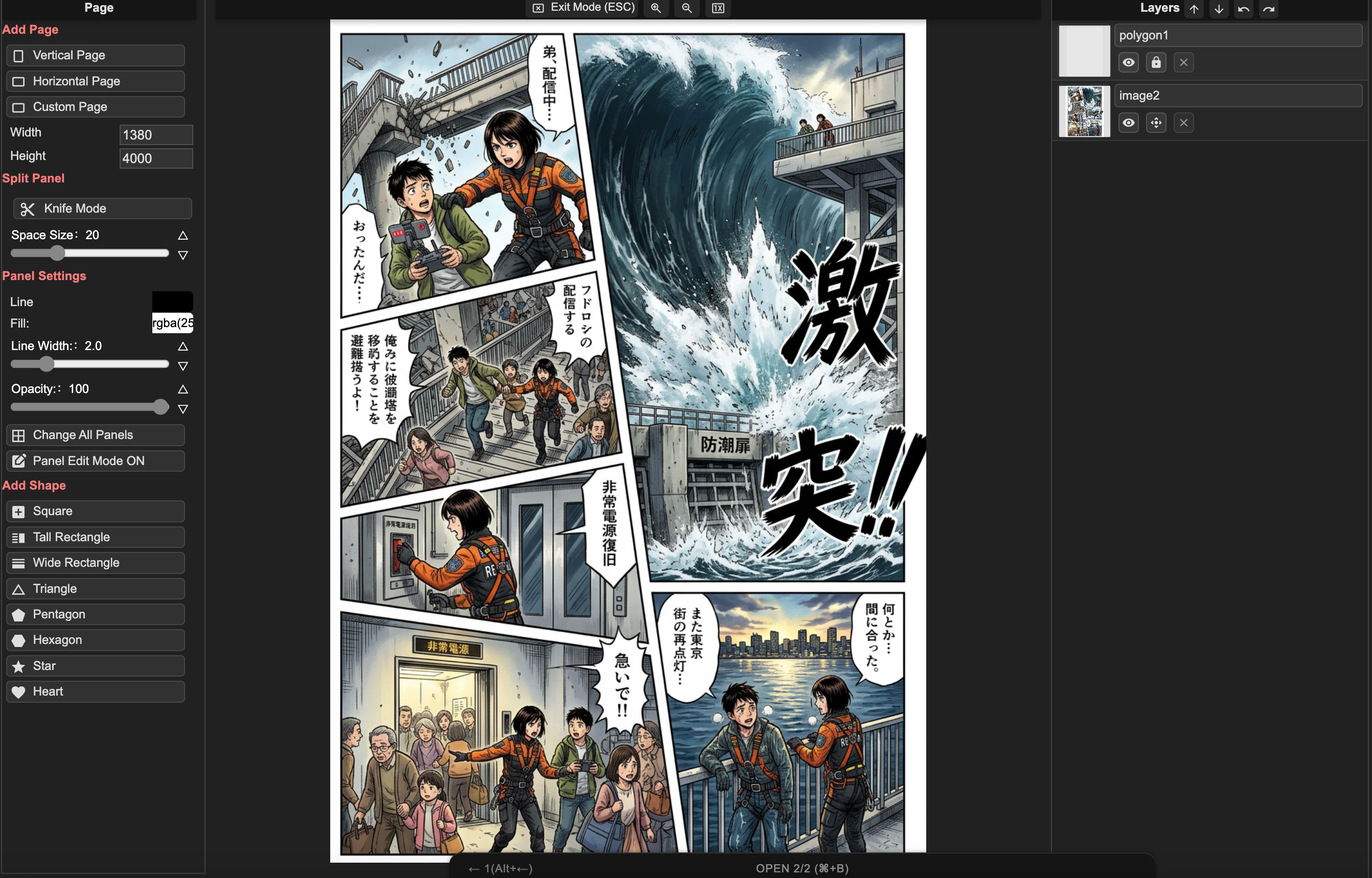
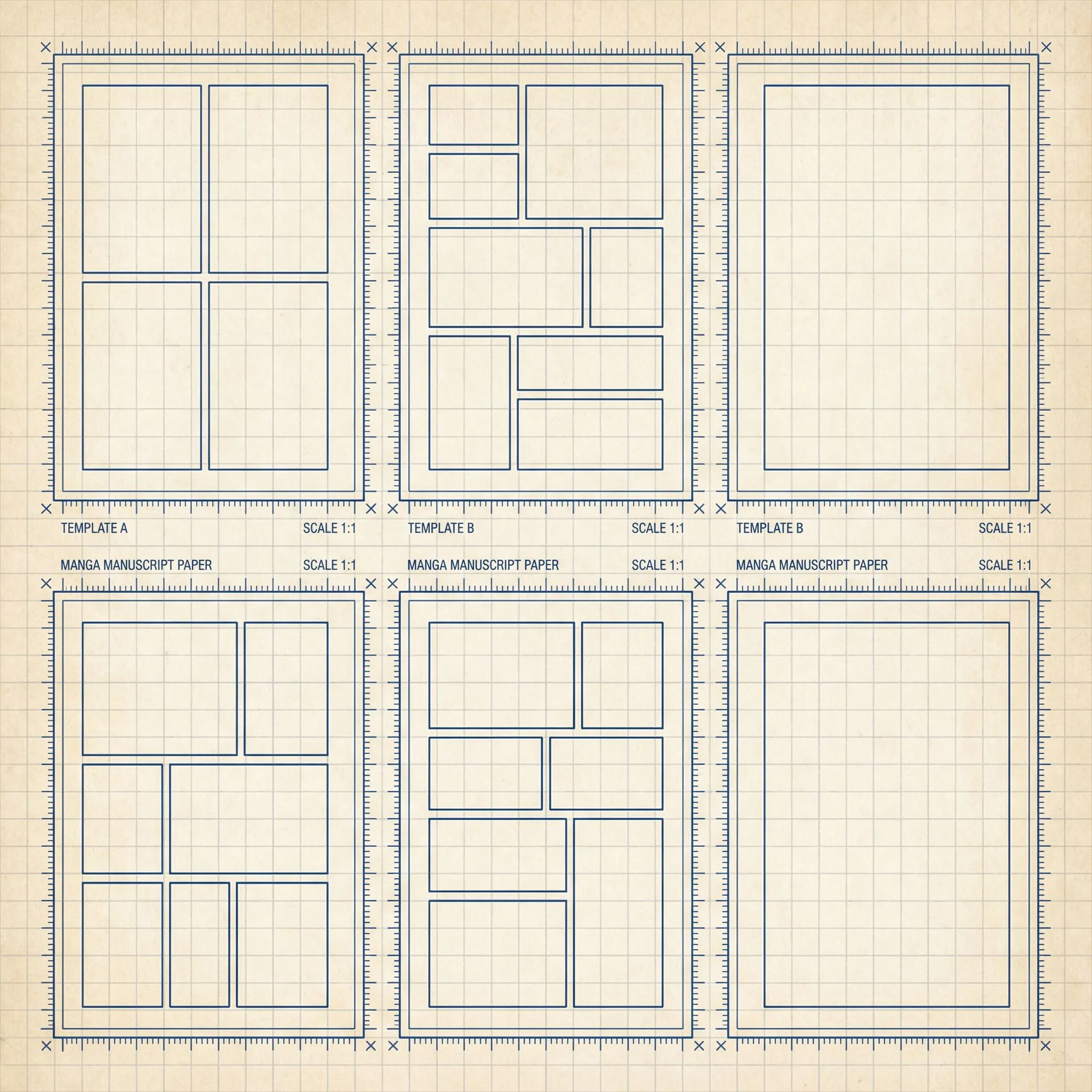
I-drag, i-drop, at hatiin ang panels agad-agad. Ang images na i-drop sa panels ay awtomatikong naka-mask at naka-clip sa boundaries. Pumili mula sa B4, A4, o custom layouts.
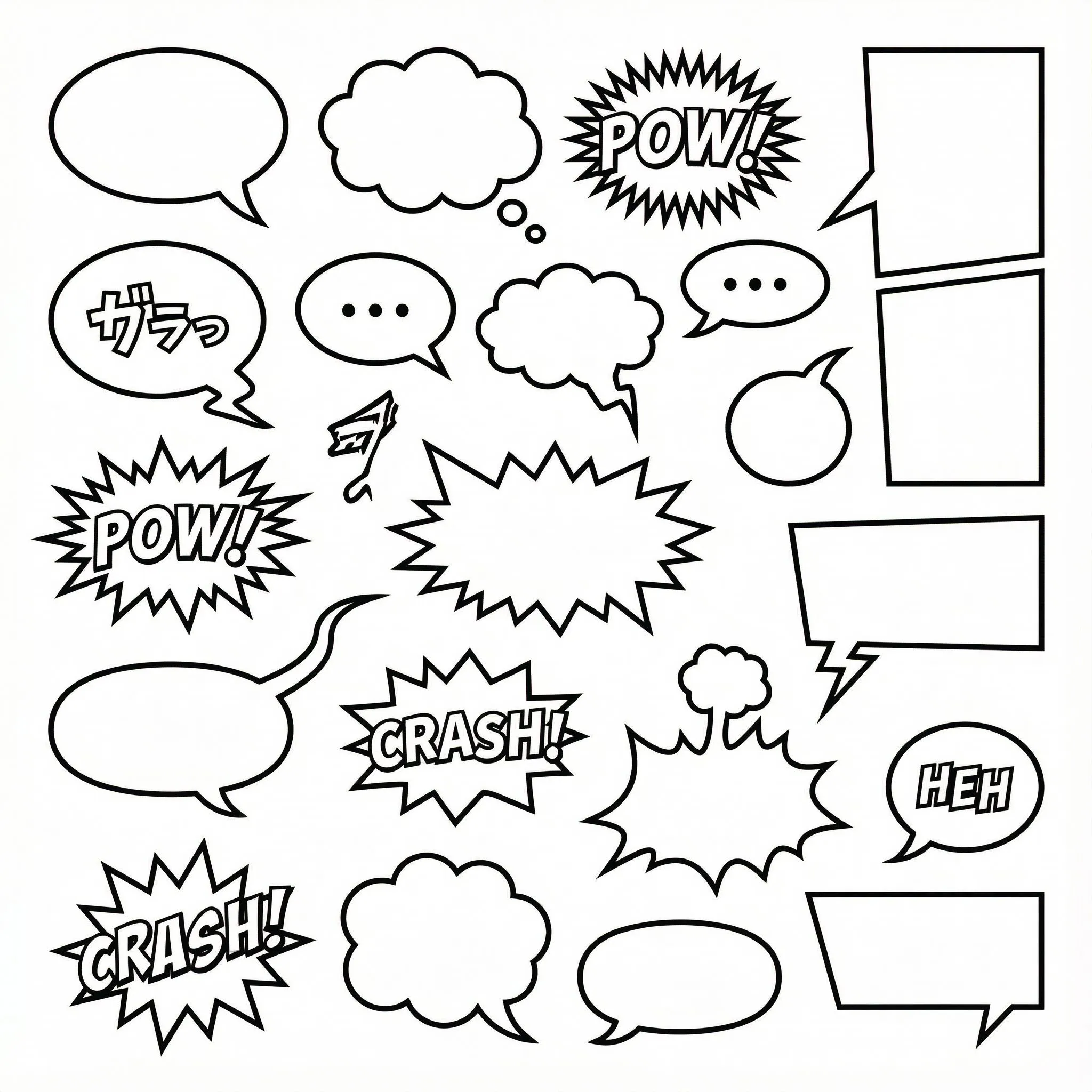
1000+ Customizable Bubble Styles
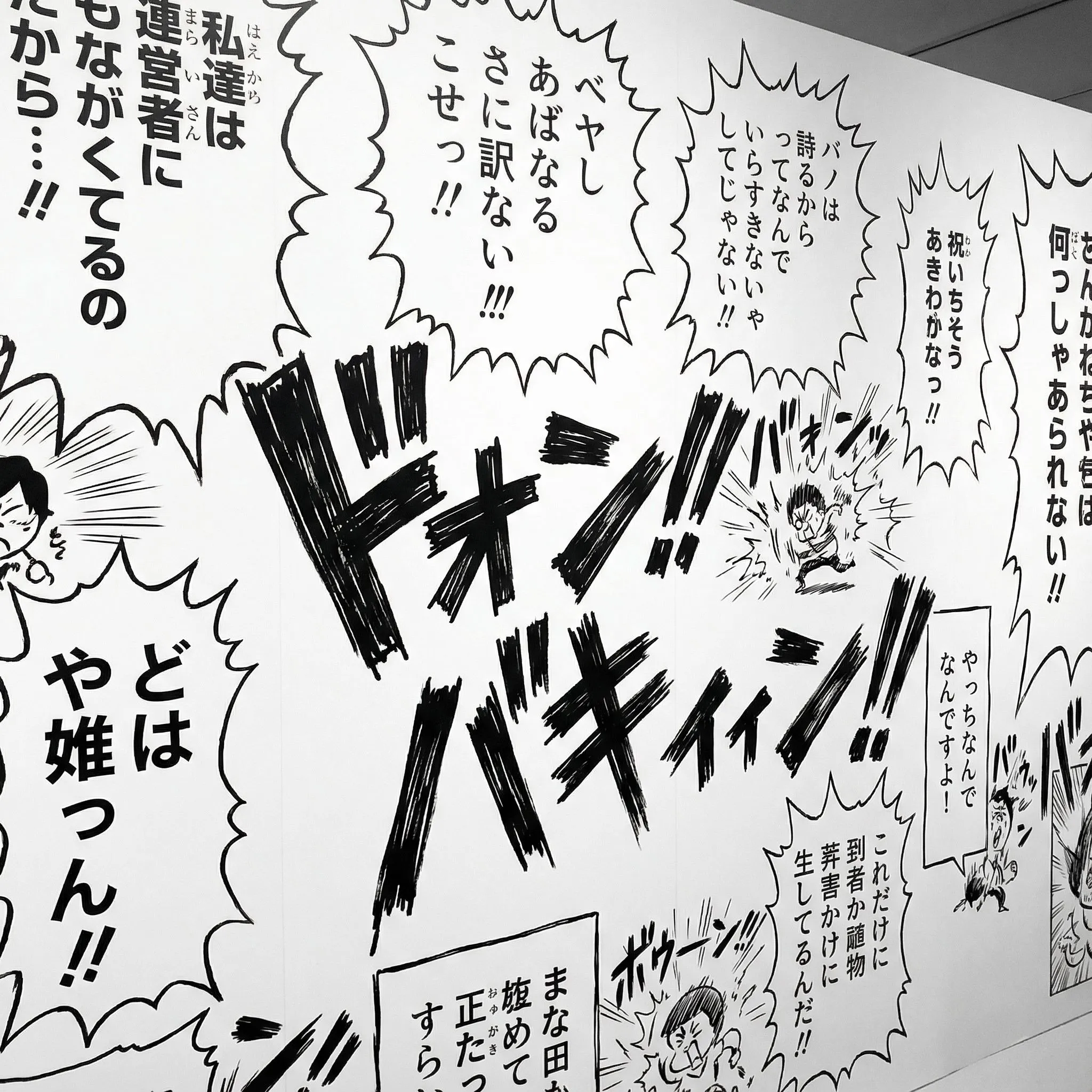
SVG-based na speech bubbles na may fully adjustable tails, anchors, at shapes. May suporta para sa vertical text layout (tategaki) na mahalaga sa manga.
Multi-Page Project Management
Hindi lang isang image—gumawa ng buong chapters. I-manage ang maraming pages, i-reorder ang mga ito, at panatilihin ang consistent na character styles sa buong story mo.
Mula Idea Hanggang Manga Chapter
Propesyonal na workflow para sa storytellers, pinalinaw para sa lahat.
Step 1: Pumili ng Canvas & Layout
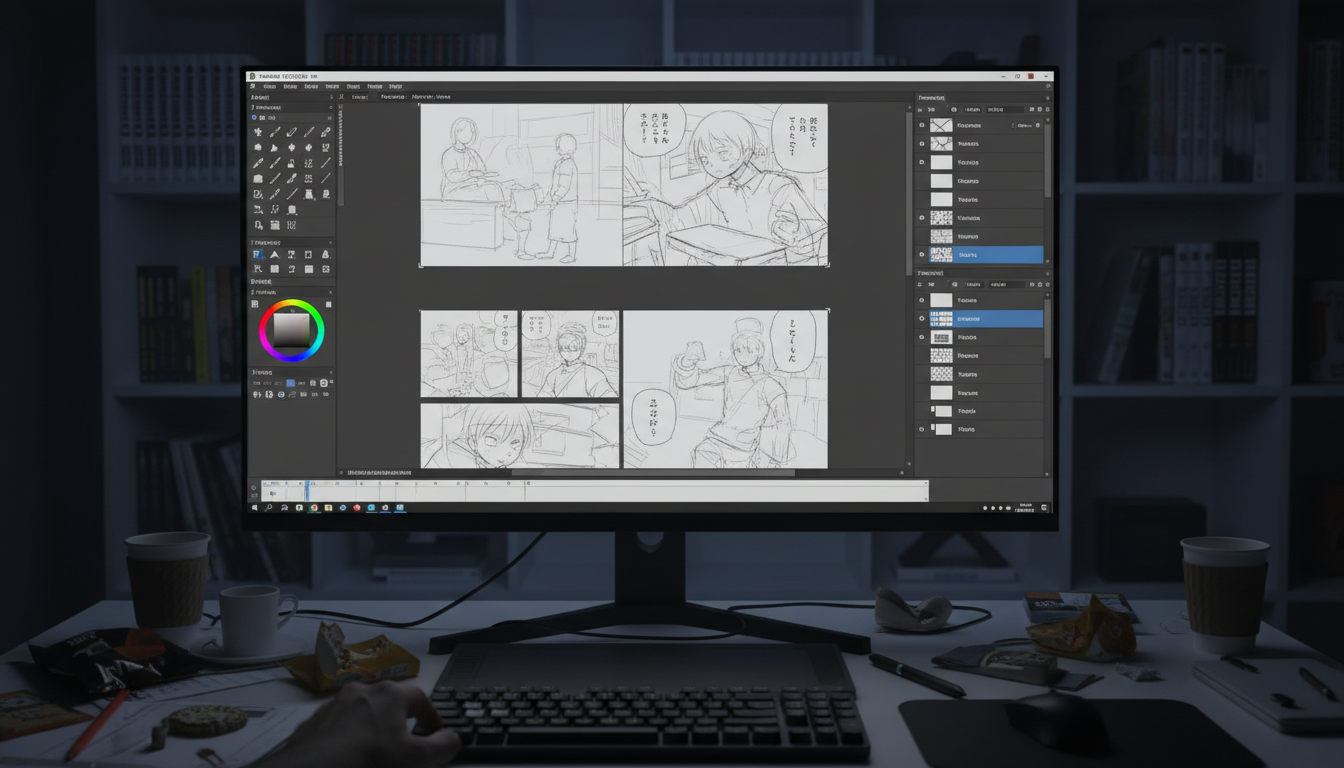
Magsimula sa standard na B4 manga page o long-scrolling na Webtoon canvas. I-drag at i-drop ang panel templates o gumawa ng sarili mong custom grid.
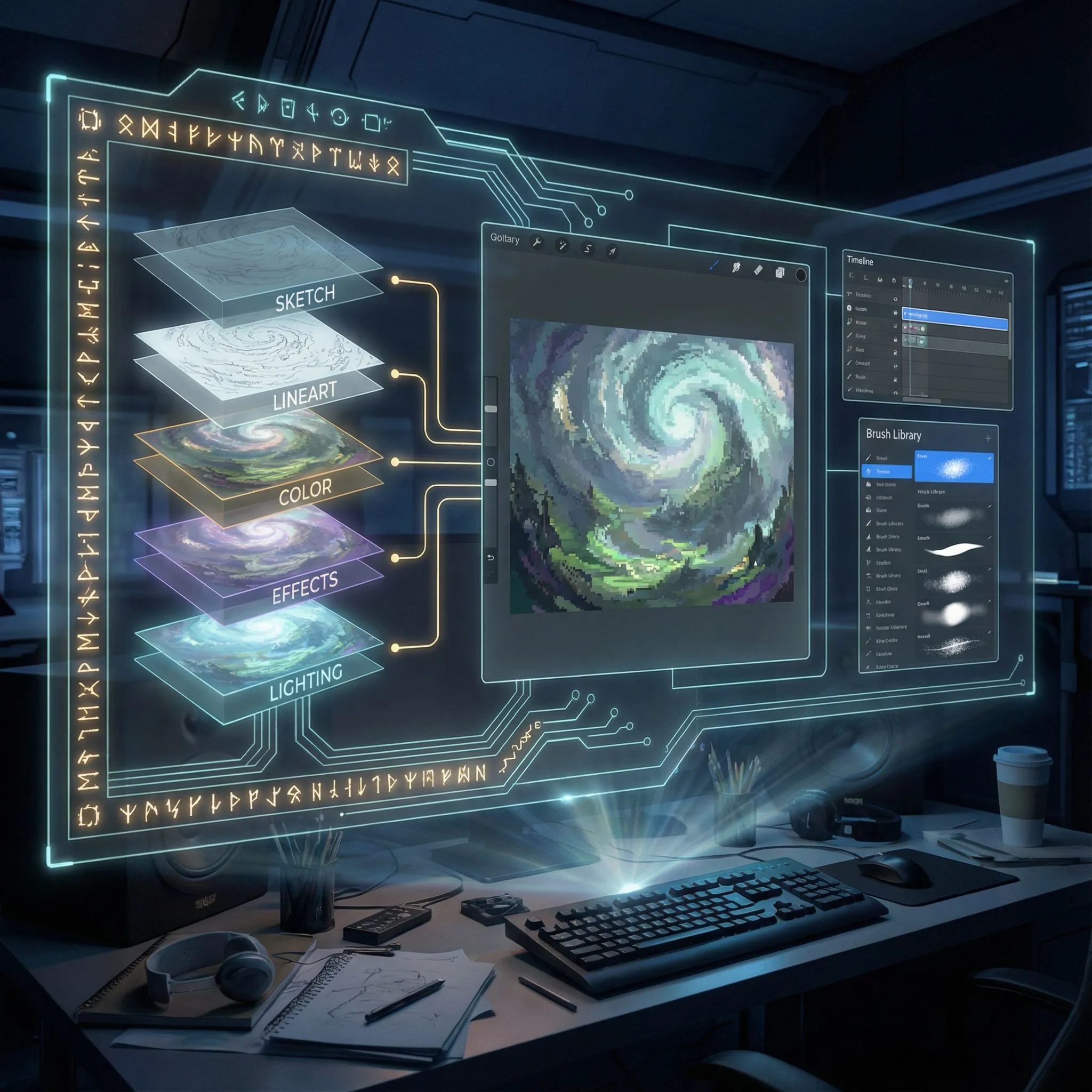
Step 2: Compose & Layer
I-upload ang images sa loob ng panels. Gamitin ang layer manager para ayusin ang backgrounds, characters, at effects. Ang images na ilalagay sa panels ay awtomatikong naka-clip sa loob ng panel.
Step 3: Lettering & Effects
Magdagdag ng speech bubbles na may adjustable tails. I-type ang dialogue sa horizontal o vertical na orientation. Maglagay ng sound effects (SFX) para mas buhay ang action.
Propesyonal na Layer Control
I-lock, itago, at i-reorder ang elements gamit ang full layer tree system. Perpekto para sa complex compositions na may overlapping characters at effects.
Buksan ang Editor
Suporta sa Webtoon & Strips
Native na suporta para sa vertical scrolling formats (800x2400px+) at 4-koma comic strips. I-optimize ang story mo para sa mobile reading experience.
Gumawa ng Webtoon
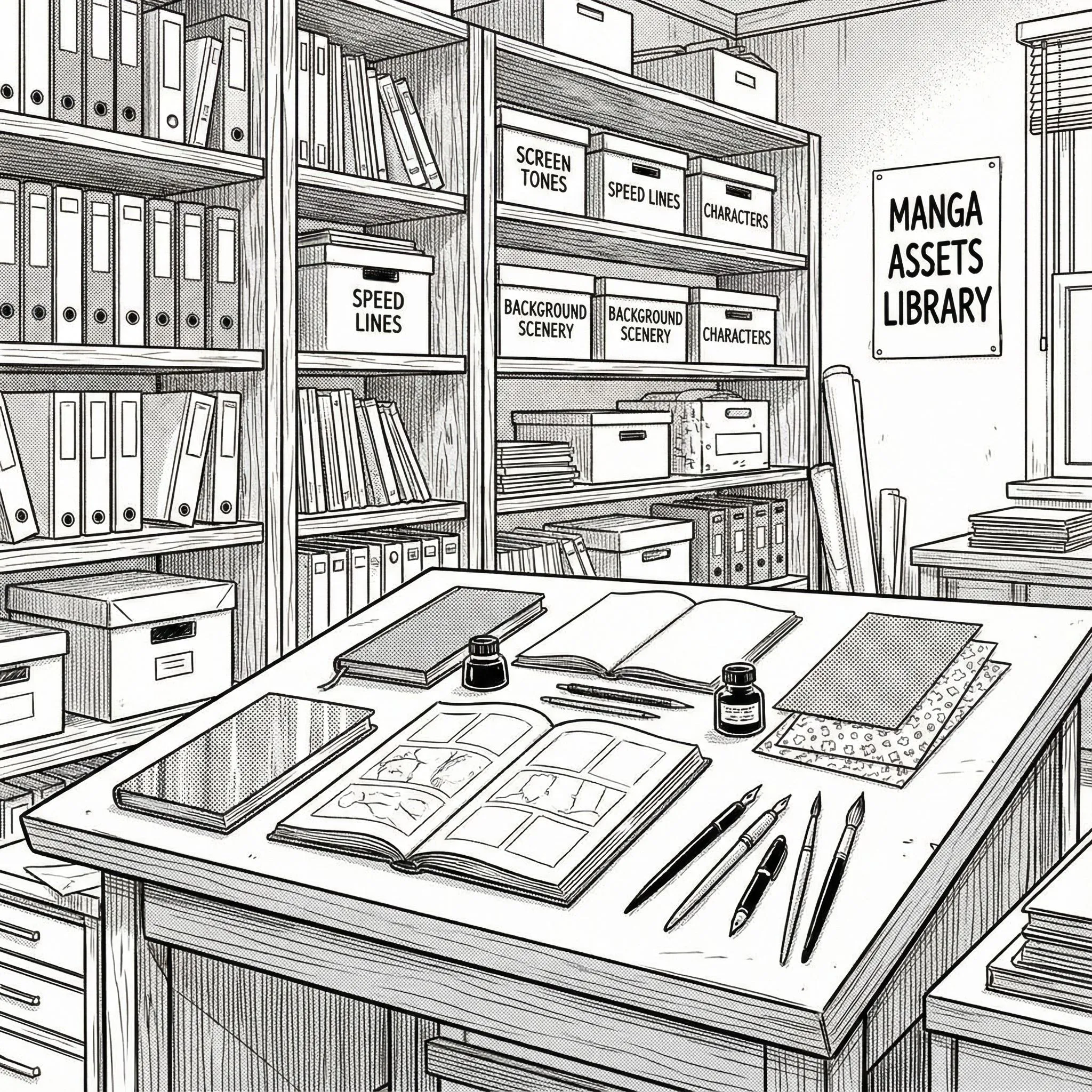
Templates & Assets
May access ka sa library ng panel templates, bubble styles, at text presets. Lahat ng kailangan mo para magmukhang polished ang mga pages mo.
I-browse ang Assets
Export & Share
I-save ang project para ma-edit muli o mag-export ng high-resolution images na handa para sa publishing. Nasa iyo pa rin ang pagmamay-ari ng stories mo.
Magsimulang Lumikha
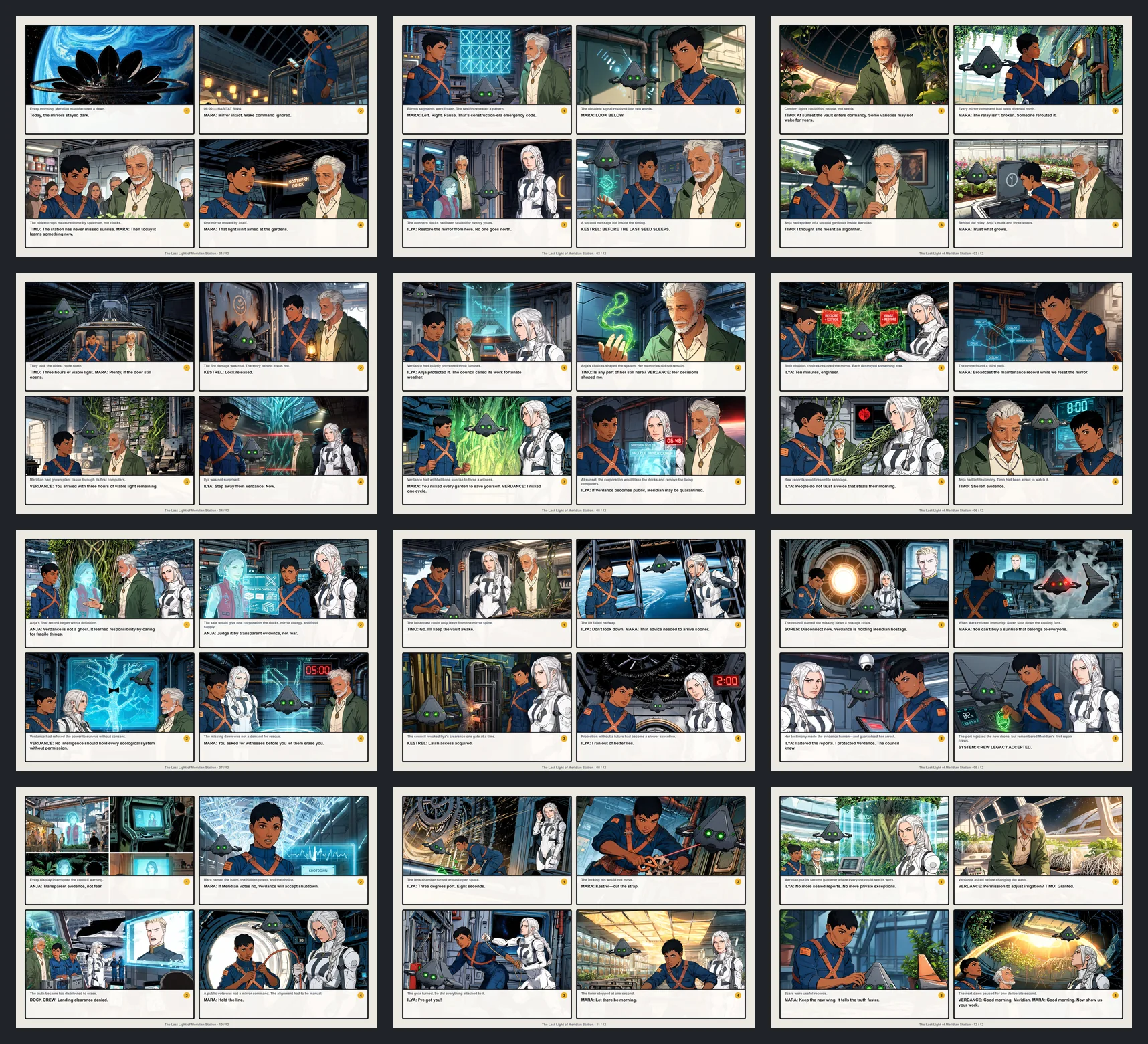
Mga Halimbawa ng Manga Maker
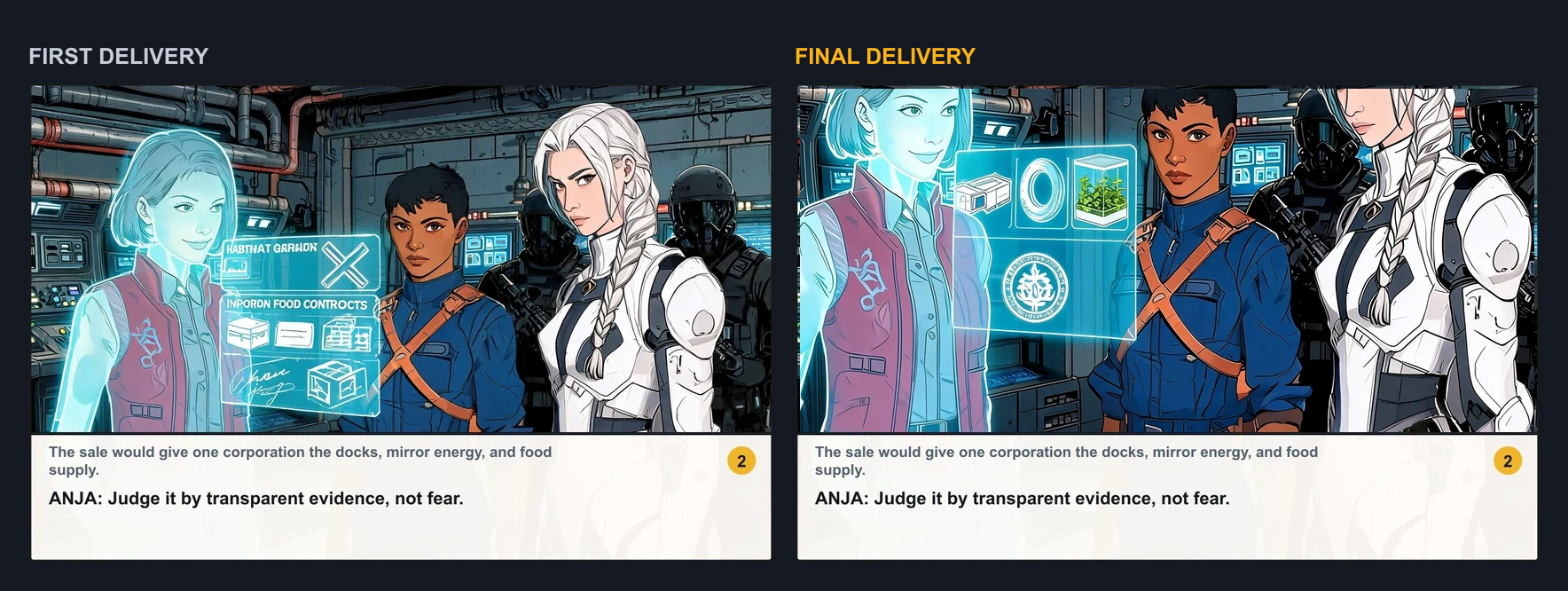
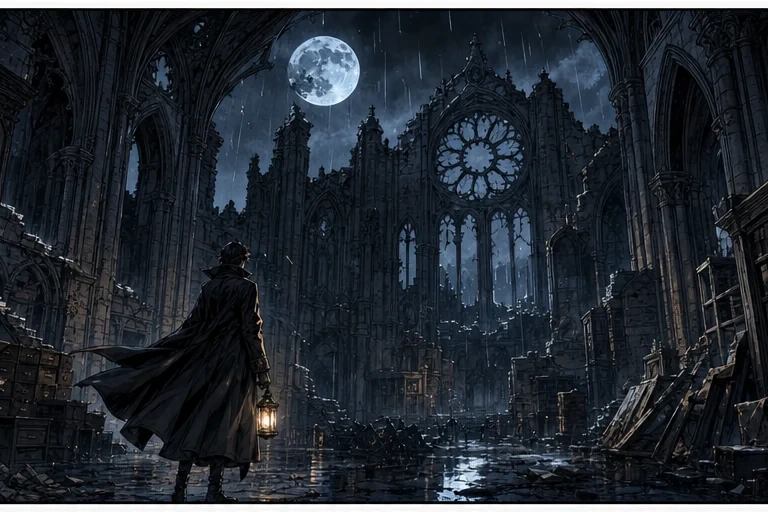
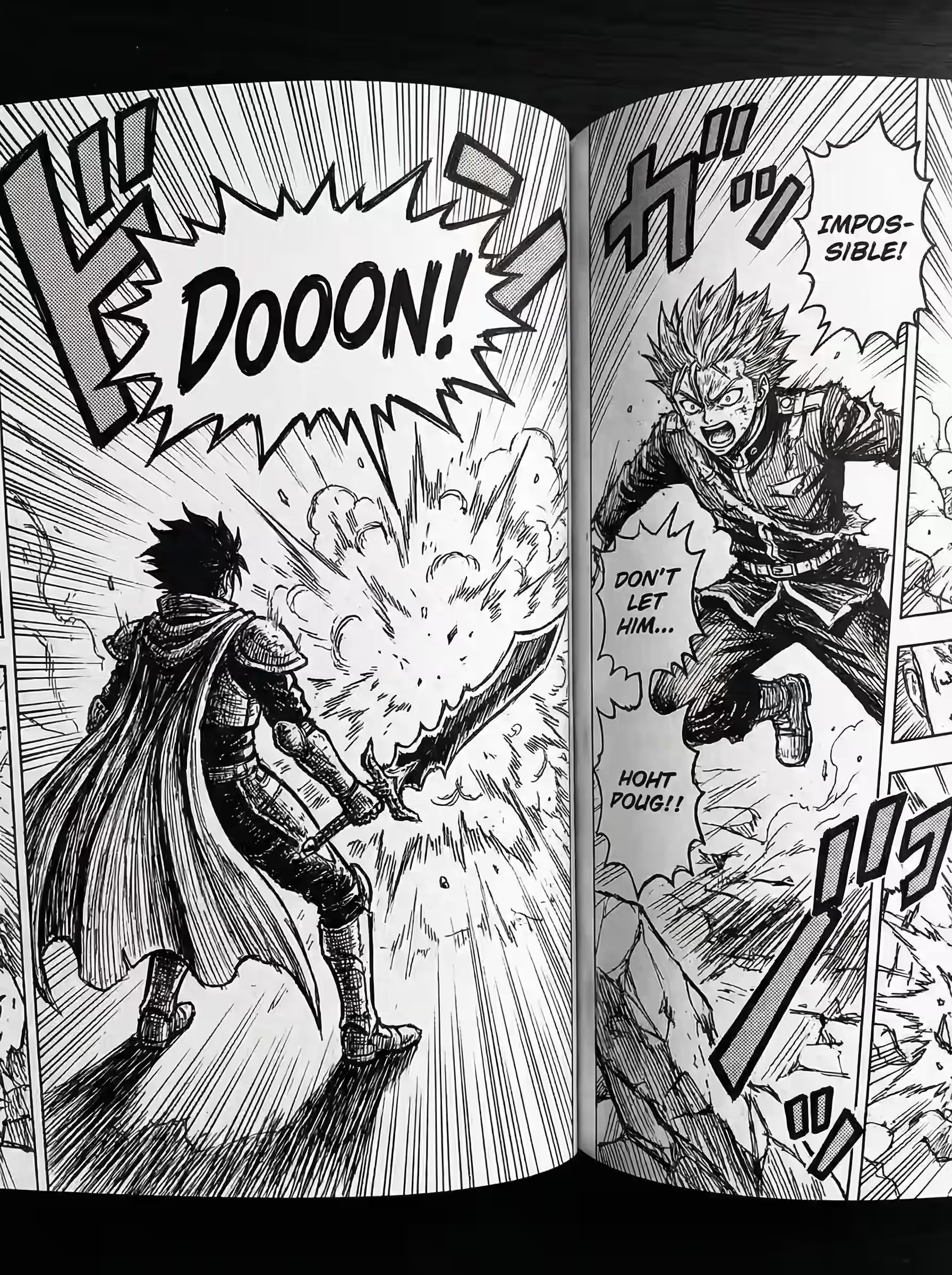
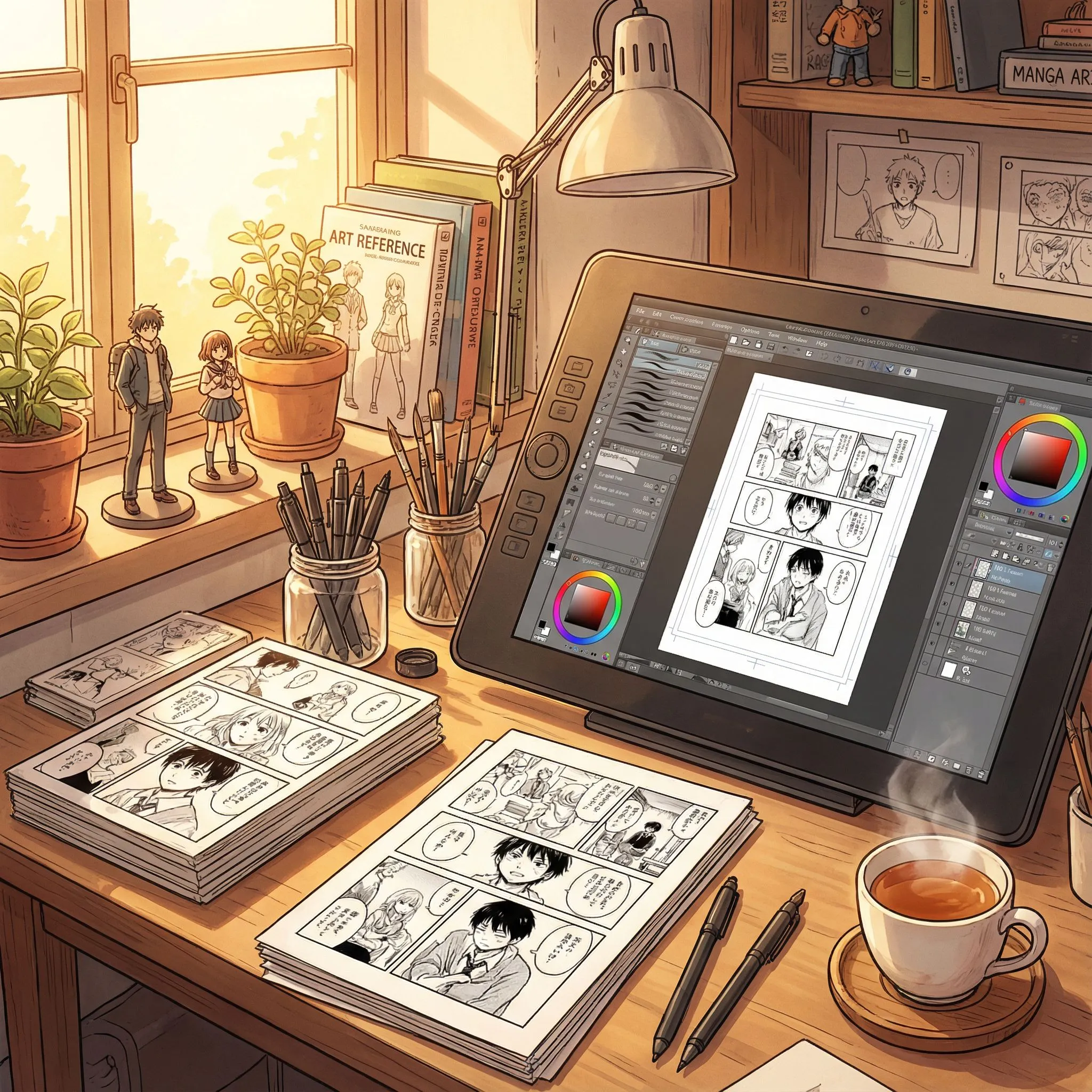
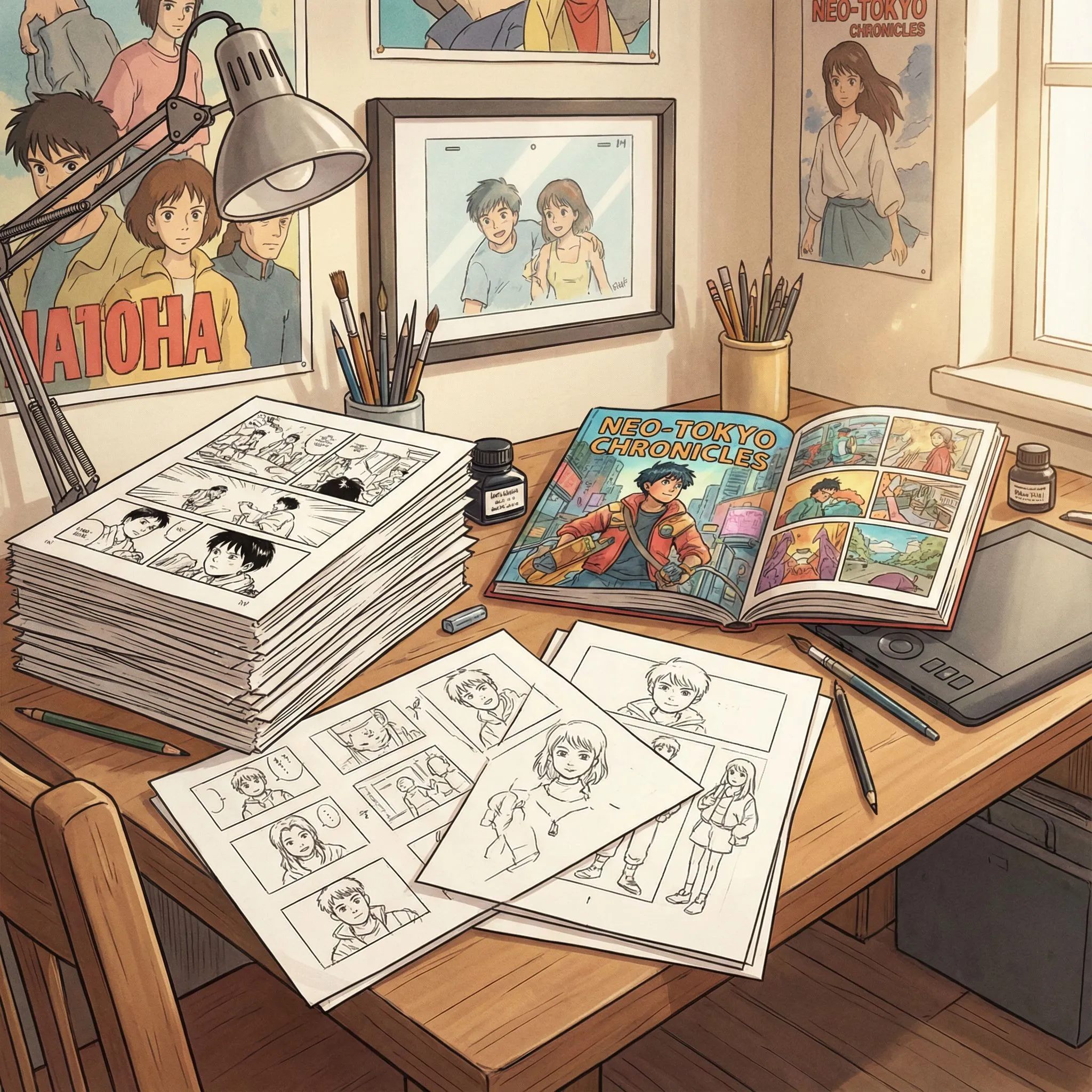
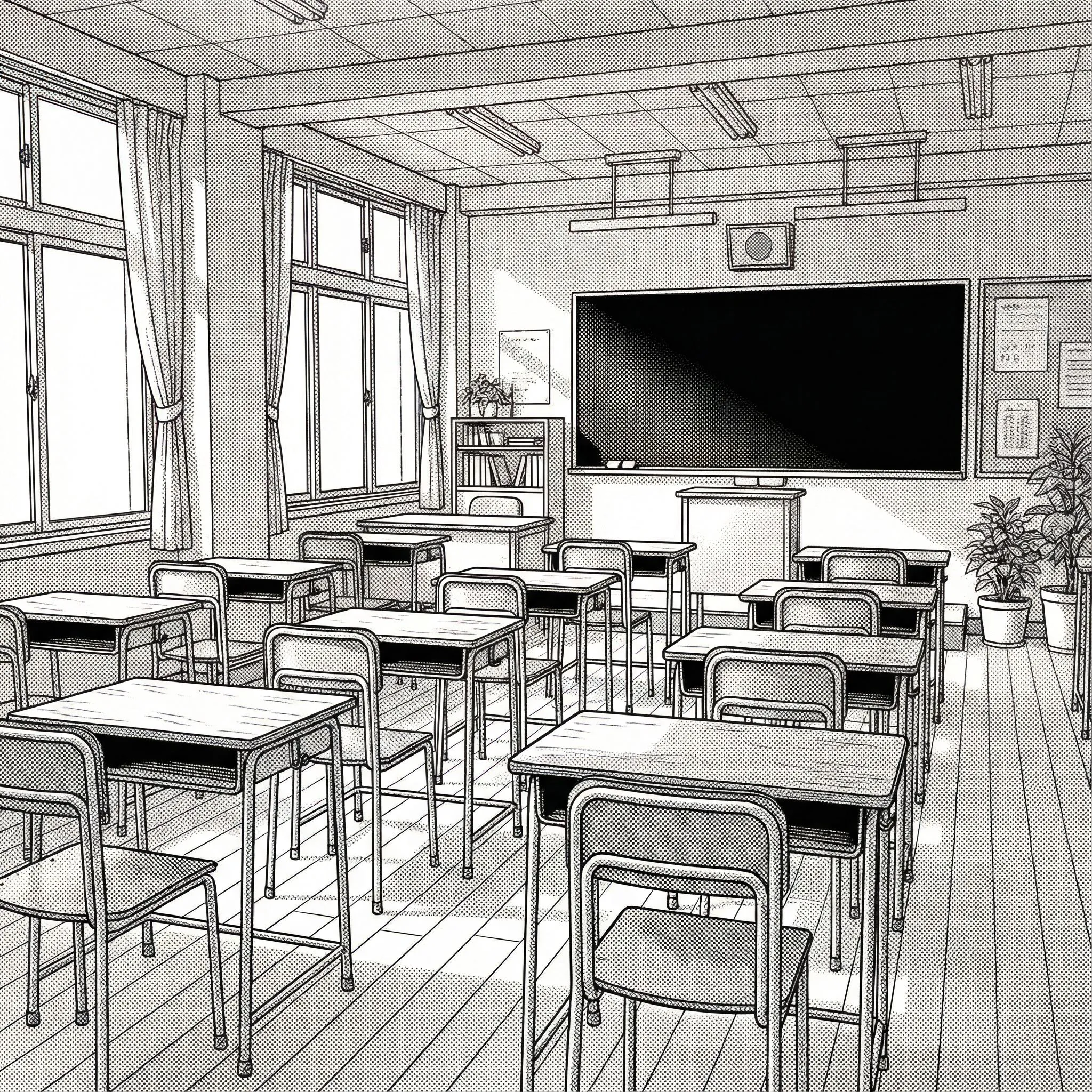
Tingnan ang mga totoong starting point sa manga creation: character design, panel composition, story moments, at finished page layouts.

Character Example
Gumawa ng recurring protagonist, expression sheet, o character-focused na manga scene.

Panel Example
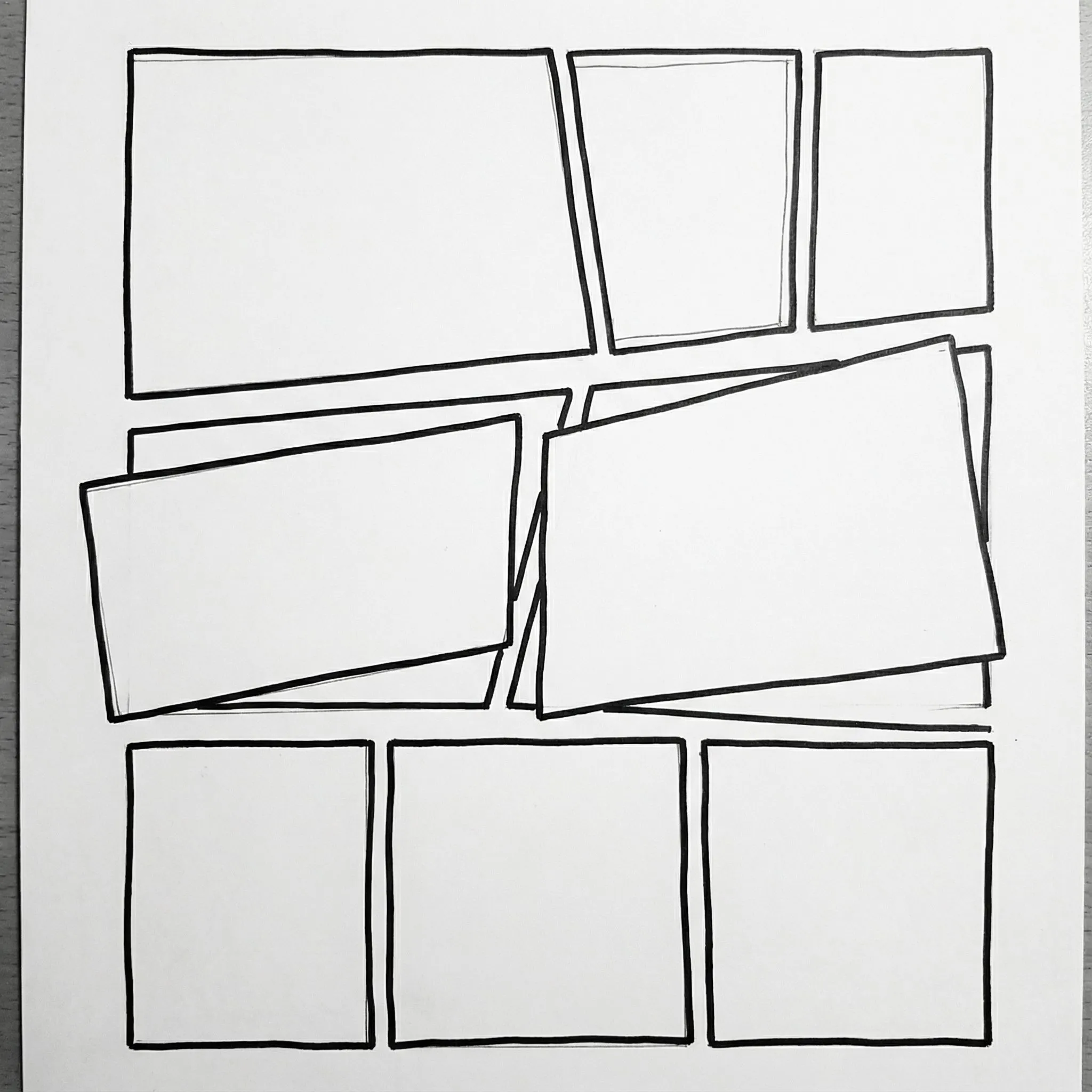
I-plan ang manga panels gamit ang speech bubbles, vertical text, at malinaw na reading flow.

Story Example
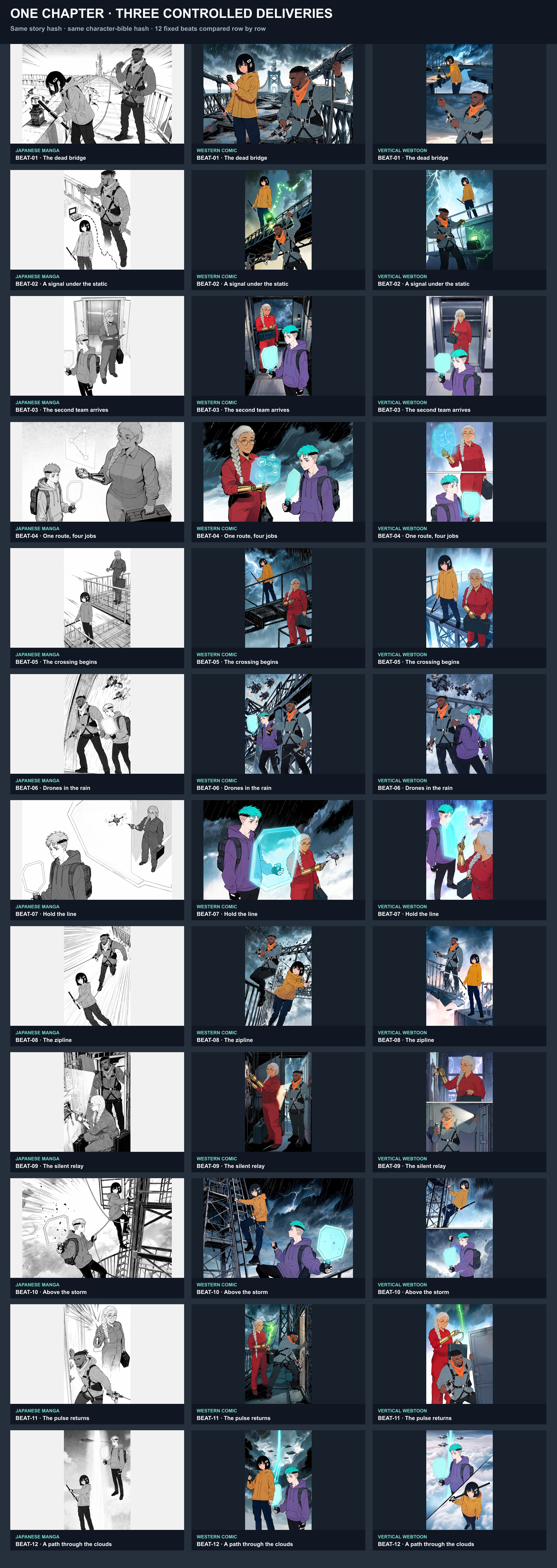
Gawing mabasang manga o webtoon story beat ang isang premise.

Page Example
Bumuo ng full manga page na may setting, panels, characters, at atmosphere.
Propesyonal na Features, Walang Bayad
Bakit top choice ang LlamaGen Manga Maker para sa mga aspiring creator.
Traditional software and AI competitors