Find a story worth following
Explore a character's goal, an unusual setting, or a difficult choice. Compare different openings before you commit to a direction.


LlamaGen.ai کو AI کہانی جنریٹر اور کہانی لکھنے والے کے طور پر استعمال کریں۔ ایک سادہ خیال کو پلاٹ، کردار، مکالمے اور storyboard یا comic panels تک ایک منظم draft میں بدلیں۔
Try the first draft here. Free access has limits; saved projects and visual tools use your account and plan credits.
See how it worksPick a prompt to read an illustrative opening, then generate your own version. These samples are prepared examples, not live results or customer testimonials.
Example opening
The radio said Mara's name before she switched it on. On Platform Three, rain gathered around a red suitcase. She had checked the platform a minute ago. Empty. Now someone had left a case beneath the broken clock, with a luggage tag written in her handwriting.
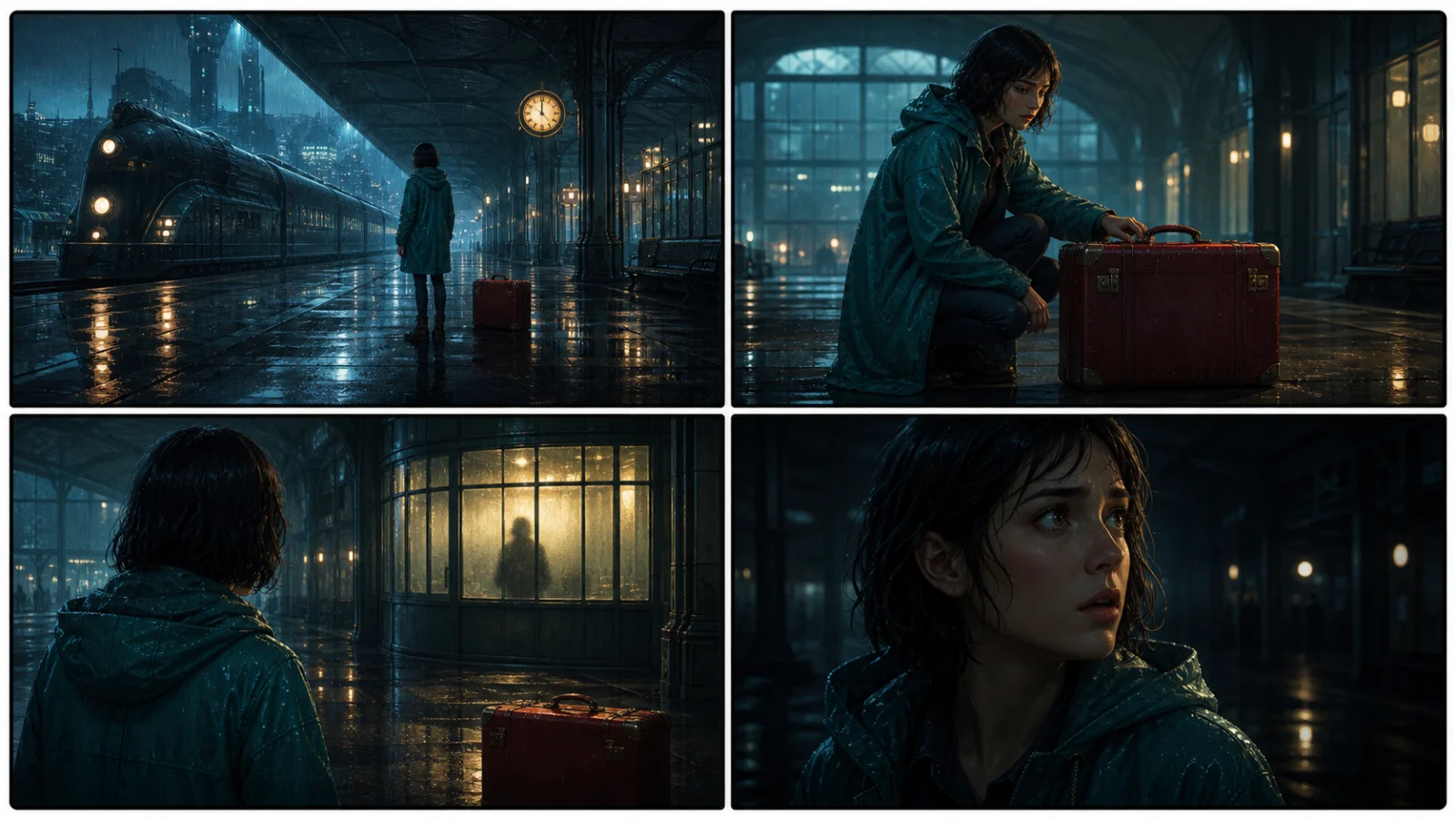
Start with something specific: a radio operator alone at a station, a red suitcase, and a message that knows her name. Generate an opening, read what works, then change the stakes or point of view. The next decision stays yours.
Generate story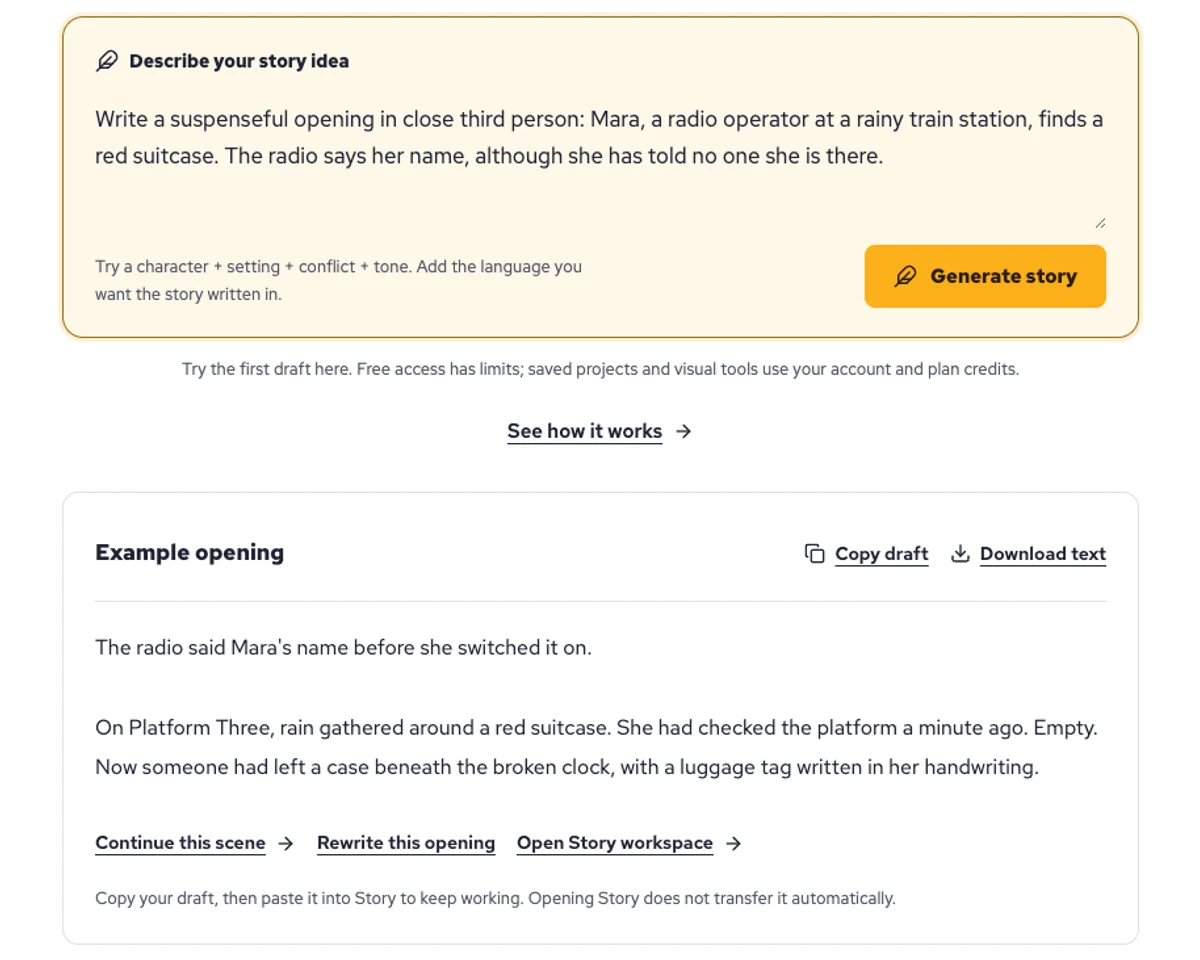
Explore a character's goal, an unusual setting, or a difficult choice. Compare different openings before you commit to a direction.
Paste an unfinished idea or use Continue after a draft. Read each new scene for names, motives, and details that need to stay consistent.
Use Rewrite to try a sharper opening. Copy a version you like before generating another, then edit the phrasing in your own voice.
This illustrative sequence follows Mara, her teal raincoat, and a red suitcase through four station shots. Use it as a guide: keep a character, location, and key prop consistent when you adapt your own draft into a storyboard or comic.
Explore script to storyboardThe same rainy-station story, imagined as a reading copy, a handheld proof, different cover designs, and a coordinated author set.
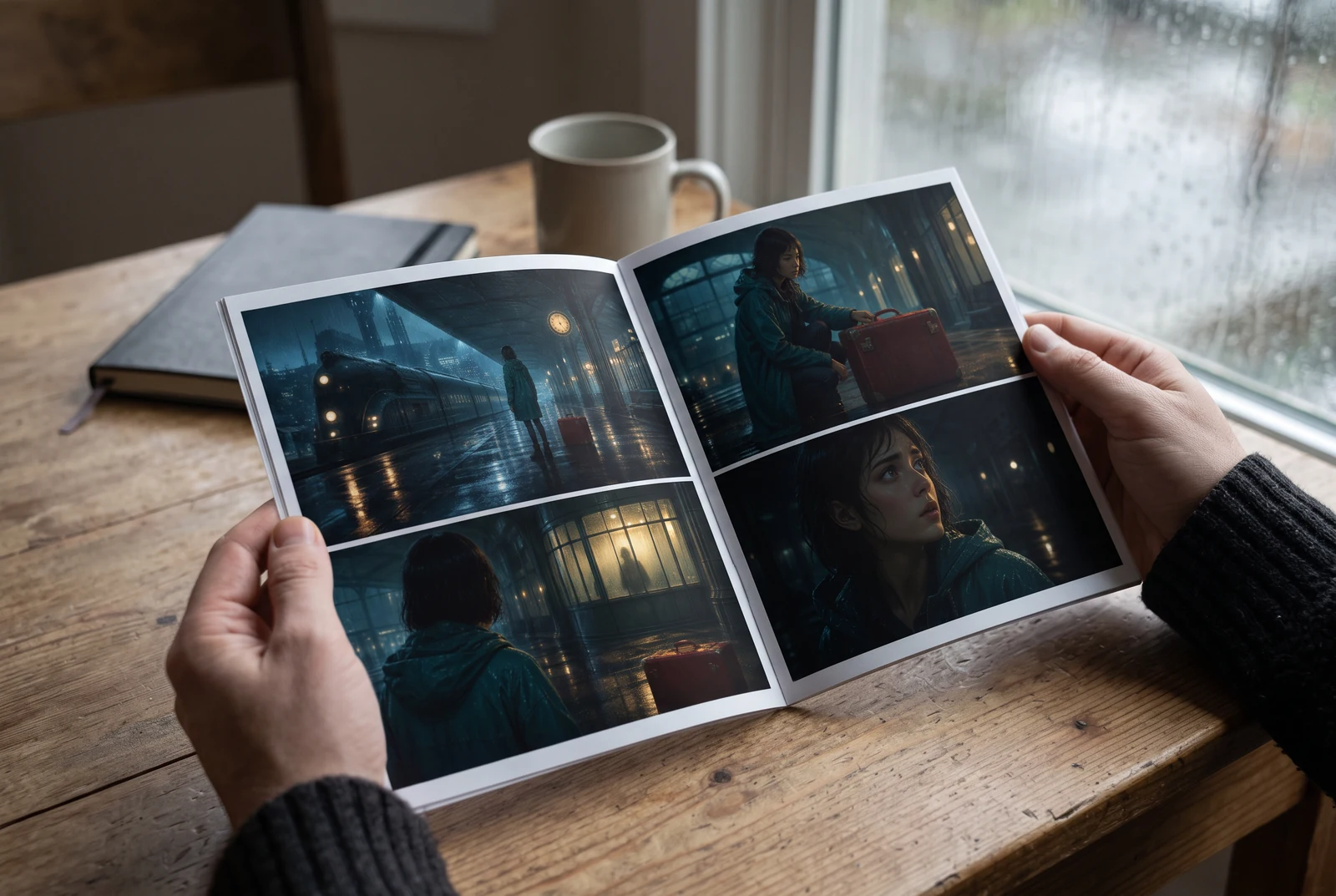
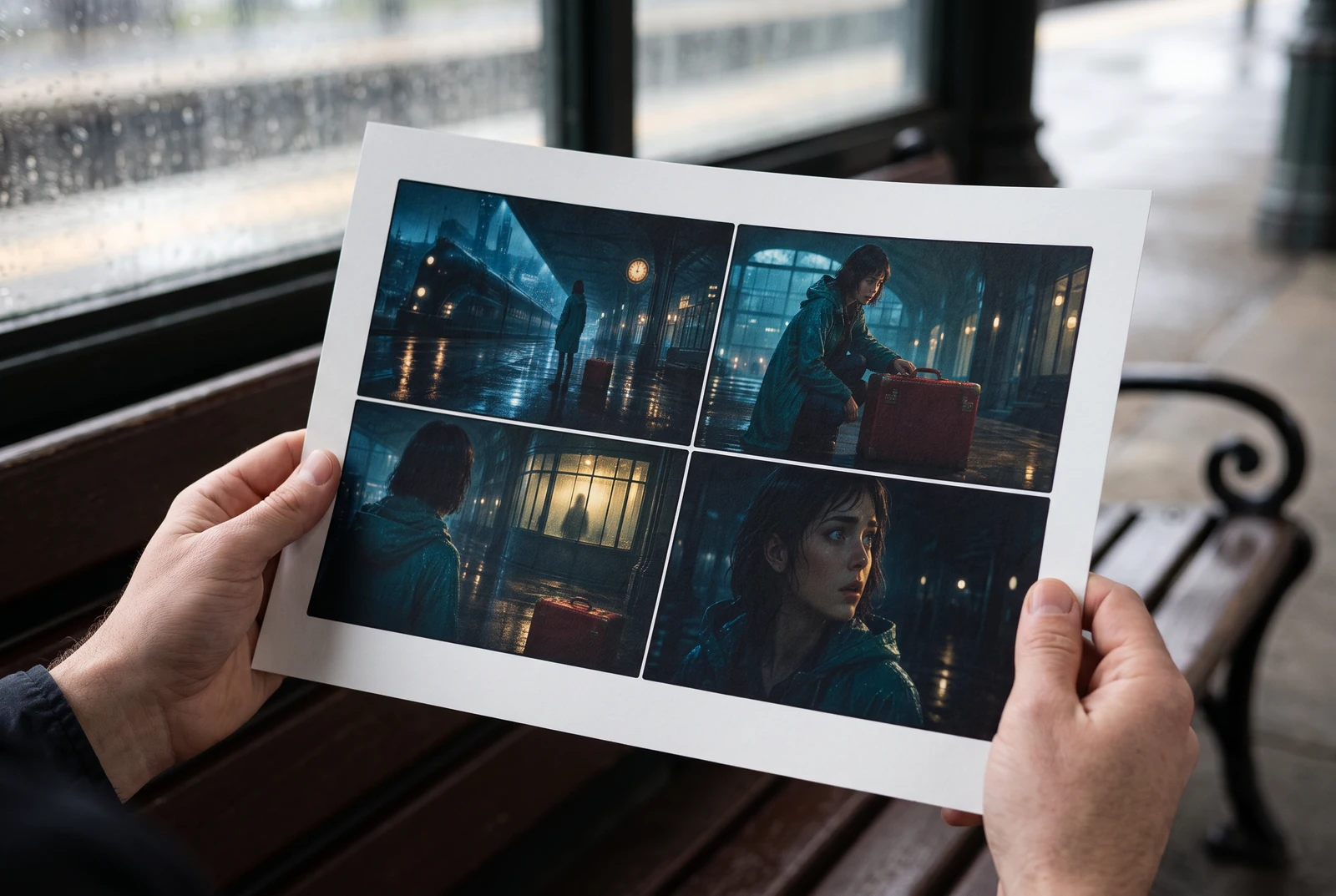
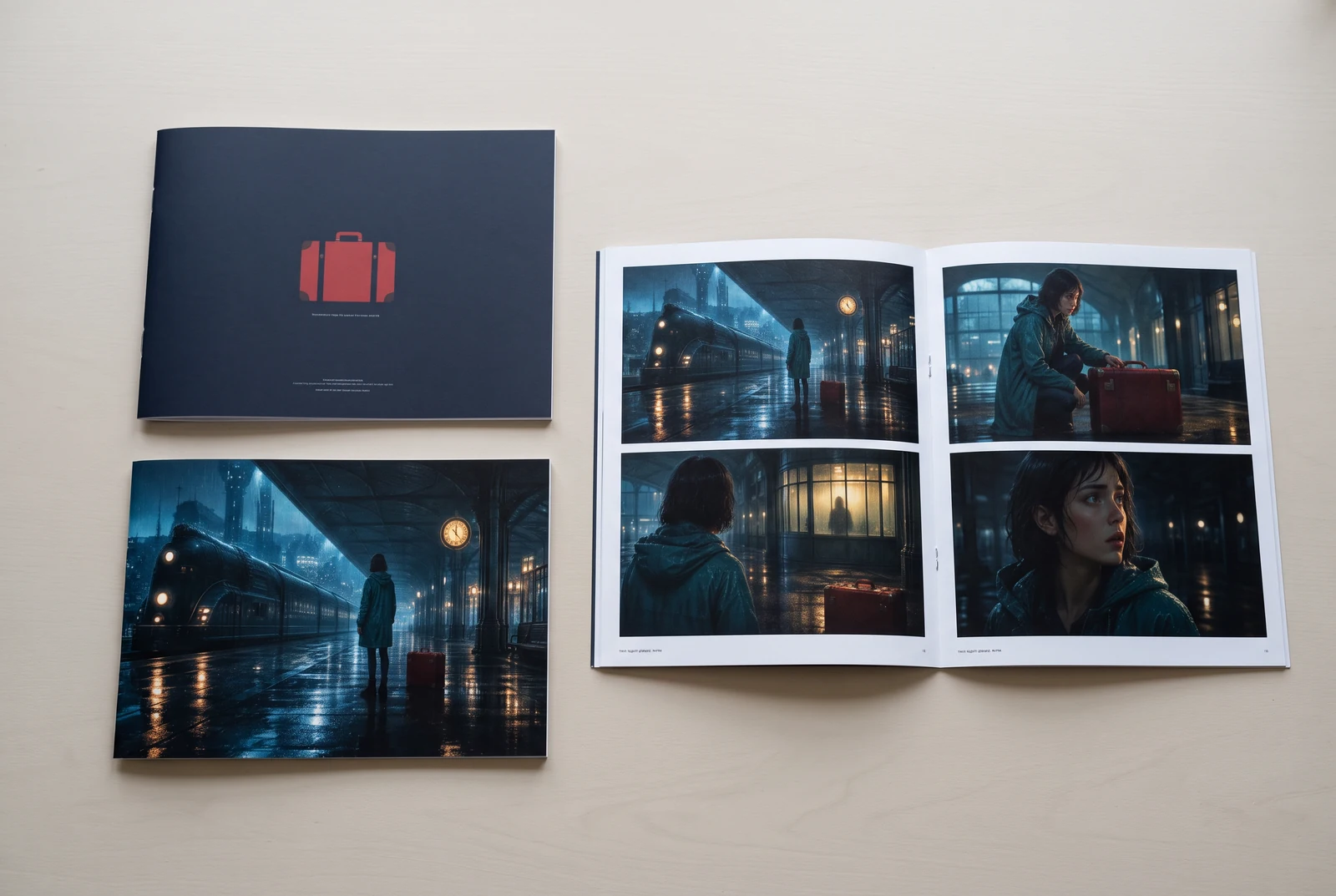
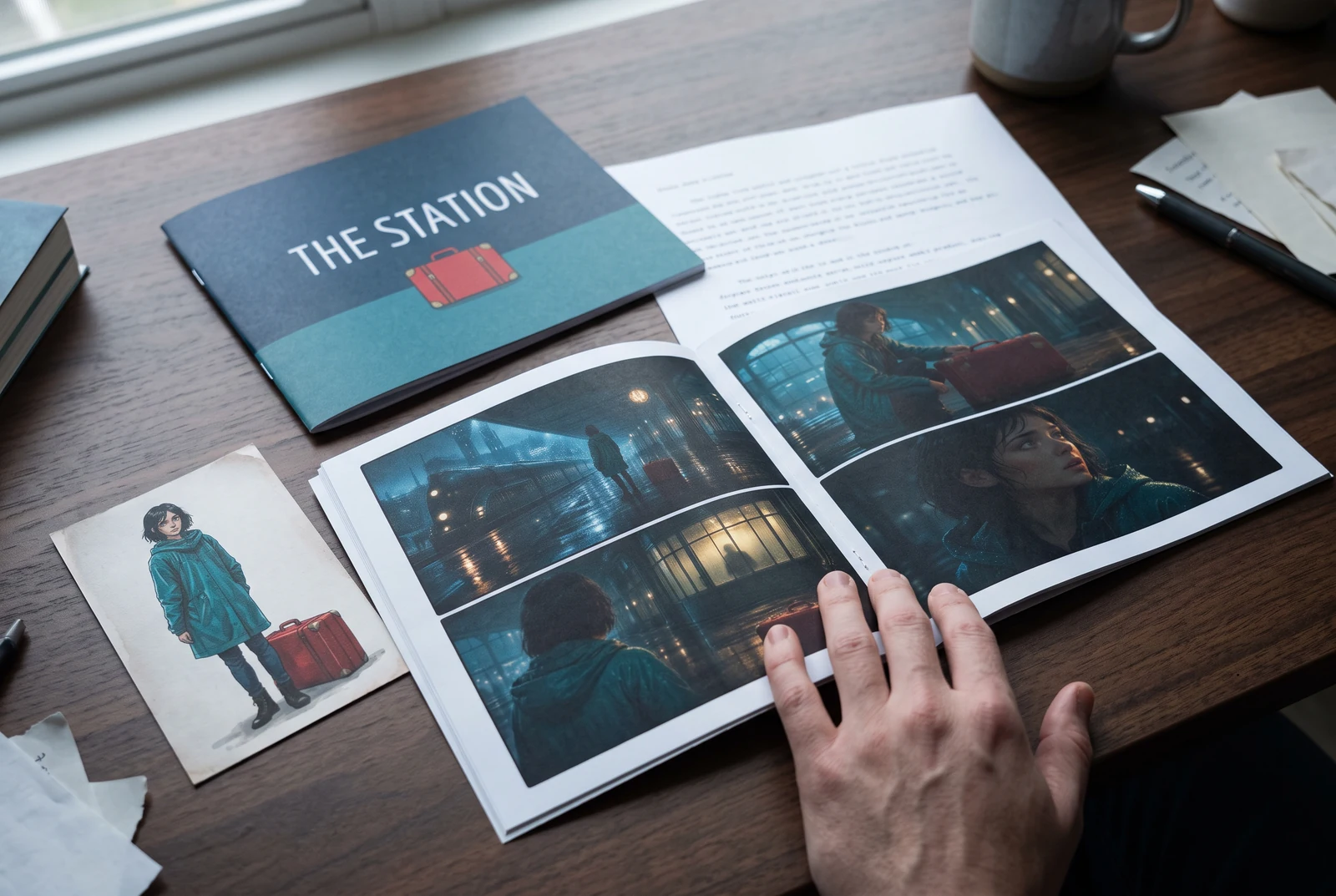
AI-generated display concepts using original LlamaGen story art. Paper examples illustrate personal printing and reading; they are not customer photographs or a print-delivery offer.
Test a premise, change the point of view, or work through the opening of a short story.
Draft scene beats and dialogue before planning comic panels or storyboard shots.
Create writing prompts and sample narratives. Review the output and follow your classroom or team's AI rules.
Describe a protagonist, setting, goal, and obstacle. Choose a tone and output language in your prompt.
Select Generate story. The result is a draft to review; one response is not a complete book.
Check the voice, facts, and continuity. Continue the next scene or rewrite the opening. Copy a version before replacing it.
Keep this text in this browser for up to seven days while you sign in, then choose a workspace and save it in Story. AI continuation uses your account's plan allowance.
AI can invent facts, repeat familiar phrasing, or lose track of a character. Review every draft before sharing it. Follow LlamaGen's terms and your school or workplace rules; check third-party material before publishing.
یہ browser-based tool ہے جو AI کے ذریعے آپ کے ideas کو منظم stories میں بدلتا ہے۔ Prompt درج کریں اور fiction، comics، classroom writing، videos یا visual novels کے لیے plot، characters، dialogue، scene beats اور visual direction کے ساتھ draft حاصل کریں۔
اچھے prompt میں آپ کا story idea، genre اور tone شامل ہونا چاہیے۔ مثال کے طور پر: 'A lonely witch opens a café in the forest' — warm، slice‑of‑life feel کے ساتھ۔ آپ کا خیال جتنا واضح ہوگا، کہانی اتنی بہتر ہوگی۔ کرداروں، setting، emotional tone اور کسی بھی اہم plot point کی مخصوص تفصیل شامل کریں۔
آپ کہانی میں ترمیم یا توسیع کر سکتے ہیں، یا اسے ہماری tools کے ذریعے illustrations، layouts اور dialogue کے ساتھ comic panels یا visual novel scenes بنانے کی بنیاد کے طور پر استعمال کر سکتے ہیں۔ بہت سے creators generated stories کو panel compositions، character expressions اور visual flow تیار کرنے کے scripts کے طور پر استعمال کرتے ہیں۔
یہ وقت بچاتا ہے، creativity کو جگاتا ہے، اور ہر سطح کے writers کو block سے نکلنے میں مدد دیتا ہے۔ چاہے آپ fiction، comic، visual novel، classroom prompt یا video script بنا رہے ہوں، یہ آپ کو narrative structure کے ساتھ ایک تیز آغاز دیتا ہے جسے تیار کرنے میں عام طور پر گھنٹے لگ جاتے ہیں۔
Yes. Choose Save this draft in Story, sign in, select a workspace, and confirm saving. The text stays in this browser for up to seven days and is never placed in the URL. If you reach a Story plan limit, compare plans and return to save the same draft.
آپ اس page پر writing software خریدے بغیر پہلا draft بنا سکتے ہیں۔ Sign in کرنے سے Story، محفوظ history، storyboard، comic اور video workflows کھل جاتے ہیں، جو آپ کے plan credits استعمال کرتے ہیں۔
یہ tool romance، fantasy، horror، drama، comedy، school life اور experimental genres کے لیے flexible story prompts کو support کرتا ہے۔ یہ آپ کے خیال کو ایک ہی generic template میں مجبور نہیں کرتا، جبکہ generation platform safety rules کے اندر رہتی ہے۔
آپ explore کرتے ہوئے نئے drafts، alternate endings، plot twists، character arcs اور scene versions بناتے رہ سکتے ہیں۔ طویل projects، محفوظ history اور visual production آپ کے account اور plan credits استعمال کرتے ہیں۔
زیادہ تر stories complexity اور length کے لحاظ سے 5-10 seconds میں بن جاتی ہیں۔ ہماری AI آپ کے prompt کو تقریباً فوراً process کرتی ہے، تاکہ آپ تیزی سے iterate کر سکیں اور چند منٹ میں کئی story directions explore کر سکیں۔
ہم تمام بڑی genres کو support کرتے ہیں، جن میں young adult romance، urban fantasy، superhero، sci‑fi، horror، mystery، slice‑of‑life، action، supernatural، comedy، drama، تاریخی اور مزید شامل ہیں۔ بس prompt میں اپنی پسندیدہ genre واضح لکھیں۔
آپ اس page پر account بنائے بغیر پہلا draft بنا سکتے ہیں۔ Sign in کرنے سے Story، sessions کے درمیان history، storyboard، comic اور video workflows کھل جاتے ہیں، جو آپ کے plan credits استعمال کرتے ہیں۔
فی الحال English prompts سے سب سے قابلِ اعتماد drafts بنتے ہیں۔ آپ پھر بھی کسی دوسری زبان میں premise لکھ سکتے ہیں؛ result کو غور سے دیکھیں اور Story میں editing جاری رکھیں۔
LlamaGen builds tools for writing, comics, and storyboards. Explore the team and product, check plan details, or contact support before choosing a workflow.
Write a premise. Explore an opening. Decide what happens next.
Generate story