1
Choose the real intent
Start from what the user is trying to do: generate from text, edit an image, restyle a reference, compare options, or make a specific asset.


Find the right LlamaGen workflow for text-to-image prompts, image-to-image transformations, AI image editing, character assets, covers, collectibles, and social-ready visuals.
Start from text, transform a reference image, edit an existing result, compare generators, or turn an image into video.
For creators comparing text-to-image, image-to-image, editing, and image-to-video workflows.
For creators comparing editors by identity preservation, prompt control, edit boundaries, and reusable output quality.
For creators who already have a reference image and want to restyle it, preserve identity, or turn it into a specific asset.
For users who want to refine an existing image: change outfit, fix composition, adjust style, or prepare a final shareable version.
For people comparing how AI image generation works before they choose a model, prompt, reference workflow, or output format.
For users who want a clear path from a plain idea to a finished image without learning prompt engineering first.
For users whose real goal is motion. Route them to video instead of forcing them through an image-only page.
Choose the asset you want to create, then open the workflow with the most relevant inputs and controls.
Start from what the user is trying to do: generate from text, edit an image, restyle a reference, compare options, or make a specific asset.
Each page explains the input, output, prompt examples, and quality checks for that job before sending the user into creation.
Create the first image, check identity and composition, then reuse the result across comics, product mockups, profile art, and campaign sets.
Start with the pages that represent the collection best: character presentations, physical-product mockups, cover formats, and playful object transformations.
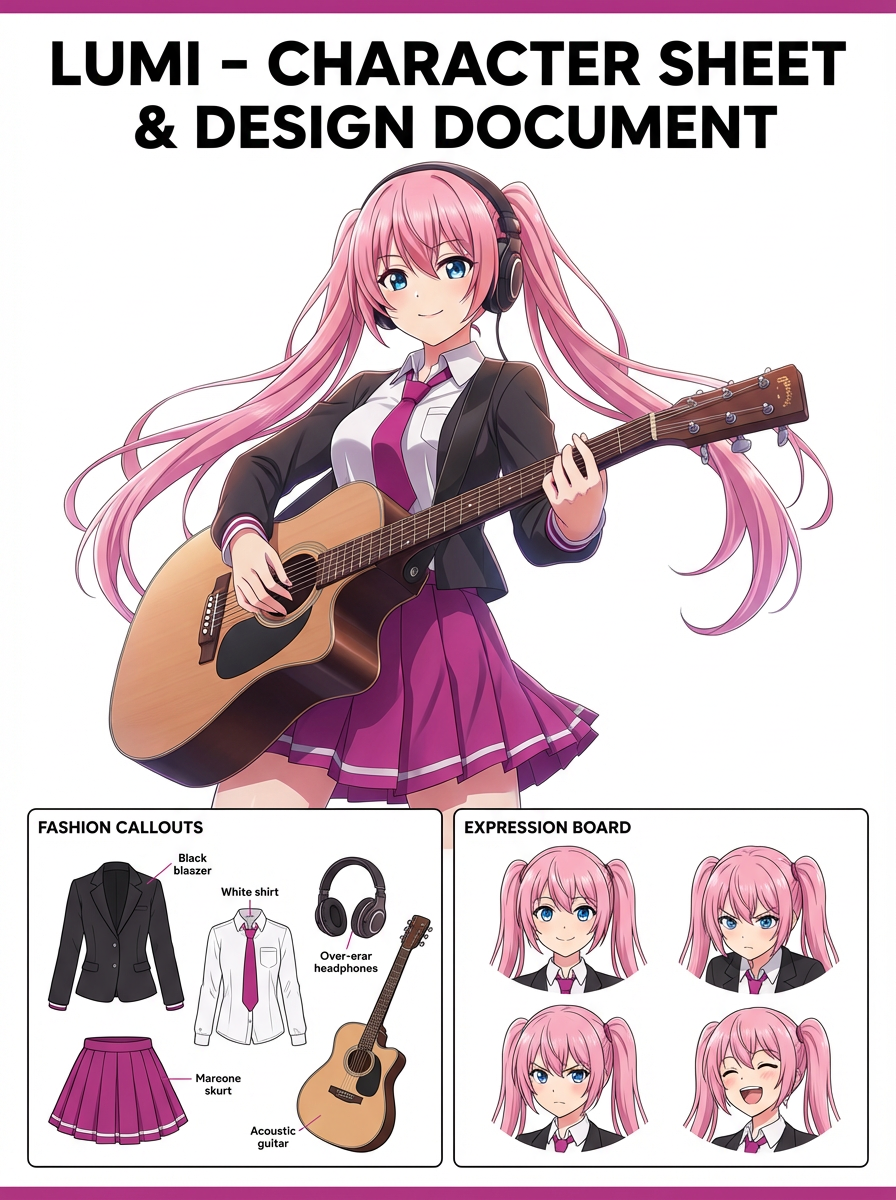
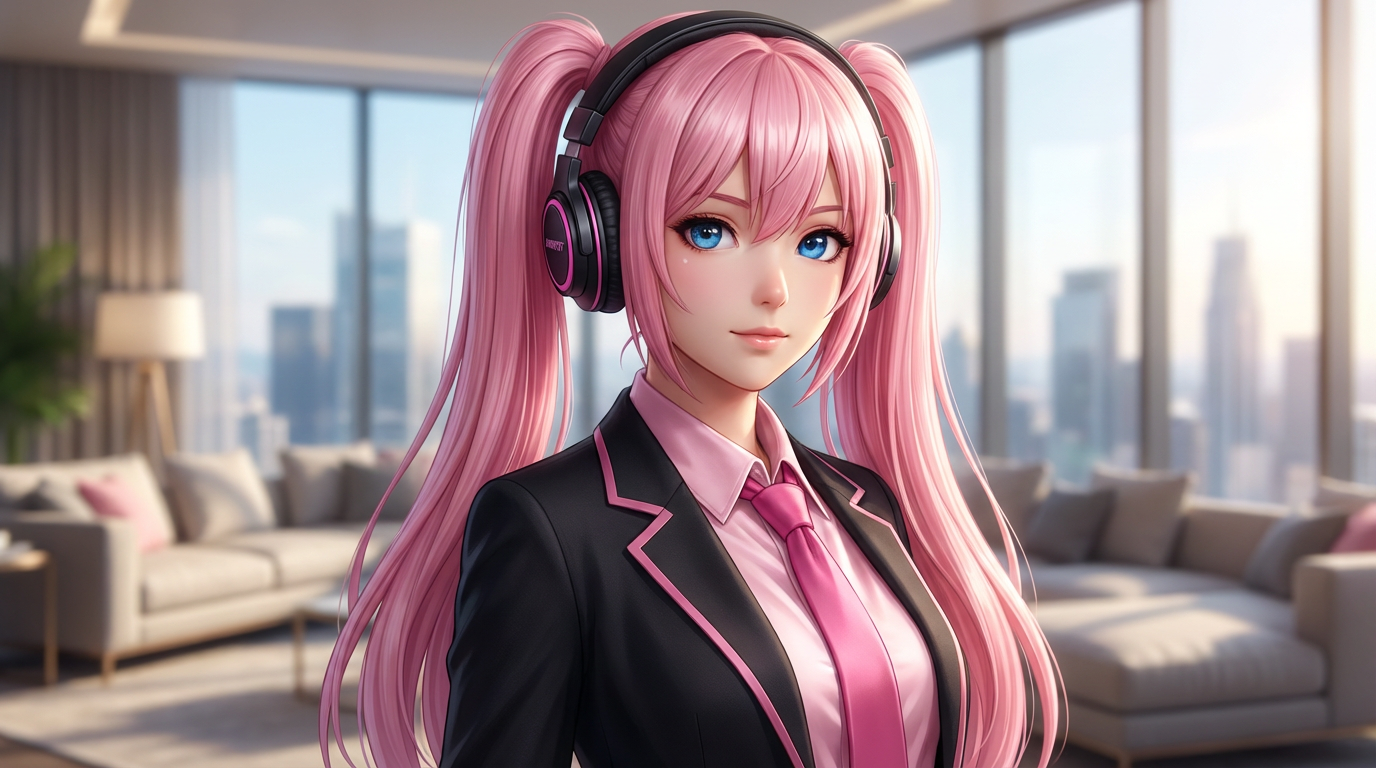
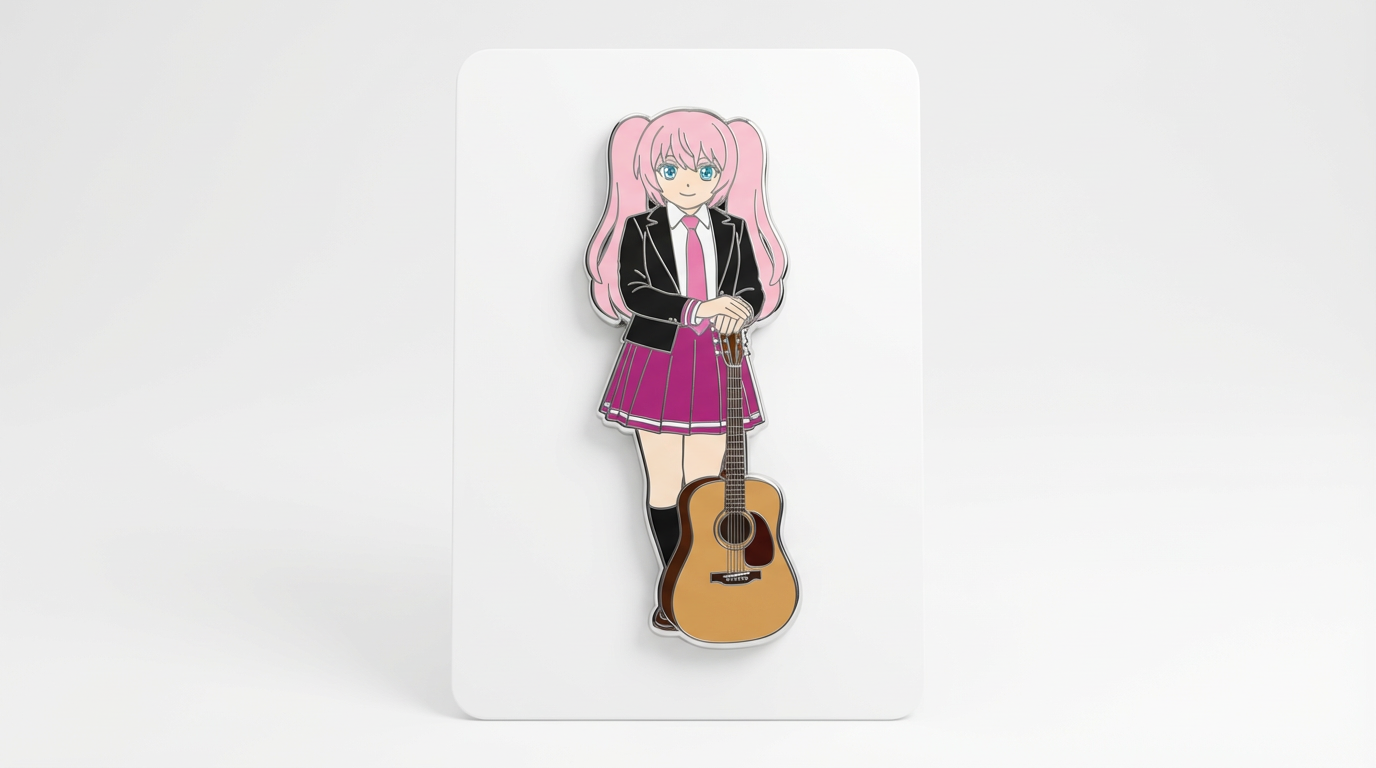
Each card includes examples, workflow guidance, practical answers, quality checks, and a direct creation path.
Compare LlamaGen image-generation workflows for text prompts, reference images, image editing, character consistency, and image-to-video handoff.
Evaluate AI image editors by control, identity preservation, prompt clarity, creative limits, and whether edited results are reusable.
Plan and create AI images with a workflow that separates text prompts, image-to-image references, editing goals, and final output checks.
Use an existing image as a reference, then turn it into a new style, asset, cover, mockup, badge, card, or character visual with AI.
Edit existing images with AI prompts for outfit changes, style fixes, composition cleanup, character variants, covers, badges, and campaign assets.

Compare what matters when choosing the best AI image generator for consistent characters, reference-based edits, comics, covers, and reusable assets.
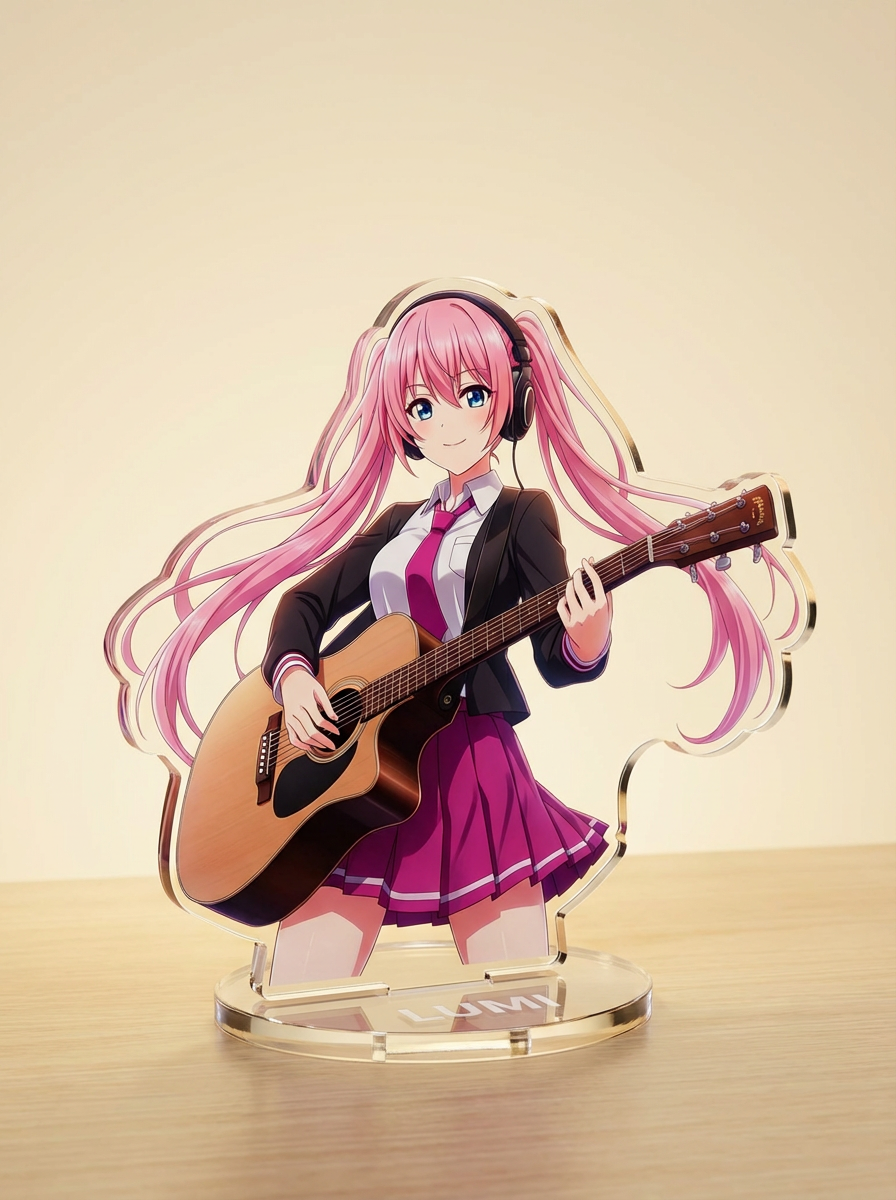
Generate images with AI from simple text prompts, then refine the subject, style, composition, and final asset format for practical creative use.
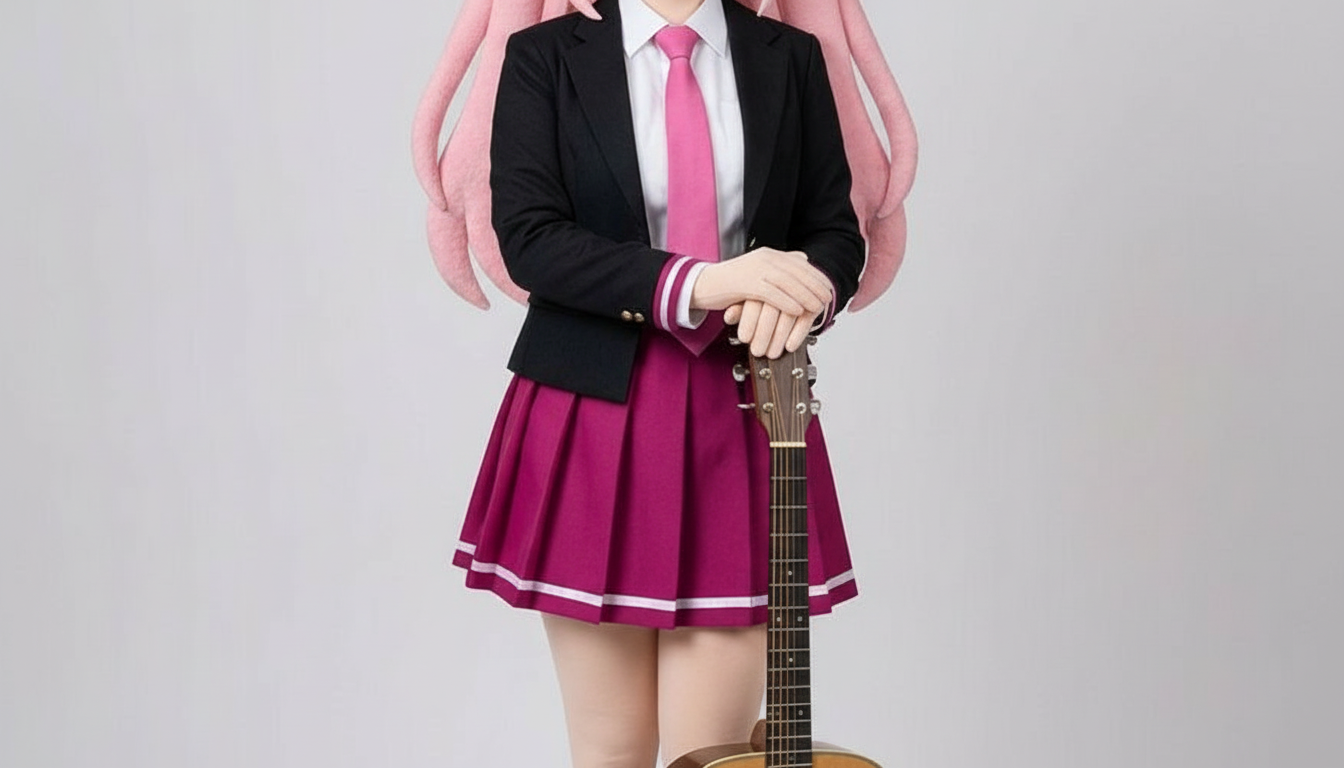
Biến nhân vật thành hình ảnh phong cách cắt giấy với các lớp thủ công xếp chồng, chiều sâu chân thực và đường viền rõ gọn.
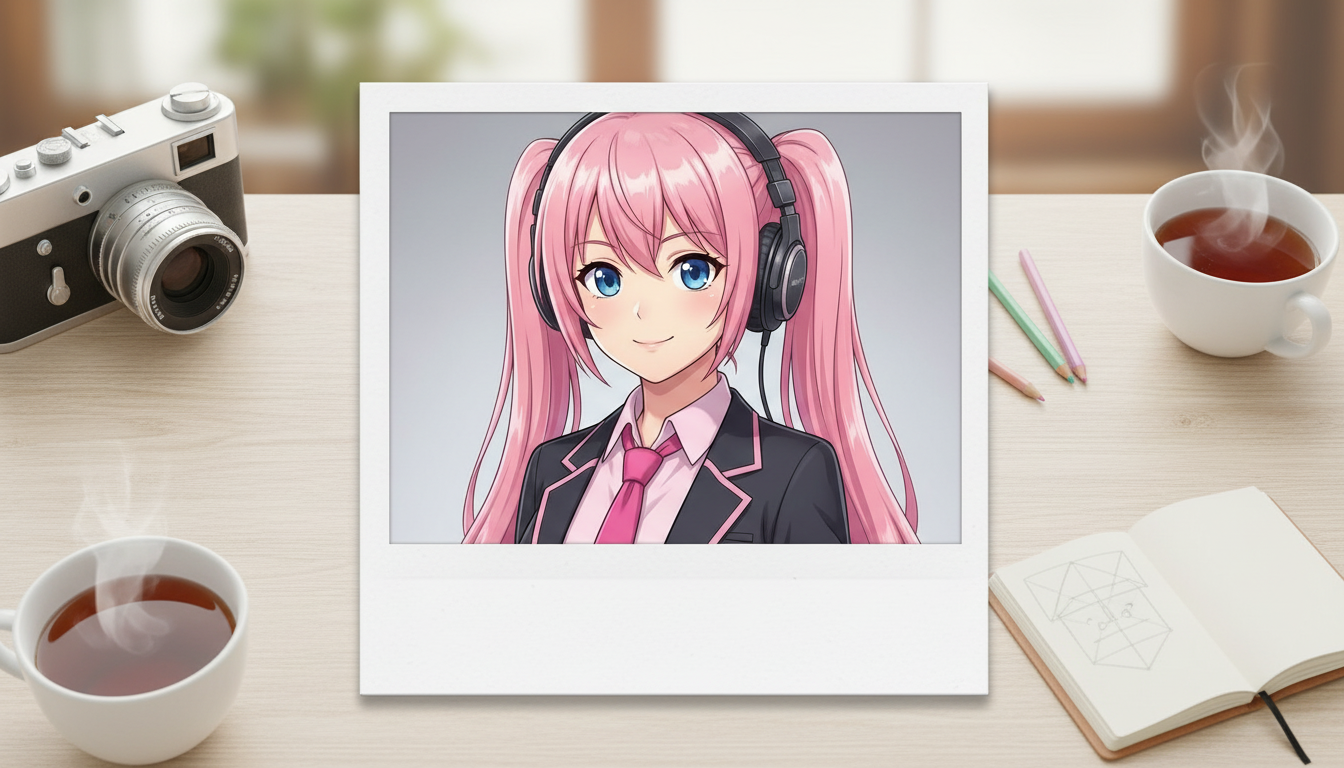
Biến ảnh nhân vật thành phong cách Polaroid với khung ảnh lấy liền hoài niệm và cảm giác như một tấm ảnh kỷ niệm sưu tầm.
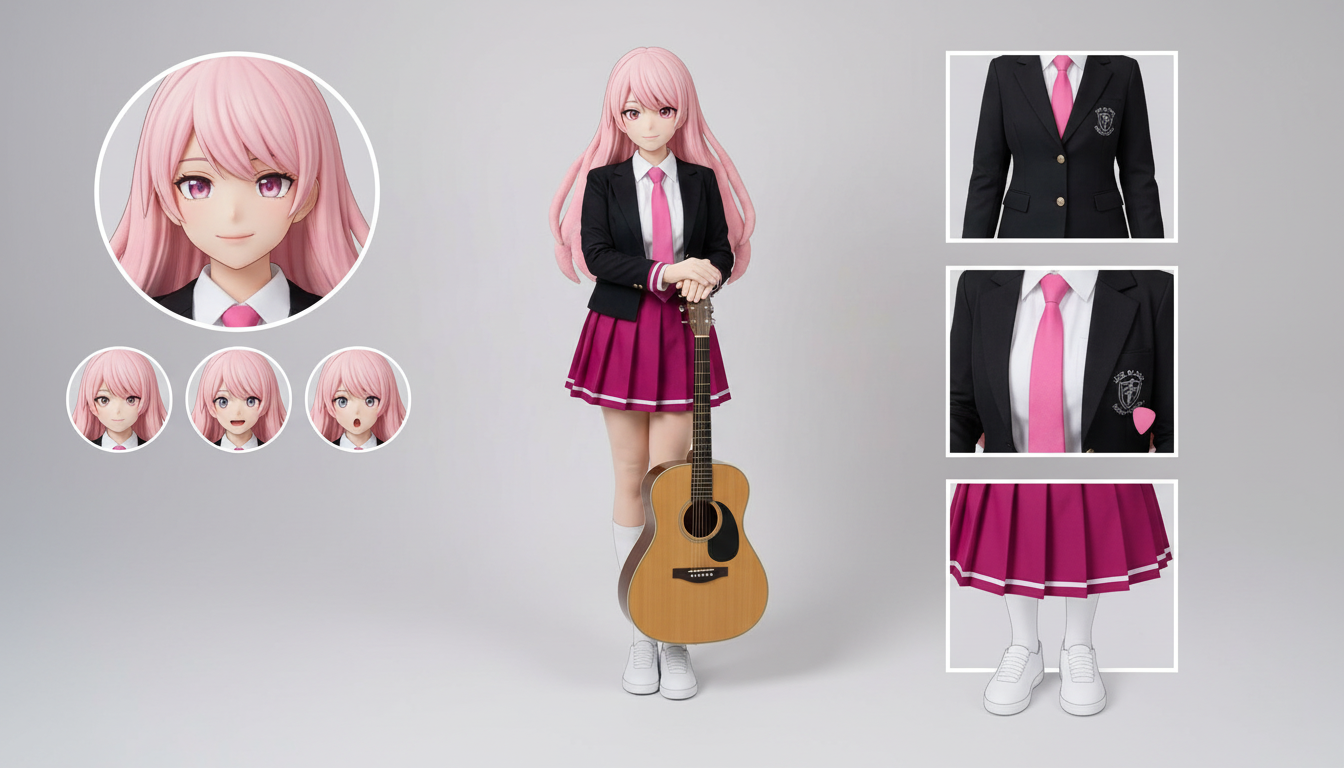
Tạo bảng thiết kế nhân vật với trang phục, biểu cảm, phụ kiện và tư thế tham chiếu chỉ từ một thiết kế được tải lên.
Biến nhân vật và OC của bạn thành hình ảnh bìa tạp chí bóng bẩy với bố cục nổi bật, cảm giác cao cấp và phong cách biên tập chuyên nghiệp.
Biến ảnh nhân vật thành hình ảnh kiểu huy hiệu với khung tròn gọn gàng, đậm chất merch và bố cục phù hợp làm icon.
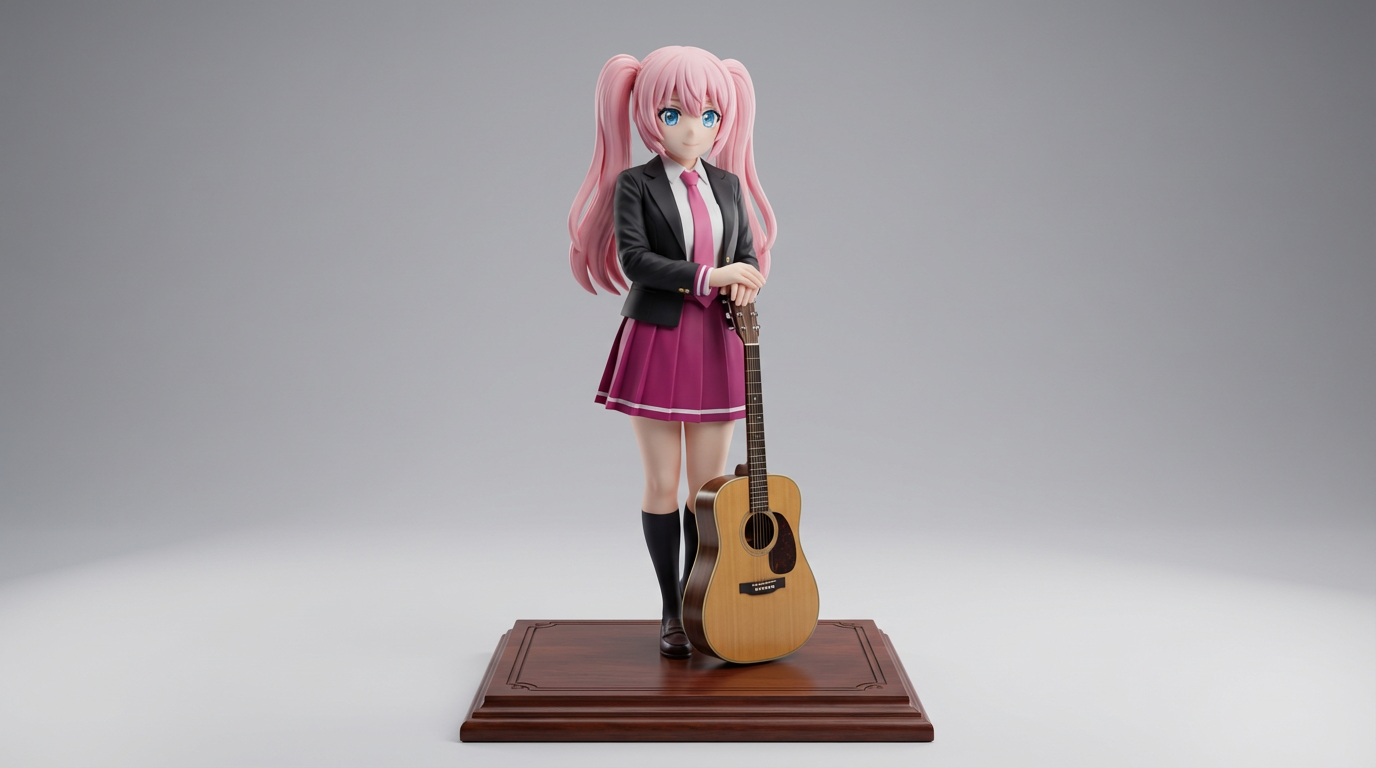
Biến artwork nhân vật 2D thành hình ảnh mô hình trưng bày theo phong cách sưu tầm và concept figure kiểu sản phẩm.
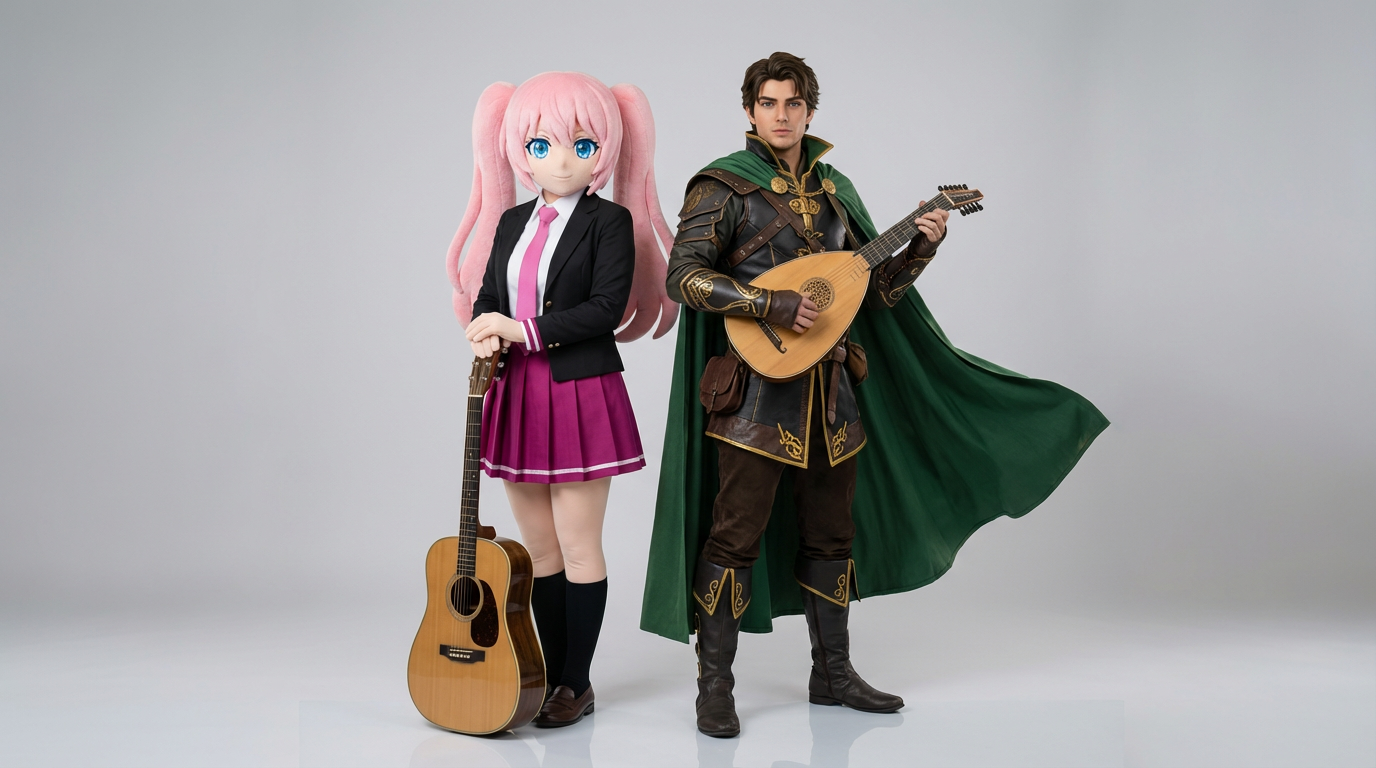
Tải lên hai ảnh tham chiếu nhân vật để tạo cảnh tương tác rõ nét, bố cục cặp đôi hài hòa và khung hình sẵn sàng cho một cảnh hoàn chỉnh.
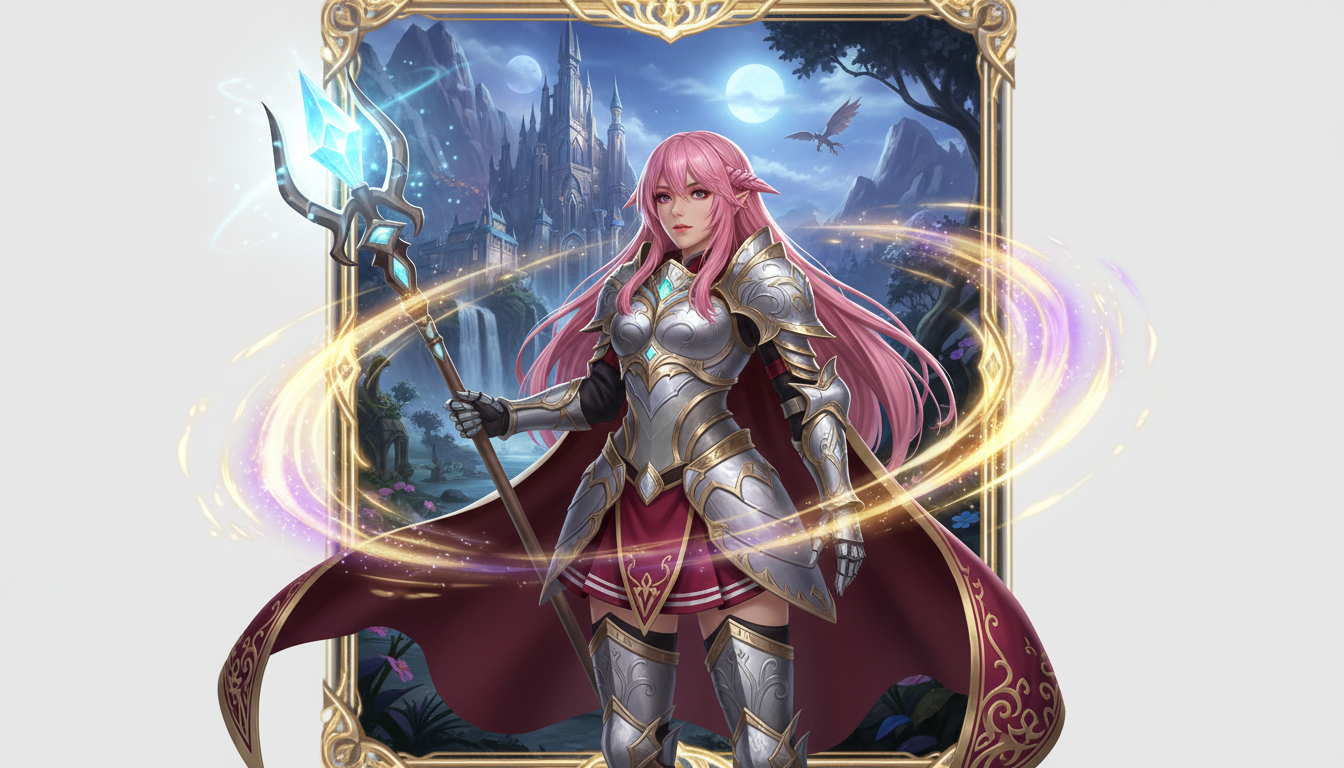
Biến ảnh nhân vật thành phần trình bày anh hùng fantasy với phong cách lớp nhân vật, chất RPG và cảm giác như thẻ sưu tầm.
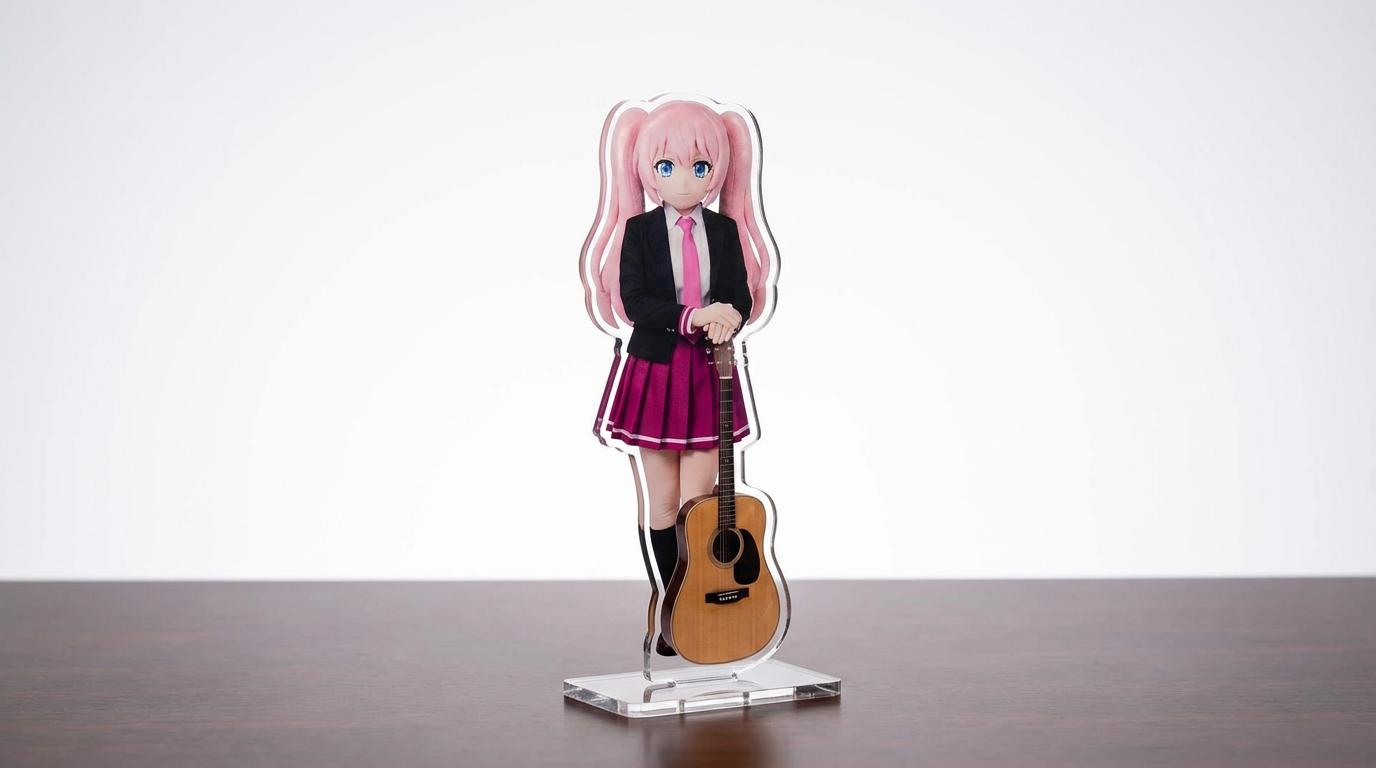
Biến tranh nhân vật, ảnh thú cưng và thiết kế gốc thành mockup standee acrylic với quy trình Lumi-first có thể tùy chỉnh.
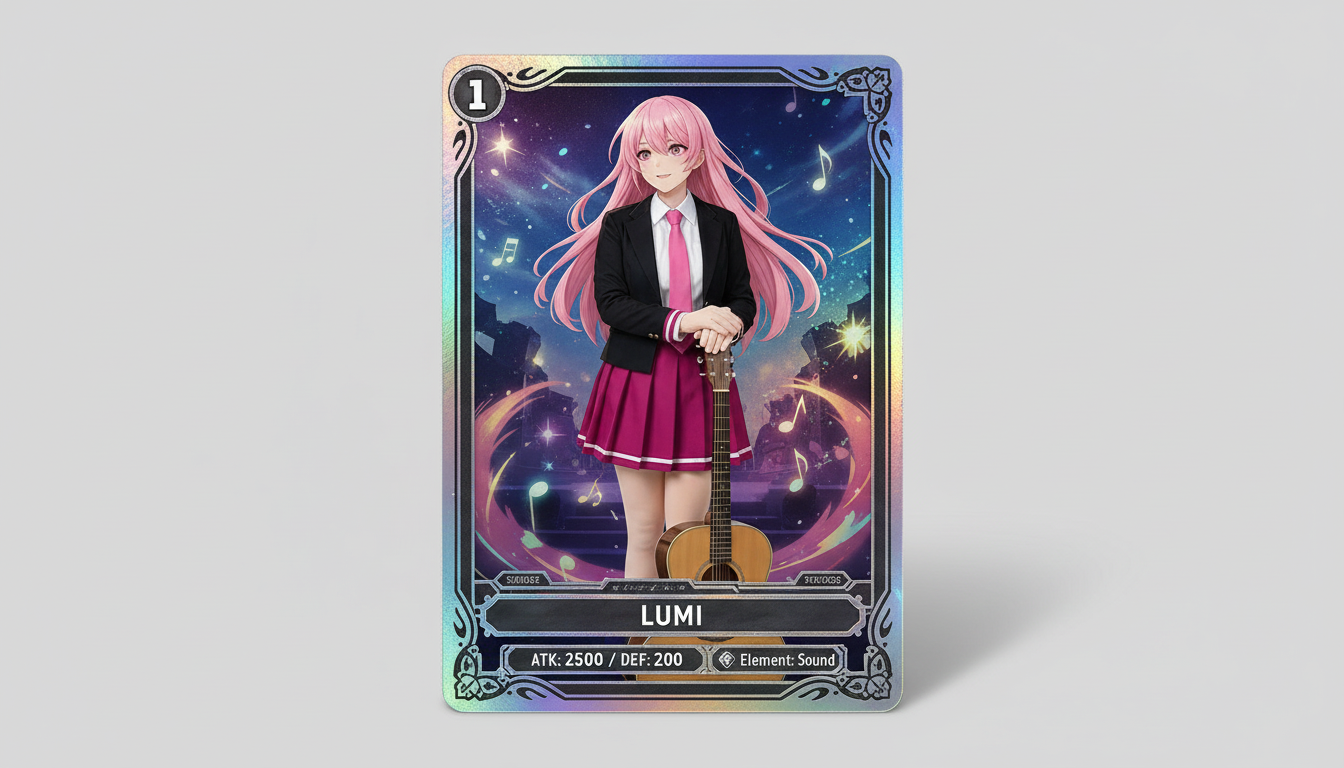
Biến ảnh nhân vật thành thiết kế thẻ sưu tầm nổi bật với độ hiếm ấn tượng, khung chỉ số bắt mắt và bố cục sẵn sàng cho merchandise.
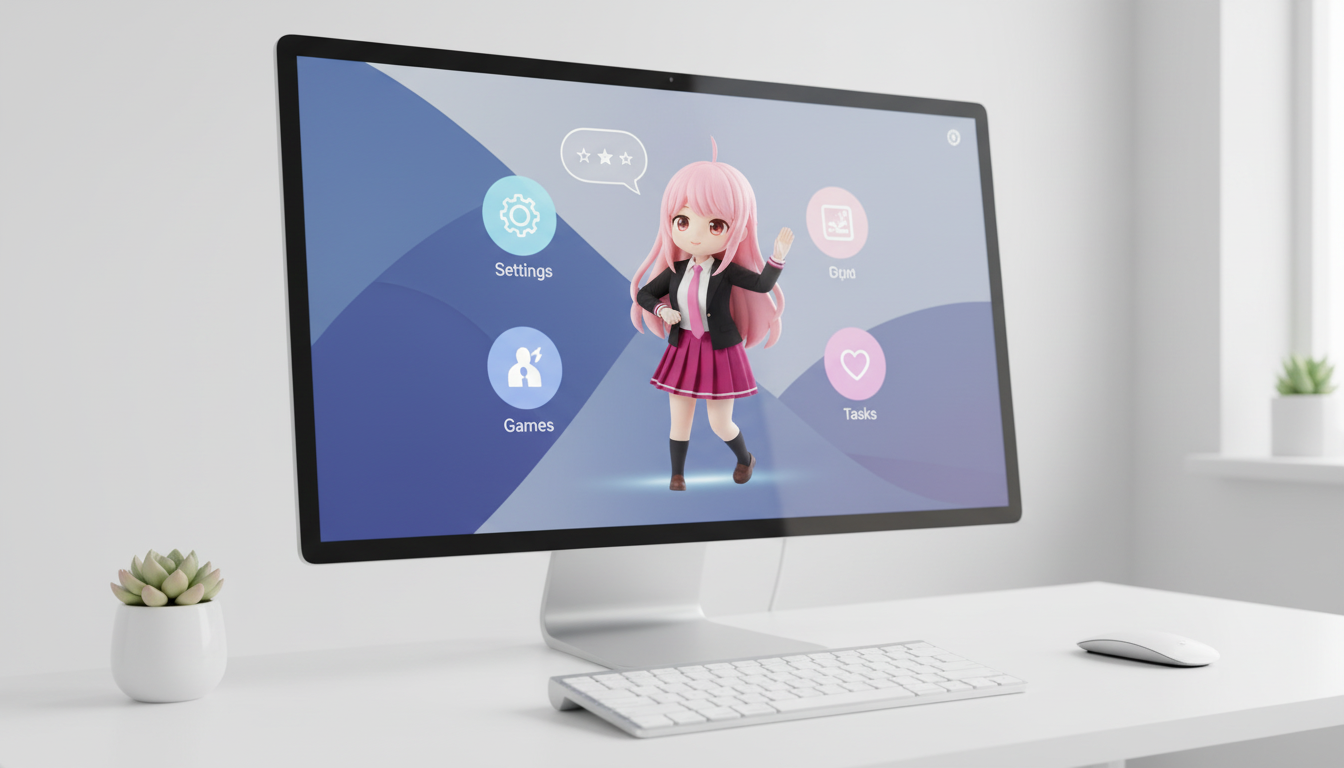
Biến nhân vật và OC của bạn thành hình ảnh phong cách thú cưng desktop với bố cục tối ưu để hiển thị đẹp trên màn hình.
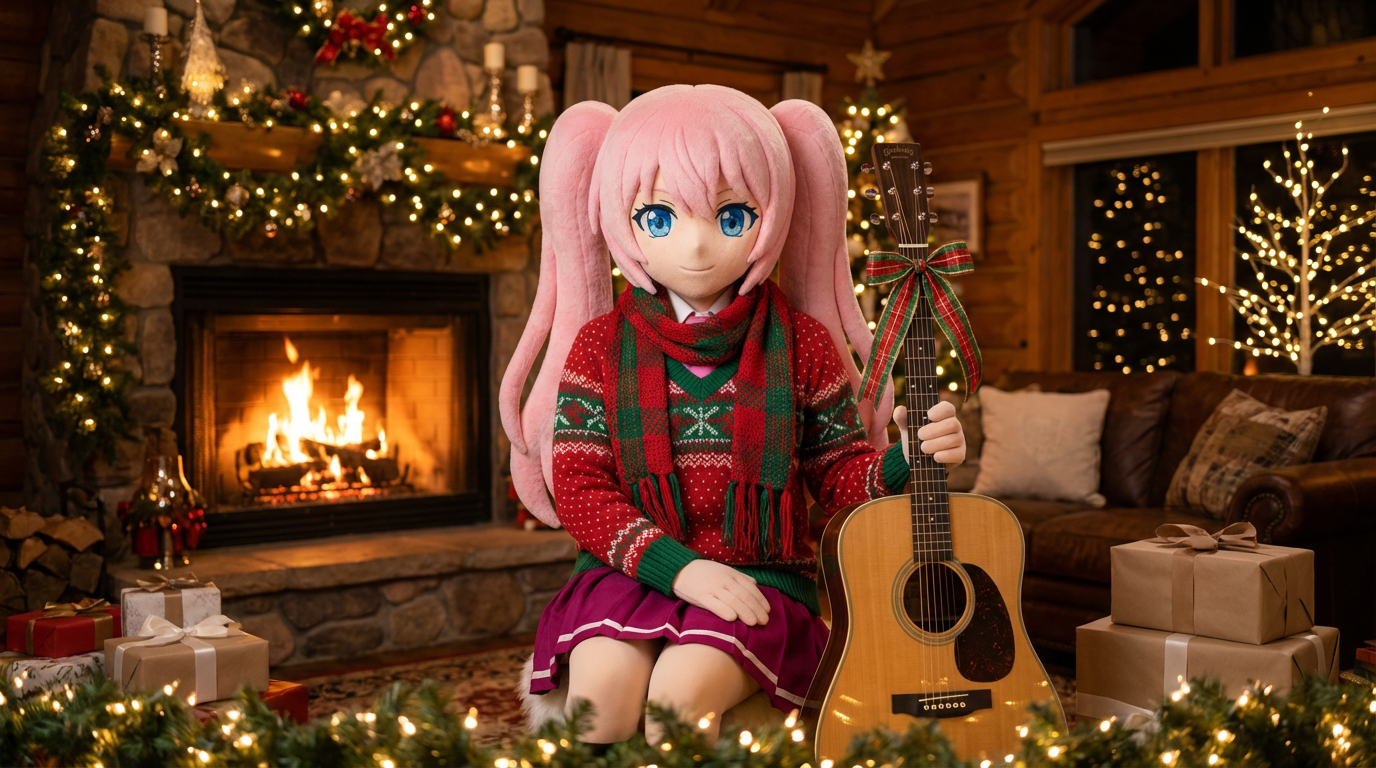
Biến ảnh chân dung và minh họa nhân vật thành phiên bản đậm không khí lễ hội với khăn choàng, mũ và phong cách trình bày đậm chất Lumi.
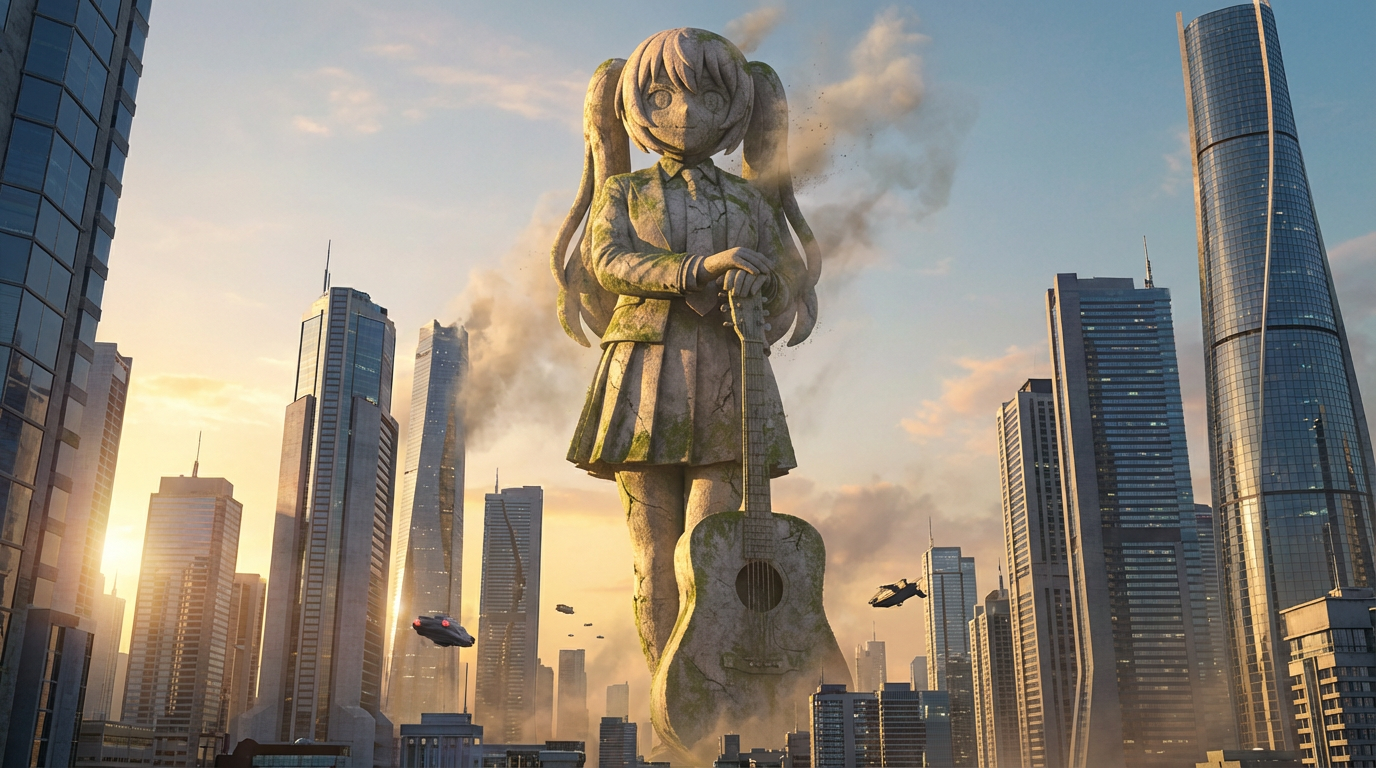
Biến nhân vật thành hình ảnh tượng khổng lồ với bố cục tầm vóc công trình, bối cảnh đường chân trời và cảm giác như một biểu tượng địa danh.
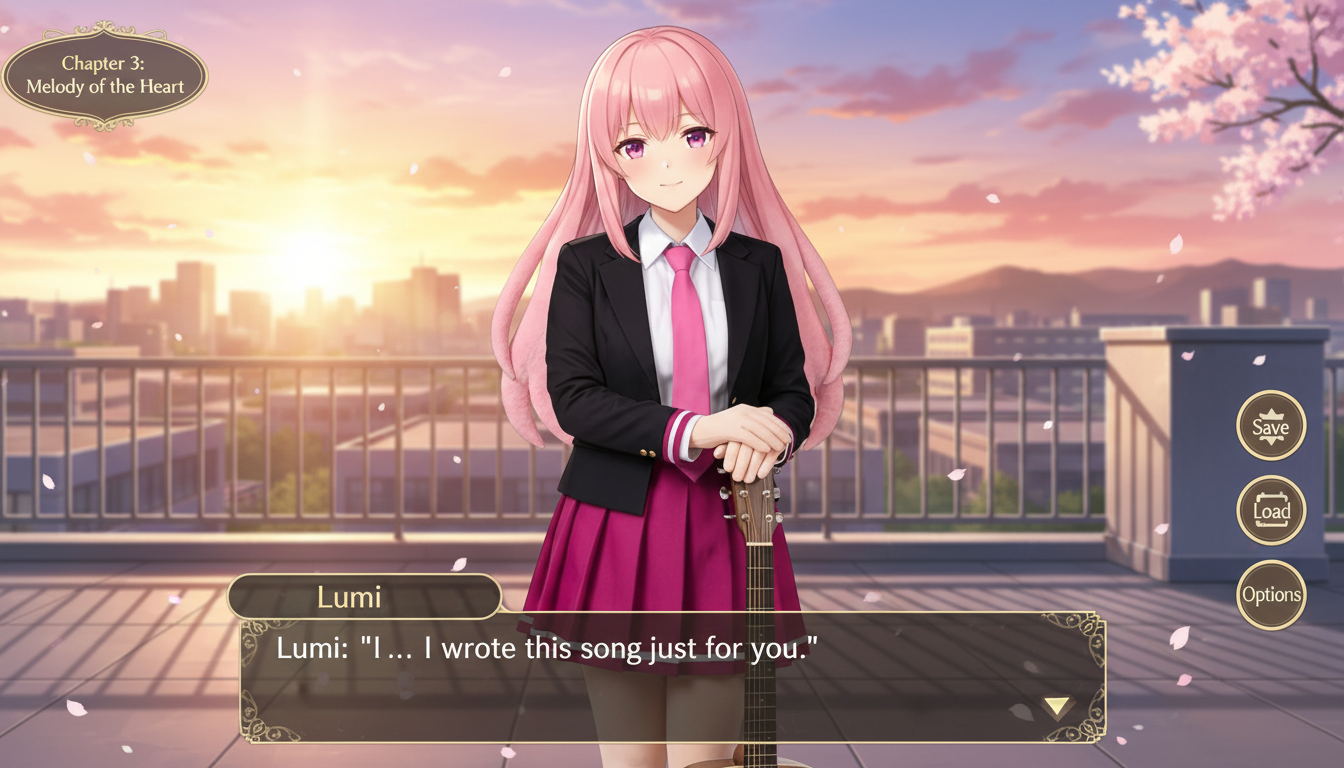
Biến ảnh nhân vật thành khung cảnh phong cách visual novel với bố cục giao diện, khoảng trống hội thoại và cách dàn trang như màn hình game.
Use this page when you know the kind of visual asset you want, but not the exact prompt or workflow yet.
Search behavior has moved beyond one broad text-to-image query. Many users now start with an existing image, ask for an editor, or compare image generation workflows before they create.
Yes. Each page is built around a specific problem, such as turning a reference image into a new style, creating a character sheet, or making a magazine-cover visual.
Pick the page that matches your starting point. Use text-to-image when you only have an idea, image-to-image when you have a reference, and AI image editor when you need controlled changes.