

規劃場景
先把章節節拍拆成一個明確場景,再產生畫面。
用 LlamaGen for iPhone 在靈感出現時建立場景、重複角色與多格頁面草稿。保留在 Library,長篇作品需要更多編輯與製作控制時,再接到 Web Studio。

LlamaGen for iPhone
iPhone 專屬意圖
LlamaGen Originals · Home Library
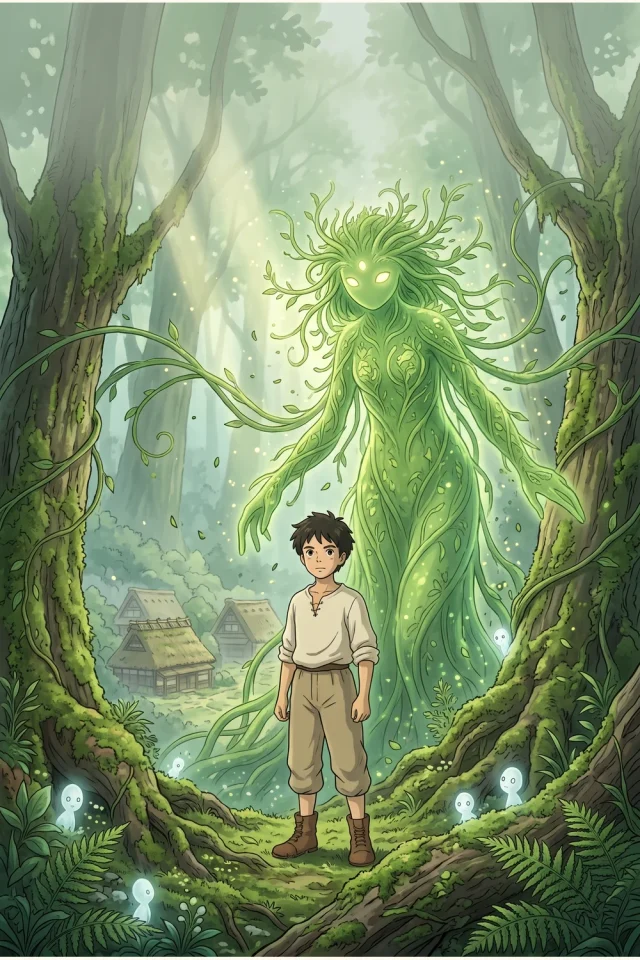
Fantasy, Slice of Life, Environmental Drama
已發布故事序列 · 10 頁
原始故事與頁面說明為英文
In the village of Shirakawa, a young man named Kaito opposes a developer's plan to build a road through an ancient forest. Guided by forest sprites, he encounters the guardian spirit, the Nushi, who shows him the life that will be lost. To save the forest, Kaito must translate its ancient magic into a language the modern world can understand, finding a compromise that honors both nature and progress.
視覺方向
Pastoral fantasy illustration, painterly natural environments and earthy greens and browns.
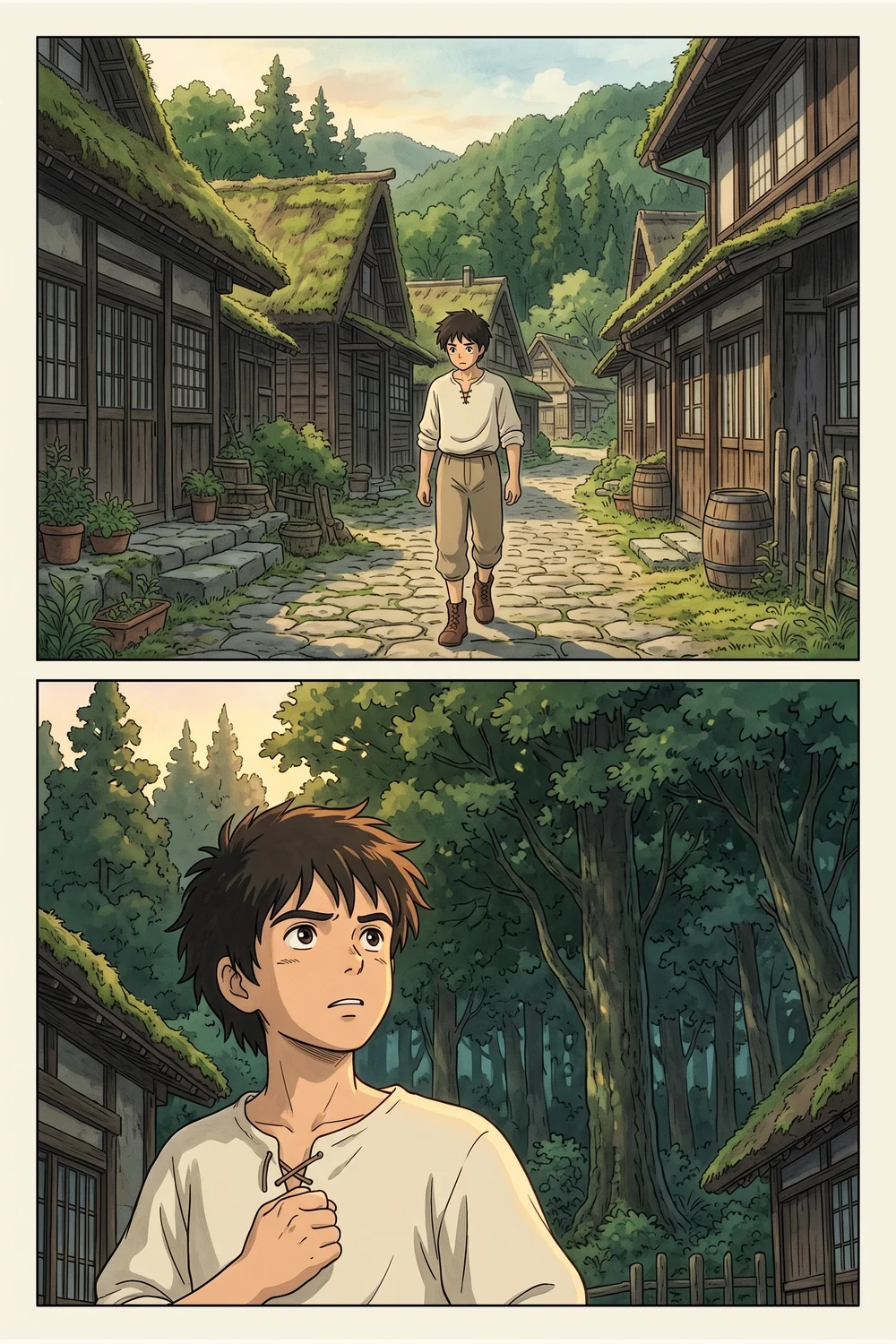
A 2:3 portrait page. Panel 1: A wide, establishing shot of the village street. Kaito is walking towards the camera, his expression thoughtful and concerned. The traditional wooden houses with mossy roofs line the cobblestone path, with lush green hills in the distance. Panel 2: A medium close-up of Kaito's face as he looks up, his gaze fixed on the dense forest that looms over the village. The sunlight casts long shadows, hinting at the approaching evening and a sense of foreboding. He clenches his fist slightly.
這是 Home Library 已發布作品,附有原始故事與頁面製作計畫。它是可追溯的製作案例,不代表這部作品是在 iPhone App 中生成。
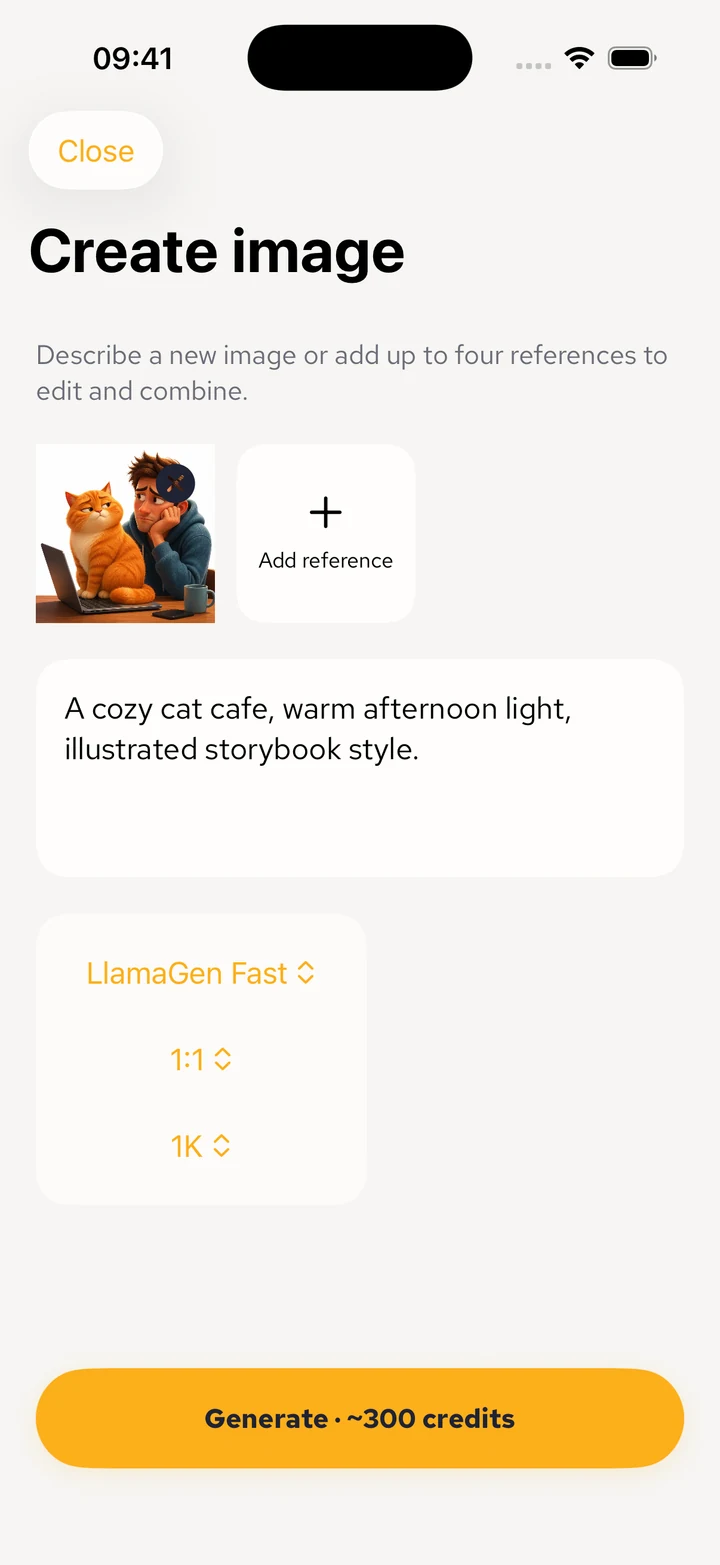
漫畫書不只是一張生成圖。用手機抓住故事節拍、建立角色、做出分格序列,當成之後持續調整的頁面素材。
先把章節節拍拆成一個明確場景,再產生畫面。
故事往前時,讓同一主角與參考素材可以繼續使用。
選多格版面,做出可閱讀的頁面或漫畫條草稿。
存入 Library;更長的製作、排版與編輯需求交給 Web 工作流。
LlamaGen for iPhone 支援漫畫條、多格版面、重複參考、Library、儲存與分享。本頁不宣稱 iPhone 可一鍵組成完整漫畫書。
常見問題
可以在 iPhone 建立故事、角色與多格頁面草稿,存入 Library,再用 Web 繼續較長的漫畫書流程;不是一鍵完整組書。
LlamaGen 支援重複角色與符合方案的照片參考,但 AI 結果可能變動,專案愈長愈需要檢查角色細節。
在 iPhone 抓住場景與頁面草稿,需要更多控制時再繼續完整漫畫書製作。