

シーンを計画する
章のビートをひとつの明確なシーンにしてから生成します。
LlamaGen for iPhoneで、思いついた時にシーン、継続キャラクター、複数コマのページ下書きを作れます。Libraryに残し、長い本でより広い編集や制作管理が必要になったらWeb Studioへ続けます。
コミックブックは1枚の生成画像ではありません。スマホで物語のビート、キャスト、コマの流れを作り、ページ素材として続けて整えます。
LlamaGen Originals · Home Library
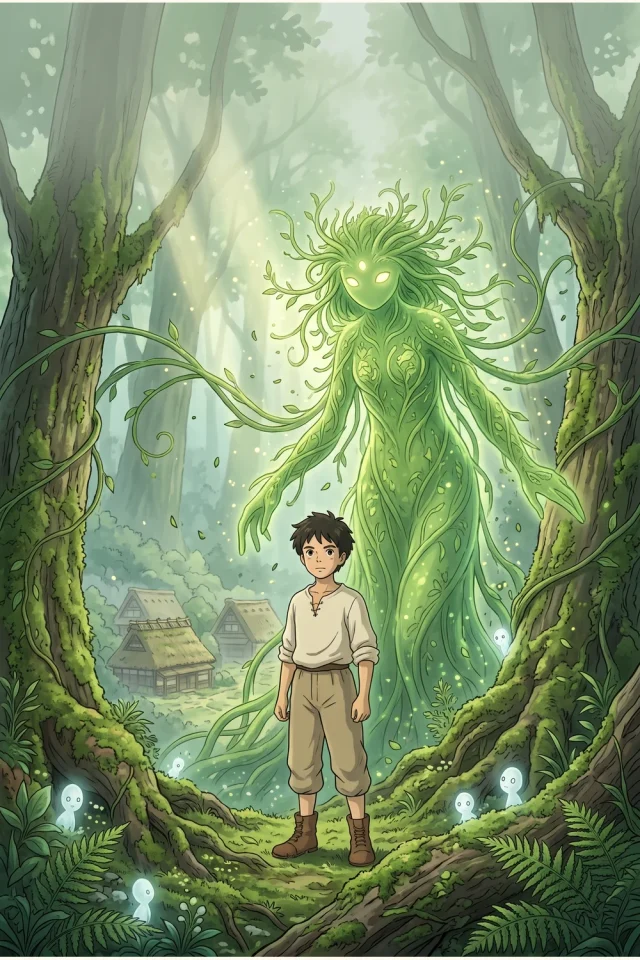
Fantasy, Slice of Life, Environmental Drama
公開済みストーリー · 10 ページ
オリジナルの物語・ページ説明は英語です
In the village of Shirakawa, a young man named Kaito opposes a developer's plan to build a road through an ancient forest. Guided by forest sprites, he encounters the guardian spirit, the Nushi, who shows him the life that will be lost. To save the forest, Kaito must translate its ancient magic into a language the modern world can understand, finding a compromise that honors both nature and progress.
ビジュアル表現
Pastoral fantasy illustration, painterly natural environments and earthy greens and browns.
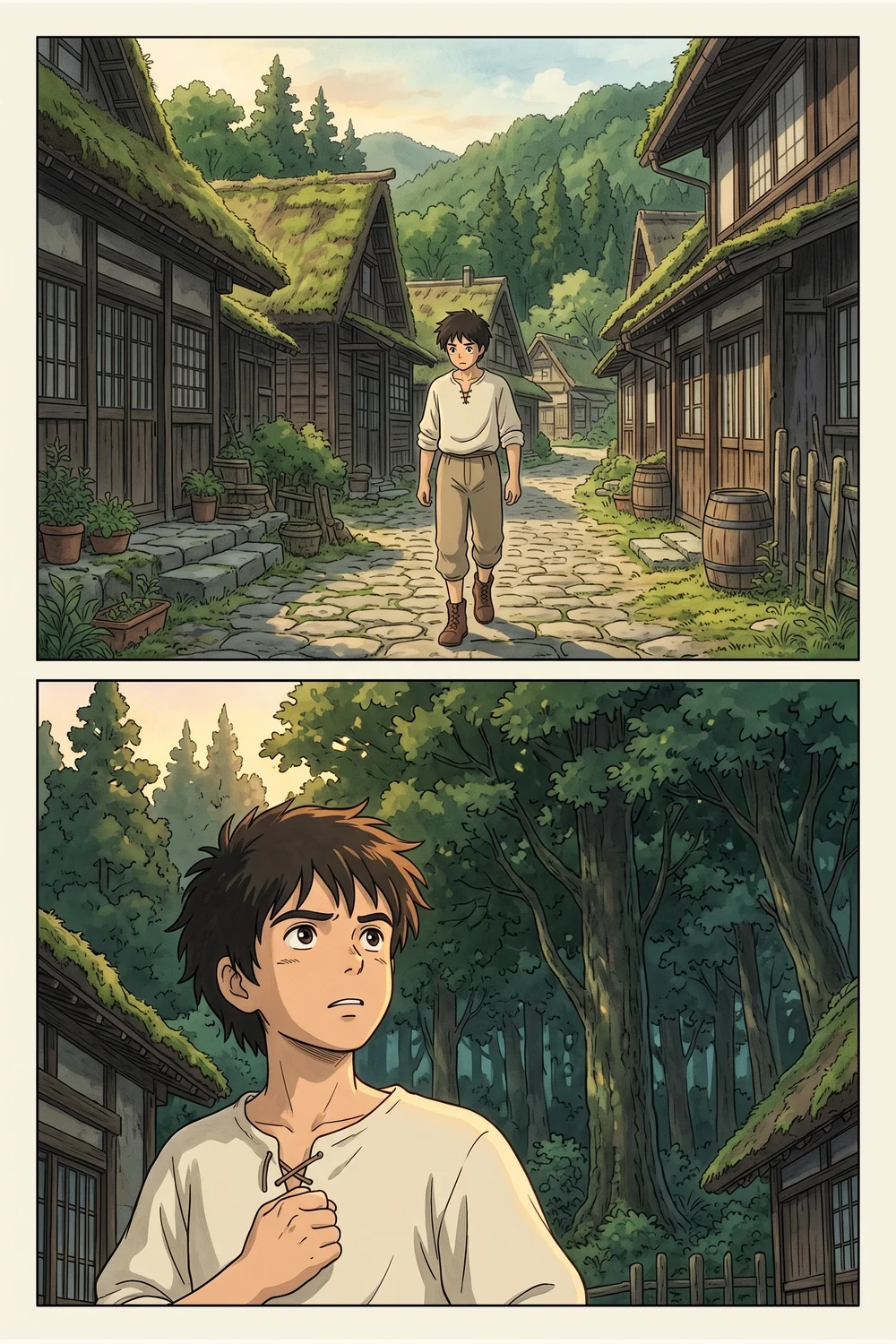
A 2:3 portrait page. Panel 1: A wide, establishing shot of the village street. Kaito is walking towards the camera, his expression thoughtful and concerned. The traditional wooden houses with mossy roofs line the cobblestone path, with lush green hills in the distance. Panel 2: A medium close-up of Kaito's face as he looks up, his gaze fixed on the dense forest that looms over the village. The sunlight casts long shadows, hinting at the approaching evening and a sense of foreboding. He clenches his fist slightly.
元のストーリーとページ制作プランが紐づいたHome Library公開作品です。記録された制作例であり、この作品自体がiPhoneアプリ内で生成されたことを示す記録ではありません。
章のビートをひとつの明確なシーンにしてから生成します。
物語が進んでも同じ主人公や参照素材を使えるようにします。
複数コマのレイアウトを選び、読めるページ/ストリップ下書きを作ります。
Libraryに保存し、より長い制作、レイアウト、編集が必要ならWebへ移ります。
iPhone版はコミックストリップ、複数コマ、継続参照、Library、保存・共有に対応します。このページはiPhoneでワンタップ完全本制作ができるとは説明しません。
よくある質問
iPhoneで物語、キャスト、複数コマのページ下書きを作りLibraryに保存し、長い本はWebで続けられます。ワンタップで完全な本を組む機能としては案内していません。
継続キャラクターや対象プランの写真参照を使えますが、AI出力は変動します。ページを増やすほど細部を確認してください。
iPhoneで場面とページ下書きを作り、より多くの制御が必要になったらコミックブック制作を続けます。