Plan the scene
Turn a chapter beat into one focused scene before generating artwork.


Use LlamaGen for iPhone to draft scenes, recurring characters and multi-panel comic pages while ideas are fresh. Keep the work in your Library, then move to the web studio when a longer book needs broader editing and production control.
A comic book is more than one generated image. Use the phone to capture the story beat, establish the cast and draft panel sequences; treat those strips as page material you can continue refining.
LlamaGen Originals · Home Library
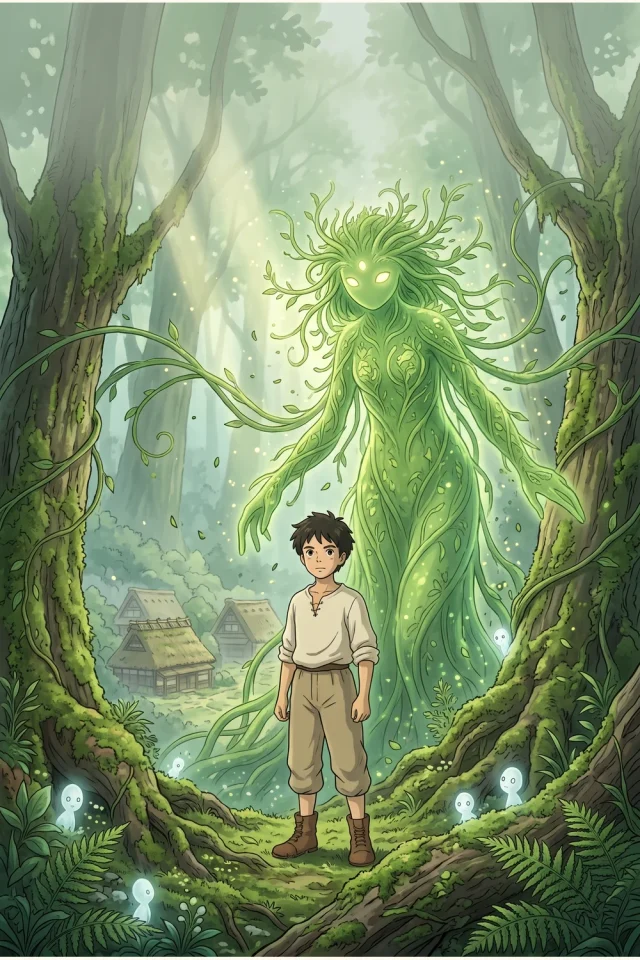
Fantasy, Slice of Life, Environmental Drama
Published story sequence · 10 pages
Original story and page notes in English
In the village of Shirakawa, a young man named Kaito opposes a developer's plan to build a road through an ancient forest. Guided by forest sprites, he encounters the guardian spirit, the Nushi, who shows him the life that will be lost. To save the forest, Kaito must translate its ancient magic into a language the modern world can understand, finding a compromise that honors both nature and progress.
Visual direction
Pastoral fantasy illustration, painterly natural environments and earthy greens and browns.
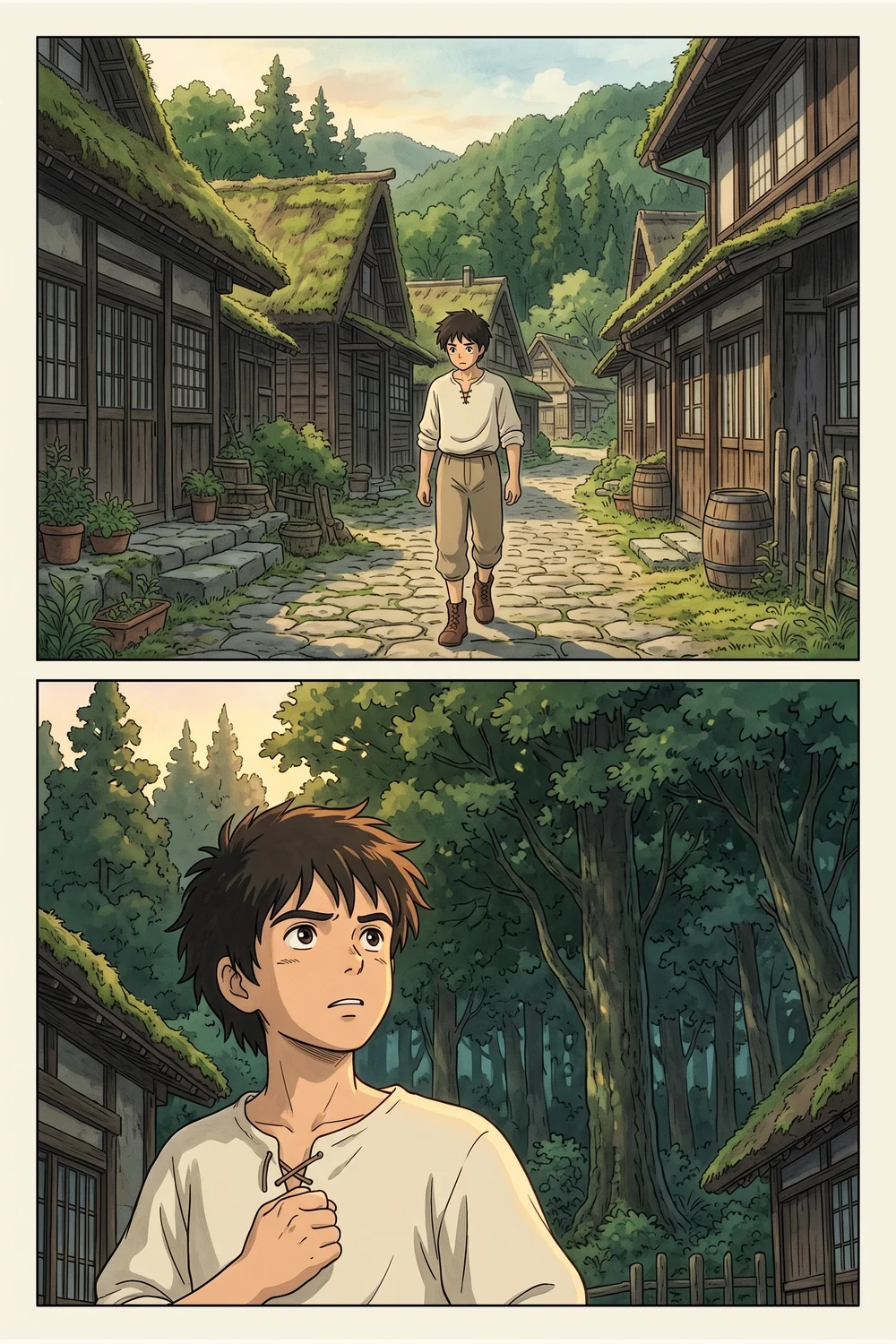
A 2:3 portrait page. Panel 1: A wide, establishing shot of the village street. Kaito is walking towards the camera, his expression thoughtful and concerned. The traditional wooden houses with mossy roofs line the cobblestone path, with lush green hills in the distance. Panel 2: A medium close-up of Kaito's face as he looks up, his gaze fixed on the dense forest that looms over the village. The sunlight casts long shadows, hinting at the approaching evening and a sense of foreboding. He clenches his fist slightly.
Published Home Library artwork with its original story and page plan. This is a documented production example, not a record of this exact work being generated in the iPhone app.
Turn a chapter beat into one focused scene before generating artwork.
Keep the same protagonists and references available as the story moves forward.
Choose a multi-panel layout and create a readable page or strip draft.
Keep the draft in your Library and move to the web workflow for longer production, layout and editing needs.
LlamaGen for iPhone supports comic-strip creation, multi-panel layouts, recurring references, Library, save and share. This page does not claim one-tap full-book assembly on iPhone.
FAQ
You can draft the story, cast and multi-panel comic pages on iPhone, keep them in your Library and continue a larger book workflow on the web. The iPhone app is not presented here as a one-tap full-book assembler.
LlamaGen supports recurring characters and photo references on eligible plans, but AI output can vary. Review character details as the project grows.
Capture the scene and page draft on iPhone, then continue the larger comic-book workflow when the project needs more control.