

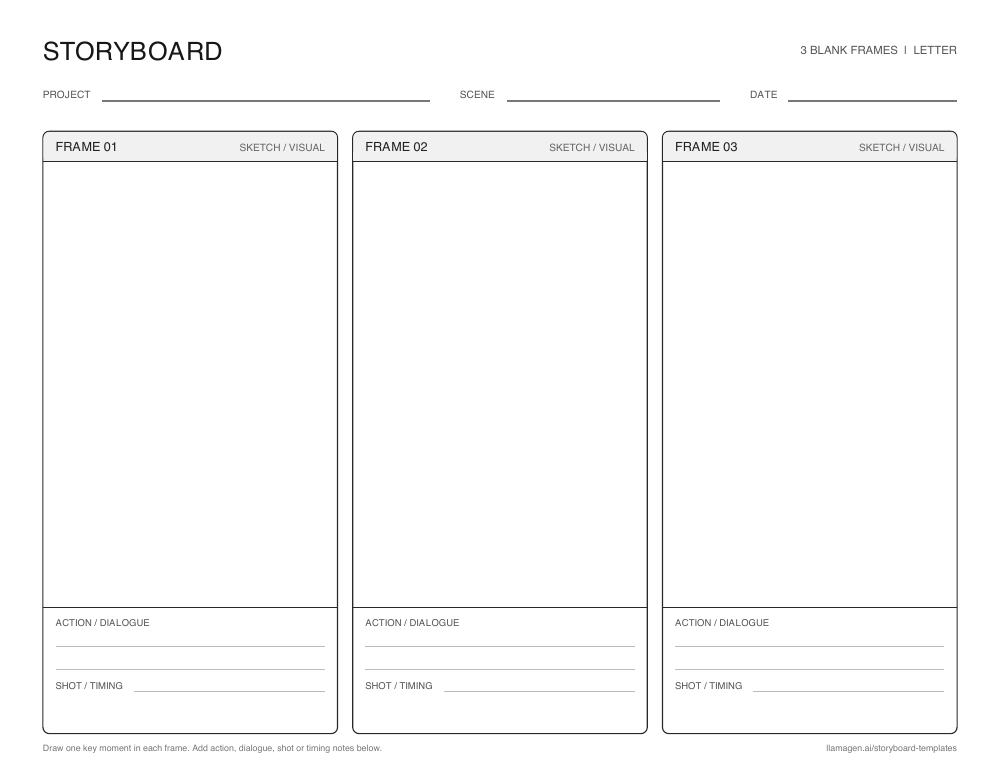
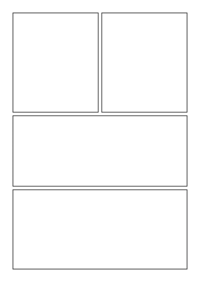
Blank 3-panel storyboard template
A beginning, middle, and end layout for reading responses, short scenes, and first drafts.
故事板範本是一套預設的格子,用來規劃故事、影片、教學或動畫流程。每格放上重要時刻,再加一句說明,讓順序一目了然。
以下空白學習單可手繪草圖。數位範本則適合線上規劃。兩者都方便你在決定定稿或影片內容前,先看清事件順序。
New to storyboarding? 了解故事板是什麼, or 開始製作一份.
格子排版可把大方向拆成多個視覺決策,讓你及早發現缺漏、轉場不明或節奏不均。
三格適合短篇的起承轉合。六格能容納更多動作與分鏡。視覺風格可先粗略,故事流程清楚即可。
共用的視覺規劃讓回饋更具體。學生、合作夥伴或製作團隊可以一起討論同一張畫面,在動筆、拍攝或完稿前先取得共識。
Younger students can illustrate the beginning, middle, and end of a story. Older students can first map the story arc with a plot diagram,然後以故事板呈現關鍵場景。同一格框也能說明科學流程或對比歷史事件的不同時刻。每格下方的註解留有證據、對話或反思的空間。
免費可列印範型
下載三格或六格學習單,含草圖空間、動作或對話,以及鏡頭或時間備註。可選美國信紙或 A4,列印橫式。
A beginning, middle, and end layout for reading responses, short scenes, and first drafts.
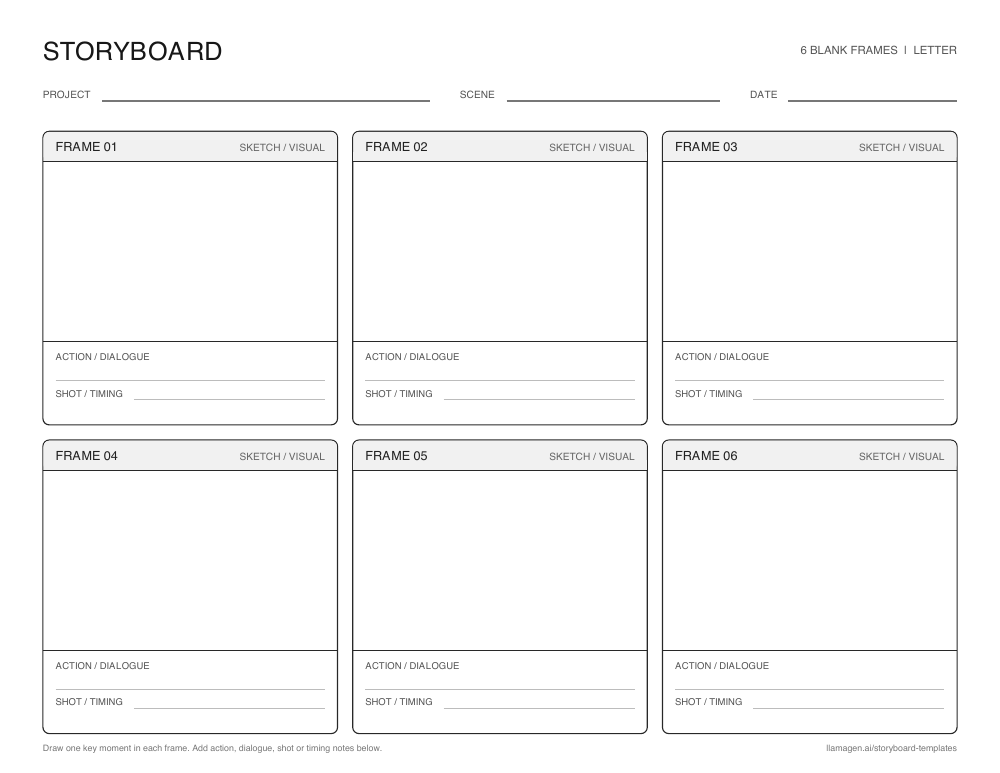
Six frames for a longer classroom sequence or a shot-by-shot video plan.
Prefer a digital board? 線上製作故事板.
比較漫畫、動畫板以及鉛筆、Lo-fi、漫畫風格的視覺樣式。每張卡片皆可開啟對應範本頁面。
Showing 32 of 32 templates
 Premium
Animation
 Free
Sketches
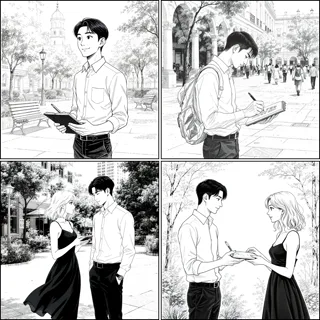 Premium
Film and video
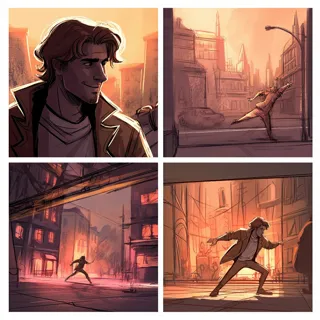 Premium
Animation
 Premium
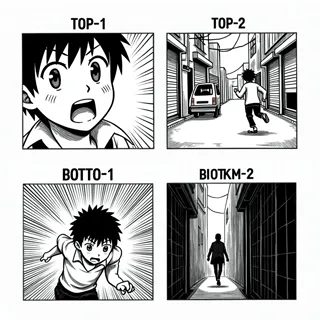
Manga
 Premium
Blank layouts
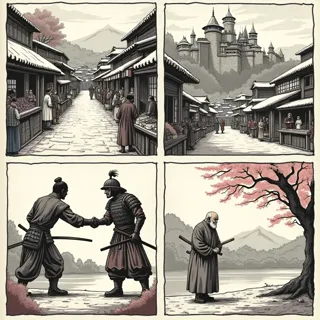 Premium
Comics
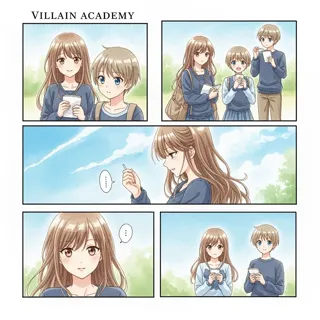 Premium
Comics
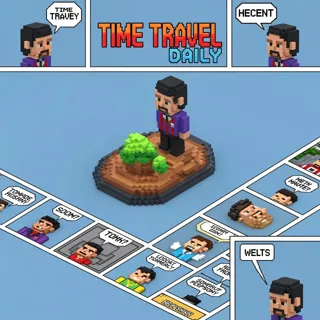 Premium
Animation
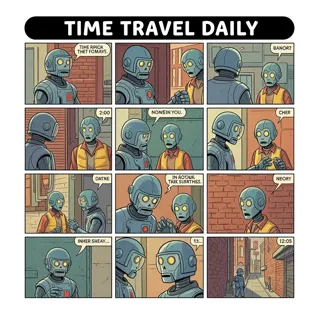 Premium
Animation
 Free
Personal stories
 Premium
Personal stories
 Premium
Personal stories
 Premium
Film and video
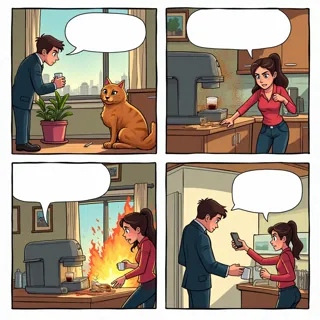 Free
Comics
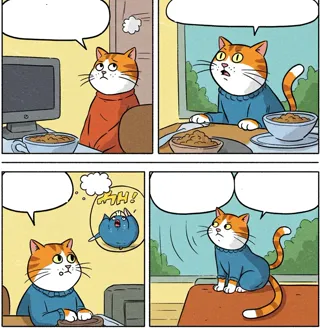 Premium
Comics
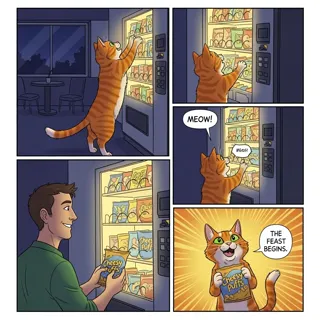 Premium
Comics
 Premium
Business
 Premium
Business
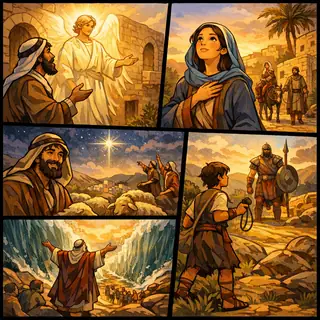 Free
Story examples
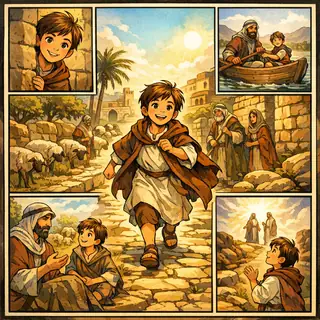 Free
Story examples
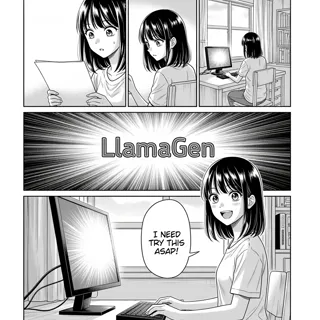 Premium
Manga
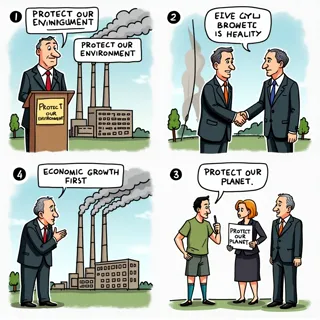 Premium
Business
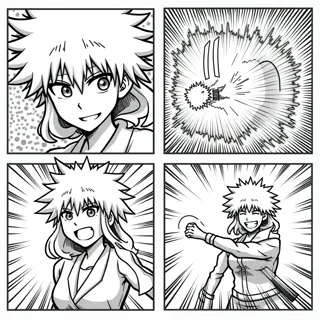 Premium
Manga
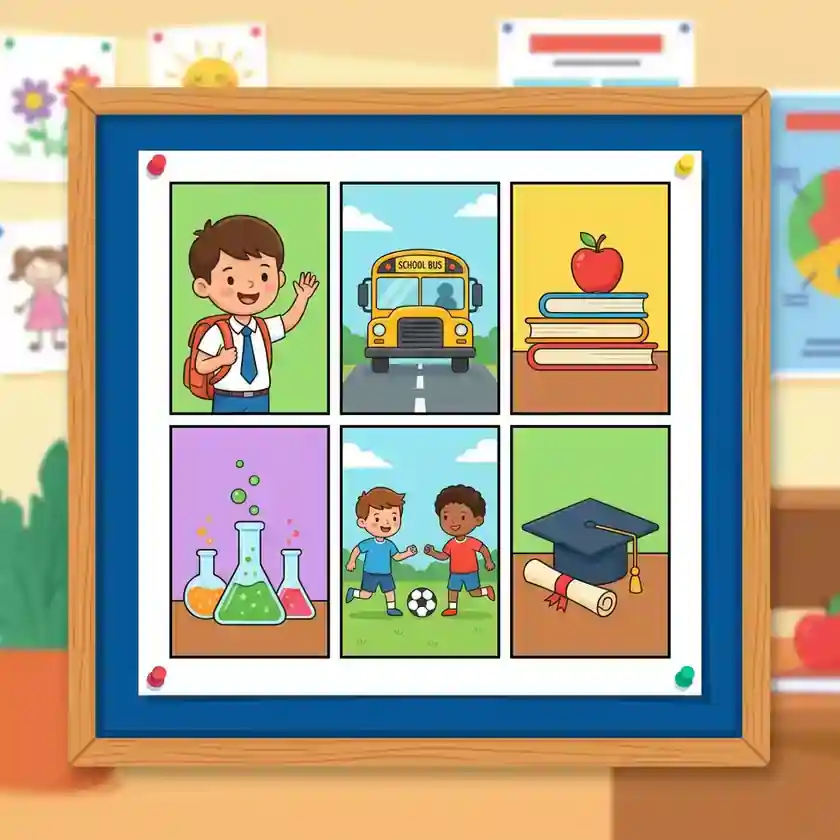 Free
Education
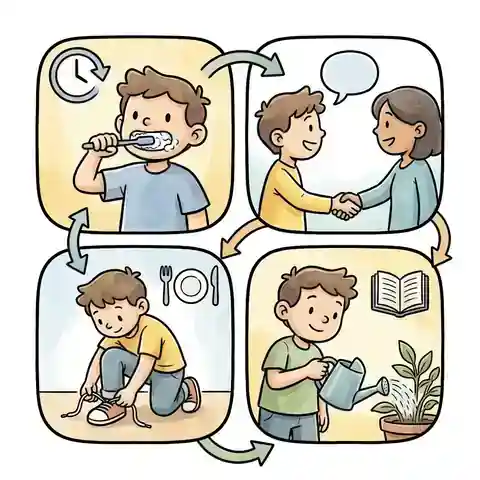 Free
Education
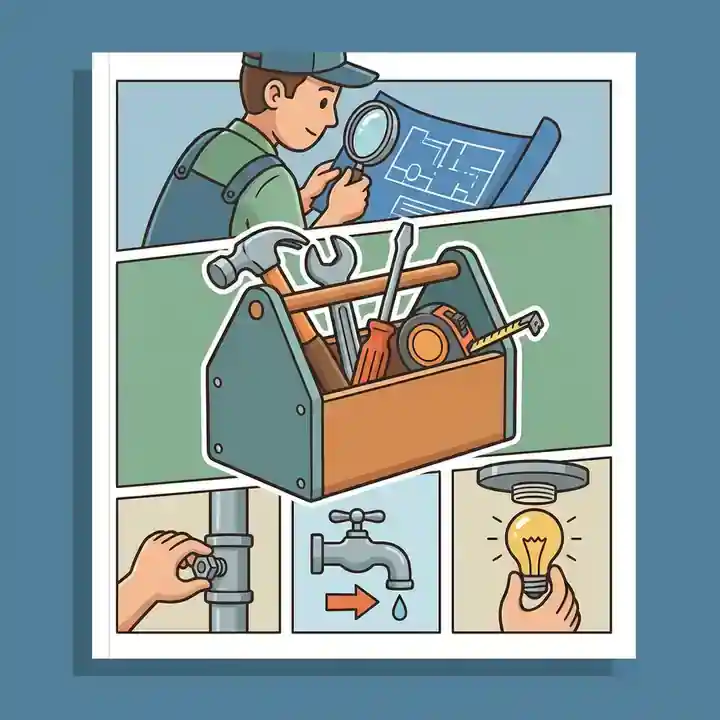 Free
Education
 Premium
Animation
 Premium
Film and video
 Premium
Animation
 Premium
Animation
 Premium
Film and video
故事板基礎
故事板是一種視覺整理工具,由一連串畫面或圖片構成。每格記錄一個時刻,合起來能展現順序、節奏與視覺流程,在定稿前預先規劃。
故事板範本讓這種流程有預設架構。你可以用上面的空白格手繪,也能瀏覽範本直接數位開始。
實用的備註可以包含動作、對話、鏡頭角度、聲音或時間點。內容要簡明易懂,方便他人一看就明白。
See a complete three-frame example in our guide to storyboards.
同一個格框可以引導上課、拍攝或創作視覺故事。只要更換每格下方的註解,就能配合你的專案需求。
Ask students to show three key events in a story, six steps in a process, or a visual explanation of a history or science topic.
Plan the order of shots, camera framing, action, and timing before recording or editing a scene.
Test the rhythm of a visual sequence before committing to finished panels or animated frames.
Map a short message from opening hook to final call to action so each frame has a clear purpose.
從主要畫面開始。用簡單的草圖和明確的註解試驗流程是否合理。
Print three panels for a short idea or six panels for a longer sequence. Digital creators can choose a visual template in the gallery.
Sketch one meaningful moment per panel. Add action, dialogue, shot, or timing notes under the frame.
Read the frames in order, revise gaps or pacing, then take your plan into the online storyboard creator.
A storyboard template is a set of ordered frames for planning a story, lesson, video, comic, or animation. A blank template gives you space to sketch each moment and add useful notes.
Use three panels for a short beginning-middle-end sequence. Choose six panels when you need to show more changes, actions, or camera shots. You can print another page if your project grows.
Yes. The blank three-panel and six-panel worksheets on this page are free PDF downloads in US Letter and A4 sizes.
Yes. Students can draw by hand and write under each frame. Teachers can use the same pages for reading, writing, science, history, and media projects.