

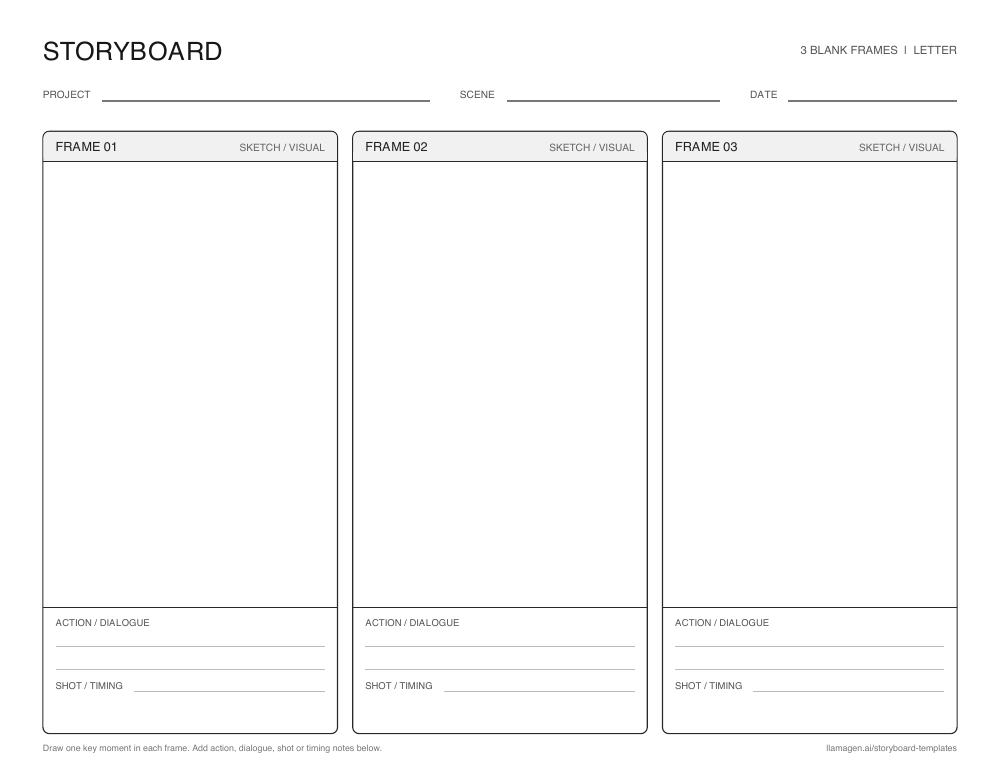
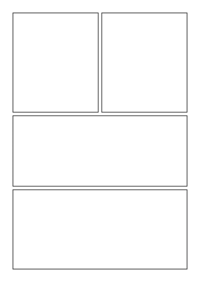
Blank 3-panel storyboard template
A beginning, middle, and end layout for reading responses, short scenes, and first drafts.
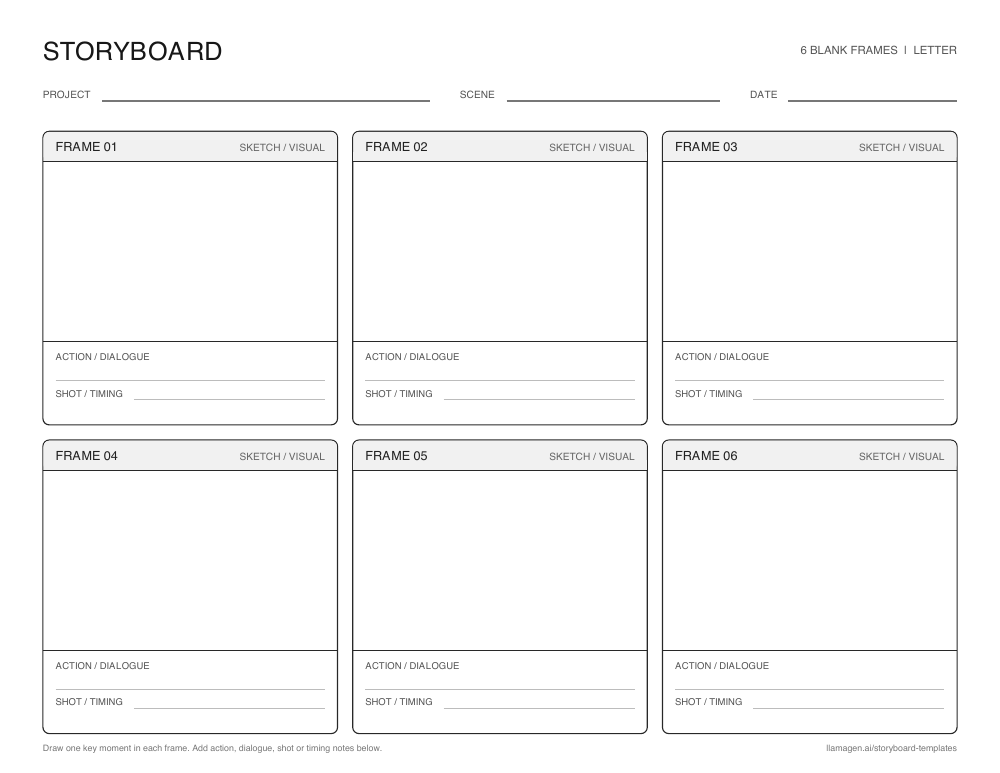
스토리보드 템플릿은 이야기, 영상, 수업, 애니메이션의 흐름을 계획하도록 미리 만들어진 칸입니다. 각 칸에 한 가지 중요한 순간을 그리고, 간단한 메모를 더해 순서를 쉽게 따라갈 수 있습니다.
아래 빈 워크시트는 손으로 스케치할 공간을 제공합니다. 디지털 템플릿은 온라인으로 시퀀스를 구성할 때 시각적 출발점이 됩니다. 완성본이나 영상을 제작하기 전, 사건의 흐름을 파악하는 데 둘 다 도움이 됩니다.
New to storyboarding? 스토리보드가 무엇인지 알아보고, or 직접 만들어 보세요.
칸 그리드는 큰 아이디어를 작은 시각적 선택들로 나눕니다. 빠진 단계, 모호한 전환, 불균형한 흐름을 미리 잡아낼 수 있습니다.
3칸 시퀀스는 짧은 시작, 중간, 결말에 적합합니다. 6칸은 행동 변화와 카메라 전환을 더 담을 수 있습니다. 이야기의 흐름이 명확해질 때까지 시각 스타일은 거칠어도 괜찮습니다.
공유 시각 계획은 피드백을 더 구체적으로 만듭니다. 학생, 협업자, 제작팀이 초안, 촬영, 아트 완성 전, 같은 그림을 보고 논의할 수 있습니다.
Younger students can illustrate the beginning, middle, and end of a story. Older students can first map the story arc with a plot diagram그런 다음 주요 장면을 스토리보드화 하세요. 동일한 그리드로 과학적 과정 설명이나 역사적 이벤트 비교도 가능합니다. 각 칸 아래는 증거, 대사, 감상 메모 공간으로 활용할 수 있습니다.
무료 인쇄용 레이아웃
스케치, 행동 또는 대사, 촬영/타이밍 노트를 쓸 수 있는 3칸 또는 6칸 워크시트를 다운로드하세요. US Letter 또는 A4 용지를 선택하고 가로 방향으로 인쇄하면 됩니다.
A beginning, middle, and end layout for reading responses, short scenes, and first drafts.
Six frames for a longer classroom sequence or a shot-by-shot video plan.
Prefer a digital board? 온라인으로 스토리보드 만들기.
연필, 로우파이, 만화 스타일 등 다양한 만화·애니 보드를 비교하세요. 각 카드에서 해당 템플릿 페이지로 이동할 수 있습니다.
Showing 32 of 32 templates
 Premium
Animation
 Free
Sketches
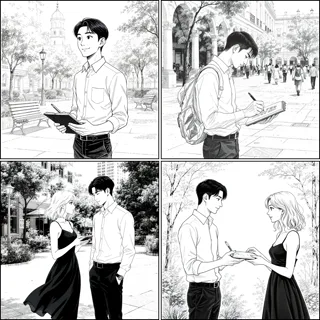 Premium
Film and video
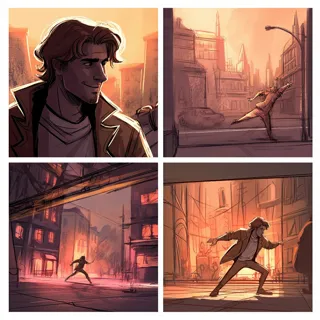 Premium
Animation
 Premium
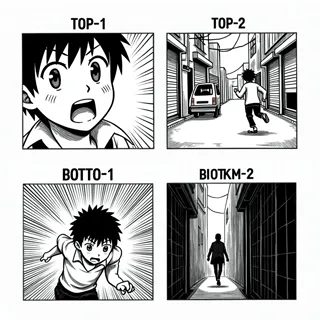
Manga
 Premium
Blank layouts
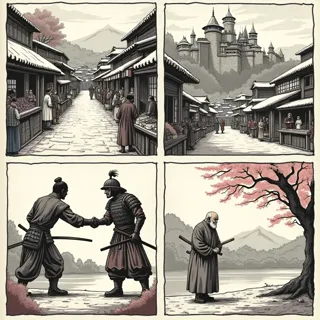 Premium
Comics
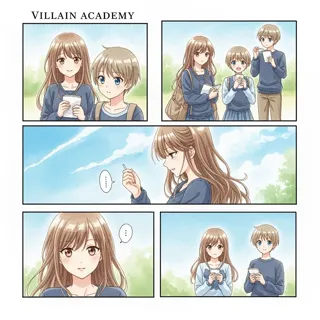 Premium
Comics
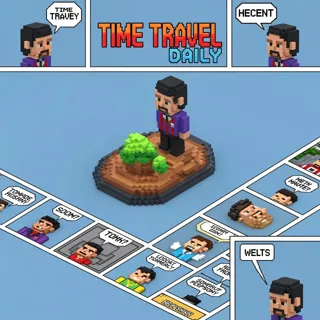 Premium
Animation
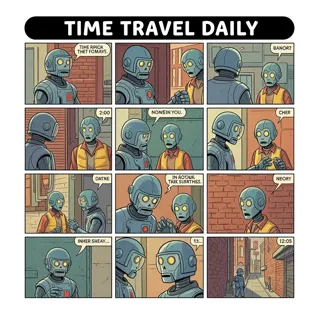 Premium
Animation
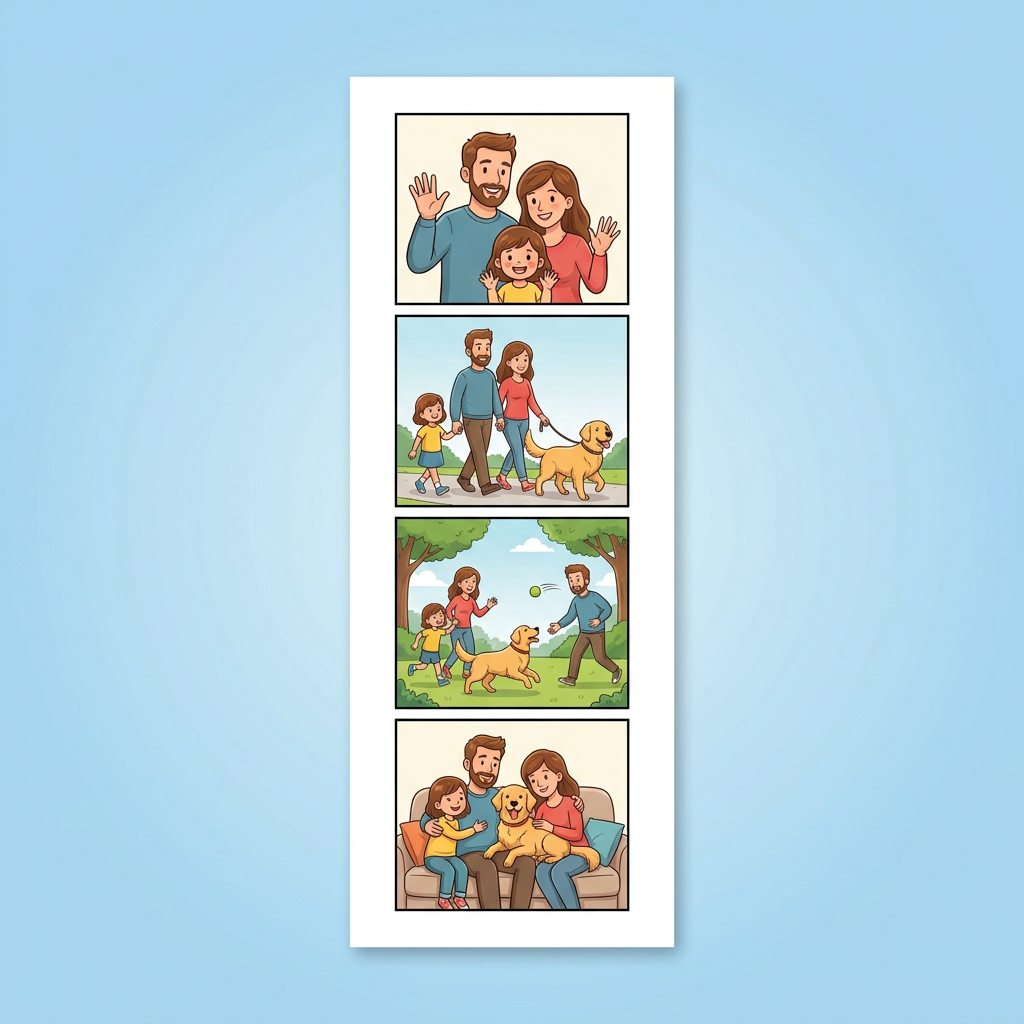 Free
Personal stories
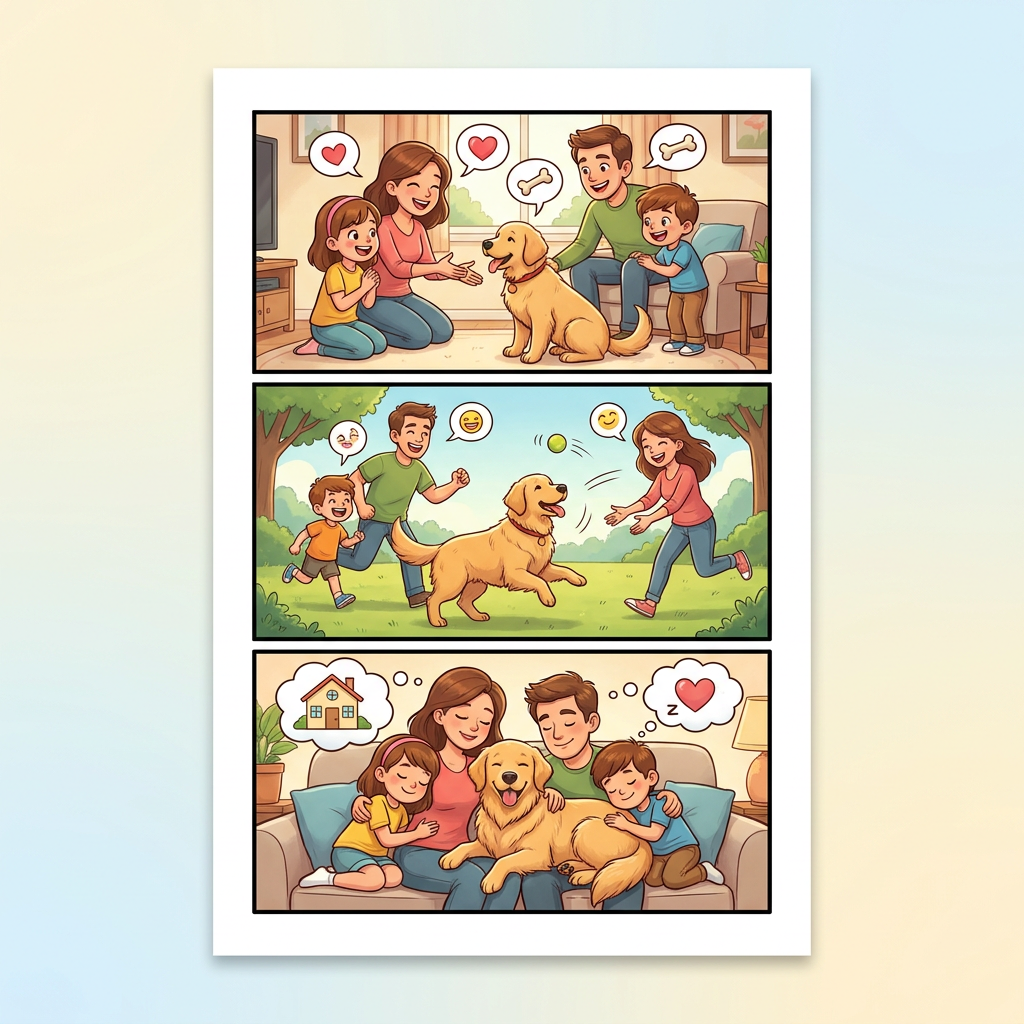 Premium
Personal stories
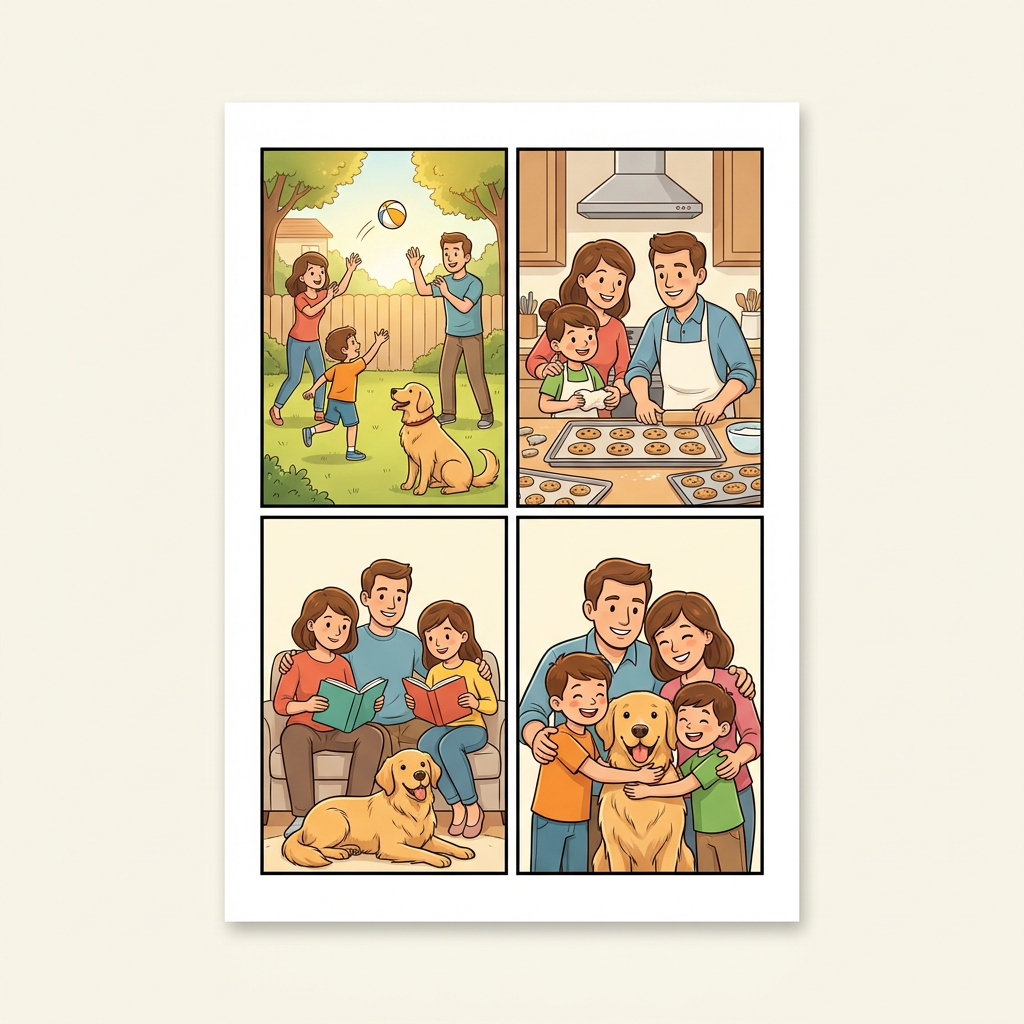 Premium
Personal stories
 Premium
Film and video
 Free
Comics
 Premium
Comics
 Premium
Comics
 Premium
Business
 Premium
Business
 Free
Story examples
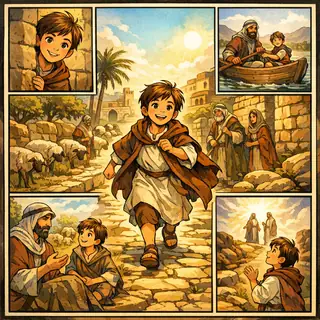 Free
Story examples
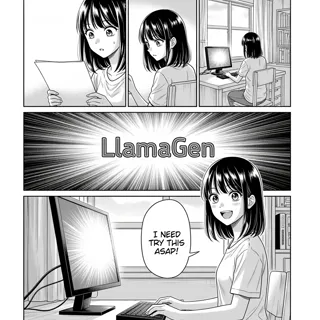 Premium
Manga
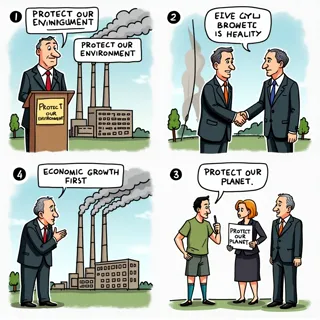 Premium
Business
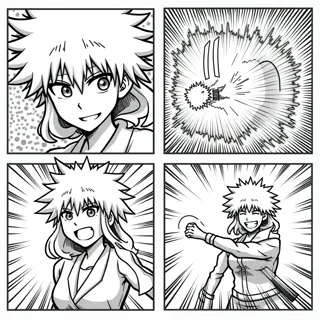 Premium
Manga
 Free
Education
 Free
Education
 Free
Education
 Premium
Animation
 Premium
Film and video
 Premium
Animation
 Premium
Animation
 Premium
Film and video
스토리보드 기초
스토리보드는 일련의 그림이나 이미지로 만든 시각적 그래픽 오거나이저입니다. 각 칸이 한 순간을 포착하며, 전체가 순서, 속도, 시각 흐름을 미리 보여줍니다.
스토리보드 템플릿은 그 시퀀스에 미리 만들어진 구조를 제공합니다. 위 빈 칸을 손그림 기획용으로, 스타일 템플릿은 디지털 작업 출발점으로 활용하세요.
유용한 메모는 행동, 대사, 카메라 앵글, 사운드, 타이밍 등을 담을 수 있습니다. 누가 봐도 한 번에 이해할 수 있을 만큼 짧게 작성하세요.
See a complete three-frame example in our guide to storyboards.
동일한 그리드는 수업, 촬영, 시각 이야기에도 유용합니다. 각 패널의 메모를 프로젝트 목적에 맞게 바꾸세요.
Ask students to show three key events in a story, six steps in a process, or a visual explanation of a history or science topic.
Plan the order of shots, camera framing, action, and timing before recording or editing a scene.
Test the rhythm of a visual sequence before committing to finished panels or animated frames.
Map a short message from opening hook to final call to action so each frame has a clear purpose.
핵심 순간부터 시작하세요. 간단한 스케치와 명확한 메모만으로도 시퀀스의 논리를 시험할 수 있습니다.
Print three panels for a short idea or six panels for a longer sequence. Digital creators can choose a visual template in the gallery.
Sketch one meaningful moment per panel. Add action, dialogue, shot, or timing notes under the frame.
Read the frames in order, revise gaps or pacing, then take your plan into the online storyboard creator.
A storyboard template is a set of ordered frames for planning a story, lesson, video, comic, or animation. A blank template gives you space to sketch each moment and add useful notes.
Use three panels for a short beginning-middle-end sequence. Choose six panels when you need to show more changes, actions, or camera shots. You can print another page if your project grows.
Yes. The blank three-panel and six-panel worksheets on this page are free PDF downloads in US Letter and A4 sizes.
Yes. Students can draw by hand and write under each frame. Teachers can use the same pages for reading, writing, science, history, and media projects.