

LlamaGen InstaComic alternative
Your photo. Your moment.Your comic.
Turn one photo into a four-panel story. Choose the moment, pick the style, and keep editing after generation.
01 · Add a photoJPG · PNG · WebP
Drop your photo here
or click to choose one · up to 20MB
Preview stays local until you generate
02 · Direct the story
What happens next?
Sign in to generate · opens in the editable comic Studio
One image, more story
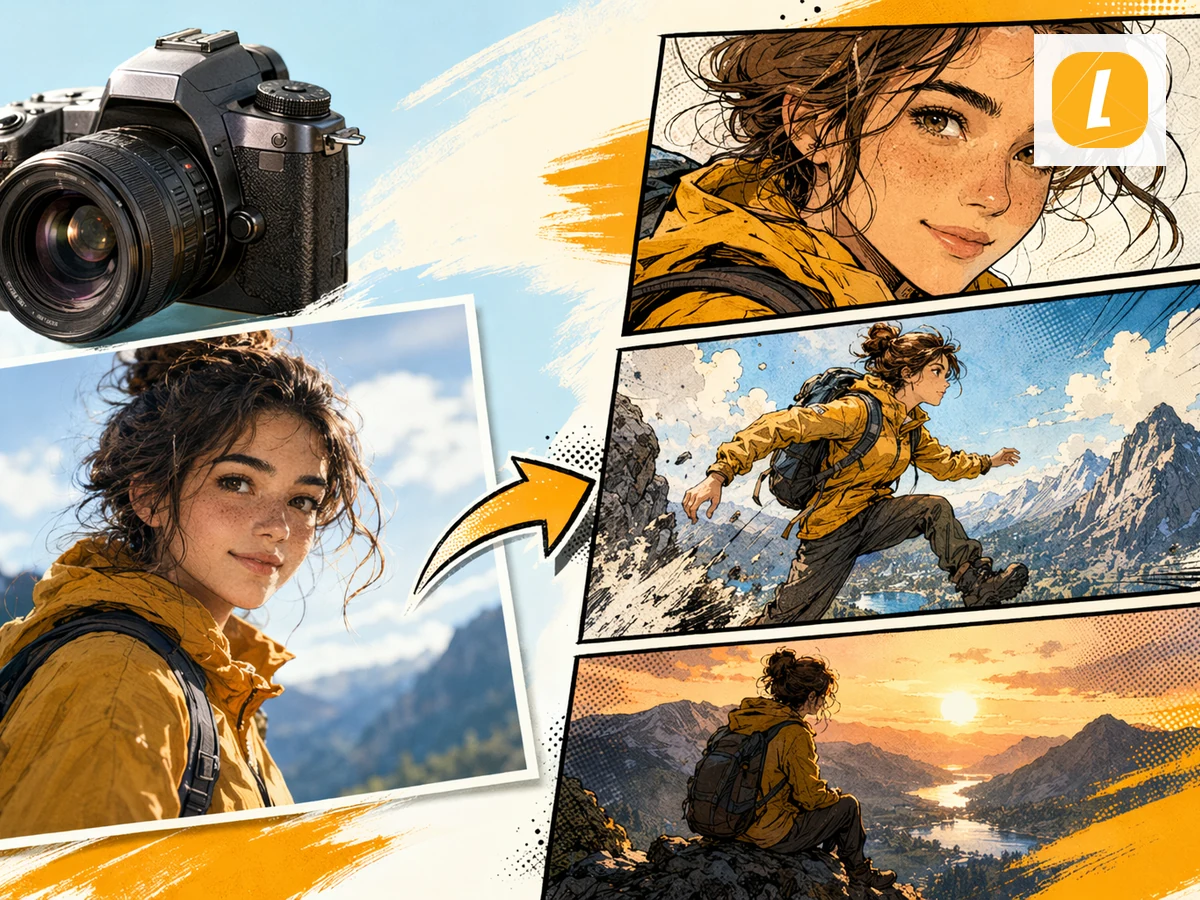
See one photo become a sequence.
Give an everyday image a setup, a change, a reaction, and a final beat—without building every panel from scratch.
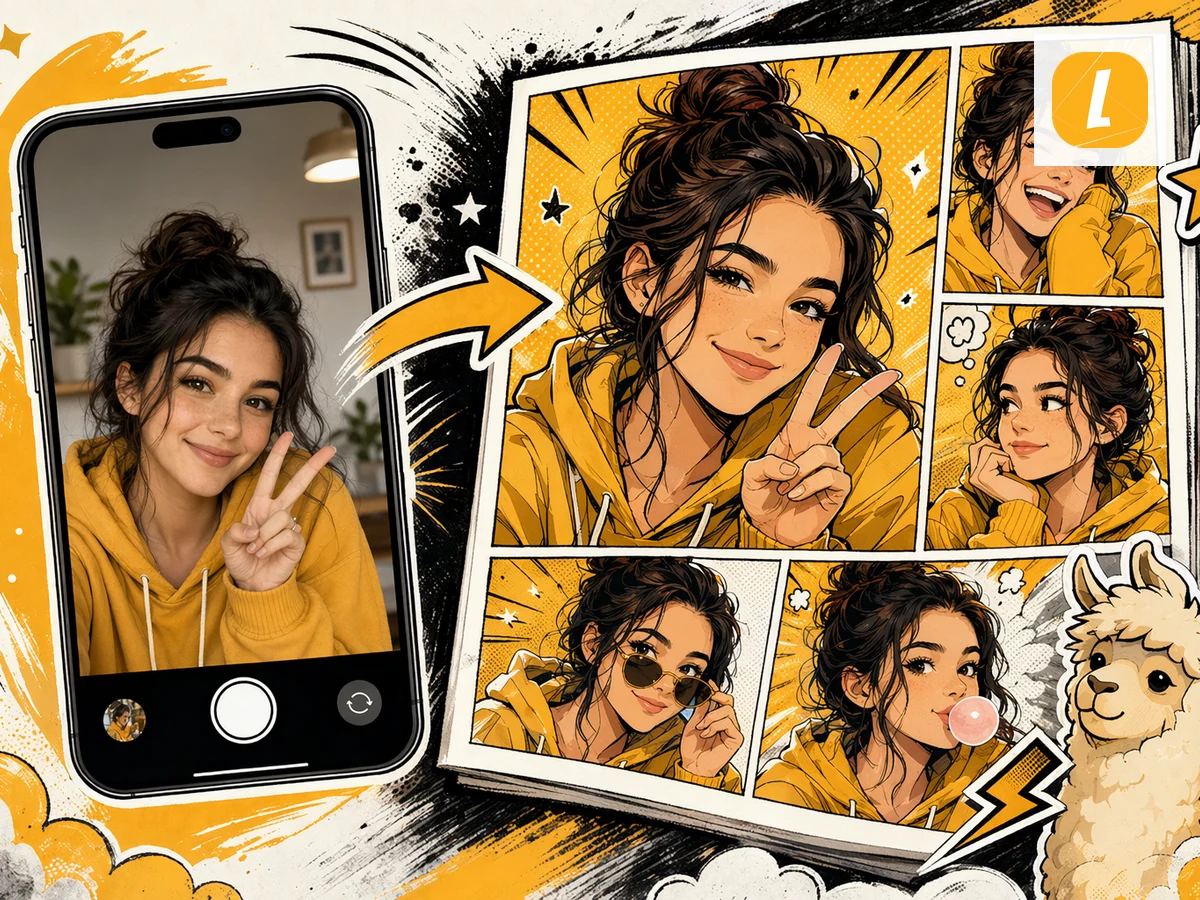
Keep the person at the center
02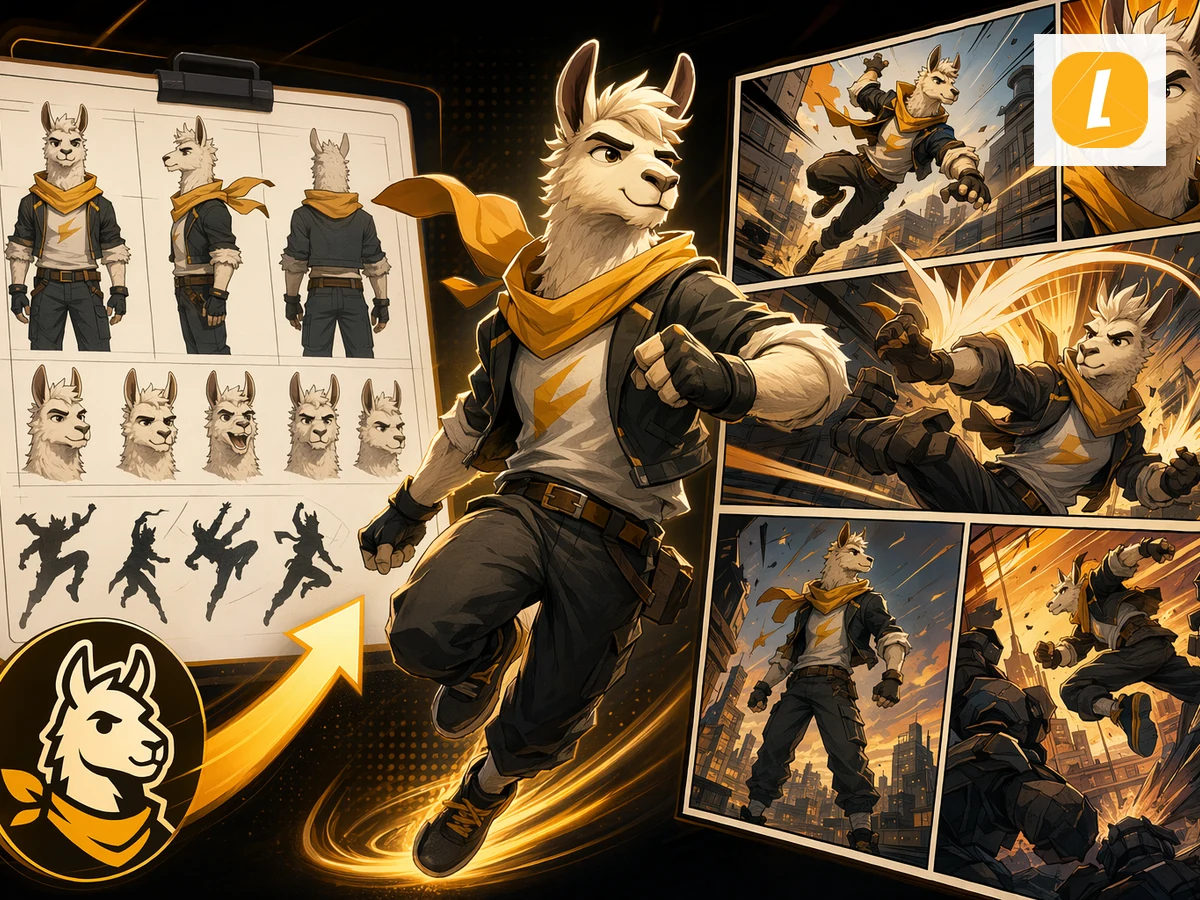
Build a character-led moment
03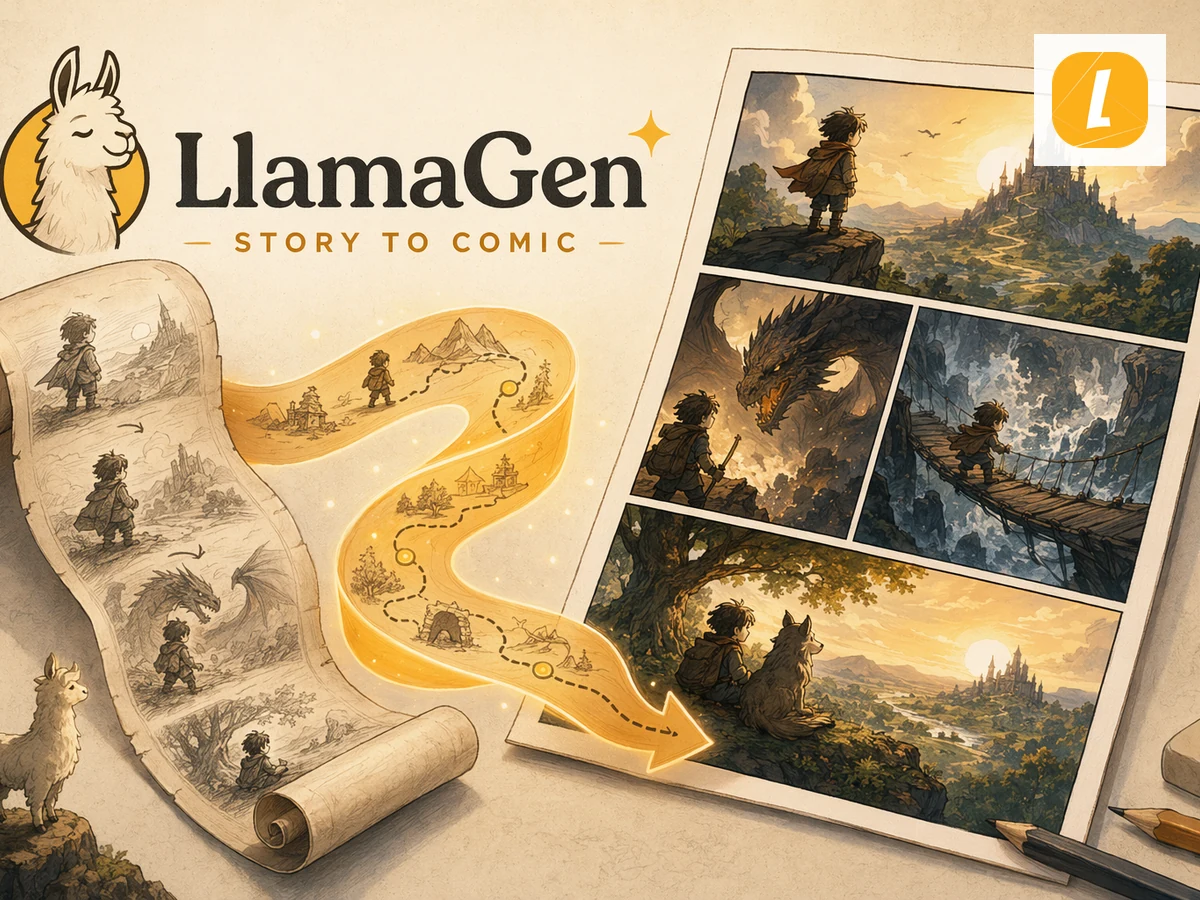
Turn a single beat into a sequence
04From snapshot to panels
Four small steps. One complete comic moment.
01
Upload a photo
Choose a clear image with the person or moment you want at the center.
02
Invent the scene
Write one playful scenario or start with a ready-made story spark.
03
Keep the identity
The photo travels with the request as a visual reference across four panels.
04
Edit in Studio
Refine panels, captions, dialogue, and layout after the first generation.
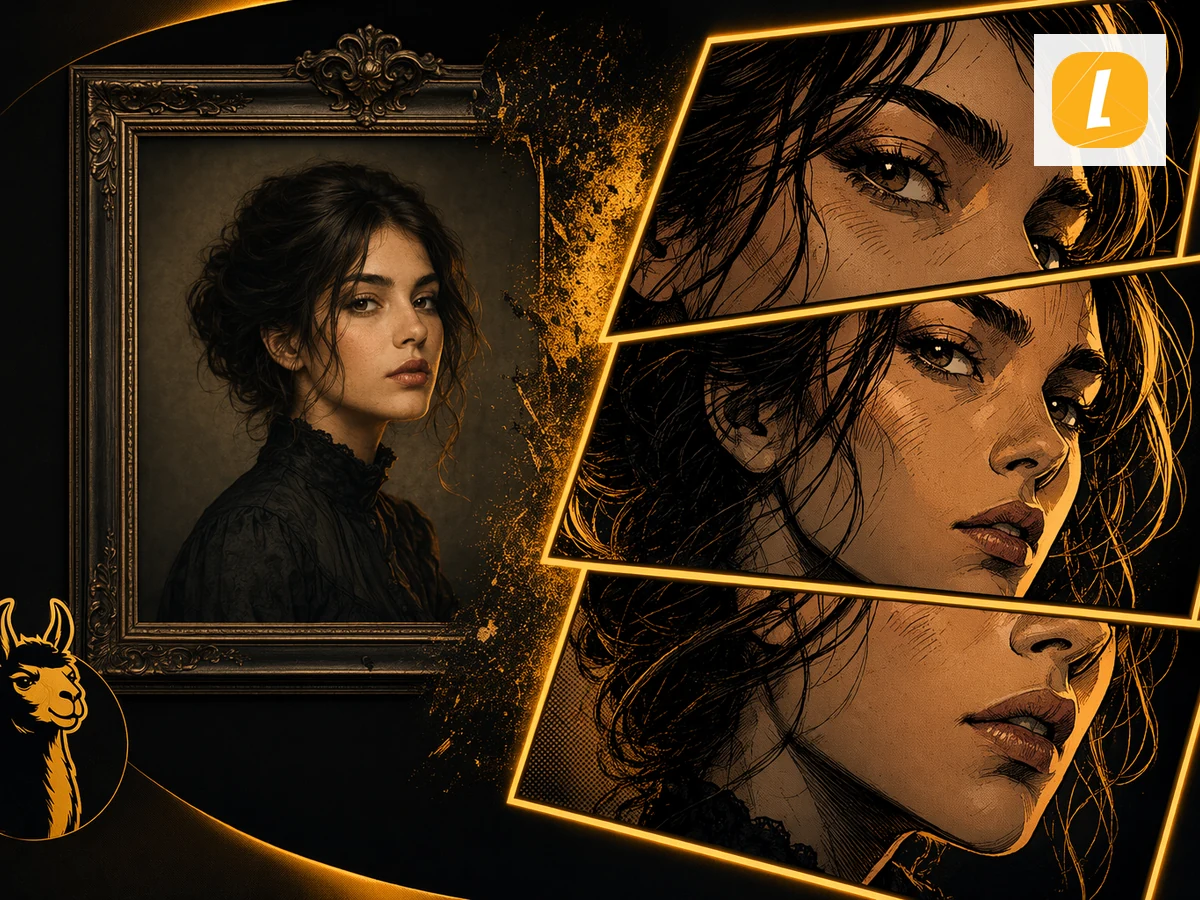
One reference carried into every panel
Character continuity
Keep the person recognizable as the story moves.
The uploaded image is attached as the visual anchor, while your scenario controls the action. That gives the generator a clearer identity target than a text-only prompt.
- Photo-aware four-panel generation
- Clear story arc instead of four unrelated images
- Editable captions, panels, and layouts after generation
More than a one-click result
Generate fast. Finish with control.
Your first comic is a starting point. Continue in Studio when the story needs a sharper expression, cleaner lettering, or a different panel rhythm.
Panel-level iteration
Regenerate or refine the parts that need another pass without losing the complete project.
Layout and pacing
Adjust panel structure so the setup, turn, reaction, and final beat land in the right order.
Captions and dialogue
Continue shaping the words after generation instead of baking every creative decision into one prompt.
Questions
Before you make your first panel.
01What is the LlamaGen InstaComic alternative?
It is an independent LlamaGen photo-to-comic workflow. Upload one photo, describe an original scenario, choose a visual direction, and create a four-panel comic you can continue editing in LlamaGen Studio.
02Is LlamaGen affiliated with Instacomic or Dashtoon?
No. This page is an independent LlamaGen alternative and is not affiliated with or endorsed by Instacomic or Dashtoon.
03What image formats can I upload?
You can upload a JPG, PNG, or WebP image up to 20MB. A clear image with one main subject usually gives the generation workflow the strongest visual reference.
04Can I edit the comic after it is generated?
Yes. A successful generation opens in LlamaGen Studio, where you can revise panels, captions, dialogue, layouts, and story details.
05Does my photo upload immediately?
No. Selecting a photo first creates a local browser preview. The file is uploaded only after you click Generate my comic and sign in.
Your camera roll already has a story in it.
Pick one photo, imagine what happens next, and turn the moment into an editable four-panel comic.
Try the InstaComic alternativeContinue creating with LlamaGen
Move from a single generated image or video into comics, manga, storyboards, and connected visual stories.