All posts
LlamaGen 1.0.36: LlamaGen.AI 1.0.36: Add Pages and Broader Script Import

Jay
September 17th, 2026
LlamaGen.AI 1.0.36: Add Pages and Broader Script Import
Longer comics stall when adding a page requires extra layout choices, or when a script cannot be dropped into Comic Copilot. This release adds the next page from the filmstrip and widens the files Comic Copilot can read.
Add the next page from the filmstrip
Add New Page now appends a blank page from the filmstrip plus control. The new page opens empty, with Panel 1 through Panel 4 already listed, so a longer story can grow without stopping to pick a layout first.
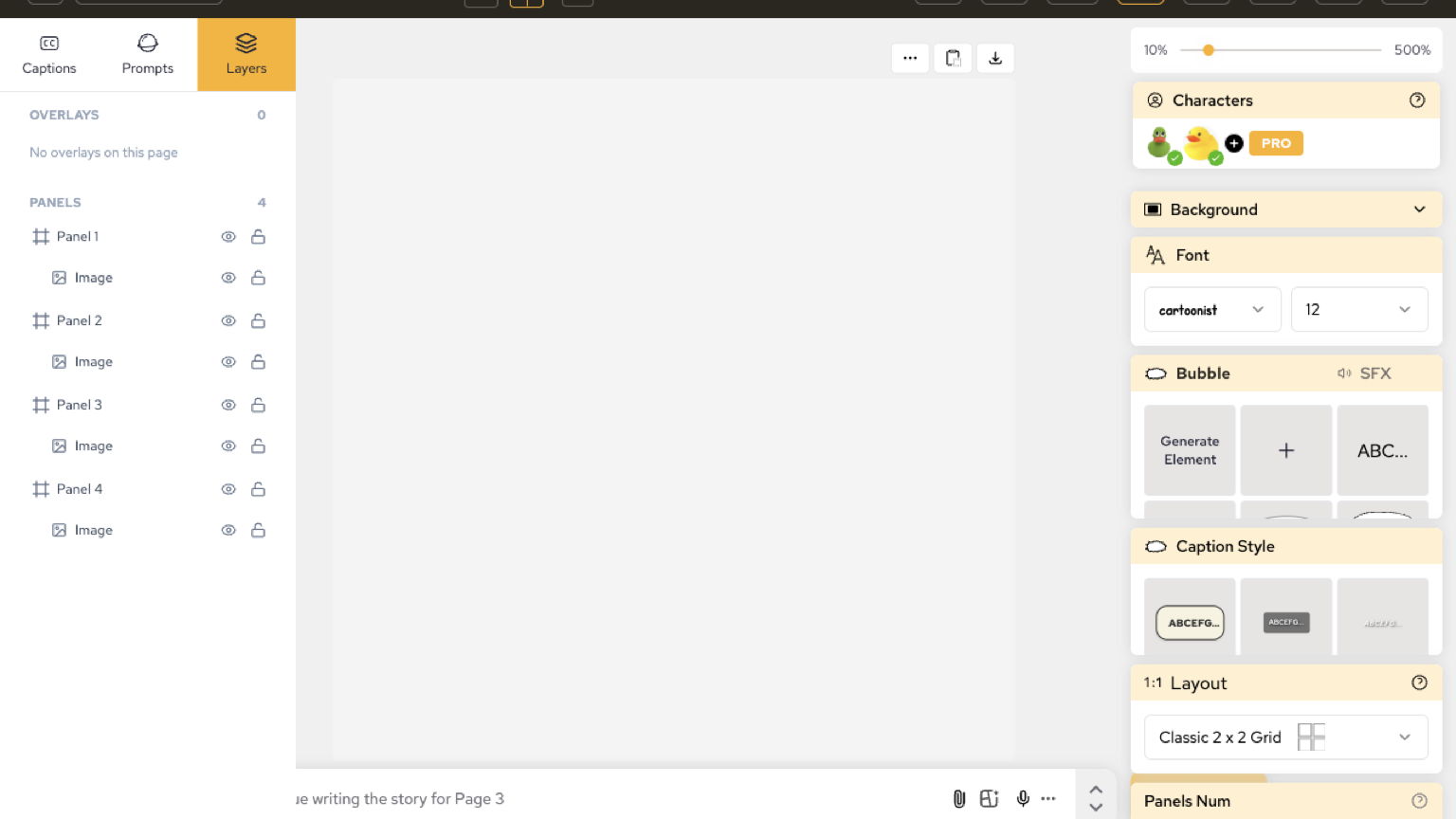
The practical win is fewer interruptions: creators can keep paging forward and fill the new page when the next beat is ready.
Bring more scripts into Comic Copilot
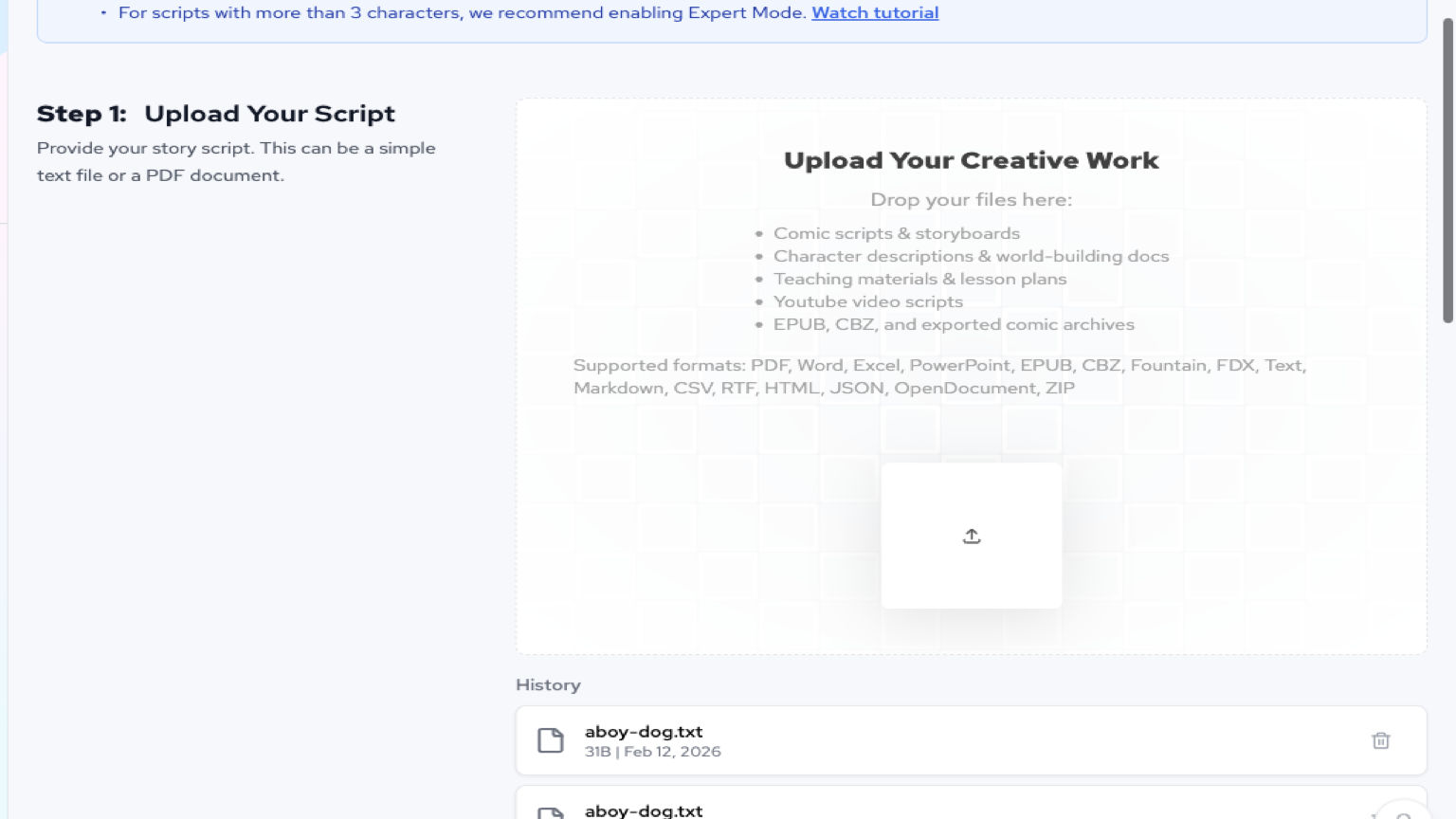
Uploading Script still starts from a story file, but Comic Copilot now accepts a wider set of writing and comic files, including EPUB and CBZ archives as well as PDF and Word. The drop zone lists those formats on the same screen.
Keep writing attached to the page you added
Continue writing stays under the current page after the filmstrip grows. The next sentence can be drafted against the page still on screen.
أوقد الأحلام لدى الصغار
حيث تنبض ملايين القصص بالحياة
A rundown of the latest LlamaGen feature releases, product enhancements, design updates, and important bug fixes.