01Page structure
Design the sequence before the details
Start with panel templates, portrait or landscape pages, and a visible page strip. The whole sequence stays close enough to inspect pacing while one page remains active for precise work.
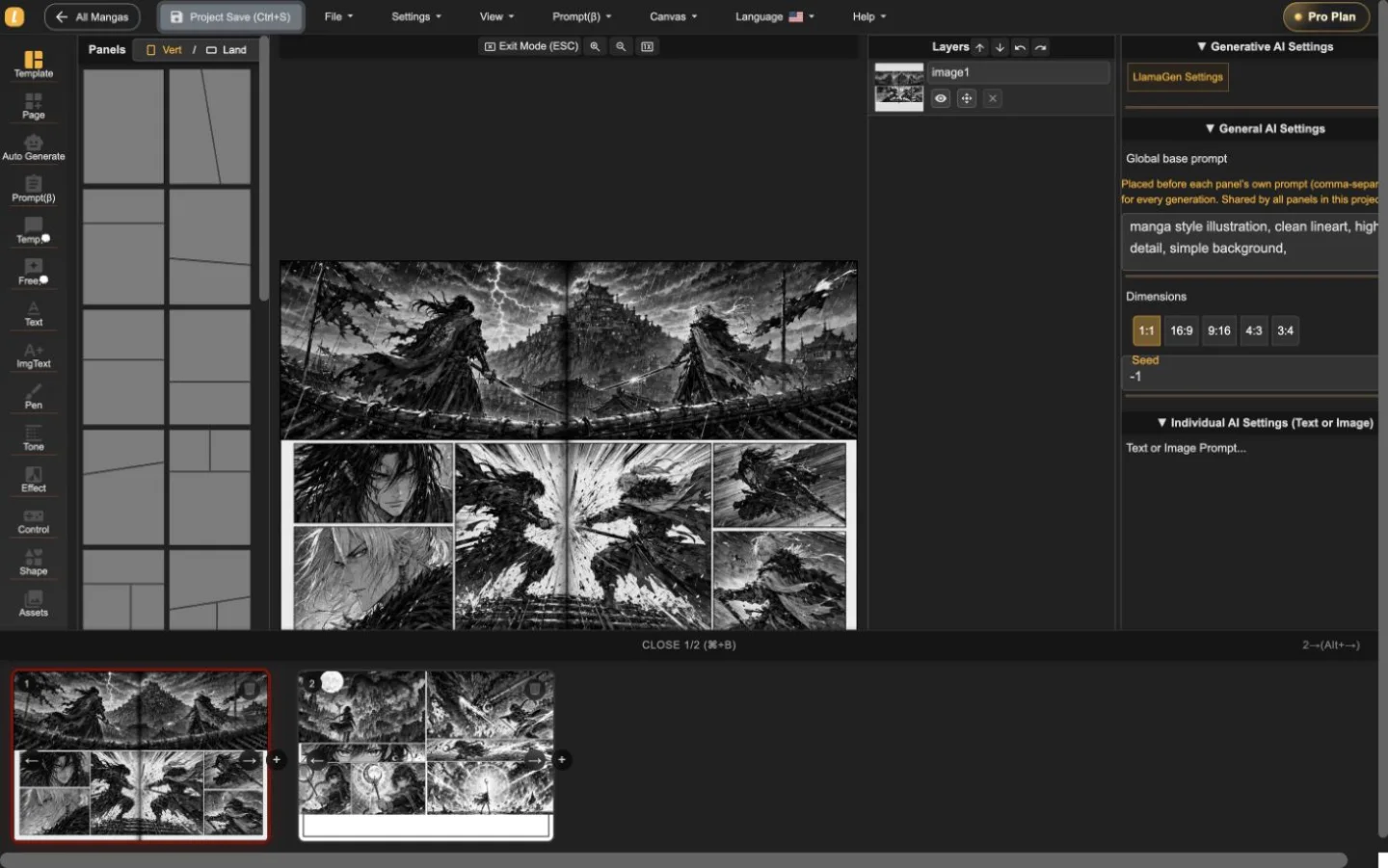
LlamaGen Manga Editor
Naplánujte vícestránkovou kapitolu, vkládejte nebo generujte ilustrace do panelů, upravujte dialogy a vrstvy a každou revizi uložte bez nutnosti rozdělit příběh do více nástrojů.
22-second interface tour
Built from real editor captures, this guided tour shows where page order, panel composition, layers, and generation controls live. It is an interface overview, not a recording of interaction speed.
Průvodce sekvencí z dvou skutečných stránek projektu. Video spustíte jen na požádání a nemá vliv na načítání stránky.
Mějte otočení stránky viditelné, i když upravujete jednu stránku.
Pracujte na ilustraci bez ztráty okolní stránky.
Upravujte vybraný panel s ovládacími prvky na očích.
Použijte průvodce pro pochopení prostředí editoru a otestujte rychlost práce na vlastní stránce ještě před výběrem tarifu.
Ověřte pracovní postup v editoruTři pracovní úrovně
Start with panel templates, portrait or landscape pages, and a visible page strip. The whole sequence stays close enough to inspect pacing while one page remains active for precise work.
Place generated or uploaded artwork inside panel boundaries, select objects directly, adjust composition, and keep the surrounding page visible instead of sending every correction through a separate generator.
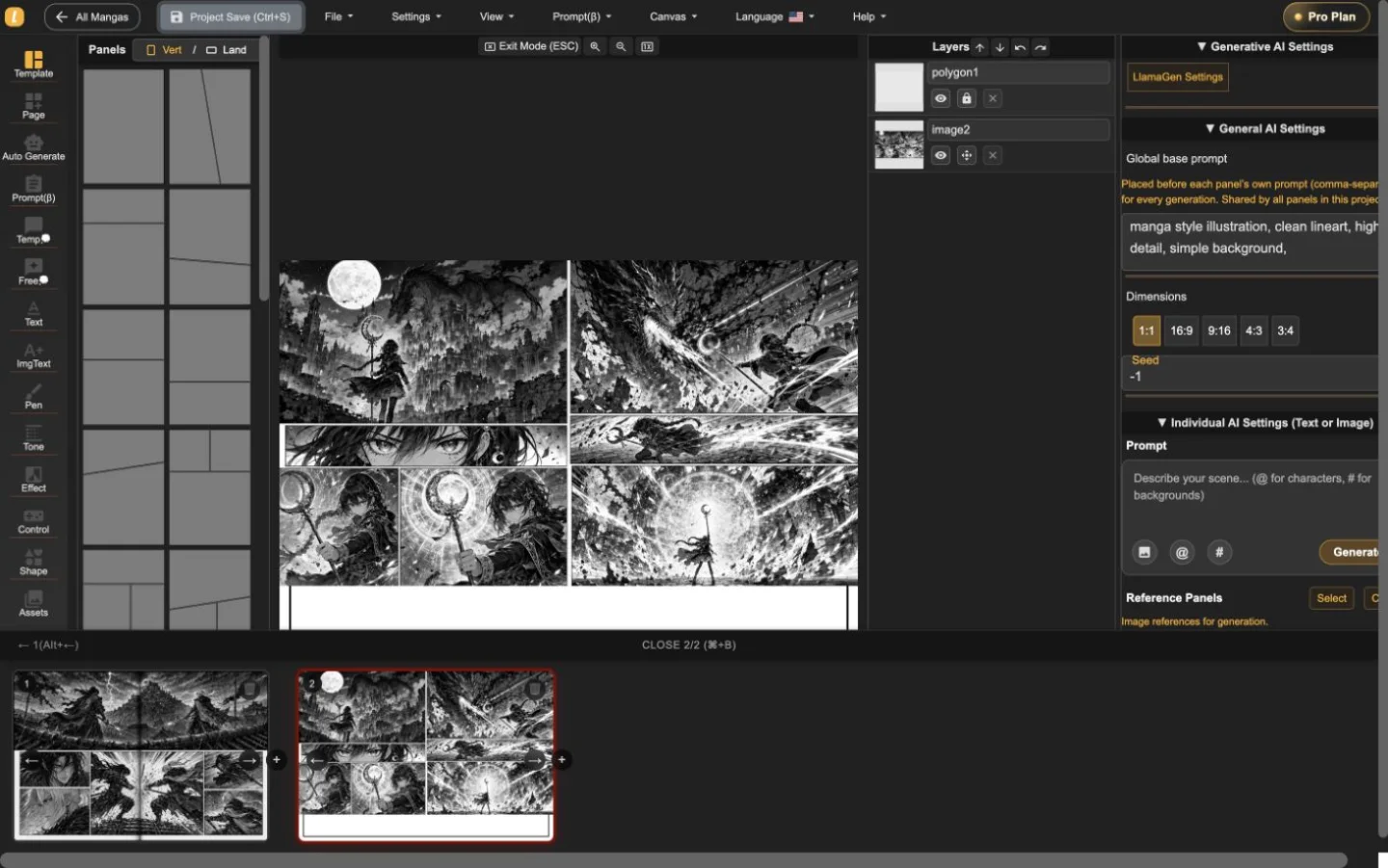
The layer list, panel selection, prompt controls, dimensions, and generation settings live alongside the page. That makes targeted revisions easier to understand and safer to repeat.
Skutečný dvoustránkový projekt
Akční i fantasy sekvence byly do Editoru mangy naimportovány, přepnuty a uloženy. Snímky obrazovky zobrazují reálný produkt—not ateliérovou fotografii nebo dekorativní ilustraci.
Užitečná úvodní relace
Použijte editor, abyste si zodpověděli tři praktické otázky před srovnáním tarifů: zvládnete strukturovat stránku, upravit panel bez ztráty kontextu a exportovat potřebný formát?
Začít projekt mangyNastavte směr stránky a rytmus panelů.
Vyberte panel, zkontrolujte jeho vrstvu a v kontextu upravte ilustraci či dialog.
Vyzkoušejte stažení aktuální stránky a uložte editovatelnou zálohu projektu před delší kapitolou.
Manga Editor plans
Standard supports multi-page drafting. Pro is the relevant comparison when a series needs character consistency or the plan's general commercial terms.
Než publikujete
Mějte editovatelnou zálohu, ověřte potřebný výstup a zkontrolujte práva ke všem zdrojovým podkladům před vydáním.
How to use Manga Editor
Start with structure, make image changes in context, and save a stable version before the next major revision.
Zvolte vertikální nebo horizontální stránku, přidejte panely a připravte sekvenci, než upravíte jednotlivé obrázky.
Generujte nebo vkládejte obrázky do vybraného panelu, dolaďte prompt a upravujte dialogy, tvary, vrstvy a kompozici v kontextu.
Projíždějte náhledy stránek se souvislou projektem, poté před velkou změnou uložte obnovitelnou verzi.
Reference
Praktické informace ke stránkám, obrázkům, ovládání generování, obnově a kontrole před publikací.
LlamaGen Manga Editor is a browser-based workspace for composing multi-page manga, comics, and webtoons. It combines panel layouts, image placement, AI-assisted generation, text tools, layers, page navigation, and project history in one editor.
Yes. The page strip keeps multiple pages in one project so you can add, reorder, open, and review the sequence without exporting every page as a separate document.
Yes. Import or paste your own image files, then place them on the canvas or inside a selected panel. The editor keeps the surrounding page visible while you adjust the composition.
Yes. AI controls can generate or refine images for the selected panel. The editor keeps the page, panel, prompt, and layer context visible while you work.
The editor currently supports a current-page image download using the selected DPI, supported vector content as SVG, and an editable project backup. Download access depends on your plan. PDF is not currently listed as an editor export.
Standard and Pro include single-page and multi-page editing. Standard currently includes 15,000 monthly credits and up to 20 panels per prompt. Pro currently includes 45,000 monthly credits, character consistency, and up to 40 panels per prompt.
Pro currently lists general commercial terms. Commercial use also depends on the rights to your prompts, reference images, fonts, characters, and other source material, so review the current plan and terms before publishing or selling a project.
Project history shows saved versions with page previews, timestamps, and page counts. Review the selected snapshot before choosing whether to restore it.
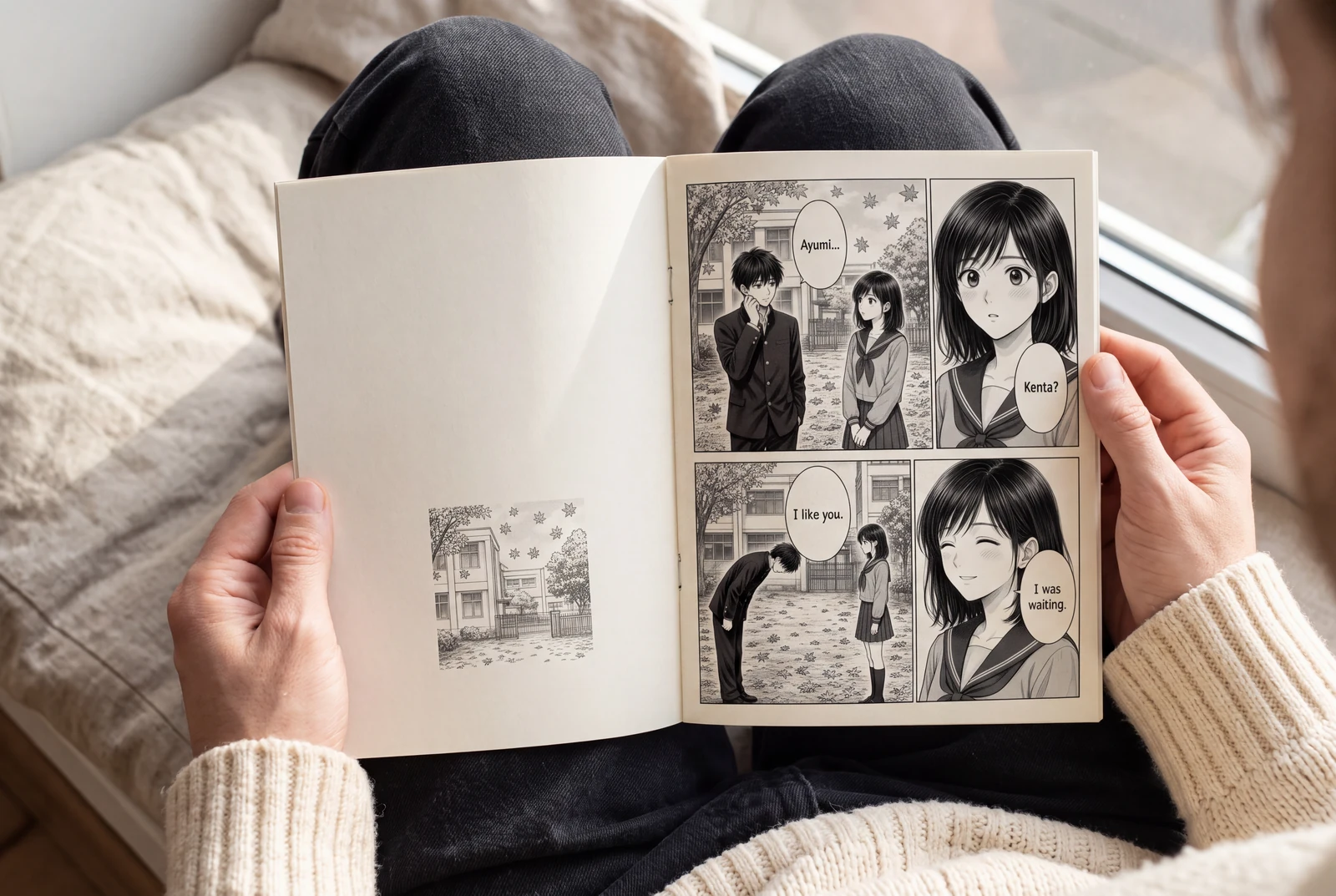
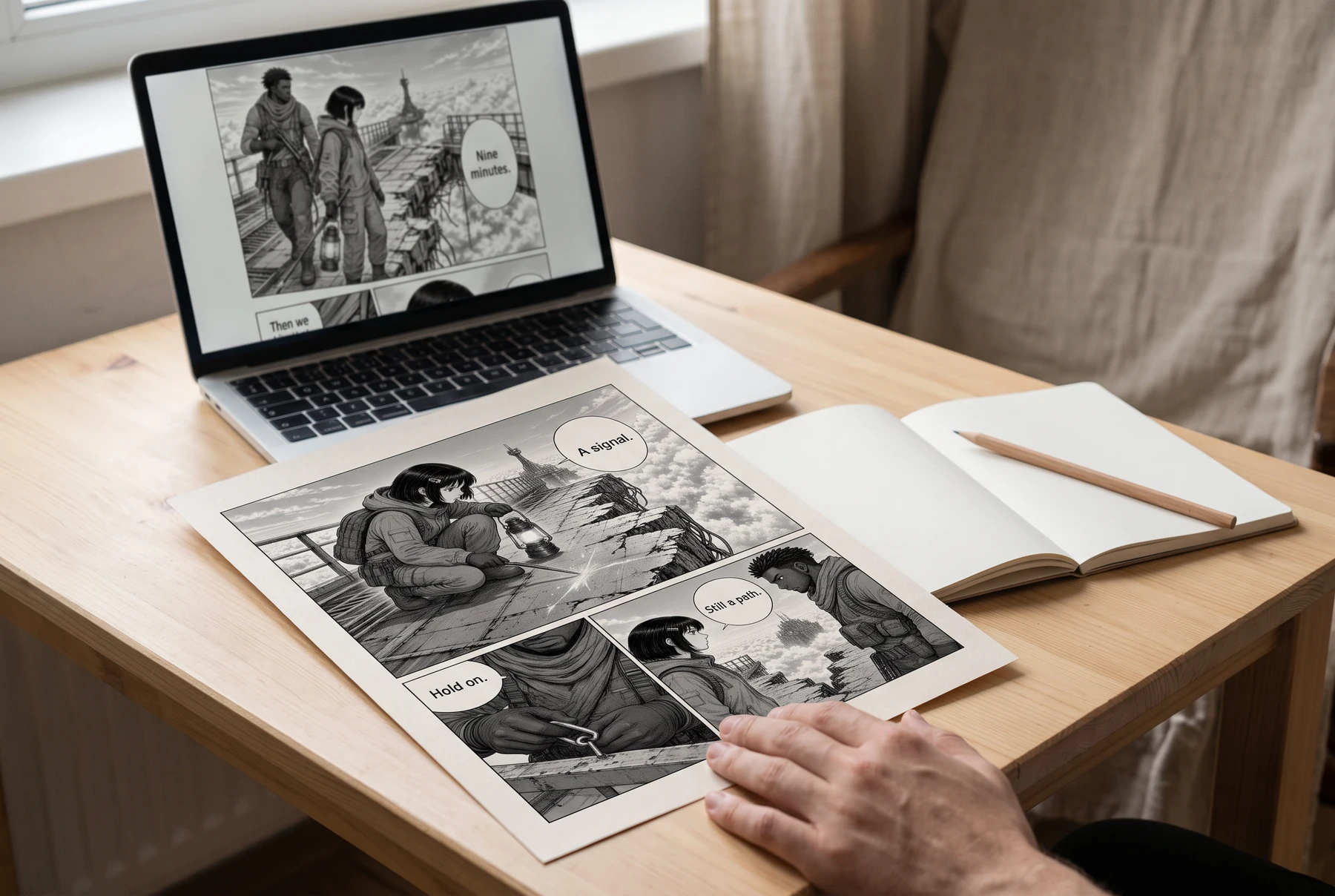
Plan manga panels, gutters, image crops, and dialogue space before exporting a readable page. Includes a four-panel planning example and practical checks.
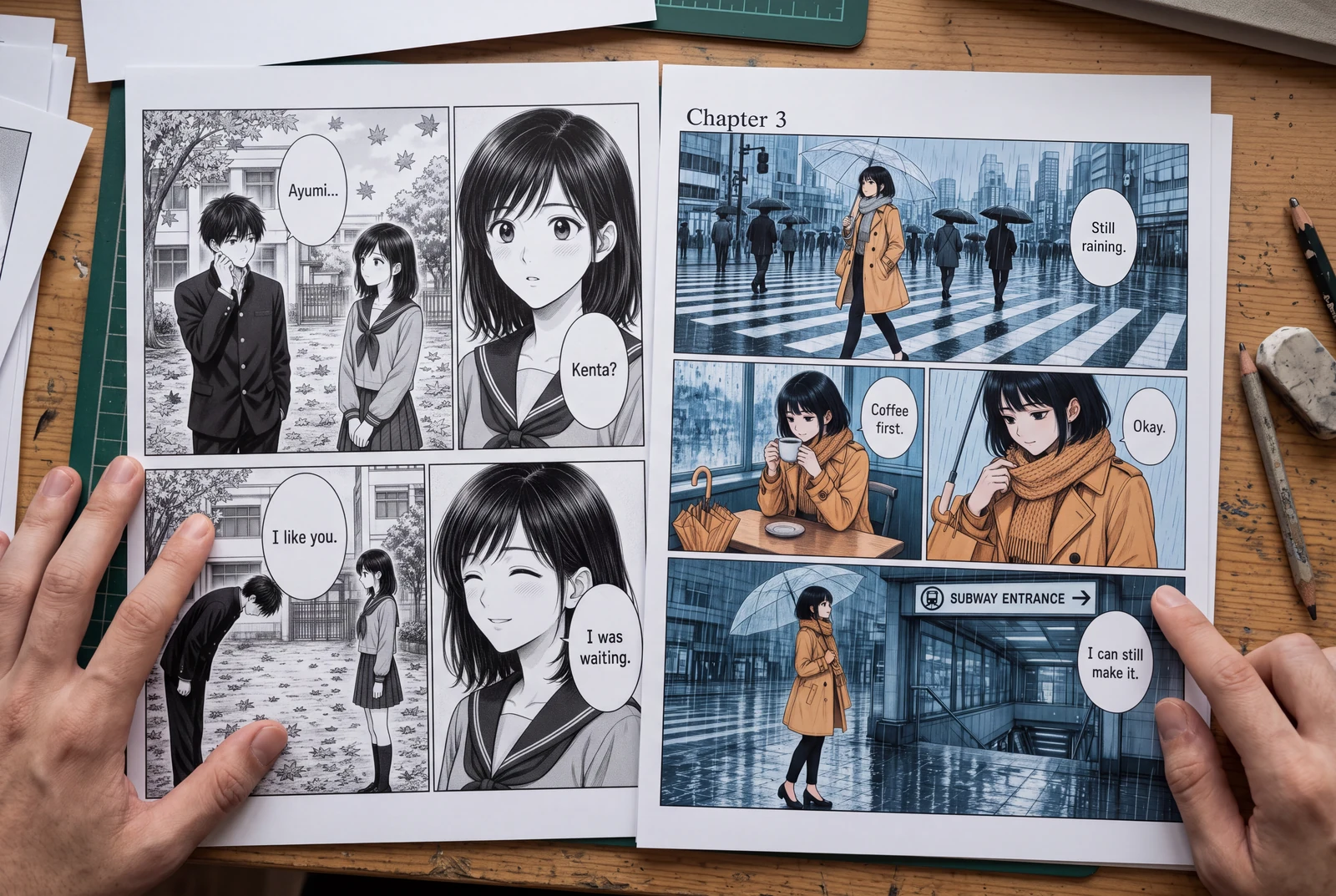
Place manga speech bubbles in a clear order, connect tails to speakers, and preserve text space across translations. Includes a dialogue planning example.
Guides
Three practical guides to turn a story into panels you can read, revise, and share.
 AI-generated lifestyle concept
Manga planning guide
Turn a short manga script into four readable panels with an original worked example, a reusable prompt, dialogue checks, and an honest review checklist.
Read guide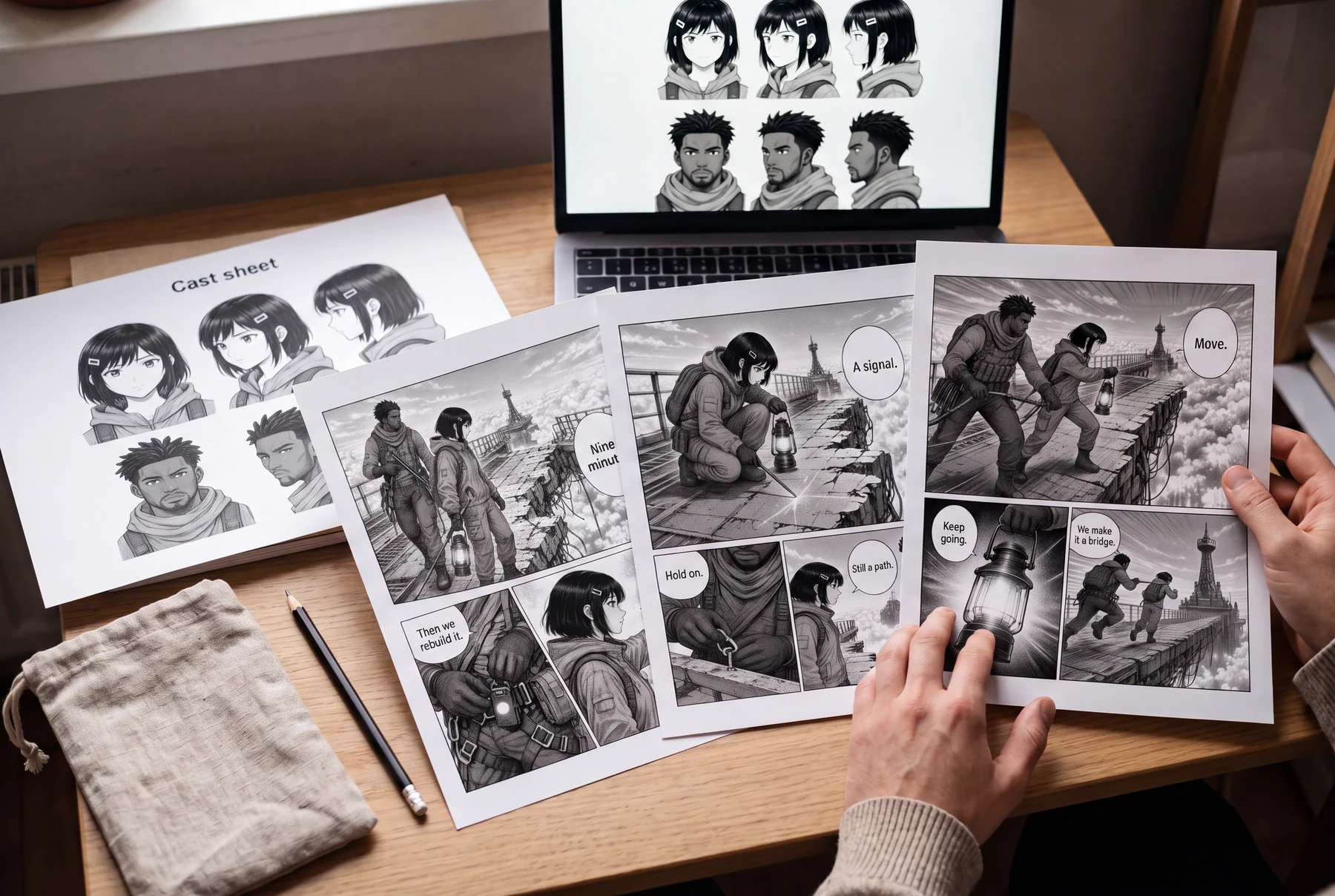 AI-generated lifestyle concept
Character continuity guide
Keep AI manga characters recognizable with a character bible, scene continuity checks, and a targeted redraw prompt. Includes an original illustrated example.
Read guide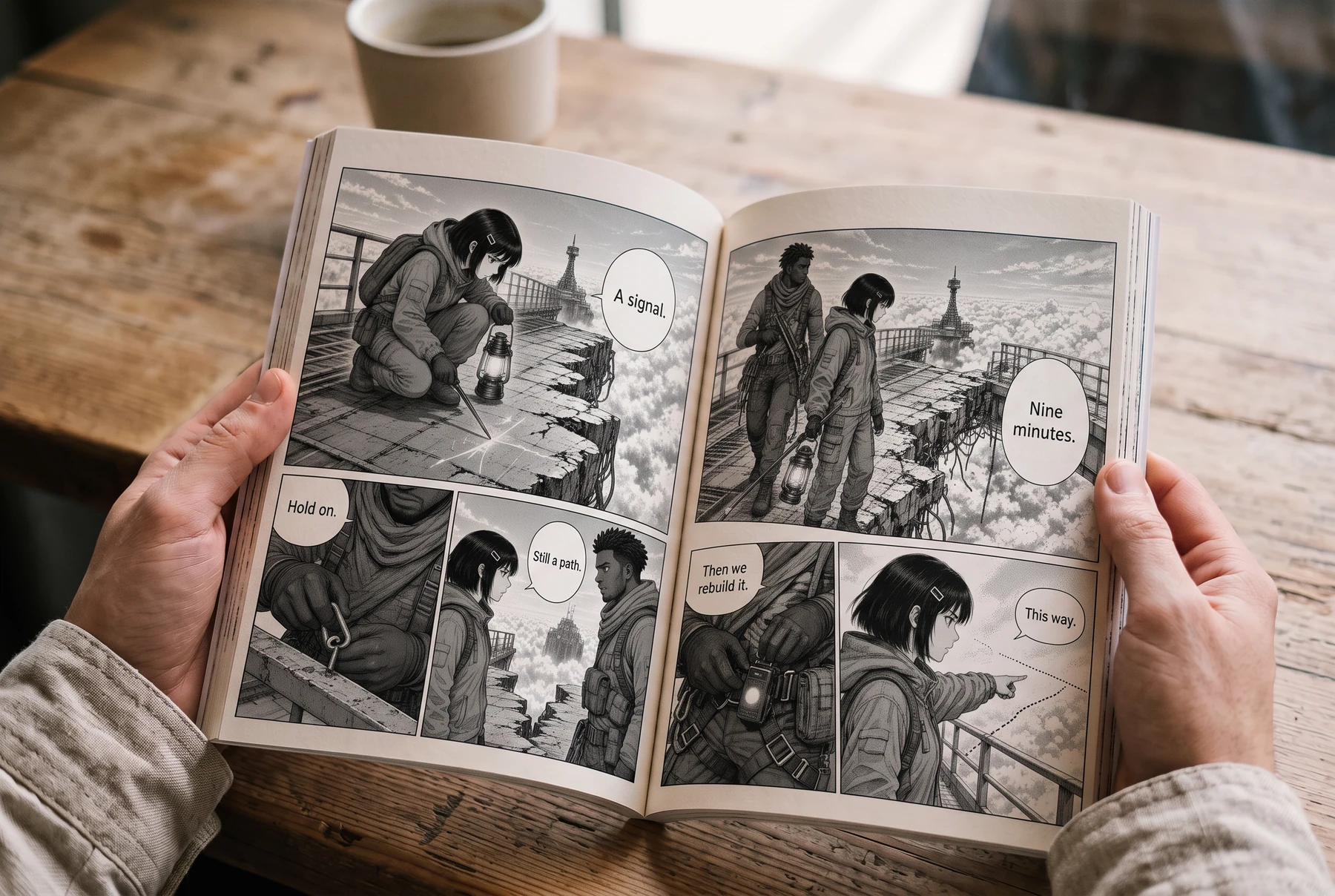 AI-generated lifestyle concept
Reading order & lettering
Plan right-to-left manga panels and speech balloons with an illustrated four-panel example, a lettering brief, and a translation checklist.
Read guideZačít projekt
Vyberte formát stránky, nastavte rytmus panelů a vložte první ilustraci.