

MANGA LETTERING GUIDE
Manga Speech Bubble Placement: Keep Dialogue Readable
Place manga speech bubbles in a clear order, connect tails to speakers, and preserve text space across translations. Includes a dialogue planning example.
Place bubbles in Manga Maker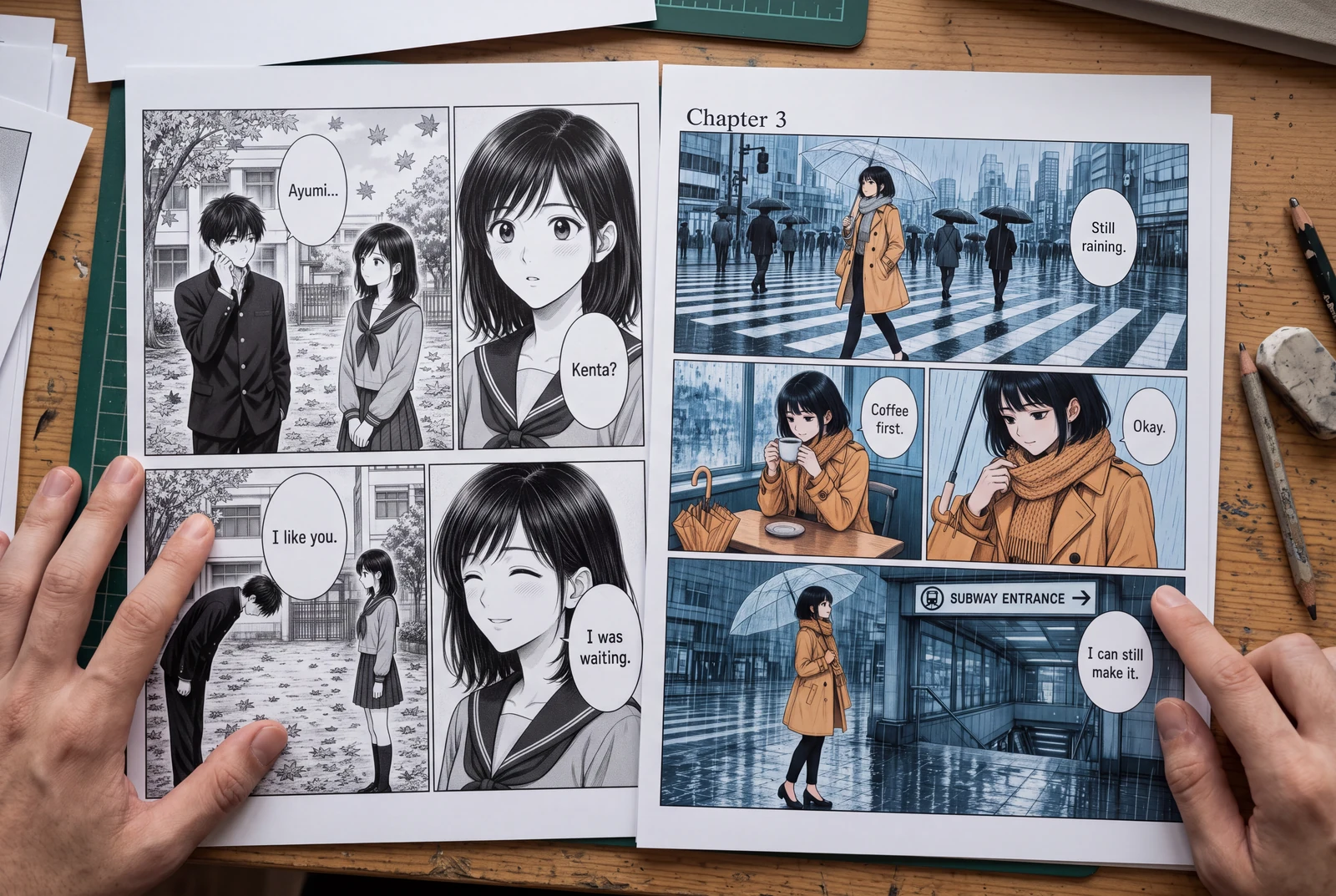
Quick answer
Arrange bubbles along the page's reading direction, give each tail an unmistakable speaker, and keep text away from the bubble edge. If dialogue needs very small type, shorten the line or change the panel composition.
Readers should know which line comes next and who says it. Plan bubbles as part of the composition before finalizing artwork. Letter your panels in Manga Maker, then review the export at its intended reading size.
Picture the finished work in everyday life
Explore ways to read, hold, compare and present your finished manga and artwork.
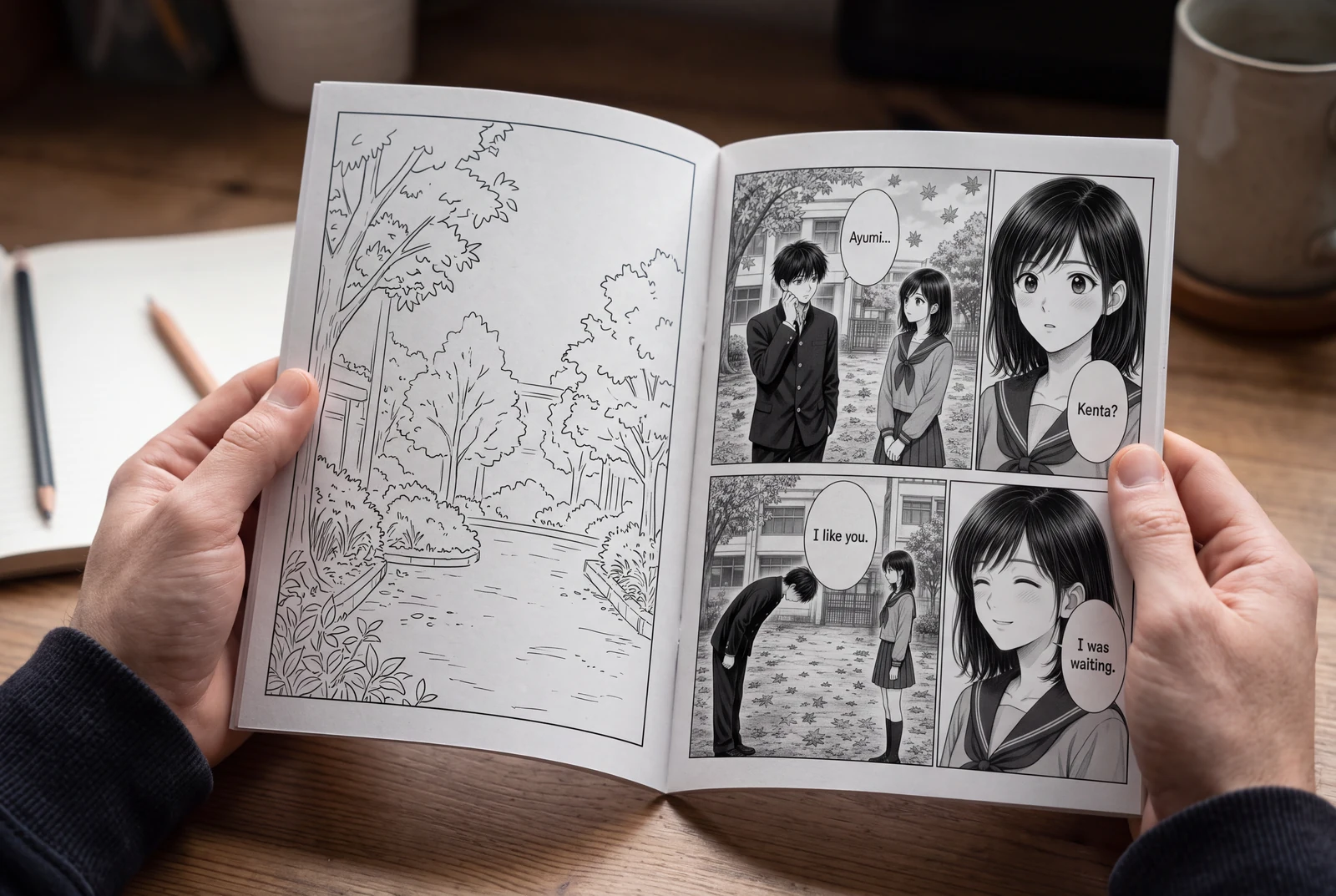
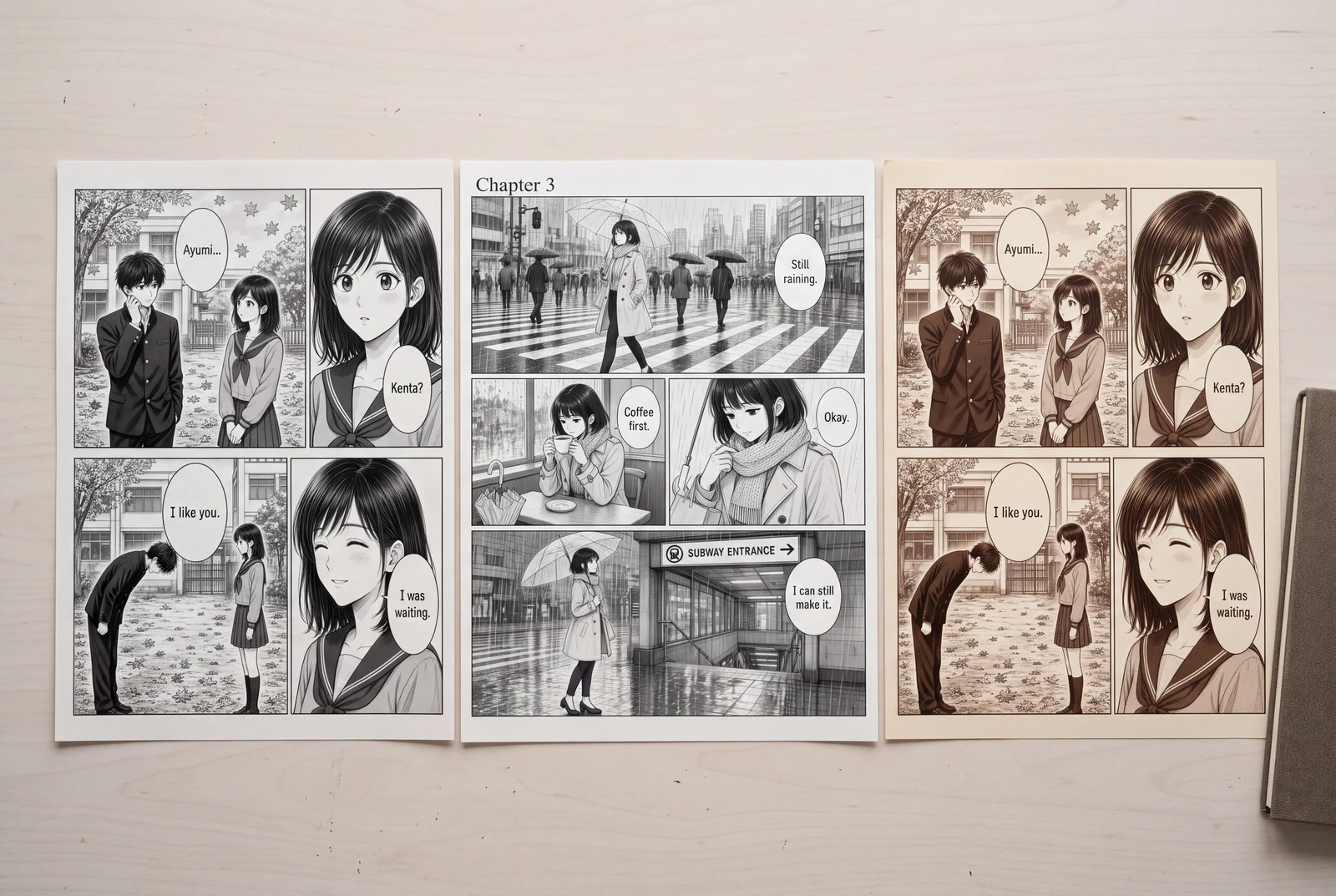
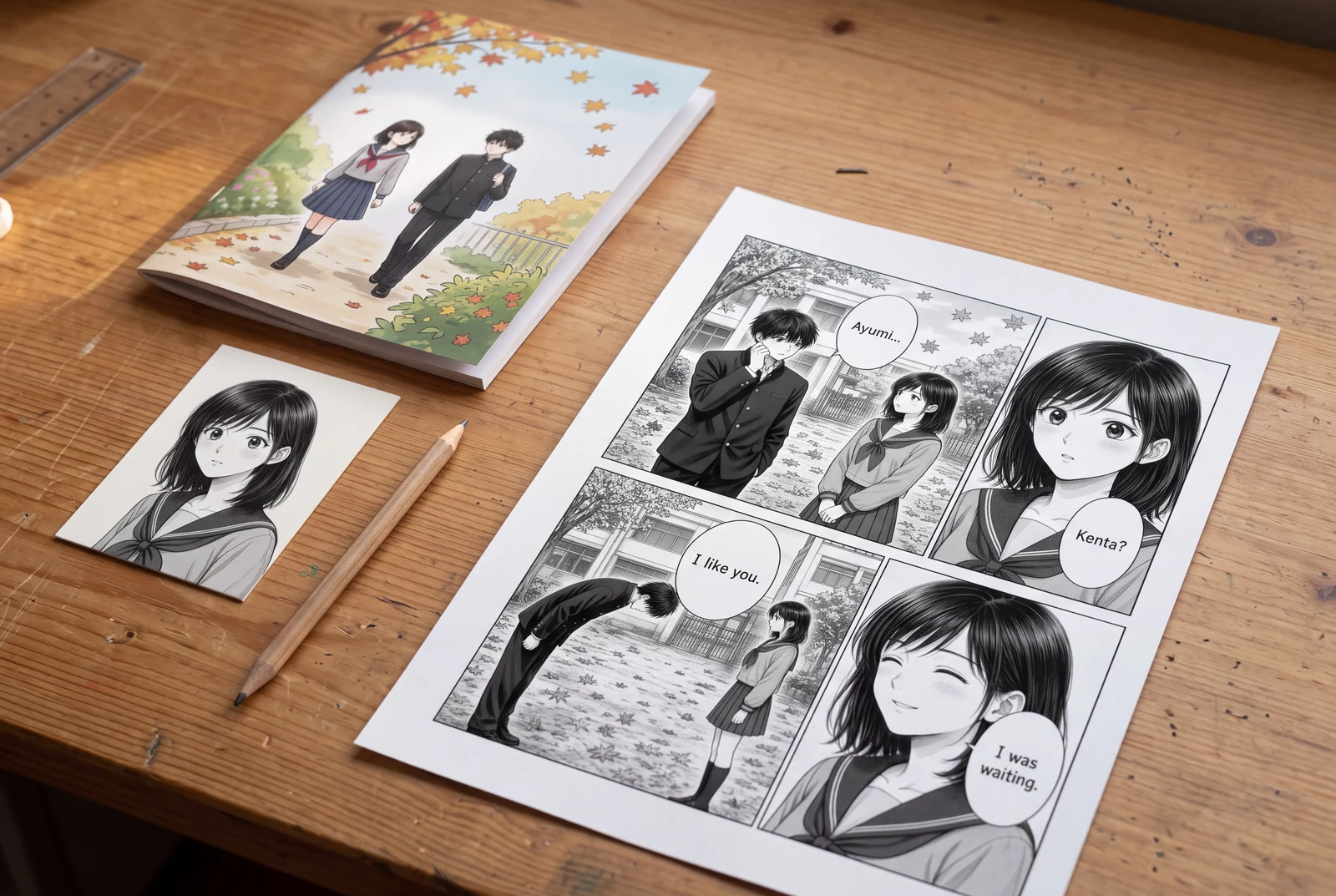
AI-generated lifestyle concepts with fictional people; not customer photos or verified product runs. Printed objects illustrate presentation ideas, not a printing service.
Worked planning example
Two speakers exchange three short lines
On a right-to-left page, A asks, “Did you bring the map?” B answers, “Only the old one.” A adds, “That may be enough.” Number three bubbles in that order. Position the characters so their tails need not cross.
- Read only the bubble positions and confirm a clear 1–2–3 route.
- Cover the dialogue and identify each speaker from the tails.
- Preview the longest translated line before fixing the bubble sizes.
This is a lettering plan created for explanation, not evidence of a completed product session.
Workflow
Reserve space for the actual dialogue
Place the real script during rough layout; placeholder words cannot show a sentence’s footprint. Keep a separate dialogue copy for wording and punctuation review.
- Mark each line’s speaker and order. Separate narration, dialogue, and sound effects in the script.
- Choose readable body text at final size. Use emphasis intentionally rather than shrinking lines to force a fit.
- Plan localization space. Review actual translated line breaks; an English-sized bubble may not fit another language.
Establish an unambiguous bubble route
Liz Staley’s Clip Studio TIPS tutorial covers language direction, speaker identification, and crossed tails. Check these across the whole page as well as each panel.
- Start toward the upper right on a right-to-left page, moving down and left. Reverse the horizontal progression for left-to-right reading.
- Keep bubbles visually assigned to their panel. Check any intentional border overlap for speaker and reading-order ambiguity.
- Move a bubble before stretching its tail across a face. Reposition art or divide the exchange if necessary.
Letter, inspect, and save a review copy
In Manga Maker, choose a Bubble template, double-click dialogue to edit, and adjust its tail. Horizontal and vertical text are available; inspect the actual typography.
- Leave space between text and outline. Avoid isolating a short word or awkwardly splitting a name.
- Check punctuation, missing glyphs, and vertical-text orientation. Keep tails away from faces and critical details.
- Read the exported PNG or PDF at normal size. Save a desktop JSON backup for future dialogue edits.
Problems and fixes
- The reader hears the reply before the question.
- Number bubbles temporarily and reposition them in reading order. Reconsider speaker placement if tail paths then become confusing.
- The translated text fits only after becoming tiny.
- Revise the wording with a fluent reviewer, enlarge the bubble, or change the layout. Preserve the meaning and a readable text size.
- A bubble covers the clue the character is discussing.
- Move the bubble or alter the artwork crop, then confirm that the clue and its dialogue are both visible.
Before you export
- Each line follows a clear bubble sequence.
- Every tail identifies its speaker without crossing another tail.
- Text, punctuation, and glyphs read correctly at final size.
- Every translated version has its own visual lettering review.
Common questions
Should all manga dialogue use vertical text?
No. Choose typography appropriate to the language and publication. Maintain the page's intended reading order and inspect the actual output, especially punctuation and mixed Latin characters.
Can a speech bubble overlap a panel border?
It can be an intentional design choice, but review whether the overlap creates a false reading route or makes the dialogue appear to belong to another panel.
Can AI colorization preserve my lettering exactly?
Do not assume that it will. Retain the original text and compare any processed image with it; reapply important lettering in the page editor when necessary.
Sources and further reading
Prepared from the public LlamaGen workflows and the technical references linked below. The scenarios are planning examples; they are not customer case studies or hands-on generation tests. External references explain techniques and file formats, not endorsements of LlamaGen.
- LlamaGen Manga Maker
Product reference for editable bubbles, tails, text directions, backups, and export.
- Liz Staley: Speech Balloon Placement in Comics
Named creator tutorial on balloon order, speakers, and tails; not a LlamaGen endorsement.
AI-generated lifestyle concepts with fictional people; not customer photos or verified product runs. Printed objects illustrate presentation ideas, not a printing service.
Comic animation and layout
Plan an ordered shot sequence, choose four-panel layouts, and stage a readable manga action scene.