

MANGA MAKER GUIDE
Manga Page Layout: Build a Clear Reading Order
Plan manga panels, gutters, image crops, and dialogue space before exporting a readable page. Includes a four-panel planning example and practical checks.
Open Manga Maker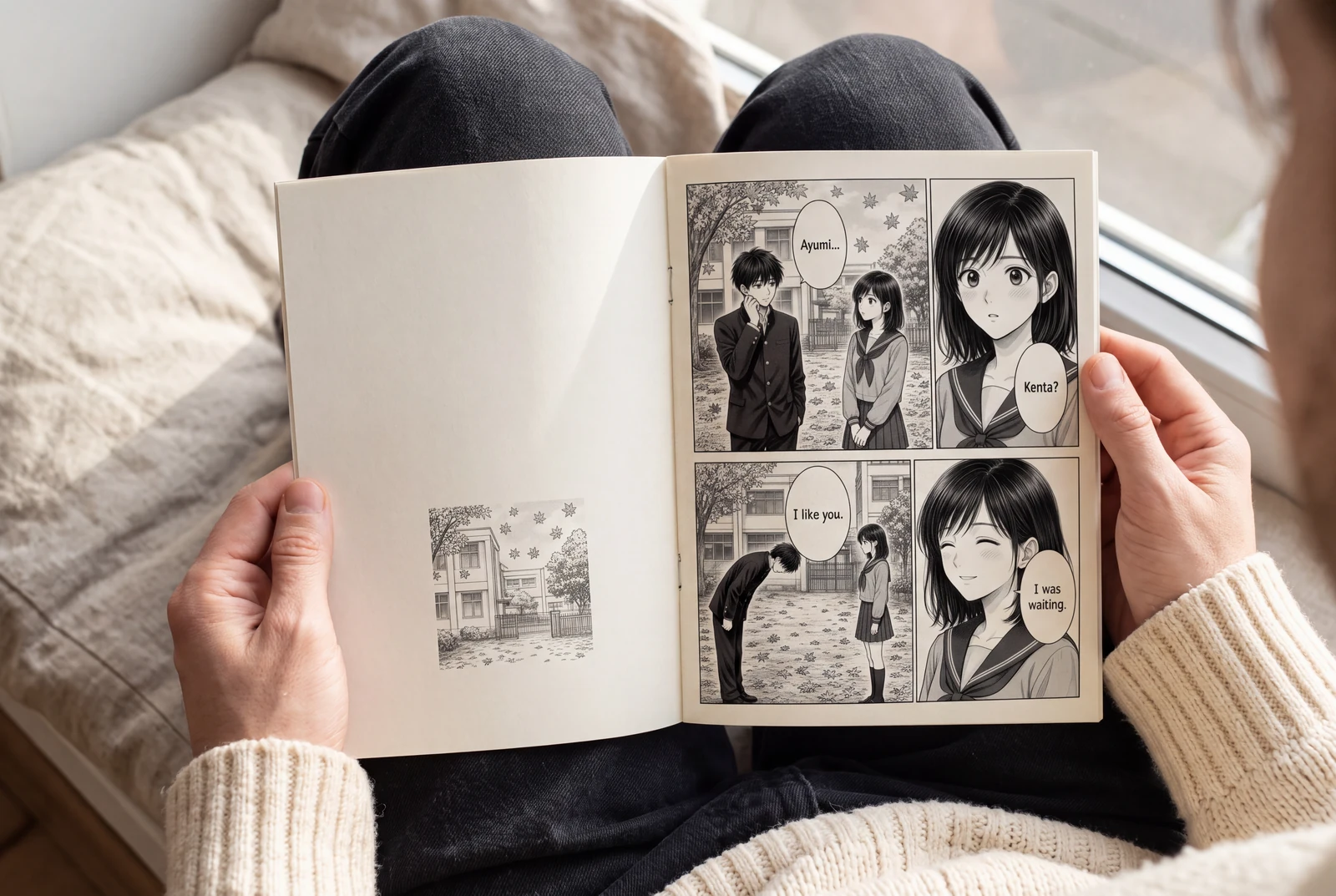
Quick answer
Choose one reading direction, map each story beat to a panel, and reserve bubble space before uploading final art. Review the page small for flow, then at its intended reading size for text and crop errors.
A manga page works when the reader can follow the action without decoding the layout. Plan the event order and dialogue space before refining artwork crops. This guide covers your existing artwork; AI story generation is a separate, signed-in workflow using credits.
Picture the finished work in everyday life
Explore ways to read, hold, compare and present your finished manga and artwork.
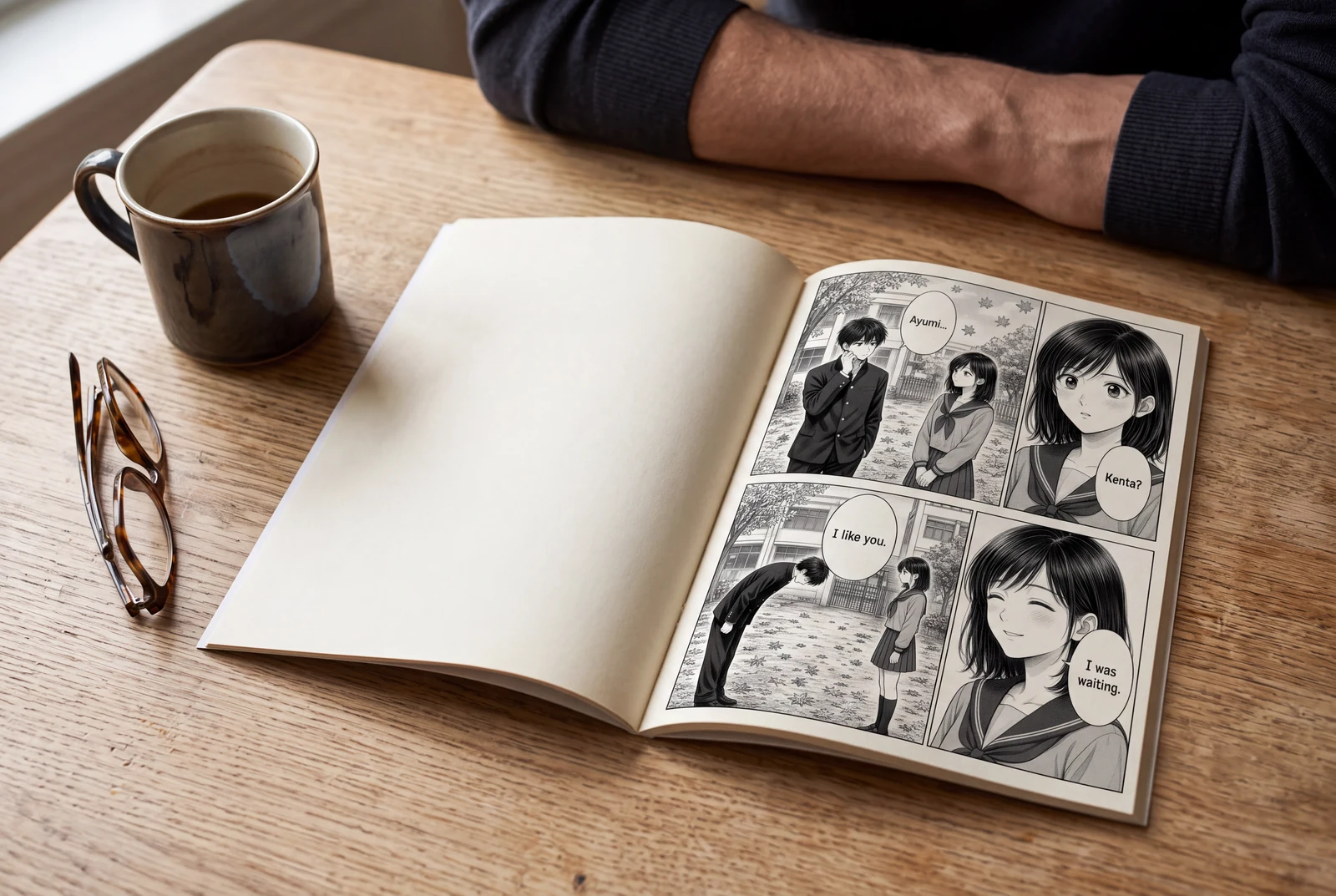
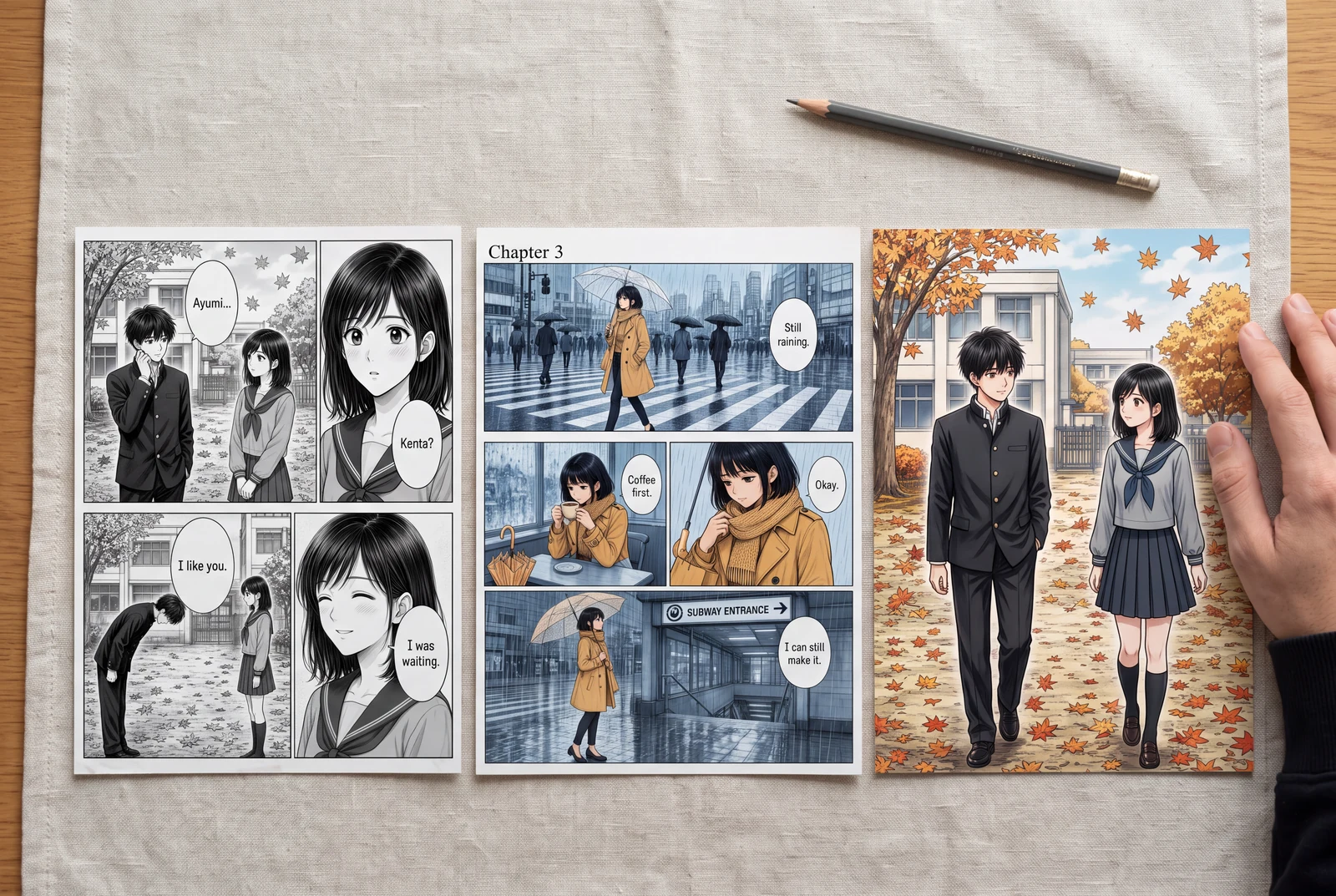
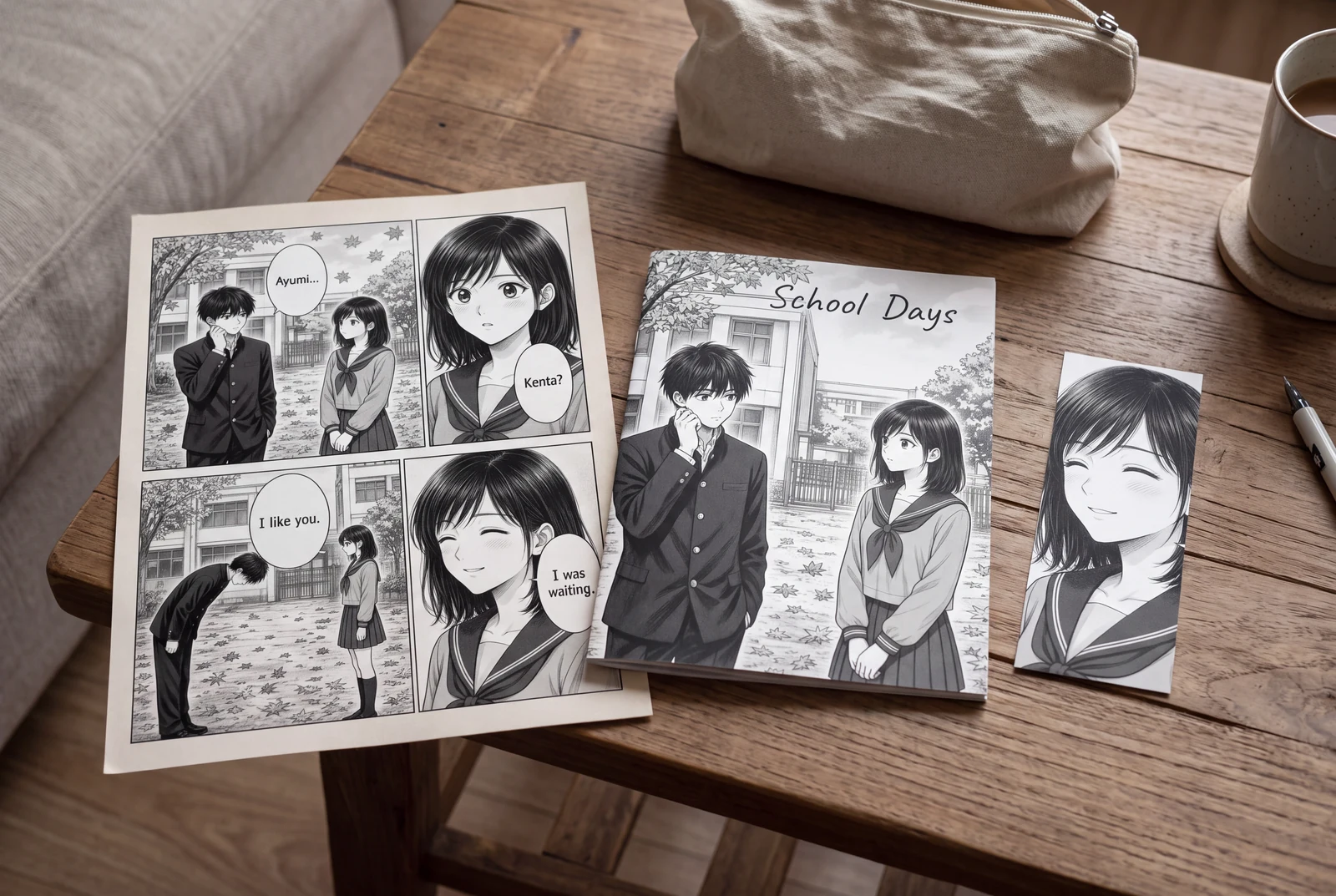
AI-generated lifestyle concepts with fictional people; not customer photos or verified product runs. Printed objects illustrate presentation ideas, not a printing service.
Worked planning example
Four panels for a missed-train scene
Plan four right-to-left beats: a station clock, a runner reaching the platform, the departing train, and a silent reaction. Give the departure room to show what changed. Put the reaction last so the consequence follows the action.
- Number the panels temporarily: clock, runner, train, reaction.
- Reserve a bubble area in the runner panel without covering the platform edge.
- Check that the final reaction cannot be mistaken for the second panel.
This is an invented planning example, not a generated or tested LlamaGen result.
See how a layout shapes a page
Compare three panel arrangements using original composited illustrations of Leo, Max and Lumi, LlamaGen’s official characters.
Original composited samples for layout comparison, not recorded results from the comic generator.
Explore every comic layoutWorkflow
Set the destination and reading direction
Decide whether the page is for a screen, print, or later vertical adaptation. Clip Studio recommends destination sizing and rough thumbnails before detailed drawing.
- Record final pixel dimensions and printer-supplied trim, bleed, and safe-area requirements. Paper proportion alone does not establish print resolution.
- Choose right-to-left or left-to-right reading. Keep that direction consistent for panels and dialogue.
- Sketch two tiny layouts. Choose the sequence that works with only boxes and beat labels.
Arrange panels around the story beat
Give essential information enough space: geography in an establishing view or an expression in a reaction. There is no universal professional panel count.
- Choose a Manga Maker template and adapt it to your sequence. You need not fill every panel.
- Keep gutters distinct at final size. Avoid boundaries that make neighboring rows look like competing reading routes.
- Place rough dialogue early. If the gesture and dialogue cannot fit, revise the crop or add another panel.
Fit artwork and review the export
Upload artwork into each selected panel and adjust its crop. Compare with your numbered plan. Manga Maker offers browser-local saving, desktop JSON backups, and PNG/PDF export.
- Protect faces, hands, important props, and movement destinations. Cropping away a door handle can hide why a character changes direction.
- Review thumbnails for sequence and intended size for lettering. Ask another reader to identify the order without explanation.
- Download a desktop JSON backup. Open the export and confirm page count, dimensions, dialogue, and crops.
Problems and fixes
- Two panels appear equally likely to come next.
- Simplify the row structure, move the ambiguous boundary, and repeat the numbered reading-order check.
- A dramatic crop hides the information needed to understand the action.
- Widen the crop or replace the source image. Keep the cause and consequence visible across adjacent panels.
- The browser copy is the only editable version.
- Download the JSON backup on desktop before clearing browser data or moving to another device.
Before you export
- Panel order matches the chosen reading direction.
- Dialogue and critical artwork have separate space.
- Export dimensions match the intended destination.
- The exported file and an editable JSON backup are saved.
Common questions
How many panels should a manga page have?
Use the number needed to communicate the beats clearly. Start with a rough sequence; reduce or split panels when lettering or essential artwork becomes cramped.
Can I arrange my own art without generating AI images?
Yes. Manga Maker accepts your artwork for page composition. AI image generation is a separate option requiring sign-in and credits.
Is a PDF automatically ready for print?
No. Check the printer's dimensions, margins, bleed, and resolution requirements, then inspect the exported file before ordering copies.
Sources and further reading
Prepared from the public LlamaGen workflows and the technical references linked below. The scenarios are planning examples; they are not customer case studies or hands-on generation tests. External references explain techniques and file formats, not endorsements of LlamaGen.
- LlamaGen Manga Maker
Product reference for uploads, page composition, local saving, desktop JSON backups, and PNG/PDF export.
- Clip Studio Paint: Step-by-step comic creation
Publisher documentation on thumbnails, dialogue planning, and sizing; a technical reference, not an endorsement.
AI-generated lifestyle concepts with fictional people; not customer photos or verified product runs. Printed objects illustrate presentation ideas, not a printing service.
Comic animation and layout
Plan an ordered shot sequence, choose four-panel layouts, and stage a readable manga action scene.