Colorize drawings and manga ink
Start from black-and-white manga pages, character drawings, comic panels, or clean sketches and turn them into color images.


Sube el arte de tinta de tu manga o cómic, elige tu estilo de color y genera un panel a color limpio.
Sube arte lineal de manga o cómic
JPG, PNG o WebP. Los paneles en blanco y negro funcionan mejor.
Tu arte coloreado aparecerá aquí.
Start from black-and-white manga pages, character drawings, comic panels, or clean sketches and turn them into color images.
The prompt is set to preserve ink, pose, and panel layout while adding anime, watercolor, webtoon, or print-comic color.
Each panel spends credits. Color a sample, then keep using the same workspace for the rest of the chapter.
It is the job of adding color to black-and-white drawings while keeping the original ink. LlamaGen does that from an uploaded sketch, manga page, or comic panel.
Upload a JPG, PNG, or WebP line drawing, choose anime, watercolor, webtoon, or print-comic color, optionally write palette notes, then generate. GPT Image 2 Fast is the default at 150 credits; other models are selectable.
It can be, if you need AI color on manga or comic ink. Colorify’s line art colorizer is a paint-bucket coloring-page editor. LlamaGen colorizes uploaded line art automatically and is built for repeat comic pages.
Yes. This page targets line art colorization and colorize-drawing searches. The manga colorizer at /tools/colorizer is the same product for comic and webtoon ink.
Yes, for coloring inked pages. Download remaining images from Komiko first. Character chat still belongs on WorldOS; this page only colors line art.
Use is covered by your LlamaGen account terms. This page is for coloring artwork you upload. Check pricing and the terms page before client delivery.
Yes. Start your free trial with free credits and earn more free credits through daily check-ins. No credit card is required. Sign in to manage your credits. Generation costs and model availability vary; paid plans offer more credits and additional export options.
Colorizer is a LlamaGen tool that adds AI color to black-and-white manga, comic line art, webtoon sketches, and character drawings.
Colorizer accepts JPG, PNG, and WebP image files. Clean line art usually gives the strongest results.
Yes. You can choose a color direction such as anime color, soft watercolor, webtoon pop, or print comic, then add custom palette notes.
The prompt is designed to preserve the original ink structure, pose, facial expression, and drawing layout while adding color.
GPT Image 2 Fast uses 150 credits by default. GPT Image 2 Pro uses 600 credits (paid plan); LlamaGen Fast uses 300 credits, Ultra Lite uses 600 credits (paid plan), and Ultra uses 1200 credits (paid plan).
Updated October 10, 2026
Line art colorization adds color to a black-and-white drawing while keeping the original ink. LlamaGen is an AI line art colorizer for manga pages, comic panels, and character sketches: upload the drawing, pick a color direction, and download a colored result. It is built for repeat page work, not one-off coloring-book fills.
Credits that colorize your uploaded line art. GPT Image 2 Fast is 150 credits by default. Paid plans unlock additional models.
Yes. Try the sample line art on this page, or upload JPG, PNG, or WebP. No desktop install.
Colorize a sample, then buy credits when you have more pages to color.
Step 1
Drop a JPG, PNG, or WebP sketch, manga page, or comic panel. Clean dark lines on a light background work best.
Step 2
Choose anime color, soft watercolor, webtoon pop, or print comic. Add optional notes such as hair color or lighting.
Step 3
GPT Image 2 Fast uses 150 credits by default. GPT Image 2 Pro and LlamaGen Ultra models are available on paid plans. Download the colored result and continue with the next panel.
Color a black-and-white manga page or character sheet without redrawing the ink. Use this when you already have clean line art and need a color draft fast.
Upload a pencil or digital sketch of an original character, pick anime or watercolor color, and test palettes before you paint by hand.
Run panel after panel on the same credit account. Comic coloring is repeat work: each new page needs color again, which is why credits refill.
Coloring is not a one-time purchase. A comic chapter is many panels. Each run spends credits, so the same account is used again on the next page. That is the product: a colorizer you come back to, not a single download.
| Model | Credits | Use it for |
|---|---|---|
| GPT Image 2 Fast | 150 | Fast color drafts · default |
| GPT Image 2 Pro | 600 | Detailed panels · paid plans |
| LlamaGen Ultra | 1,200 | Dense scenes · paid plans |
| LlamaGen Ultra Lite | 600 | Reference control · paid plans |
| LlamaGen Fast | 300 | Quick color drafts |
See current plans on the LlamaGen pricing page.
Ranked for people who already have inked artwork and want color, not a photo-to-outline toy. If you searched Colorify or Pixelcut, check the job each tool actually does before you upload a manga page.
| Tool | Best for | Note |
|---|---|---|
| LlamaGen line art colorizer | Manga pages, comic ink, and character drawings you already drew | AI colorization that is built to keep the original lines. Credit-based, so you can color many pages in one workflow. |
| Colorify AI line art colorizer | Click-to-fill coloring pages | Ranks for the brand query. It is a paint-bucket coloring editor, not a manga-page colorizer. |
| Pixelcut line art tools | Turning a photo into line art / coloring-book outlines | Useful if you need outlines from a photo. It does not color an existing inked comic page. |
Need the black-and-white outline first? Generate line art from text or a reference photo.
Same Colorizer product for comic and webtoon line art.
Create connected comic pages when you still need the line art.
Develop a rough drawing into a finished illustration instead of only adding color.
Generate an original character first, then color later inked versions here.
Continue coloring inked pages if you arrived after Komiko shut down.
Buy credits when you need to colorize more than one page.
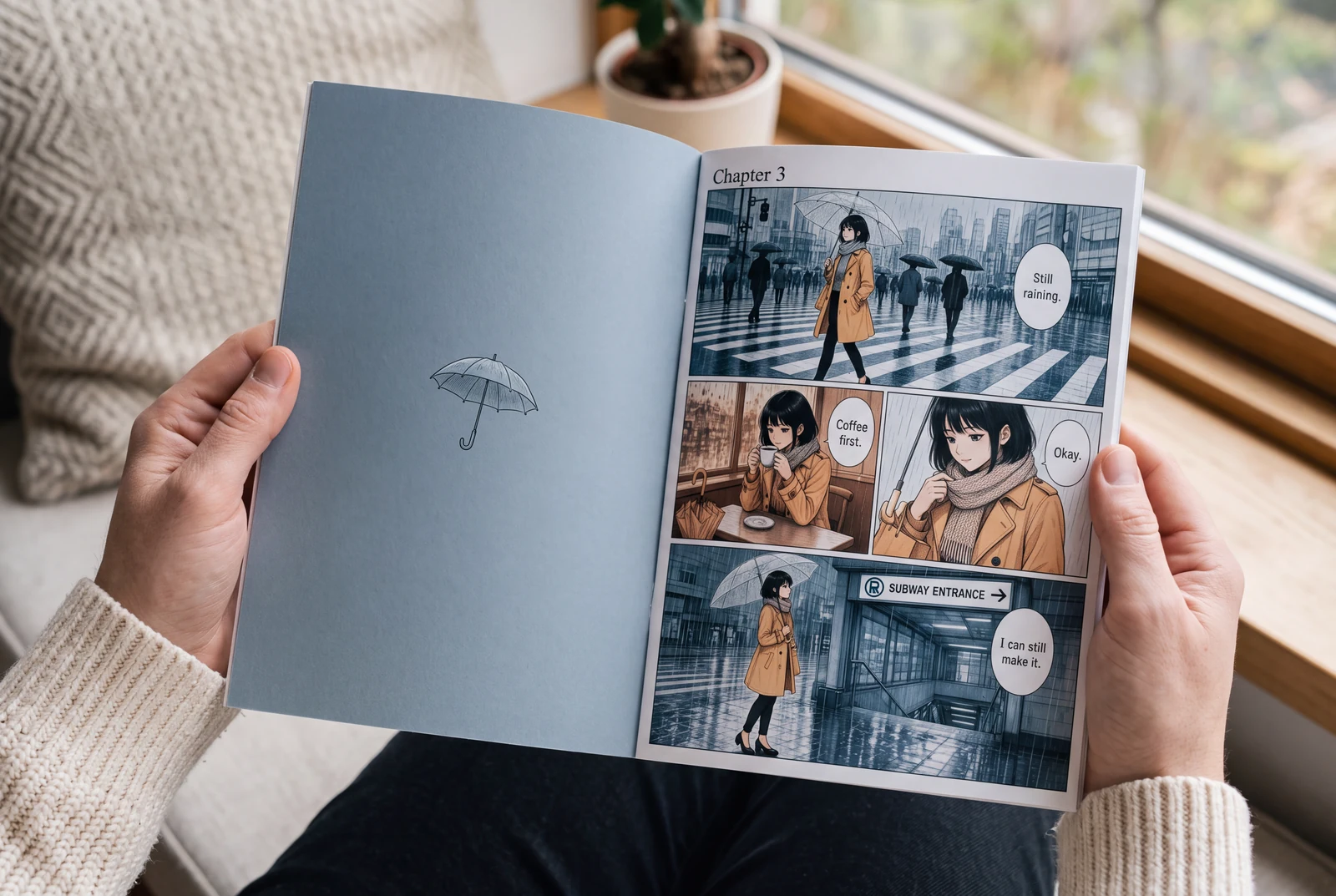
Prepare manga for AI colorization, write a controlled palette prompt, and compare ink, text, and panel borders before accepting the result.
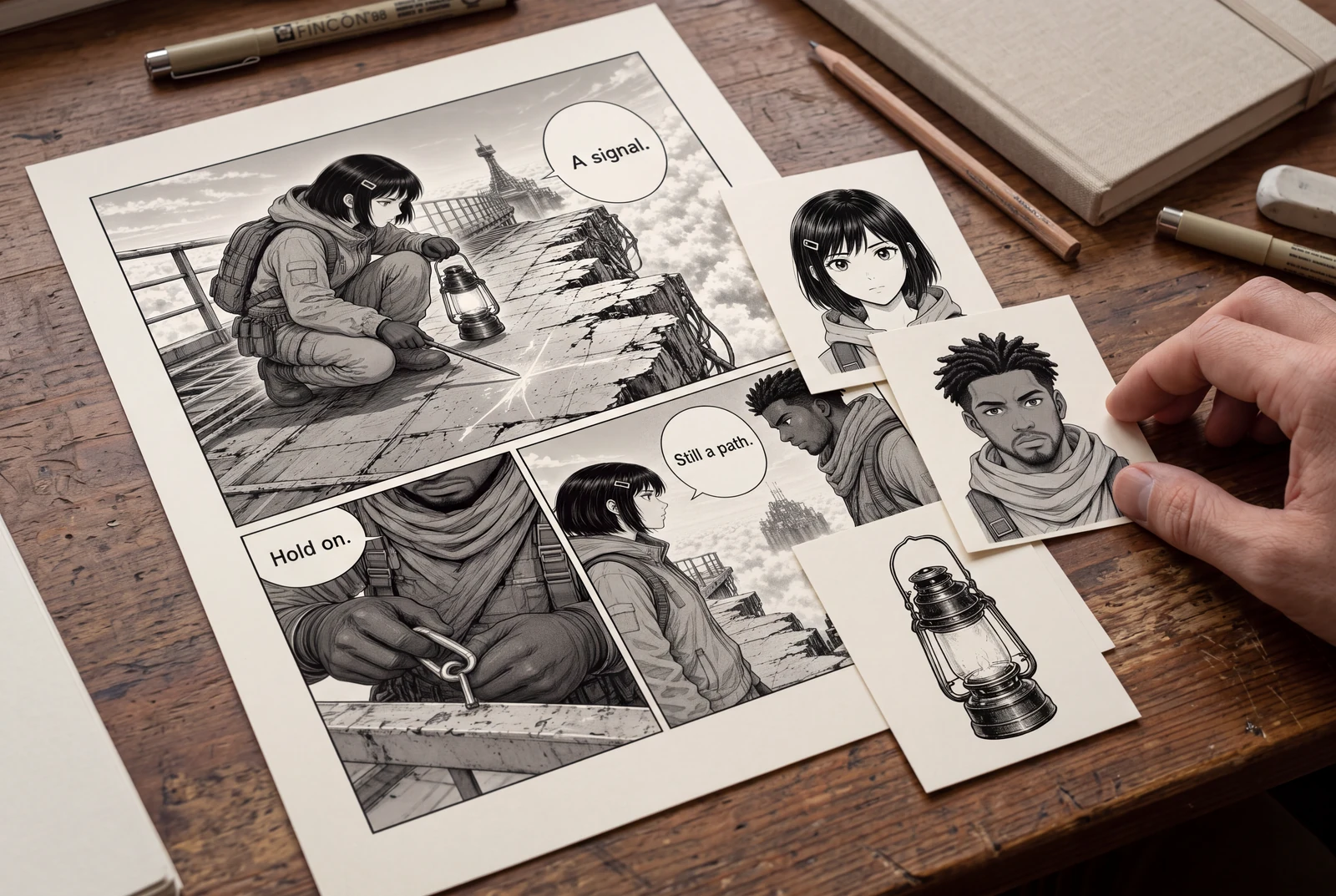
Prepare a flattened manga panel for a reviewable asset sheet, then understand transparent PNG extraction, raster PSD limits, and cleanup before handoff.