

MANGA LAYER PREPARATION GUIDE
Prepare Manga Art for Layer Separation and PSD Handoff
Prepare a flattened manga panel for a reviewable asset sheet, then understand transparent PNG extraction, raster PSD limits, and cleanup before handoff.
Open AI Layer Splitter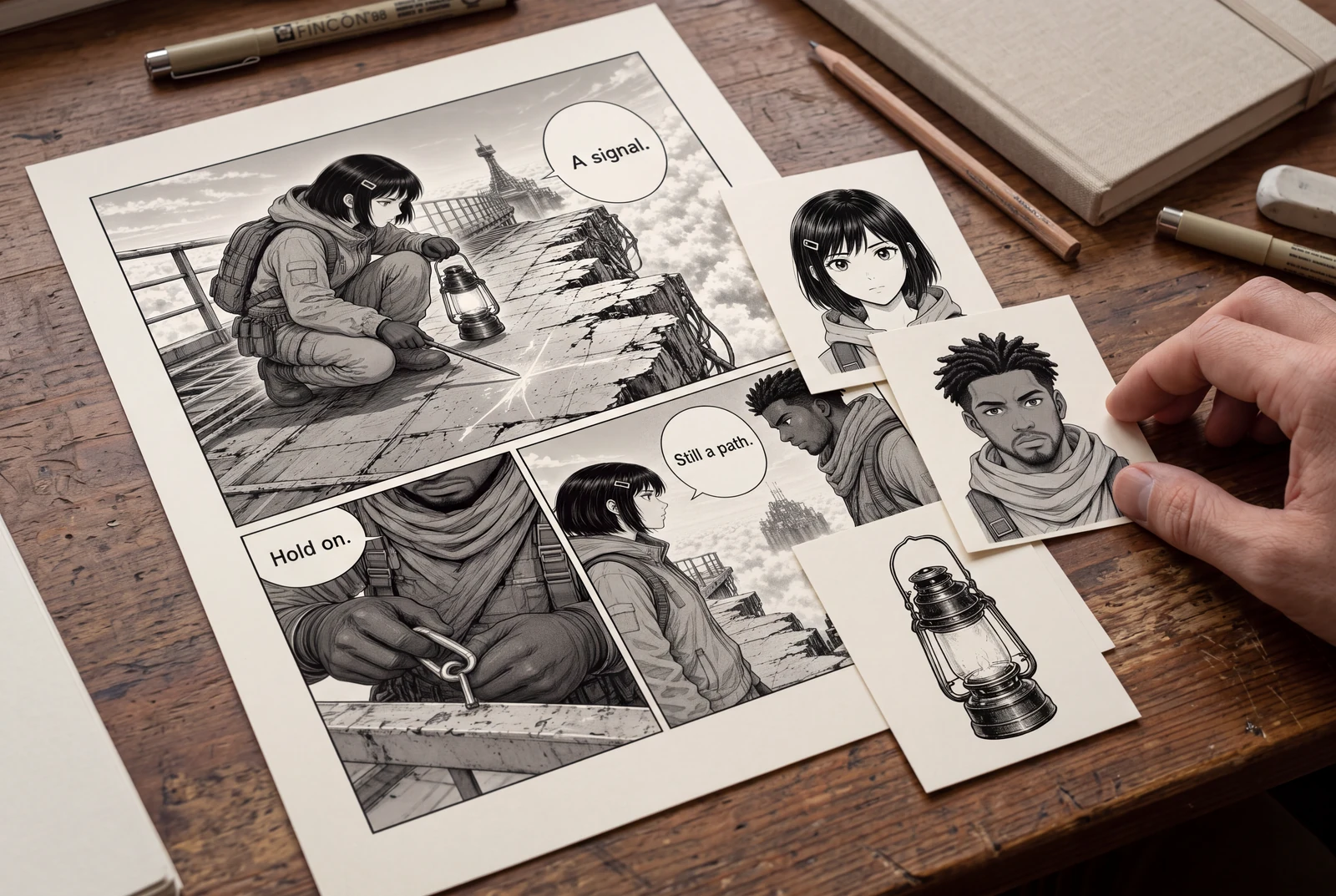
Quick answer
Choose one illustration or manually cropped panel, list the visible parts you need, and review the generated sheet before extraction. Expect a starter set of raster assets that may need masking and repainting, especially where one object hides another.
Separate a character, prop, or background from a flat illustration by starting with one clear panel and a defined editing goal. LlamaGen first creates a reviewable asset sheet; individual transparent files require separate paid extraction.
Picture the finished work in everyday life
Explore ways to read, hold, compare and present your finished manga and artwork.
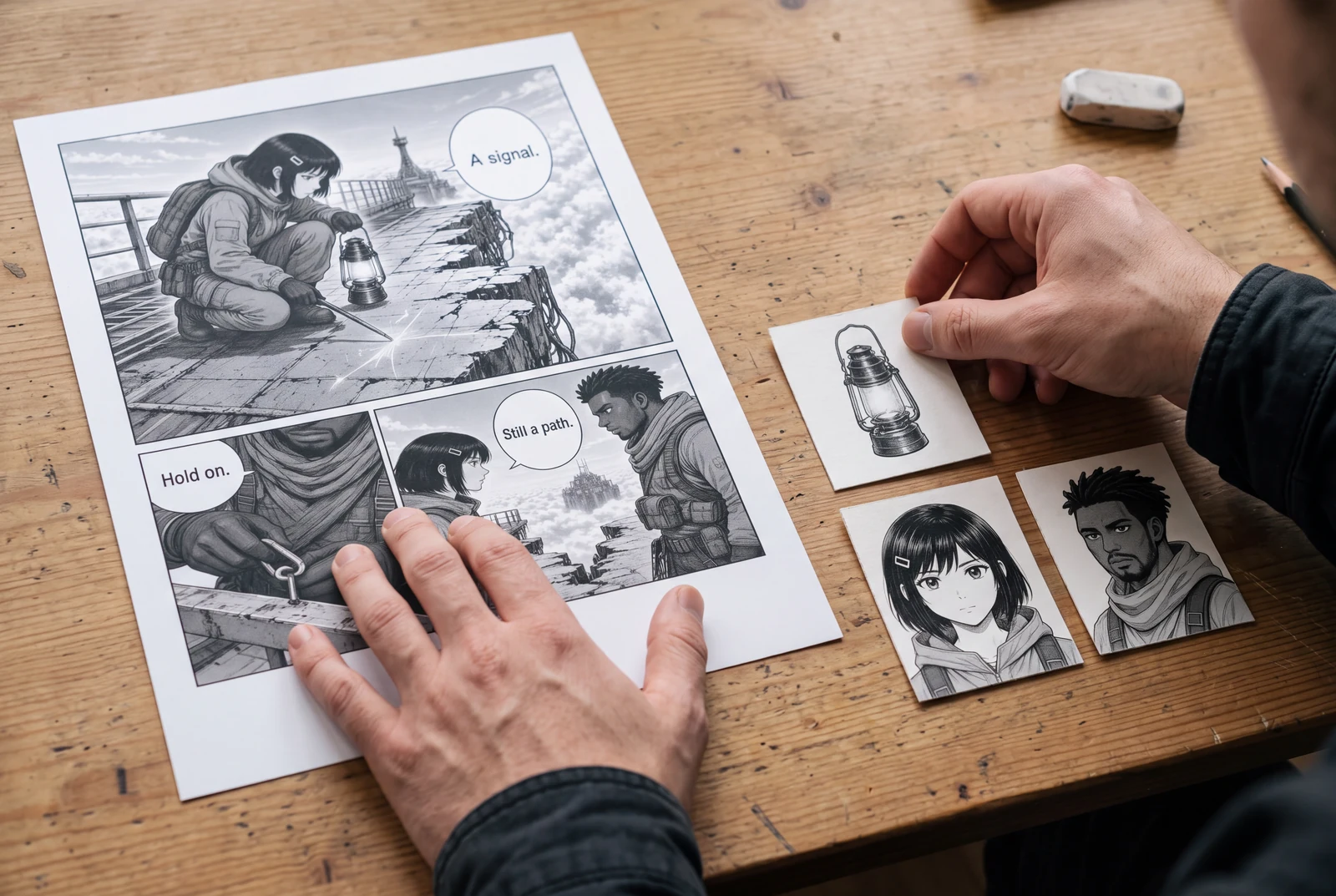
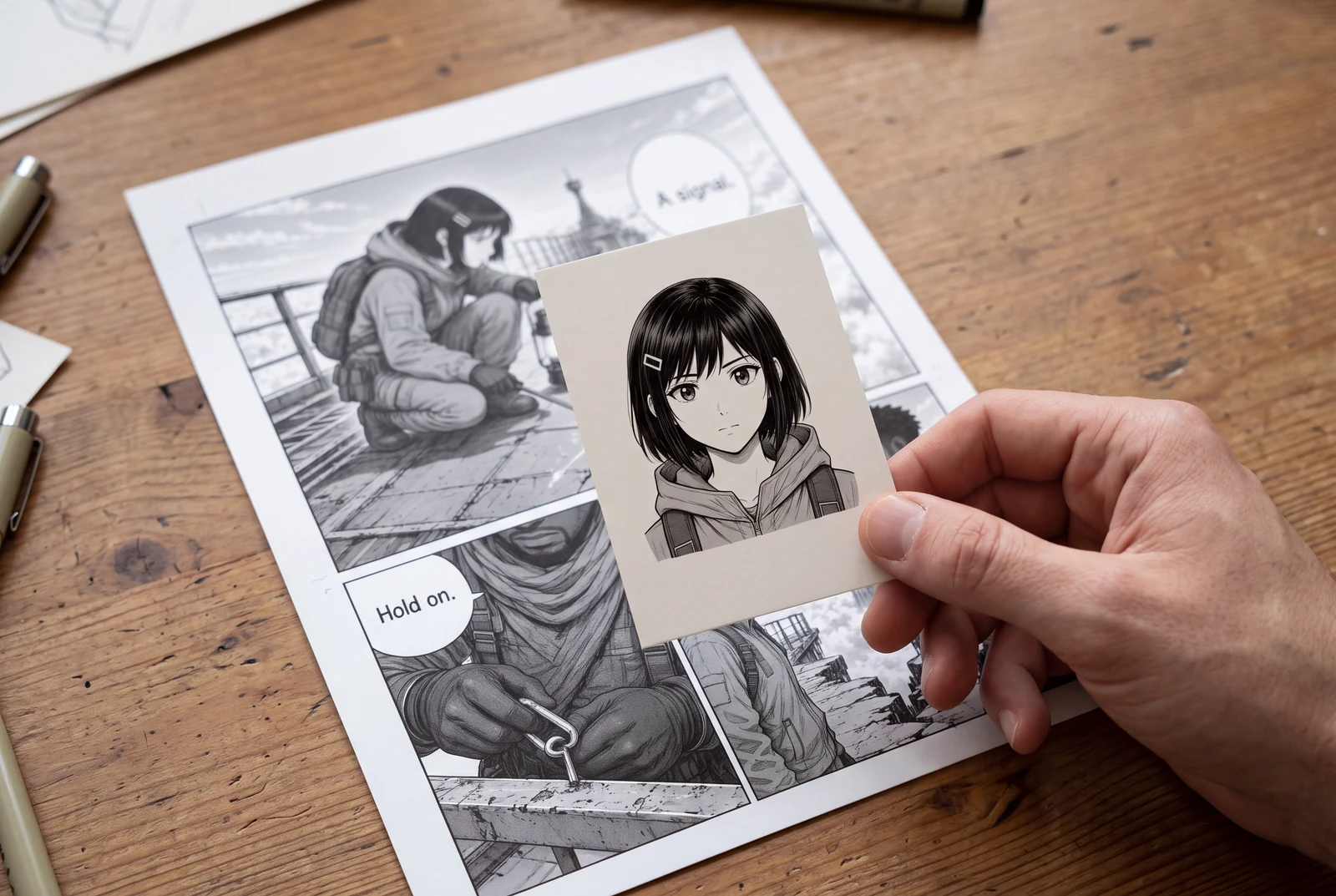
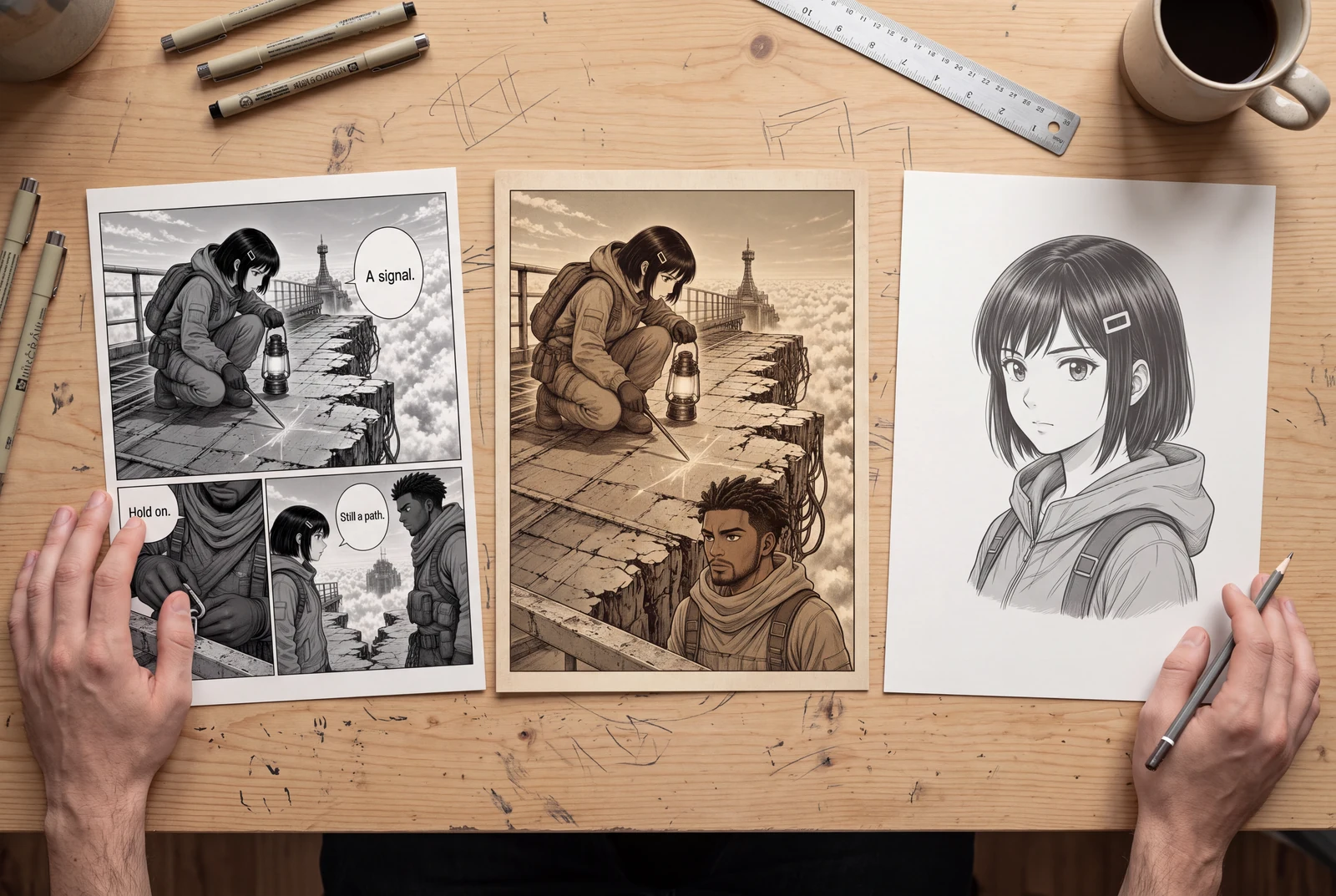
AI-generated lifestyle concepts with fictional people; not customer photos or verified product runs. Printed objects illustrate presentation ideas, not a printing service.
Worked planning example
Prepare a character and lantern for a motion scene
Suppose a panel shows a character holding a lantern against a wall. Plan character, lantern, and background assets. Moving the lantern exposes a hidden region, so reserve time to repaint it before animation.
- Mark which parts are visible and which would have to be reconstructed.
- Review the hand-to-lantern edge and any fine hair against the wall.
- Specify that lettering must be rebuilt separately if editable text is needed.
This is a preparation example, not a completed extraction or an automatically rigged animation.
Workflow
Choose the source and define the handoff
Use original layers when available; flattening and recovering them adds uncertainty. For a flat source, retain an untouched copy of the clearest file.
- Manually crop the intended panel from a multi-panel page. This tool separates visual parts, not ordered panels automatically.
- List desired assets: character, lantern, wall. Distinguish visible pixels from hidden areas requiring reconstruction.
- Choose the needed deliverable: sheet, transparent PNGs, ZIP, or starter PSD. They are not interchangeable.
Review the asset sheet before extraction
Quick and PRO produce one PNG review sheet, not separate transparent files. Check credits and plan eligibility before generation and before the second extraction pass.
- Compare sheet and source. Are the necessary parts present and recognizable? A neat sheet may still omit a needed prop.
- Inspect hair, fingers, narrow gaps, and overlaps. Assess likely cleanup before spending extraction credits.
- Simplify the source or goal when the desired part is mostly hidden. Generated content cannot establish the original unseen drawing.
Inspect extracted files in the receiving editor
Eligible paid users can extract transparent PNGs, ZIP, and a starter raster-layer PSD. This does not promise native text, vectors, automatic rigging, or perfect hidden-region reconstruction.
- Check assets on light and dark backgrounds for halos, missing pixels, clipped edges, and opaque patches.
- Open the PSD in the receiving editor. Toggle layers and verify their content, order, and placement.
- Name accepted assets, retain the source, and document remaining cleanup. Save a working copy before flattening previews.
Problems and fixes
- The downloaded asset sheet is mistaken for separate layers.
- Review the sheet first, then use the eligible paid extraction workflow when individual transparent PNGs or a starter PSD are required.
- Moving a character reveals an incomplete background.
- Repaint the newly exposed region and inspect the intended movement range. Hidden content is not reliably recovered from the flat source.
- A PSD recipient expects editable dialogue or an animation rig.
- State that the handoff contains raster assets. Rebuild typography and perform animation preparation and rigging as separate tasks.
Before you export
- The source is one intended illustration or manually cropped panel.
- Visible assets and reconstruction work are listed separately.
- The sheet was reviewed before paid file extraction.
- Transparency, layer placement, and handoff limits were checked.
Common questions
Does the first pass deliver a layered PSD?
No. Quick and PRO first create a single PNG sheet. Real transparent PNG assets, ZIP, and a starter raster-layer PSD come from the separate extraction step on eligible paid plans.
Can this turn an entire page into ordered manga panels?
That is a different operation. Manually crop the panel you want to prepare; this workflow focuses on visible parts inside an illustration.
Is an extracted PSD ready for Live2D or motion comics?
Treat it as a starting file. Edge cleanup, hidden-area painting, further part separation, and rigging may still be needed before animation.
Sources and further reading
Prepared from the public LlamaGen workflows and the technical references linked below. The scenarios are planning examples; they are not customer case studies or hands-on generation tests. External references explain techniques and file formats, not endorsements of LlamaGen.
- LlamaGen AI Layer Splitter
Product reference for Quick/PRO sheets and separately charged paid PNG, ZIP, and raster PSD extraction.
- Adobe Photoshop: File formats overview
Technical format reference. PSD support does not guarantee specific exported layer types; no endorsement is implied.
AI-generated lifestyle concepts with fictional people; not customer photos or verified product runs. Printed objects illustrate presentation ideas, not a printing service.
Comic animation and layout
Plan an ordered shot sequence, choose four-panel layouts, and stage a readable manga action scene.