Step 1
Upload your character illustration
Start with a full view and clearly visible hair, face, outfit, limbs, and props.


ANIME CHARACTER ASSET PREP
Turn one finished anime character illustration into an organized sheet of visible parts. Examine hair, face, costume, and accessories before paying to extract transparent PNG layers.
Original-character creators, manga artists, illustrators, and game teams preparing visible art parts for editing or rig-planning review.
Quick preview uses credits. A separate extraction pass on an eligible paid plan is required for independent transparent PNG, ZIP, and PSD files.
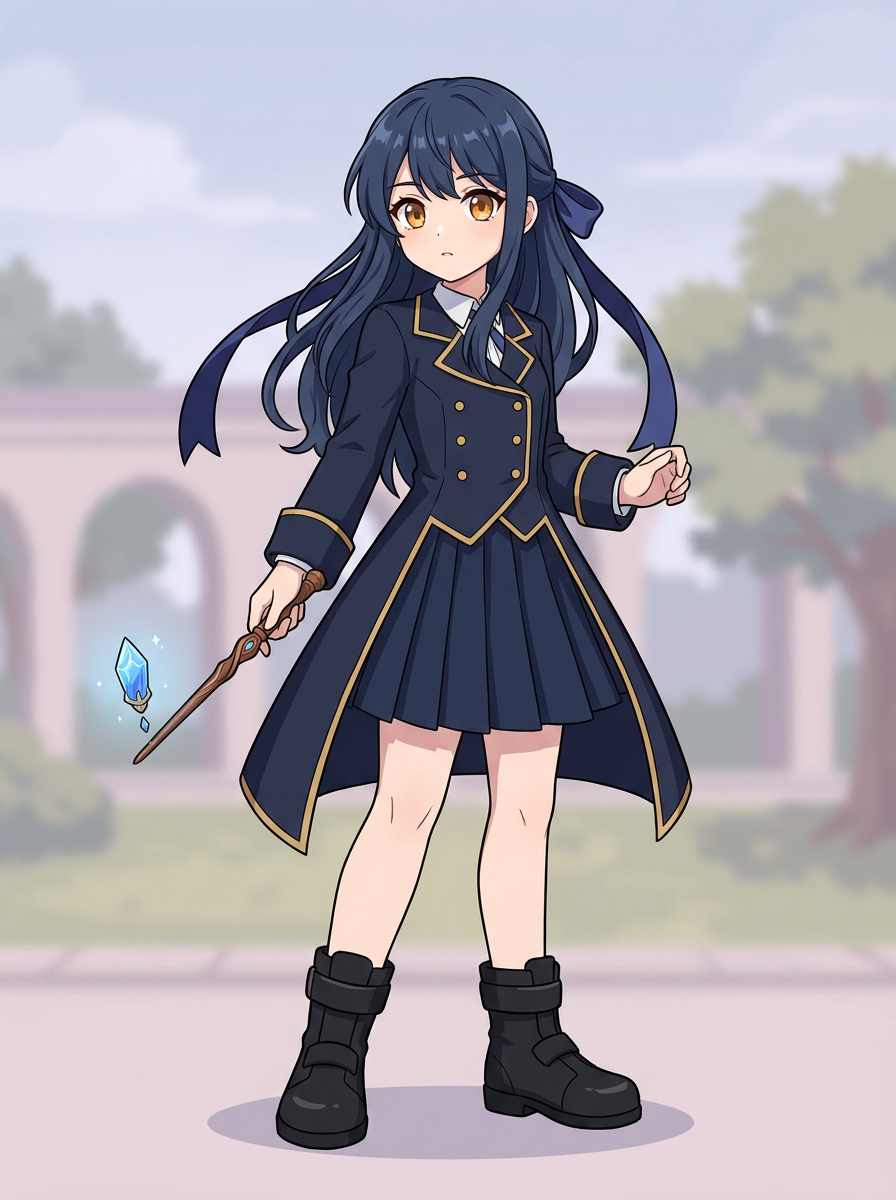
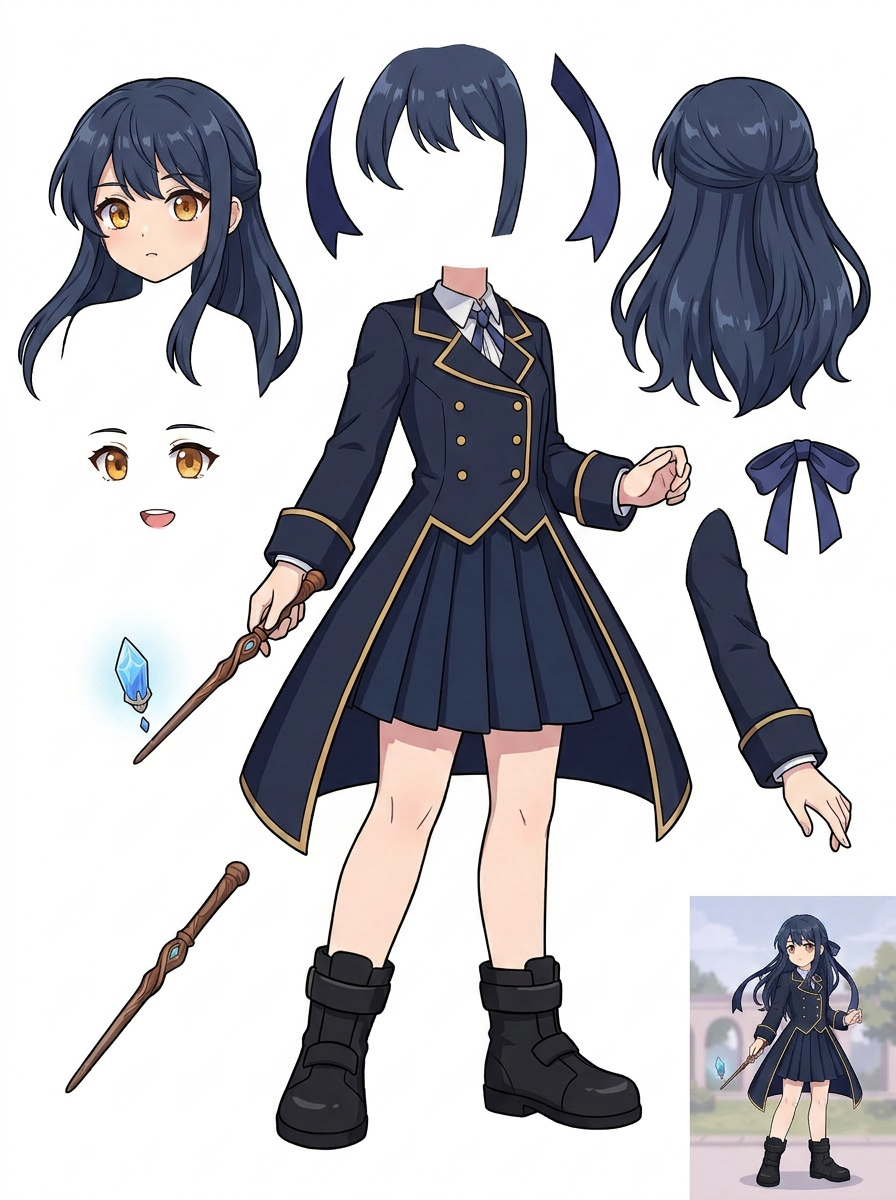
2. Generated visible-parts sheet
This is a true sheet preview, not a completed Live2D rig. Paid extraction can produce separate raster PNG parts; rigging remains a separate task.
Step 1
Start with a full view and clearly visible hair, face, outfit, limbs, and props.
Step 2
Quick creates a reviewable PNG sheet, while the PRO model offers a higher-quality pass for suitable sources.
Step 3
Use the paid second pass for separate PNG parts, ZIP, or a starter PSD. Inspect and refine edges manually.
Check how costume pieces and accessories separate before preparing variants.
Make an initial list of visible parts; artists must still paint hidden regions and construct actual rigs.
Review reusable hair, face, and prop references while preserving the original character identity.
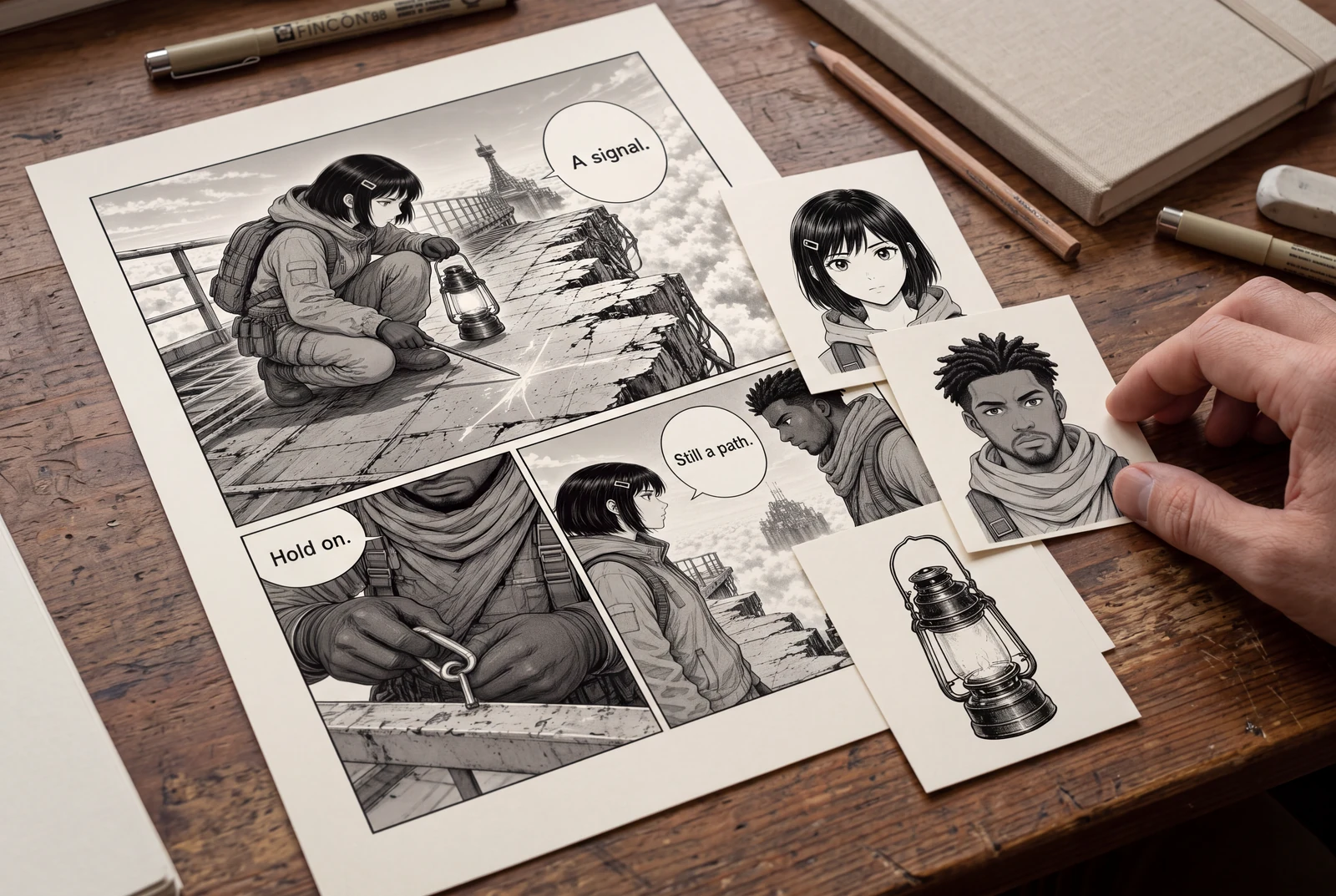
Prepare a flattened manga panel for a reviewable asset sheet, then understand transparent PNG extraction, raster PSD limits, and cleanup before handoff.
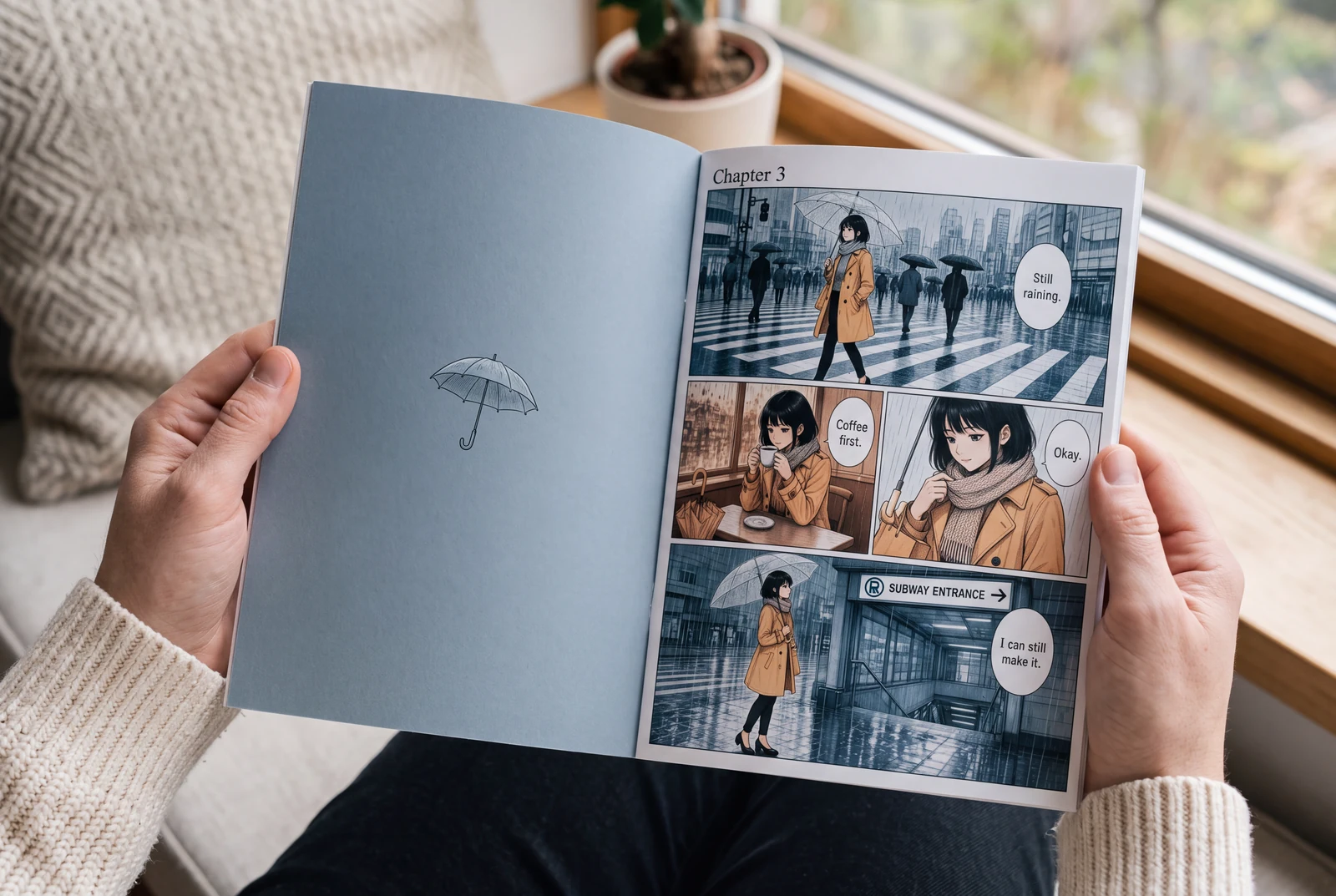
Prepare manga for AI colorization, write a controlled palette prompt, and compare ink, text, and panel borders before accepting the result.
It can create a visual sheet of visible parts such as hair, clothing and props. Quality depends on clear source outlines, and some pieces may remain fused.
A paid second extraction pass can produce separate transparent PNG layers. Those can be downloaded individually, in a ZIP, or as a starter PSD with separate raster layers. The PSD does not promise editable native text or perfect hidden-background reconstruction.
No. Use the extracted visible raster parts as a starting point; Live2D rigging normally requires further separation, overpainting hidden regions and animator setup.
Quick Mode is available on the free plan but uses credits. PRO Mode and the separate transparent-layer extraction step require the applicable paid entitlements and credits. Your account's current plan and credit costs are shown in the existing tool.
Explore how prepared character artwork could appear on personal prints, devices and coordinated creative sets.
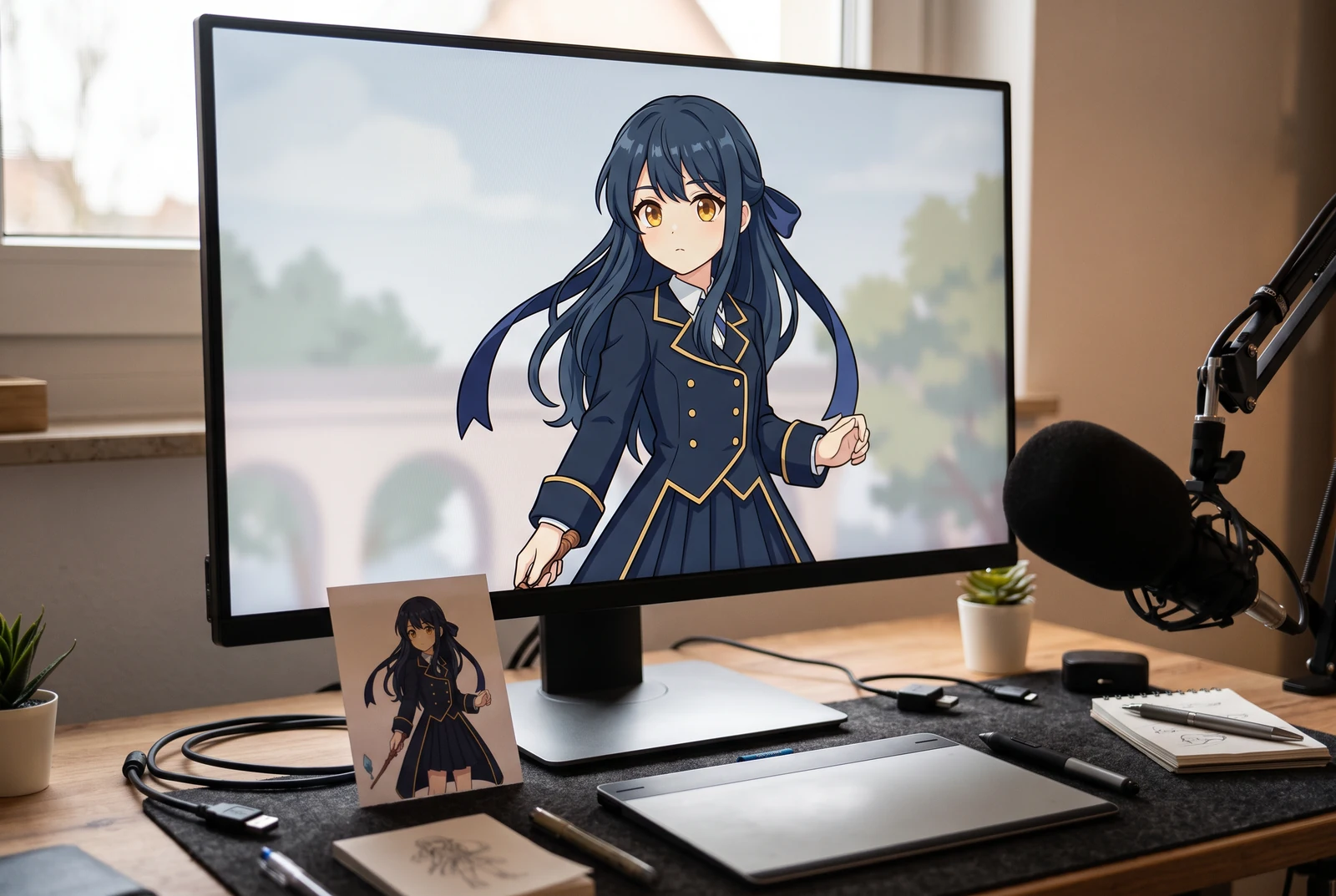
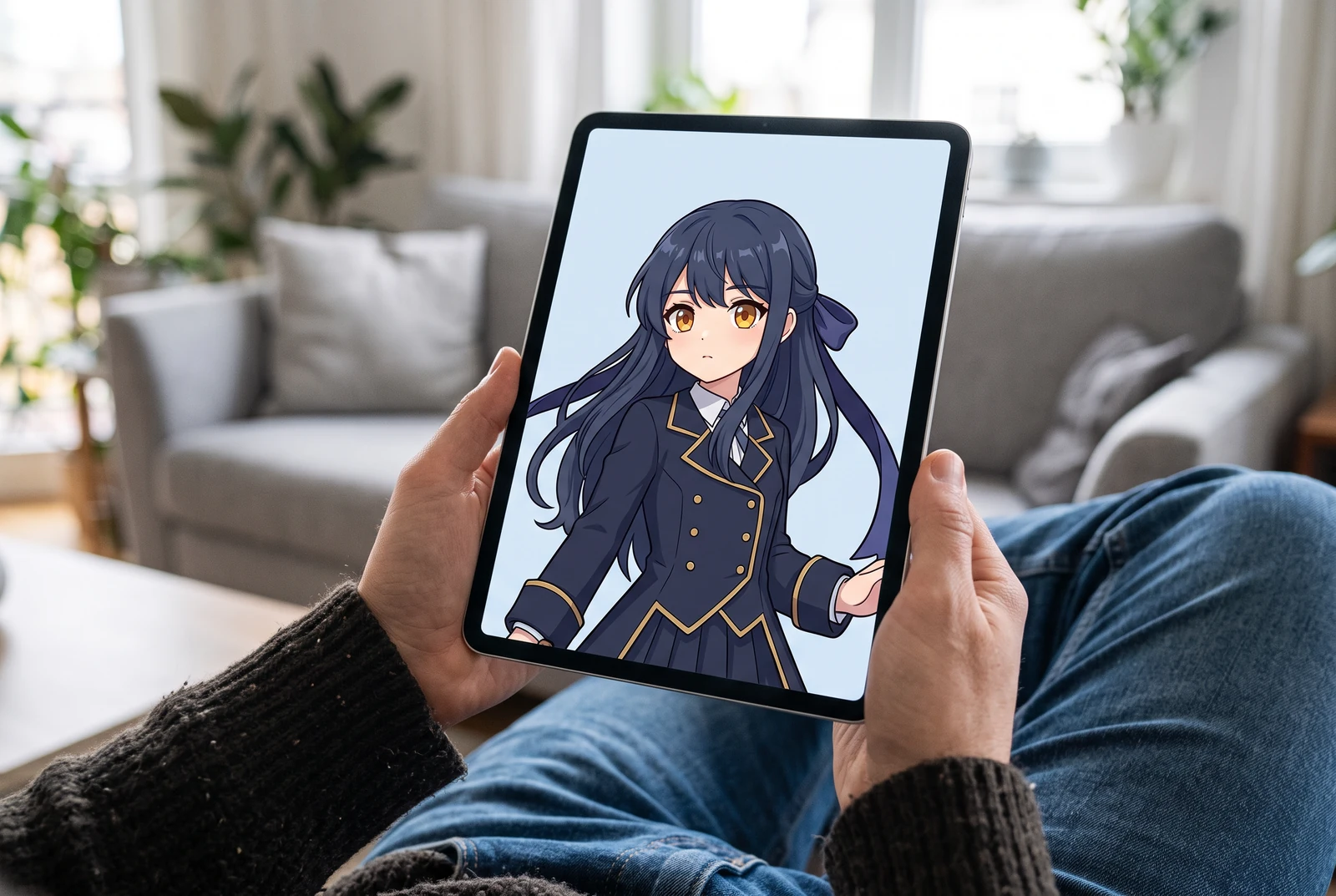
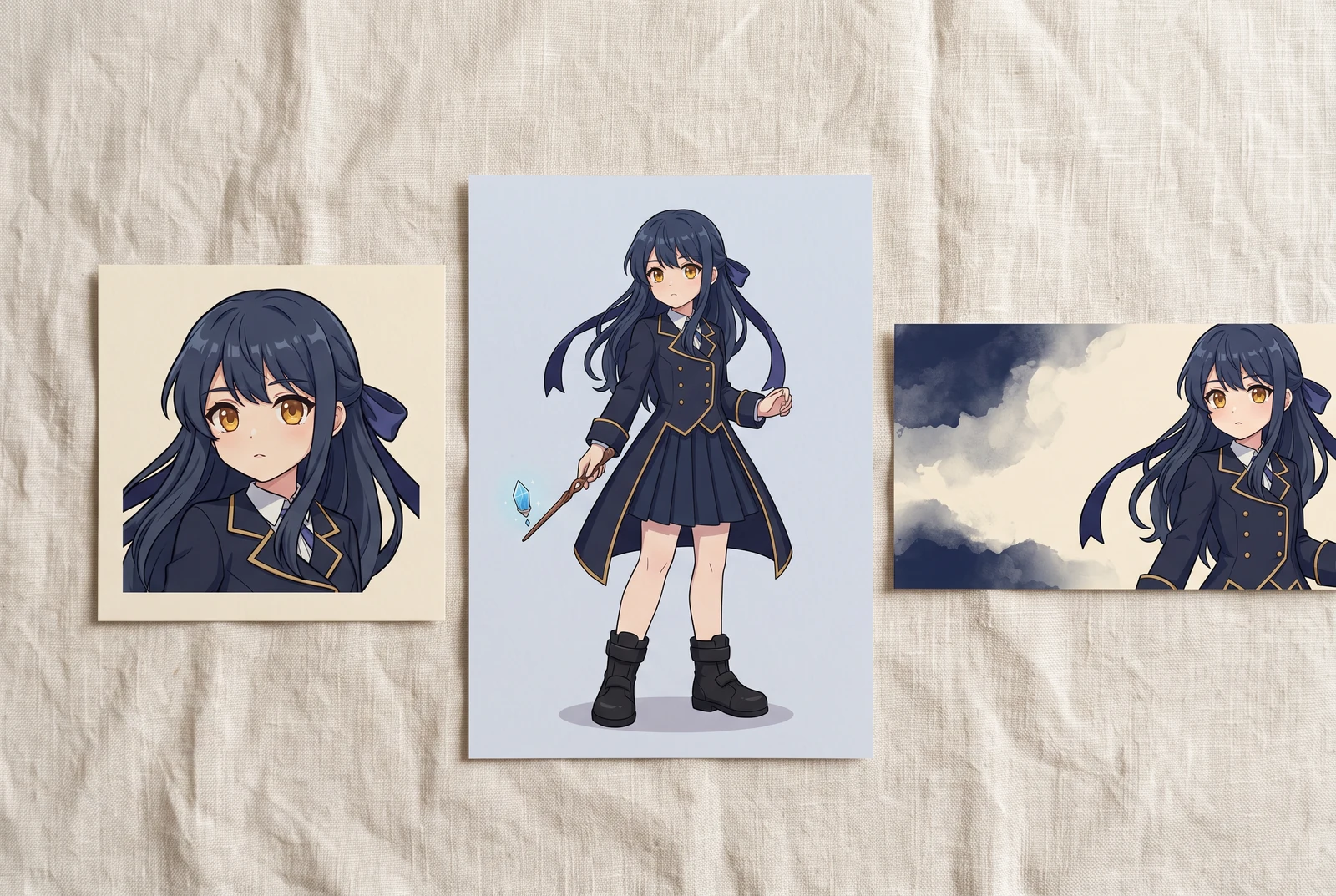
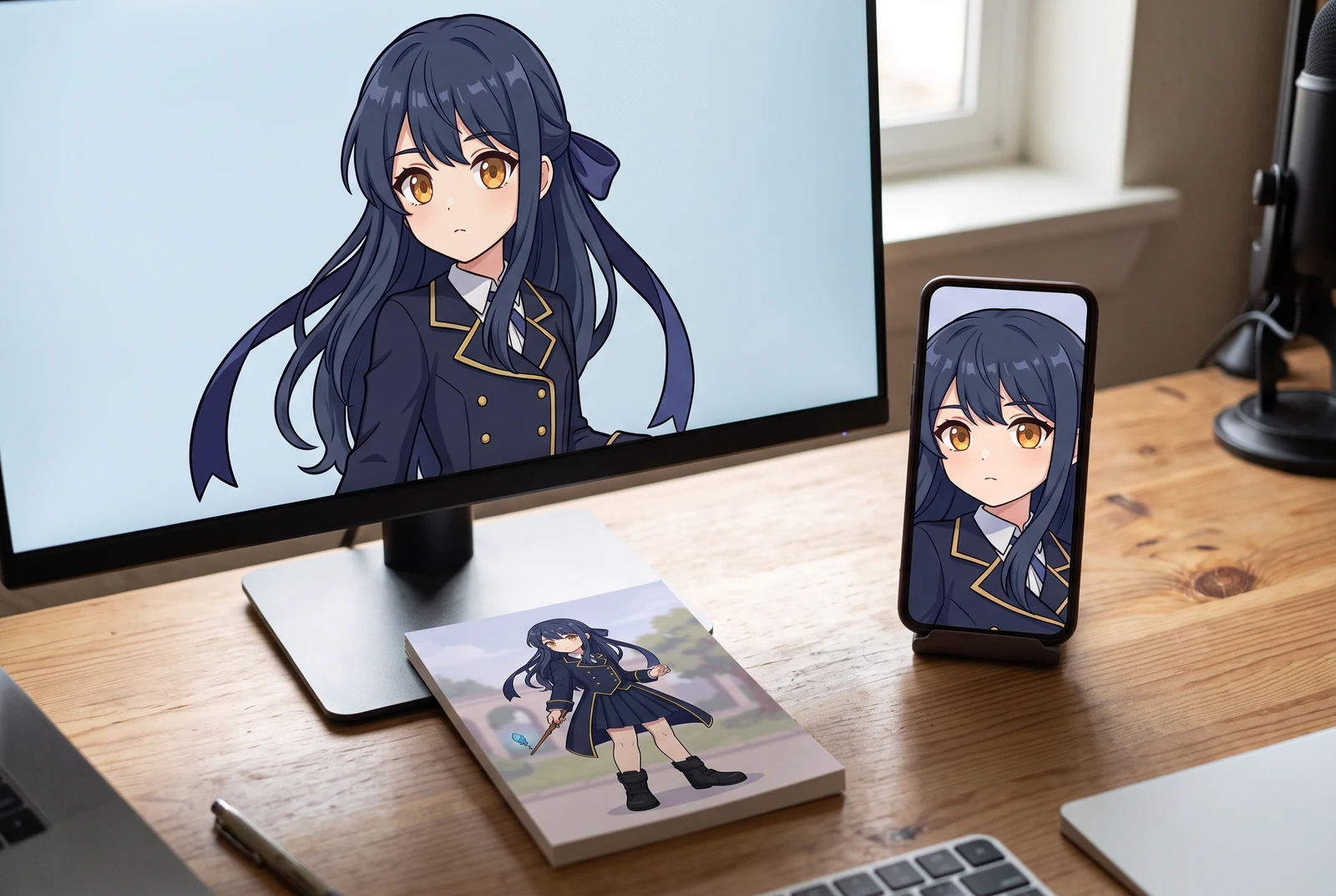
AI-generated lifestyle concepts. Printed pieces and device scenes illustrate possible downstream uses after manual preparation; they are not customer photos or verified export or rigging results.
LAYER EXPORT GUIDE
Learn what a layer sheet contains, when separate extraction is needed, and how to inspect transparent PNG, ZIP and starter raster PSD exports.
MOTION COMIC PREPARATION
Plan motion, inspect occluded artwork, clean extracted raster parts and prepare an honest handoff for motion comics or further rigging work.