MOTION COMIC PREPARATION
Prepare comic layers for animation without hiding the repair work
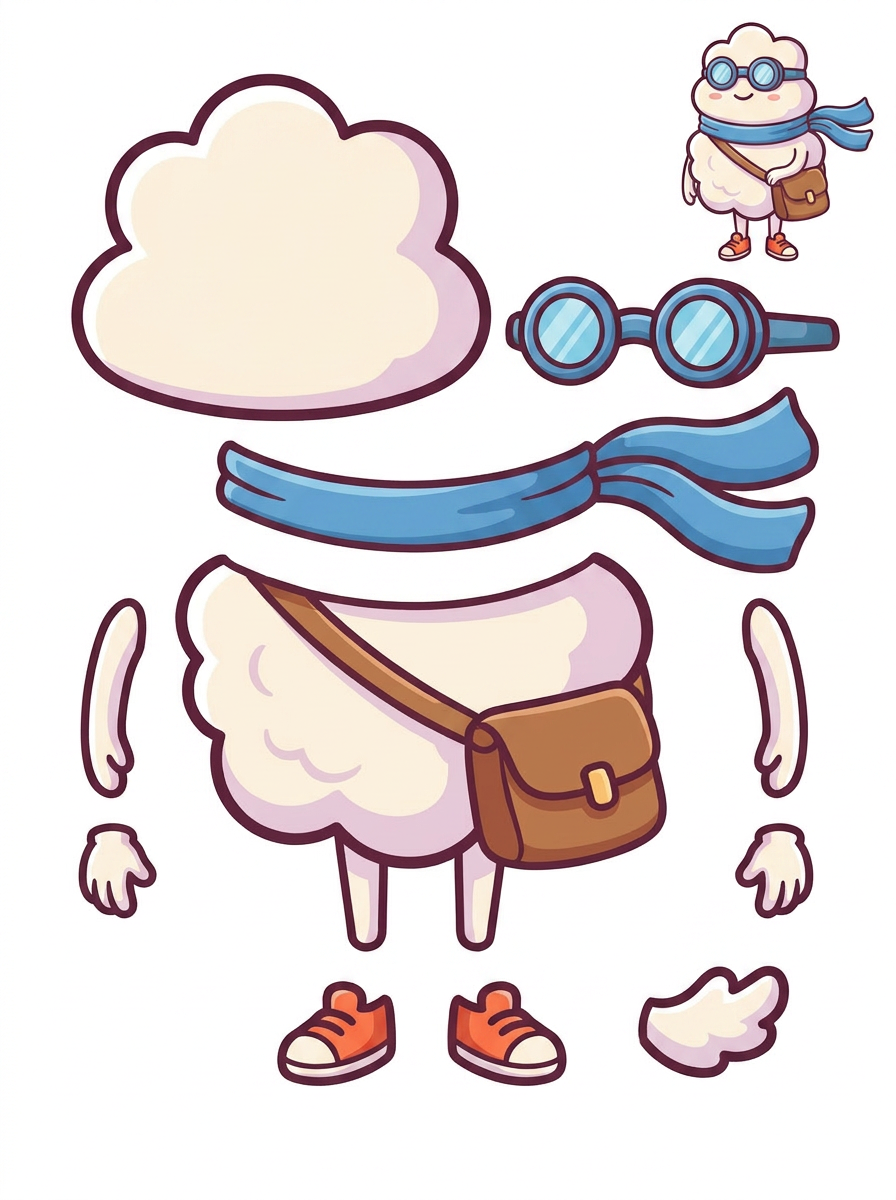
A separated character is a starting asset, not an animation. Plan the intended movement first, then check whether the visible parts and the areas they will uncover are sufficient for that movement.
Published by LlamaGen · Updated
1. Write a short motion brief
Choose one clear panel crop or character illustration you may modify. List the intended actions: a camera push, a raised prop or a small head movement. Identify parts that must move independently.
Keep lettering and speech-bubble readability in the brief. If a bubble covers a shoulder, do not assume separation can recover the hidden drawing. Save the approved flat artwork as the visual reference.
2. Check the sheet against the movement
Generate a Quick or PRO result: either mode produces one PNG sheet. Quick uses credits and is available on the free plan; PRO needs the applicable paid access and credits. The sheet lets you review the proposed visible parts before requesting further extraction.
Look specifically at movement boundaries: hair against the neck, a hand gripping a prop, or a coat overlapping the torso. Mark any fused pieces. A visually convincing sheet can still lack the separation needed for your chosen action.
3. Extract, then inspect what movement reveals
Separate transparent PNGs, a ZIP collection and a starter raster PSD come from an additional extraction step on eligible paid plans. Check current entitlements and credit costs in the tool. Inspect those actual files rather than treating the sheet as proof of clean transparency.
In an editor, duplicate the working document and move each intended part toward its planned extreme. If lifting an arm exposes an empty torso patch, paint the missing area or reduce the movement. Inspect overlapping outlines and shadows too; a shadow painted into one part may move incorrectly with it.
4. Organize the handoff around the animation plan
Give parts descriptive names and record stacking order, intended pivots and movement limits. Include the approved flat reference and a repair list. Confirm the receiving animator’s canvas, naming and import requirements before delivery.
For a Live2D project, compare the prepared document with the official PSD preparation guidance. A LlamaGen starter PSD does not establish import compatibility or create the meshes, deformers, expressions and motion setup that a finished model needs.
Illustrative motion brief: a character raises a lantern
Imagine a short motion-comic shot where only the lantern and forearm rise. Review whether the grip, sleeve and lantern remain separable. Move duplicate extracted parts to the intended raised position and inspect the newly visible sleeve and background. Paint gaps, or limit the lift if the source lacks enough information. Send the animator the repaired parts, their stacking order and a note describing the allowed movement.
Example scope: Hypothetical preparation example, not a performed animation test, production case study or timing benchmark.
Check before handoff
- The intended movement and independent parts are listed.
- A single source illustration or panel crop is preserved as reference.
- Moving parts were checked at the planned extremes in an editor.
- Hidden regions, fused outlines and moving shadows have a repair plan.
- Layer names, stacking order and movement limits accompany the handoff.
Limits and costs
- The splitter does not automatically animate a scene or create a production rig.
- Occluded artwork may require repainting; plausible AI content is not guaranteed to match the original design.
- This workflow separates parts inside an illustration, not ordered panels from an entire comic page.
- Exports are raster assets, without guaranteed native editable text or vector paths.
Questions before you start
Can I animate directly from the PNG sheet?
The sheet is one image. For independent movement, obtain separate assets through eligible extraction, then clean and arrange them in your animation workflow.
Is the starter PSD ready for Live2D?
Treat it as material for further preparation. Check the target application's requirements and complete separation, repair and rigging as needed.
What if a moving part reveals missing artwork?
Paint the required region using the approved design as reference, revise the shot or reduce the movement. Do not promise a complete hidden shape from a flat source.
Sources and scope
Based on published product documentation, labeled example artwork and newly generated lifestyle concepts. Sample tasks illustrate a workflow; they are not benchmark results or customer case studies.
- Live2D Cubism: preparing PSDs for import
Official preparation reference for a separate rigging workflow. It is not an endorsement or compatibility certification for LlamaGen exports.
- Adobe Photoshop: layers overview
Official explanation of independently editable layer content; useful when inspecting raster parts before handoff.
External documentation explains formats and production methods. It is not an endorsement or an independent evaluation of LlamaGen.
Finished ideas in everyday life
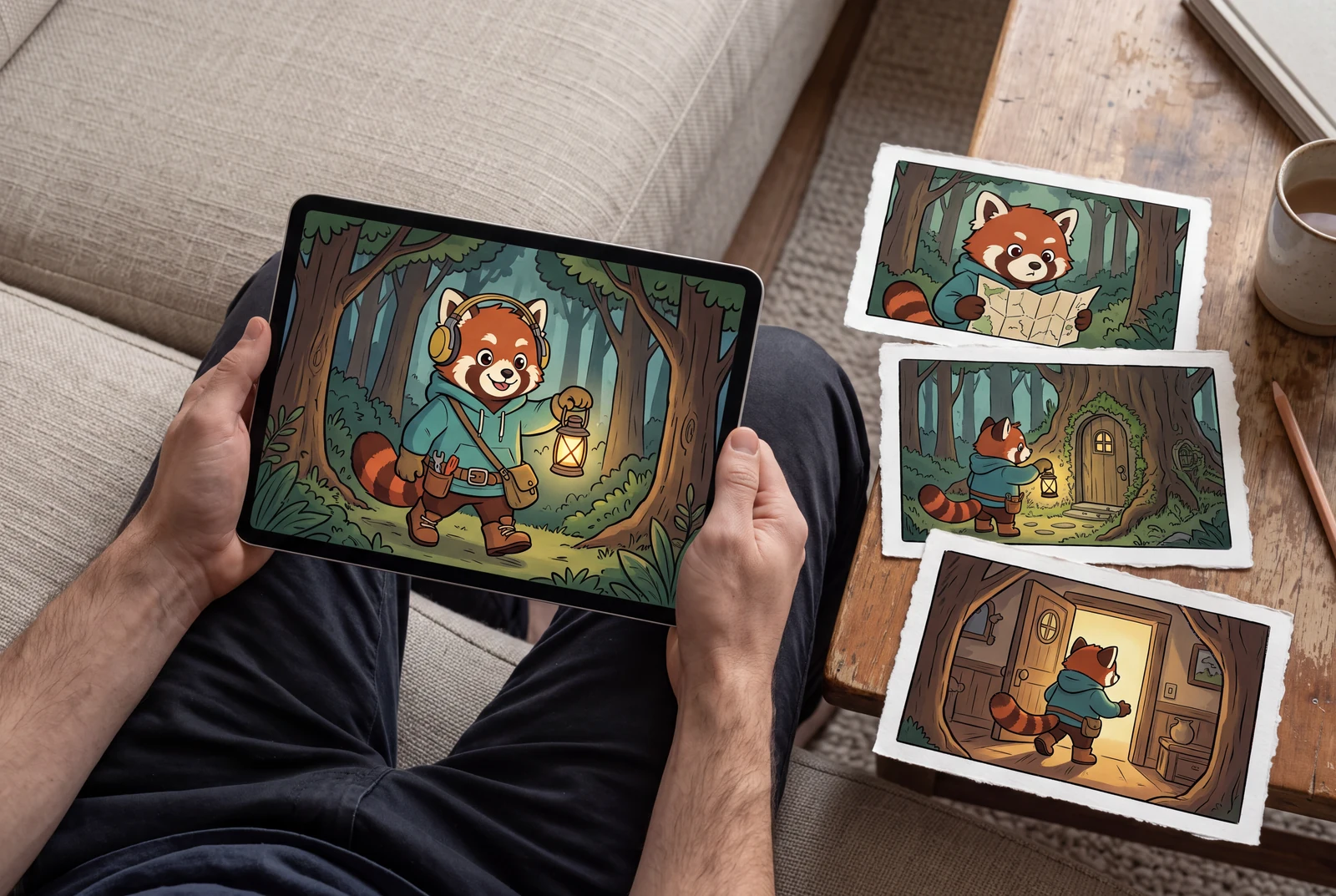
Picture a completed comic or character design in someone's hands, on a familiar desk, or as a coordinated collection of personal projects.
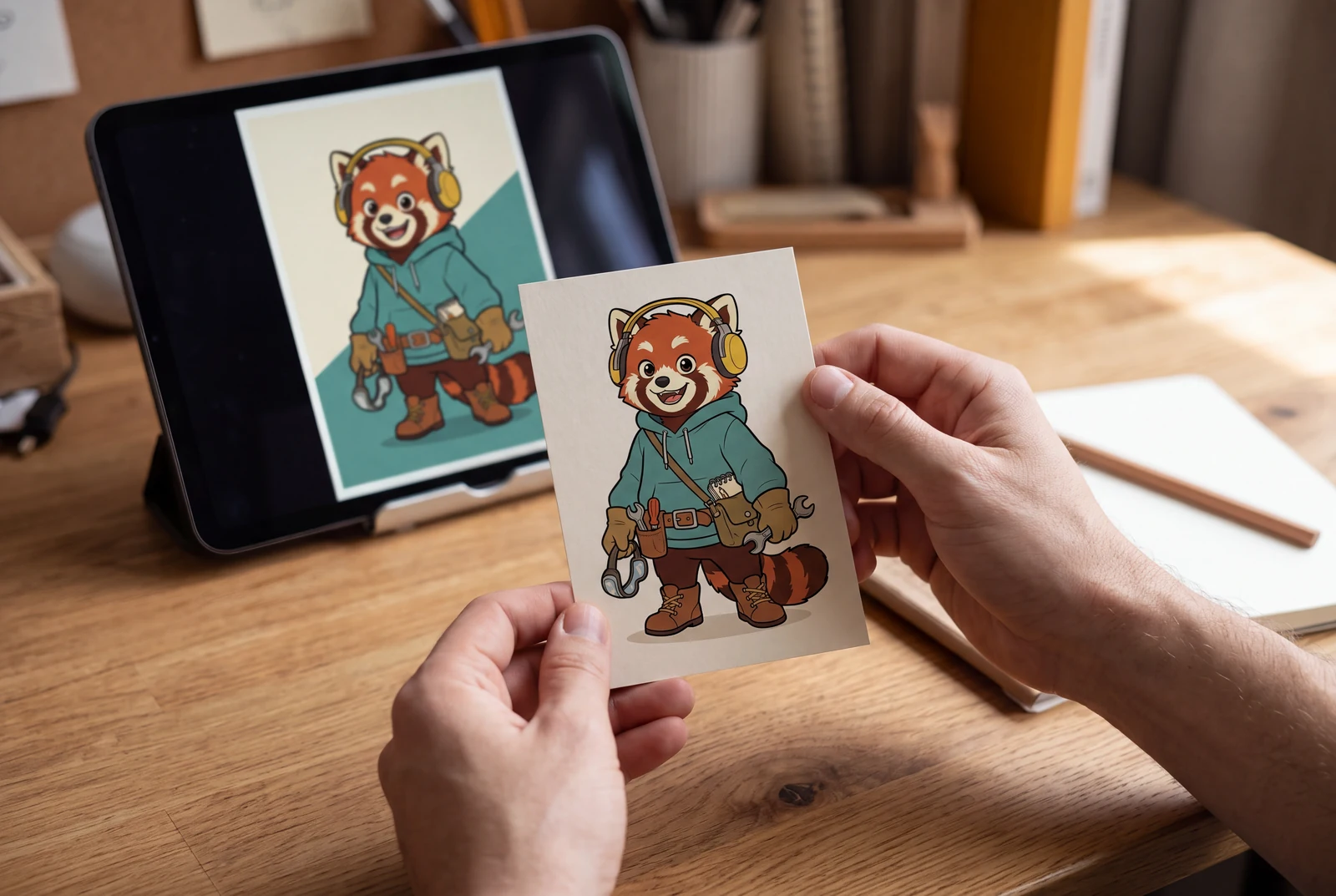
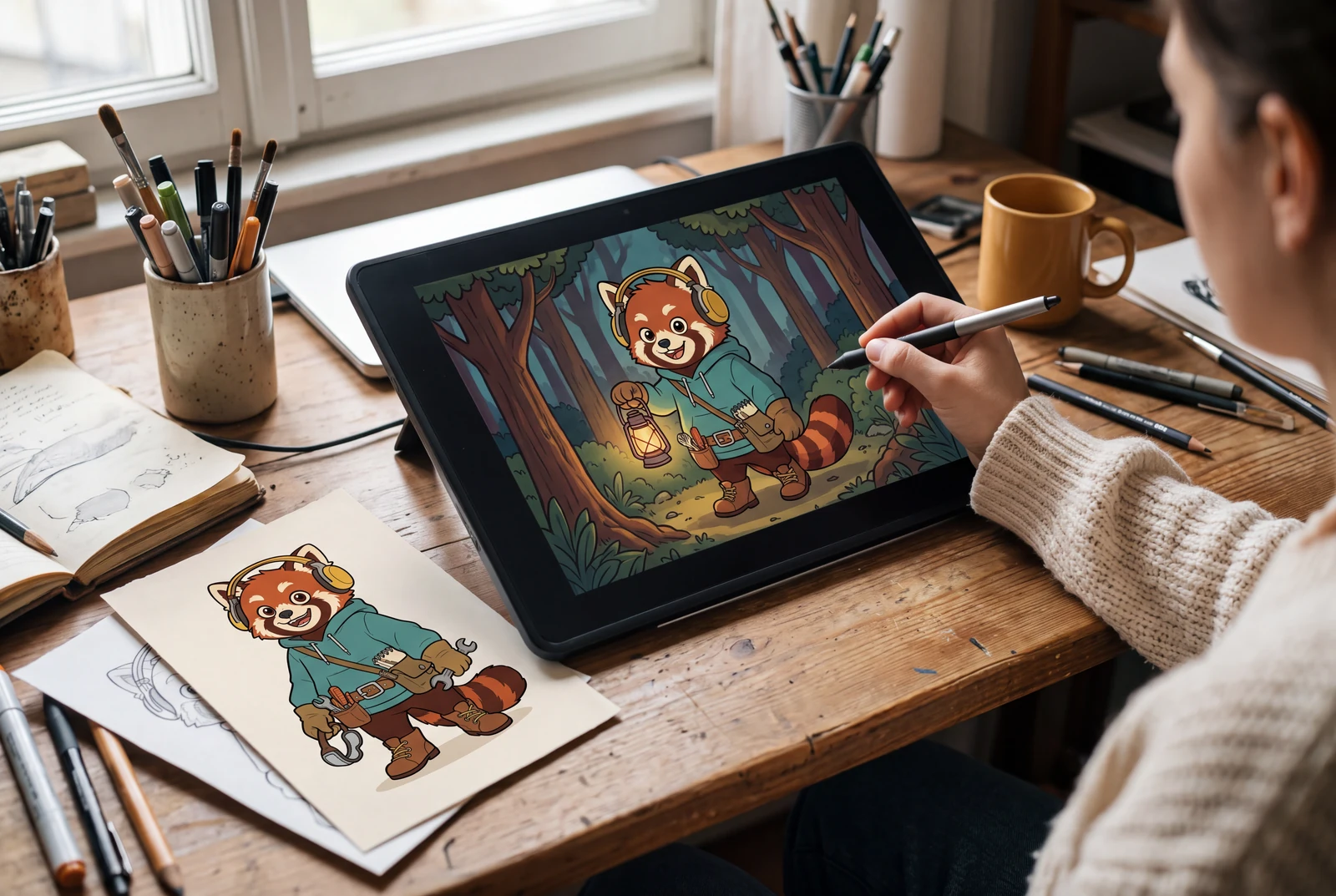
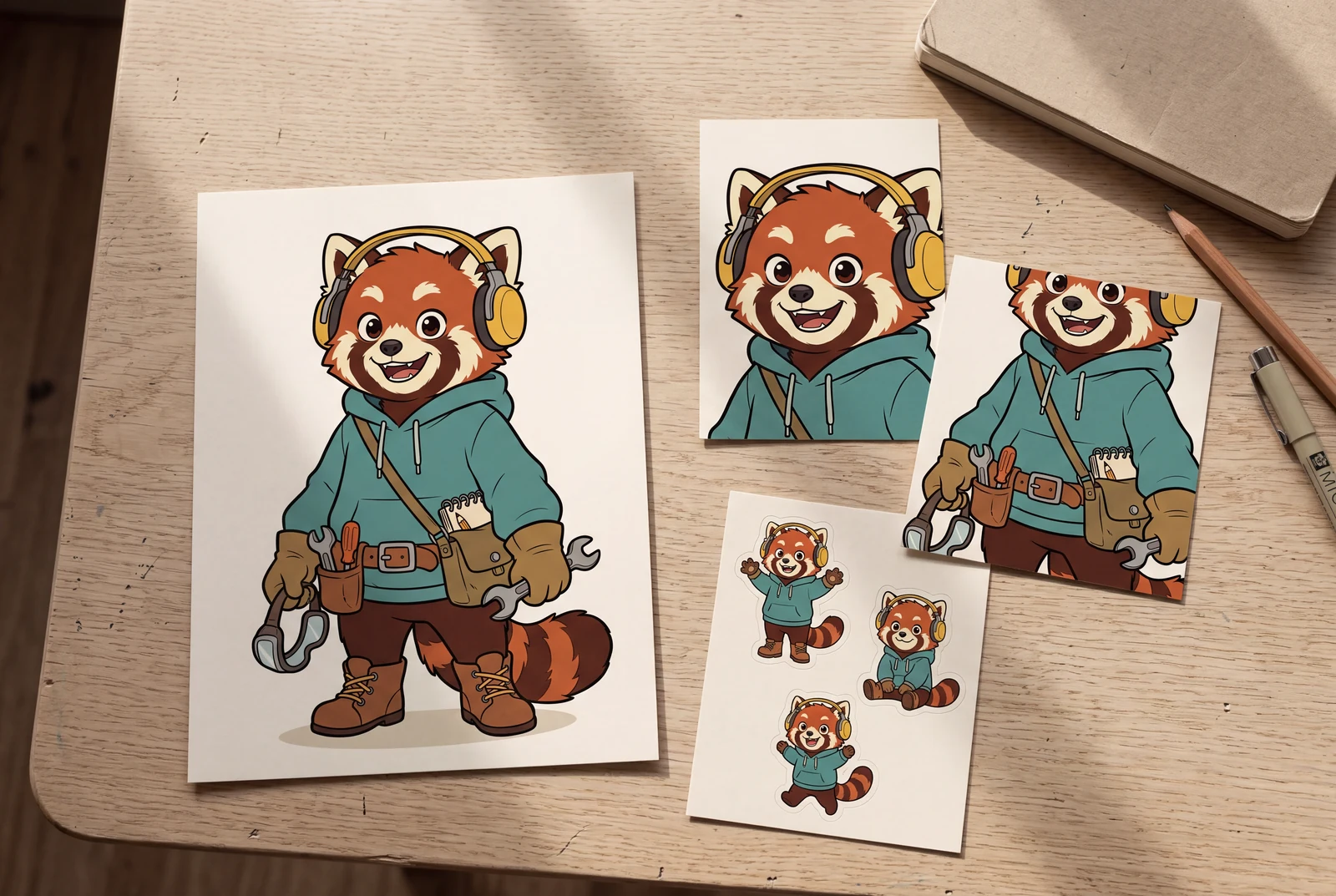
These fictional scenes are AI-generated lifestyle concepts, not customer photos or documented product test results. Printed cards, stickers, and display arrangements suggest optional uses for finished artwork; printing, production, and any animation work require a separate workflow.
Reference artwork and example scope