Generating a comic page too early is one of the fastest ways to get a messy result.
A single panel can look impressive, but the full page can still fail as a comic. Characters change from panel to panel, camera angles jump without purpose, the reading order gets muddy, and the key story beat disappears.
A stronger AI comic workflow does not start with "make a cool manga page." It starts with a clear page brief.
A full first-draft comic page generated from a 4-6 panel script, character sheet, and world notes.
The goal is not a perfect final page. The goal is a readable first draft you can review, edit, and continue.
What You Need Before You Generate
Before opening an AI comic generator, prepare four source assets:
Asset
Purpose
Story seed
Keeps the page connected to a real plot
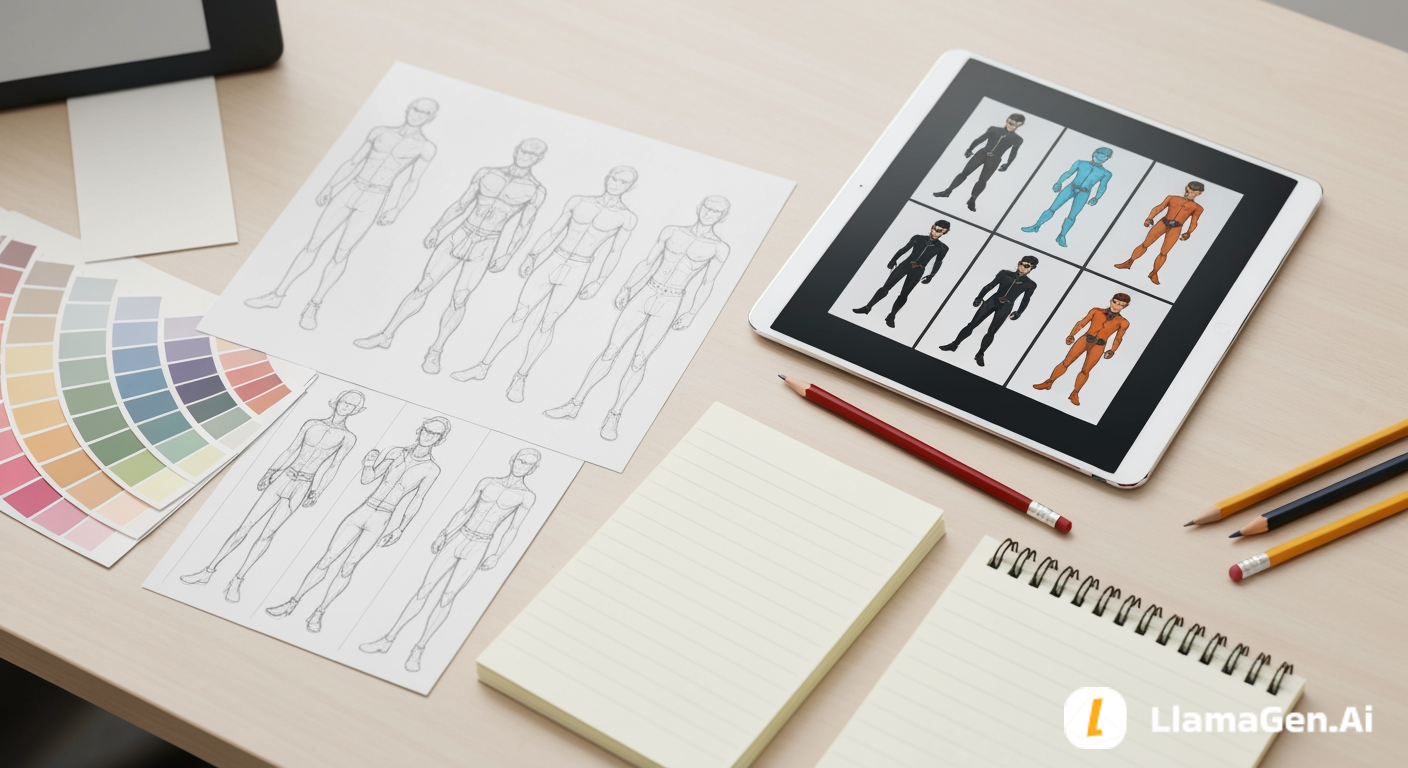
Character sheet
Protects identity and visual consistency
World notes
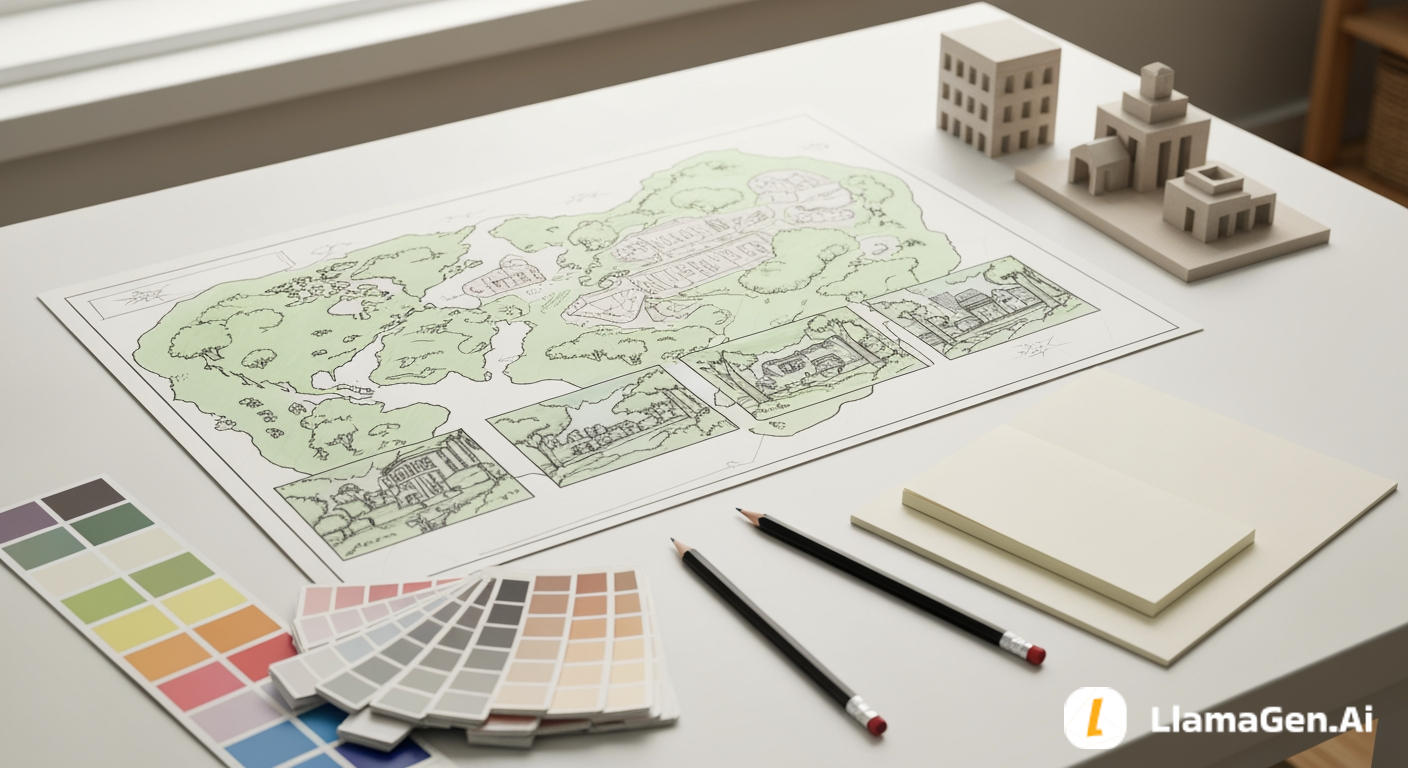
Gives backgrounds repeatable anchors
Panel script
Defines page rhythm and reading flow
Muudatuste logi
Süüta noorte unistused Kus miljonid lood ärkavad ellu
Ülevaade LlamaGeni uusimatest funktsioonidest, tootetäiustustest, disainiuuendustest ja olulistest veaparandustest.
✦
✧
✦
✧
Uus viis lugude jutustamiseks
Loo hetkega piiramatult lugusid, koomikseid, animatsioone, mänge ja muud, mis kõnetavad tänapäeva publikut
If any of these are missing, the model has to invent too much at once.
For this tutorial, we will continue the same sample story:
In a floating junk market above the city, Leo, a nervous apprentice repair kid, wants to prove he can fix something valuable, but every machine he touches breaks in a new way. When he opens a dented delivery crate and finds a tiny robot repeating his missing sister's voice, he must decide whether to hide it from the market guards or follow the robot's map, which points to a place that officially does not exist.
The page we want to generate:
Page goal:
Leo discovers the tiny robot and realizes it may know something about his missing sister.

Page structure:
5 panels, horizontal comic page or manga-style page.

Reader feeling:
Curiosity first, pressure second, emotional hook at the end.
That is enough to start building a generation pack.
Step 1: Compress the Page Into One Brief
AI image generation works better when the page has one clear job.
Do not paste a whole chapter into the prompt. Compress the page into a short production brief:
Create a 5-panel comic page about Leo, a nervous apprentice repair kid in a floating junk market. He opens a dented delivery crate, finds a tiny damaged robot, hears the robot repeat his missing sister's voice, notices market guards nearby, and hides the robot under his jacket while deciding whether to follow its map.
This brief tells the model:
Who appears
Where the page happens
What changes during the page
What the final emotion should be
It does not overload the model with every detail from the series bible.
Step 2: Add Character Rules
Character consistency is one of the most important parts of a readable comic page.
Use the character sheet from Day 2 and shorten it into generation rules:
Main character:
Leo, a nervous apprentice repair kid, slim frame, curious eyes, messy black hair with a copper hair clip, small bandage on left cheek, oversized tan utility jacket, dark green shirt, patched work pants, dented screwdriver in one pocket.

Never change:
messy black hair, copper hair clip, left cheek bandage, tan utility jacket, dented screwdriver, nervous but curious expression.

Flexible:
dust, sleeve position, pose, facial expression, lighting, small stains.
If you are using LlamaGen.AI, keep the character description close to your saved character reference or character sheet. The goal is to reuse the same identity across panels instead of reinventing Leo five times.
Step 3: Add Location Rules
Now add the world notes from Day 3.
Location:
Floating Junk Market above the city.

Visual anchors:
stacked salvage platforms, hanging cables, warning flags, open sky gaps, repair stalls, pulley crates, patched metal, dusty gray and faded yellow palette.

Lighting:
bright high-altitude daylight with sharp shadows and wind.

Never change:
floating platforms, sky gaps, hanging cables, warning flags.
These rules help keep the page from turning into a generic room or random street.
The location should support the action. If Leo is opening a crate, the background needs repair tools, crates, and market clutter. If guards appear, the page needs a visible route, bridge, checkpoint, or crowd pressure.
Step 4: Choose a Page Layout
For a first pass, choose a simple layout.
Good starter layouts:
Layout
Best for
4 panels
Simple action, clear joke, one emotional beat
5 panels
Discovery, reaction, choice
6 panels
More detailed scene with setup and payoff
Vertical webtoon
Mobile reading and scrolling rhythm
For this tutorial, use a 5-panel page:
Panel 1: Wide establishing shot of the floating junk market.
Panel 2: Medium shot of Leo opening the dented crate.
Panel 3: Close-up of the tiny robot inside the crate.
Panel 4: Over-the-shoulder shot of guards in the background.
Panel 5: Close-up of Leo hiding the robot and looking shocked.
That sequence creates a readable flow:
place -> action -> discovery -> danger -> decision
Step 5: Write the Master Page Prompt
Start with one page-level prompt. Then revise individual panels after you see the draft.
Generate a clean 5-panel comic page in a polished manga-inspired visual style.

Story:
Leo, a nervous apprentice repair kid, opens a dented delivery crate in a floating junk market above the city. Inside the crate, he finds a tiny damaged robot that repeats his missing sister's voice. Market guards are nearby, so Leo hides the robot under his oversized jacket and decides whether to follow its map.

Character consistency:
Leo has a slim frame, curious eyes, messy black hair with a copper hair clip, a small bandage on his left cheek, an oversized tan utility jacket, dark green shirt, patched work pants, and a dented screwdriver in one pocket. Keep these details consistent in every panel.

Location consistency:
The floating junk market has stacked salvage platforms, hanging cables, warning flags, open sky gaps, repair stalls, pulley crates, patched metal, dusty gray and faded yellow colors, and bright high-altitude daylight.

Panel layout:
Panel 1: wide establishing shot of the floating junk market, Leo small in the frame near a repair stall.
Panel 2: medium shot, Leo opens the dented delivery crate with nervous hands.
Panel 3: close-up, a tiny damaged robot wakes inside the crate.
Panel 4: over-the-shoulder shot, Leo sees market guards in the background near a checkpoint bridge.
Panel 5: close-up, Leo hides the robot under his jacket, shocked and protective.

Page direction:
Make the reader's eye flow clearly from panel 1 to panel 5. Keep the action readable before making the art detailed. Use strong camera variety, clean panel borders, consistent character identity, and no readable text.
Notice the last instruction: no readable text.
For first drafts, it is often better to generate page art without speech bubbles or dialogue. Add or edit dialogue later, once the composition is stable.
Attach or reuse your character reference if available.
Keep dialogue minimal or ask for no readable text.
Generate one full page.
Review the page before regenerating.
The important habit is to review the page as a comic, not only as an image.
Ask:
Can I understand the story without reading a caption?
Does Leo look like the same person in every panel?
Does the page flow in the intended order?
Is the discovery panel visually important enough?
Are the guards visible before the final choice?
Does the final panel create a reason to continue?
If the answer is no, do not rewrite everything. Fix one layer at a time.
Step 7: Review the Page Before You Beautify It
The best-looking draft is not always the most usable draft.
Review in this order:
1. Story clarity
2. Panel order
3. Character consistency
4. Location consistency
5. Camera variety
6. Emotion
7. Style polish
Do not start by chasing perfect hair, lighting, or rendering. If the reader cannot follow the page, polish will not save it.
Here is a page review prompt you can use:
Review this comic page as a sequential story page.

Check:
- Is the action clear from panel to panel?
- Does the same main character appear consistently?
- Does the page have enough camera variety?
- Does the final panel create a hook?
- Which one panel should be fixed first?

Give concise feedback and suggest one revision prompt.
This turns AI review into a production step instead of a vague opinion.
Step 8: Fix One Panel at a Time
After the first draft, edit locally.
Common fixes:
Problem
Fix
Leo looks different in one panel
Reapply character rules to that panel
Background changes too much
Add location anchors and reduce new objects
Page is hard to read
Simplify layout and strengthen panel order
The important object is too small
Rewrite camera direction for that panel
Emotion is weak
Request a clearer facial expression and body pose
Text is messy
Remove generated text and add clean dialogue later
Panel-level correction prompt:
Revise panel 3 only.

Keep Leo consistent with the rest of the page: messy black hair, copper hair clip, left cheek bandage, tan utility jacket, dark green shirt.

Make the tiny damaged robot the clear focus inside the dented crate. Use a close-up camera angle, soft reflected light from the robot's eye, repair tools around the crate, and no readable text.
This is usually safer than regenerating the whole page every time.
Keep the page readable even if the dialogue is removed.
Dialogue rules:
One idea per bubble
Fewer words than you think you need
Do not cover faces, hands, or the main object
Let the image carry action
Use captions for time or setting, not for explaining everything
If the page already contains messy AI text, remove or replace it before publishing.
Step 10: Prepare the Next Iteration
Once the first page is readable, create a revision note:
Keep:
- 5-panel structure
- Leo's character design
- Floating junk market location
- Tiny robot discovery
- Final protective expression

Fix:
- Make guards more visible in panel 4
- Make robot smaller and more damaged
- Add stronger sky depth in panel 1
- Remove all generated text
- Leave bubble space in panels 2, 3, and 5