
LlamaGen.AI 1.0.34: Layers and Speech Overlays
A comic page is easier to correct when speech and artwork can be selected as separate layers. This release makes overlay balloons and panel images visible in one list while the page stays on the right.
See balloons as overlays on the page
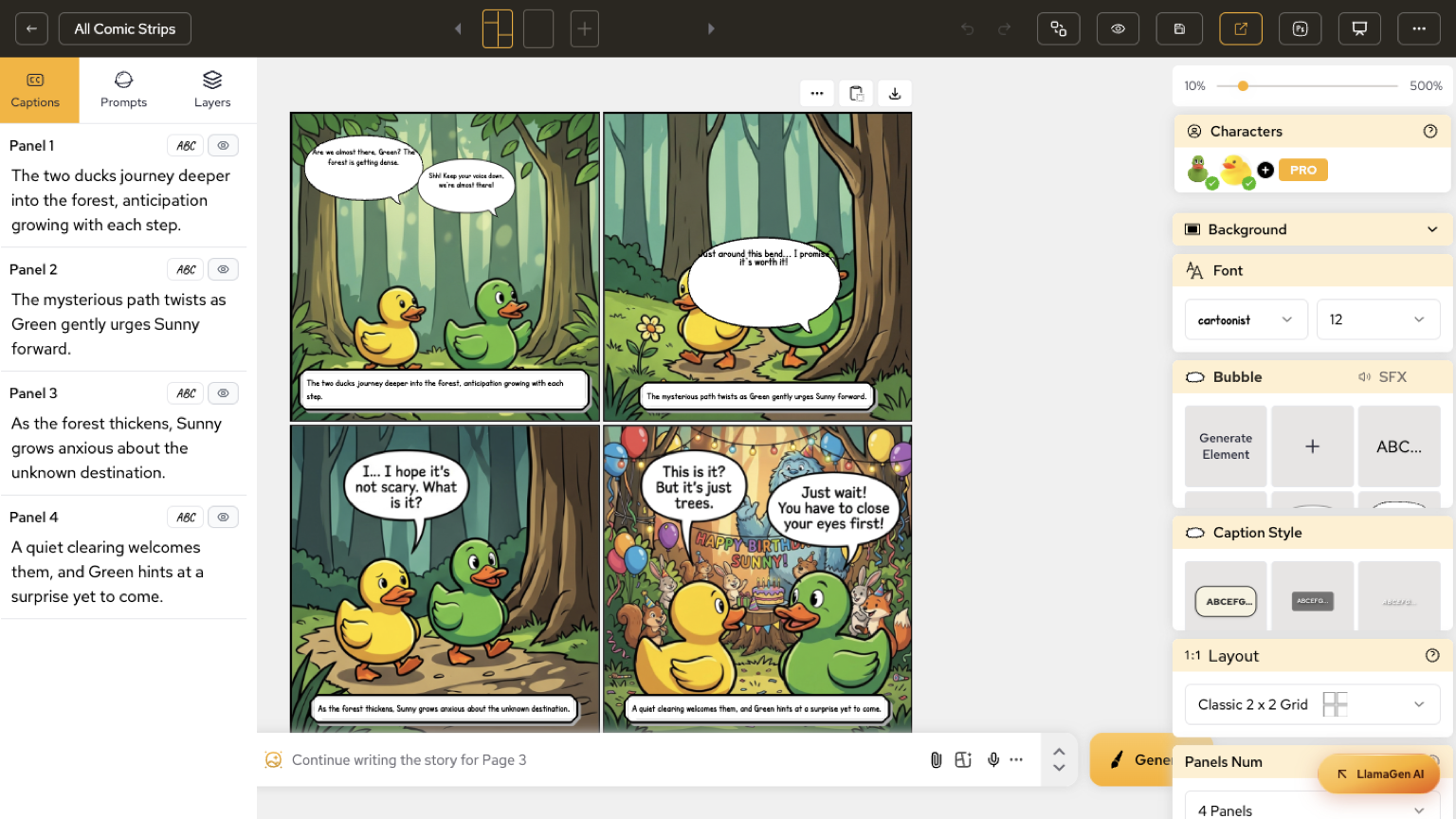
When a forest scene already has dialogue, the next job is often to fix one balloon. Layers now groups overlays such as "Shh! Keep your voice down" above the panel images, so the spoken line can be found without clicking through every drawing.
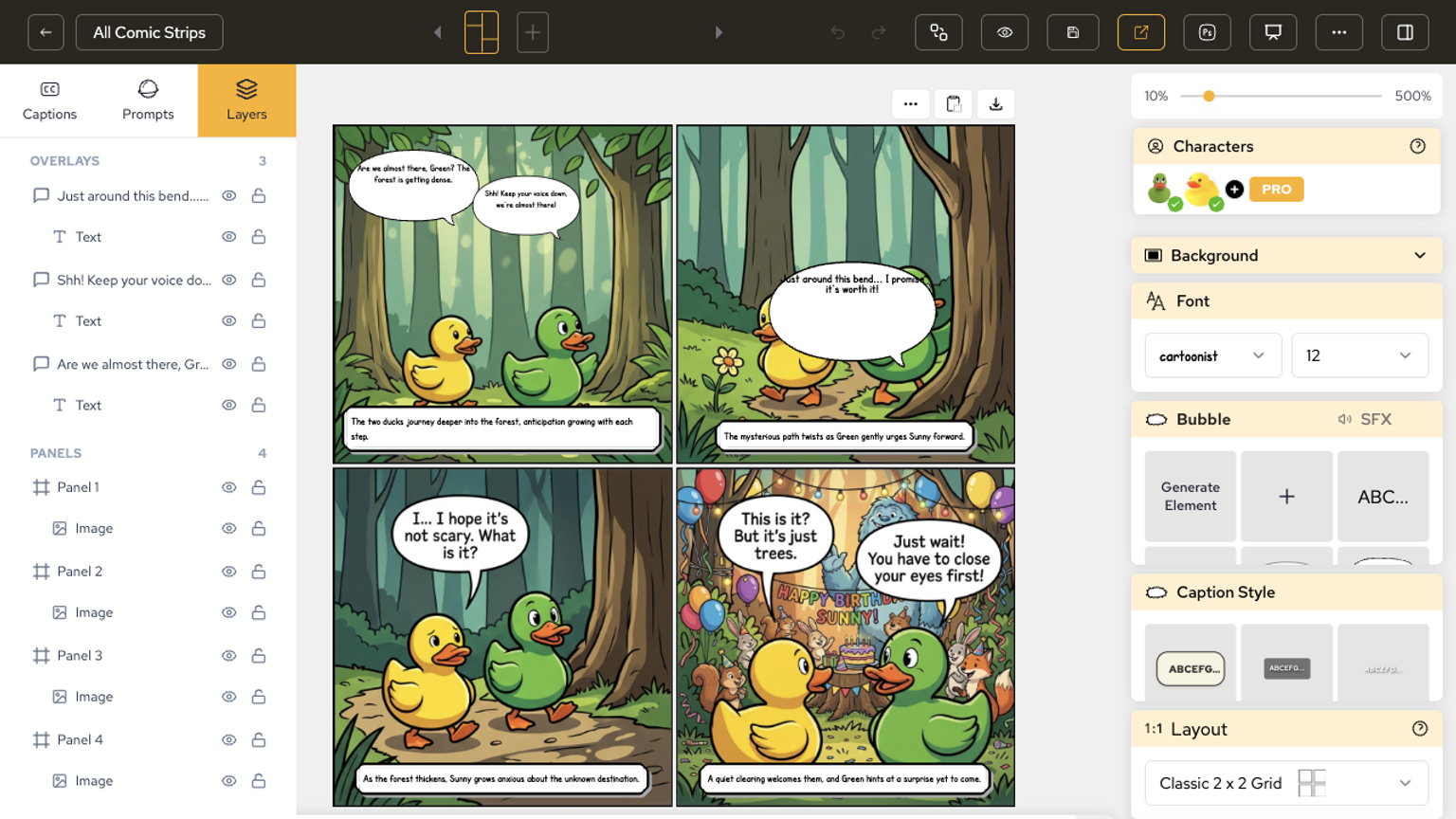
The practical win is a smaller correction loop: hide, lock, or select one balloon and leave the rest of the page alone.
Keep a panel stack even before artwork lands
On a page that still shows empty panels, Layers still lists Panel 1 through Panel 4 with image rows. That makes it possible to confirm the stack before the drawings arrive.
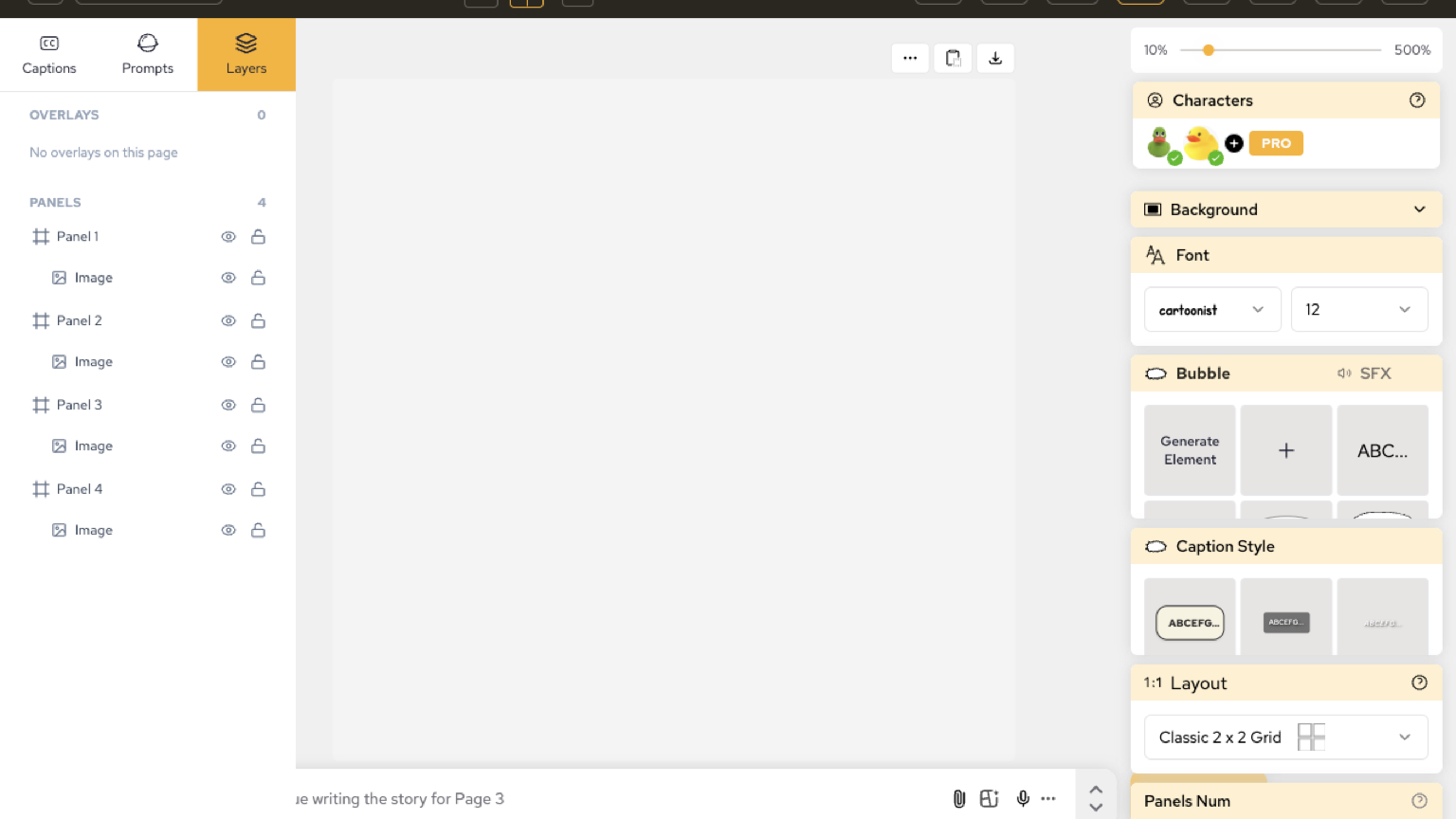
Switch between captions and layers without leaving the editor
Captions and Layers stay as adjacent tabs. Writing the next line and checking which balloon sits on which panel happens in the same chrome.
رویاهای جوانان را شعلهور کنید
جایی که میلیونها داستان جان میگیرند
مروری بر جدیدترین قابلیتهای LlamaGen، بهبودهای محصول، بهروزرسانیهای طراحی و رفع باگهای مهم.