


セリフとアートワークを別々のレイヤーとして選択できると、コミックページの修正はより簡単になります。このリリースでは、ページを右側に表示したまま、オーバーレイ吹き出しとパネル画像を1つのリストで確認できます。
森のシーンにすでにセリフが入っている場合、次の作業は1つの吹き出しを修正することになることがよくあります。レイヤーでは今後、「Shh! Keep your voice down」のようなオーバーレイがパネル画像の上にまとめて表示されるため、すべての描画をクリックして回らなくても話されたセリフを見つけられます。
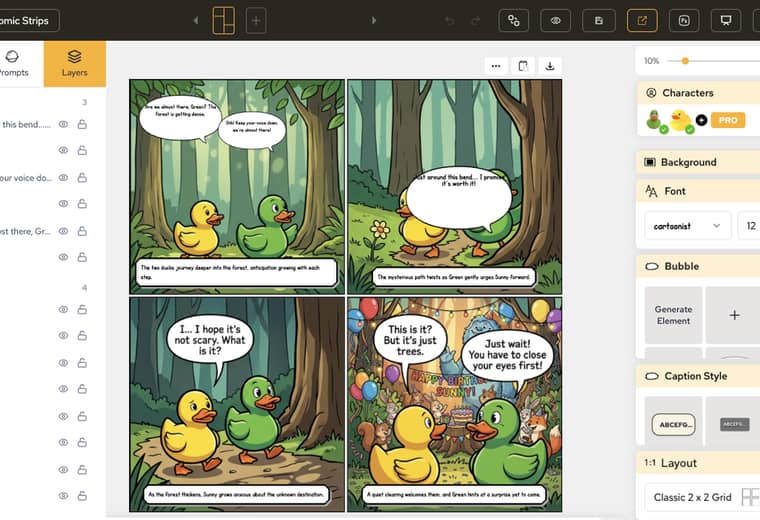
実用面でのメリットは、修正の手順が短くなることです。1つの吹き出しを非表示、ロック、または選択しても、ページの他の部分には影響しません。
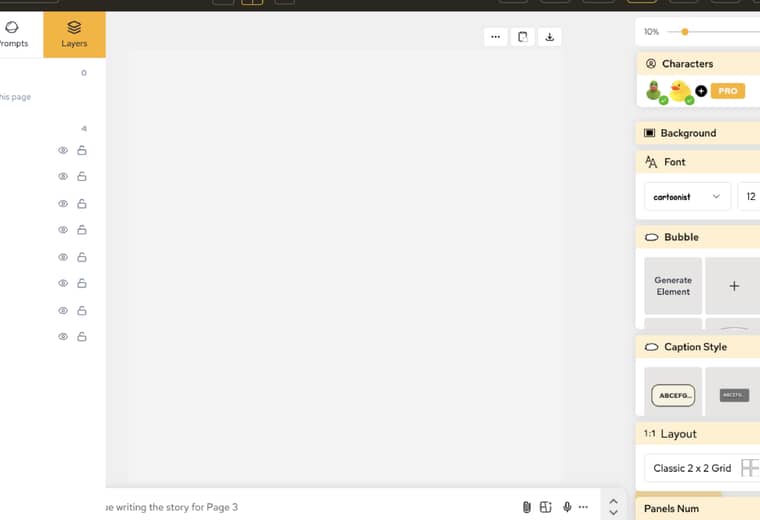
まだ空のパネルが表示されているページでも、レイヤーには画像行付きでパネル1からパネル4までが一覧表示されます。これにより、描画が入る前に重なり順を確認できます。
Un resumen de los últimos lanzamientos de funciones de LlamaGen, mejoras del producto, actualizaciones de diseño y correcciones importantes de errores.
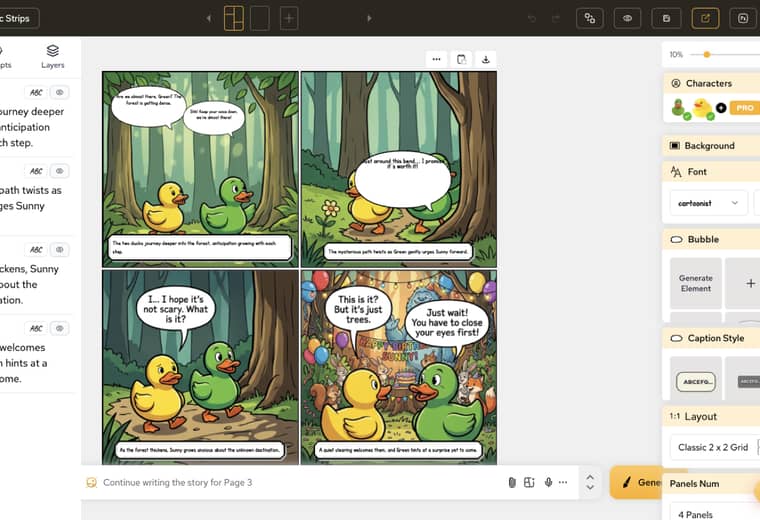
キャプションとレイヤーは隣り合うタブとして配置されたままです。次のセリフを書きながら、どの吹き出しがどのパネル上にあるかを確認する作業を、同じUI内で行えます。
詳細とドキュメントについては、AI Comic Creation Documentationをご覧ください。
Popular creator tools
Go from comics and storyboards to stylized photos with LlamaGen.
Turn an idea into polished comic strips in minutes.
Create comics with AI02Create expressive manga art and multi-panel stories.
Create manga with AI03Visualize every scene before production starts.
Create storyboards with AI04Transform any photo into a comic-style illustration.
Create comics from pictures with AI05Build shareable strips with characters that stay consistent.
Create comic strips with AI


© 2026 LlamaGen.Ai 全著作権所有
