

Timing matters
A frame becomes a shot only when duration and pacing are clear.
Transform storyboard frames into a video-ready plan with shot timing, camera movement, motion notes, and creative direction for animation or AI video generation.
Storyboard plan
Prompt to result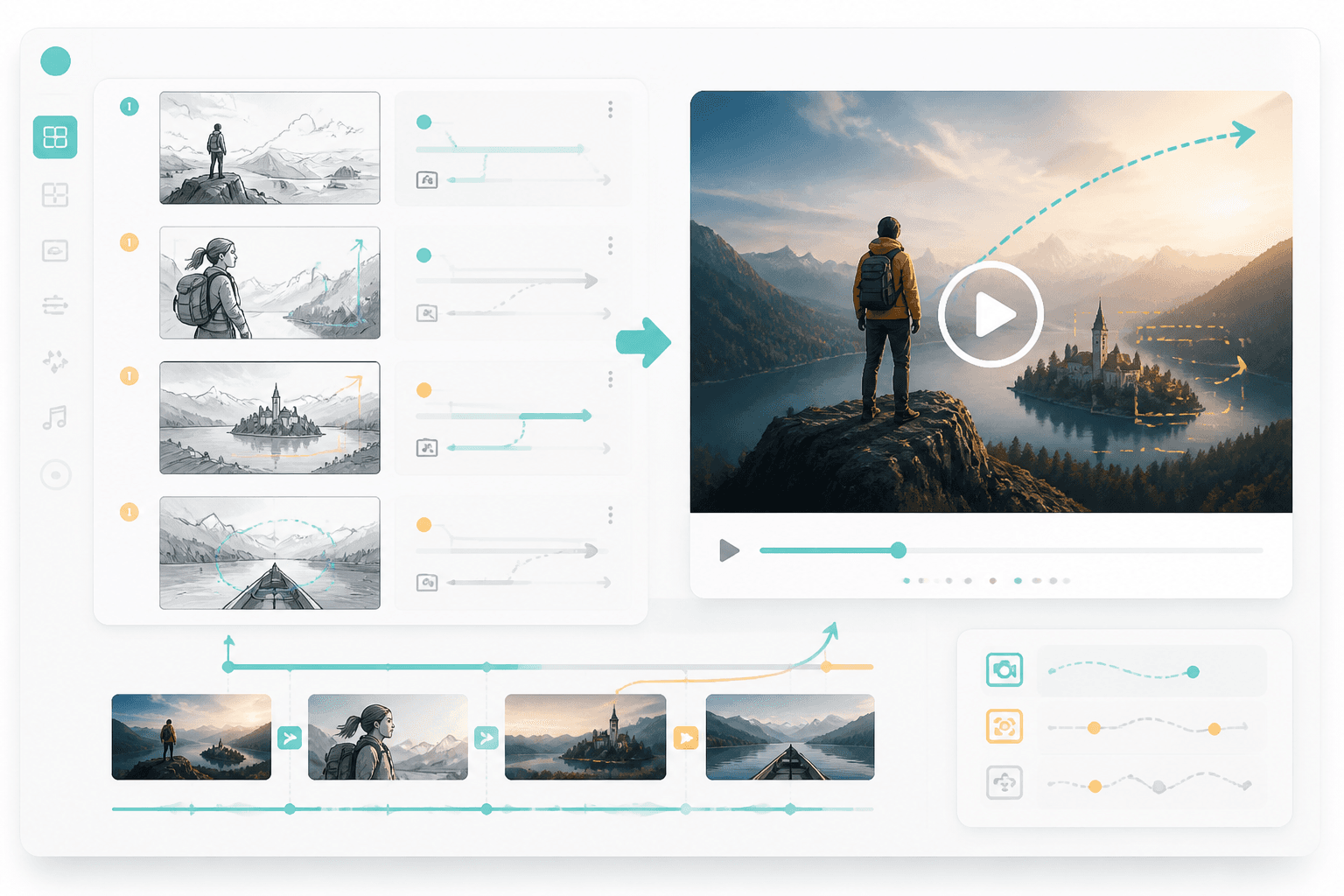
Motion plan
Frames
to motion plan
Timing
mapped per shot
Use a storyboard, shot list, or visual sequence.
Define timing, camera moves, transitions, and character action.
Use the plan for animation, AI video, or editor handoff.
This page gives users a clear next step after storyboarding: add shot duration, camera movement, and video-ready creative instructions.
Bring in frame order, scene notes, and shot goals.
Review timing, transitions, and motion direction.
Video tools perform better when each shot has duration, camera movement, and transition direction.
A frame becomes a shot only when duration and pacing are clear.
Push-ins, pans, zooms, and reveals change how the story feels.
A motion plan gives AI video or editing tools better instructions.
Motion
Add camera moves, transitions, and timing so each storyboard frame becomes a video-ready scene.
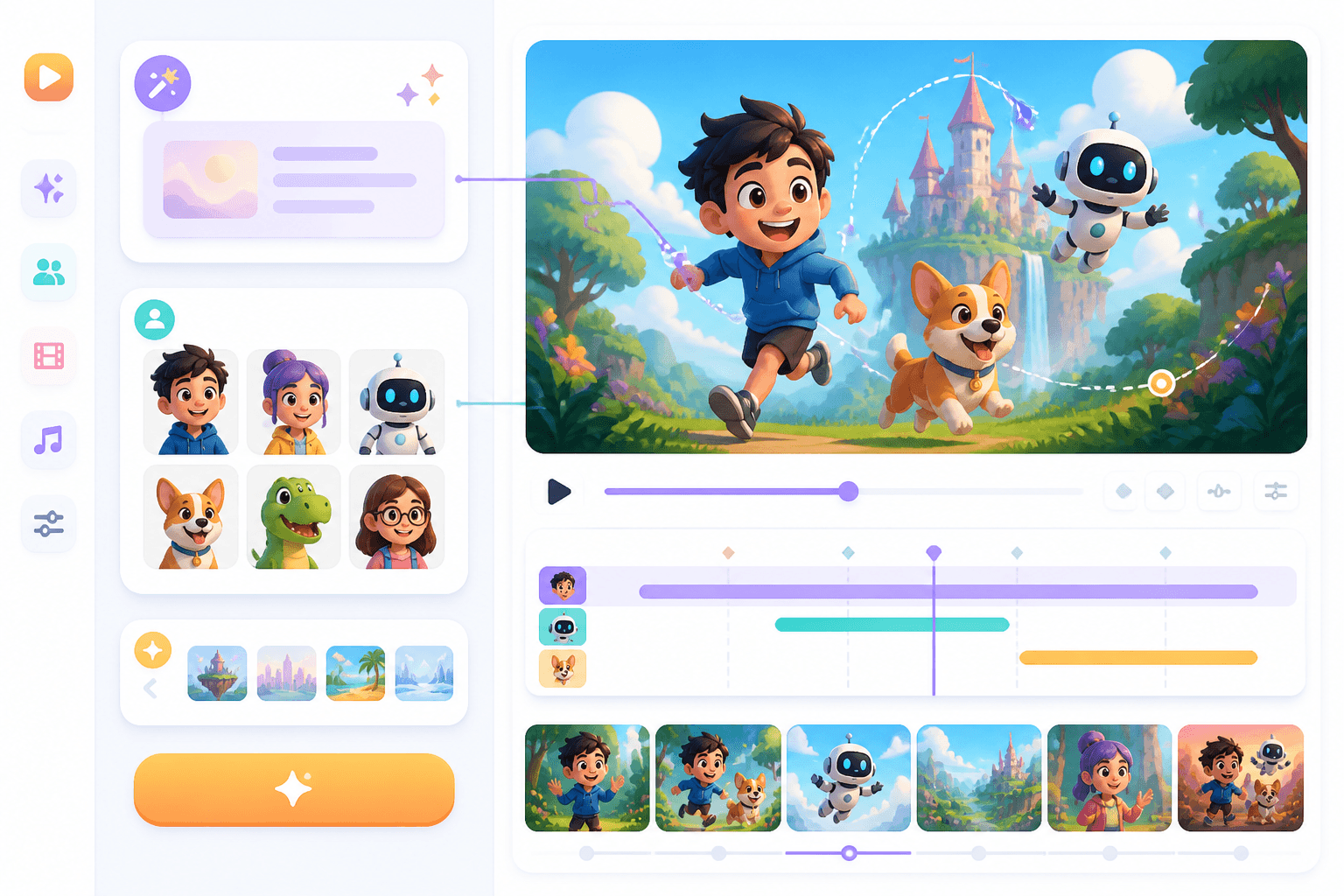
Cartoon
For animated and cartoon workflows, the storyboard becomes the structure for character movement and scene timing.
Workflow guide
A storyboard-to-video page should explain how frames gain timing, movement, camera, and production direction.
Use a storyboard, shot list, or visual sequence.
Define timing, camera moves, transitions, and character action.
Use the plan for animation, AI video, or editor handoff.
Mention frame order, duration, camera, and motion style.
Related writing workflow
Use the AI Screenplay Editor when a script, fiction draft, storyboard brief, video idea, or canvas note needs proper scene headings, action, dialogue, parentheticals, cover pages, outlines, beats, and collaboration-ready revisions.
INT. COMMUNITY CENTER - NIGHT
Folded chairs. A storm outside. MAYA stands at the microphone with a page of notes she no longer needs.
MAYA
If the city will not read the record, we will read it out loud.
Add timing, movement, and camera direction so your board is ready for video production.