

1. Original script
INT. TRAIN STATION — NIGHT. Mara finds a red suitcase on the empty platform. A shadow moves behind frosted glass. The lights cut out.
Already have a script? Paste the screenplay or scene outline and turn it into ordered frames with camera angles, action beats, and character placement.
Script excerpt
Prompt to result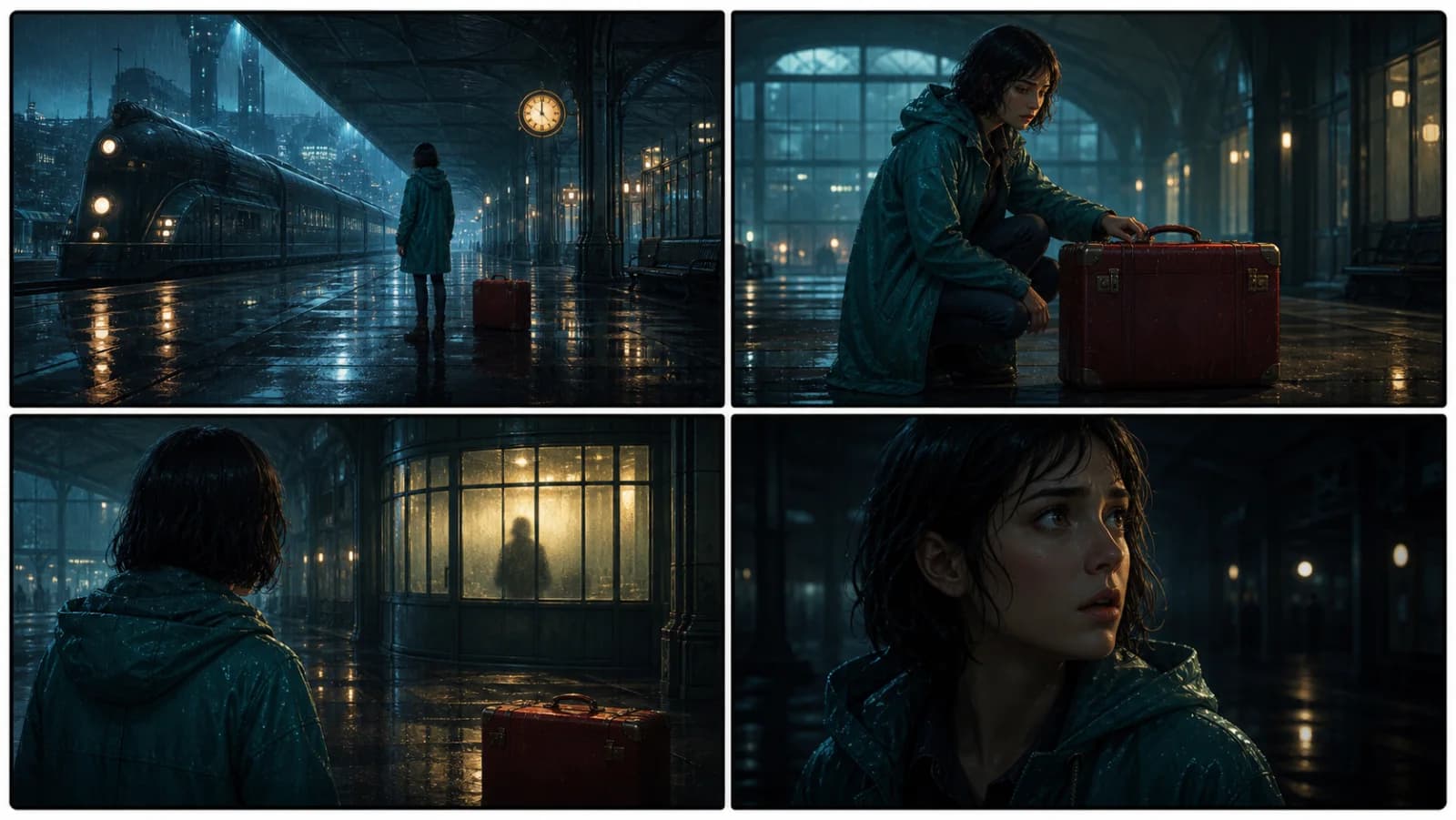
Final storyboard
4 shots
establish, reveal, threat, reaction
1 continuity
same character, prop, and location
Paste screenplay text, scene notes, action, and dialogue.
Break the action into ordered shots, camera angles, and character beats.
Review the connected frames, then continue into comic, animatic, or video production.
Convert written scenes into visual sequences with clear shot order, camera direction, and character beats.
Paste action, dialogue, and scene notes.
Review shot order, camera language, and character beats.
A single suspense beat moves from the original script to an ordered shot breakdown and a consistent four-frame storyboard.
INT. TRAIN STATION — NIGHT. Mara finds a red suitcase on the empty platform. A shadow moves behind frosted glass. The lights cut out.
Wide station setup → medium suitcase discovery → over-the-shoulder shadow reveal → close reaction as the platform goes dark.
Four reviewable frames retain Mara's teal raincoat, the red suitcase, and the rainy station while shot size changes build suspense.
Script
Turn action lines and dialogue into a sequence of storyboard frames with clear shot intent.
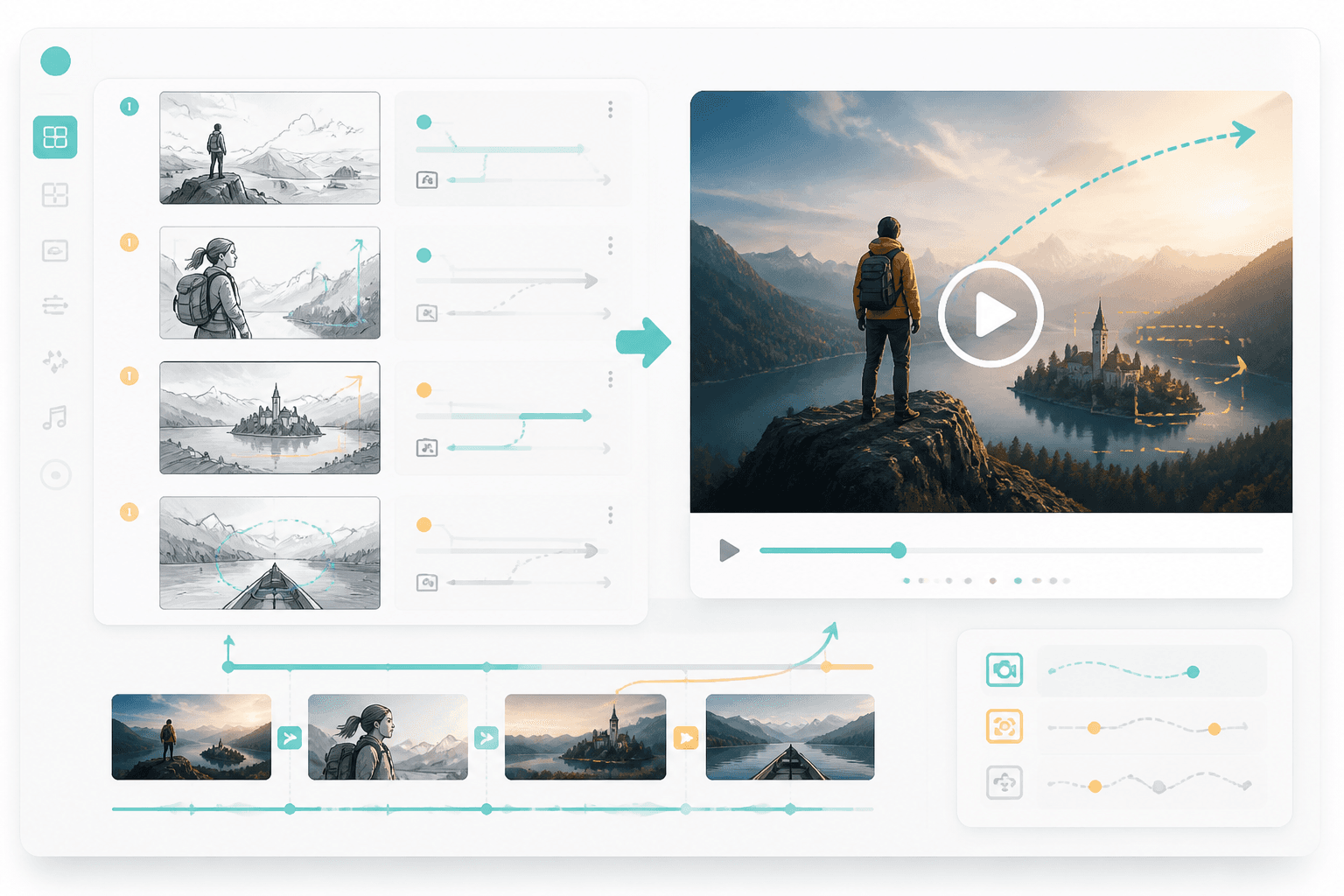
Video
Once the board is clear, route it into storyboard-to-video or animated comic production.
Workflow guide
This workflow starts from a written script, not a blank prompt. It turns action lines, camera direction, and scene order into connected frames.
Paste screenplay text, scene notes, action, and dialogue.
Break the action into ordered shots, camera angles, and character beats.
Review the connected frames, then continue into comic, animatic, or video production.
Include scene action, camera needs, and output format.
Related writing workflow
Use the AI Screenplay Editor when a script, fiction draft, storyboard brief, video idea, or canvas note needs proper scene headings, action, dialogue, parentheticals, cover pages, outlines, beats, and collaboration-ready revisions.
INT. COMMUNITY CENTER - NIGHT
Folded chairs. A storm outside. MAYA stands at the microphone with a page of notes she no longer needs.
MAYA
If the city will not read the record, we will read it out loud.
Create a storyboard that makes the next comic, webtoon, or video step easier to produce.