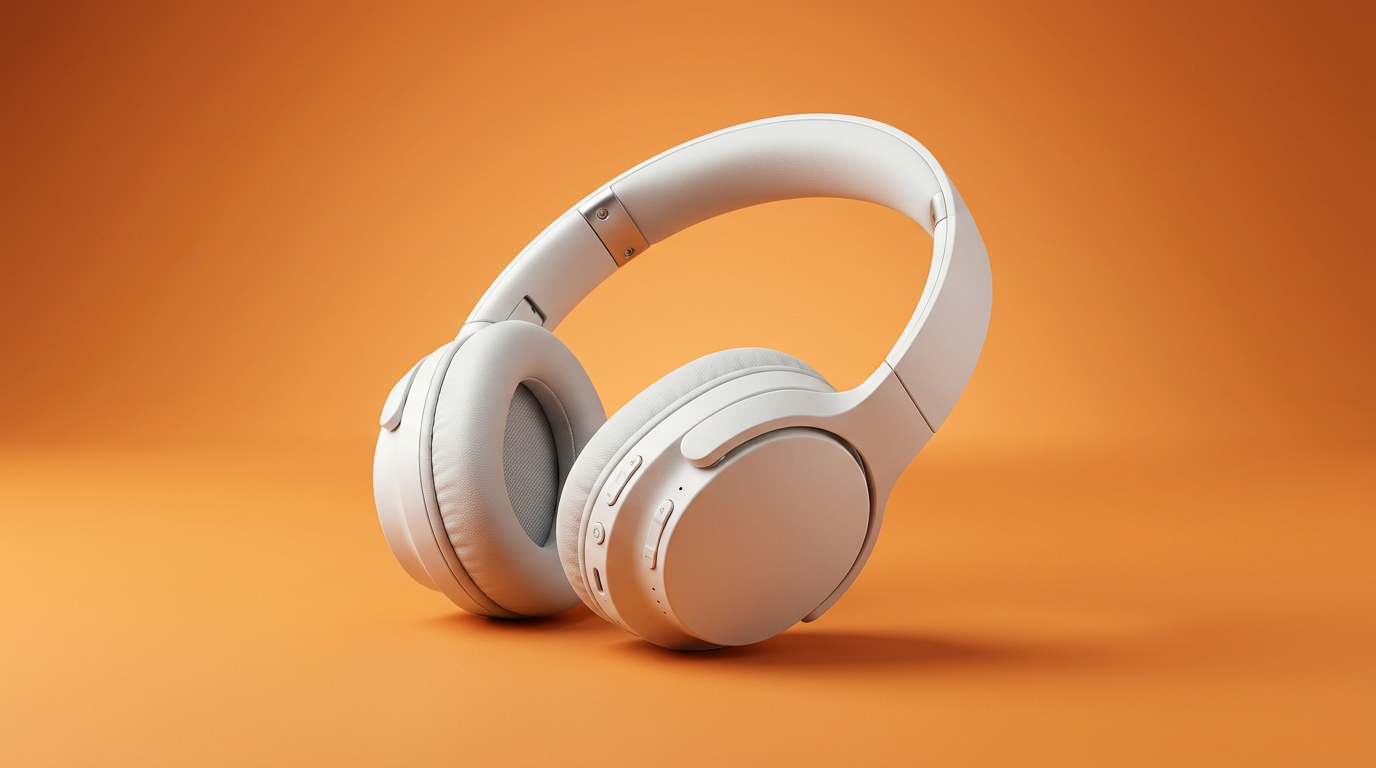
Ecommerce product visuals
Prompt या reference से साफ़-सुथरे product scenes और lifestyle shots बनाएं।
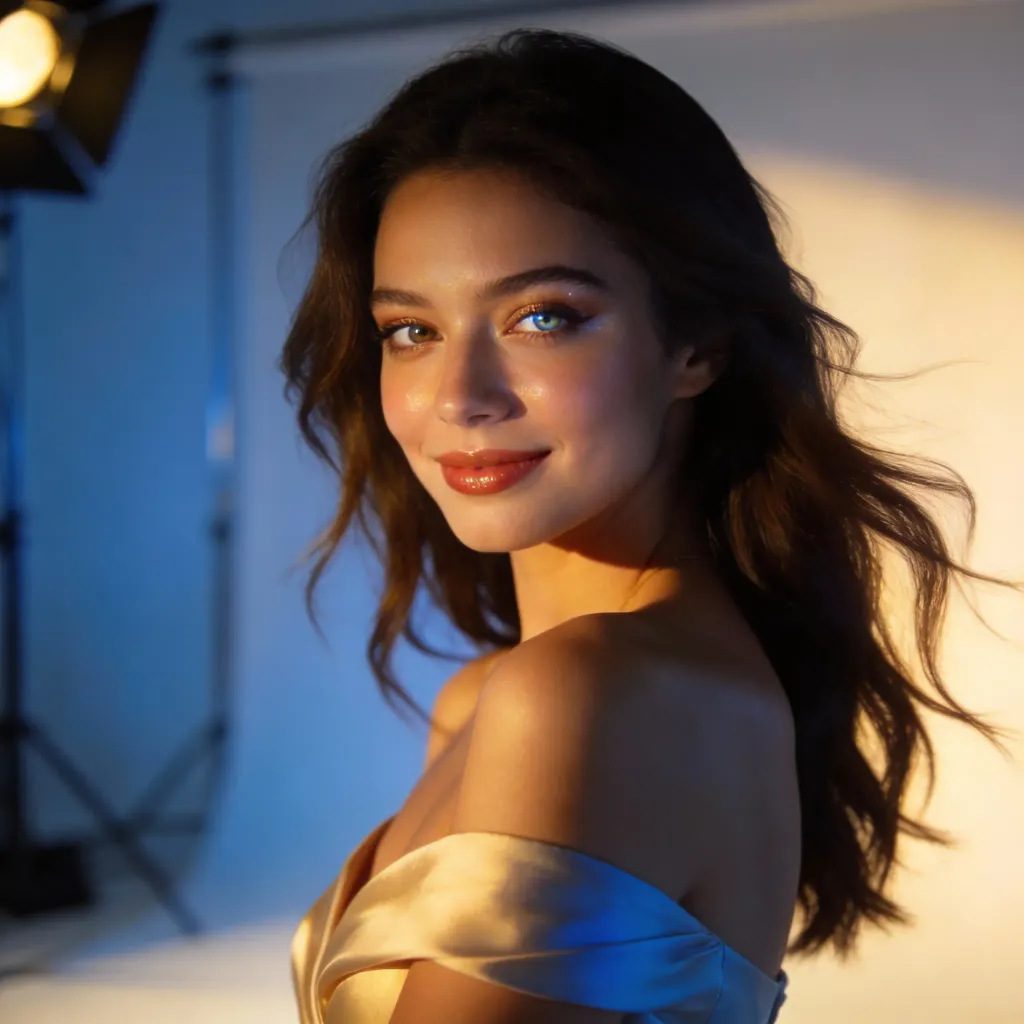
मुफ्त AI इमेज जनरेटर
एक prompt लिखें, reference जोड़ें और कुछ ही सेकंड में production-ready visuals तैयार करें।
या reference यहां ड्रैग करें
Prompt, image, या दोनों।
इमेज बनाकर या अपलोड करके, आप हमारीसेवा की शर्तेंगोपनीयता नीति
एक आसान flow से campaign images, product scenes, thumbnails और visual variations बनाएं।
Prompt या reference से साफ़-सुथरे product scenes और lifestyle shots बनाएं।
कवर, हेडर, थंबनेल और ad-ready images।
subject वही रखें, style, lighting और scene बदलें।
भारी एडिटर खोले बिना mood और direction refine करें।
ऑल-इन-वन AI इमेज जनरेटर
blank canvas से शुरू किए बिना products, ads, thumbnails, covers और creative tests के लिए polished images बनाएं।
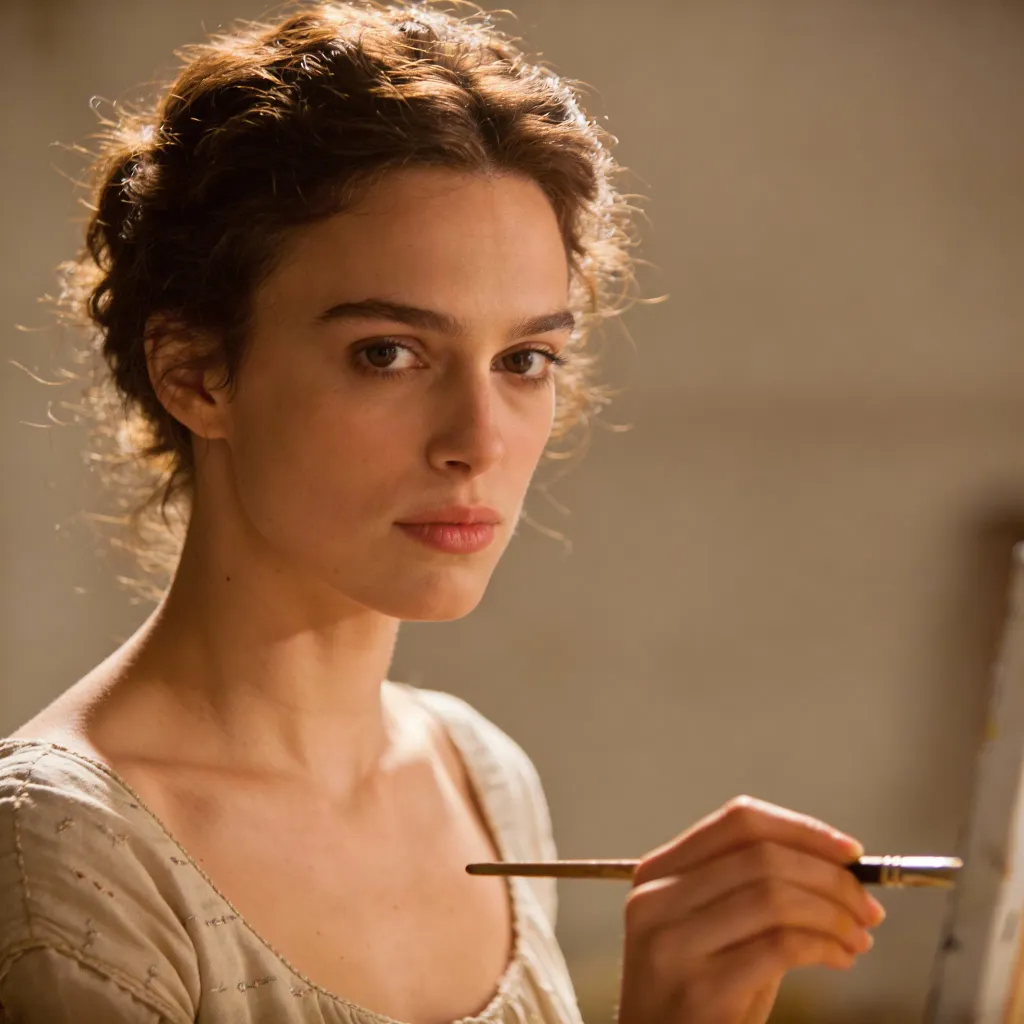
अपना workflow चुनें
अपने शुरुआती बिंदु के अनुसार सही रास्ता चुनें, फिर उसे काम का creative asset बनाएं।
आप क्या बनाना चाहते हैं?
शुरुआत से बनाएं
मौजूदा asset से बनाएं
यहीं से शुरू करें
साधारण भाषा वाले prompt से शुरू करें, फिर format, style, lighting, background और intended use जोड़ें।
ज़्यादा कंट्रोल
जब सिर्फ prompt काफी सटीक न हो, तब product photo, portrait, character या composition को शुरुआती आधार बनाएं।
तेज़ एडिट्स
मौजूदा asset को product visuals, thumbnails, avatars या campaign variations में बदलें।
दोबारा इस्तेमाल के लिए तैयार
AI images को social posts, ecommerce assets, ad drafts, character references और image-to-video workflows के opening frames के रूप में इस्तेमाल करें।
शुरू करने से पहले झटपट जवाब।
AI image to image generator एक reference image से शुरू होता है और subject, pose, product, layout या composition जैसी अहम visual direction को बनाए रखते हुए नई variations बनाता है। जब आपको सिर्फ text-to-image prompt से ज़्यादा कंट्रोल चाहिए, तब यह खास तौर पर उपयोगी होता है।
हाँ। आप मुफ्त में ऑनलाइन AI images बनाना शुरू कर सकते हैं और workflow का इस्तेमाल prompts टेस्ट करने, styles एक्सप्लोर करने और ads, social posts, product pages, thumbnails तथा creative concepts के लिए visuals बनाने में कर सकते हैं।
हाँ। अगर आपने ChatGPT, Gemini, Claude या किसी दूसरे writing tool में prompt तैयार किया है, तो आप उसे LlamaGen में पेस्ट करके अपने ब्राउज़र में images, product scenes, social posts, thumbnails या image to image variations में बदल सकते हैं।
अच्छे prompts में subject, audience, format, style, lighting, camera angle, background, mood, color palette और intended use शामिल होते हैं। उदाहरण के लिए, यह स्पष्ट करें कि image ecommerce hero, social post, YouTube thumbnail या video frame के लिए है।
LlamaGen का इस्तेमाल करके एक आसान workflow से image to image variations, ad visuals, product scenes, thumbnails और video-ready frames बनाएं।