

कैमरा एंगल कंट्रोल - AI के साथ फोटो एंगल एडिटर
मीडिया अपलोड करें, कैमरा एंगल बदलने के लिए होल्ड करके ड्रैग करें, और 12 बेहतरीन एंगल्स से जनरेट करें। प्राकृतिक बातचीत के साथ, साथ ही हॉरिज़ॉन्टल एंगल, वर्टिकल एंगल, और ज़ूम डिस्टेंस कंट्रोल्स का उपयोग करके AI Image Camera Angle Control से अपनी इमेजेस बदलें।
चैट से एडिट करें, सीन को बड़ा करें, ऑब्जेक्ट हटाएँ, बैकग्राउंड बदलें, और Qwen Image Edit तथा AIOmnigen workflows के साथ सिर्फ़ एक फोटो से नए कैमरा एंगल जनरेट करें।
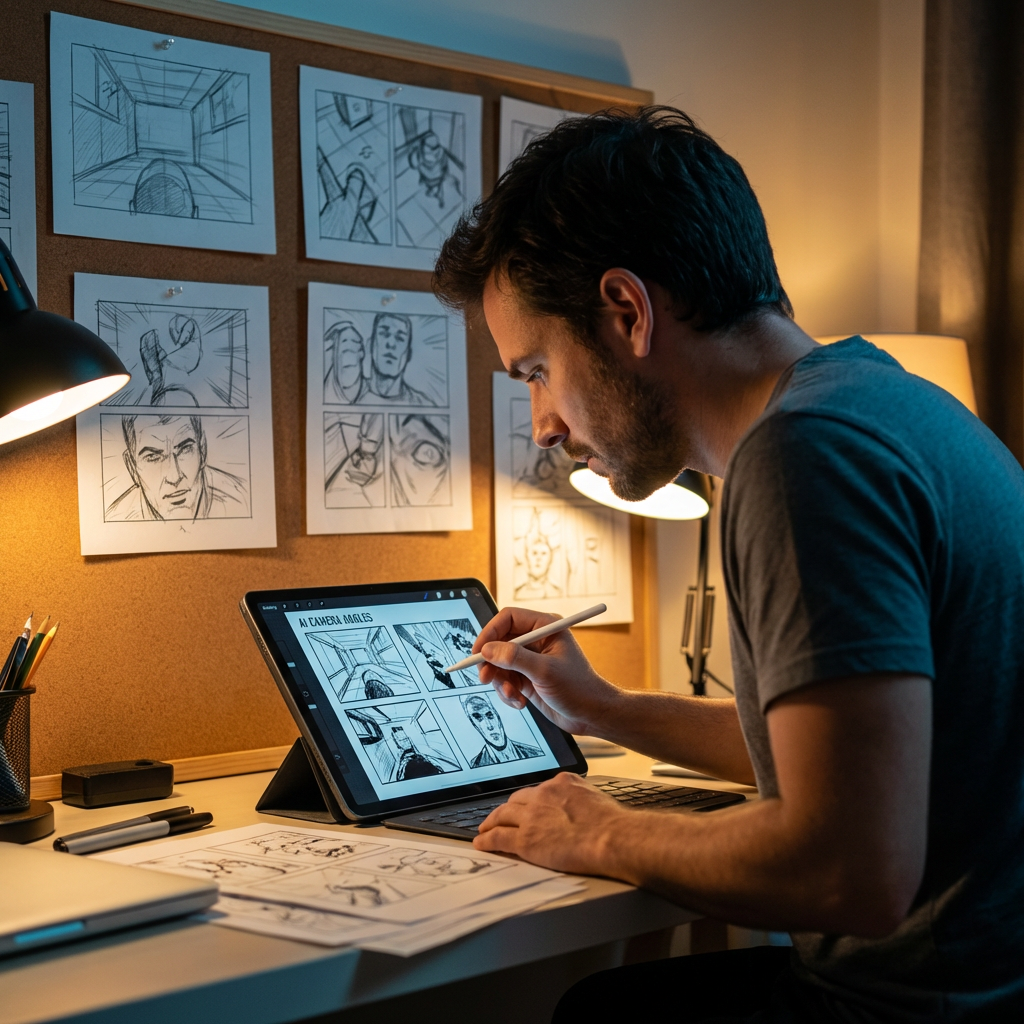
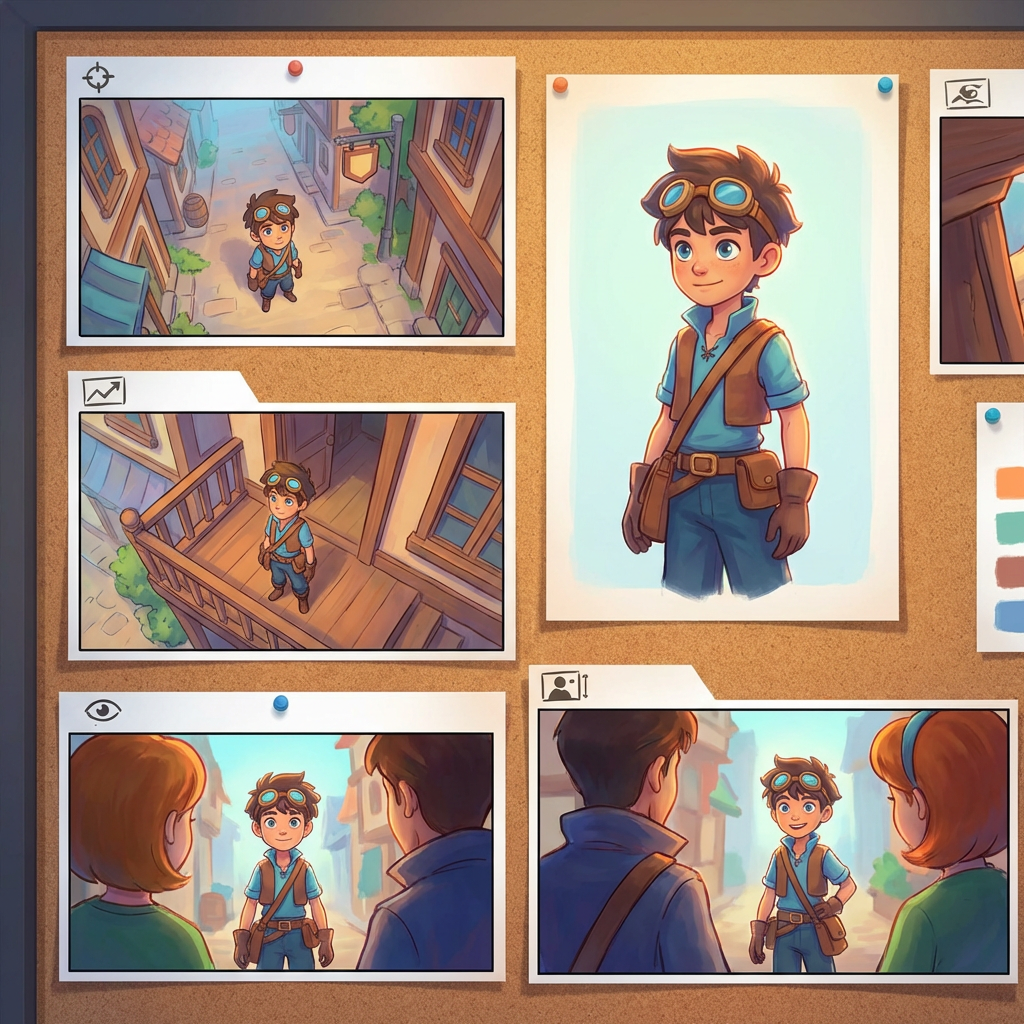
इंटरैक्टिव एंगल लैब
एक इमेज अपलोड करें, एंगल बदलें, और चैट से एडिट करें
यह एम्बेडेड टूल आपको प्राकृतिक बातचीत के जरिए इमेजेस बदलने देता है। एक फोटो अपलोड करें, फिर उसे बड़ा करें, ऑब्जेक्ट हटाएँ, बैकग्राउंड बदलें, या Qwen Image Edit सहित इंटरैक्टिव कैमरा कंट्रोल्स और एडिट मॉडल्स के साथ नए कैमरा एंगल जनरेट करें।
Multi-Angles
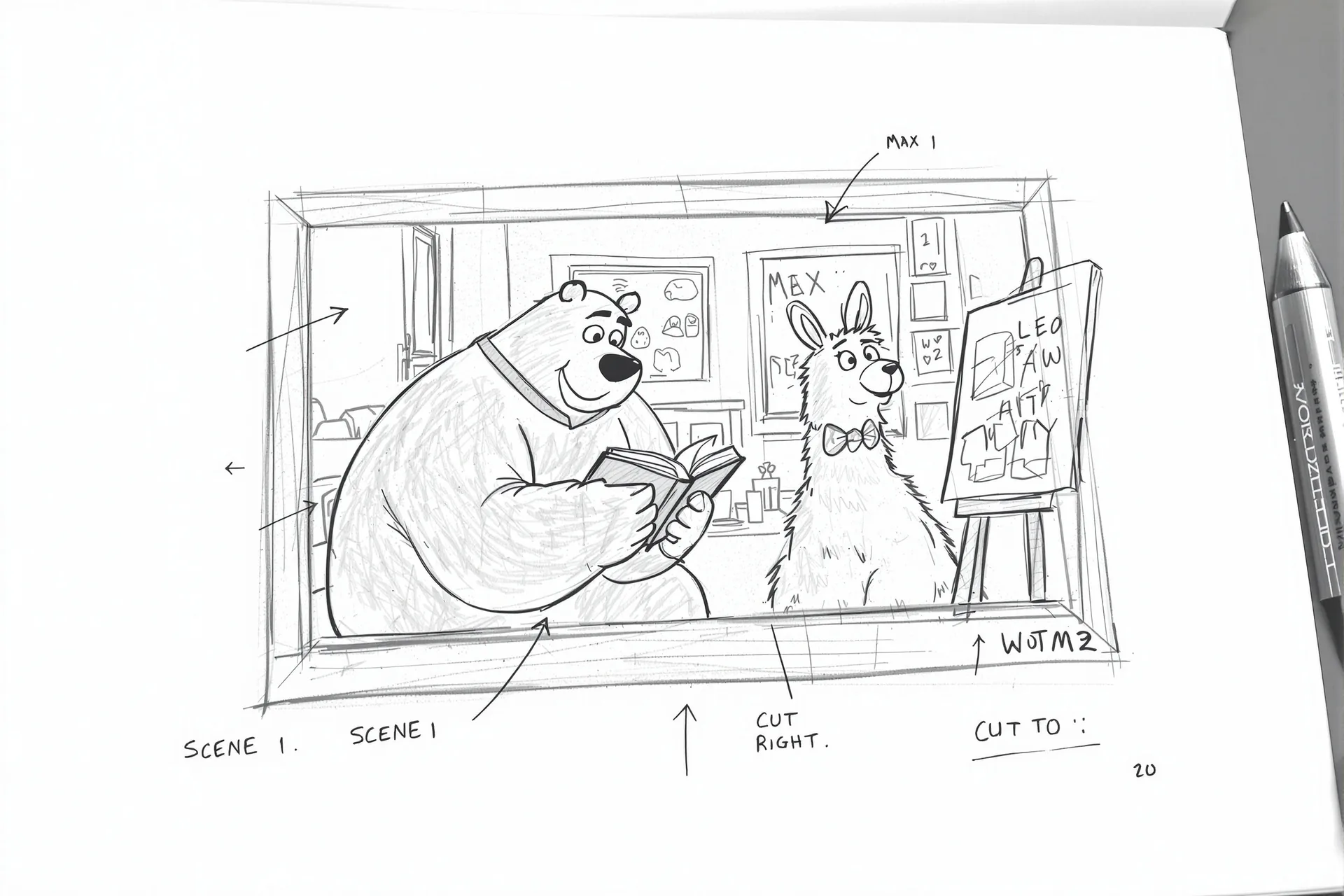
Source Reference
Upload a reference image
Use the Replace and Remove buttons above anytime.
Generated Result
Examples
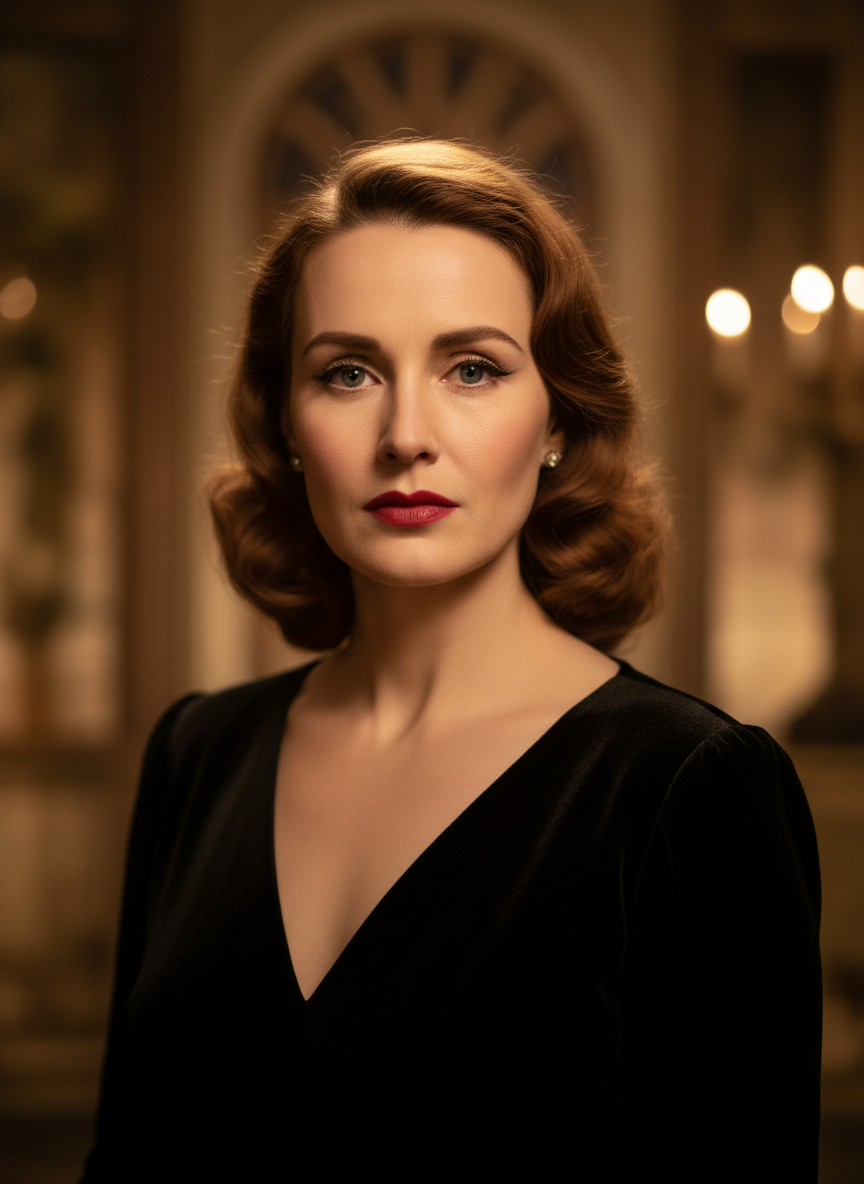
Source
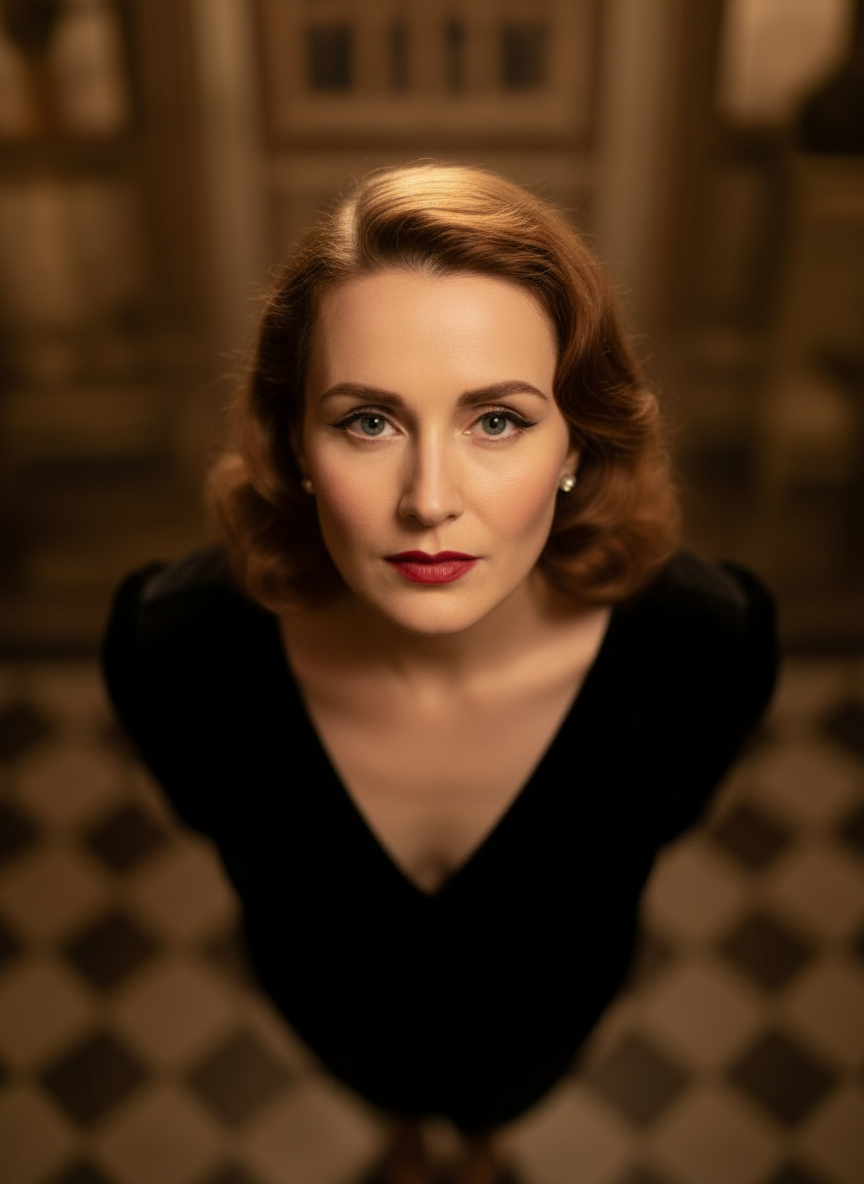
Overhead Angle
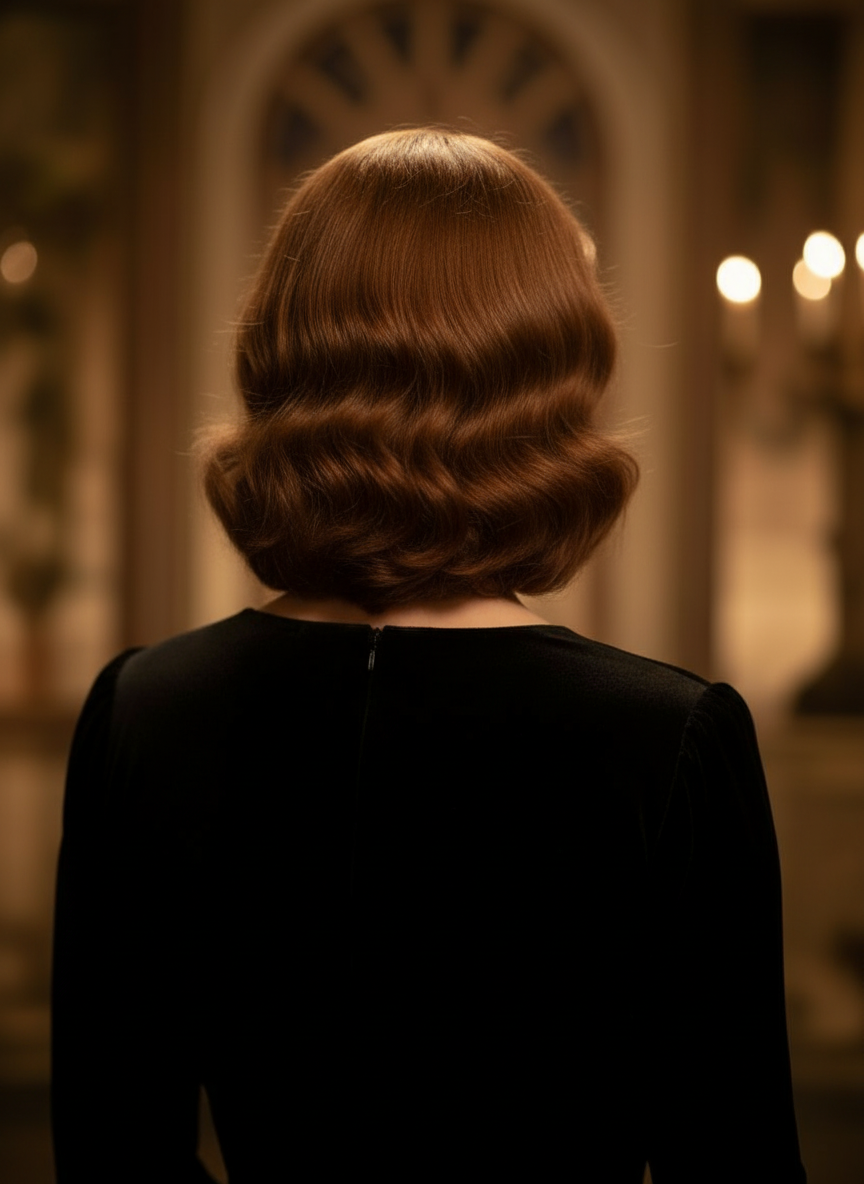
Back Angle
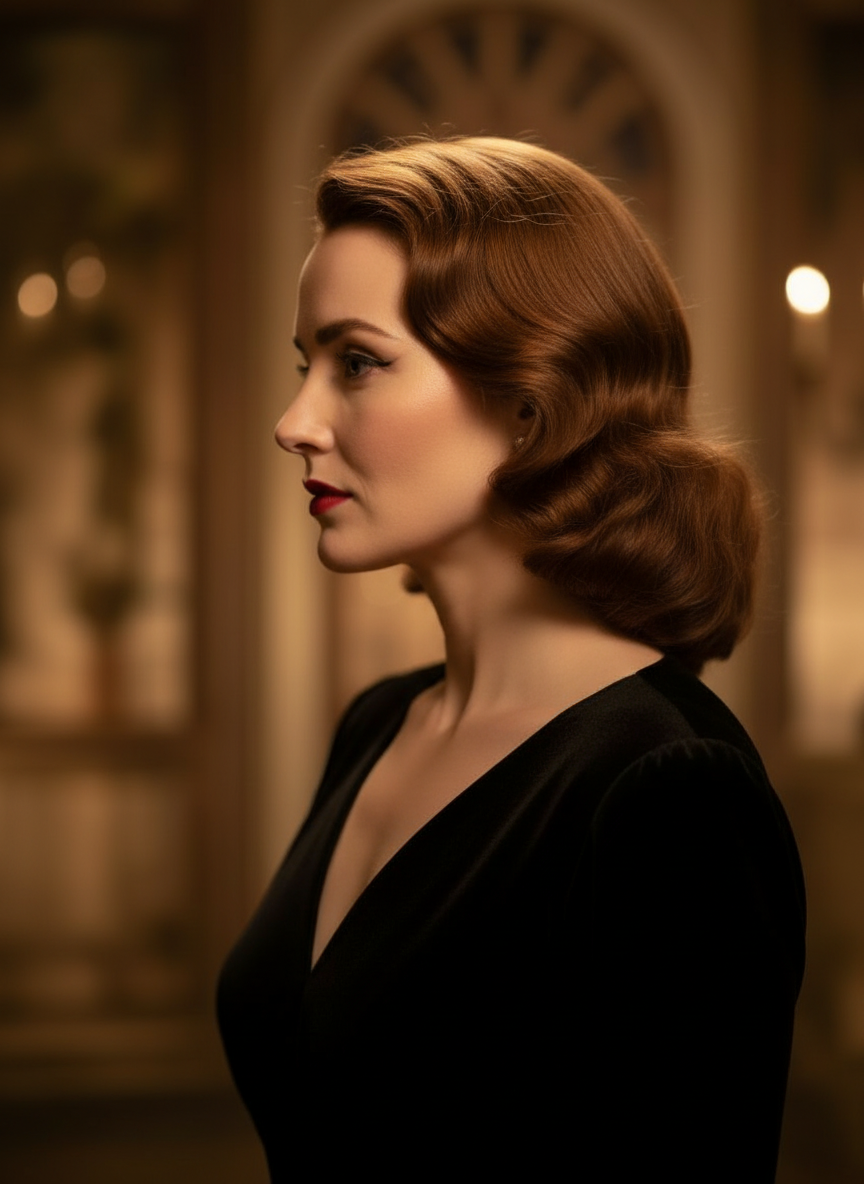
Three-Quarter Side
प्राकृतिक बातचीत के जरिए अपनी इमेजेस बदलें
बस एक इमेज अपलोड करें और चैट करके एडिट करें। फ्रेम बड़ा करें, ऑब्जेक्ट हटाएँ, बैकग्राउंड बदलें, और इमेज को शुरू से बनाए बिना वैकल्पिक कैमरा एंगल जनरेट करें।
Camera Angle Control खोलेंहॉरिज़ॉन्टल एंगल, वर्टिकल एंगल, और ज़ूम डिस्टेंस समायोजित करें
कैमरा एंगल बदलने के लिए होल्ड करके ड्रैग करें या सहज स्लाइडर्स का उपयोग करके हॉरिज़ॉन्टल एंगल, वर्टिकल एंगल, और ज़ूम डिस्टेंस समायोजित करें। तेज़ image-camera-control workflow के साथ एक ही फोटो से साफ़ वैरिएशंस जनरेट करें।
नया एंगल जनरेट करें3 स्टेप्स में Camera Angle Control का उपयोग कैसे करें
फोटो एडिटिंग, रीफ्रेमिंग, और AI कैमरा कंट्रोल के लिए एक सरल workflow।
एक सब्जेक्ट इमेज अपलोड करें
एक फोटो या रेफ़रेंस इमेज से शुरुआत करें, जिसे आप एडिट और रीफ्रेम करते समय एक जैसा रखना चाहते हैं।
कैमरा प्लान सेट करें
12 बेहतरीन एंगल्स में से एक चुनें, फिर होल्ड करके ड्रैग करें या कंट्रोल्स का उपयोग करके हॉरिज़ॉन्टल एंगल, वर्टिकल एंगल, टिल्ट, और ज़ूम डिस्टेंस समायोजित करें।
चैट करें, रेंडर करें, और रिव्यू करें
नेचुरल लैंग्वेज में एडिट्स बताएँ, नया व्यू जनरेट करें, और डिज़ाइन, कंटेंट, या प्रोडक्शन हैंडऑफ़ के लिए परिणाम का रिव्यू करें।
वास्तविक टूल आउटपुट
एक इनपुट इमेज, एक जनरेटेड कैमरा-एंगल रिज़ल्ट
सोर्स इमेज की तुलना Camera Angle Control workflow से बने आउटपुट से करें। सब्जेक्ट पहचाना रहता है, जबकि व्यू अधिक व्यापक एंगल स्टडी में बदल जाता है।
इनपुट
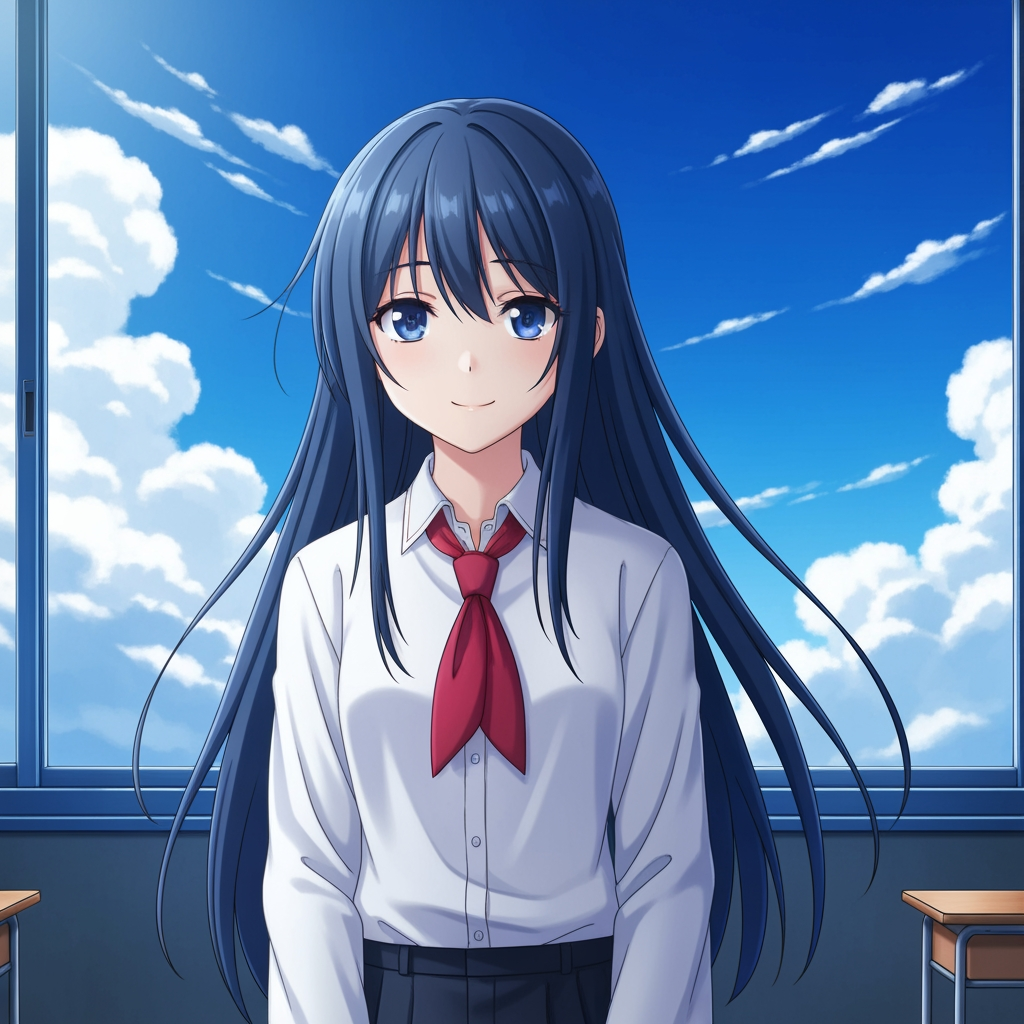
मूल सब्जेक्ट इमेज
बेस ड्रॉइंग अपरिवर्तित रहती है। यही source image camera-angle pass को नियंत्रित करने के लिए उपयोग होती है।
- भूमिका
- अपलोड किया गया रेफ़रेंस
- सब्जेक्ट
- एकल anime चरित्र
जनरेटेड आउटपुट

दोबारा फ्रेम किया गया कैमरा-एंगल रिज़ल्ट
जनरेटेड आउटपुट उसी रेफ़रेंस को शॉट प्लानिंग और विज़ुअल रिव्यू के लिए एक व्यापक एंगल स्टडी में बदल देता है।
- भूमिका
- जनरेटेड वैरिएशन
- उपयोग
- एंगल और फ्रेमिंग रिव्यू
नीचे दी गई इमेजेस टूल workflow से मिला एक वास्तविक source-and-output pair हैं, कोई stock mockup नहीं। AI परिणाम source image, चुने गए model, angle, और framing controls के अनुसार बदलते हैं।
Camera Angle Control क्या है?
Camera Angle Control एक AI-आधारित फोटो एंगल एडिटर है, उन लोगों के लिए जो प्राकृतिक बातचीत के जरिए इमेजेस बदलना चाहते हैं। एक इमेज अपलोड करें, चैट से एडिट करें, फिर subject identity को एक जैसा रखते हुए नया view जनरेट करने के लिए angle, tilt, framing, और zoom समायोजित करें।
Prompt to Comic
12 बेहतरीन एंगल्स से जनरेट करें
आगे बढ़ने से पहले low angle, high angle, eye-level, Dutch angle, over-the-shoulder, और अन्य reusable camera presets एक्सप्लोर करें।
12 बेहतरीन एंगल्स से जनरेट करें
आगे बढ़ने से पहले low angle, high angle, eye-level, Dutch angle, over-the-shoulder, और अन्य reusable camera presets एक्सप्लोर करें।
एक सब्जेक्ट को एक जैसा रखें
रेफ़रेंस इमेज का उपयोग करें ताकि टूल सब्जेक्ट, लाइटिंग लॉजिक, और विज़ुअल आइडेंटिटी को मूल फोटो के करीब रख सके।
एक ही workflow में एडिट और रीफ्रेम करें
चैट-आधारित image edits और camera control को एक साथ इस्तेमाल करके सीन बड़ा करें, ऑब्जेक्ट हटाएँ, बैकग्राउंड बदलें, और उसी इमेज को फिर से फ्रेम करें।
टीम्स कैमरा-एंगल एक्सप्लोरेशन के लिए इसका उपयोग क्यों करती हैं
शॉट एक्सप्लोरेशन, कवरेज प्लानिंग, और तेज़ विज़ुअल रिव्यू के लिए बनाया गया।
रेफ़रेंस-आधारित जनरेशन
हर बार नया सब्जेक्ट prompt करने के बजाय अपलोड की गई बेस इमेज से शुरुआत करें।
प्रोडक्शन भाषा से मेल खाते एंगल प्रीसेट
eye-level, low angle, high angle, Dutch angle, bird's-eye, और over-the-shoulder coverage को तेज़ी से टेस्ट करें।
Previz और boards के लिए उपयोगी
Storyboard, comic layout, या animation review लॉक करने से पहले shot ideas की तुलना करें।
कॉमिक और कार्टून के लिए तैयार
control surface दोबारा बनाए बिना comic और cartoon visual direction के बीच स्विच करें।
तेज़ framing experiments
कुछ ही सेकंड में close-up से wide shot और neutral tilt से dramatic staging तक जाएँ।
रिव्यू cycles के लिए डिज़ाइन किया गया
एक angle study जनरेट करें, उस पर चर्चा करें, और तुरंत अगले setup पर iterate करें।
अक्सर पूछे जाने वाले प्रश्न
Camera Angle Control क्या करता है?
यह प्राकृतिक बातचीत और इंटरैक्टिव camera controls के जरिए आपकी इमेजेस को बदलता है, जिससे आप एक अपलोड की गई इमेज से नए camera angles जनरेट कर सकते हैं, सीन बड़ा कर सकते हैं, ऑब्जेक्ट हटा सकते हैं, और बैकग्राउंड बदल सकते हैं।
क्या मैं एक ही फोटो से नए camera angles जनरेट कर सकता हूँ?
हाँ। एक बार media अपलोड करें, फिर 12 बेहतरीन angles से जनरेट करें और साथ में horizontal angle, vertical angle, और zoom distance समायोजित करें।
क्या मुझे reference image अपलोड करनी होगी?
हाँ। यह workflow image to image generation के लिए बनाया गया है, ताकि model आपके original board, character, या scene के करीब subject रख सके।
मैं कौन-कौन से camera-angle types टेस्ट कर सकता हूँ?
आप eye-level, low angle, high angle, over-the-shoulder, Dutch angle, bird's-eye, और अन्य guided angle presets टेस्ट कर सकते हैं, फिर उन्हें drag controls और sliders से refine कर सकते हैं।
क्या यह storyboard और previz review के लिए उपयोगी है?
हाँ। यह directors, storyboard artists, comic teams, और previz artists के लिए उपयोगी है जिन्हें तेज़ shot exploration और angle comparison की ज़रूरत होती है।
एडिट्स और camera control को कौन से models power करते हैं?
यह workflow आधुनिक image editing models के लिए डिज़ाइन किया गया है, जिनमें Qwen Image Edit और AIOmnigen-style image camera control शामिल हैं, active generation path के आधार पर।
Angle exploration के बाद reusable boards चाहिए?
Storyboard sheets को split करने, साफ़ frames डाउनलोड करने, और अपना review package व्यवस्थित रखने के लिए Free Storyboard Template खोलें।
Free Storyboard Template पर जाएँक्या आप अपनी इमेज के अगले angle को control करने के लिए तैयार हैं?
एक इमेज अपलोड करें, camera angle बदलने के लिए hold करके drag करें, और कुछ ही मिनटों में नया view जनरेट करें।