

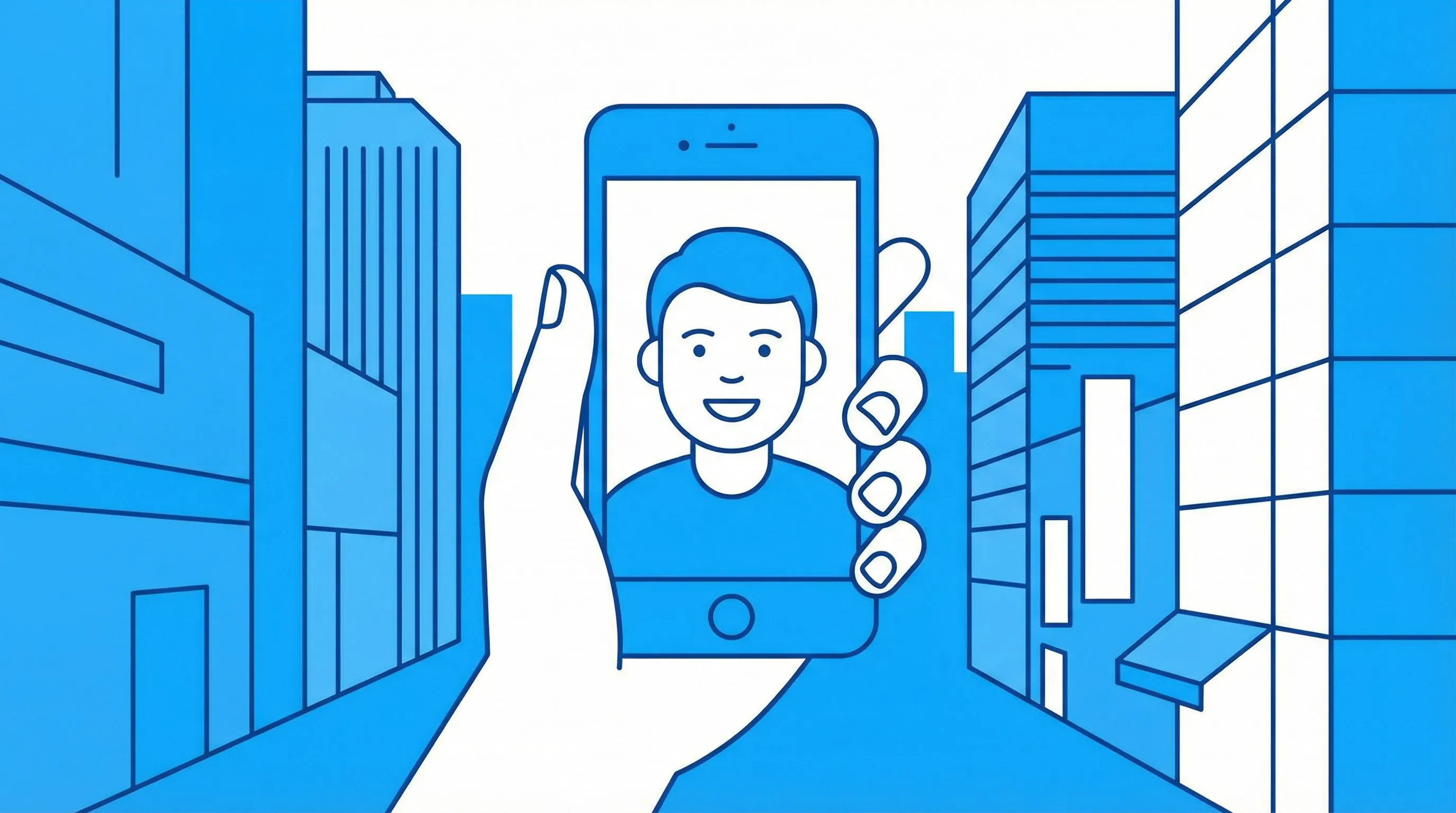
1. अपनी फोटो या इमेज अपलोड करें
एक तस्वीर के साथ free शुरू करें। पोर्ट्रेट, pet photo, product shot, scene या screenshot इस्तेमाल करें जिसे आप comic style में बदलना चाहते हैं।
पहले अपनी फोटो या इमेज अपलोड करें। उसे कॉमिक-स्टाइल आर्टवर्क, कॉमिक बुक पैनल्स या एक तेज़ photo-to-comic रिज़ल्ट में बदलें, फिर चाहें तो कैप्शन, पैनल्स या स्टूडियो रिफाइनमेंट्स तक आगे बढ़ें।
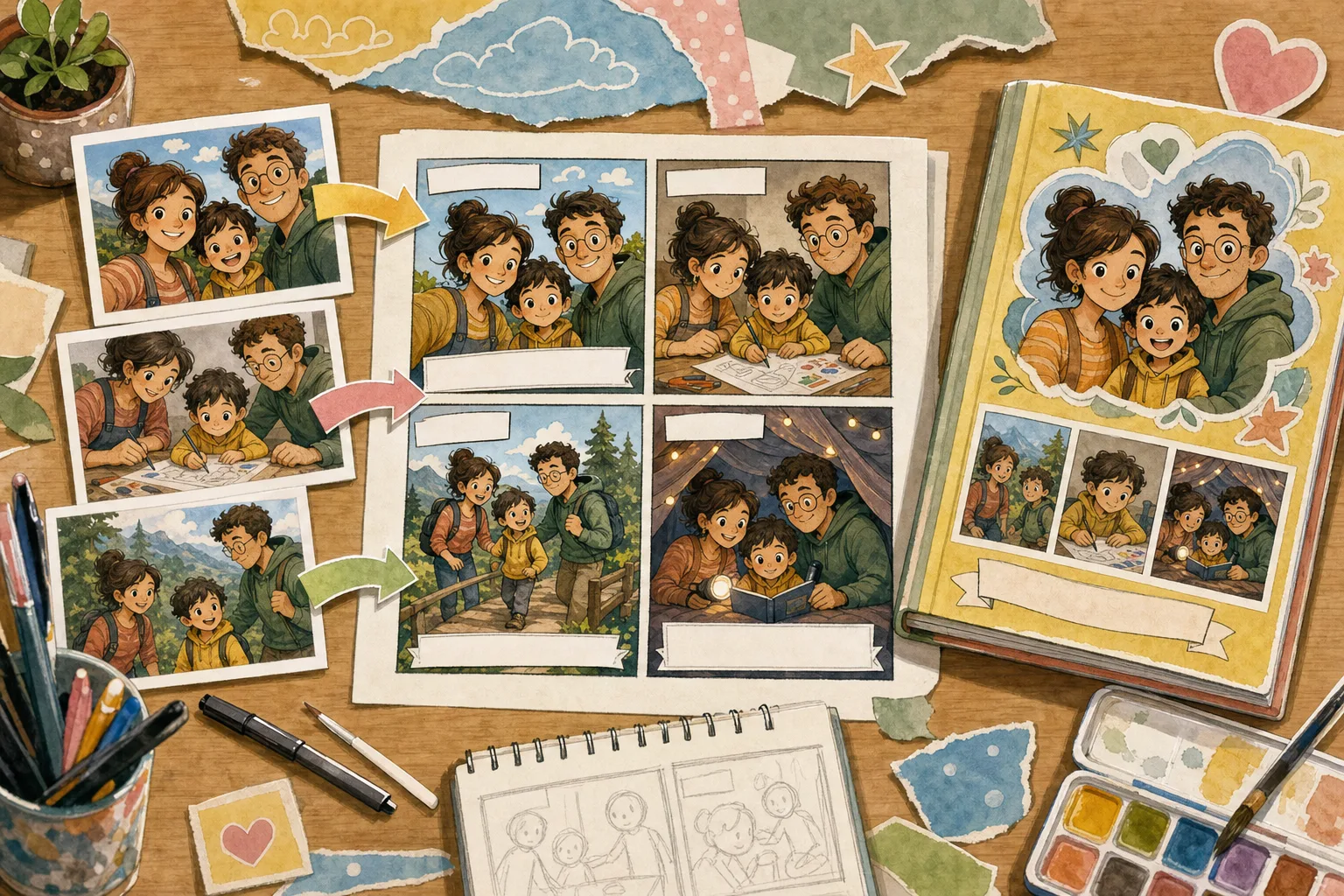
1Upload one photo
2Choose a comic style
इमेज से comic style, comic book art या editable comic panel तक का छोटा रास्ता
एक तस्वीर के साथ free शुरू करें। पोर्ट्रेट, pet photo, product shot, scene या screenshot इस्तेमाल करें जिसे आप comic style में बदलना चाहते हैं।
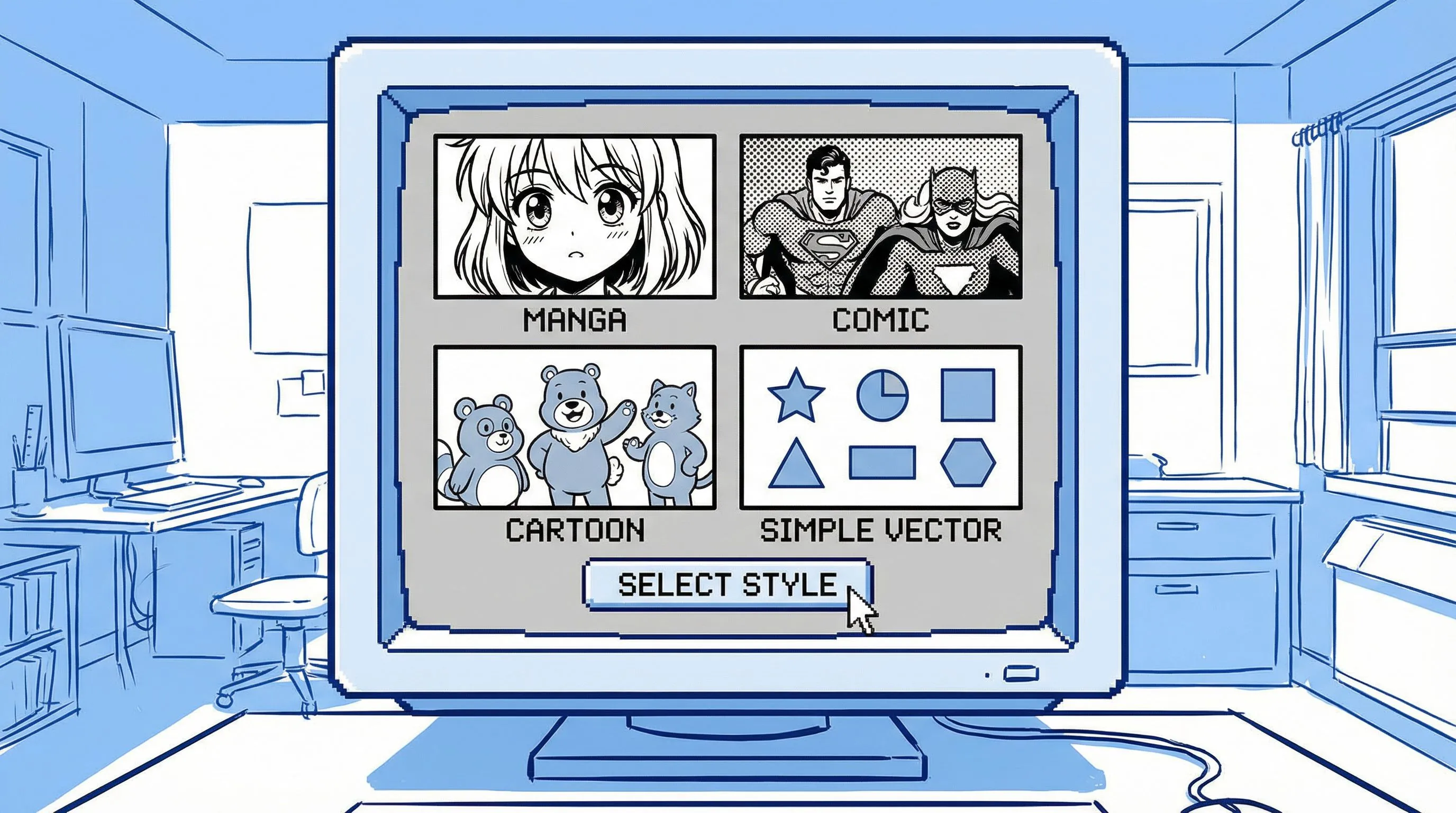
Image to comic, photo to comic style, comic book art from photo, 4-panel comic, या simple online comic filter रिज़ल्ट के लिए कहें।
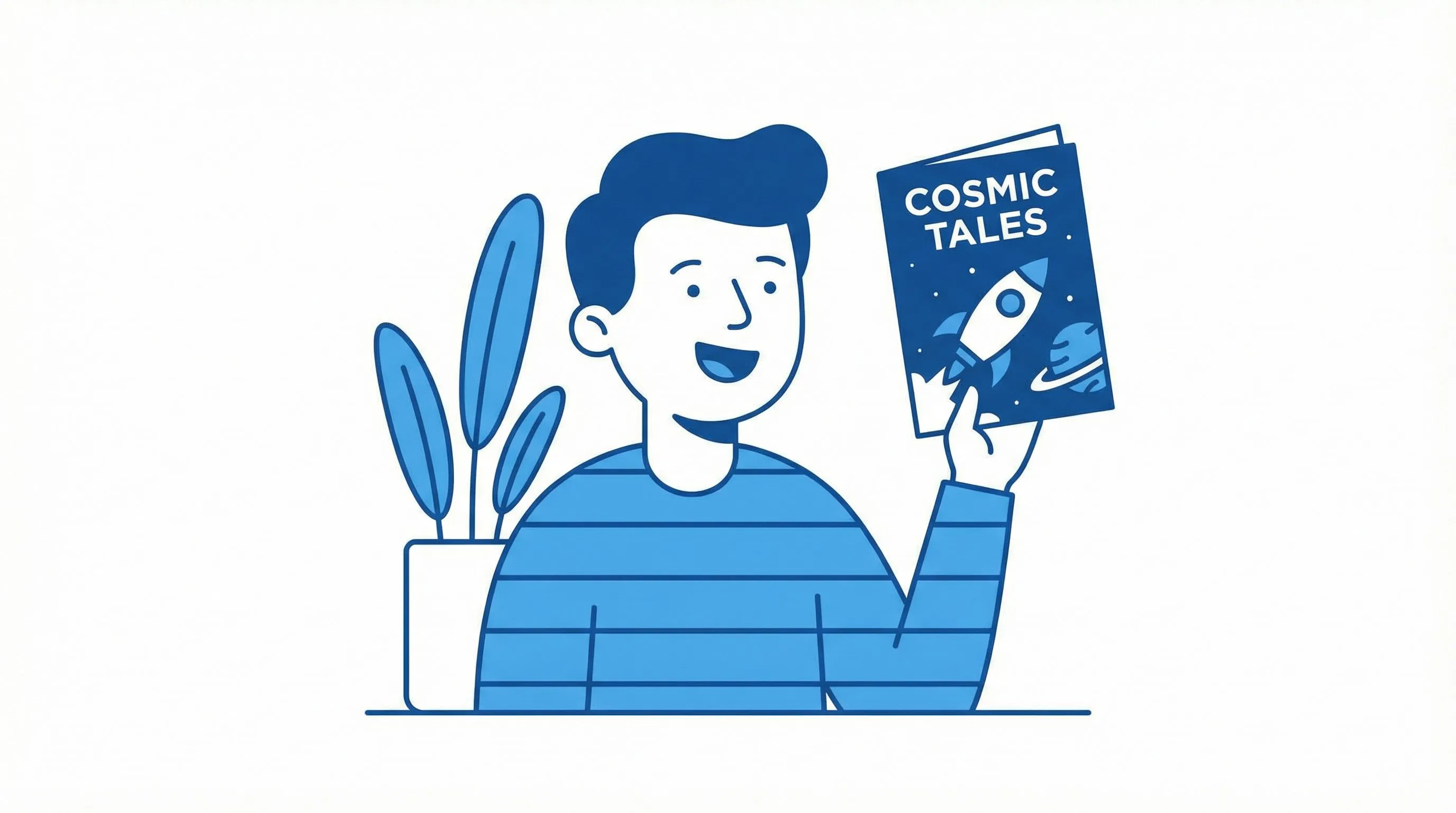
Look, panels, captions, prompts और export-ready creative assets को refine करने के लिए comic draft को studio में खोलें।
Image to Comic
Value दिखने से पहले मजबूरी में character setup करने की ज़रूरत नहीं। तस्वीर अपलोड करें, comic style चुनें, और पहला photo-to-comic draft बनाएं जिसे panel, ad, meme, storyboard या keepsake में बदला जा सकता है।
एक फोटो से शुरू करें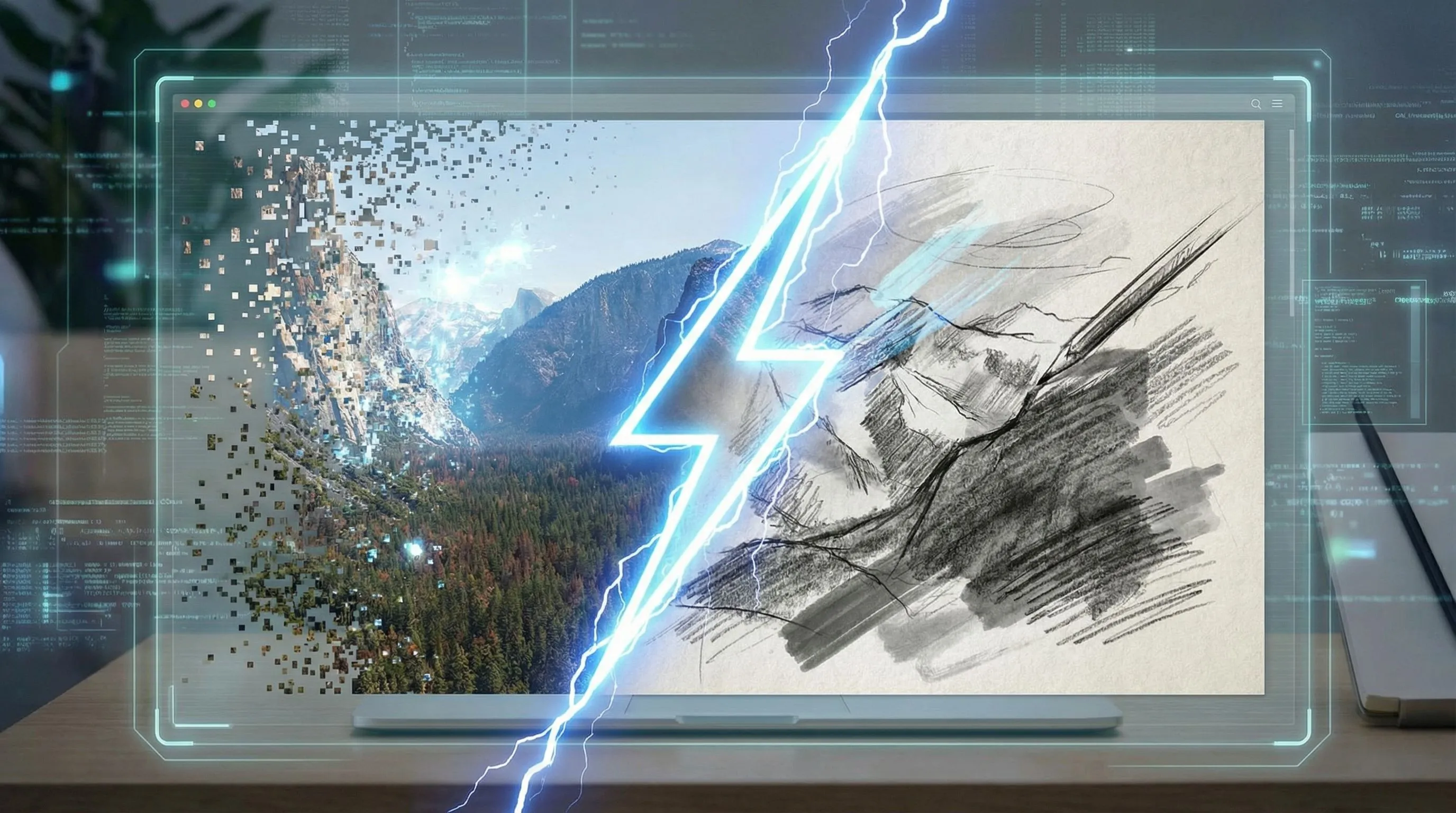
Personalized Character Comic
जब आउटपुट में बार-बार आने वाले लोग, products या scenes चाहिए हों, तब कई references और reusable style directions जोड़ने के लिए full studio workflow में जाएँ।
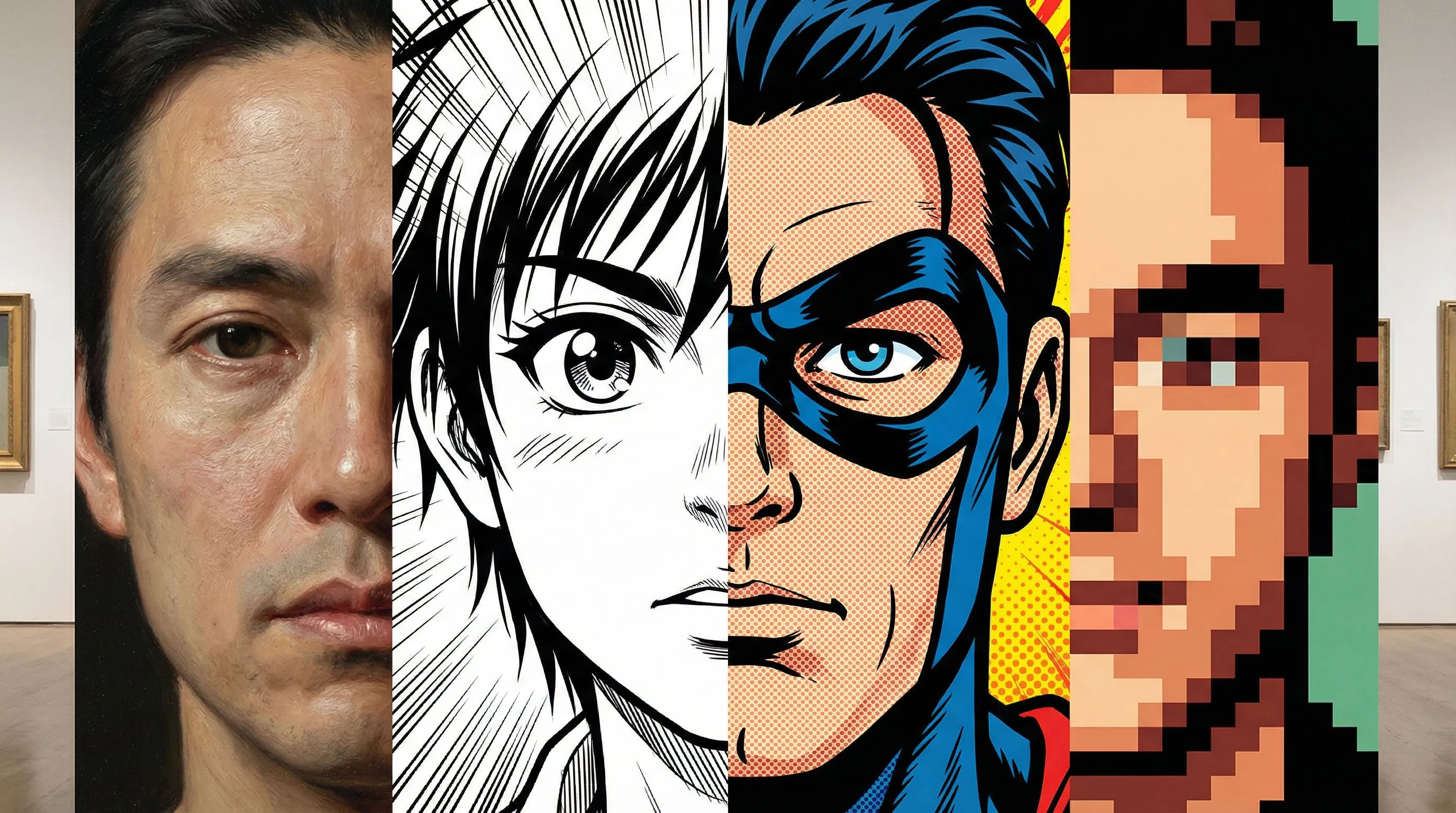
अपने query के मुताबिक आउटपुट चुनें: एक comic-style इमेज, एक comic book panel, या एक editable comic sequence।
Portraits, pets, products और scenes को ink lines, halftone shading और readable composition वाली bold comic-style images में बदलें।
एक instruction से इमेज को superhero panels, manga-inspired scenes, retro comic art या clean cartoon comic looks की तरफ मोड़ें।
एक इमेज और simple comic filter direction से शुरू करें, फिर अगर ड्राफ्ट को captions, panels या बेहतर continuity चाहिए हो तो editing जारी रखें।
फ़िल्टर सिर्फ़ look बदलता है। LlamaGen तस्वीर को ऐसे comic asset में बदलने में मदद करता है जिसका एक स्पष्ट काम हो।
यह workflow production value के लिए बनाया गया है: consistency, purpose और editable output।
| ज़रूरत | LlamaGen Image to Comic | Basic Photo Filter |
|---|---|---|
| Input | इमेज और prompt, साथ में optional multi-reference support और style templates उन projects के लिए जिन्हें continuity चाहिए। | एक इमेज और एक generic style preset। |
| Purpose | Ads, explainers, social stories, storyboards और training visuals बना सकता है। | आम तौर पर सिर्फ़ एक stylized picture देता है। |
| Consistency | कई references products, लोगों, scenes और visual direction को बनाए रखने में मदद करते हैं। | अलग-अलग outputs में identity या product details को consistent रखना मुश्किल होता है। |
| Output | Panels, captions, prompts और refinements के साथ editable comic project। | एक flat image जिसमें iteration के सीमित रास्ते हों। |
Generated with Gemini 3.1 Flash
तेज़ comic-style रिज़ल्ट के लिए एक तस्वीर से शुरू करें, फिर जब idea को लंबी personalized comic चाहिए हो तब references जोड़ें

Four-panel case
Campaign comic: साफ़ hero moment के साथ high-energy launch visual.
Campaign comic: साफ़ hero moment के साथ high-energy launch visual.
Four-panel case
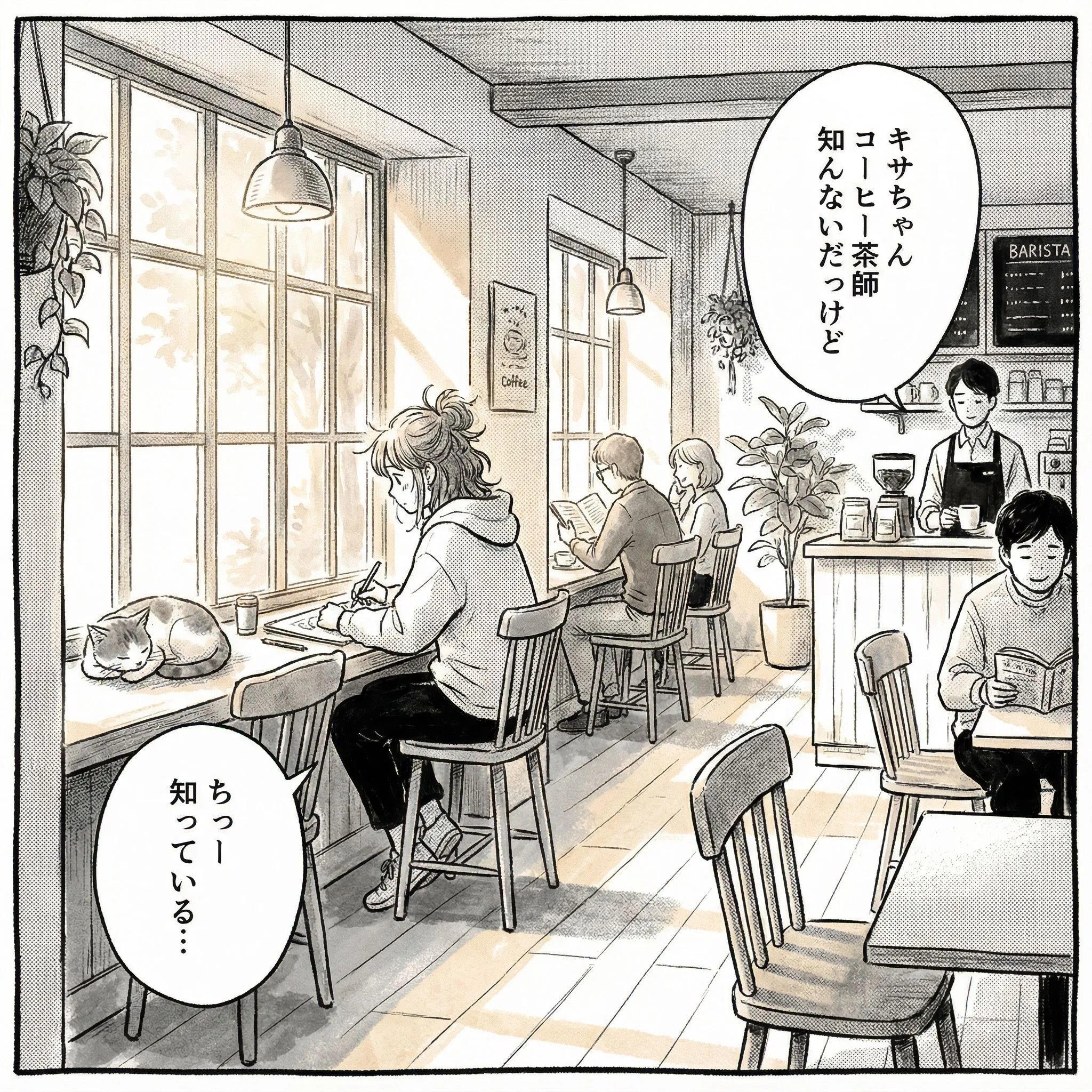
Social story: expressive character reaction के साथ relatable everyday scene.
Social story: expressive character reaction के साथ relatable everyday scene.
Four-panel case
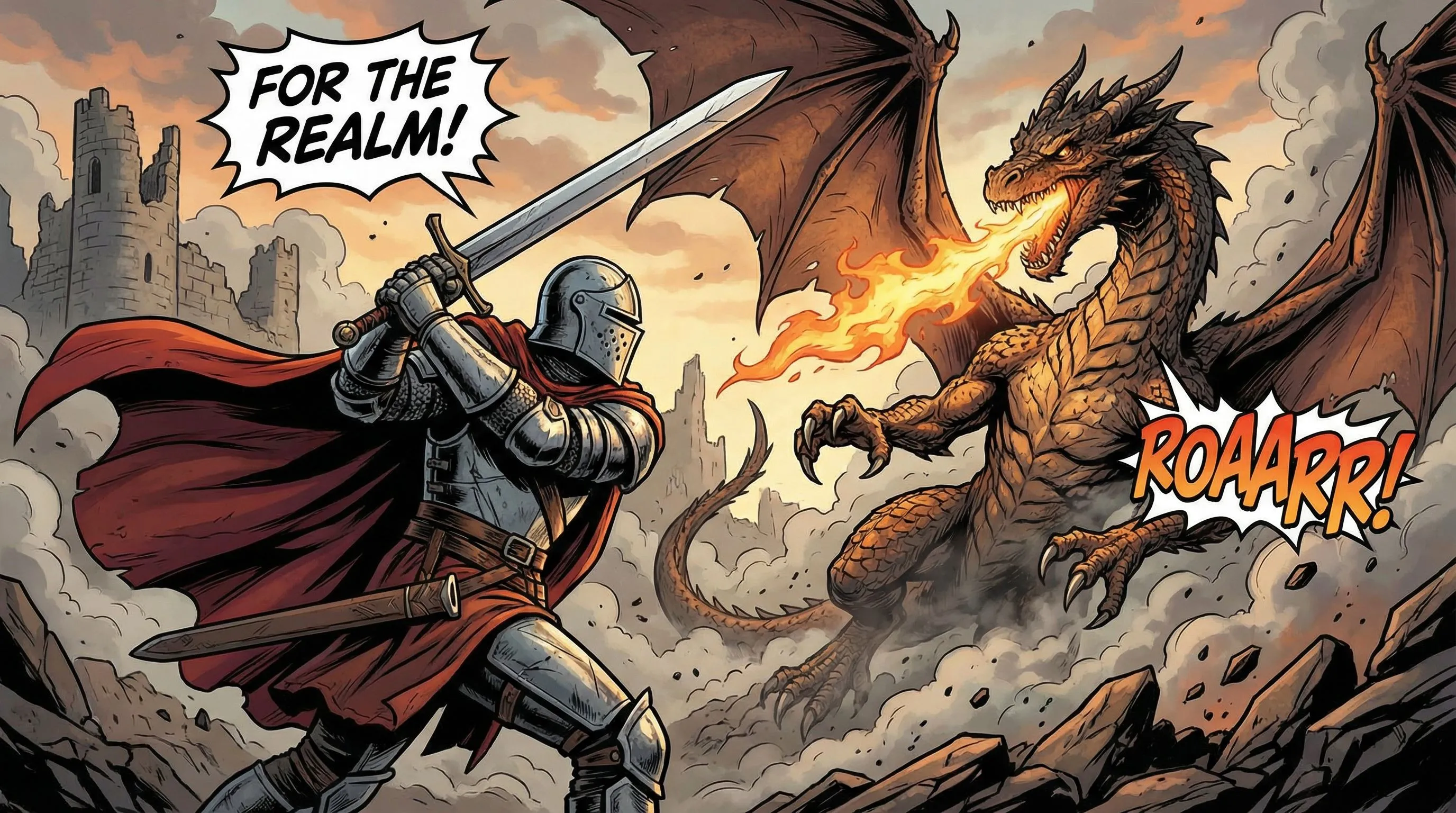
Storyboard draft: conflict, action और readable panel composition.
Storyboard draft: conflict, action और readable panel composition.
हाँ। फोटो या इमेज अपलोड करें, अपनी पसंद का comic style बताएं, और LlamaGen को photo to comic AI generator की तरह इस्तेमाल करके comic-style images, panels और editable comic drafts बनाएं।
Upload workflow JPG, PNG, GIF, WebP, HEIC और HEIF जैसे common image formats को support करता है। Story notes के लिए prompt box से शुरू करें और अपलोड की गई इमेज को उसी visual पर केंद्रित रखें जिसे आप transform करना चाहते हैं।
Commercial use आपके LlamaGen plan terms और source image पर आपके अधिकारों पर निर्भर करता है। Production assets बनाने से पहले पहले रिज़ल्ट से जाँच लें कि comic direction आपके काम की है या नहीं।
Basic filter आमतौर पर सिर्फ़ एक इमेज को restyle करता है। LlamaGen उसी इमेज से शुरू करके panels, captions, prompts, character references और studio refinements तक आगे ले जा सकता है।
हाँ। पहले photo-to-comic draft के बाद, जब प्रोजेक्ट में बार-बार आने वाले लोग, products, scenes या लंबी personalized comic sequences चाहिए हों, तब अतिरिक्त references और studio refinements इस्तेमाल करें।
LlamaGen आपके character references, names, notes, style choices और prompt context का इस्तेमाल करता है ताकि recurring characters कॉमिक में आसानी से पहचाने जा सकें।
Photos are uploaded for processing and may be sent to AI providers under the Privacy Policy. Use only photos you are allowed to share and avoid uploading sensitive personal or client material without permission.
Use a photo that clearly shows the eyes, ears, muzzle and coat markings. Describe those details, specify whether the pet should remain on four legs and start with a simple scene or short sequence.
एक फोटो से शुरू करें, comic style चुनें, और रिज़ल्ट को panel, comic book image या personalized comic sequence में refine करते जाएँ।
मेरी तस्वीर को कॉमिक बनाएं