

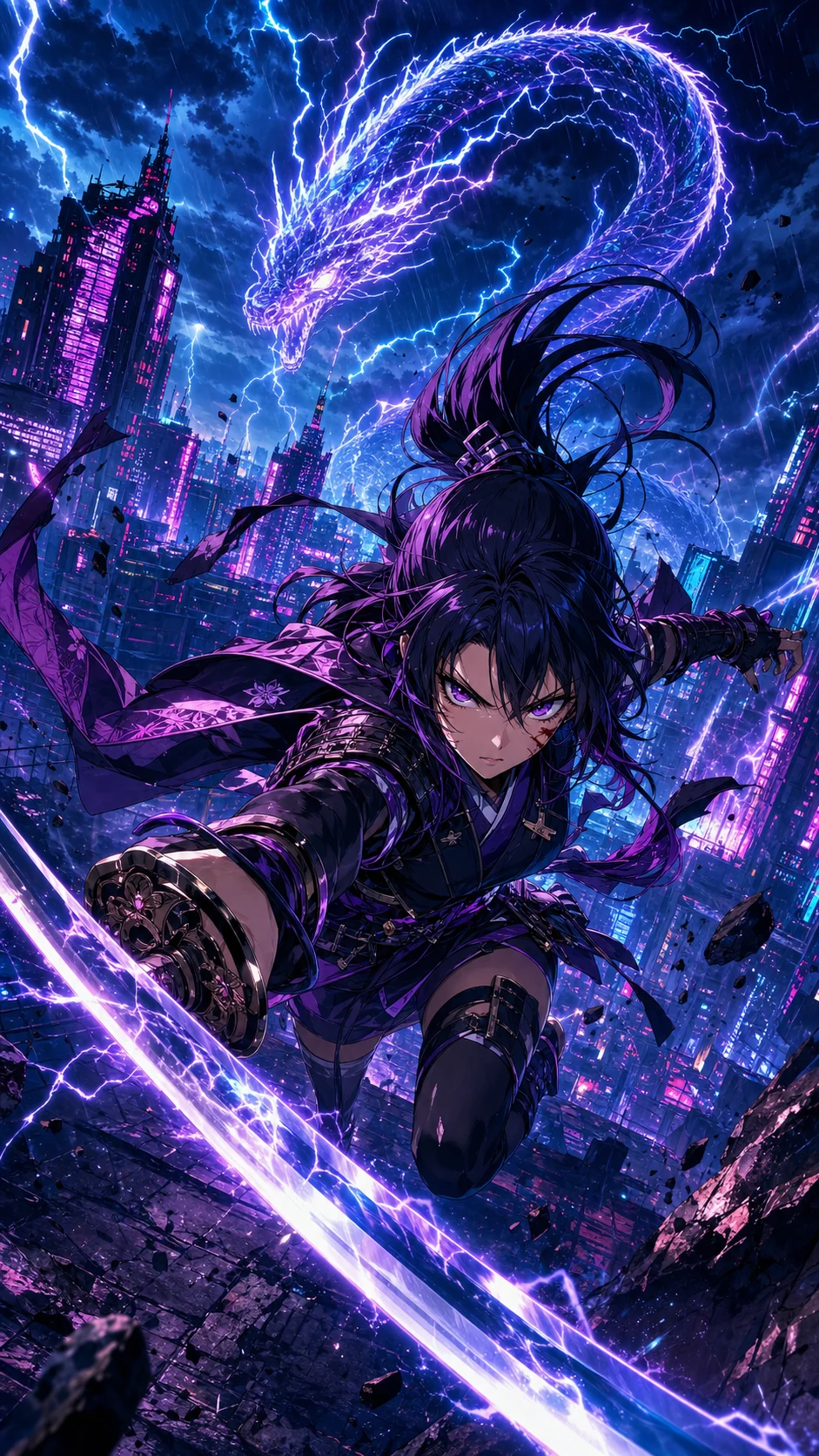


Comic to video AI
Upload finished panels and generate motion without rebuilding every shot in a timeline editor.
एकल स्टिल इमेज नहीं, बल्कि कॉमिक सीक्वेंस को ध्यान में रखकर बनाया गया
Shorts, TikTok, Reels और ट्रेलर के लिए डिज़ाइन किया गया
मोशन, टाइमिंग, डायलॉग क्यू और एक्सपोर्ट प्लानिंग साथ में
What is comic to video?
A comic to video AI converter turns finished comic panels, comic strips, comic books, manga pages, or webtoon art into a short animated video. Unlike image to video, it follows panel order, dialogue timing, and story continuity so the clip still reads as the original comic.
Creators use a comic to video maker when they already have sequential art and need a social teaser, pitch preview, or episode hook. LlamaGen starts from the page you uploaded, then plans camera motion, speech cues, and export format in one workflow.
Upload finished panels and generate motion without rebuilding every shot in a timeline editor.
Keep page order, character framing, and dialogue beats when a printed or digital comic becomes a clip.
Turn a 3- or 4-panel gag into a timed short with holds, punchline pacing, and vertical export.
क्रिएटर्स के लिए सॉल्यूशन पेज
यह पेज एक ही साफ़ काम के इर्द-गिर्द बना है: जिन क्रिएटर्स के पास पहले से कॉमिक पैनल्स हैं, उन्हें ऐसे वीडियो एसेट्स में बदलना जो कहानी बेचें, अगले एपिसोड का टीज़र दें और सोशल प्लेटफ़ॉर्म्स पर चलें.
मुख्य ऑडियंस
वेबटून आर्टिस्ट, मंगा क्रिएटर, कॉमिक स्ट्रिप मेकर, शिक्षक और स्टूडियो जिनके पास पहले से sequential art है और जिन्हें motion output चाहिए.
समस्या
पारंपरिक एनीमेशन में शॉट्स फिर से बनाना, डायलॉग टाइम करना, क्लिप्स फॉर्मैट करना और कॉमिक की visual pacing खो देना पड़ता है.
नतीजा
मूल पैनल क्रम को ब्लूप्रिंट की तरह इस्तेमाल करें, कैमरा मूवमेंट और टाइमिंग जोड़ें, फिर प्रमोशन या रिव्यू के लिए शॉर्ट स्टोरी क्लिप एक्सपोर्ट करें.
LlamaGen finished comic pages और panel sequences को ध्यान में रखकर बनाया गया है, किसी खाली text-to-video prompt पर नहीं.
ANIMATION मुश्किल है
क्रिएटर्स पहले ही characters, panels, dialogue और pacing प्लान करने में घंटों लगाते हैं। उस पेज को vertical video में बदलने पर अक्सर दूसरी production pipeline बन जाती है: हर पैनल crop करना, shots फिर से बनाना, speech time करना, motion चुनना, transitions edit करना और कई formats export करना.
Aha moment
खाली animation timeline से शुरू करने के बजाय, LlamaGen comic sequence पढ़ता है और existing story beats को motion choices में बदल देता है.
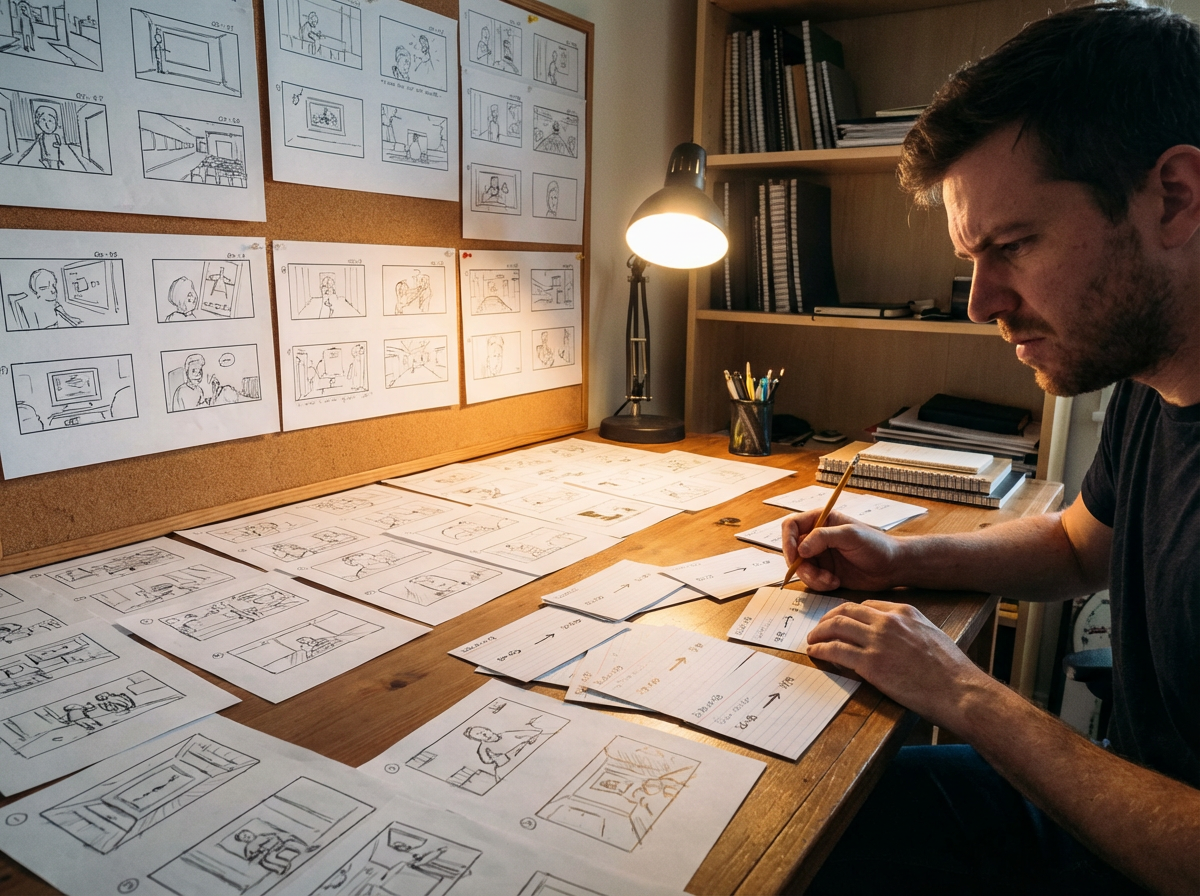
पेज से
4-panel joke, fight beat या webtoon scroll एक छोटी clip बन सकती है, जिसकी pacing मूल layout को follow करती है.
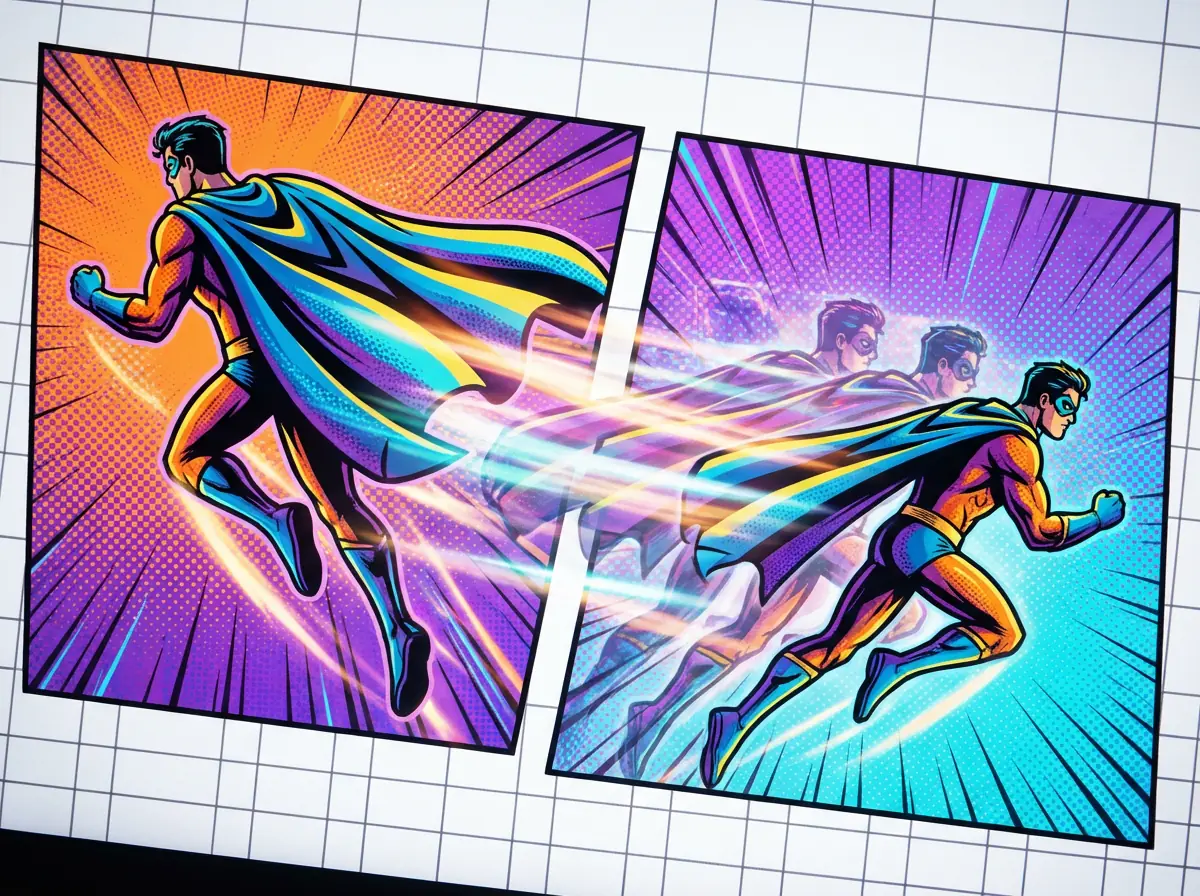
मोशन में
Push-in, pan, impact frame और transitions का इस्तेमाल करके static panels को जीवंत बनाएं, जबकि drawn composition बनी रहे.
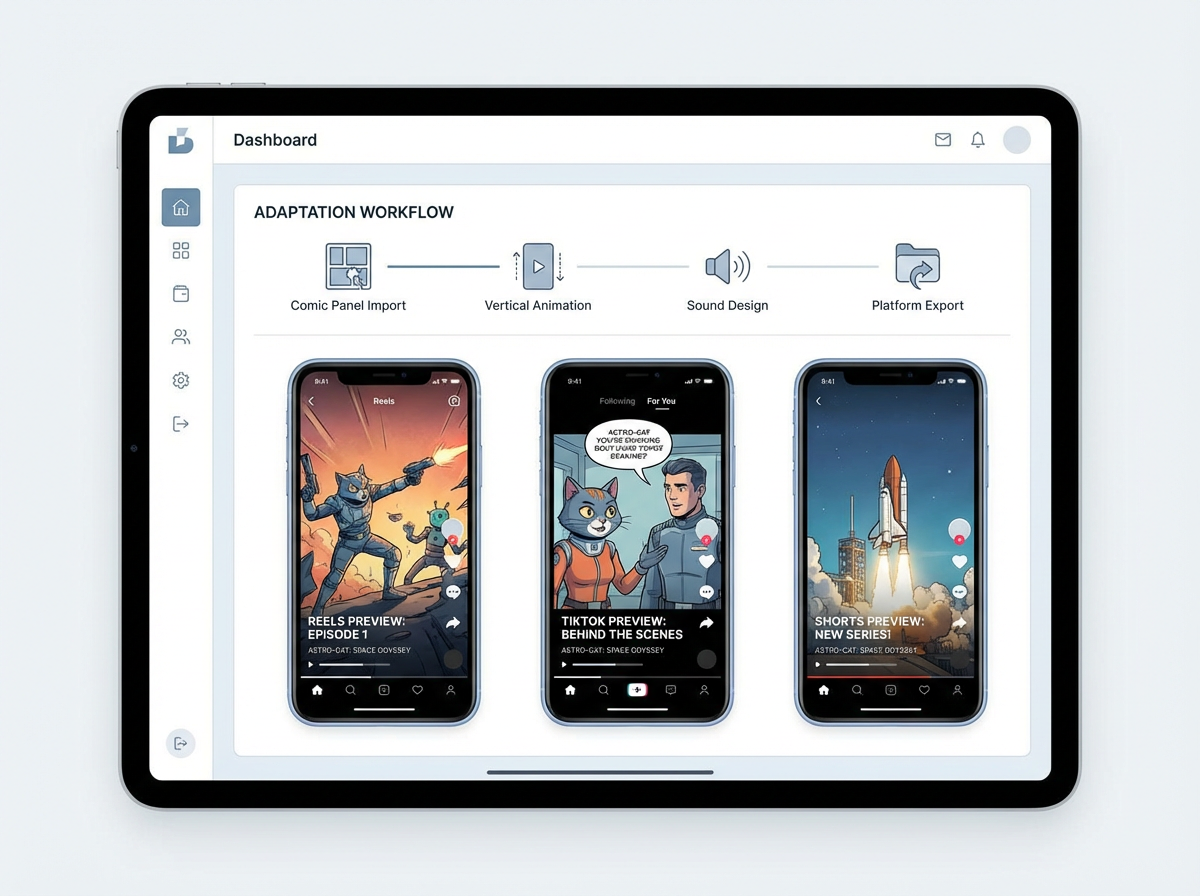
पब्लिश करने के लिए
पूरी कॉमिक को editing software में मैन्युअली दोहराए बिना vertical teaser, scene preview या pitch draft बनाएं.
Veo 3.1 गुणवत्ता
तीन original anime covers, ठीक उसी artwork से animated, polished 8-second vertical clips के रूप में। कोई generic demo reel नहीं, कोई unrelated stock footage नहीं.

Monica
रोबोट की दोस्ती खोजने वाली इस 4-पैनल कॉमिक को एनिमेट करें। पैनल क्रम बनाए रखें, gentle camera pushes जोड़ें, speech bubbles की timing मिलाएँ, और YouTube Shorts के लिए 9:16 teaser export करें।
Creator workflow
जिस क्रिएटर के पास एक finished short episode है, वह पूरा कॉमिक पब्लिश करने से पहले सबसे मजबूत sequence को motion teaser में बदल सकता है.
speech bubbles, action beats और साफ़ reading order वाले finished panel sequence को upload करें.
drama-driven push-ins, speech timing और final title frame के साथ vertical teaser बनाने को कहें.
एक short animated preview export करें, जिसे launch hook की तरह पोस्ट किया जा सके या pitch deck में इस्तेमाल किया जा सके.
Creator ROI
मूल्य सिर्फ़ एक नई video file नहीं है। यह है तैयार पैनल्स को reusable promotion assets में बदलना, बिना किसी अलग animation production process को खोले.
manual cropping, timing, motion planning, editing और export setup को बदल देता है.
social teasers, pitch previews और motion storyboard drafts के लिए उपयोगी.
आपके original comic panels को creative source of truth बनाए रखता है.


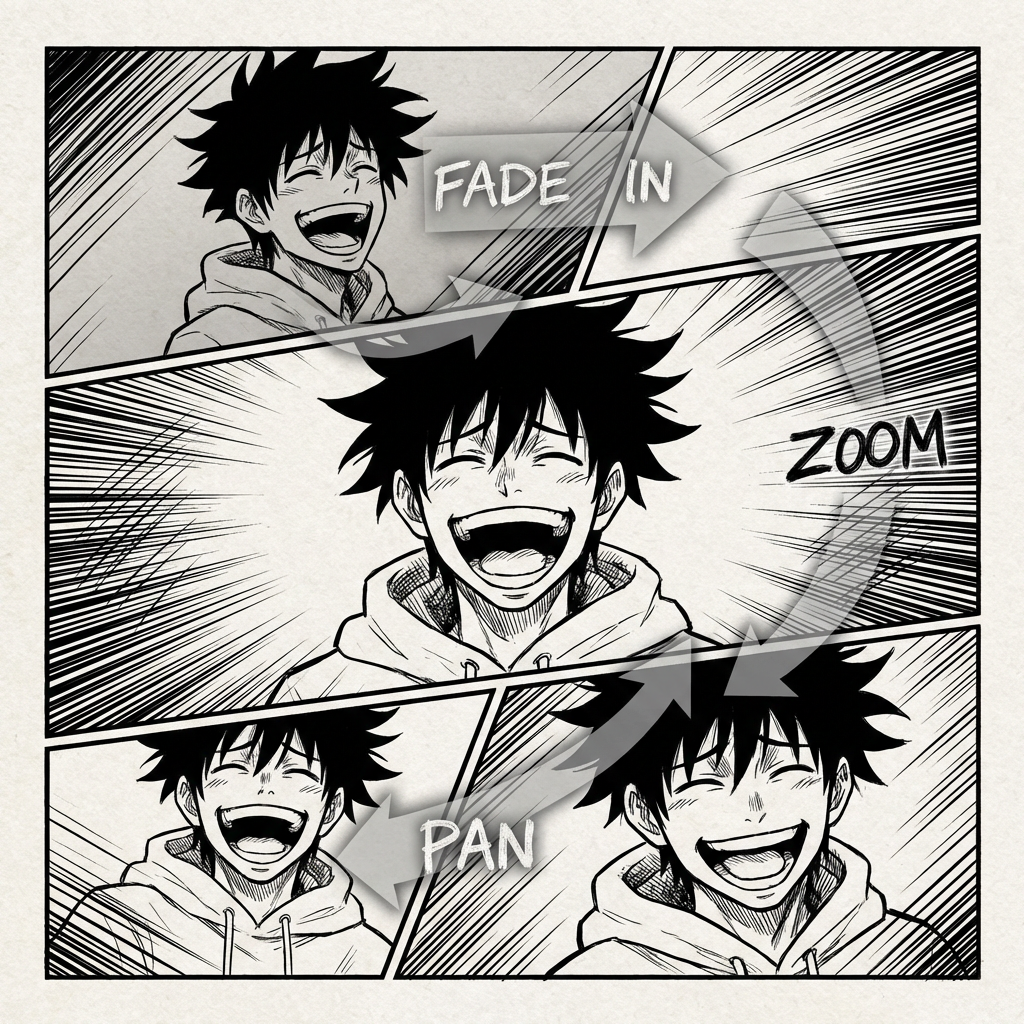

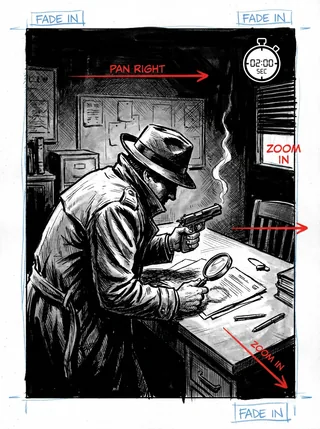
COMIC ANIMATION का भविष्य
Comic to Video उन क्रिएटर्स के लिए बनाया गया है जिनकी कहानी पहले से पेज पर मौजूद है। यह panel order पढ़ता है, scene continuity बनाए रखता है, और पूरी sequence को scratch से फिर बनाए बिना static comic layouts को animated clips में बदलने में मदद करता है.
पुराना animation workflow
कॉमिक पैनल्स से एनीमेशन तक जाना आम तौर पर shots फिर से बनाना, dialogue time करना और motion के लिए कहानी को दोबारा edit करना होता है। यह workflow धीमा है और अक्सर पेज पर बनाई गई rhythm तोड़ देता है.
आपकी कहानी पेज पर बहुत अच्छे से बहती है, लेकिन उसे motion, pacing, camera angles और transitions में बदलना एक जटिल पहेली बन सकता है.
हर motion clip में hero वही hero लगना चाहिए, चाहे कैमरा मूव करे और scene बदल जाए.
Music, effects और voices को कॉमिक के tone, dialogue rhythm और scene changes से match करना होता है.
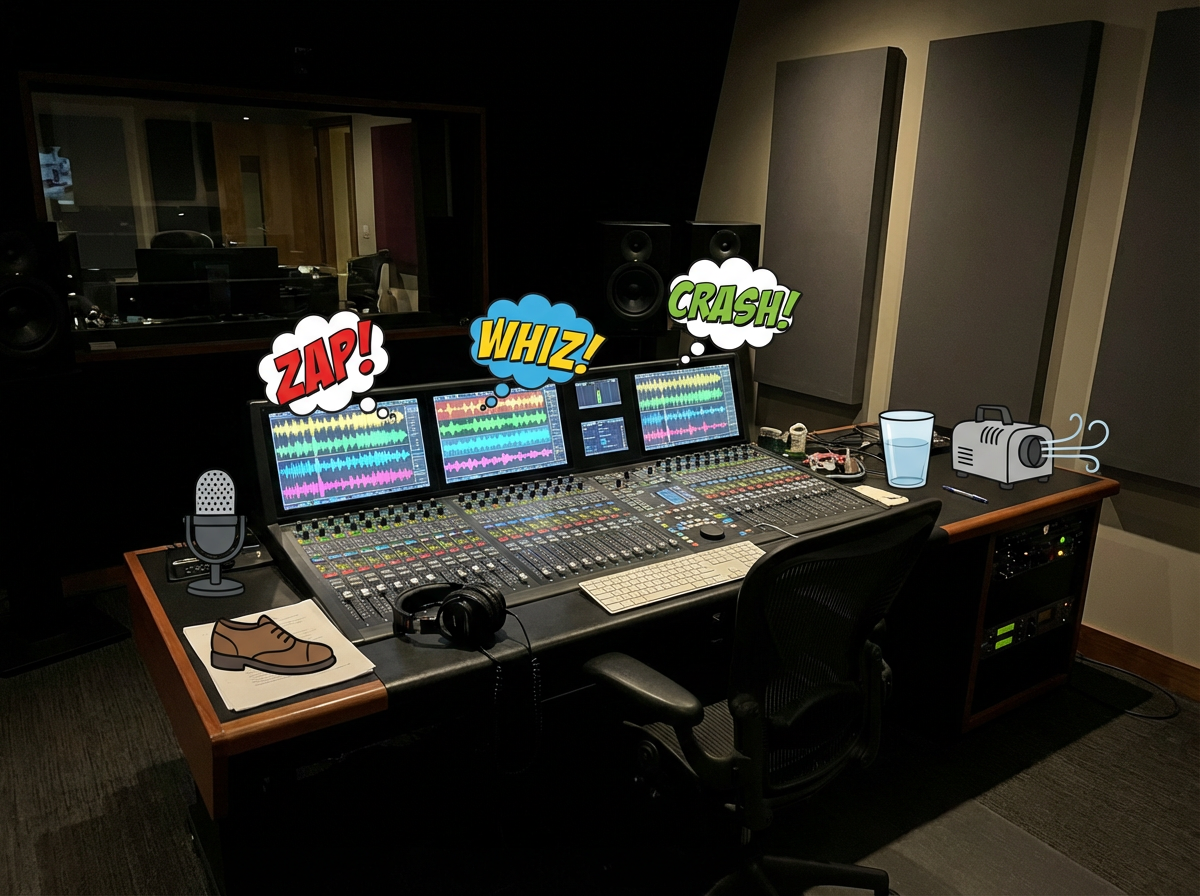
आप export का इंतज़ार करते हैं, timing की समस्या देखते हैं, फिर clip share करने लायक होने तक editing loop दोहराते हैं.
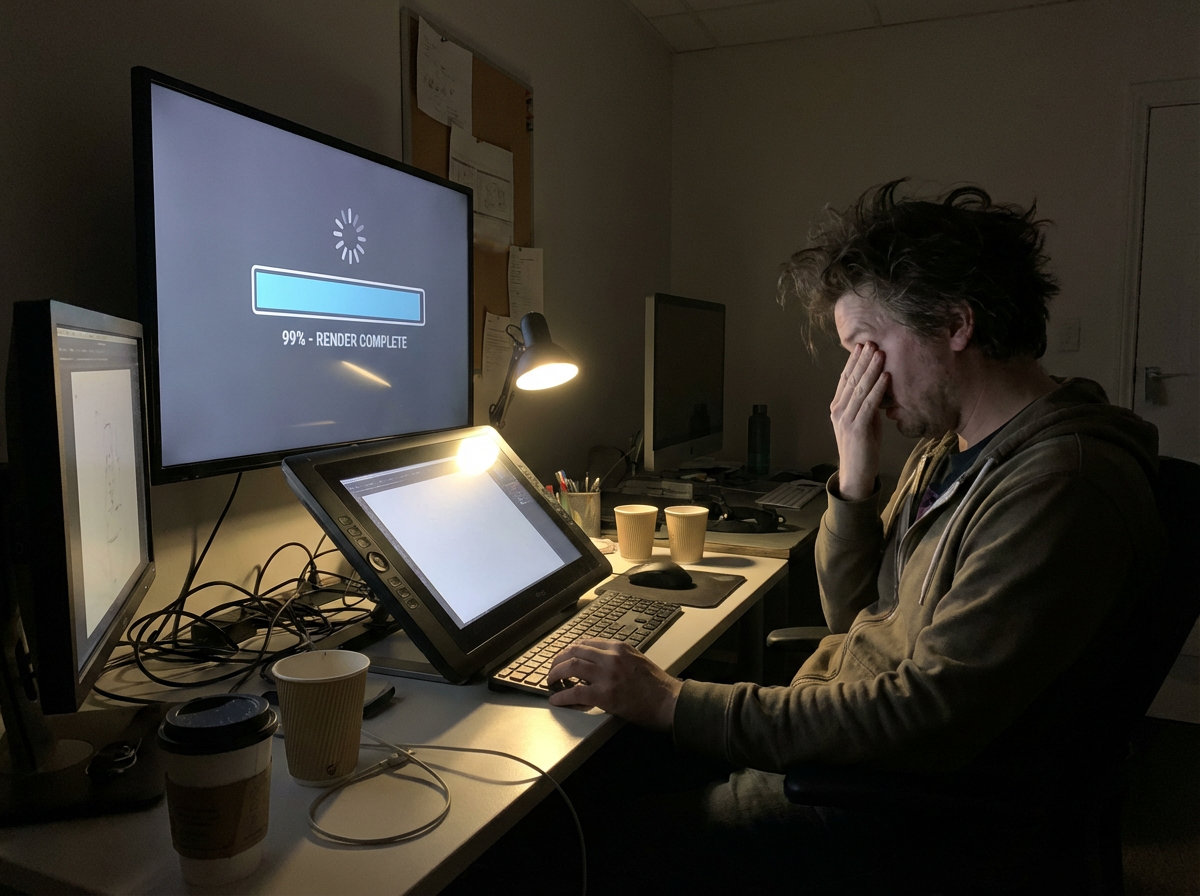
तैयार एनीमेशन को भी TikTok, YouTube Shorts, Reels और pitch decks के लिए resize और re-edit करना पड़ता है.
अगर आपके comic panels में ही video blueprint पहले से मौजूद हो तो?
|अपनी कॉमिक को जीवंत बनाना
हमेशा से सपना रहा है.
अब पहला motion draft पैनल्स से शुरू होता है.
यह workflow कॉमिक्स के लिए पहले से डिज़ाइन किया गया है: panel sequence पढ़ें, continuity बनाए रखें, motion जोड़ें, और ऐसा clip export करें जो मूल कहानी जैसा ही लगे.
Workflow अपलोड किए गए page या panel sequence को पढ़ता है, order, characters, dialogue और scene changes पहचानता है, फिर video plan को कॉमिक संरचना से ही बनाता है.
यह पैनल्स के बीच motion और transitions बनाता है ताकि clip animated लगे, लेकिन कहानी के उन्हीं beats का पालन करे जो कॉमिक में पहले से तय हैं.
Dialogue cues, sound effects और background music को speech bubbles और scene rhythm के आसपास प्लान किया जा सकता है.
सिस्टम sequence को एक coherent short-form story clip में edit करता है, panel pacing, transitions और scene emphasis को संतुलित रखते हुए.
Preview, social posting, pitching, या बड़े video workflow में आगे editing के लिए animated story clips export करें.
फ्री Comic to Video AI
कॉमिक स्ट्रिप, मंगा पेज, मनह्वा सीन या वेबटून पैनल अपलोड करें और उन्हें TikTok, YouTube Shorts, पिच डेक और क्रिएटर प्रोमो के लिए AI मोशन वीडियो में बदलें.
Updated September 2026
Best comic to video AI 2026
A ranked list of comic to video AI converters you can try in 2026. These are tools that start from finished comics, keep panel order, and export a shareable clip — not generic text-to-video apps.
Ranked September 2026 on panel-first workflow, free start, visible pricing, continuity, and social-ready export.
Best comic to video AI for finished comic, manga, manhwa, and webtoon panels.
Best for: Creators who already have sequential art and need a free comic to video maker for teasers, Shorts, and pitches.
Panel-first workflow, format presets for manga / webtoon / manhwa, visible pricing, and a free start without a card.
Best when you want a multi-scene comic-to-movie with a locked cast.
Best for: Teams already building comics inside ComicInk who need spoken dialogue, captions, and a 720p film export.
Strong character lock and scene assembly. Weaker if you only need a fast panel-to-social converter.
Solid comic book to video AI for narrative continuity.
Best for: Illustrated stories that need pacing and transitions more than format-specific manga or webtoon presets.
Clear comic-to-video positioning. Less specific about free credits and social export defaults.
Best comic video maker if you start from text or mixed models.
Best for: Users who want Seedance, Kling, or MiniMax to generate or animate comic-style shots.
Flexible models and aspect ratios. Closer to a generic comic video generator than a panel-sequence converter.
Comic book to video converter with voices and lip-sync.
Best for: Narrated comic-book adaptations when voiceover matters more than preserving the original panel grid.
Useful voice features. The workflow can drift toward script-to-video instead of finished-page conversion.
FORMAT-SPECIFIC WORKFLOWS
Manga, webtoon, and manhwa use different reading directions, pacing, language defaults, and publishing formats.
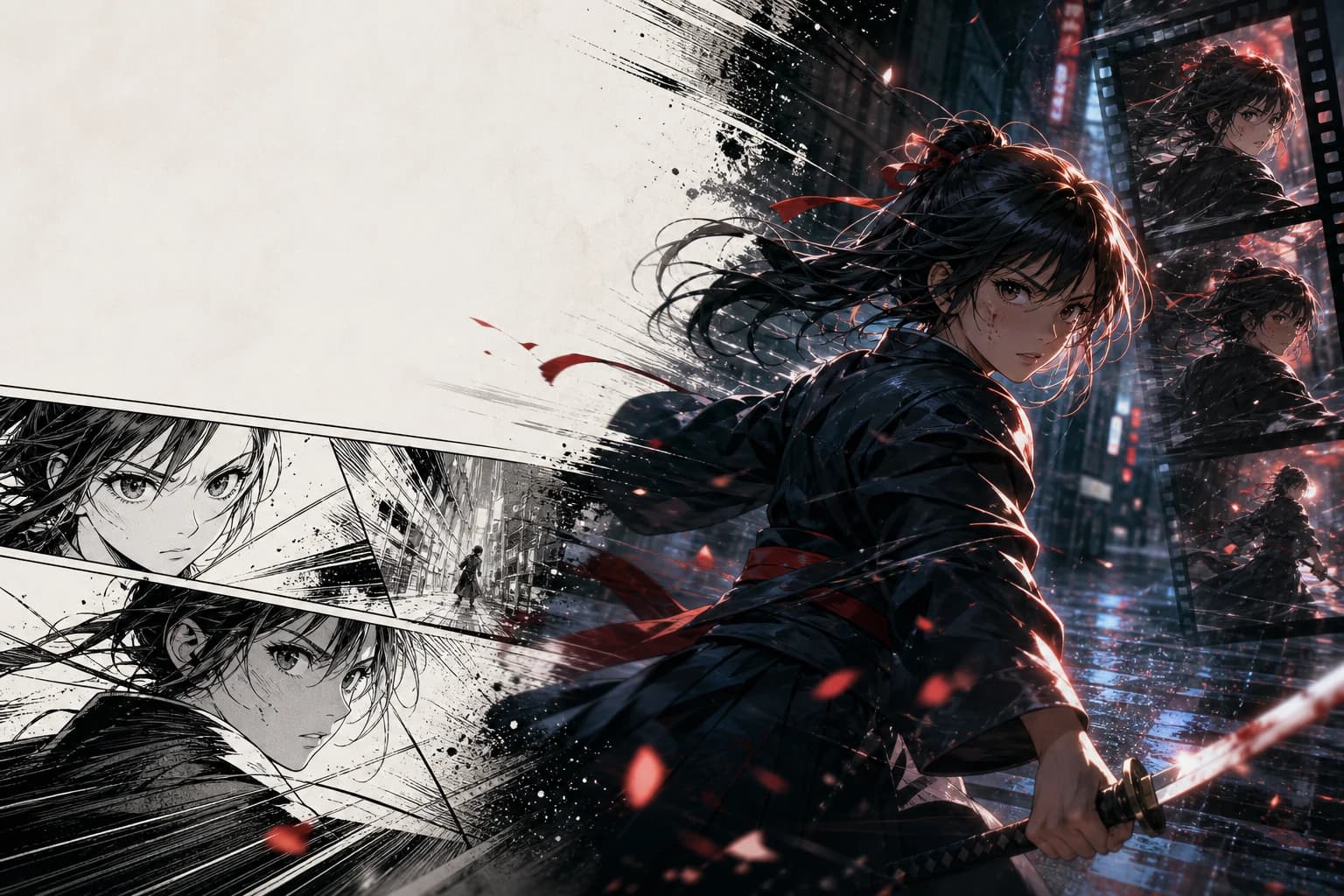
JA voice · RTL sequence · 16:9 PV
Animate finished manga pages with right-to-left sequence awareness, Japanese dialogue timing, and the punchy editorial rhythm of a manga PV.
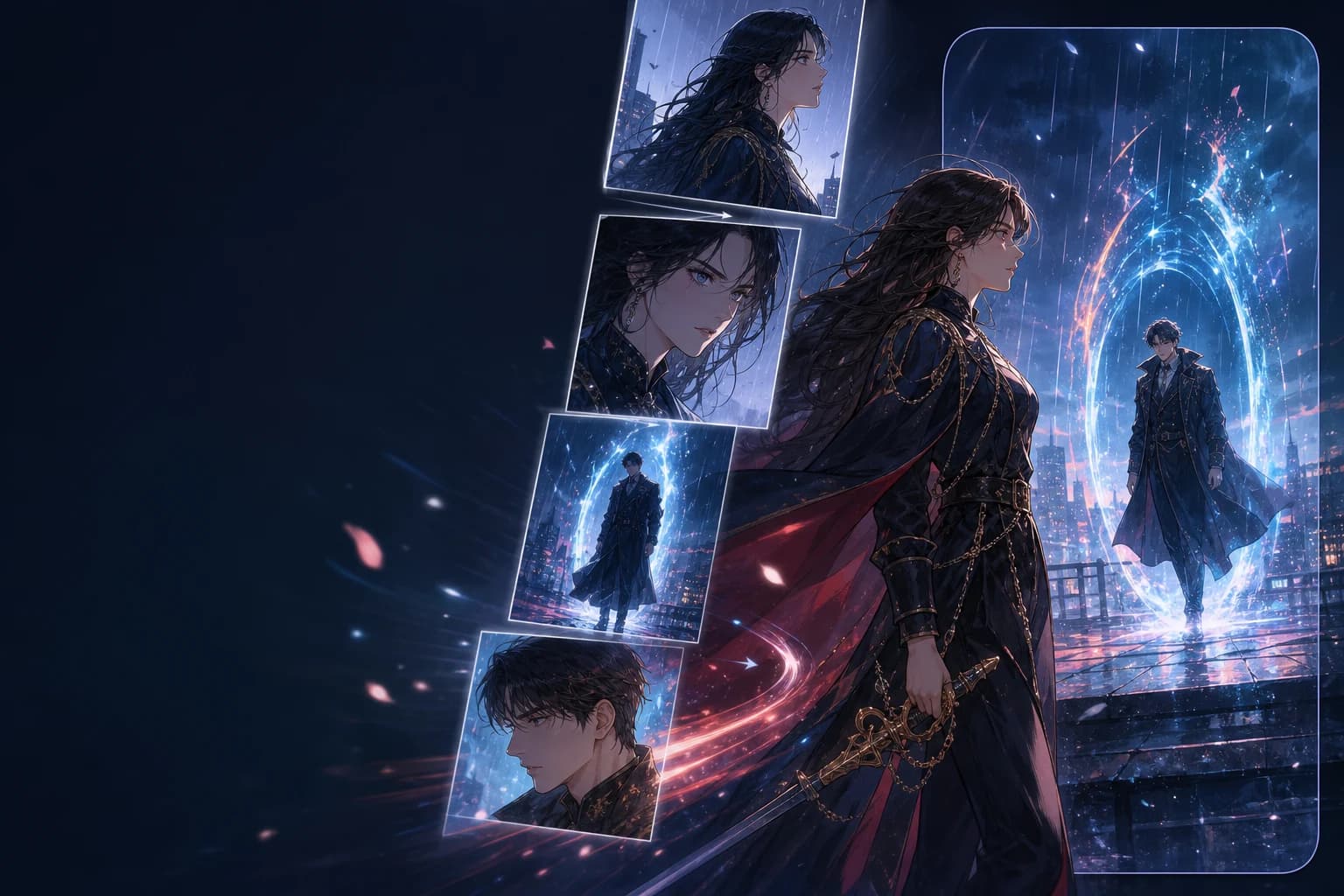
EN voice · vertical order · 9:16
Preserve top-to-bottom story order, episode rhythm, and full-color character continuity while reframing key beats for 9:16 video.
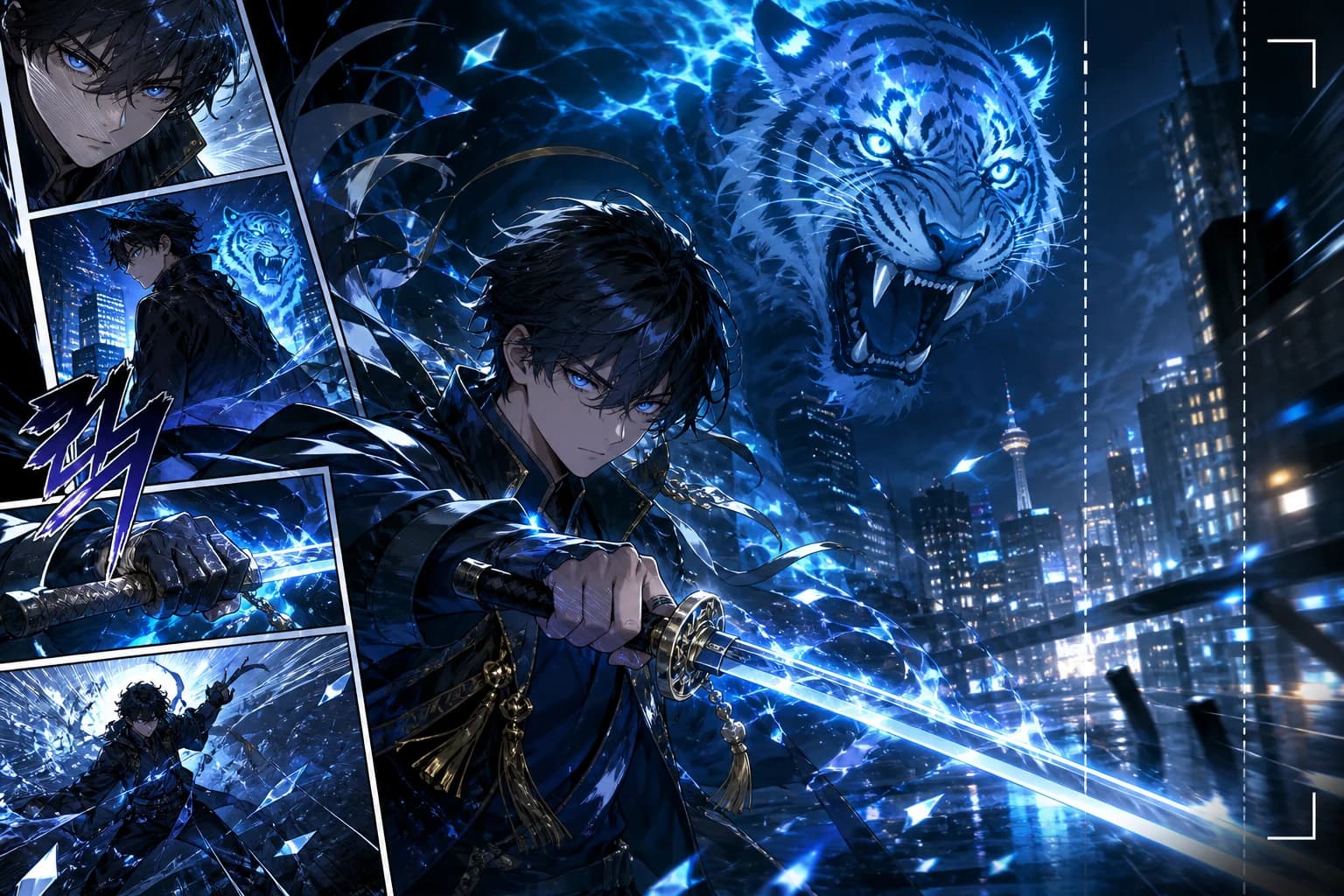
KO voice · vertical order · 9:16
Build Korean-language action, romance-fantasy, and level-up teasers with character continuity, vertical framing, and motion designed around the chapter beat.
कॉमिक पेज, मंगा पैनल और वेबटून सीन को animated videos में बदलने के लिए practical answers.
Related comic workflows
If you are making the pages first, or you need a format-specific converter, these are the closest next steps: manga to video, webtoon to video, image to video, and comic strip maker.
Right-to-left manga pages into PV-style motion.
Vertical episodes into 9:16 teasers.
Full-color Korean chapters into motiontoon clips.
Single stills, not multi-panel comics.
Create the panels before you convert them.
Generate pages, then run comic to video.
Photo to comic page, then animate the page.
Broader video models when you are not starting from comics.