

Place the body
Drag visual handles to set the stance, balance, and line of action.
Browser-based 3D pose editor
Set a precise character pose with editable 3D controls. Save it as a drawing reference or carry the same body direction into an AI image.
Open the pose editorPose editing is free. AI image generation uses credits.
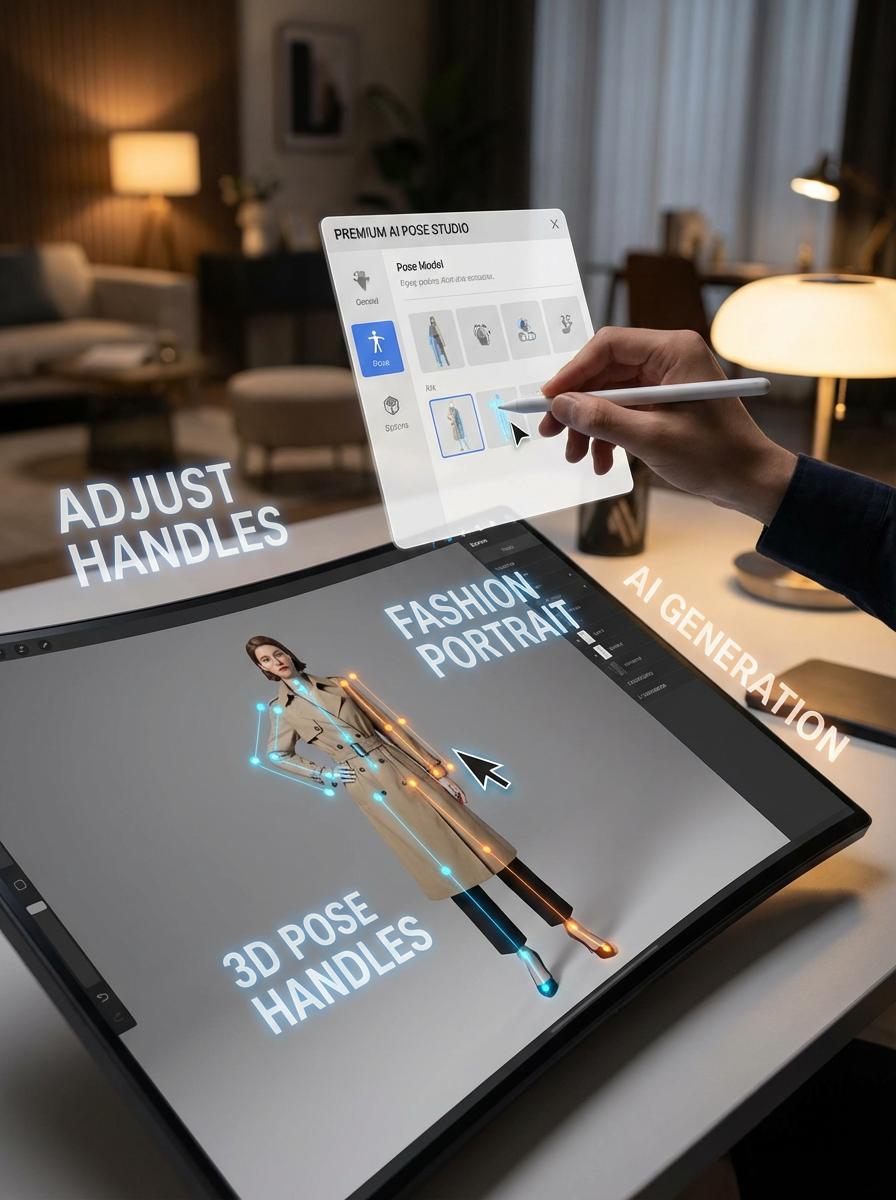
The full bone editor opens on a larger canvas for precise pointer and keyboard control.
What you can control
Build the silhouette directly on a rig. The editor exposes the controls artists need without pretending to be a full 3D modelling suite.
Drag visual handles to set the stance, balance, and line of action.
Search the skeleton and create a position or rotation control where you need it.
Add a second rig to check contact, distance, and eyelines.
Undo experiments, then save or copy the viewport for your drawing workflow.
Pose-to-image evidence
The editable rig establishes body direction. A character reference and image model can then turn that structure into finished art.
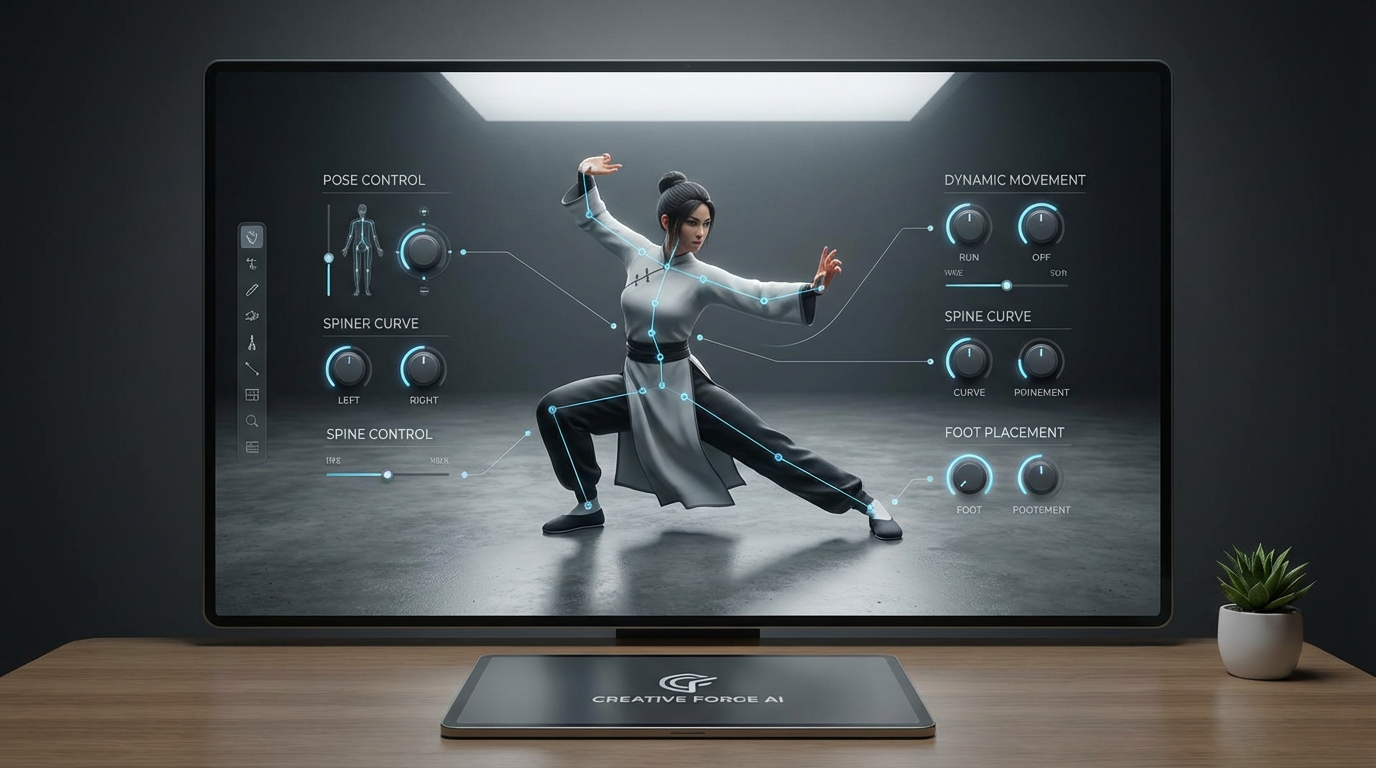
Start with XBot or YBot and add another character only when the scene needs one.
Move or rotate handles, search bones, and use undo while refining the silhouette.
Copy the viewport for drawing, save it, or continue into character generation.
A 3D pose maker lets you position a digital human rig to create a specific stance, gesture, or body reference. LlamaGen also lets you use that pose to guide a finished AI-generated image.
Yes. LlamaGen AI Pose runs in a web browser, so you can create and adjust poses online without installing a desktop posing application.
Yes. You can shape a pose for anatomy studies, character sketches, comics, or storyboards. You can also continue into AI image generation when you need a finished visual.
Yes. After setting the 3D pose, you can add a selfie or character reference and generate a portrait or full-body character image from the same workflow.
Yes. Reuse the same selfie, portrait, or character image while changing the 3D pose to explore different body directions and compositions.
No. It is a focused pose-to-image tool rather than a full 3D modeling suite. It is designed for creators who want to set a pose quickly and use it to guide AI image generation.
Open the editor, shape the rig, and keep the result.