

टाइमिंग मायने रखती है
कोई फ़्रेम तभी शॉट बनता है जब उसकी duration और pacing स्पष्ट हो।
स्टोरीबोर्ड फ़्रेम्स को shot timing, camera movement, motion notes और creative direction के साथ वीडियो-रेडी प्लान में बदलें—animation या AI video generation के लिए।
स्टोरीबोर्ड प्लान
Prompt to result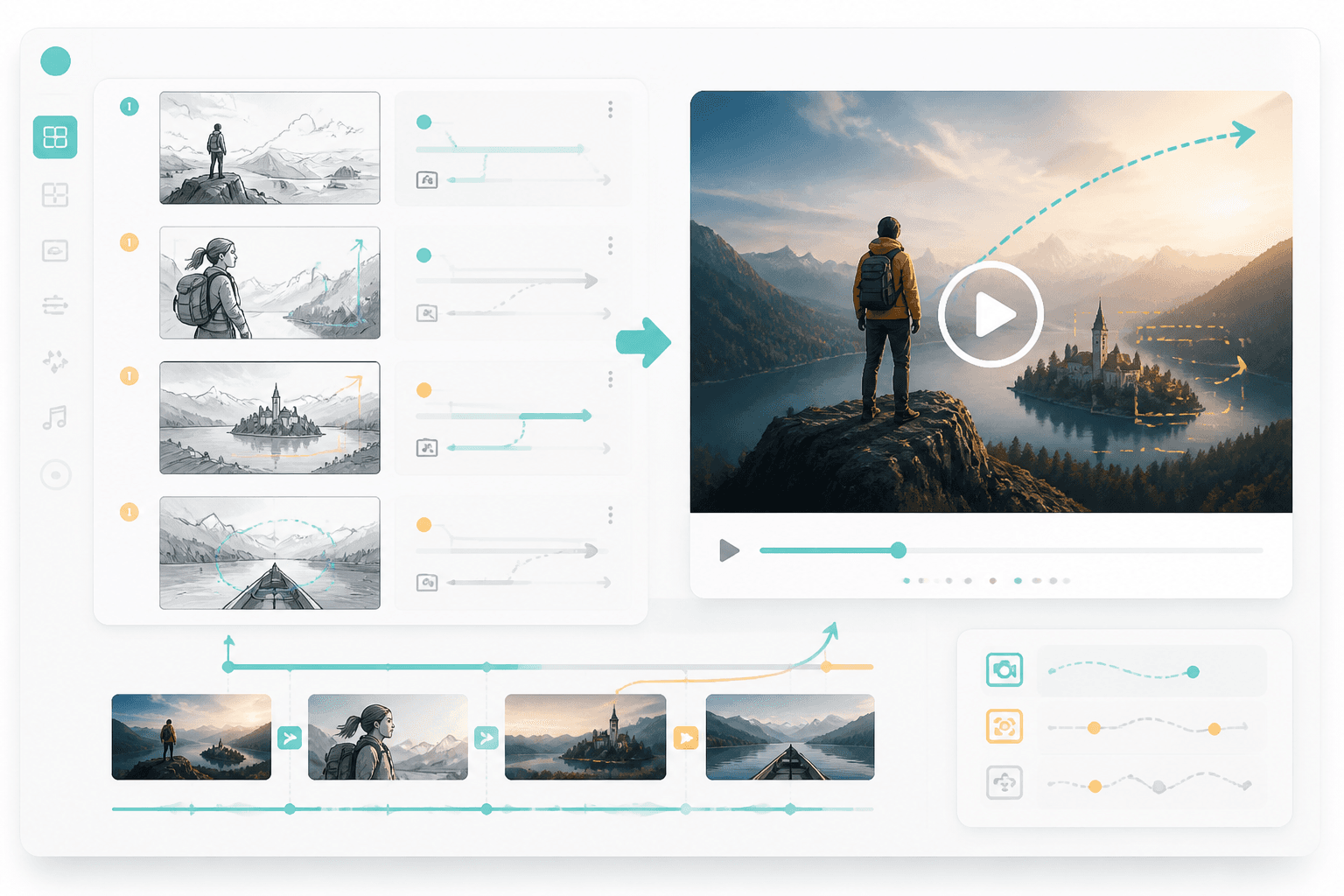
मोशन प्लान
फ़्रेम्स
से motion plan
टाइमिंग
हर शॉट के हिसाब से मैप की गई
स्टोरीबोर्ड, shot list या visual sequence का उपयोग करें।
Timing, camera moves, transitions और character action तय करें।
इस प्लान का उपयोग animation, AI video या editor handoff के लिए करें।
यह पेज storyboarding के बाद अगला साफ़ कदम देता है: shot duration, camera movement और वीडियो-रेडी creative instructions जोड़ें।
फ़्रेम order, scene notes और shot goals जोड़ें।
Timing, transitions और motion direction की समीक्षा करें।
जब हर shot के साथ duration, camera movement और transition direction साफ़ हो, तब वीडियो tools बेहतर काम करते हैं।
कोई फ़्रेम तभी शॉट बनता है जब उसकी duration और pacing स्पष्ट हो।
Push-ins, pans, zooms और reveals कहानी के असर को बदल देते हैं।
एक motion plan AI video या editing tools को बेहतर निर्देश देता है।
मोशन
Camera moves, transitions और timing जोड़ें ताकि हर storyboard frame वीडियो-रेडी सीन बन सके।
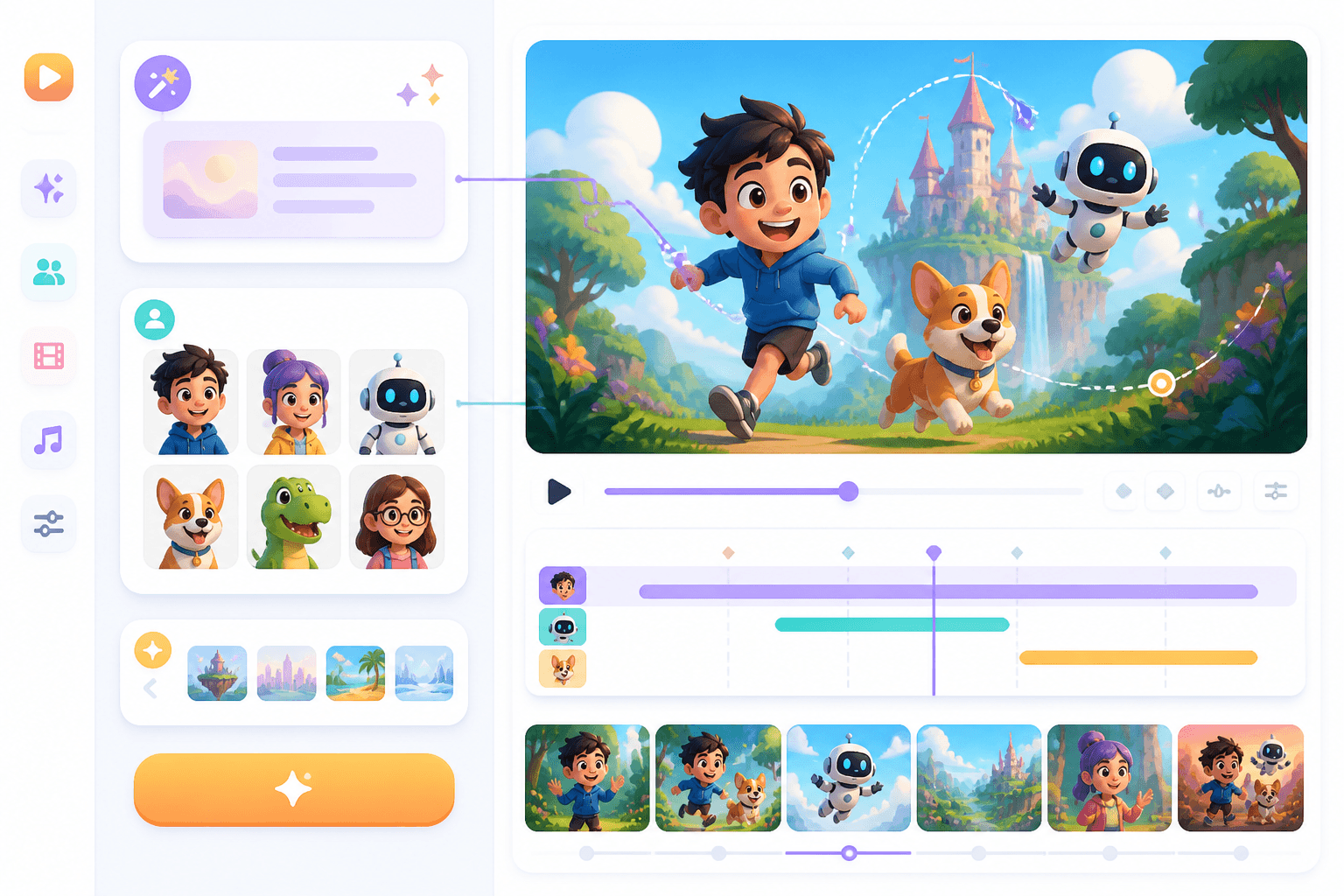
कार्टून
Animated और cartoon workflows में storyboard, character movement और scene timing की बुनियाद बन जाता है।
Workflow guide
स्टोरीबोर्ड-टू-वीडियो पेज को यह साफ़ दिखाना चाहिए कि फ़्रेम्स में timing, movement, camera और production direction कैसे जुड़ते हैं।
स्टोरीबोर्ड, shot list या visual sequence का उपयोग करें।
Timing, camera moves, transitions और character action तय करें।
इस प्लान का उपयोग animation, AI video या editor handoff के लिए करें।
फ़्रेम order, duration, camera और motion style का ज़िक्र करें।
Related writing workflow
Use the AI Screenplay Editor when a script, fiction draft, storyboard brief, video idea, or canvas note needs proper scene headings, action, dialogue, parentheticals, cover pages, outlines, beats, and collaboration-ready revisions.
INT. COMMUNITY CENTER - NIGHT
Folded chairs. A storm outside. MAYA stands at the microphone with a page of notes she no longer needs.
MAYA
If the city will not read the record, we will read it out loud.
Timing, movement और camera direction जोड़ें ताकि आपका बोर्ड वीडियो प्रोडक्शन के लिए तैयार हो जाए।