Picture-to-sticker workflow


Focused image workflow
Turn a Picture Into a Sticker
Upload a picture and turn it into a clean AI sticker for messages, social posts, and digital content.
Make a Sticker with AI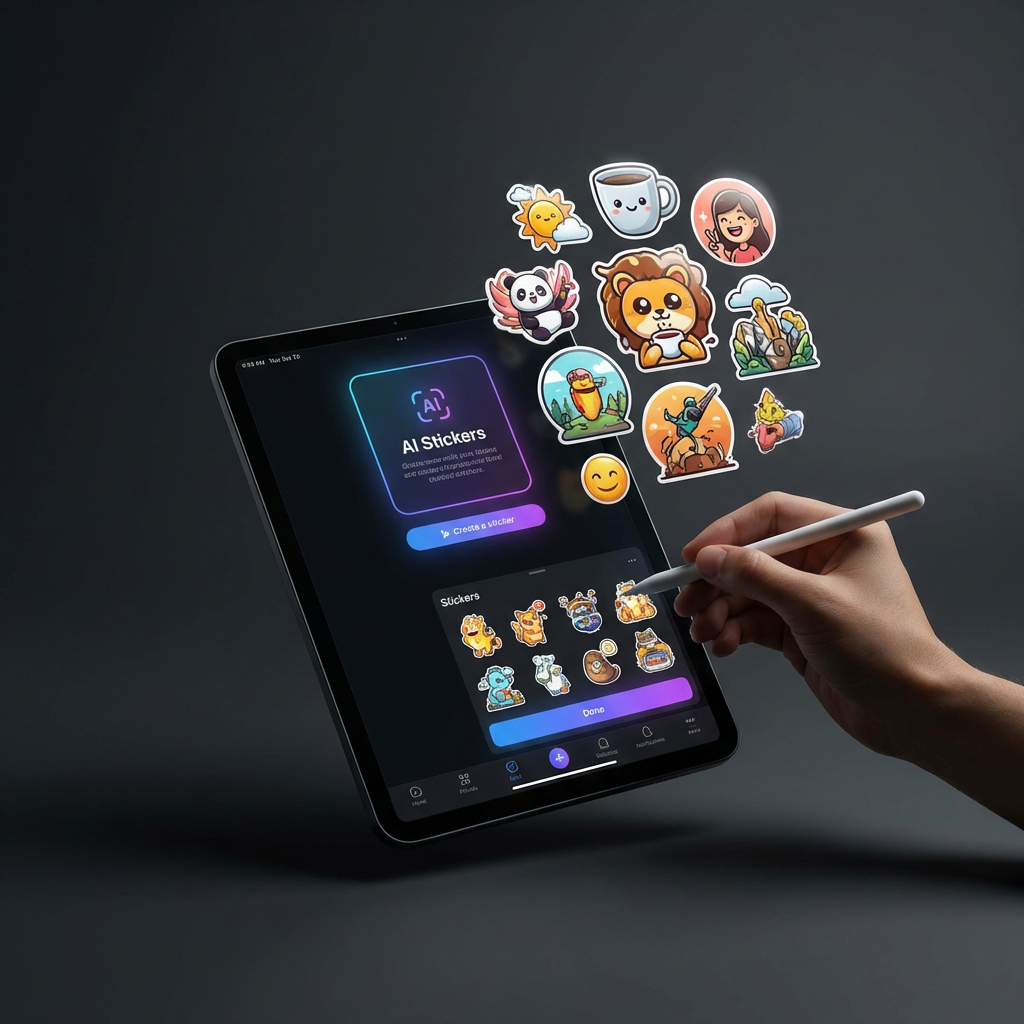
Turn your picture into a sticker
Upload a picture and use LlamaGen to transform it into a polished sticker design.
232 / 2000
Use 1K for quick drafts. Upgrade for 2K/4K finals and no-watermark exports.
Művészeti stílus
Explore examples, workflow details, and practical guidance
Image model editing
Messaging-ready styles
Powered by LlamaGen image models
Workflow
Build, generate, then review
Step 1
Upload the picture you want to convert into a sticker.
Step 2
Keep the preset prompt or add a style direction such as kawaii, vector, bold outline, or emoji sticker.
Step 3
Generate the sticker and download or refine the result from your image history.
Art direction
What to refine after the first draft
Image-to-image sticker generation
Use the uploaded picture as a reference so the sticker keeps the subject recognizable while simplifying it for digital use.
Preset sticker prompt
The default prompt asks for clean edges, simplified shapes, and a messaging-ready sticker look.
Reuses /im image model capability
The page embeds the same image model generator workflow used by LlamaGen's /im model pages.
Example directions
Compare complete visual directions
FAQ
Practical questions
What is Turn a Picture Into a Sticker?
It is a LlamaGen tool page for converting uploaded pictures into stickers with a preset prompt and editable results.
Can I upload my own picture?
Yes. The image generator supports image input for compatible models, so upload a picture and describe the sticker style you want.
What styles can I make?
You can prompt for kawaii, vector, emoji, mascot, bold outline, hand-drawn, minimalist, or other sticker styles.
Take the strongest direction into production
Generate several directions, choose the one with the clearest visual promise, then proof the details before publishing or printing.