10 Top OpenArt Alternatives for AI Image Generation in 2026
Introduction
OpenArt (openart.ai) has earned a strong position in AI image generation by combining several features that many competing tools still separate across different products: multi-model access, LoRA fine-tuning, a community model marketplace, and production-oriented workflow tools. For creators who want one platform that can handle experimentation, customization, and day-to-day output, that combination is hard to ignore.
Still, no single platform is ideal for every workflow.
Some users care most about polished visuals with minimal prompting. Others need Adobe integration for design teams, lower costs for occasional use, stronger typography, local deployment for privacy, or better support for anime, comics, and visual storytelling. In 2026, there are now enough mature options that choosing an OpenArt alternative is less about finding a universally “better” tool and more about matching the platform to the job.
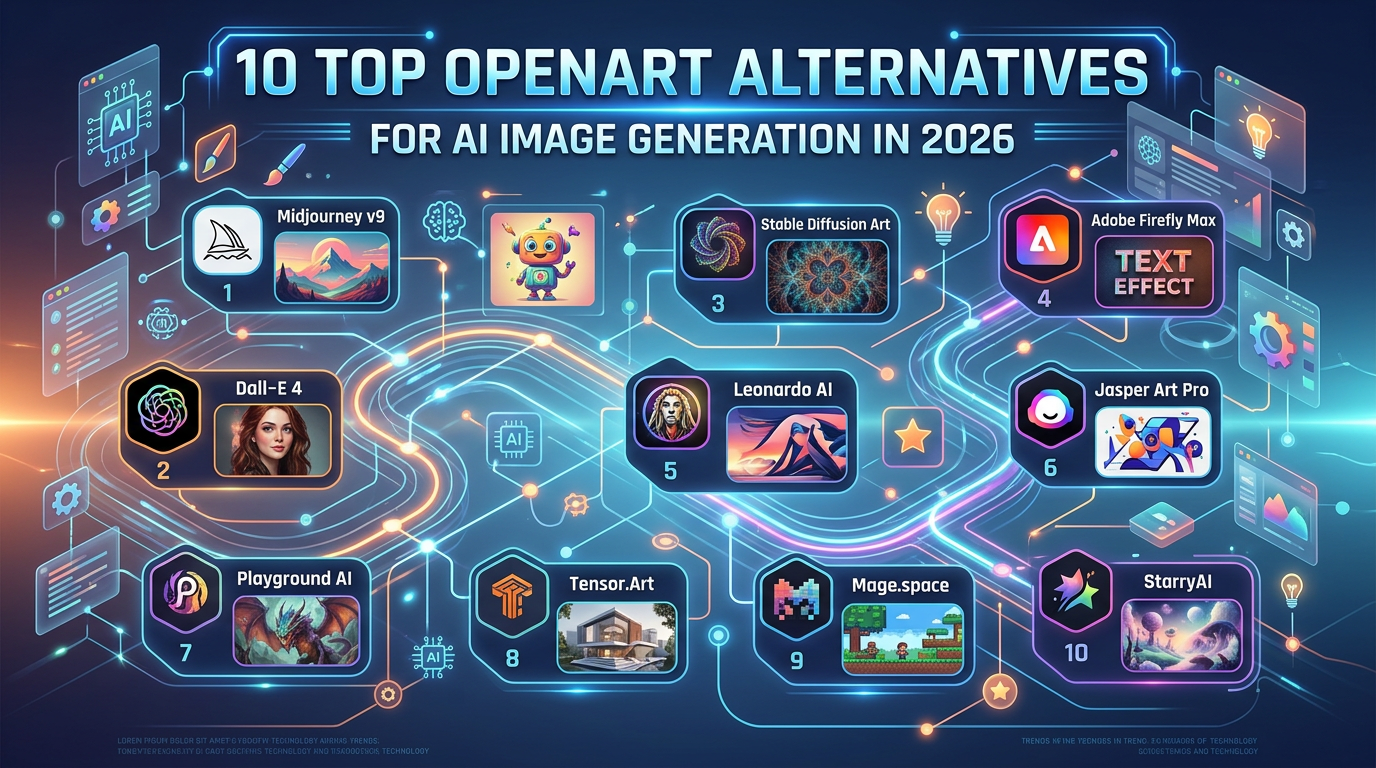
This guide compares 10 credible OpenArt alternatives, organized by where each one stands out. You’ll see what each platform does well, where it falls short, and when it makes more sense than OpenArt.
Data Snapshot
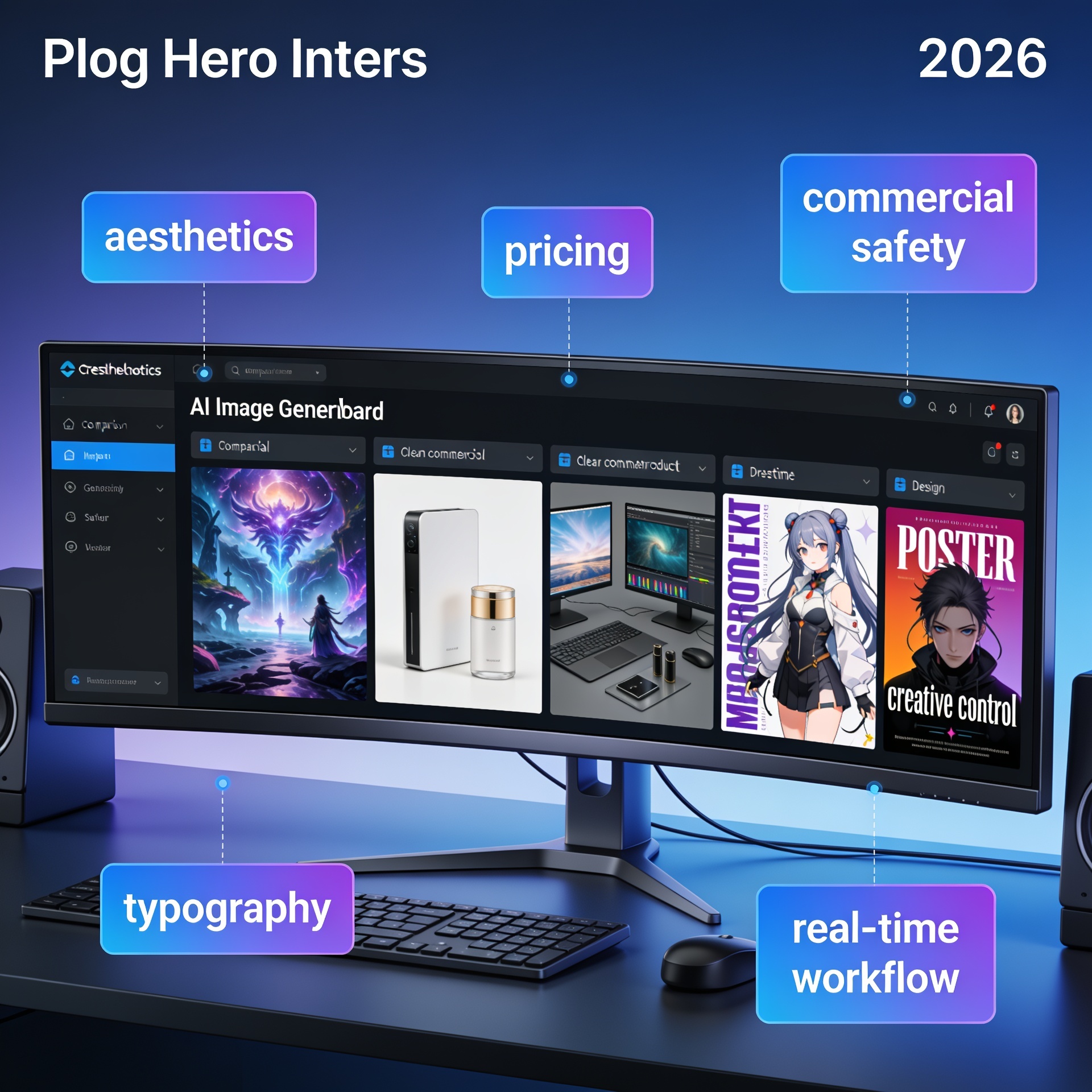
Before diving into the platform-by-platform breakdown, here is the high-level picture:
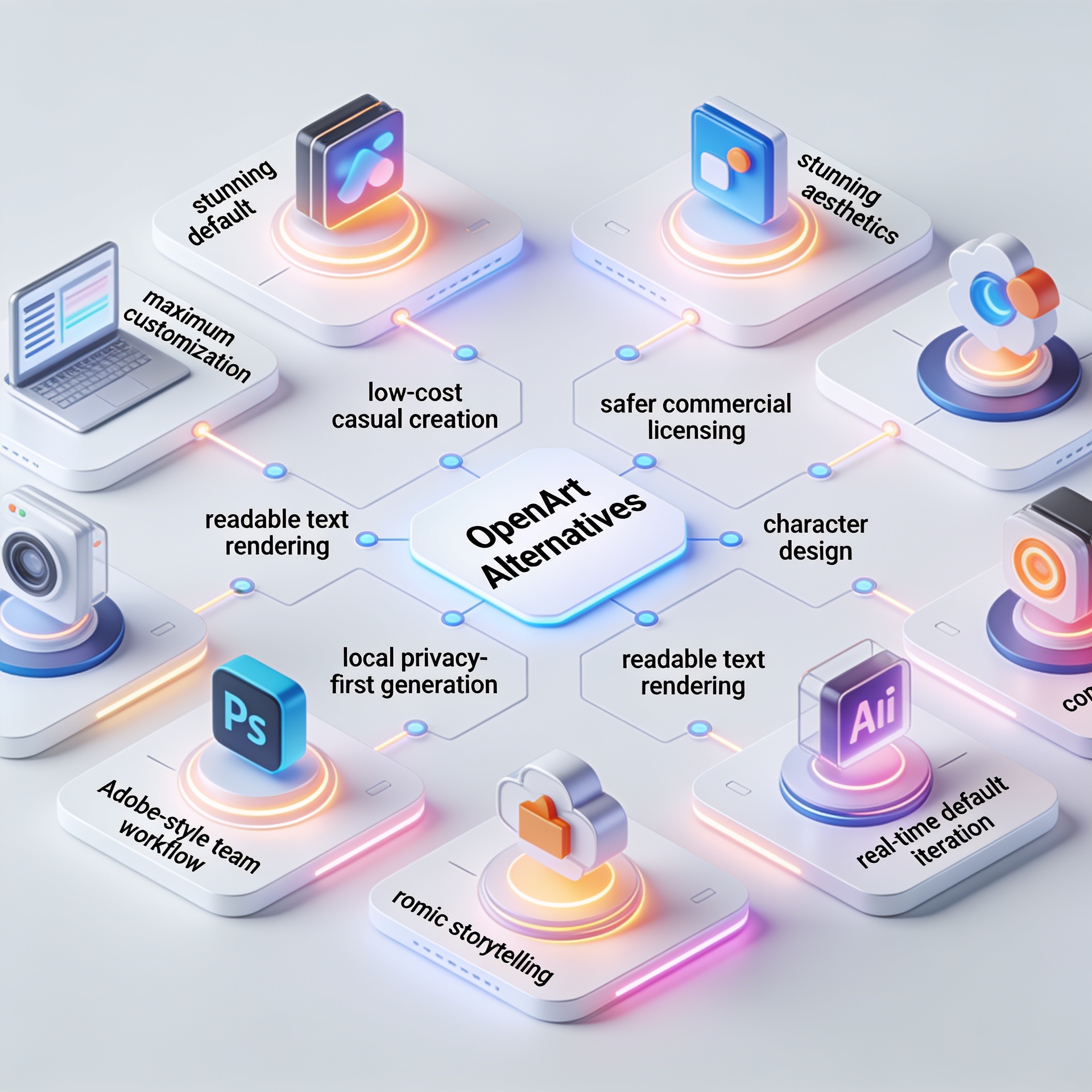
If you want the best default aesthetics: Midjourney remains the most cited choice for “beautiful with minimal effort.”
If you need commercial risk reduction: Adobe Firefly stands out because of its licensed and public-domain training approach.
If you create characters, game assets, or stylized illustrations: Leonardo AI is especially strong.
If you want the easiest conversational workflow: DALL-E via ChatGPT is still one of the most accessible.
If you want full control and no recurring platform fee: local Stable Diffusion remains the most flexible route.
If your images must include readable text: Ideogram is still the benchmark.
If you are budget-conscious or experimenting: NightCafe and Playground AI offer lower-cost entry points.
If you want interactive, design-led generation: Krea AI is notable for real-time generation.
If you care most about community models and LoRAs: Civitai remains a major open ecosystem.
Pakeitimų sąrašas
Spark dreams for the young Where millions of stories come alive
A rundown of the latest LlamaGen.Ai feature releases, product enhancements, design updates, and important bug fixes.
✦
✧
✦
✧
A new medium for Storytelling
Vibe creating unlimited stories, comics, animations, games, and more—in seconds that resonate with modern audiences
If your work centers on anime-style art, comics, manga, webtoons, storyboards, and character consistency across panels: LlamaGen.AI is worth considering as a specialized option for visual storytelling rather than as a general-purpose OpenArt replacement.
Quick Comparison Table
Platform
Best For
AI Model
Starting Price
LoRA Support
API Access
Midjourney v7
Aesthetic quality, ease of use
Midjourney v7
$10/month
No
Limited
Adobe Firefly
Brand-safe, Creative Cloud users
Firefly Image Model
Free tier / $22.99/mo CC
No
Yes
Leonardo AI
Game art, character design
Phoenix + community
$12/month
Yes
Yes
DALL-E
ChatGPT users, accessibility
DALL-E
ChatGPT Plus ($20/mo)
No
Yes
Stable Diffusion
Local deployment, full control
SD 3.5 / SDXL
Free (open-weight)
Yes
Self-hosted
Ideogram
Typography, logo design
Ideogram 3
Free tier / $8/mo
No
Yes
NightCafe Studio
Multi-model access, community
Multiple
Free tier / $5.99/mo
Limited
No
Playground AI
Free generation, casual users
Mixed Reality v3
Free tier / $15/mo
No
No
Krea AI
Real-time generation, design tools
Flux-based
Free tier / $24/mo
No
Yes
Civitai
Community models, open ecosystem
Community-hosted
Free / voluntary
Yes
Community
Brand Comparison: What Makes an “OpenArt Alternative” Good?
OpenArt’s appeal is not just image quality. It is the combination of:
Multiple models in one place
Integrated LoRA training
A marketplace/community model layer
Workflow tools such as canvas, batch generation, and automation
That matters because many alternatives beat OpenArt in a single category, but fewer match the full package.
A simple way to compare alternatives is to ask four questions:
How much control do you need?
If you need custom models, LoRAs, or parameter depth, Midjourney and DALL-E may feel limiting, while Leonardo, Stable Diffusion, and Civitai are more flexible.
How important is workflow speed?
If you want results fast with little setup, Midjourney, Firefly, and DALL-E are easier than local Stable Diffusion.
Do you need professional or team-oriented features?
Firefly and OpenArt fit structured commercial workflows better than hobby-first tools.
Is your work style-specific?
Typography-heavy design points toward Ideogram. Game assets suggest Leonardo. Anime/comic storytelling can point toward LlamaGen.AI.
1. Midjourney v7
Best For: Aesthetic Quality Without Effort
Midjourney remains one of the clearest alternatives to OpenArt when your top priority is visual polish straight out of the generator. It is still widely treated as a benchmark for default aesthetic quality: a relatively simple prompt like “ethereal forest landscape at dawn” can yield images that look presentation-ready without much tuning.
That is Midjourney’s real value proposition. It often reduces the amount of prompt engineering, model selection, and parameter tweaking required to get something impressive.
Strengths
Unmatched default aesthetic polish
Outputs often look finished without substantial post-processing.
Consistent results across many subjects and moods
It performs well for fantasy, editorial, concept visuals, product moodboards, and atmospheric scenes.
Strong community knowledge base
Users regularly share prompts, workflows, and style experiments.
Web-based interface now improves accessibility
The older Discord-only experience was a barrier for some users; the newer interface makes adoption easier.
Weaknesses
No LoRA training or custom model support
Less parameter control than OpenArt
No built-in canvas editing workflow
Can become expensive for high-volume commercial use
What this means in practice
Midjourney is often the right answer when:
you need moodboards quickly
you are presenting ideas to clients
you care more about “wow” factor than production control
you do not need to train your own styles or characters via LoRA
It is less ideal when:
you need exact repeatability
your workflow depends on custom-trained assets
you want integrated editing rather than exporting to other software
When to choose over OpenArt
Choose Midjourney over OpenArt if:
visual beauty matters more than customization
you want strong results from short prompts
you do not need LoRA support
you value simplicity over a broad production toolkit
Pricing
$10/month (Basic)
$30/month (Standard)
$60/month (Pro)
$120/month (Mega)
Practical tip
If you use Midjourney professionally, treat it as an ideation and presentation engine, then move final production edits into Photoshop or another design tool. That approach helps offset its limited native editing controls.
2. Adobe Firefly
Best For: Brand-Safe Commercial Content
Adobe Firefly’s biggest advantage is not that it always produces the most striking image. It is that Adobe has positioned it around commercial safety and enterprise usability. According to the original comparison, Firefly is trained on licensed Adobe Stock images, openly licensed content, and public domain material. That training approach gives businesses a lower-risk option for commercial use.
For many teams, especially agencies and in-house marketing departments, that matters more than chasing the most dramatic output.
Strengths
Commercially safer training-data positioning
Deep Creative Cloud integration
Especially valuable in Photoshop and Illustrator-heavy environments.
Strong text effects, vector generation, and template-aware design features
Enterprise governance and usage tracking
Weaknesses
Raw visual appeal can trail Midjourney and FLUX-based tools
No community model marketplace
No LoRA training
More valuable inside Adobe’s ecosystem than outside it
What this means in practice
Firefly is a practical choice for:
ad teams producing campaign assets
enterprise design systems
marketing departments needing governance
teams already paying for Creative Cloud
It is weaker if your workflow depends on:
heavy stylistic experimentation
community models
custom fine-tuning
image-generation-first communities
When to choose over OpenArt
Choose Firefly over OpenArt if:
legal/compliance review is a major concern
your design team already lives inside Creative Cloud
you want generation connected to editing, vector work, and templates
brand safety matters more than maximum style freedom
Pricing
Limited free generations
Included with Creative Cloud subscriptions ($22.99+/month)
Practical tip
If you are comparing Firefly with OpenArt for business use, do not just evaluate image quality. Also compare:
approval workflows
rights/compliance needs
handoff to designers
how much time your team saves inside Adobe apps
That broader workflow view is where Firefly often wins.
3. Leonardo AI
Best For: Game Art and Character Design
Leonardo AI has built a strong reputation in game asset generation, character design, and stylized illustration. Its Phoenix model and community ecosystem make it particularly attractive for fantasy, sci-fi, stylized concepting, and character-driven workflows.
Among OpenArt alternatives, Leonardo often appeals to users who want more specialization around creative asset production rather than broad all-purpose image generation.
Strengths
Strong character consistency across generations
Community-trained models tuned for game and illustration work
Real-time generation canvas for iterative concepting
Good value for the feature set
Weaknesses
Less convincing for photorealism than FLUX-based platforms
Smaller community model library than OpenArt and Civitai
Limited video capabilities
Enterprise tooling is less mature
What this means in practice
Leonardo is especially useful for:
game studios building concept art pipelines
indie developers generating props, environment ideas, and character variants
illustrators working in stylized genres
teams needing visual consistency across a set of assets
It is less compelling when:
photorealism is your top priority
you want a huge open model ecosystem
your workflow includes advanced enterprise controls
When to choose over OpenArt
Choose Leonardo AI over OpenArt if:
your work revolves around character design or game art
you want a creator-friendly platform for stylized production
you need a focused environment rather than a broad marketplace model
Pricing
Free tier
$12/month (Apprentice)
$30/month (Artisan)
$60/month (Maestro)
Practical tip
For better consistency in Leonardo, create a small reference pack for each character or asset type. Even without a fully custom training workflow, consistent prompting and references can significantly improve continuity.
4. DALL-E (via ChatGPT)
Best For: Accessibility and Conversational Generation
DALL-E inside ChatGPT remains one of the easiest ways to generate images because it removes much of the technical friction. Instead of selecting models, tuning CFG values, or testing multiple samplers, you simply describe what you want in plain language and refine through conversation.
That ease of use is its biggest strength.
Strengths
Very low learning curve
Strong conceptual understanding of complex prompts
Built into ChatGPT for conversational iteration
API access for developers
Weaknesses
No model selection
No LoRA training
Limited control over technical parameters
Usage tied to ChatGPT subscription limits
Good image quality, but not always category-leading
What this means in practice
DALL-E works well for:
marketers brainstorming visual concepts
teachers and students making quick illustrations
creators who already use ChatGPT heavily
non-designers who want natural language interaction
It is less suitable if:
you need high-end customization
you rely on model swapping
you need training-based style control
you want a specialist art workflow
When to choose over OpenArt
Choose DALL-E over OpenArt if:
you prioritize ease over control
you already subscribe to ChatGPT Plus
you want image generation integrated into a broader AI writing/research workflow
you prefer iterative conversation over parameter-heavy generation
Pricing
Included with ChatGPT Plus ($20/month)
Or available via API
Practical tip
Use DALL-E when your idea is still fuzzy. The conversational workflow is especially good at helping you clarify:
scene composition
object relationships
tone and mood
style direction
Then, if needed, move the refined concept into a more controllable tool later.
5. Stable Diffusion (Local/Self-Hosted)
Best For: Maximum Control, Zero Recurring Costs
Stable Diffusion remains the most flexible route for users who want complete control. Running it locally through ComfyUI, Automatic1111, or Forge gives you direct access to models, LoRAs, custom workflows, and image-generation pipelines without depending on a commercial platform’s limits or policies.
This is not the easiest option. But for advanced users, it is still one of the most powerful.
Strengths
Free after hardware investment
Unlimited generations without a credit system
Full control over models, workflows, and parameters
Strong privacy because data stays on your machine
Broad access to community models from places like Civitai and HuggingFace
Weaknesses
Requires capable hardware
The original notes a minimum of 8GB VRAM for reasonable performance
Technical setup and maintenance are significant
Can be slower than cloud tools on modest hardware
No customer support
What this means in practice
Stable Diffusion is best for:
technical creators
researchers and tinkerers
privacy-sensitive workflows
studios building custom pipelines
users who want unlimited experimentation
It is a poor fit for:
beginners who want instant usability
teams without technical support
users who prefer managed, polished interfaces
When to choose over OpenArt
Choose local Stable Diffusion over OpenArt if:
privacy is critical
you want complete pipeline ownership
recurring subscription costs are a problem
you need workflows commercial SaaS tools do not support
Pricing
Free (hardware costs apply)
Practical tip
If you are new to local generation, start with a clear plan:
Pick one interface, such as ComfyUI or Automatic1111.
Use one strong base model first.
Add LoRAs only after you understand baseline behavior.
Save your best workflows so you can reproduce outputs later.
That approach reduces the “infinite customization” problem that overwhelms many new users.
6. Ideogram
Best For: Typography and Logo Design
Ideogram has become known for one very practical capability: rendering text inside images more accurately than most image generators. While other tools have improved, Ideogram still stands out when the prompt includes words that actually need to be readable.
That makes it especially useful for logo concepts, posters, ad mockups, social graphics, packaging experiments, and typography-led creative work.
Strengths
Best-in-class text rendering
Strong for logos and design concepts
Clean, easy-to-use interface
Competitive free tier
Weaknesses
Narrower workflow scope than OpenArt
No LoRA training
Smaller community than OpenArt or Midjourney
Less compelling for photorealism
What this means in practice
Ideogram is a strong fit when:
your image includes a headline, slogan, or product name
you need poster or cover mockups
you are exploring logo directions
text readability is part of the image, not an afterthought
It is less useful if:
you want deep training/customization
your work is photo-heavy
you need a broad asset-production platform
When to choose over OpenArt
Choose Ideogram over OpenArt if:
readable text in the image is essential
you create social ads, posters, logos, or promotional graphics
you want quick design-oriented generation without extra complexity
Pricing
Free tier
$8/month (Basic)
$20/month (Plus)
$50/month (Pro)
Practical tip
Even with Ideogram, keep text prompts simple. Short, high-contrast phrases usually perform better than dense paragraphs. For production work, many designers still use Ideogram for concept generation and then finalize typography in standard design software.
7. NightCafe Studio
Best For: Multi-Model Exploration on a Budget
NightCafe Studio is a practical option for hobbyists and budget-conscious users who want to try multiple models without committing to a more expensive platform. Its social layer, prompt sharing, and challenge-driven community make it feel more approachable than tools aimed at production teams.
Strengths
Access to multiple models at relatively low cost
Strong community features
Beginner-friendly interface
Daily free credits support casual use
Weaknesses
Workflow tools are less advanced than OpenArt
LoRA support is limited
Default quality can trail premium tools
Not built for serious production pipelines
What this means in practice
NightCafe makes sense for:
hobbyists exploring styles
creators who enjoy daily challenges and community interaction
users testing different models before choosing a long-term tool
budget-sensitive experimentation
It is less ideal for:
studios
complex editing and asset management
users who need integrated automation or fine-tuning depth
When to choose over OpenArt
Choose NightCafe over OpenArt if:
your goal is low-cost experimentation
you want a social, community-oriented environment
you are learning how different models behave
Pricing
Free daily credits
$5.99/month (AI Hobbyist)
$9.99/month (AI Enthusiast)
$49.99/month (AI Artist)
Practical tip
NightCafe is useful as a discovery platform. You can use it to learn your preferences before moving to a more specialized tool such as OpenArt, Leonardo, or Stable Diffusion.
8. Playground AI
Best For: Free Generation for Casual Users
Playground AI has remained relevant largely because of accessibility. The original article notes its generous free tier, with hundreds of free generations per day (source/date not specified in original). That makes it attractive for users who want high image volume without paying upfront.
Strengths
Very generous free tier
Clean interface
Canvas editing features
Good quality for casual and social media use
Weaknesses
Fewer models than OpenArt
No LoRA training
Quality trails premium tools for professional use
Advanced features sit behind paid plans
What this means in practice
Playground AI is a strong option for:
students
social media creators
moodboard experimentation
personal projects
users who need lots of “good enough” images quickly
It is less suitable for:
high-end client work
custom-trained styles
complex production workflows
When to choose over OpenArt
Choose Playground AI over OpenArt if:
your budget is minimal
you need lots of casual generations
you prefer a simple interface and occasional editing tools
Pricing
Free tier (generous)
$15/month (Pro)
$45/month (Turbo)
Practical tip
Use Playground AI to test composition, ideas, and prompt directions at scale. Once you know what works, you can recreate the strongest concepts in a more premium or specialized platform if needed.
9. Krea AI
Best For: Real-Time Generation and Design Integration
Krea AI stands out because it changes the feel of image generation. Instead of waiting for a batch to finish and then deciding what to do next, you can interact with the image as it develops. That real-time loop makes it especially attractive to designers who think visually and iteratively.
Strengths
Real-time generation feedback
Design-oriented tools such as patterns, enhancement, and upscaling
FLUX-based generation with strong quality
Modern, interactive interface
Weaknesses
Smaller community than larger incumbents
Limited LoRA support versus OpenArt
Can be expensive for heavy users
Feature set is still evolving
What this means in practice
Krea is useful for:
art directors exploring visual directions live
designers who prefer interaction over batch prompting
rapid concept iteration
enhancement/upscaling alongside generation
It may be less ideal if:
you need a mature model marketplace
your workflow depends on custom training
you are cost-sensitive at high volume
When to choose over OpenArt
Choose Krea AI over OpenArt if:
you want a more interactive design loop
you prefer live feedback while shaping compositions
your process is closer to art direction than to model management
Pricing
Free tier
$24/month (Pro)
$48/month (Max)
Practical tip
Krea works best when you use it like a visual sketchbook rather than a final-output-only engine. It can shorten exploration time dramatically for composition and style discovery.
10. Civitai
Best For: Open Community Model Ecosystem
Civitai is not just a generator. It is one of the most important hubs for community models, LoRAs, and generation resources. That makes it a meaningful OpenArt alternative for users who prioritize openness, experimentation, and access to a large library of community-built assets.
Strengths
Largest community model library in the world
Free to browse and download models for local use
Integrated generation using community models
Strong social proof signals such as ratings, reviews, and discussions
Weaknesses
Generation experience is less polished than dedicated creation platforms
Model quality varies widely
Safety and moderation challenges are harder in open ecosystems
No proprietary first-party model stack
What this means in practice
Civitai is strong for:
advanced users sourcing models and LoRAs
creators who run Stable Diffusion locally
people who want access to niche styles and specialist fine-tunes
users who prefer open ecosystems over curated platforms
It is weaker for:
beginners wanting a polished, guided workflow
compliance-sensitive teams
users who want strong consistency in the platform experience itself
When to choose over OpenArt
Choose Civitai over OpenArt if:
access to the broadest range of community models is your main priority
you want to combine cloud experimentation with local deployment
you are comfortable judging model quality and safety yourself
Pricing
Free (generation credits may have limits)
Supporter tiers available
Practical tip
When using Civitai, evaluate models carefully:
check recency and community feedback
review example outputs
look for prompt guidance from model creators
test on small runs first before building a project around it
Practical Recommendations by Use Case
If you do not want to read every profile in depth, use this short decision guide.
Choose Midjourney if you need:
the best-looking results from short prompts
quick client-facing concept art
strong visual polish without deep customization
Choose Adobe Firefly if you need:
licensed-data positioning and lower commercial risk
Creative Cloud integration
enterprise governance and design-team workflows
Choose Leonardo AI if you need:
stylized characters
fantasy, sci-fi, or game asset creation
more character-oriented generation than most general tools
Choose DALL-E via ChatGPT if you need:
the easiest onboarding
natural-language image generation
a unified writing-plus-image workflow
Choose Stable Diffusion locally if you need:
maximum control
privacy
self-hosting
custom pipelines and unlimited generations after setup
Choose Ideogram if you need:
text rendered clearly inside images
logo exploration
posters, ad creatives, and typography-heavy visuals
Choose NightCafe if you need:
low-cost experimentation
community challenges
casual multi-model exploration
Choose Playground AI if you need:
lots of free generations
quick personal or social content
a simple editing-friendly interface
Choose Krea AI if you need:
real-time generation
visual iteration
an interactive designer-first workflow
Choose Civitai if you need:
the widest range of community models and LoRAs
an open ecosystem
resources for local Stable Diffusion workflows
Consider LlamaGen.AI if you need:
anime-style visuals
comics, manga, or webtoon workflows
storyboard generation
stronger emphasis on character consistency across panels or episodes
script-to-visual storytelling rather than one-off image generation
This is an important distinction: LlamaGen.AI is not best understood as a generic OpenArt substitute for every image generation task. It is more relevant when your workflow is sequential and narrative—for example, building a comic page, maintaining a cast of recurring characters, or turning scripts and references into visual story outputs.
How to Choose: Decision Framework
The best OpenArt alternative depends on your primary goal:
If you need…
Choose…
Best default aesthetics
Midjourney
IP-safe commercial content
Adobe Firefly
Game art / character design
Leonardo AI
Easiest possible interface
DALL-E via ChatGPT
Maximum control, zero cost
Stable Diffusion locally
Best text rendering
Ideogram
Budget exploration
NightCafe
Free high-volume generation
Playground AI
Real-time interactive design
Krea AI
Largest model community
Civitai
To make that table more useful, ask yourself these practical questions:
How often will you generate images?
Frequent use can make subscription pricing or free-tier limits much more important.
Do you need custom style control?
If yes, tools without LoRA support may quickly feel restrictive.
Will you work alone or in a team?
Team handoff and governance matter much more in business settings.
Is your output one-off or part of a system?
A poster, a game asset library, a comic episode, and a social campaign all have very different needs.
What matters more: speed, control, or safety?
Most tools optimize for one or two of those, not all three equally.
When to Stay with OpenArt
For all the strengths above, none of these alternatives fully replicates OpenArt’s specific combination of:
Multi-model access in one platform
Integrated LoRA training with a community marketplace
Professional workflow tools such as canvas, batch generation, and automation
An active creator community with shared resources
That integrated breadth is still OpenArt’s strongest argument.
So, stay with OpenArt if you specifically want:
one account instead of a stack of tools
both experimentation and customization
LoRA creation plus model discovery
workflow features that support repeat output, not just one-off generations
In other words, many alternatives beat OpenArt in a niche. Fewer beat it as an all-around creation environment.
Final Takeaways
The AI image generation market in 2026 is mature enough that the question is no longer “Which tool is best overall?” It is “Which tool best matches the way you work?”
Here is the simplest summary:
Midjourney: best for default beauty
Adobe Firefly: best for commercial safety and Adobe workflows
Leonardo AI: best for game art and stylized character work