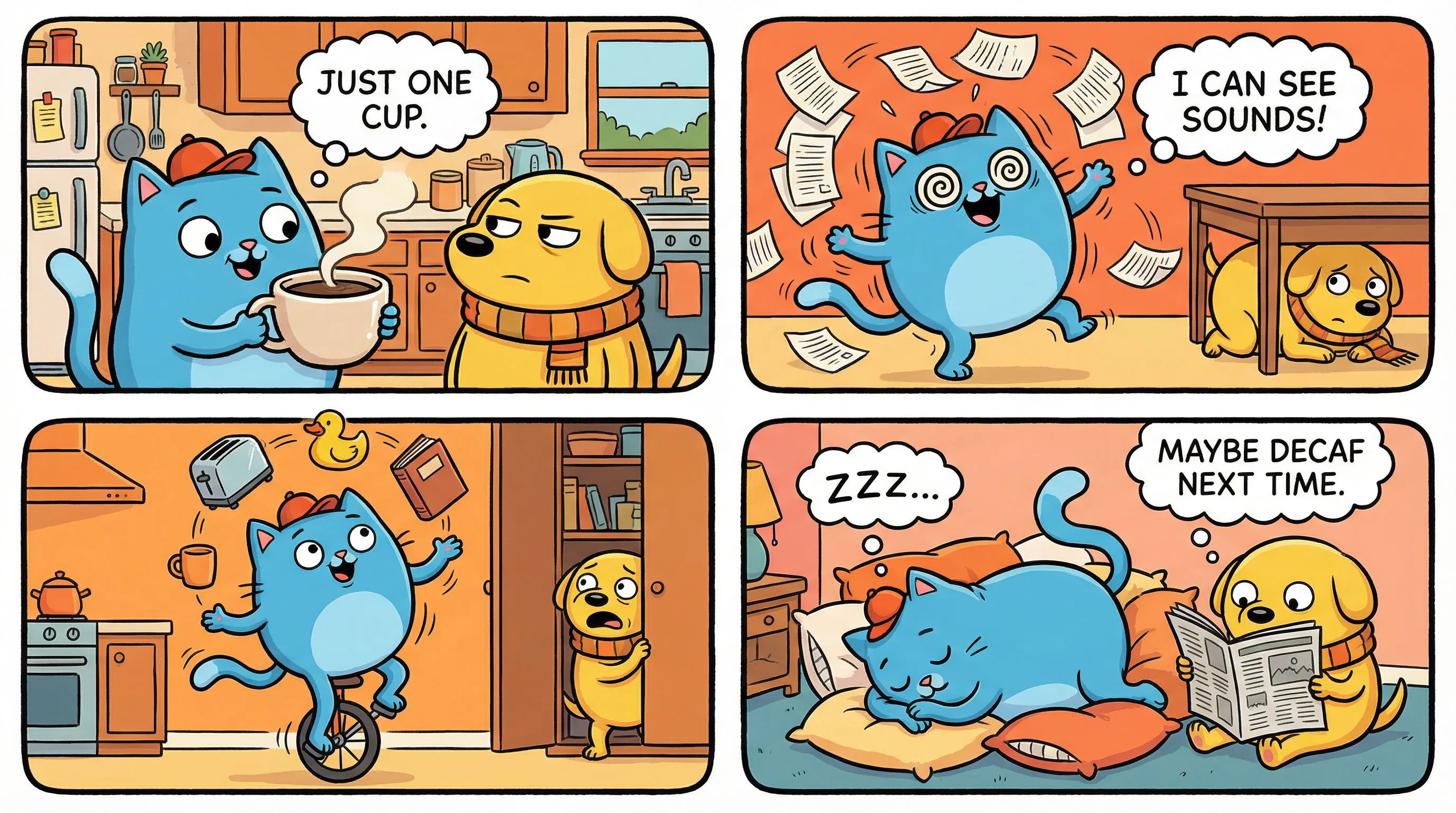


kreator komiksów czteroobrazkowych
Stwórz komiks 4-panelowy z jednego pomysłu
Wpisz żart, lekcję albo zwykłą sytuację. LlamaGen rozłoży to na cztery panele: wstęp, zwrot i puenta.
Stwórz komiks 4-panelowyJaka jest Twoja historia?
Wklej swoją historię, następnie wybierz liczbę stron i układ.
Edytuj panele, dialogi i układ w studio.
Dowcip, lekcja lub post. Cztery panele wystarczą.
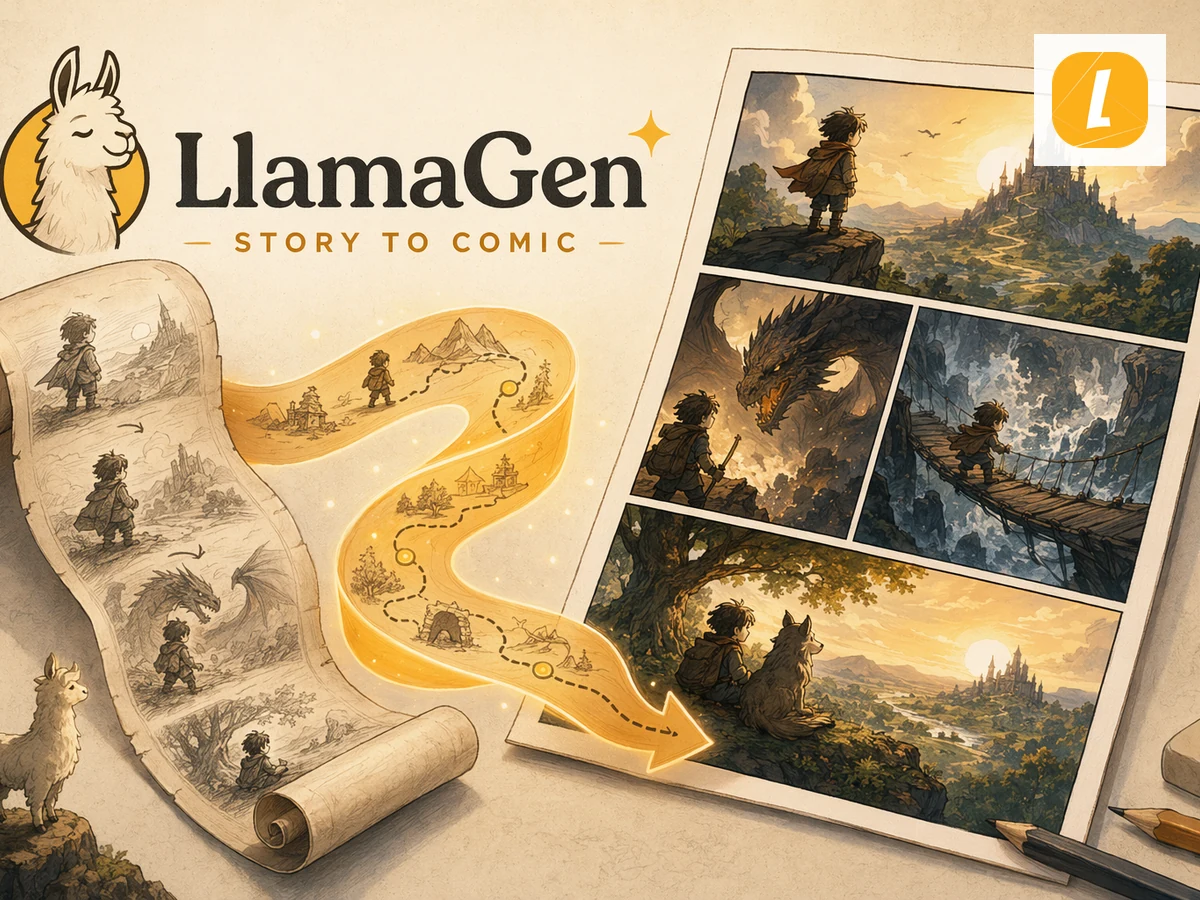
Scena + obraz + następny krok
Jedno zadanie na stronie. Ilustracje pokazują pracę, a nie listę funkcji.
Wyjaśnienie na lekcję
Post do publikacji już dziś
Co możesz, a czego nie możesz używać
Potwierdź zadanie, limity i następny klik zanim zaczniesz.
Jak to działa?
- Napisz cztery zwroty akcji. Wstęp, rozwinięcie, zwrot, puenta. Po jednym zdaniu wystarczy.
- Wygeneruj pasek. LlamaGen szkicuje cztery panele, dialogi i przejrzysty układ.
- Popraw żart i wyeksportuj. Edytuj opisy i mimikę w kreatorze przed publikacją lub drukiem.
Przed rozpoczęciem
- Szkic możesz zacząć bez rysowania.
- Kredyty naliczane po wykorzystaniu darmowego limitu w Twoim planie.
- Edytuj scenariusz przed publikacją.
Stwórz komiks 4-panelowy z jednego pomysłu
Krótki komiks powinien zaczynać się od zdania, nie pustej strony.
Masz pytania? Mamy odpowiedzi
Poznaj limity, możliwości eksportu i następny krok przed kontaktem.
Czym jest generator komiksów czteroobrazkowych?
Z krótkiego pomysłu tworzy czteropanelowy komiks: wstęp, rozwinięcie, zwrot i puenta. LlamaGen szkicuje pasek, byś mógł edytować dialogi i zachować postacie w każdym panelu.
Czy to to samo co kreator pasków komiksowych?
Tak – dla krótkich pasków. Ten widok zawsze daje cztery panele. Jeśli chcesz mieć inną liczbę paneli, użyj kreatora pasków komiksowych.
Czy muszę rysować?
Nie. Wystarczy napisać zwroty. Nadal możesz zmienić teksty i powtórzyć generowanie, gdy żart nie wyjdzie.
Czy mogę używać komiksu komercyjnie?
Tak – zależnie od planu i praw do ewentualnych zdjęć. Nie kopiuj chronionych postaci.
Kreator komiksów AI
Potrzebujesz więcej niż czterech paneli? Zacznij dłuższy komiks.
AI kreator komiksów
Z opowieści do pełnych stron komiksowych.
z tekstu na komiks
Wklej akapit, otrzymaj sekwencję stron.
Kreator manhw
Pionowe strony webtoon zamiast kwadratowego paska.
Zdjęcie na mangę
Użyj zdjęcia jako odniesienia do pierwszego panelu.
Stwórz komiks 4-panelowy z jednego pomysłu
Wpisz żart, lekcję albo zwykłą sytuację. LlamaGen rozłoży to na cztery panele: wstęp, zwrot i puenta.
Stwórz komiks 4-panelowyContinue your workflow
Comic prompt guide
Write AI comic strip prompts that tell a readable story
Write clearer AI comic strip prompts with a four-panel plan, an illustrative classroom example, dialogue checks, and honest generation limits.
Character continuity guide
Keep comic strip characters recognizable across panels
Plan recognizable comic characters with a compact character sheet, stable prompts, panel comparisons, and a continuity checklist.