Find a story worth following
Explore a character's goal, an unusual setting, or a difficult choice. Compare different openings before you commit to a direction.


Użyj LlamaGen.ai jako generatora opowieści i autora historii AI. Zamień prosty pomysł w uporządkowany szkic z fabułą, bohaterami, dialogami i drogą do storyboardu lub kadrów komiksowych.
Try the first draft here. Free access has limits; saved projects and visual tools use your account and plan credits.
See how it worksPick a prompt to read an illustrative opening, then generate your own version. These samples are prepared examples, not live results or customer testimonials.
Example opening
The radio said Mara's name before she switched it on. On Platform Three, rain gathered around a red suitcase. She had checked the platform a minute ago. Empty. Now someone had left a case beneath the broken clock, with a luggage tag written in her handwriting.
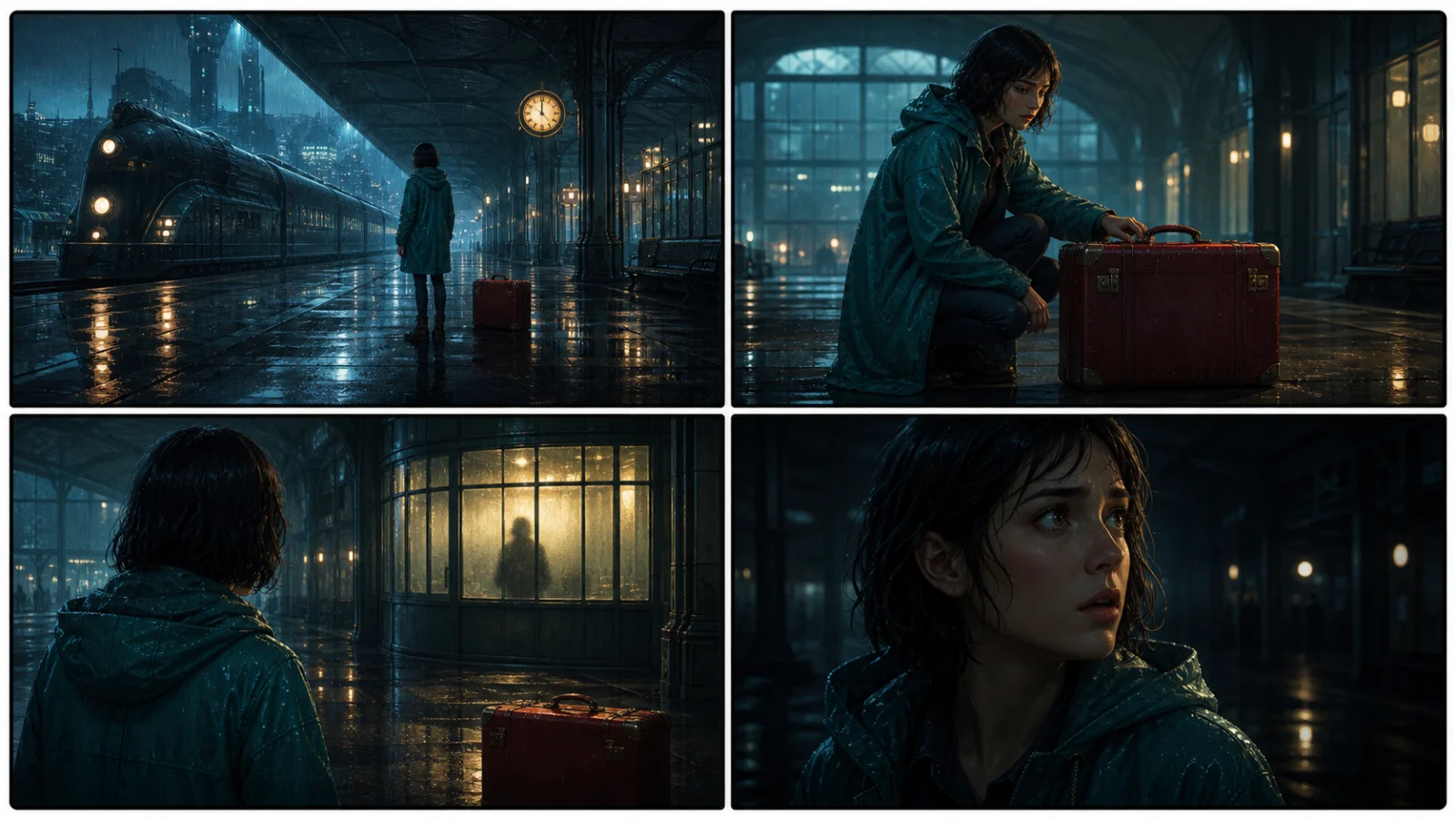
Start with something specific: a radio operator alone at a station, a red suitcase, and a message that knows her name. Generate an opening, read what works, then change the stakes or point of view. The next decision stays yours.
Generate story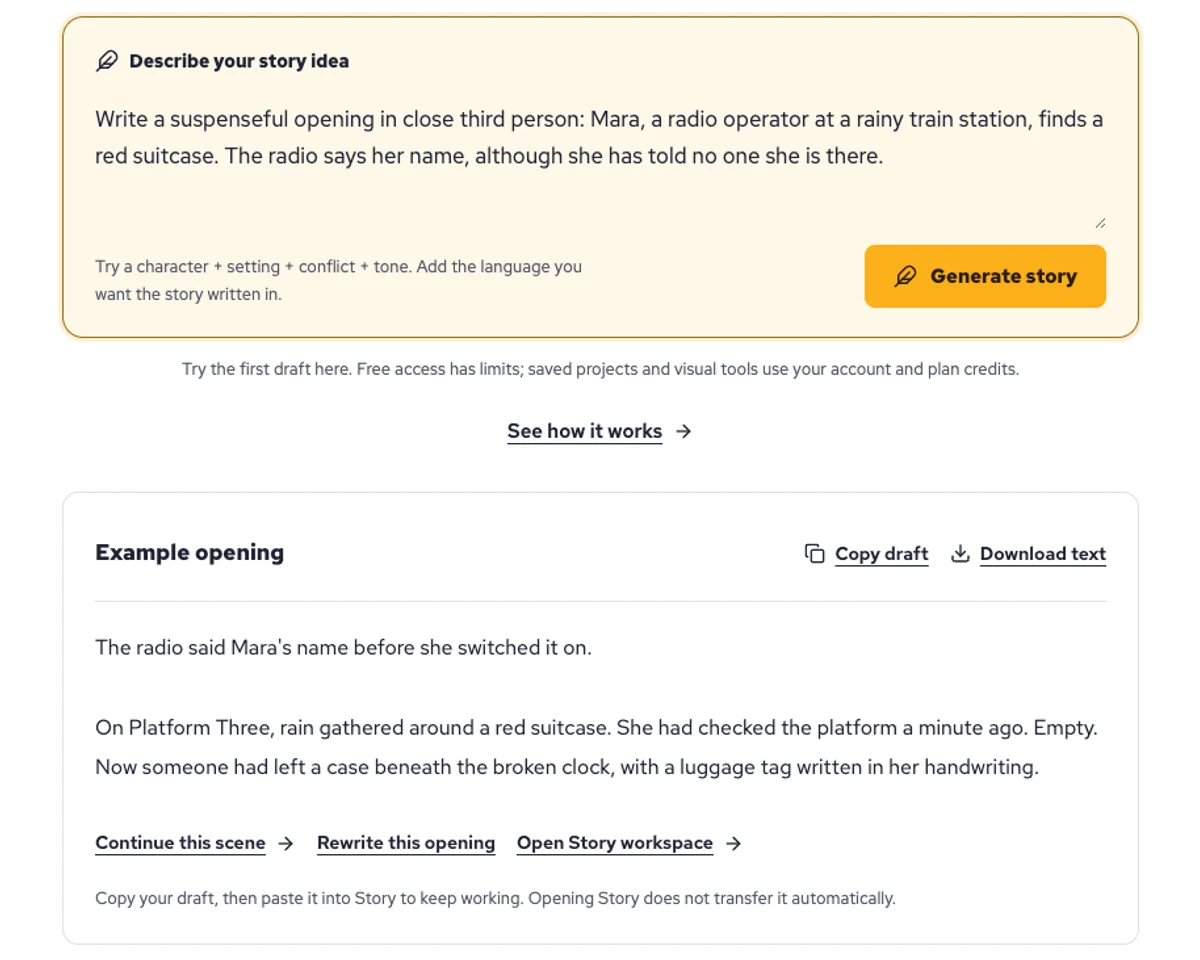
Explore a character's goal, an unusual setting, or a difficult choice. Compare different openings before you commit to a direction.
Paste an unfinished idea or use Continue after a draft. Read each new scene for names, motives, and details that need to stay consistent.
Use Rewrite to try a sharper opening. Copy a version you like before generating another, then edit the phrasing in your own voice.
This illustrative sequence follows Mara, her teal raincoat, and a red suitcase through four station shots. Use it as a guide: keep a character, location, and key prop consistent when you adapt your own draft into a storyboard or comic.
Explore script to storyboardThe same rainy-station story, imagined as a reading copy, a handheld proof, different cover designs, and a coordinated author set.
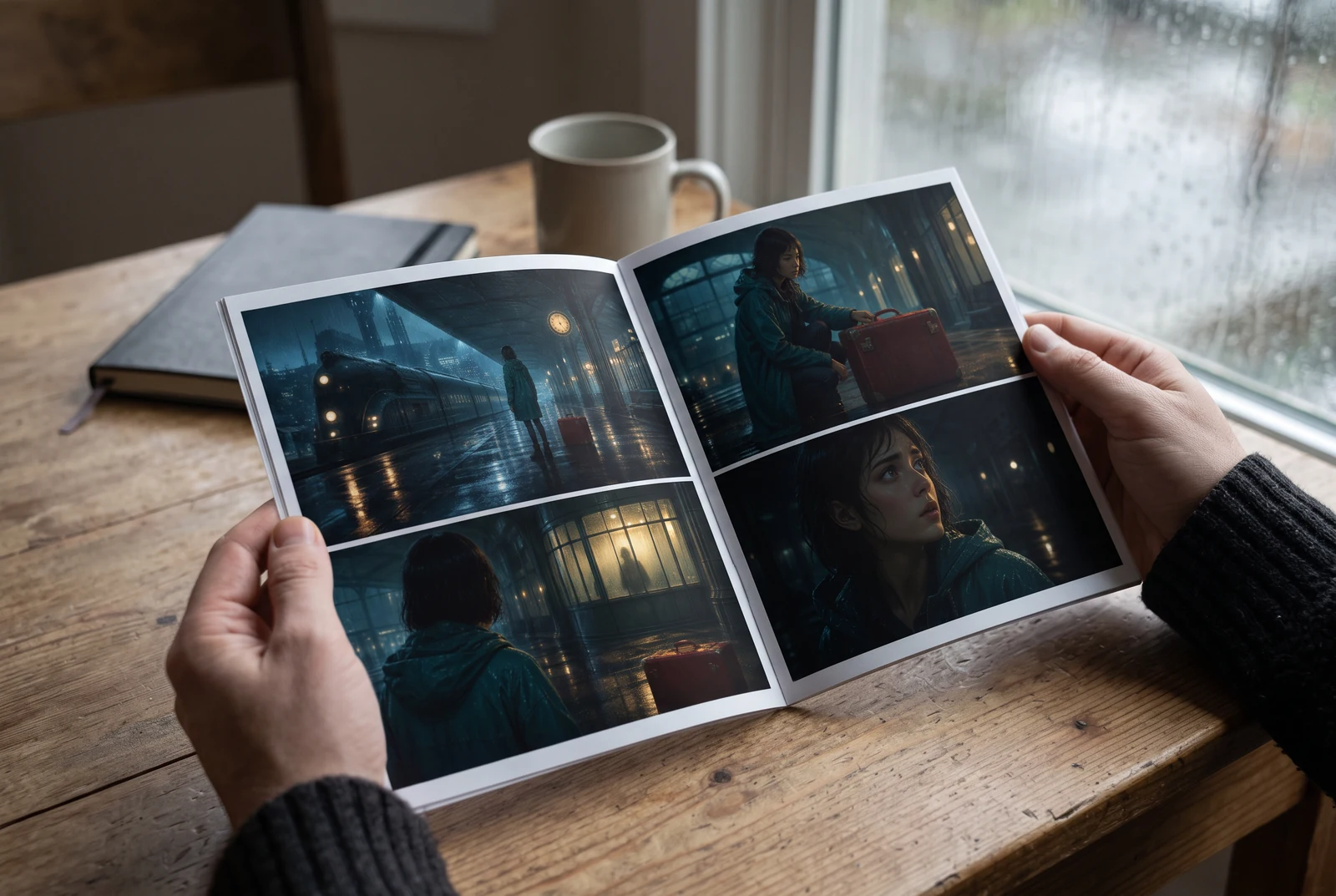
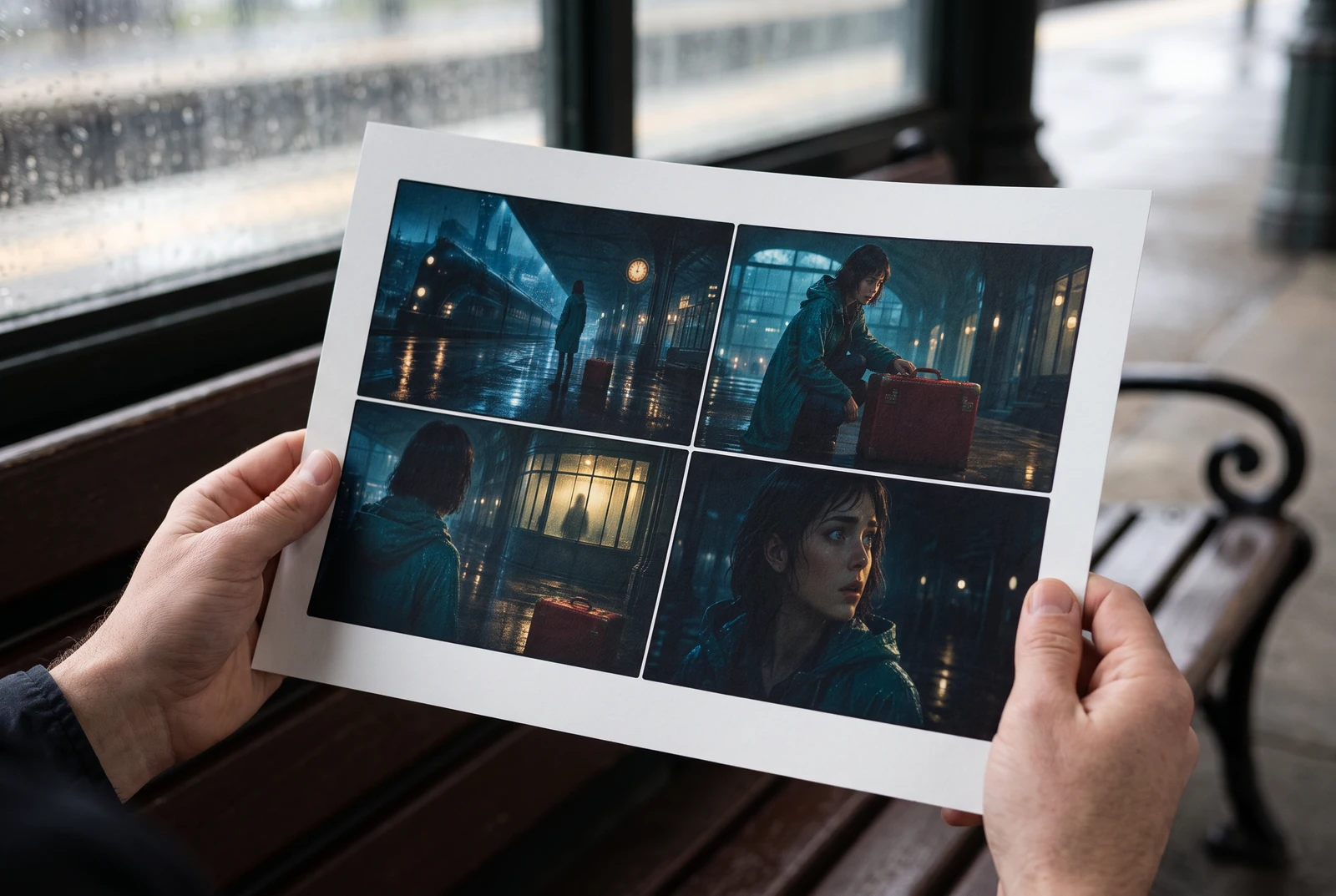
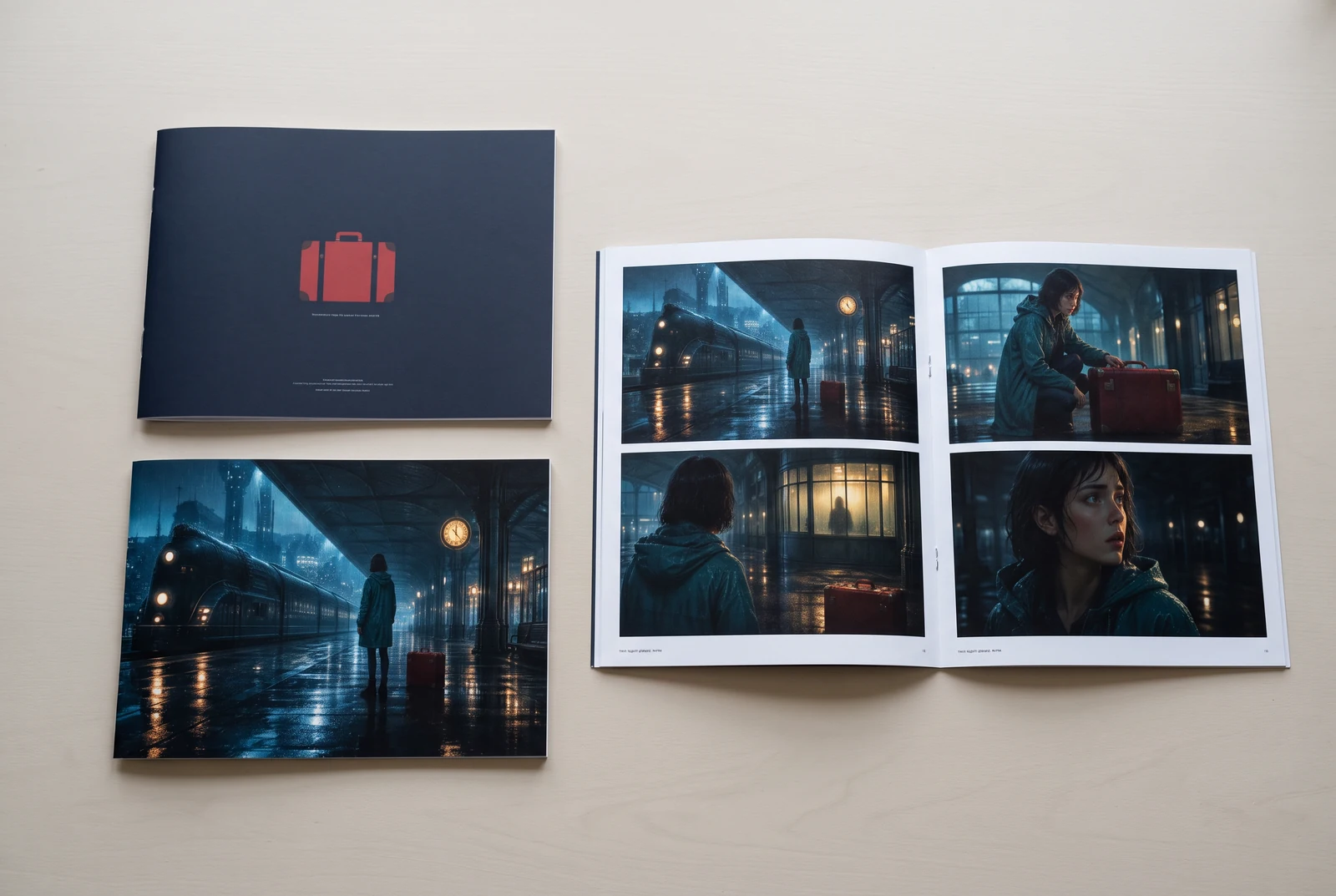
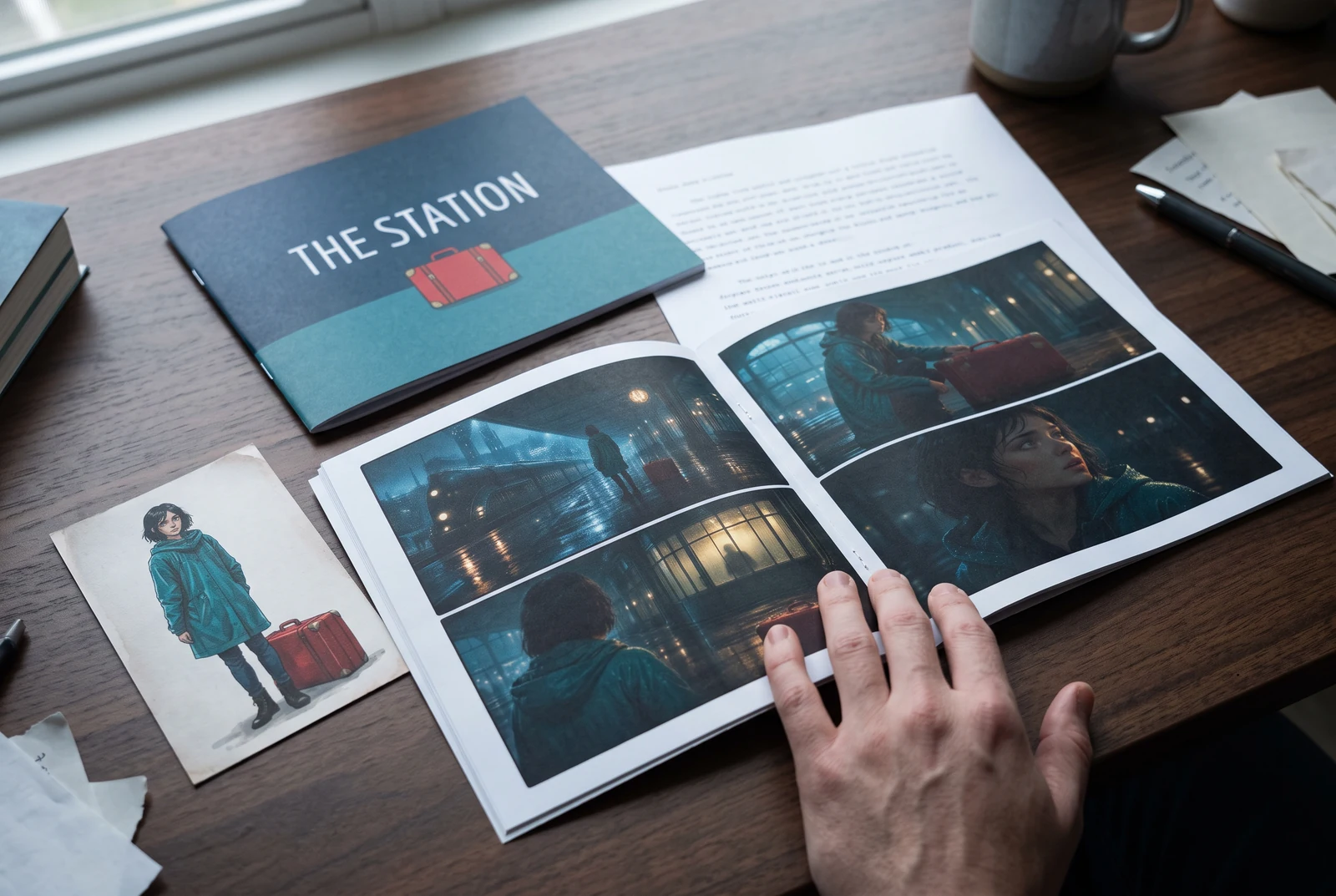
AI-generated display concepts using original LlamaGen story art. Paper examples illustrate personal printing and reading; they are not customer photographs or a print-delivery offer.
Test a premise, change the point of view, or work through the opening of a short story.
Draft scene beats and dialogue before planning comic panels or storyboard shots.
Create writing prompts and sample narratives. Review the output and follow your classroom or team's AI rules.
Describe a protagonist, setting, goal, and obstacle. Choose a tone and output language in your prompt.
Select Generate story. The result is a draft to review; one response is not a complete book.
Check the voice, facts, and continuity. Continue the next scene or rewrite the opening. Copy a version before replacing it.
Keep this text in this browser for up to seven days while you sign in, then choose a workspace and save it in Story. AI continuation uses your account's plan allowance.
AI can invent facts, repeat familiar phrasing, or lose track of a character. Review every draft before sharing it. Follow LlamaGen's terms and your school or workplace rules; check third-party material before publishing.
To narzędzie działające w przeglądarce, które zamienia Twoje pomysły w uporządkowane historie z pomocą AI. Wpisz prompt i otrzymaj szkic z fabułą, bohaterami, dialogami, scenami oraz kierunkiem wizualnym do prozy, komiksów, pisania klasowego, filmów lub visual novel.
Dobry prompt zawiera pomysł na historię, gatunek i ton. Na przykład: „Samotna wiedźma otwiera kawiarnię w lesie” z ciepłym klimatem slice-of-life. Im jaśniej opiszesz swój pomysł, tym lepsza będzie historia. Dodaj szczegóły dotyczące bohaterów, miejsca akcji, emocjonalnego tonu i kluczowych punktów fabuły, które chcesz uwzględnić.
Możesz edytować lub rozbudować historię albo użyć jej jako bazy do tworzenia kadrów komiksowych lub scen visual novel z ilustracjami, układami i dialogami w naszych narzędziach. Wielu twórców używa wygenerowanych historii jako scenariuszy do budowania kompozycji kadrów, ekspresji postaci i płynności wizualnej.
Oszczędza czas, pobudza kreatywność i pomaga pisarzom na każdym poziomie przełamać blokadę twórczą. Niezależnie od tego, czy tworzysz prozę, komiks, visual novel, prompt do klasy czy scenariusz wideo, daje Ci szybki punkt startowy z strukturą narracyjną, której zwykle opracowanie zajęłoby godziny.
Yes. Choose Save this draft in Story, sign in, select a workspace, and confirm saving. The text stays in this browser for up to seven days and is never placed in the URL. If you reach a Story plan limit, compare plans and return to save the same draft.
Na tej stronie możesz wygenerować pierwszy szkic bez kupowania oprogramowania do pisania. Logowanie odblokowuje Story, zapisaną historię, storyboard, komiksy i workflow wideo, które korzystają z kredytów Twojego planu.
Narzędzie obsługuje elastyczne prompty dla romansów, fantasy, horroru, dramatu, komedii, życia szkolnego i gatunków eksperymentalnych. Nie wciska Twojego pomysłu w jeden ogólny szablon, a jednocześnie zachowuje generowanie w ramach zasad bezpieczeństwa platformy.
Możesz dalej generować nowe szkice, alternatywne zakończenia, zwroty akcji, łuki postaci i wersje scen, kiedy eksplorujesz pomysły. Dłuższe projekty, zapisana historia i produkcja wizualna wykorzystują konto oraz kredyty Twojego planu.
Większość historii powstaje w 5-10 sekund, w zależności od złożoności i długości. Nasza AI przetwarza prompt niemal natychmiast, więc możesz szybko iterować i w kilka minut eksplorować wiele kierunków fabularnych.
Obsługujemy wszystkie główne gatunki, w tym romans młodzieżowy, miejską fantastykę, superbohaterów, sci-fi, horror, tajemnicę, slice-of-life, akcję, nadprzyrodzone, komedię, dramat, historię i wiele więcej. Po prostu określ preferowany gatunek w prompcie.
Na tej stronie możesz wygenerować pierwszy szkic bez zakładania konta. Logowanie odblokowuje Story, historię między sesjami, storyboard, komiksy i workflow wideo, które korzystają z kredytów Twojego planu.
Obecnie prompty po angielsku dają najbardziej niezawodne szkice. Nadal możesz wpisać zarys w innym języku; dokładnie sprawdź wynik i kontynuuj edycję w Story.
LlamaGen builds tools for writing, comics, and storyboards. Explore the team and product, check plan details, or contact support before choosing a workflow.
Write a premise. Explore an opening. Decide what happens next.
Generate story