


We independently review every app we recommend.
If you're throwing together a quick social media graphic, making a poster for an upcoming event, or building a quick presentation, Canva is still one of the easiest design tools to reach for. But it isn't the only option, and it definitely isn't the best fit for every workflow.
I've spent a lot of time comparing visual tools that sit somewhere between "fast enough for non-designers" and "powerful enough for real work." Canva wins on approachability, but some alternatives do better when you care about stronger editing, lower cost, team workflows, print handoff, video, or story-first visual creation.
This version keeps the structure and evaluation logic that made the original roundup useful, while extending it for LlamaGen readers who are comparing template tools with newer AI-native creation workflows.
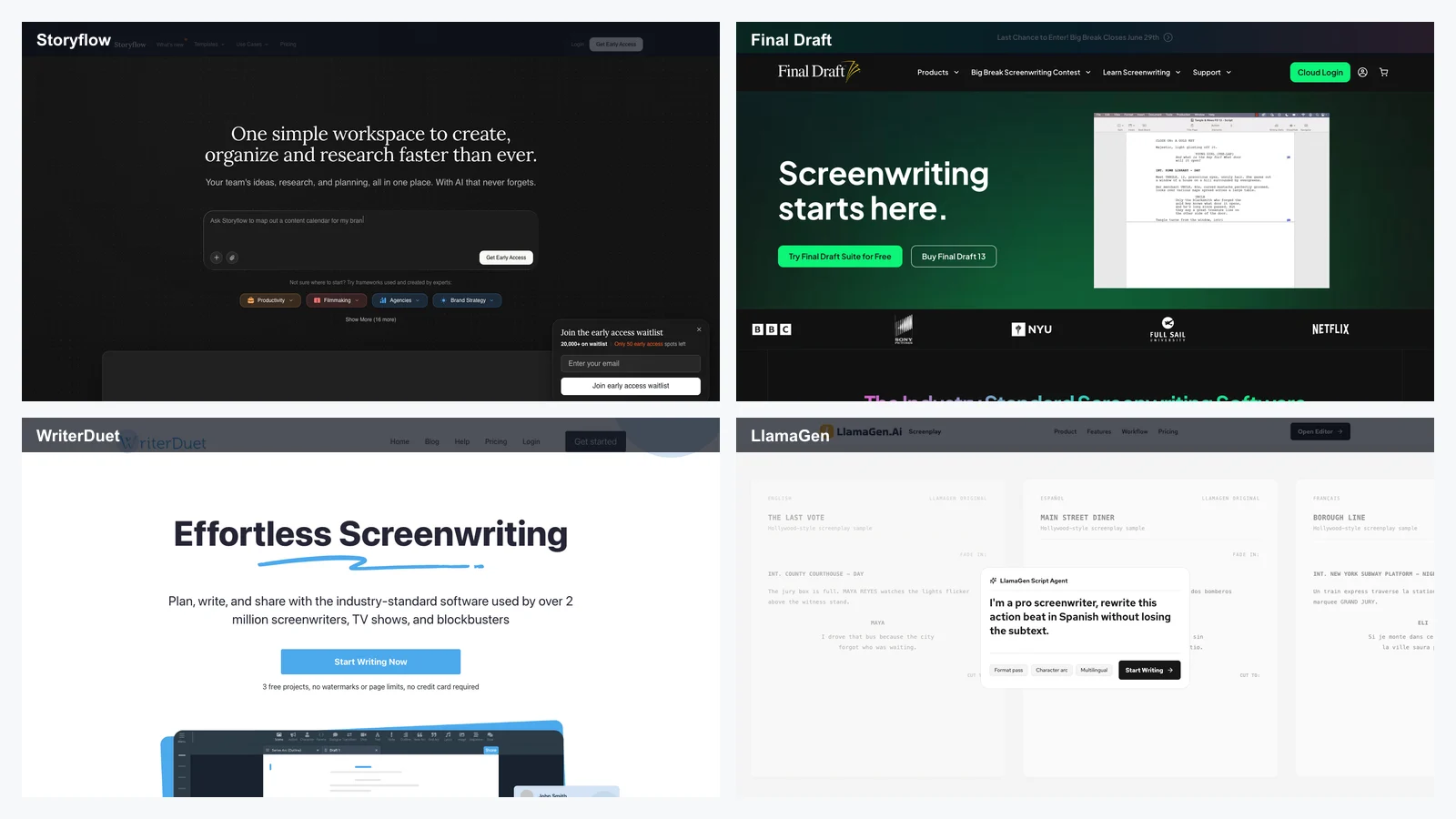
LlamaGen is worth a look when your output is not just a poster or social post, but a sequence: comics, manga panels, storyboards, character variations, and webtoon-style assets that need to stay visually coherent from frame to frame. That's the gap traditional "Canva alternative" lists usually miss.
Let's get one thing out of the way: Canva is popular for a reason.
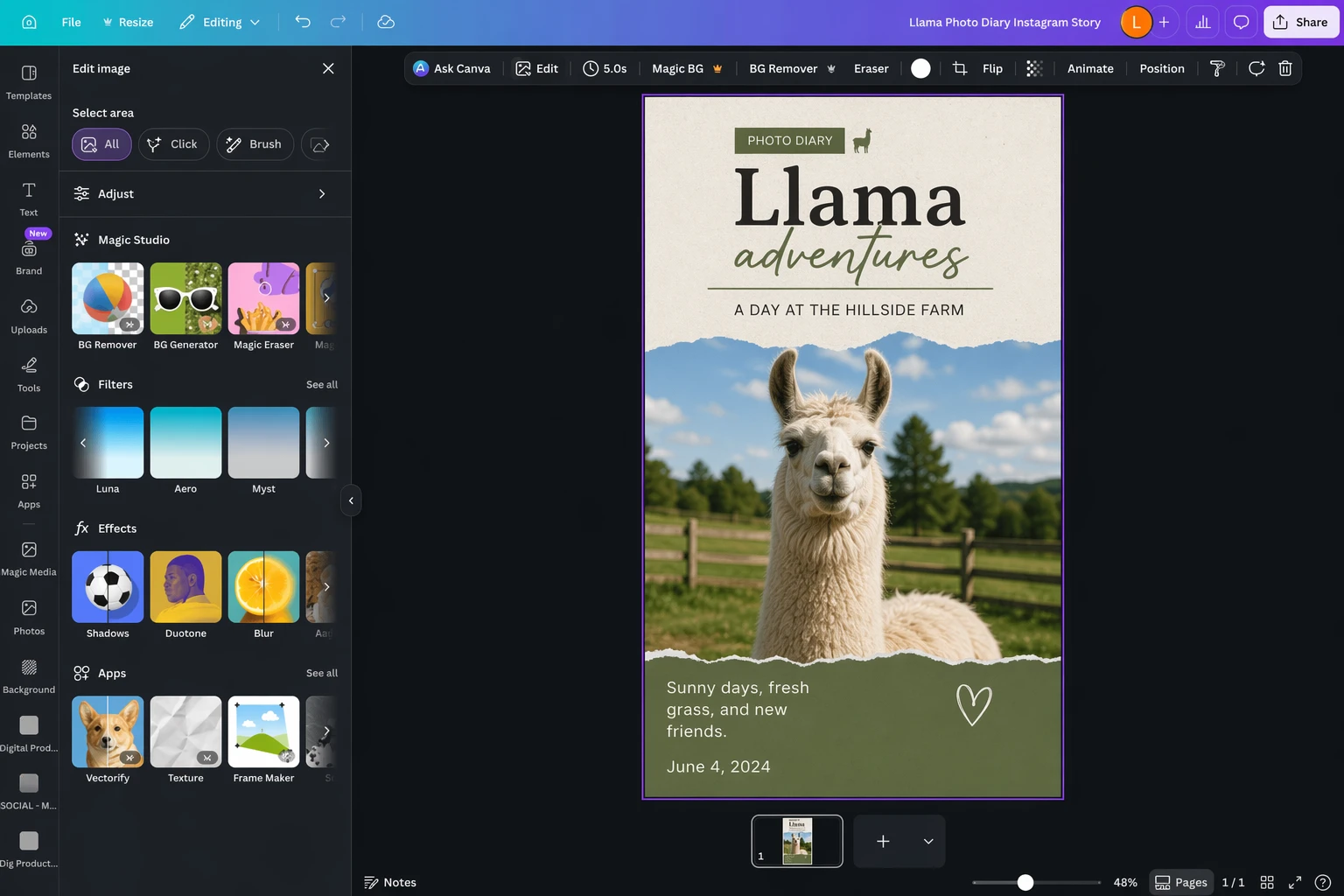
Canva is a template-based design tool with a huge asset library, a friendly drag-and-drop editor, and a broad enough feature set to handle everything from social graphics to presentations, flyers, resumes, simple videos, and lightweight docs. It lowers the skill floor in a way that made design software accessible to a much larger group of people.
Over the last few years, Canva has also layered in more AI features: text-to-image generation, background removal, resize and reformat tools, prompt-based template generation, and assorted writing helpers. Some are stronger than others, but the overall direction is clear: Canva wants to be the default creative workspace for mainstream business users.
It also helps that Canva has a generous free tier, affordable paid plans, and solid collaboration features. If what you need is "make something polished fast," Canva is still an easy recommendation.
For a tool to count as a real Canva alternative, it needs to do more than edit a single image well. It should help you produce repeatable, usable visual work without turning every task into a design project.
Here are the criteria that matter most:
For LlamaGen readers, there's one more useful lens: some "alternatives" are still template-first, while others are becoming workflow-first. If your work includes comics, webtoons, sequences, scene consistency, character continuity, or storyboard exploration, your ideal replacement may look less like Canva and more like an AI-native creation tool.
| App | Best for | Standout feature | Free plan |
|---|---|---|---|
| Adobe Express | The best Canva alternative overall | Tight integration with Adobe's wider creative stack | Yes |
| Snappa | Occasional graphics on a free plan | Almost all core features are available before you pay | Yes |
| Pixlr | Budget-conscious image editing | Multiple lightweight tools in one subscription | Yes |
| BeFunky | Photos and collages | Strong photo editor plus collage workflows | Limited |
| VistaCreate | Print-first design work | Good print templates and VistaPrint handoff | Yes |
| Desygner | Small teams | Affordable team-friendly template workflows | Yes |
| Clipchamp | Video editing | Better browser-based video workflow than Canva | Yes |
| LlamaGen | Comics, webtoons, storyboards, and visual narratives | AI-native story and character workflow instead of single-frame templates | Yes |
Adobe Express pros
Adobe Express cons
Adobe Express is the most obvious Canva alternative to try first because it balances accessibility with real editing power. It feels more serious than Canva without immediately forcing you into a pro-designer workflow.
The biggest advantage is context. If you already touch Photoshop, Illustrator, Adobe Fonts, or Firefly, Express fits into a larger creative stack instead of acting like an isolated template app. That makes it easier to go from "quick social design" to "real brand asset" without redoing work.
It still serves non-designers well, but it especially shines for people who are slowly outgrowing Canva and want more control before jumping all the way into full Adobe complexity.
Adobe Express pricing: Free plan available; premium plans start around the same range as Canva Pro.
Snappa pros
Snappa cons
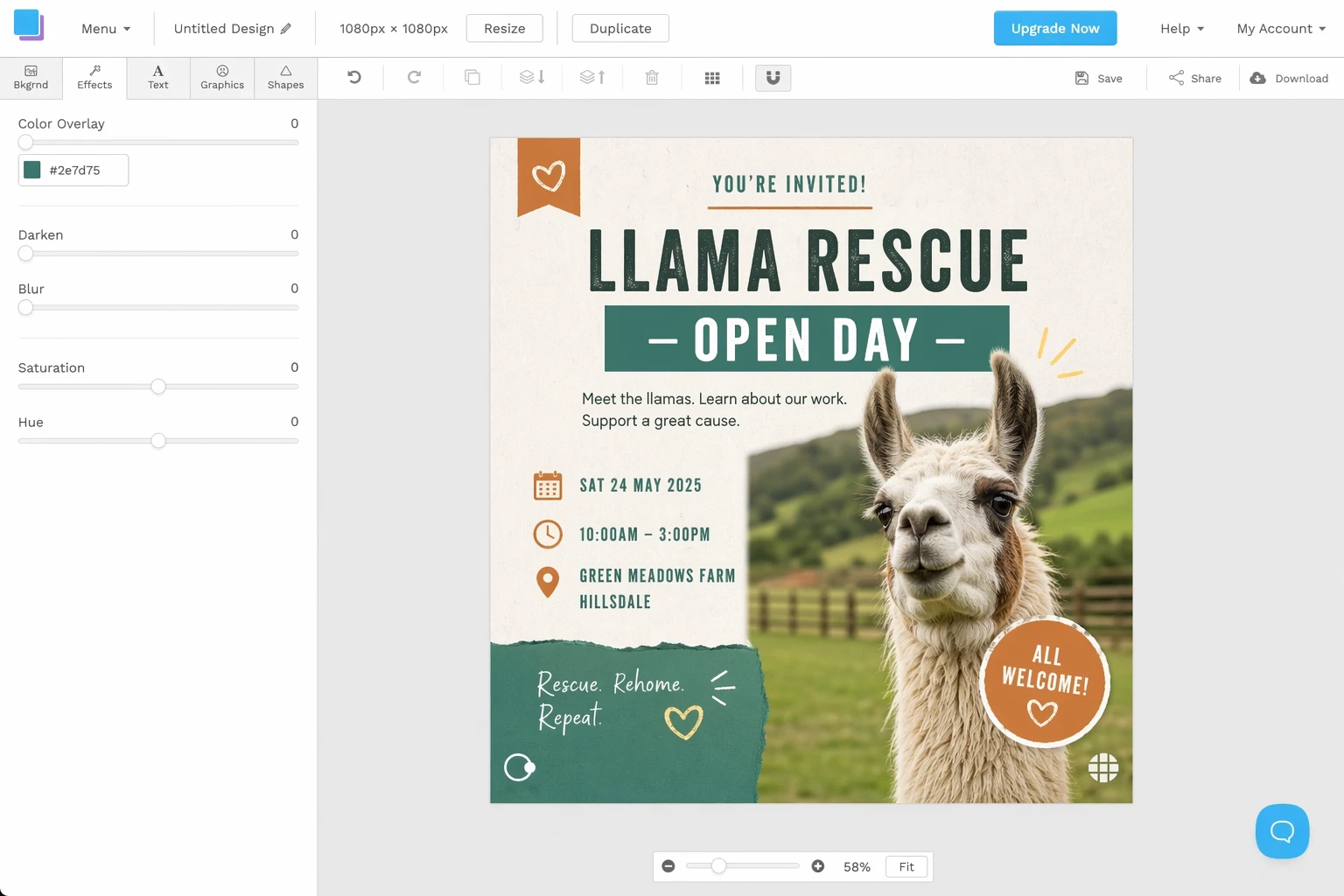
Snappa is appealing because it doesn't constantly interrupt you with upgrade pressure while you're still figuring out whether the tool fits. If you make the occasional banner, simple social post, or blog graphic, that matters more than people admit.
Its limitation is scale. Once you need more variety, deeper editing, stronger brand systems, or richer AI tooling, Snappa starts to feel narrow. But for infrequent design work, it stays refreshingly usable.
Pixlr pros
Pixlr cons
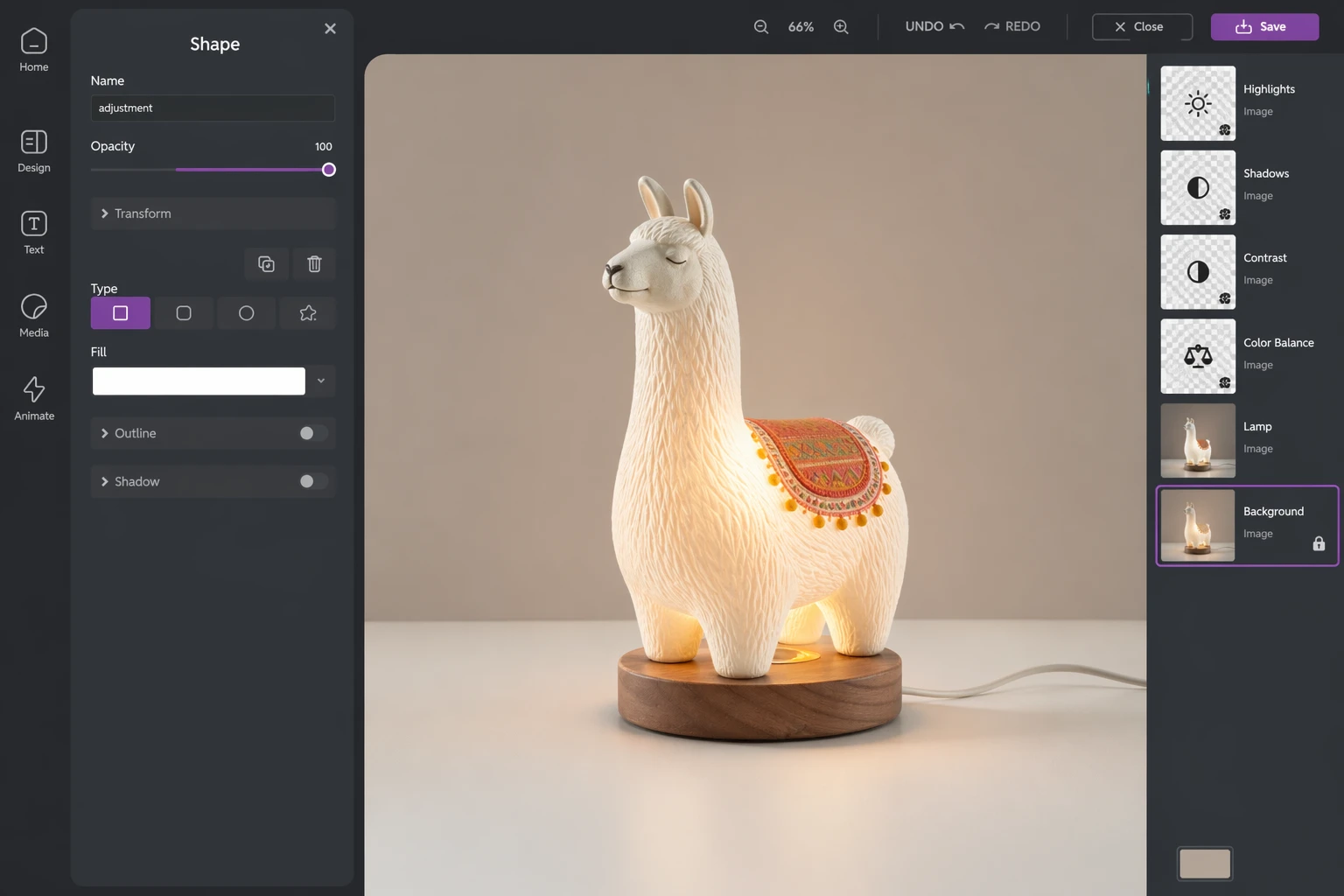
Pixlr is strongest when price sensitivity matters but you still want access to AI-assisted editing and more than a bare-bones template editor. It isn't as polished as Canva or Adobe Express, but it punches above its price point.
The suite approach helps here: template design, retouching, background removal, and batch work live in adjacent tools, so you can move between simple composition and more detailed image work without buying into a heavy stack.
If you're making marketing visuals on a budget, Pixlr is one of the easiest "good enough plus surprisingly useful" options on the list.
BeFunky pros
BeFunky cons
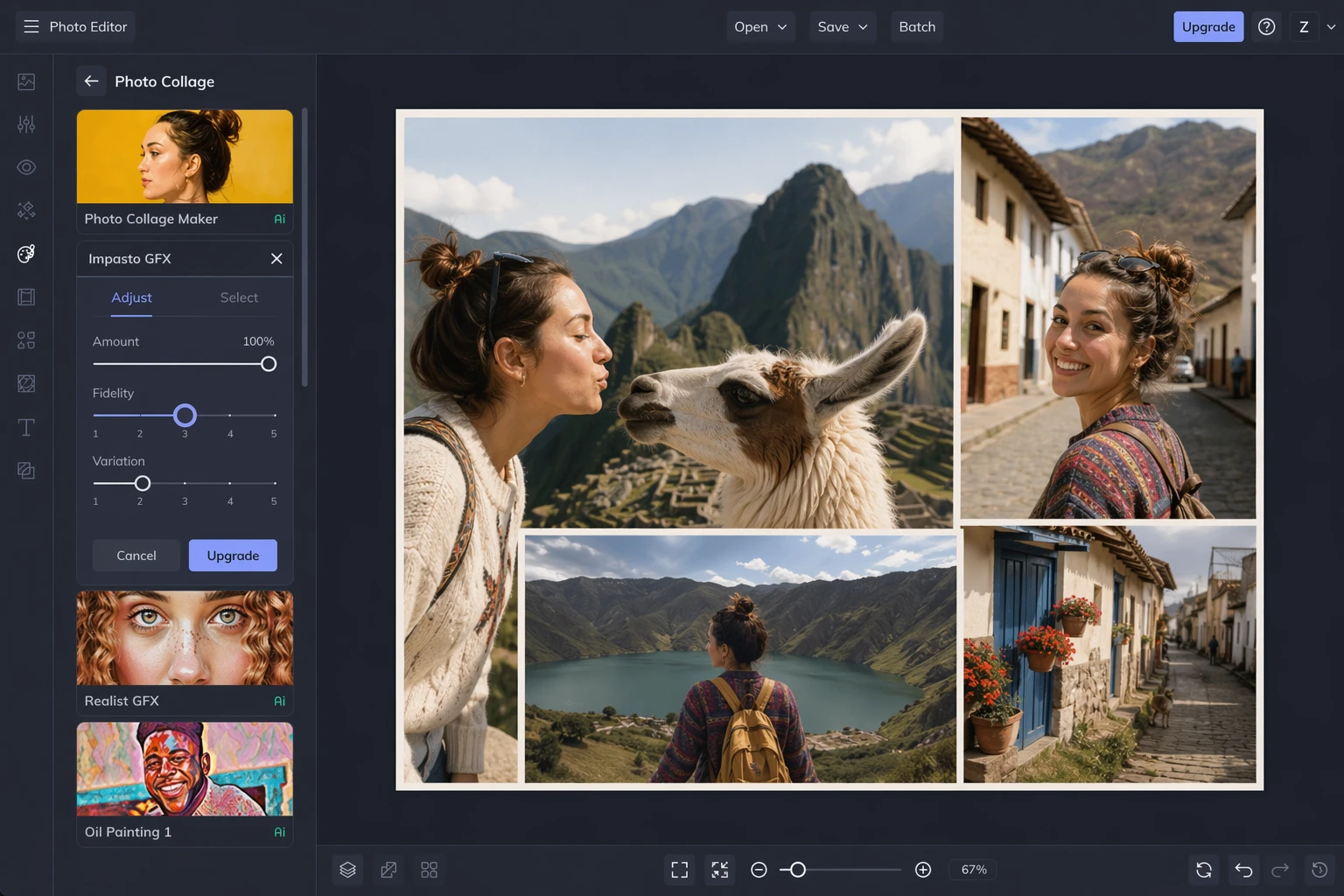
BeFunky is one of the better picks if your raw material is photography. Its photo editor matters more than its template catalog, and that's exactly why some people will prefer it.
If your workflow involves enhancing images, building collages, restoring or stylizing photos, and turning those into shareable designs, BeFunky feels more purpose-built than Canva. If you're primarily making decks, flyers, and brand templates, Canva still has the broader system.
VistaCreate pros
VistaCreate cons
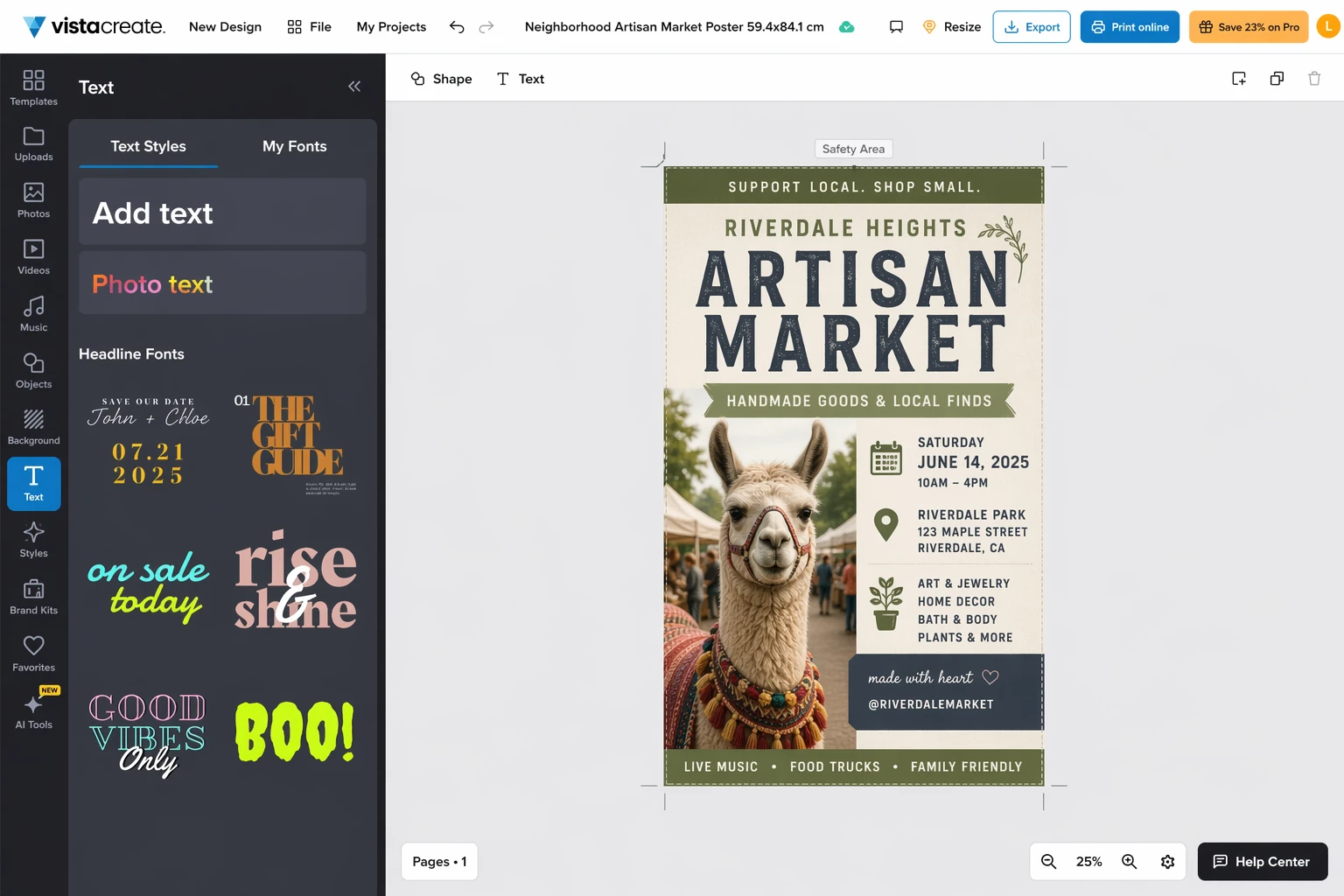
Most designs never get printed, but if yours do, print handoff matters. VistaCreate earns its place because it makes posters, cards, brochures, and other print-ready work more straightforward than many "all-purpose" tools.
It's not the most feature-rich editor here, but it has a clearer answer to a practical question: "How do I go from design to printed thing without introducing extra friction?"
Desygner pros
Desygner cons
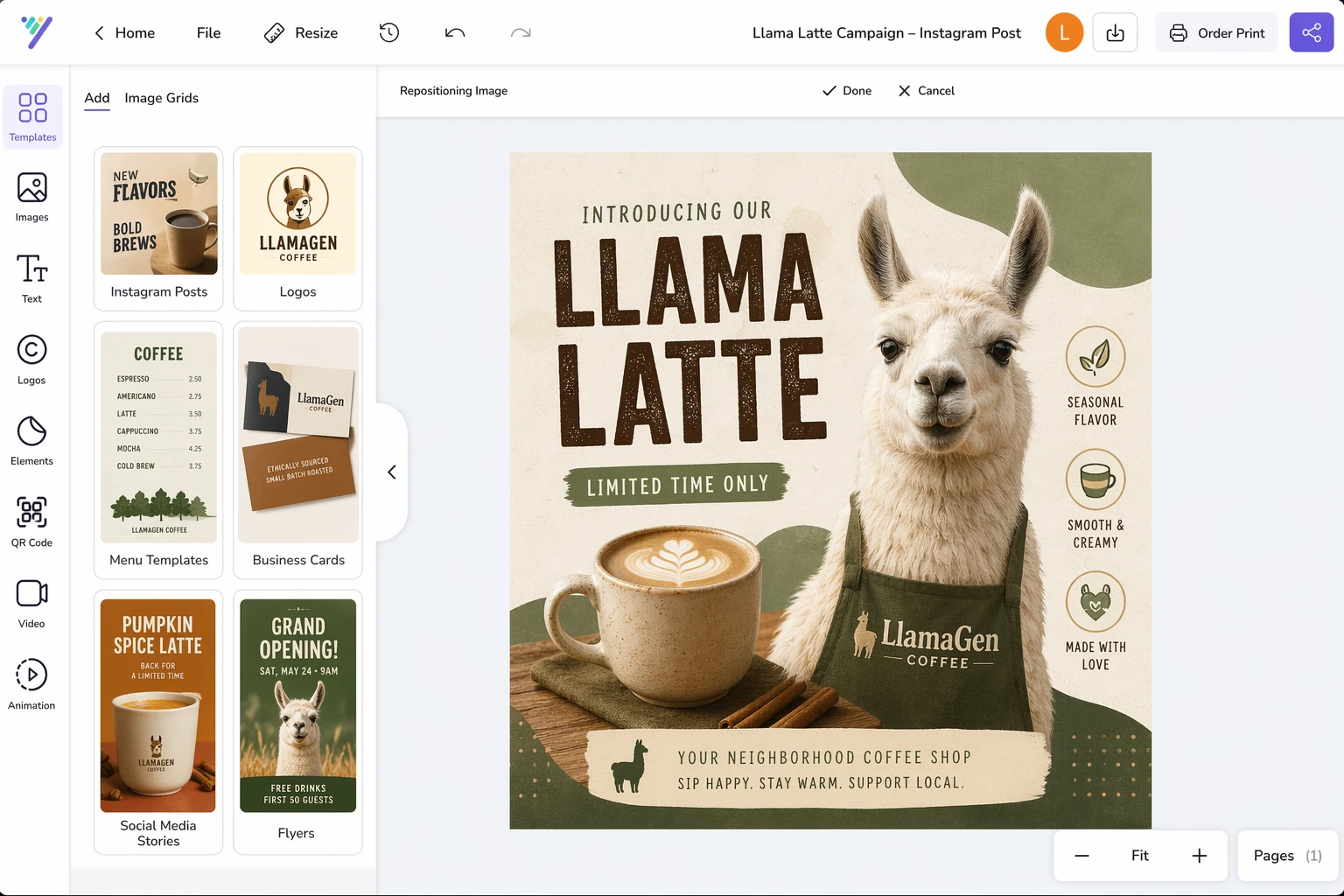
Desygner makes the most sense when a small team needs repeatable branded assets without paying for a more expansive system. It's not the most sophisticated product, but it does a good job of helping non-specialists produce usable work quickly.
That makes it a practical choice for local businesses, lean marketing teams, and teams that need simple templates more than deep creative tooling.
Clipchamp pros
Clipchamp cons
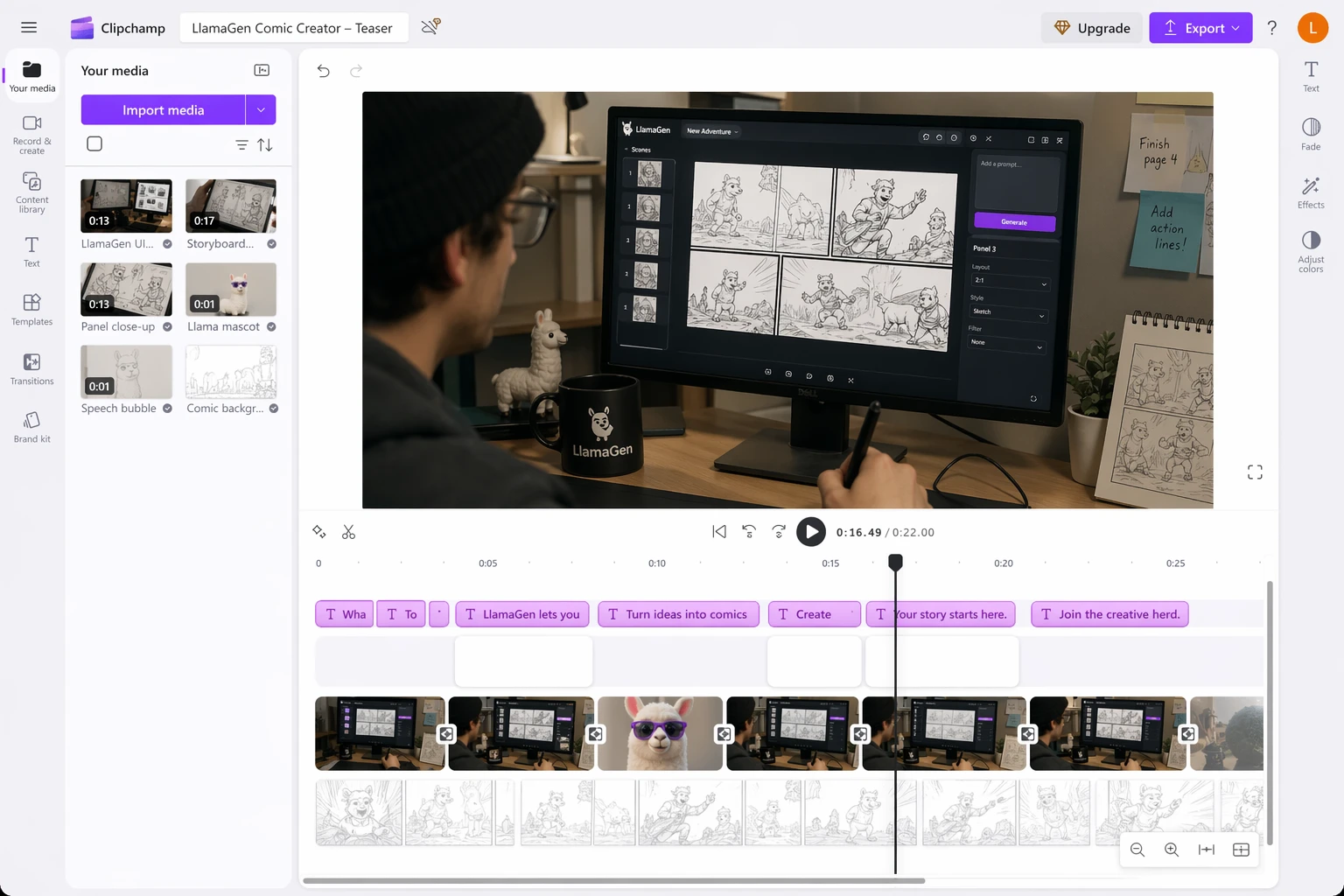
Canva can handle lightweight video, but Clipchamp is the better option if motion is a meaningful part of your workflow. The timeline is more comfortable, the editing model is more credible, and the product feels designed around video rather than accommodating it.
If you regularly cut social clips, explainers, demos, or creator content, Clipchamp is one of the easiest upgrades from Canva's built-in video tools.
LlamaGen pros
LlamaGen cons
Traditional Canva alternatives mostly compete on the same axis: templates, asset libraries, editing controls, price, and collaboration. LlamaGen competes on a different one.
If your goal is to create a comic episode, iterate on character looks, test shot composition, generate storyboard-style frames, or build a visual story world that stays coherent across multiple outputs, template-first design apps can feel limiting very quickly. You end up fighting tools that were optimized for isolated banners and posts.
LlamaGen is stronger when the unit of work is a scene, a sequence, a character set, or a story beat. That makes it especially relevant for indie creators, webtoon teams, AI-assisted art directors, and marketers who want campaign visuals that feel like a connected world rather than disconnected one-off designs.
This doesn't make it a universal Canva replacement. If you mostly need a restaurant menu, school flyer, or quick LinkedIn carousel, Canva, Adobe Express, or VistaCreate may still be more direct. But if you want to build a repeatable AI-native narrative workflow, LlamaGen is the more interesting option.
If you want the closest all-around Canva replacement, start with Adobe Express.
If cost matters most, look at Pixlr or Snappa.
If your work is photo-heavy, BeFunky makes more sense than a template-first tool.
If you print a lot, VistaCreate deserves a real look.
If you cut video often, Clipchamp is the clearest upgrade.
And if your work is story-driven instead of single-frame, LlamaGen is the outlier that may fit better than any classic Canva alternative.
The honest version is that Canva is still excellent for broad everyday design work. But the moment your needs become more specific, there are better tools in specific directions. That's what makes this category interesting in 2026: the best alternative depends less on "which app looks most like Canva" and more on what kind of visual work you're actually trying to ship.
Related reading
This archived LlamaGen adaptation was refreshed on April 24, 2026 with local assets, image replacements, and story-first editorial notes.
© 2026 LlamaGen.Ai สงวนลิขสิทธิ์
ผู้นำด้านอนาคตของการสร้างคอมิก AI