

Vertical webtoon template for four mobile reading beats
Example preview
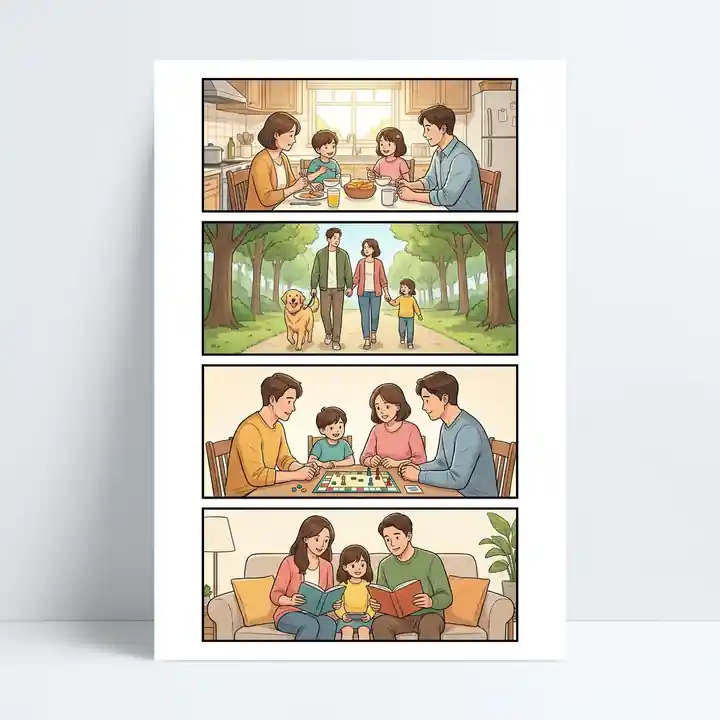
Plan a short mobile webtoon scene with four stacked portrait panels, generous gutters, and a clear top-to-bottom sequence. The template starts from a four-panel 5:8 portrait layout direction.
Adapt one short scene to a mobile scroll, using each portrait panel to reveal the next piece of information.
When to use this template
- A character entering a place and discovering something in four successive beats.
- A short mobile episode opening that moves from establishing shot to reaction.
- A silent visual scene where spacing and camera distance control the pace.
Build your first draft
Outline four beats in reading order
Write an establishing image, an approach, a discovery, and a reaction. Keep the cause and effect understandable from top to bottom.
Frame for a portrait panel
Place important faces, hands, and props within a tall composition. The template specifies four stacked 5:8 portrait panels with clean borders and white gutters.
Review the scene on a phone
Check that the order, faces, and focal props remain readable at a narrow width. Verify the generated panel boundaries and actual export dimensions before publishing.
Try a complete example
A light in the closed bookshop
Create a mobile vertical webtoon scene with four stacked 5:8 portrait panels, pure white margins, clean black borders, generous white gutters, no readable text. Panel 1: wide portrait establishing view of a quiet bookshop at dusk. Panel 2: a young courier in a green raincoat pauses at the closed door, holding a small parcel. Panel 3: close-up of a tiny warm light glowing inside a book on the window display. Panel 4: medium reaction shot of the courier leaning closer in curiosity, parcel still in hand. Soft blue evening outside, amber light inside, one focal action per panel.
Each scroll advances the same question. The move from setting to object close-up to facial reaction creates a small reveal without relying on dialogue.
Before you publish
- Treat the 5:8 layout as a generation brief; check real panel proportions and output dimensions before preparing a platform upload.
- Avoid an establishing shot full of tiny signs or distant faces that disappear on a phone.
Questions about this template
- What layout does this template start with?
- Its stored configuration uses four stacked portrait panels and a 5:8 panel layout. The source prompt requests white margins, black borders, and generous gutters.
- Does this produce a finished platform upload?
- It provides a creation starting point. Review the generated composition and check your destination platform’s current image size and upload requirements separately.
- How is this different from the dialogue webtoon template?
- This template focuses on general scene progression and discovery. Dialogue Beat Stack specifically alternates close-ups and two-shots to support a conversation.