Find a story worth following
Explore a character's goal, an unusual setting, or a difficult choice. Compare different openings before you commit to a direction.


Використовуйте LlamaGen.ai як AI-генератор історій і письменника. Перетворіть просту ідею на структурований чернетковий текст із сюжетом, персонажами, діалогами та шляхом до сторіборду або комікс-панелей.
Try the first draft here. Free access has limits; saved projects and visual tools use your account and plan credits.
See how it worksPick a prompt to read an illustrative opening, then generate your own version. These samples are prepared examples, not live results or customer testimonials.
Example opening
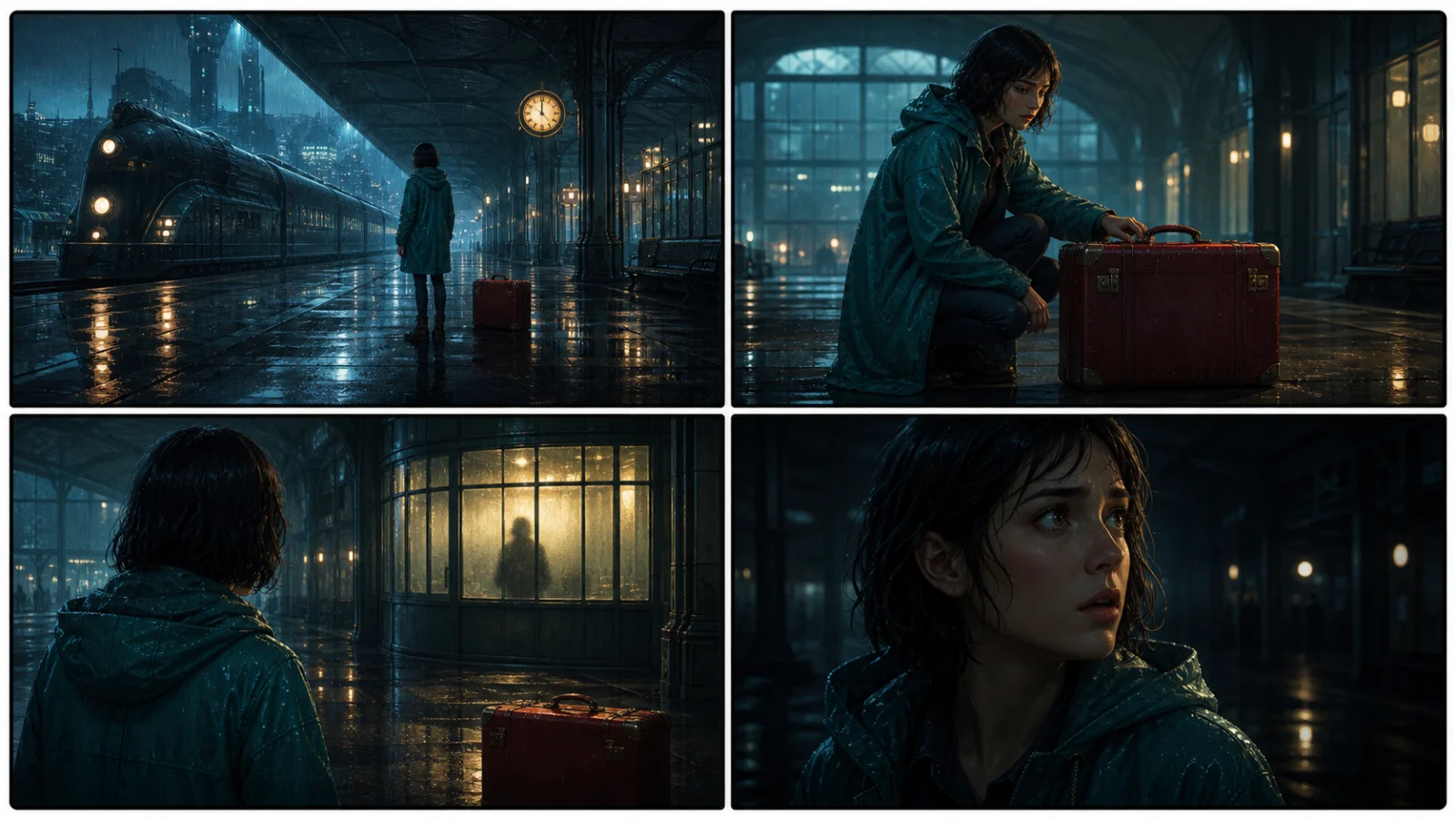
The radio said Mara's name before she switched it on. On Platform Three, rain gathered around a red suitcase. She had checked the platform a minute ago. Empty. Now someone had left a case beneath the broken clock, with a luggage tag written in her handwriting.
Start with something specific: a radio operator alone at a station, a red suitcase, and a message that knows her name. Generate an opening, read what works, then change the stakes or point of view. The next decision stays yours.
Generate story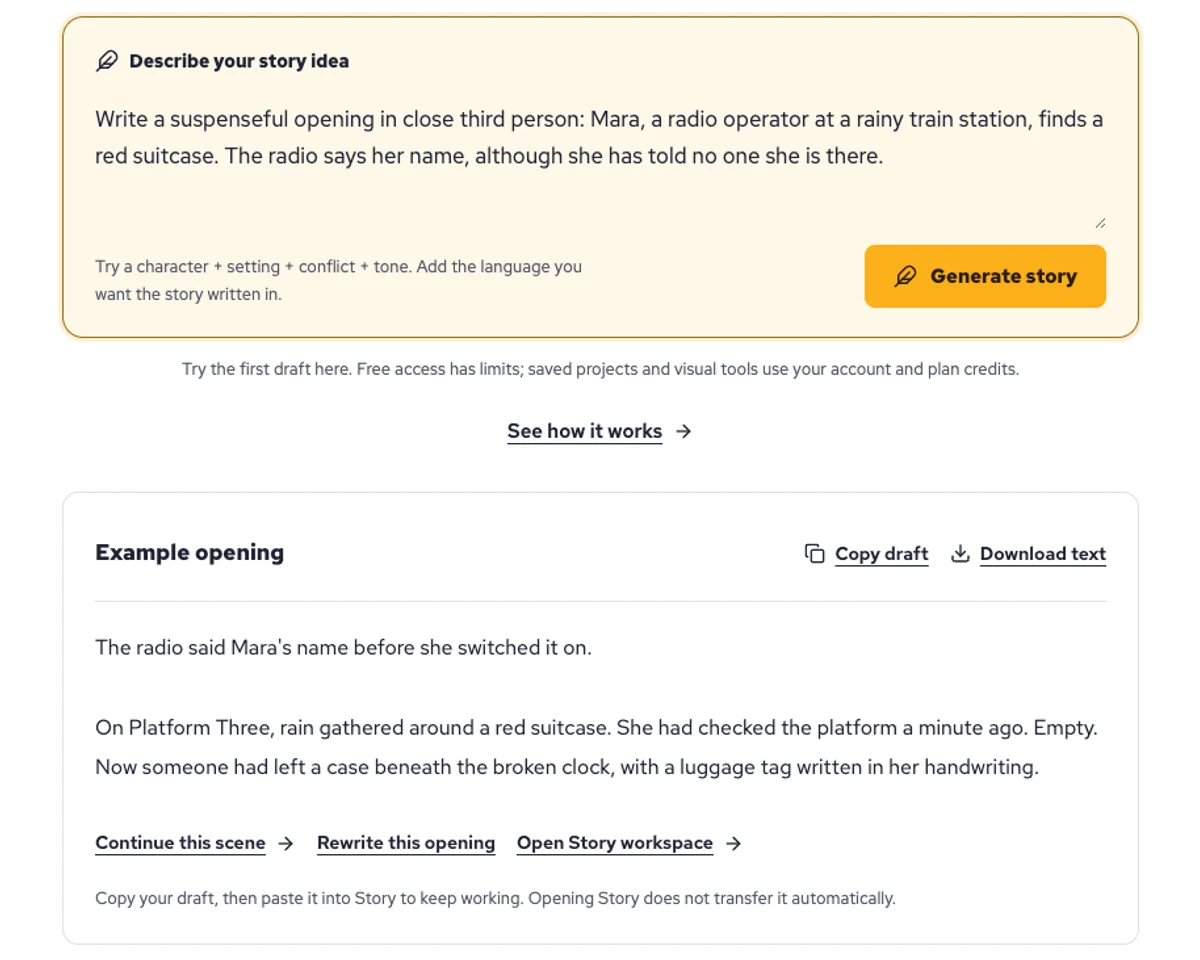
Explore a character's goal, an unusual setting, or a difficult choice. Compare different openings before you commit to a direction.
Paste an unfinished idea or use Continue after a draft. Read each new scene for names, motives, and details that need to stay consistent.
Use Rewrite to try a sharper opening. Copy a version you like before generating another, then edit the phrasing in your own voice.
This illustrative sequence follows Mara, her teal raincoat, and a red suitcase through four station shots. Use it as a guide: keep a character, location, and key prop consistent when you adapt your own draft into a storyboard or comic.
Explore script to storyboardThe same rainy-station story, imagined as a reading copy, a handheld proof, different cover designs, and a coordinated author set.
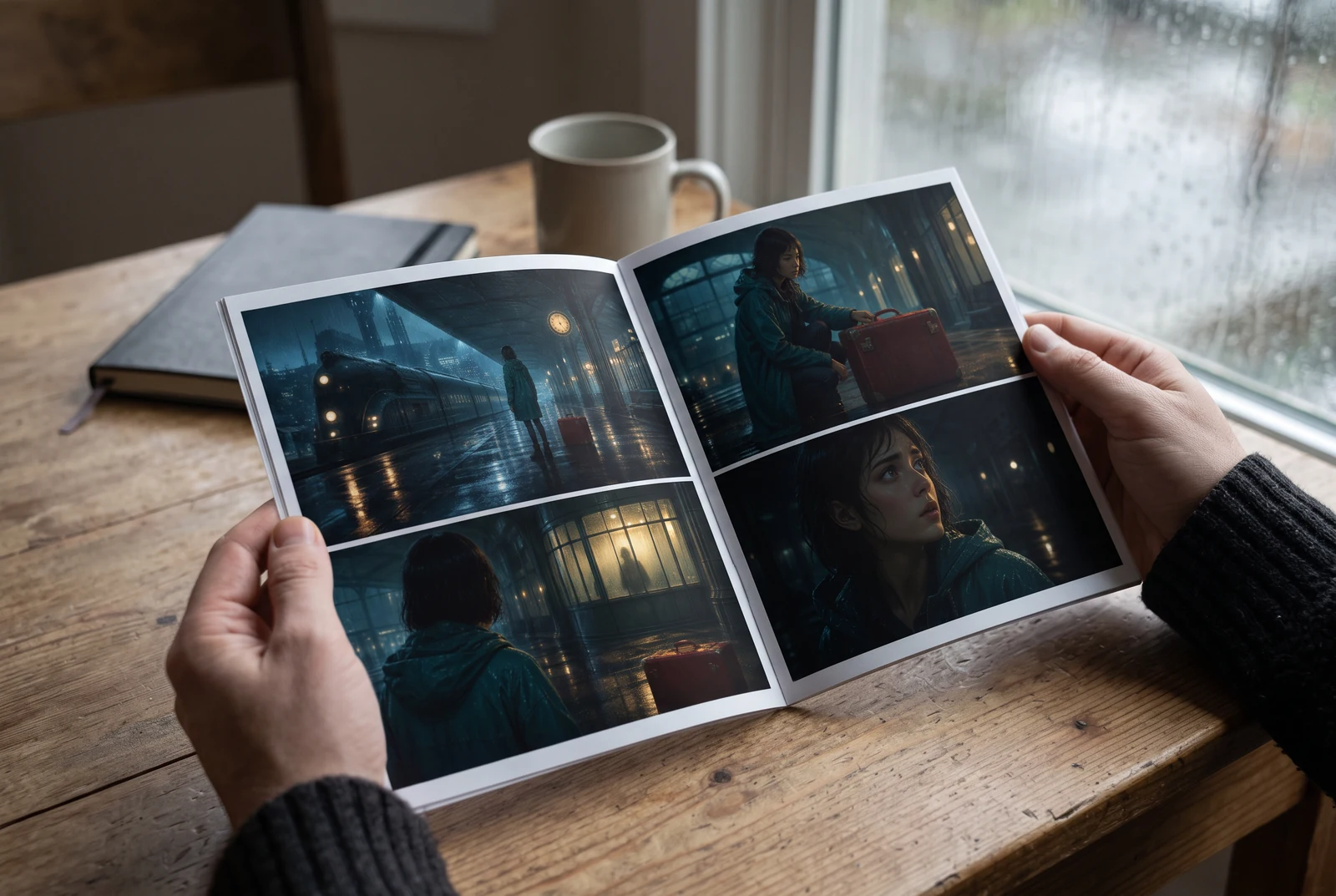
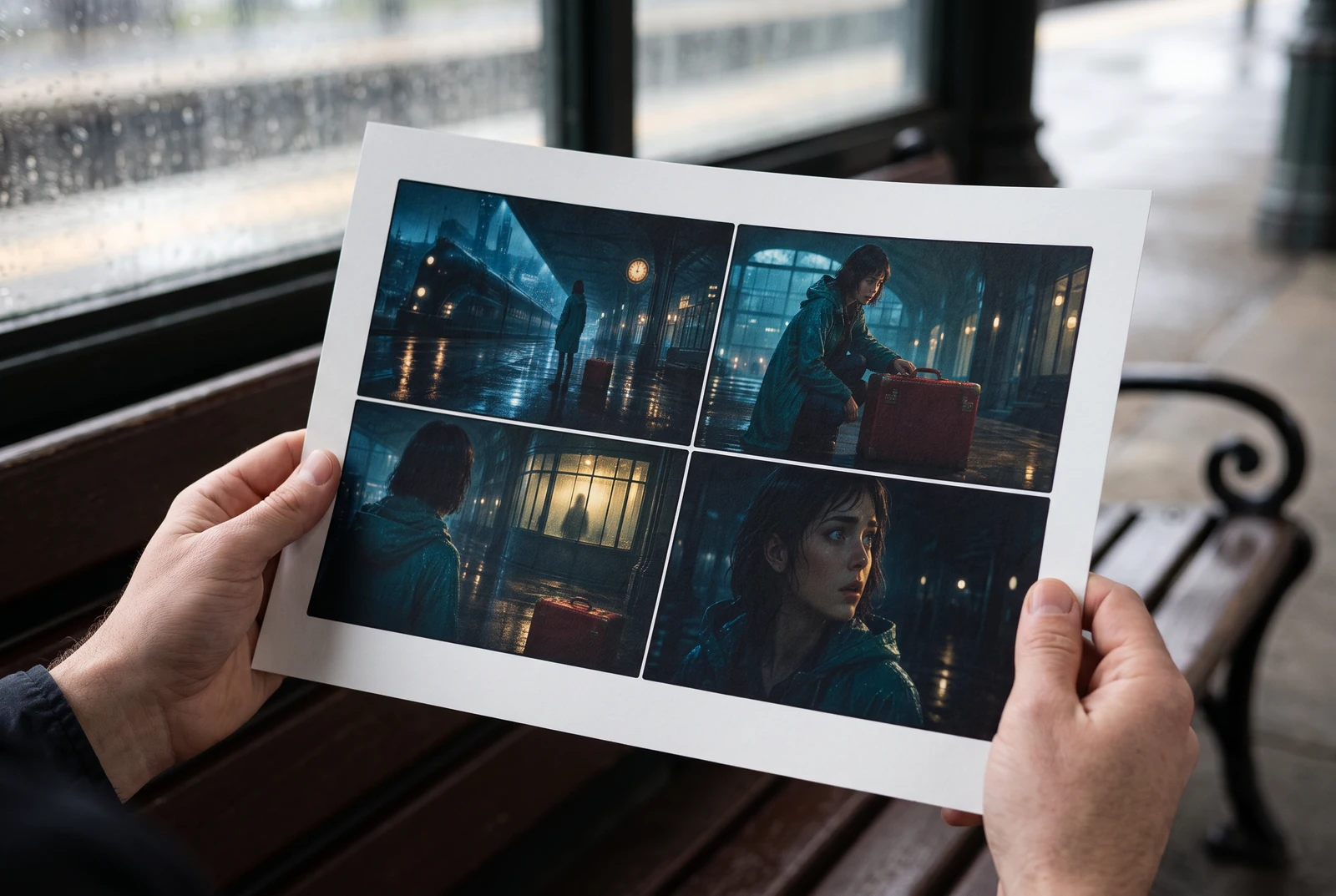
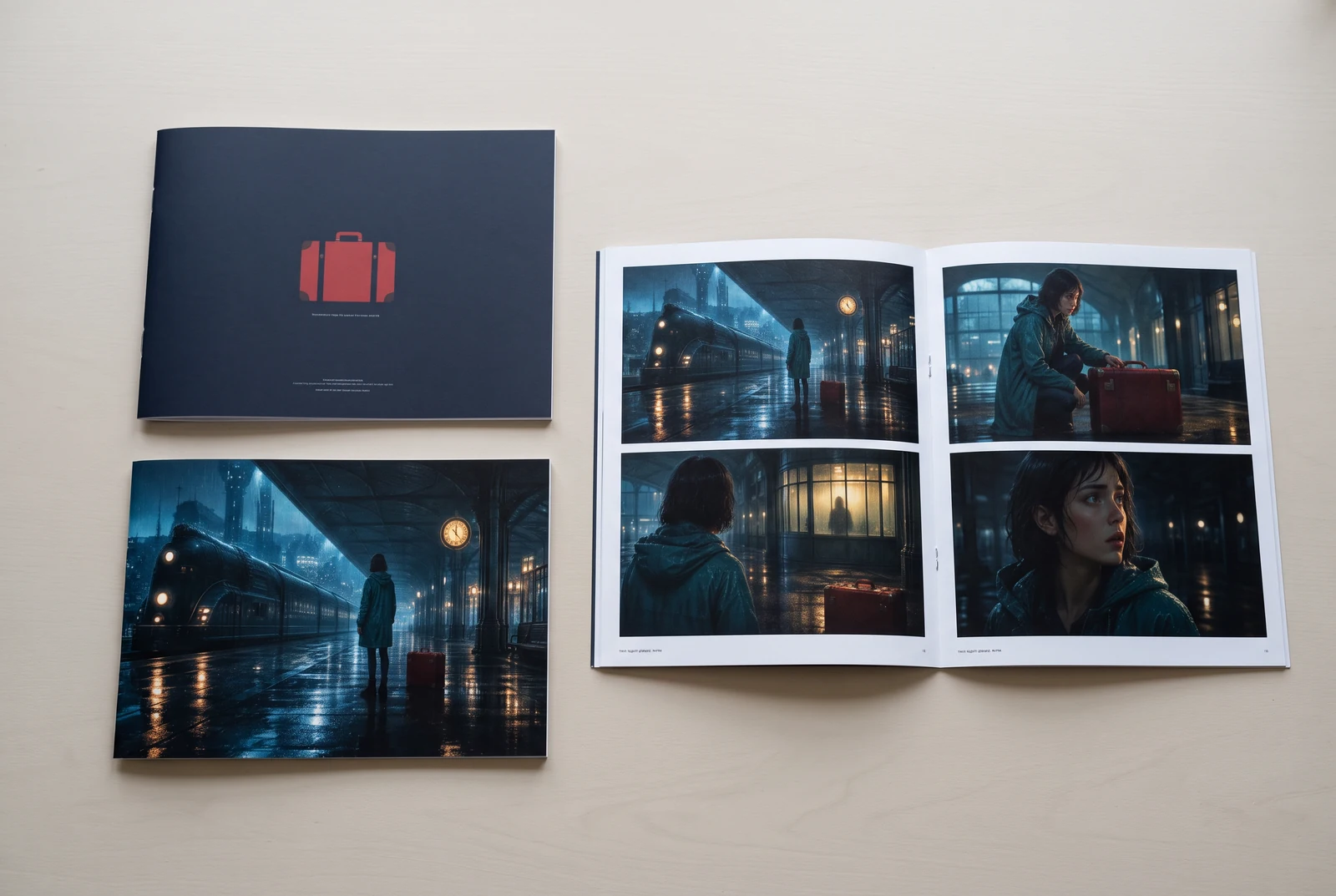
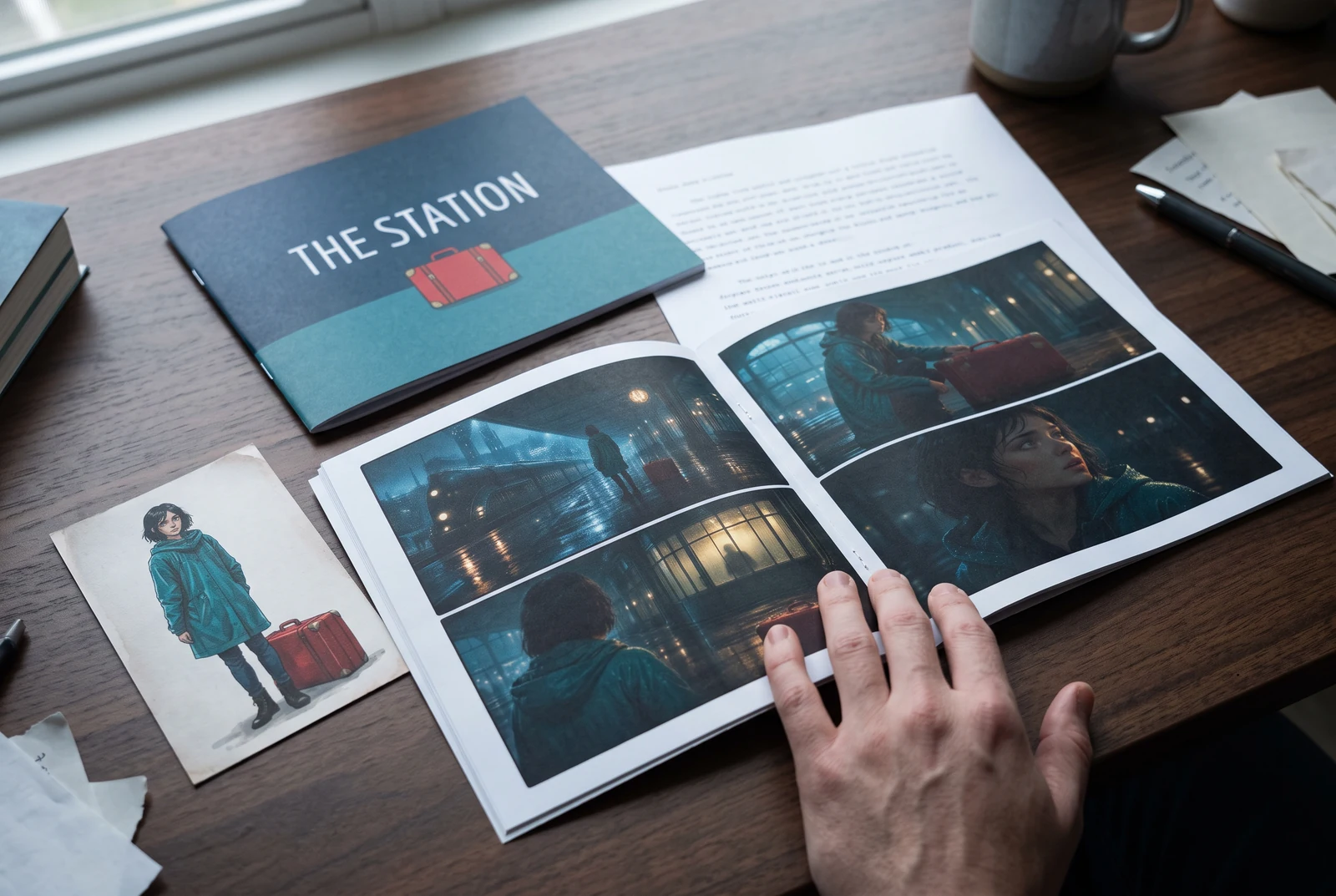
AI-generated display concepts using original LlamaGen story art. Paper examples illustrate personal printing and reading; they are not customer photographs or a print-delivery offer.
Test a premise, change the point of view, or work through the opening of a short story.
Draft scene beats and dialogue before planning comic panels or storyboard shots.
Create writing prompts and sample narratives. Review the output and follow your classroom or team's AI rules.
Describe a protagonist, setting, goal, and obstacle. Choose a tone and output language in your prompt.
Select Generate story. The result is a draft to review; one response is not a complete book.
Check the voice, facts, and continuity. Continue the next scene or rewrite the opening. Copy a version before replacing it.
Keep this text in this browser for up to seven days while you sign in, then choose a workspace and save it in Story. AI continuation uses your account's plan allowance.
AI can invent facts, repeat familiar phrasing, or lose track of a character. Review every draft before sharing it. Follow LlamaGen's terms and your school or workplace rules; check third-party material before publishing.
Це інструмент у браузері, який перетворює ваші ідеї на структуровані історії за допомогою AI. Введіть промпт і отримайте чернетку з сюжетом, персонажами, діалогами, сценами та візуальним напрямом для прози, коміксів, класних завдань, відео або візуальних новел.
Хороший промпт містить вашу ідею історії, жанр і тон. Наприклад: «Самотня відьма відкриває кафе в лісі» з теплим slice‑of‑life настроєм. Чим чіткіша ідея, тим кращою буде історія. Додавайте конкретні деталі про персонажів, сетинг, емоційний тон і ключові сюжетні повороти, які вам потрібні.
Ви можете редагувати або розширювати історію, або використати її як основу для створення комікс-панелей чи сцен візуальної новели з ілюстраціями, макетами та діалогами за допомогою наших інструментів. Багато авторів використовують згенеровані історії як сценарії для розробки композицій панелей, виразів персонажів і візуального потоку.
Він економить час, надихає на творчість і допомагає авторам будь-якого рівня долати творчі блоки. Чи створюєте ви прозу, комікс, візуальну новелу, завдання для класу або сценарій для відео, він дає вам швидку точку старту з наративною структурою, на розробку якої зазвичай ідуть години.
Yes. Choose Save this draft in Story, sign in, select a workspace, and confirm saving. The text stays in this browser for up to seven days and is never placed in the URL. If you reach a Story plan limit, compare plans and return to save the same draft.
Ви можете згенерувати першу чернетку на цій сторінці без купівлі програми для письма. Вхід у систему відкриває Story, збережену історію, сторіборд, комікс і відеоробочі процеси, які використовують кредити вашого плану.
Інструмент підтримує гнучкі промпти для історій у жанрах романтики, фентезі, жахів, драми, комедії, шкільного життя та експериментальних напрямів. Він не змушує вашу ідею вписуватися в один загальний шаблон, але водночас залишає генерацію в межах правил безпеки платформи.
Ви можете продовжувати створювати нові чернетки, альтернативні фінали, сюжетні повороти, дуги персонажів і версії сцен, поки досліджуєте ідеї. Довші проєкти, збережена історія та візуальне виробництво використовують обліковий запис і кредити вашого плану.
Більшість історій генерується за 5-10 секунд, залежно від складності та довжини. Наш AI обробляє ваш промпт майже миттєво, тож ви можете швидко ітерувати й досліджувати кілька напрямів історії за хвилини.
Ми підтримуємо всі основні жанри, зокрема романтику для молоді, міське фентезі, супергеройські історії, наукову фантастику, жахи, містичні історії, slice‑of‑life, екшн, надприродне, комедію, драму, історичні сюжети та інше. Просто вкажіть бажаний жанр у промпті.
Ви можете згенерувати першу чернетку на цій сторінці без створення облікового запису. Вхід у систему відкриває Story, історію між сесіями, сторіборд, комікс і відеоробочі процеси, які використовують кредити вашого плану.
Наразі найнадійніші чернетки отримуються для промптів англійською. Ви все ще можете написати задум іншою мовою; уважно перевірте результат і продовжуйте редагування в Story.
LlamaGen builds tools for writing, comics, and storyboards. Explore the team and product, check plan details, or contact support before choosing a workflow.
Write a premise. Explore an opening. Decide what happens next.
Generate story