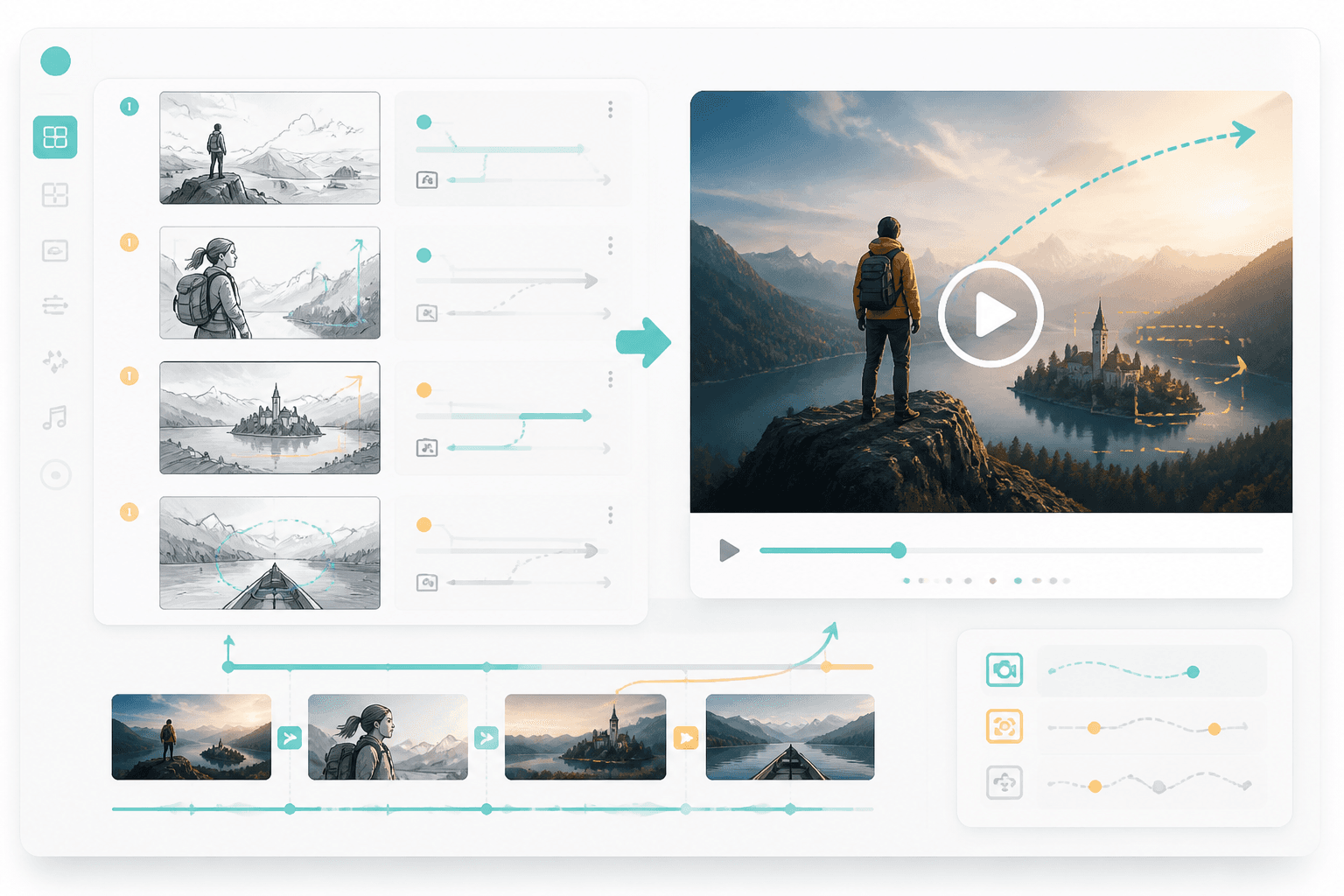
鏡頭決策
鏡頭角度、景別與動作節奏會直接影響故事板表現。
劇本片段
Prompt to result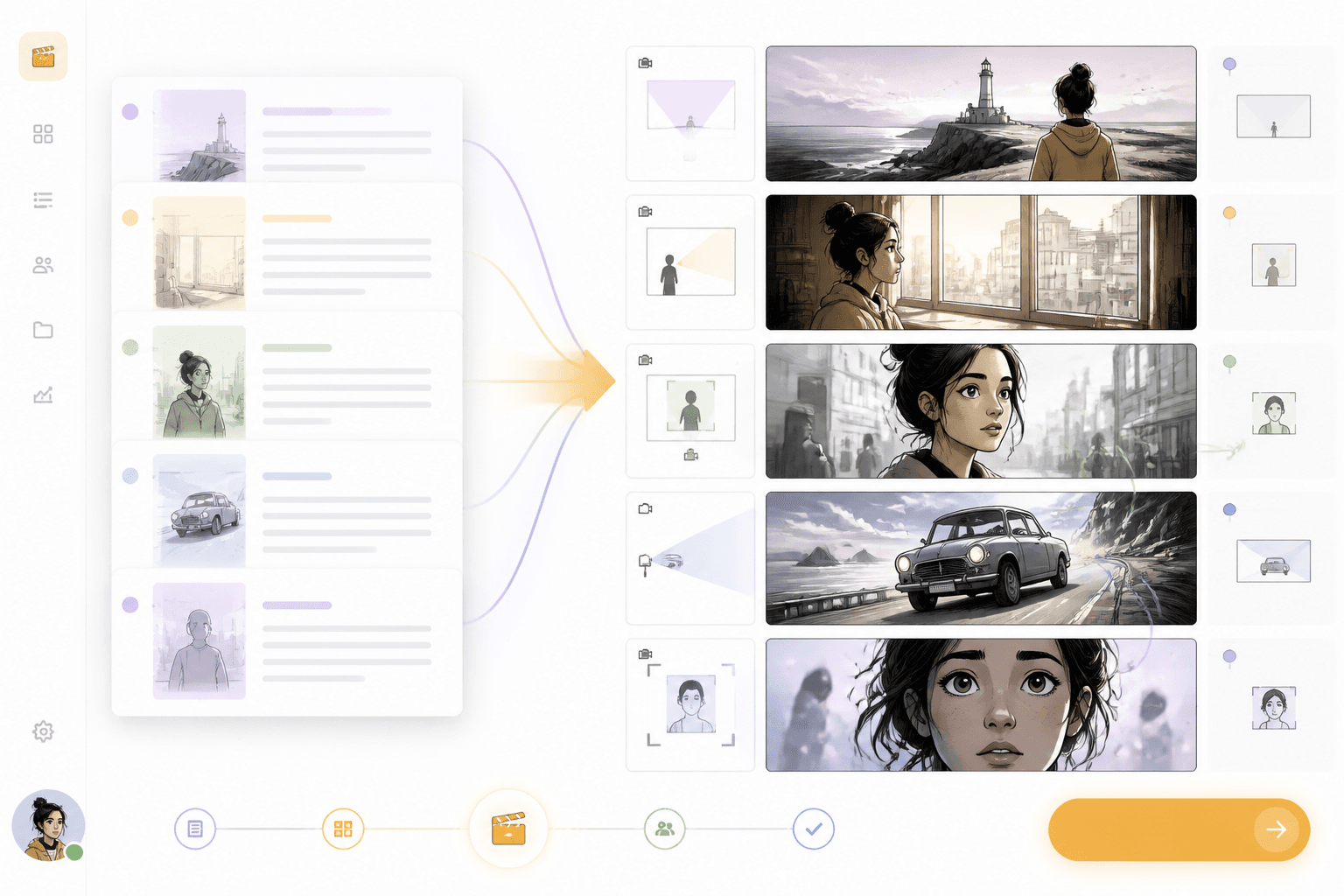
分鏡板
場景
轉為鏡頭畫面
鏡頭
生成前先完成規劃
加入劇本文字、場景筆記或對白。
將動作拆成畫面、鏡頭角度與角色關鍵時刻。
檢視故事板後,接著銜接漫畫、網路漫畫或影片工作流程。
將文字場景轉成視覺序列,清楚呈現鏡頭順序、攝影方向與角色節奏。
檢視鏡頭順序、鏡頭語言與角色節奏。
好的分鏡頁面要說清楚文字如何變成鏡頭,而不只是讓使用者畫出幾個方框。
鏡頭角度、景別與動作節奏會直接影響故事板表現。
角色與場景在不同畫面之間都應保持清楚一致。
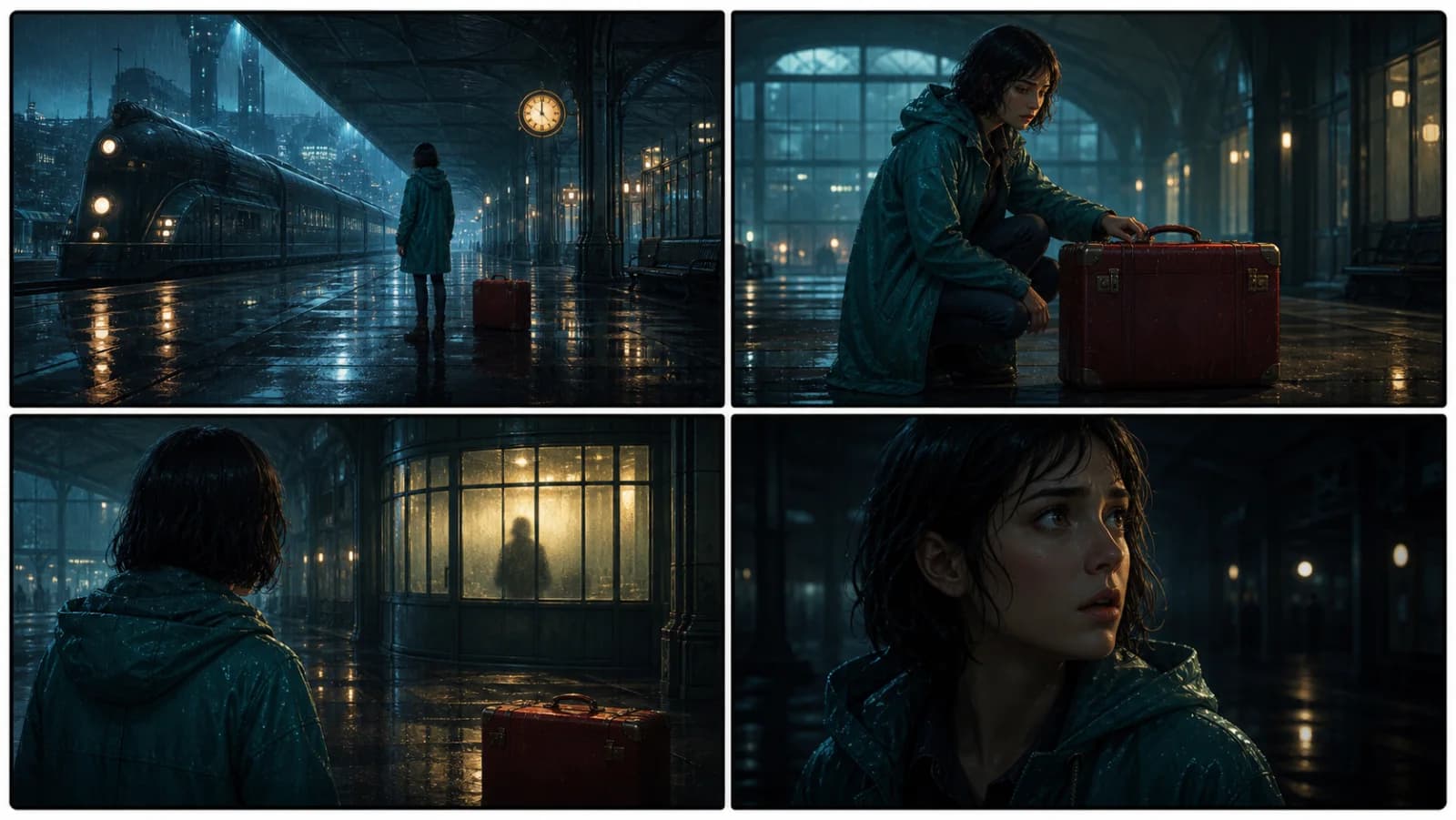
故事板可進一步銜接漫畫、動畫、影片或網路漫畫製作流程。
Workflow guide
把劇本動作、鏡頭指示與場景順序整理成連貫的故事板,而不只是靜態範本。
加入劇本文字、場景筆記或對白。
將動作拆成畫面、鏡頭角度與角色關鍵時刻。
檢視故事板後,接著銜接漫畫、網路漫畫或影片工作流程。
可加入場景動作、鏡頭需求與輸出格式。
Related writing workflow
Use the AI Screenplay Editor when a script, fiction draft, storyboard brief, video idea, or canvas note needs proper scene headings, action, dialogue, parentheticals, cover pages, outlines, beats, and collaboration-ready revisions.
INT. COMMUNITY CENTER - NIGHT
Folded chairs. A storm outside. MAYA stands at the microphone with a page of notes she no longer needs.
MAYA
If the city will not read the record, we will read it out loud.