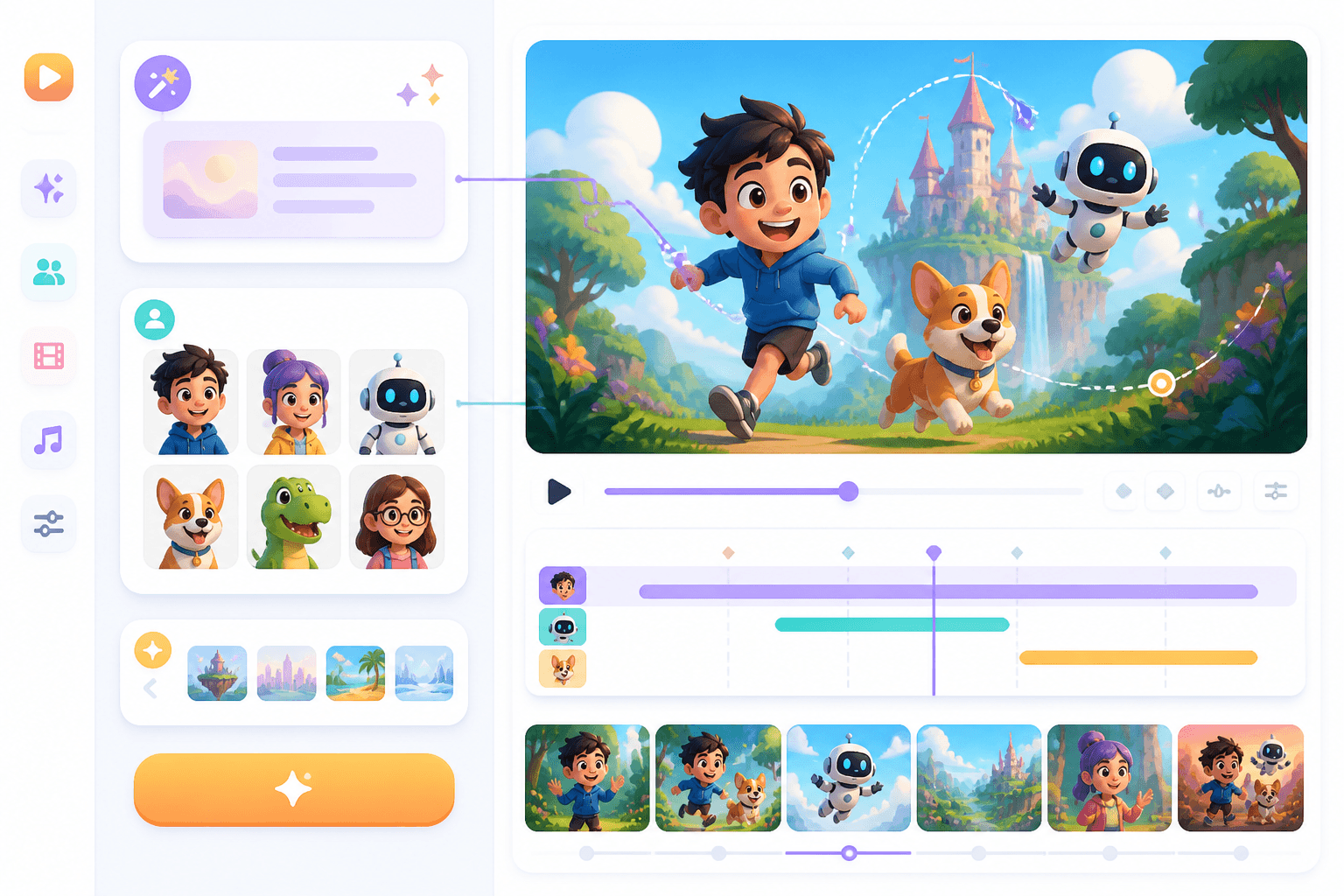
節奏很重要
只有在時長與節奏清楚後,單一畫面才真正成為一個鏡頭。
把故事板畫面整理成可直接進入影片製作的規劃,包含鏡頭節奏、鏡頭運動、動態註記與創意方向,適合動畫或 AI 影片生成。
故事板規劃
Prompt to result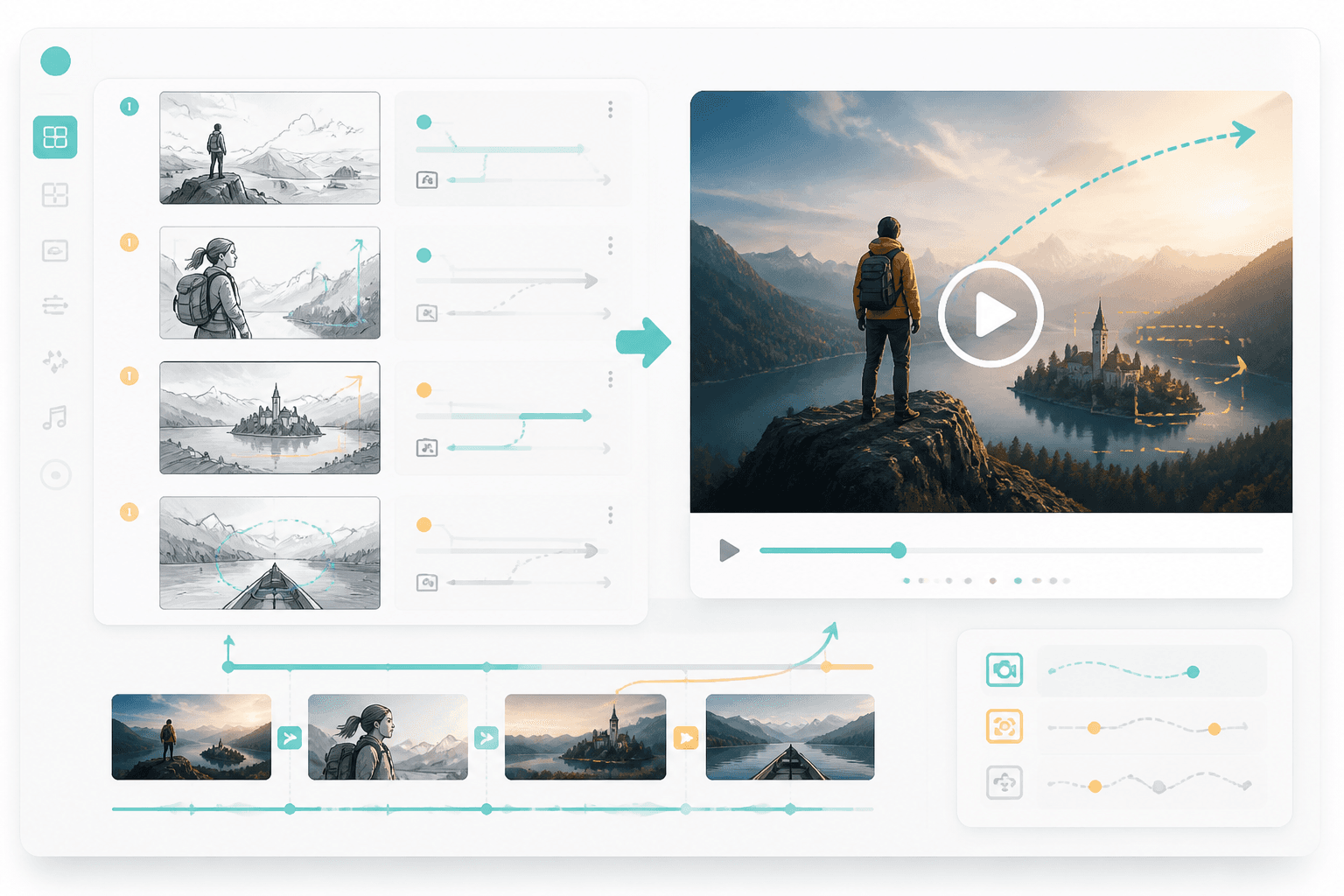
動態規劃
畫面
轉為動態規劃
節奏
逐鏡頭對應
可使用故事板、鏡頭清單或視覺序列。
定義時間節奏、鏡頭運動、轉場與角色動作。
將規劃用於動畫、AI 影片或交接給剪輯流程。
這個頁面能讓使用者在完成故事板後,直接進入下一步:補上鏡頭時長、鏡頭運動與可用於影片製作的創意指示。
檢視節奏、轉場與動態方向。
當每個鏡頭都明確標示時長、鏡頭運動與轉場方向時,影片工具通常更能產出理想結果。
只有在時長與節奏清楚後,單一畫面才真正成為一個鏡頭。
推進、平移、變焦與揭示,會直接改變故事的觀看感受。
有了動態規劃,AI 影片或剪輯工具就能收到更明確的指示。
Workflow guide
故事板轉影片頁面應清楚說明,如何為每個畫面加入時間、動作、鏡頭與製作方向。
可使用故事板、鏡頭清單或視覺序列。
定義時間節奏、鏡頭運動、轉場與角色動作。
將規劃用於動畫、AI 影片或交接給剪輯流程。
建議寫出畫面順序、時長、鏡頭與動態風格。
Related writing workflow
Use the AI Screenplay Editor when a script, fiction draft, storyboard brief, video idea, or canvas note needs proper scene headings, action, dialogue, parentheticals, cover pages, outlines, beats, and collaboration-ready revisions.
INT. COMMUNITY CENTER - NIGHT
Folded chairs. A storm outside. MAYA stands at the microphone with a page of notes she no longer needs.
MAYA
If the city will not read the record, we will read it out loud.