Storyboard Sketches in a Director's Visual Style

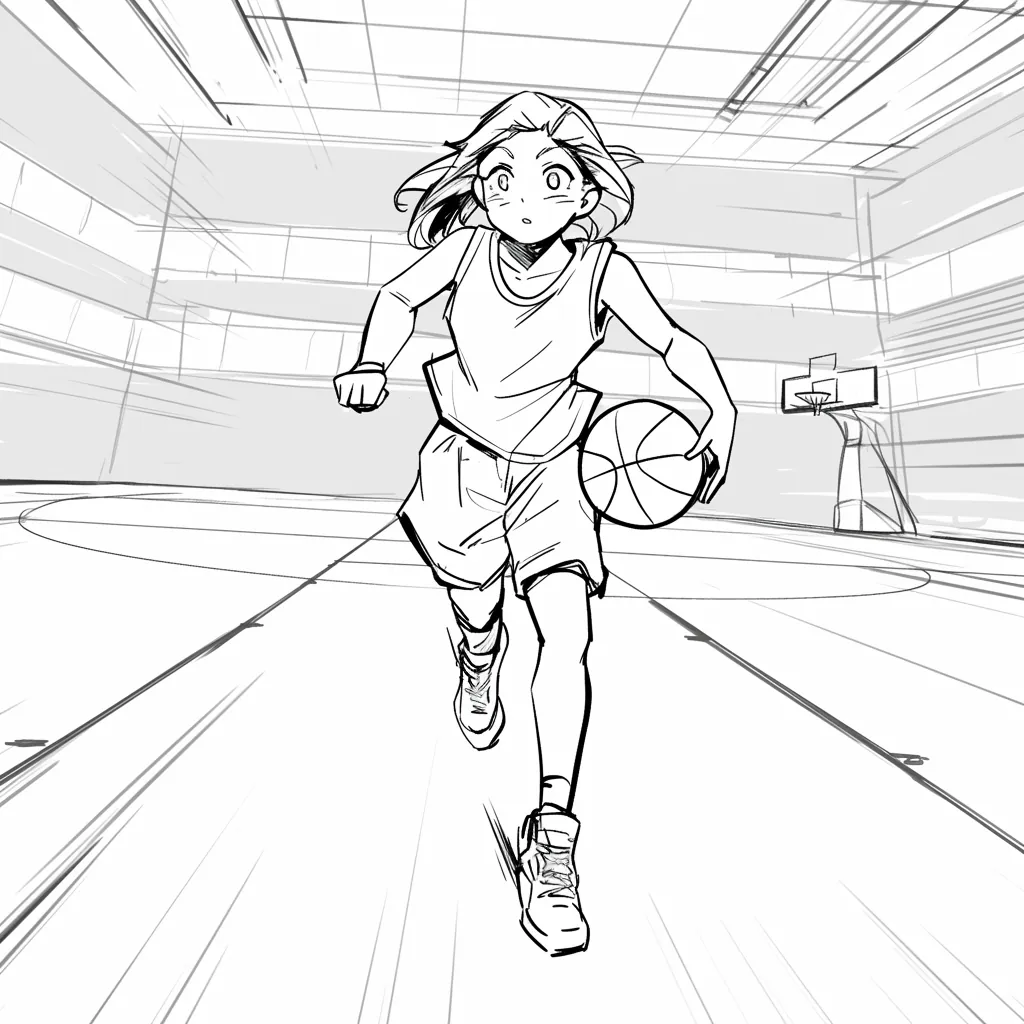
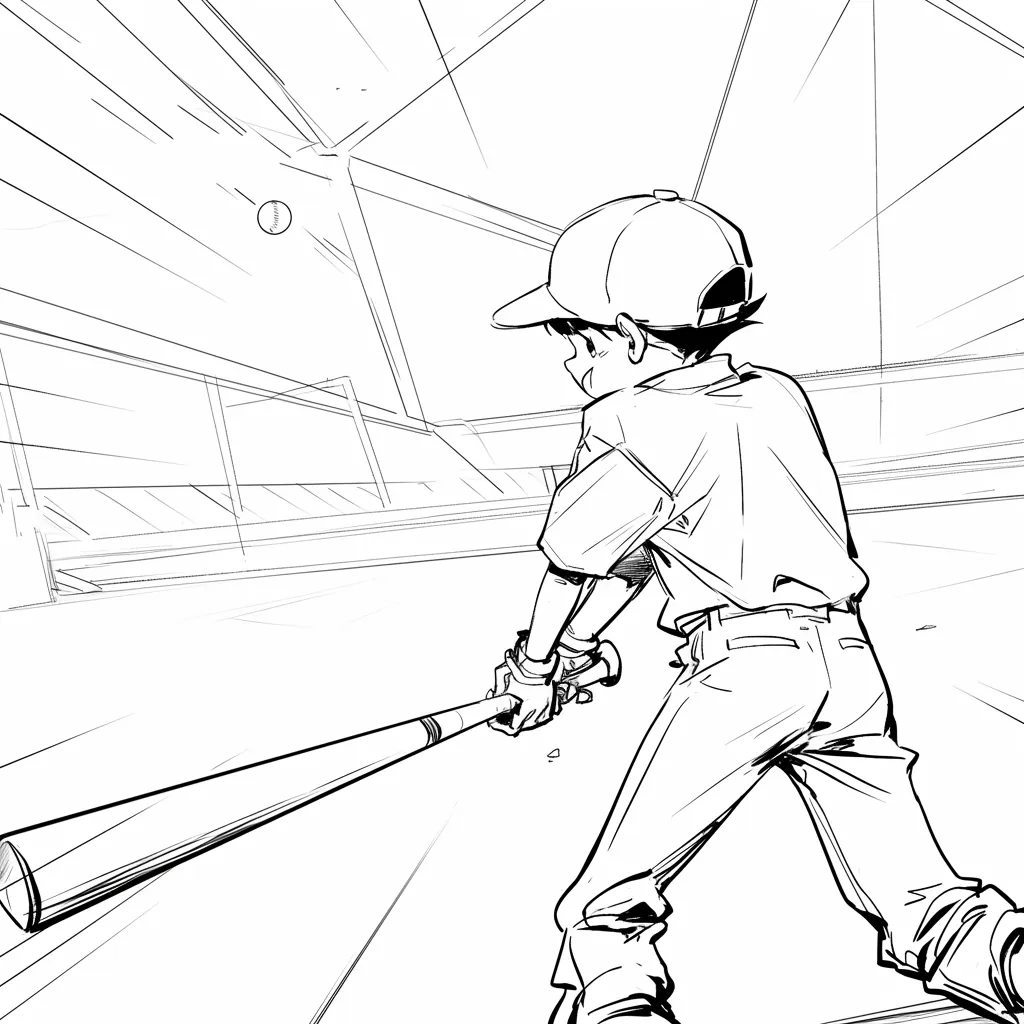
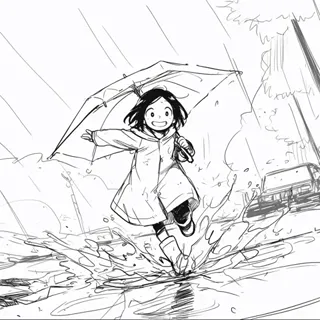
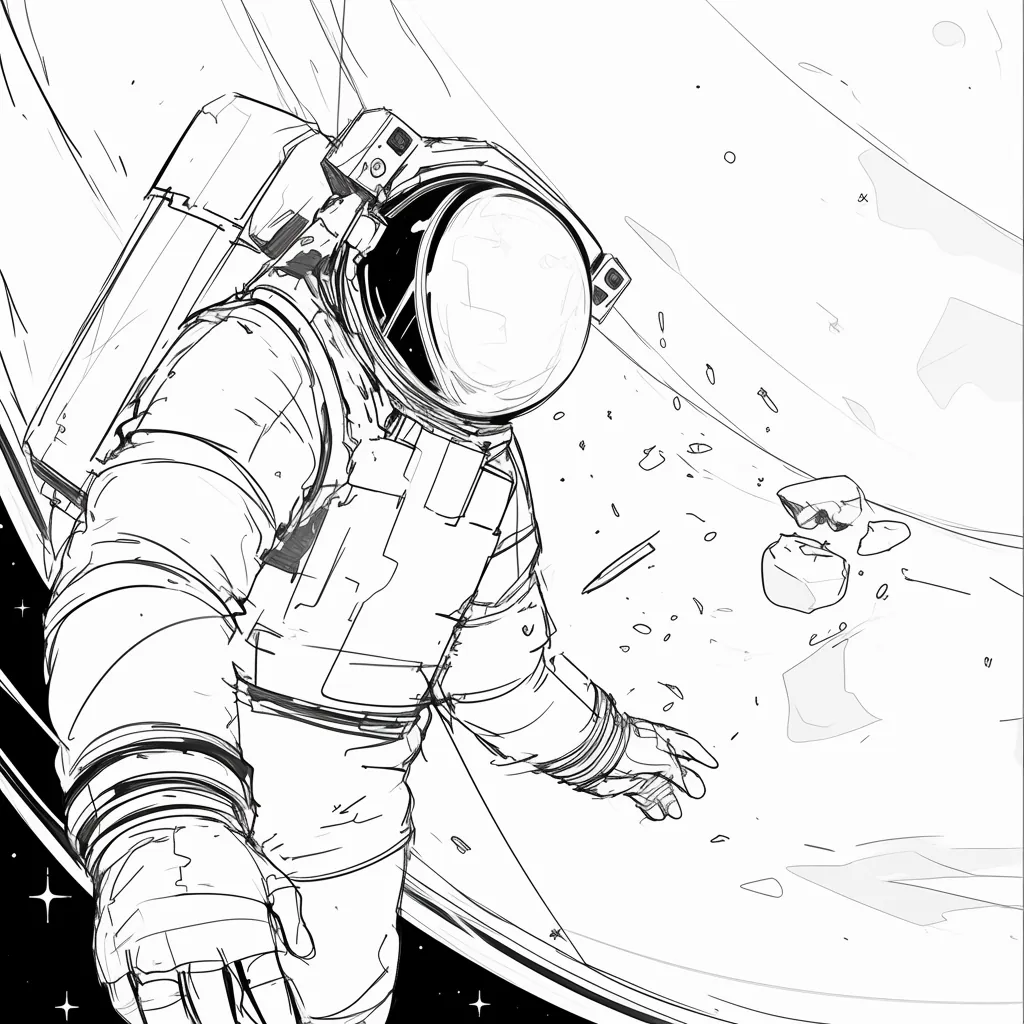
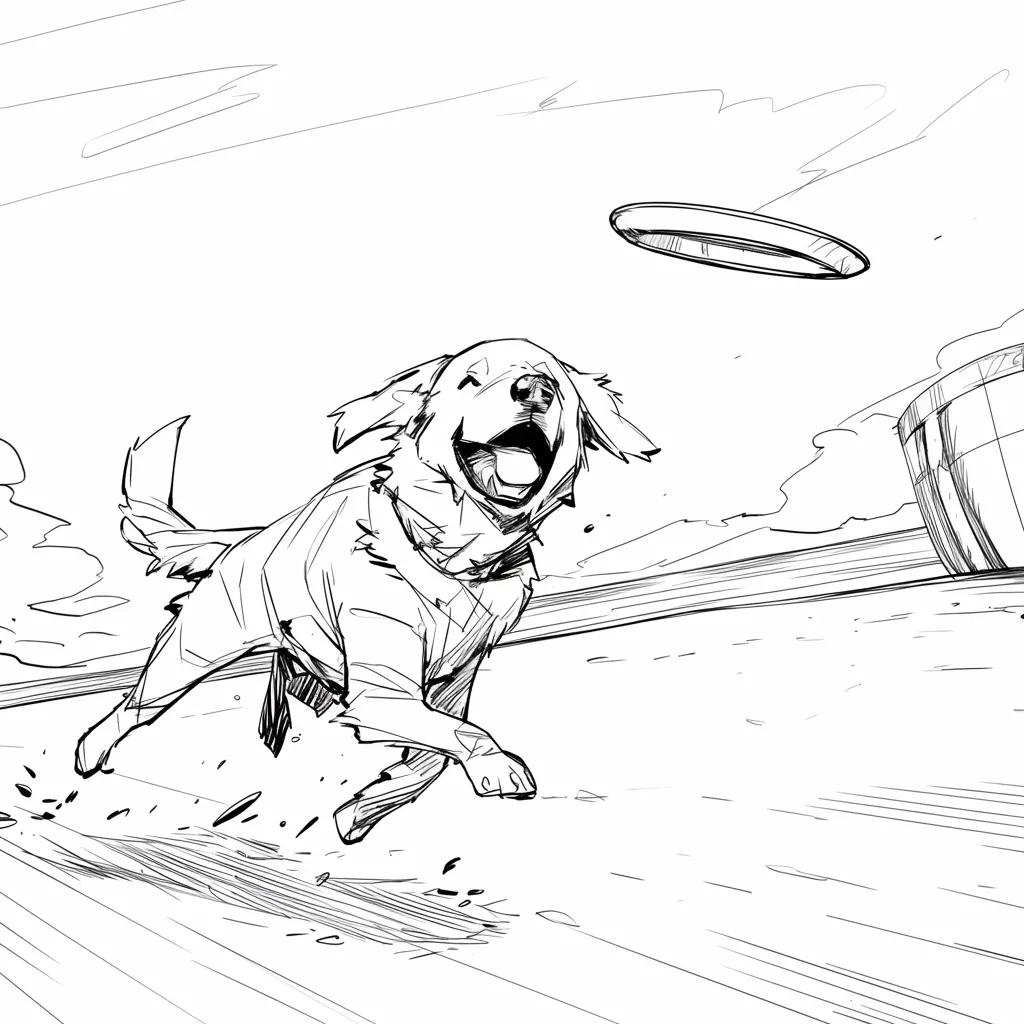
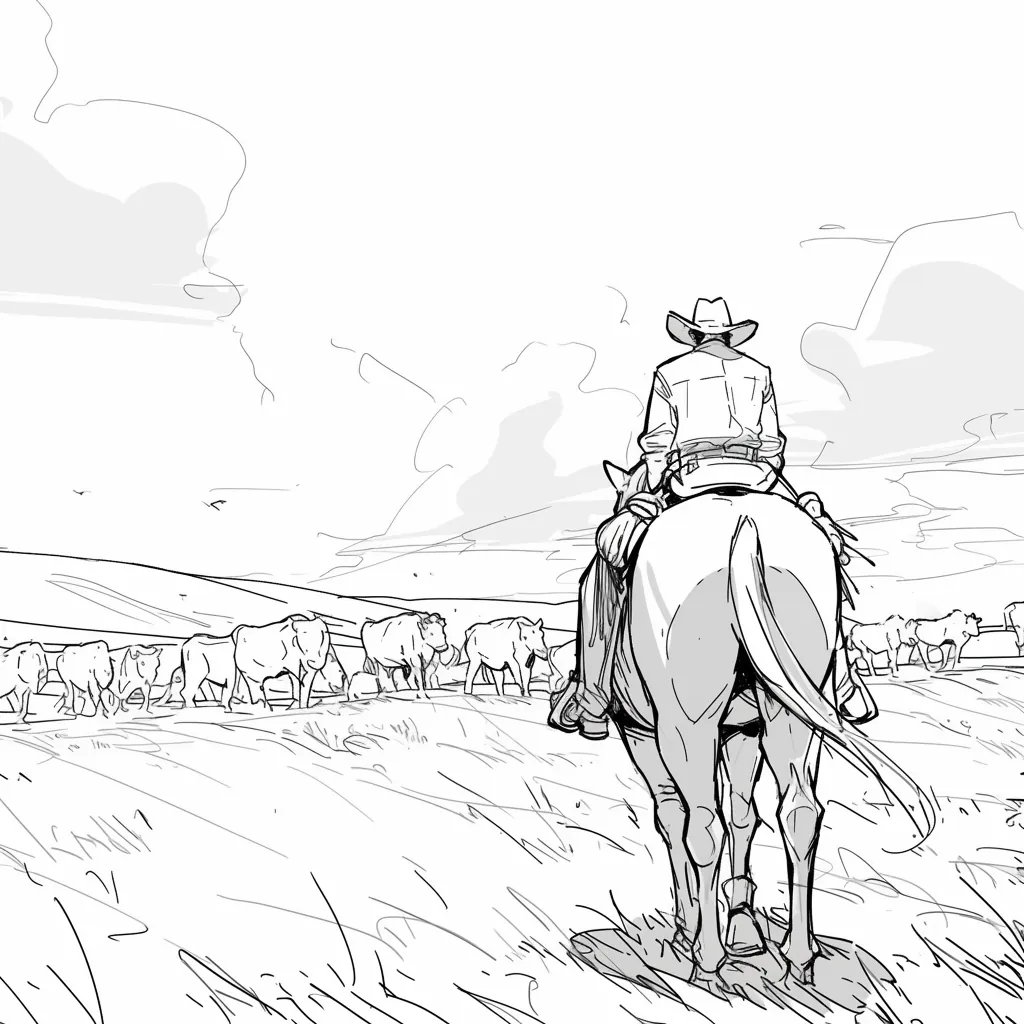
Generate sketch-style boards that look like director reference art: loose framing, camera intent, and cinematic mood without a finished render.

Storyboard Showcase

AI Generated • Storyboard to Video

Sketch-style boards

Get a director's sketch before the polish

Early boards should show framing and mood, not a finished still. This use case keeps the look loose so a director, DP, or class can talk about the shot instead of the render.

Primary audience

Directors, film students, and concept artists

Use it when you want sketch-style frames that feel like reference art from a director's packet.

Create storyboard sketches

Finished frames arrive too early

Polished stills make people argue style instead of coverage.

Sketches are slow to produce

Hand drawing every angle delays the first review.

The look does not feel like a board

Photoreal frames read as concept art, not director sketches.

The aha moment

Before

A photoreal still that looks final before the shot is approved.

After

A sketch-style frame that shows lens, blocking, and mood.

Sketch board workflow
  1. 1Describe the scene and the sketch look you want.
  2. 2Generate rough frames with camera intent.
  3. 3Compare angles without cleaning every line.
  4. 4Keep the approved sketches as director reference.
Sketch payoff
Faster
First visual pass

See coverage before anyone paints a finished frame.

Clearer
Director notes

Talk about lens and blocking on a sketch, not a poster.

Case study

Director packet sketches

A student director generates six sketch frames for a night-exterior scene so the DP can discuss lens choice before lighting tests.

Result

The packet stays sketchy enough that the crew debates the shot, not the finish.

LlamaGen sketch boards, director reference

Related writing workflow

Move the draft into screenplay form.

Use the AI Screenplay Editor when a script, fiction draft, storyboard brief, video idea, or canvas note needs proper scene headings, action, dialogue, parentheticals, cover pages, outlines, beats, and collaboration-ready revisions.

Hollywood formattingOutline, cover, and beatsAdvisor notes
Explore AI Screenplay Editor
Screenplay passReady

INT. COMMUNITY CENTER - NIGHT

Folded chairs. A storm outside. MAYA stands at the microphone with a page of notes she no longer needs.

MAYA

If the city will not read the record, we will read it out loud.

FormatHollywood
Beatslinked
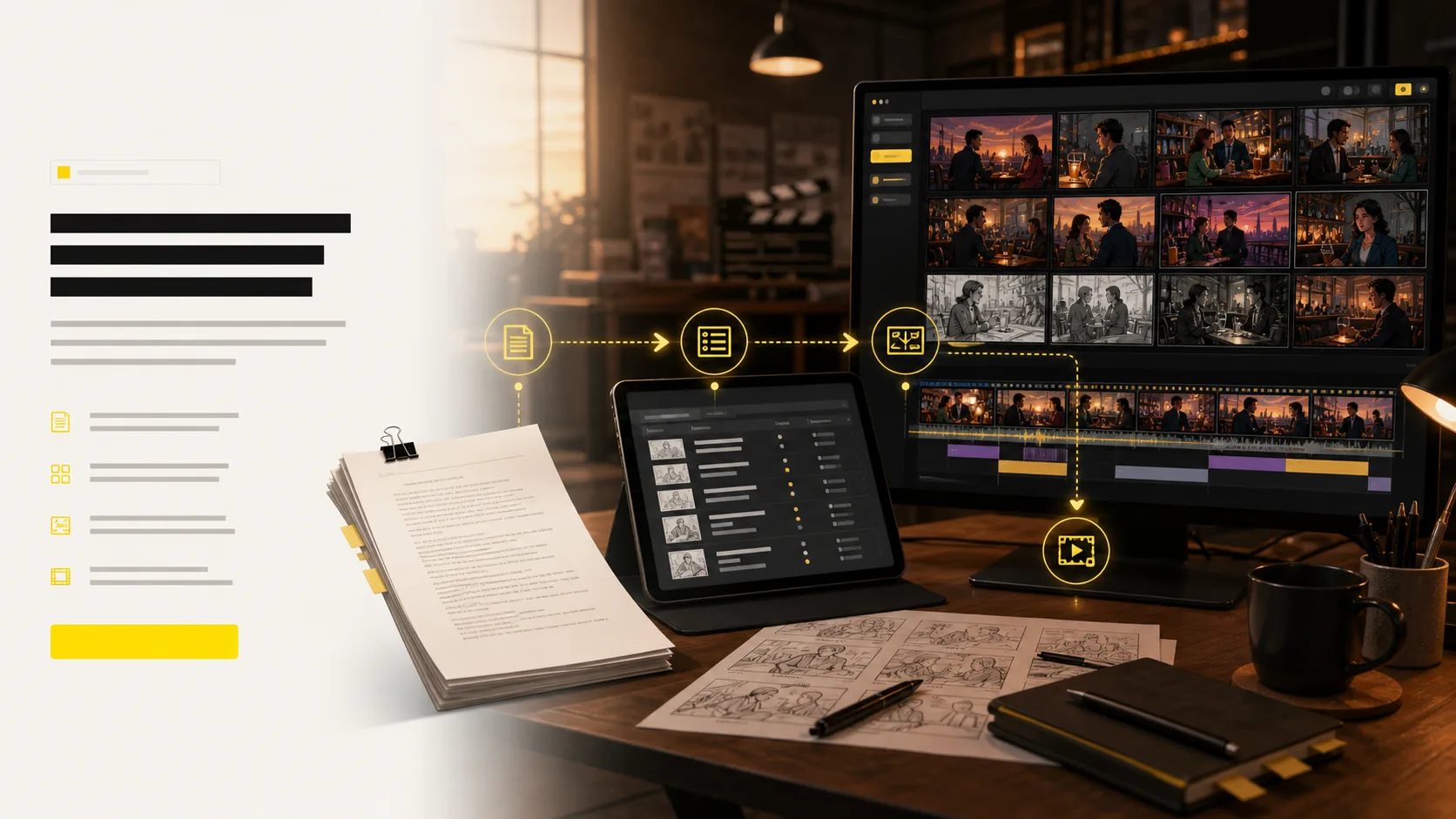
Sketch-style workflow

From scene note to director sketches

Keep the first pass loose. Generate sketch frames, compare angles, and save the ones that read like director reference.

1

Set the sketch look

Call for graphite, ink, or loose cinematic boards instead of a finished still.

2

Block the shot

Show who stands where, what the lens sees, and how the beat lands.

3

Keep the packet rough

Share sketches for coverage talks before anyone paints a final frame.

4

Angles and motion

Tune angles in 3D and convert approved frames into animatic motion.

5

Export the package

Share shot lists, boards, animatics, and pitch-ready files with the team.

A sketch board is a conversation tool, not a poster.
Director sketch packet

Turn a scene idea intocinematic sketches

This use case is about the sketch look: loose lines, camera intent, and mood. It is not the main AI storyboard generator page.
Scene note
Sketch frames
Angle variants
Director packet
Show coverage before the finish gets in the way.
Compare lens choices on sketch frames.
Keep a hand-drawn read for film-school or director packets.
Move approved sketches into a fuller board later.
Create storyboard sketches
Director-style storyboard sketches with loose cinematic framing
Outfit AI for storyboard continuity

Change the look once.Apply it to the right scenes.

Choose an approved OUTFIT asset, preview it on the character, and decide whether the change belongs in one scene, every following scene, or the entire project. The story gets a clear wardrobe timeline without identity drift.

Create character outfits
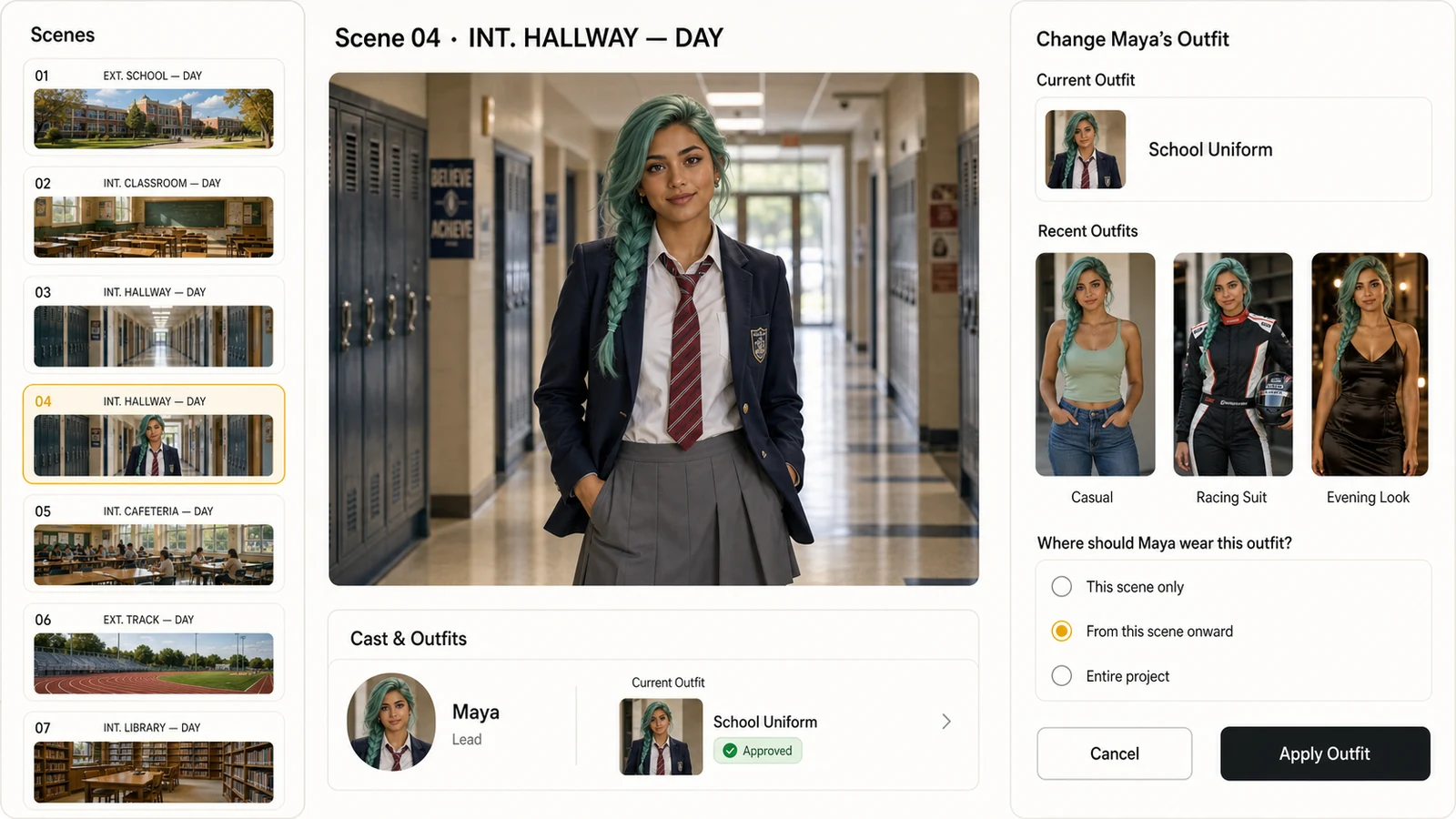
LlamaGen storyboard editor showing a photorealistic character, recent outfits, and controls for applying an outfit from the current scene onward
Scene-aware outfit continuity
01This scene only
02From this scene onward
03Entire project

Approved look

Select from approved character outfits instead of recreating the wardrobe inside every shot.

Scene range

Apply a look to one scene, all following scenes, or the whole project with an explicit range.

Identity continuity

Keep the same face, hair, body proportions, and visual identity while the clothes change.
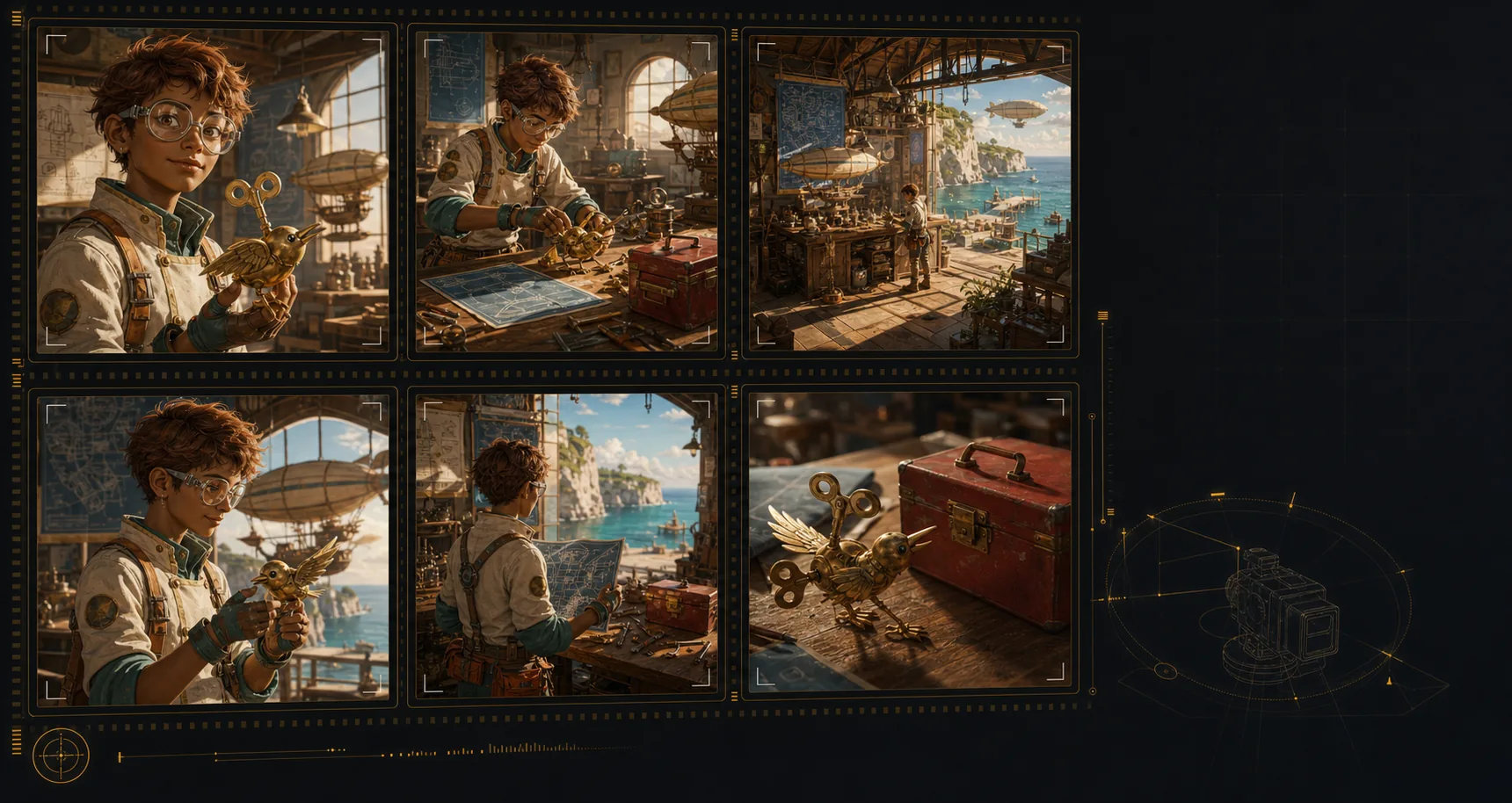
Generated storyboard panels showing consistent character, location, and prop continuity
Visual lock
Character
Location
Object
Continuity engine

Lock cast, props,and locations across shots

Create an AI storyboard where the same characters, environments, wardrobe, and hero objects remain recognizable across the sequence. That continuity makes each shot feel planned, connected, and ready for review.
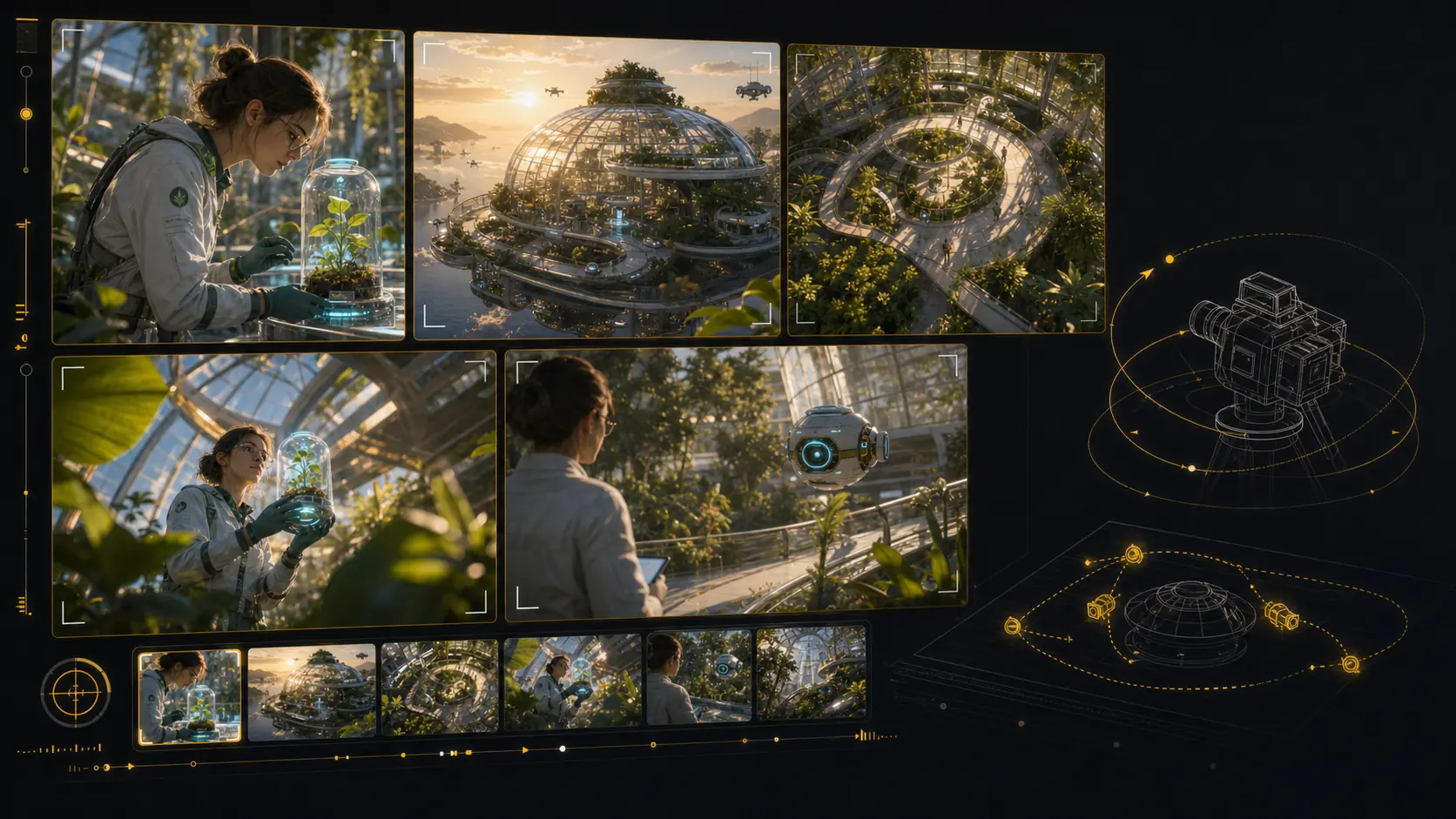
Keep the same character identity, wardrobe cues, and silhouette from scene to scene.
Return to recognizable locations even when the shot size or camera angle changes.
Carry important props and objects through the board without visual drift.
Build a storyboard that reads like one production, not unrelated AI images.
Build a consistent storyboard
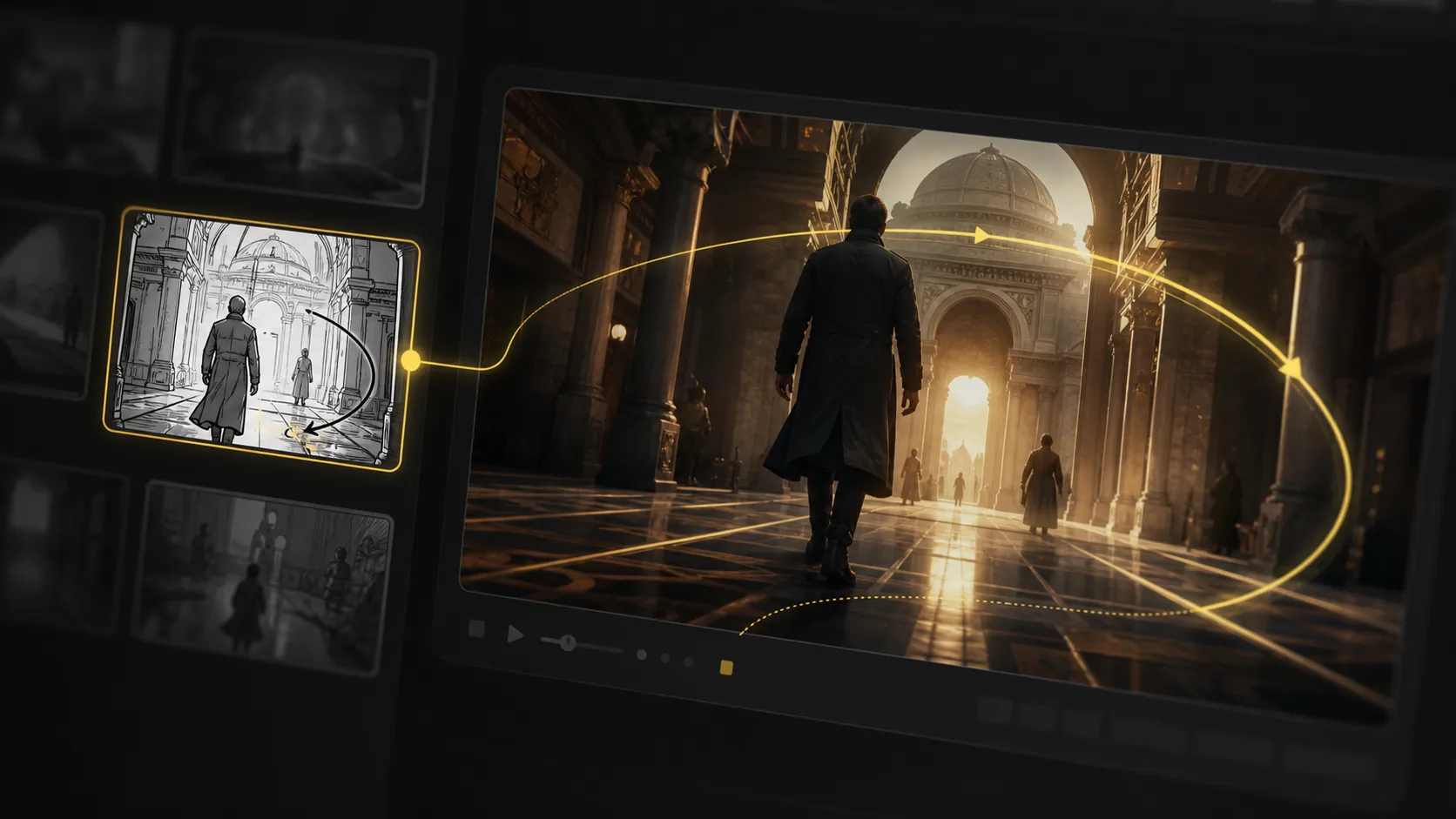
Generated 3D camera-angle storyboard tool with multiple framings of the same scene
Angle preview
Close
Wide
Top
Low
Shot framing control

Reframe shots with3D camera control

Test camera angles for an AI storyboard without rebuilding the scene from scratch. Reframe the setup, compare shot sizes, and give your director, DP, editor, or client a clearer visual decision.

Explore camera position in 3D space from the same storyboard setup.
Orbit, pan, tilt, and zoom to compare practical framing options.
Preview close-ups, wides, overheads, and low angles before the next render.
Share clear shot language for framing, height, lens feel, and blocking.
Reframe a storyboard shot
AI animatic studio

Generate animaticsfrom storyboard frames

Use LlamaGen as an AI storyboard video generator: choose a frame, describe the camera move and duration, then create a motion test that stays anchored to the approved shot. Static boards become pitch-ready animatics and multi-shot reviews without leaving the storyboard workflow.

Frame-to-clip

Start from an approved storyboard frame so the clip keeps the same composition.

Motion notes

Add a push-in, tracking move, orbit, hold, or timing beat before generation.

Animatic review

Compare generated clips with shot notes, scene order, and edit intent in one place.
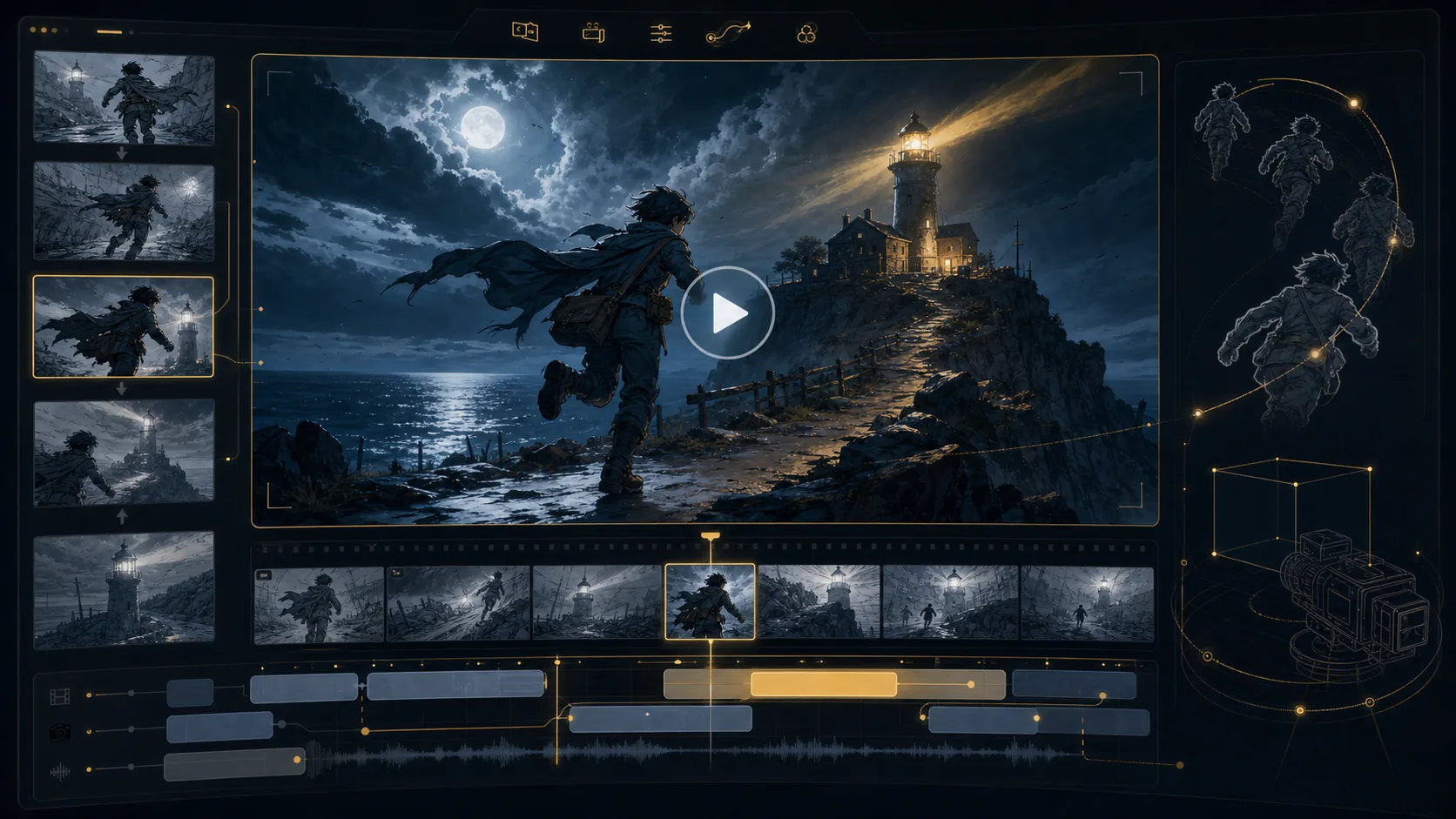
Final animatic preview
16:9
Generated AI storyboard video generation workspace preview
Generated AI storyboard video preview with camera motion path
Motion path
Generated storyboard camera angle pass prepared for animation
Angle pass
Generated storyboard pipeline preview for animatic handoff
Timeline handoff
Unlimited storyboard variations

Keep regenerating until the shot works.

Refine AI storyboard images through real creative rounds: alternate angles, cleaner compositions, different moods, and stronger visual continuity without treating every frame like a scarce credit.
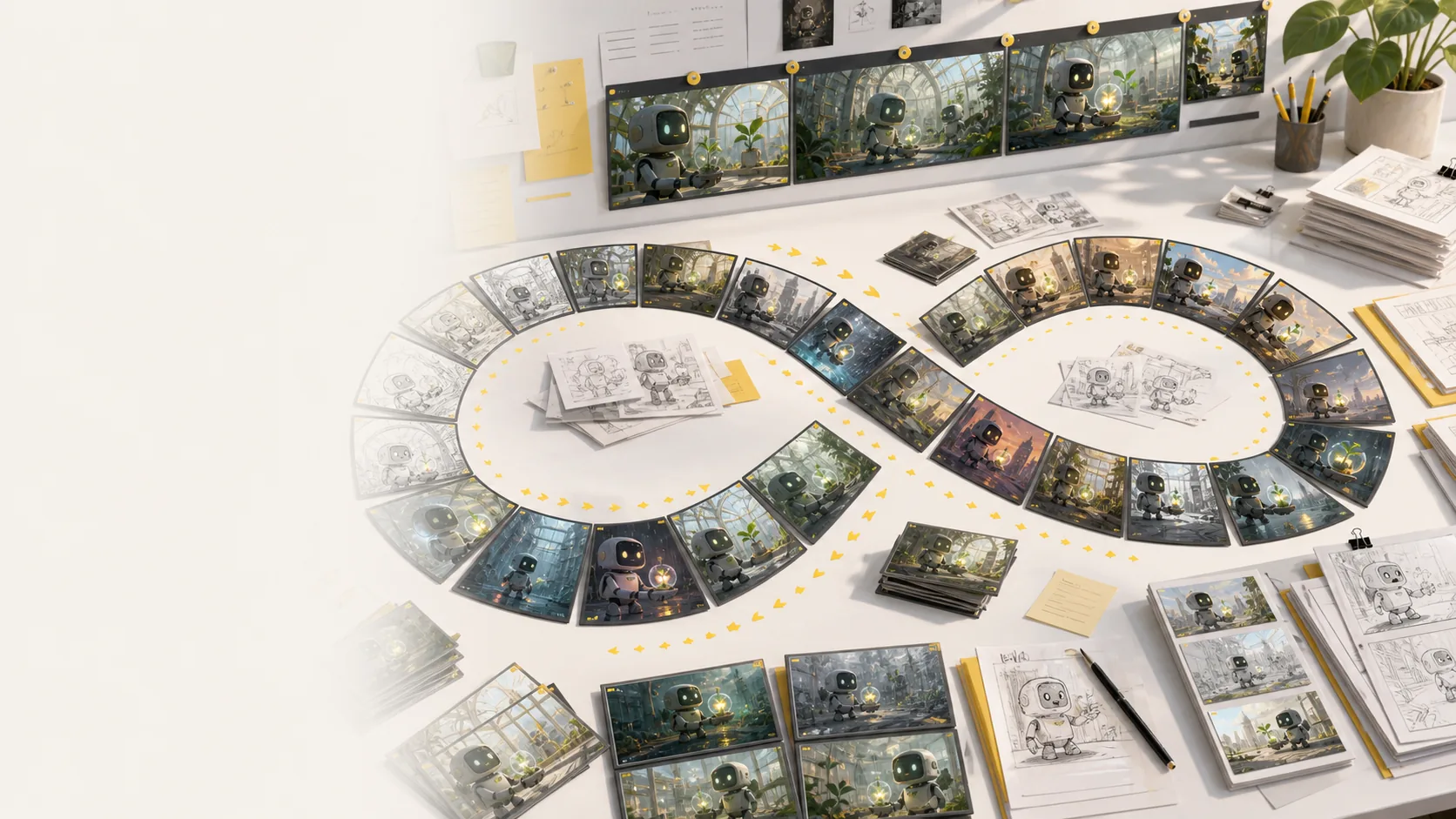
Generate more storyboard variations whenever a scene needs another pass.
No per-image credit counter interrupting exploration or client revisions.
Regenerate shots, revise framing, and compare style directions side by side.
Keep testing mood, lighting, layout, and camera ideas until the board works.
Explore more variations
Generated storyboard variation desk showing many AI storyboard frame options, sketches, and revisions
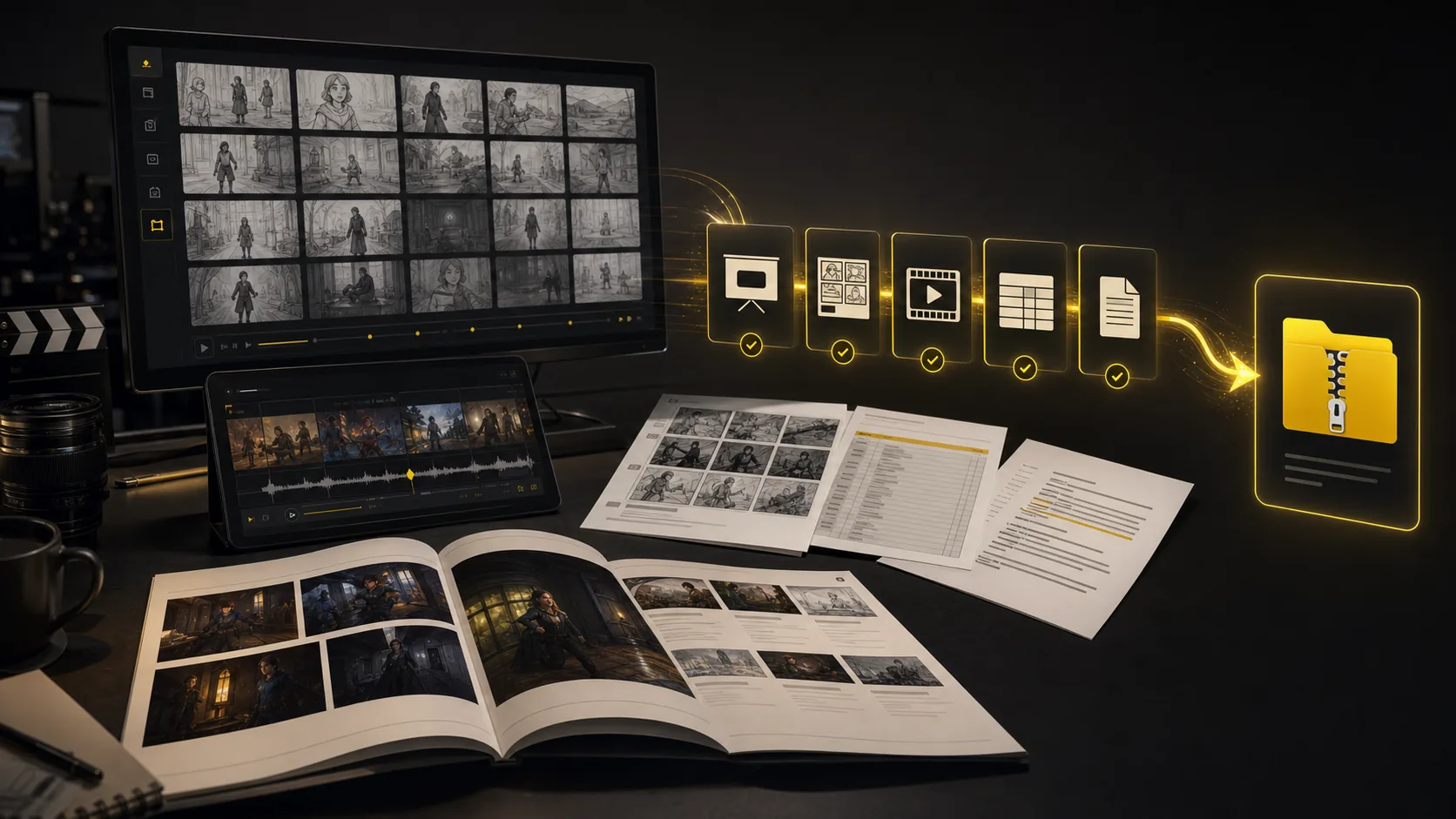
Generated storyboard export suite with PDF, XLSX, image ZIP, MP4 animatic, and XML handoff formats
One project, every handoff
Export suite

Export every storyboarddeliverable together

Turn a finished storyboard project into files a production team can use immediately: screenplay, shot-list, and storyboard PDFs; XLSX shot lists; image ZIPs; MP4 animatics; and XML handoff packages.

Screenplay and shot-list PDFs
Storyboard PDF and image ZIP
Shot list Excel (.xlsx)
MP4 animatic and XML package
Package the same AI storyboard for clients, editors, producers, and crew.
Export screenplay, shot-list, and storyboard PDFs plus XLSX shot lists.
Keep frames, scene notes, timing, camera direction, and revisions attached.
Move from creative review to production handoff while context is still intact.
Build a production handoff
All tools connected

Every pre-production tool lives in
one storyboard workspace

The core sections show the main workflow. This bento grid covers the supporting AI storyboard tools around it: inputs, styles, continuity, video, variations, camera planning, and production handoff.

Most popular

Storyboard-to-animatic clips

Generate AI animatics from approved storyboard frames with camera motion and timing notes.

Hover to preview
AI storyboard animatic preview generated from storyboard frames

Storyboard-to-animatic clips

Sketch cleanup

Turn rough boards, loose thumbnails, and scene notes into cleaner visual panels.

Hover to preview
AI storyboard workflow converting rough input into visual panels

Sketch cleanup

Style direction

Compare visual routes for tone, genre, lighting, and brand style before the board locks.

Hover to preview
AI storyboard style direction preview with consistent visual language
AI storyboard variations for style and mood direction

Style direction

Unlimited variations

Regenerate shots, moods, angles, and layouts without managing per-image credits.

Hover to preview
Unlimited AI storyboard variations preview

Unlimited variations

Continuity lock

Keep characters, props, wardrobe, and locations recognizable across generated shots.

Hover to preview
AI storyboard continuity lock for characters, locations, and objects

Continuity lock

Camera move planning

Plan tracking, push-in, orbit, and reveal moves before turning frames into video.

Hover to preview
AI storyboard camera movement planning preview

Camera move planning

Script, prompt, and PDF input

Start from a screenplay, treatment, PDF, scene note, or loose prompt and build the board from there.

Hover to preview
AI storyboard script and prompt input workflow
AI storyboard camera planning frame generated from input

Script, prompt, and PDF input

Production handoff

Export storyboard PDFs, shot list tables, animatic files, and review packages from one project.

Hover to preview
AI storyboard export suite with PDFs, shot lists, animatics, and handoff package

Production handoff

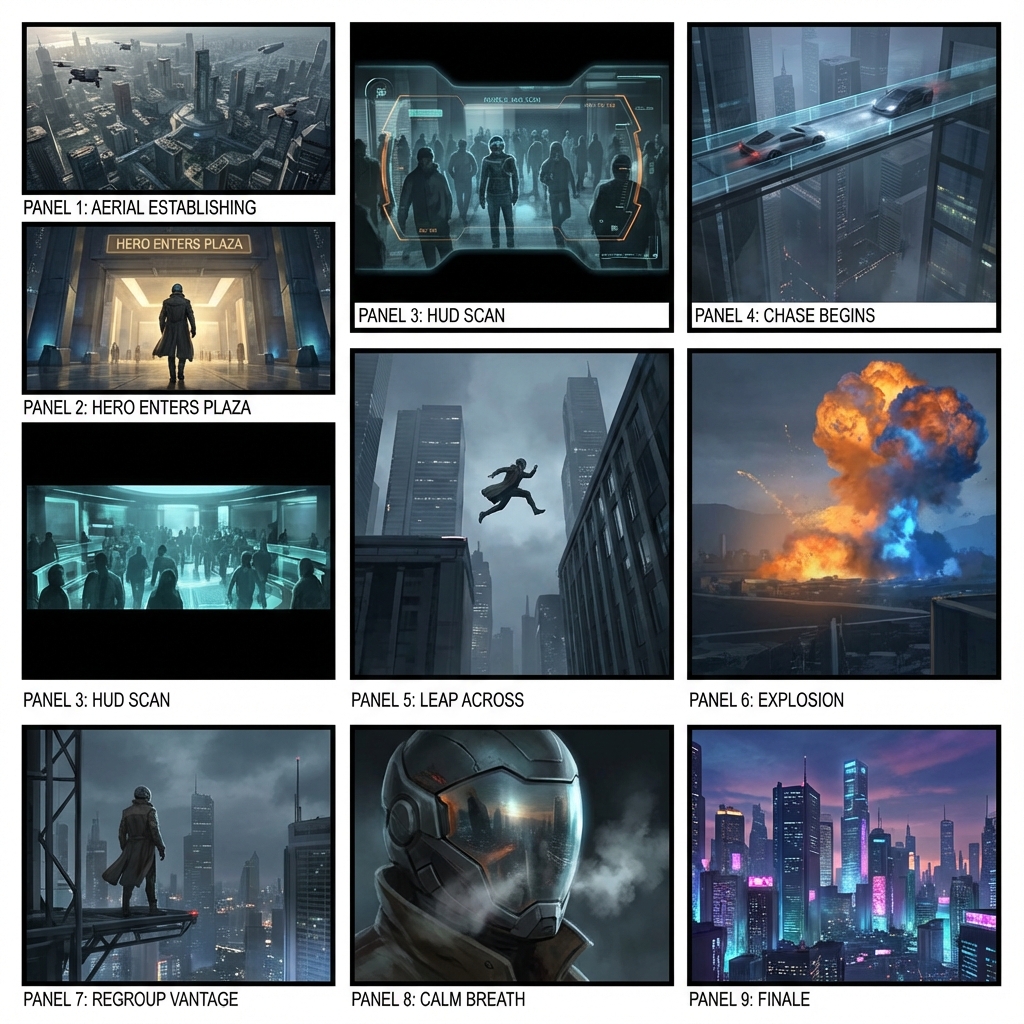
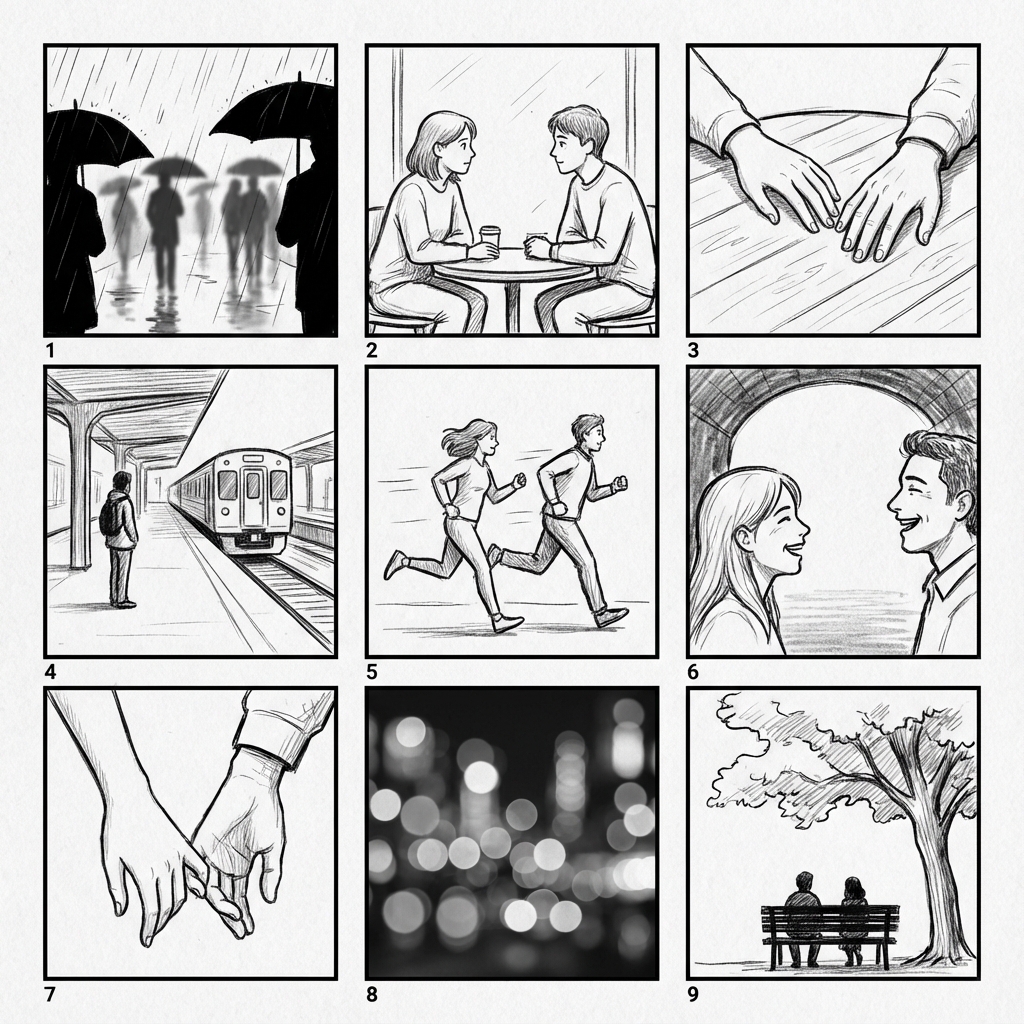
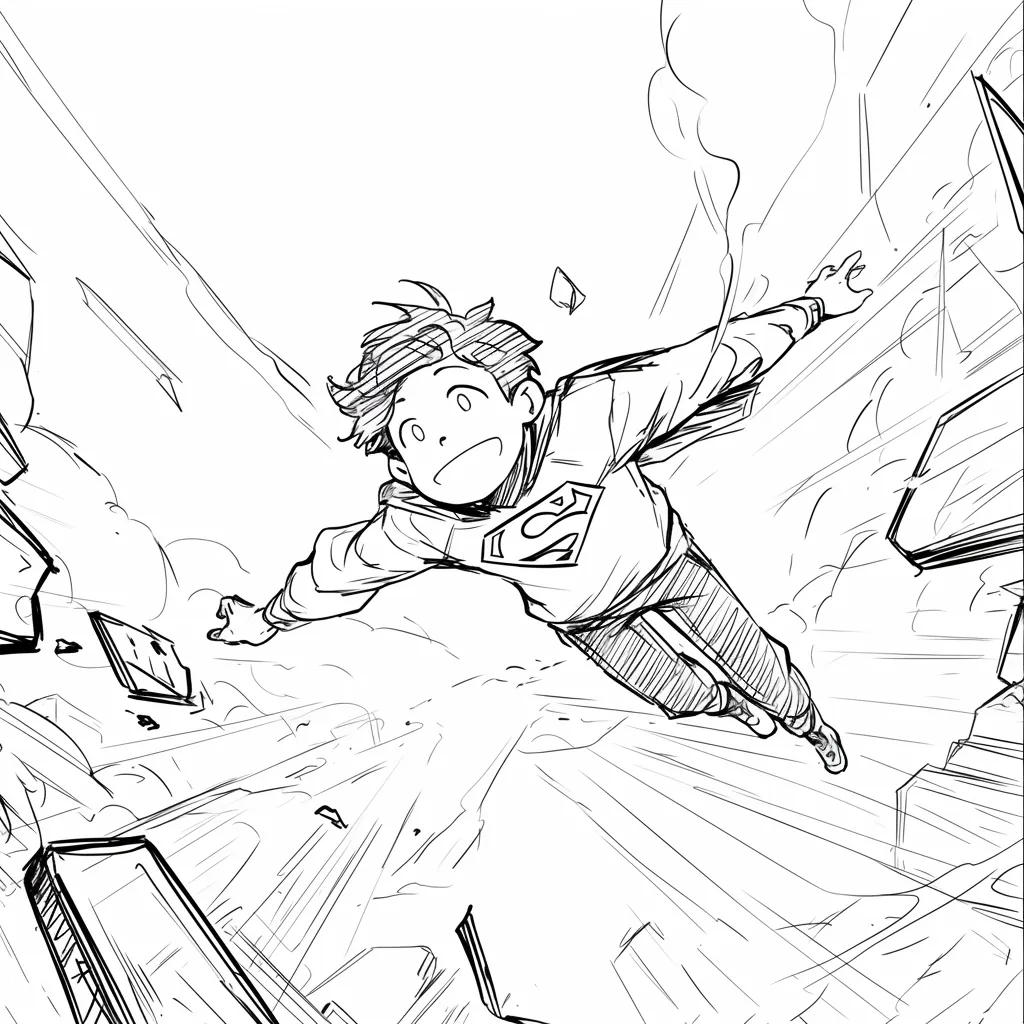
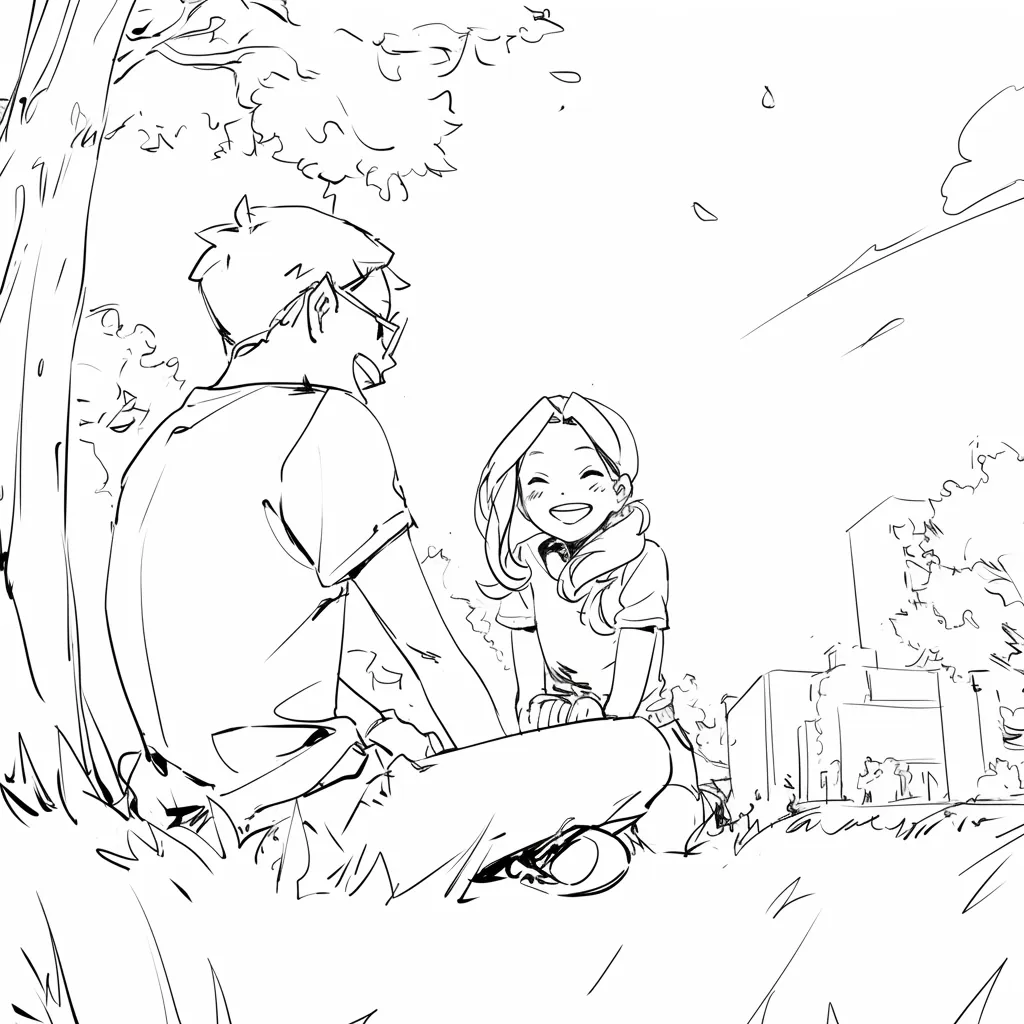
Sketch boards across visual styles

Director-style sketches for mystery, sci-fi, romance, and animation coverage talks.
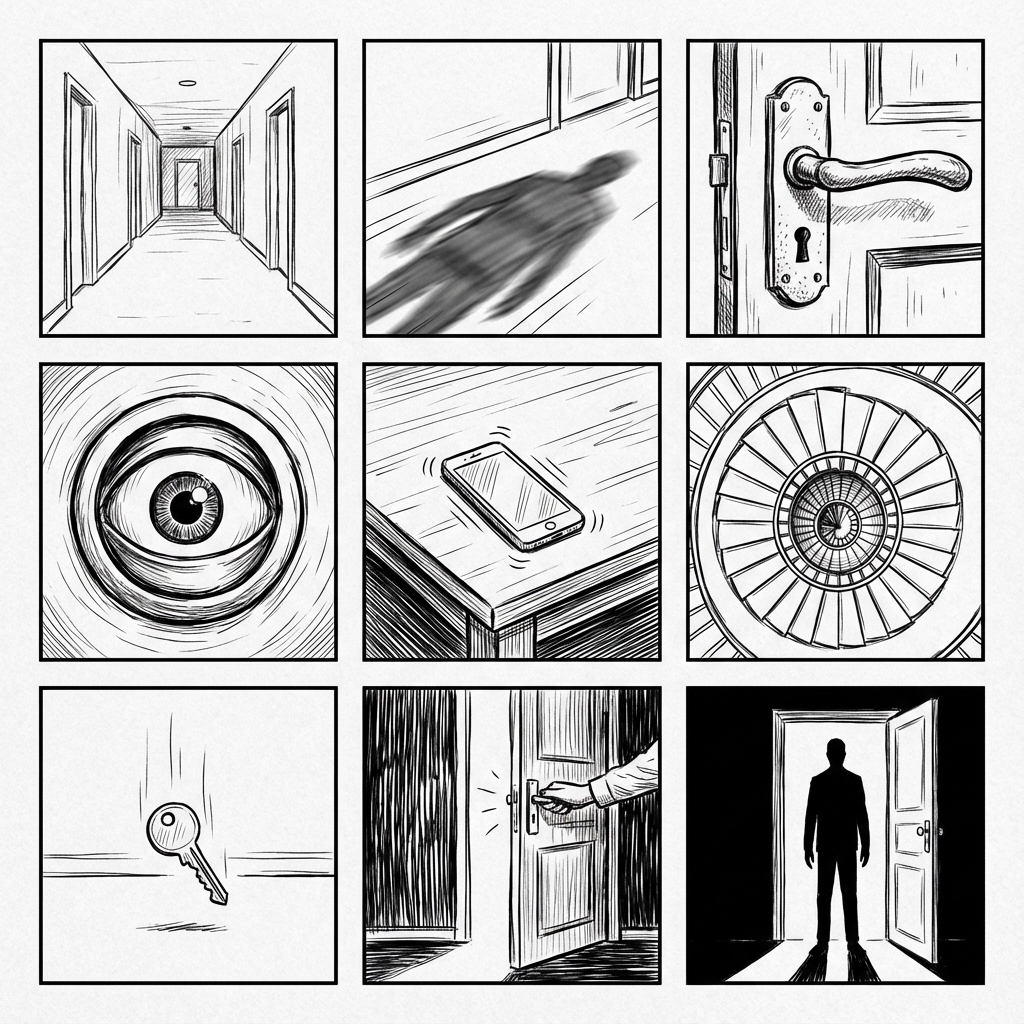
Black-and-white storyboard sketches for a mystery scene
Graphite mystery sketches
Cinematic sci-fi storyboard sketches
Cinematic sci-fi sketches
Minimal romance storyboard sketches
Romance coverage sketches

Why Lo-Fi & Grid?

Clarity over Details

High-fidelity AI images add unintentional details (lighting, textures) that distract stakeholders. Line art keeps the focus on composition and storytelling.
AI Storyboards 1
AI Storyboards 2
AI Storyboards 3
AI Storyboards 4
AI Storyboards 5
AI Storyboards 6
AI Storyboards 7
AI Storyboards 8

發現人們為何喜歡LlamaGen.Ai

LlamaGen.Ai是一個與AI創造、生成和連接的地方。

Maya_Lee

Maya_Lee

@Maya_Lee

I love how simple it is to create unique anime characters. This anime AI really captures the details I envision, and it's perfect for my personal projects!
Sky_Walker

Sky_Walker

@Sky_Walker

This anime AI generator is amazing! It turned my descriptions into stunning anime art in seconds. Super easy to use and the results are always impressive!
Cre_Luna

Cre_Luna

@Cre_Luna

Incredible! The ability to generate anime art from text is a game-changer. It's fast, free, and the artwork is always top-notch. Highly recommend it!
juaner0211589

juaner0211589

@juaner0211589

這是一款很棒的AI產品。它真的可以將您的想像變為現實。真的很酷!它開創了漫畫的新時代!非常感謝開發者的辛勤工作和奉獻。
Rubem Didini

Rubem Didini

@rubem-didini

發掘 AI 工具。將文字轉化為令人驚艷且引人入勝的漫畫圖像和條 - https://llamagen.ai
Cole Lawrence

Cole Lawrence

@refactorordie

感謝分享!我希望這個產品很有趣
Benoit

Benoit

@benoitst-laurent

是的,我會非常高興能與你們團隊的人保持聯繫,並報告一些見解和想法!
Beau HU

Beau HU

@RealFeatBit

LlamaGen.Ai是一款正在革新動漫世界的世界級產品。這款強大的AI工具由一個對藝術和動漫充滿熱情的團隊創建,正在悄然改變我們體驗這種深受喜愛的媒介的方式。
Jake M.

Jake M.

@jake-m

身為漫畫風格圖像的創作者,我一直難以找到可大規模發揮創意的工具。LlamaGen.Ai 不僅突破限制,更帶來無限可能,讓我的每個專案都煥發新意。這正是我一直渴望的 AI 創作平台!
Michael B.

Michael B.

@michael-b

LlamaGen.ai 重新點燃了我對說故事的熱情。身為忙碌的職場人士,創作時間難得,但這款應用非常容易上手,宛如身邊多了一位創意夥伴!
Bill

Bill

@bill

喜歡這款產品。繼續努力,讓我知道我可以如何協助。
Sarah L.

Sarah L.

@sarah-l

我試過不少 AI 圖像生成工具。它們確實很好玩,但 LlamaGen.Ai 是第一個讓我真正看到實際應用潛力的產品。角色一致性的表現特別吸引我,因為這是我以前沒看過的功能;無論是專業人士還是業餘創作者,都很有吸引力。真的令人耳目一新!
Suresh Gunasekaran

Suresh Gunasekaran

@digital-marketer-suresh

LlamaGen.Ai提供免費的AI圖像生成器和AI動畫生成器。它使漫畫創作過程更容易更快,專注於創建一致的角色並控制他們的姿勢,組成和風格。
Den

Den

@den

終於,我完成了我的漫畫🙂非常感謝您的支持!
Velika

Velika

@velika

LlamaGen.Ai 是一款突破性的 AI 設計工具,為全球設計師提供無與倫比的創意體驗。其 AI 漫畫生成器和圖像生成器能輕鬆高效地創作,打破了傳統設計的界限。

Storyboard sketches FAQ

找不到某些東西? 給我們留言

更多生成设计

视觉套件AI Comic Studio免费AI连环漫画生成器AI儿童绘本生成器免费AI漫画生成器免费漫画书制作器漫画编辑器角色编辑器故事转漫画生成器AI 漫画工作室漫画转视频音乐转视频免费AI动作设计师视频转漫画AI 电影创作器语音故事生成器免费AI卡通生成器免费照片转漫画免费照片转动漫转换器免费AI网络漫画生成器免费AI韩漫生成器免费AI日漫生成器社交媒体漫画圣经漫画制作器免费漫画对话框生成器免费AI分镜生成器AI 剧本编辑器免费分镜模板AI脚本生成器免费AI镜头角度控制AI背景生成器AI图像风格迁移AI深度图生成器AI姿势生成器AI角色生成器AI角色设计AI动漫生成器AI漫画工厂AI故事作家儿童绘本创作工具生成式工作流程AI绘本生成器免费照片转动漫AI日漫剧本生成器黑白图片滤镜AI日漫上色器漫画制作器免费AI漫画翻译器免费二次元转现实免费AI动漫角色生成器AI 像素艺术生成器角色设定图裁剪工具漫画分镜分割工具免费AI图层分离器AI图像生成器故事AIAI Text冒险生成器裁剪图片压缩图片AI亚克力立牌生成器AI角色表生成器AI圣诞服装生成器AI桌宠生成器AI双人角色生成器AI奇幻角色生成器AI角色公仔生成器AI Galgame界面生成器AI巨型雕像生成器AI徽章生成器AI杂志封面生成器AI剪纸风生成器AI宝丽来风格生成器AI卡牌生成器头像生成器AI头像生成器AI视频生成器AI日漫生成器AI 韩漫生成器漫画转视频AI画布 AI内容生成工具AI故事作家Story DiffusionAI漫画书编辑器漫画角色创建器网络漫画制作器免费漫画创作动漫图像放大器一致角色视频可视化故事写作绘制灰度图像漫画秀分镜脚本工具AI动漫生成器ComicgenAI图像矢量化Q版贴纸制作器动漫贴纸制作器AI贴纸生成器动漫角色生成器AI图片扩展器AI角色表生成器AI照片转素描工具免费无脸AI视频生成器YouTube Shorts短视频生成器UGC广告视频生成器历史视频生成器古代历史视频生成器战争纪录片生成器故事转视频生成器配音视频生成器语音故事生成器专业服务Free Cartoon to Realistic AI卡通转写实AIAI多镜头视频生成器视觉故事代理AI日漫生成器AI魔法少女生成器AI精灵生成器AI 图书作家AI 剧本作家AI书籍生成器日漫布局编辑器日漫对话气泡生成器日漫Text气泡生成器日漫分镜生成器SkyReels AI视频生成器SkyReels AI漫画生成器AI动画故事生成器AI一致性角色生成器AI儿童睡前故事生成器AI Komiko生成器AI怪物生成器AI励志故事生成器AI电影海报生成器AI原创角色制作器免费漫画书制作器幻想AI艺术生成器Flux AI图像生成器免费AI着色页生成器日漫和动漫书籍生成器火柴人漫画生成器贴纸生成器视频代理漫画代理视觉故事代理生成式工作流程TikTok 音乐视频生成器
Need director-style boards?

Start with a sketch.Polish later.

Create storyboard sketches that show framing and mood. Keep the first pass loose enough for a director packet.