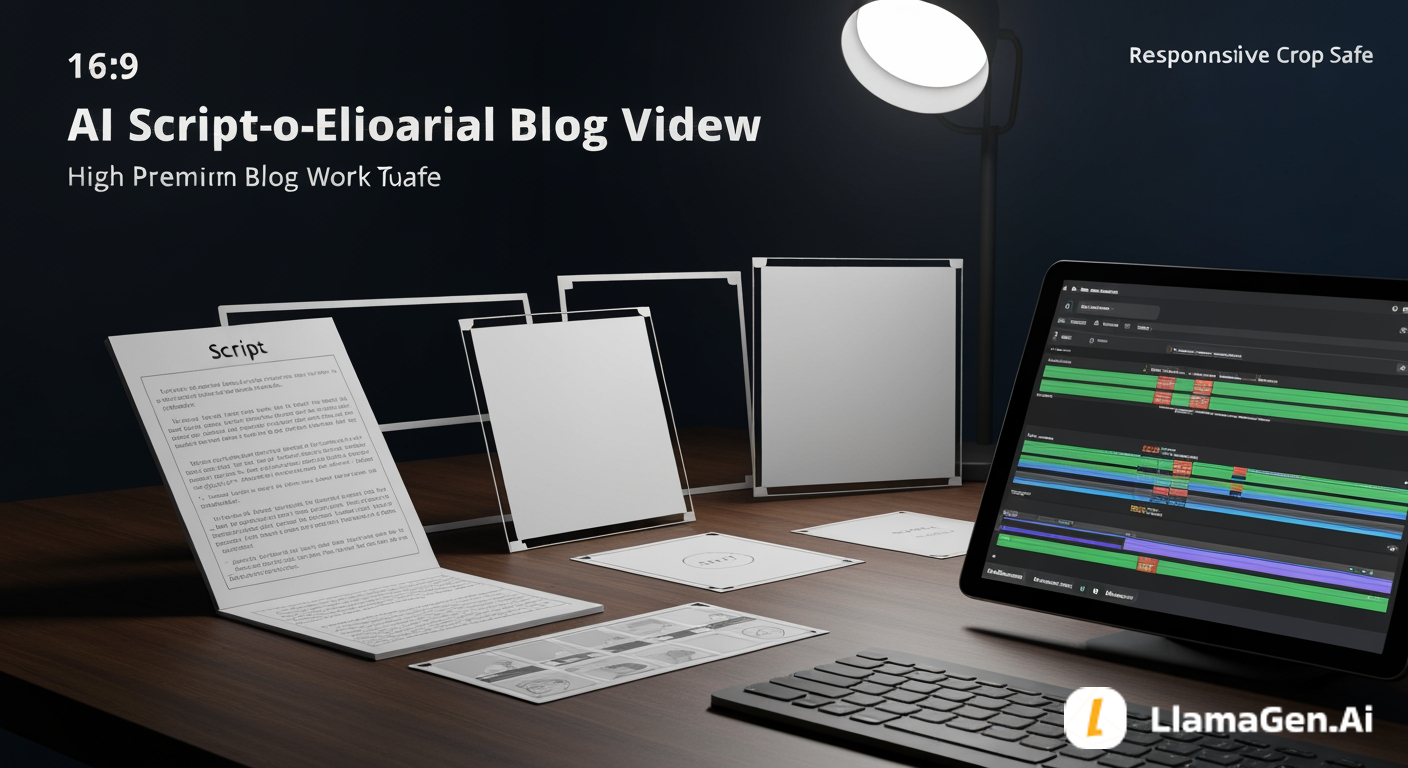
Do not send a raw script straight into video generation.
That is the fastest way to get attractive clips that do not communicate the story clearly.
A better AI script-to-video workflow is:
script -> scene intent -> shot list -> storyboard frames -> video prompts -> review pass
For most narrative work, video should be the last step, not the first. The script needs to become visual decisions before it becomes motion.
A practical next step is to open the LlamaGen.AI AI storyboard generator and turn your script into a storyboard before generating or editing video assets.
Most script-to-video failures are not model failures. They are planning failures.
The script says:
Mira enters the greenhouse and finds a memory hidden by her mother.
But the video system still needs to know:
If those decisions are missing, the video may look cinematic but feel random. A storyboard fixes that by turning story intent into frame-level instructions.
This test used the same fiction project from the earlier August writer series and pushed it into a 45-second book trailer workflow.
| Test item | Setup |
|---|---|
| Date tested | August 5, 2026 |
| Project | The Glass Orchard |
| Source input | 180-word trailer script plus existing story bible notes |
| Writer stage | After story bible, before video generation |
| Target output | Scene intent, 8-shot list, storyboard prompts, video handoff checklist |
| Active editing time | About 18 minutes |
A rundown of the latest LlamaGen feature releases, product enhancements, design updates, and important bug fixes.
| Total elapsed time | About 36 minutes including failure repair |
| AI/editorial model note | CMS editorial review used GPT-5.4; product model and credit cost can vary by workspace settings and output type |
| Credits / cost note | Treat this as a workflow test, not a pricing benchmark |
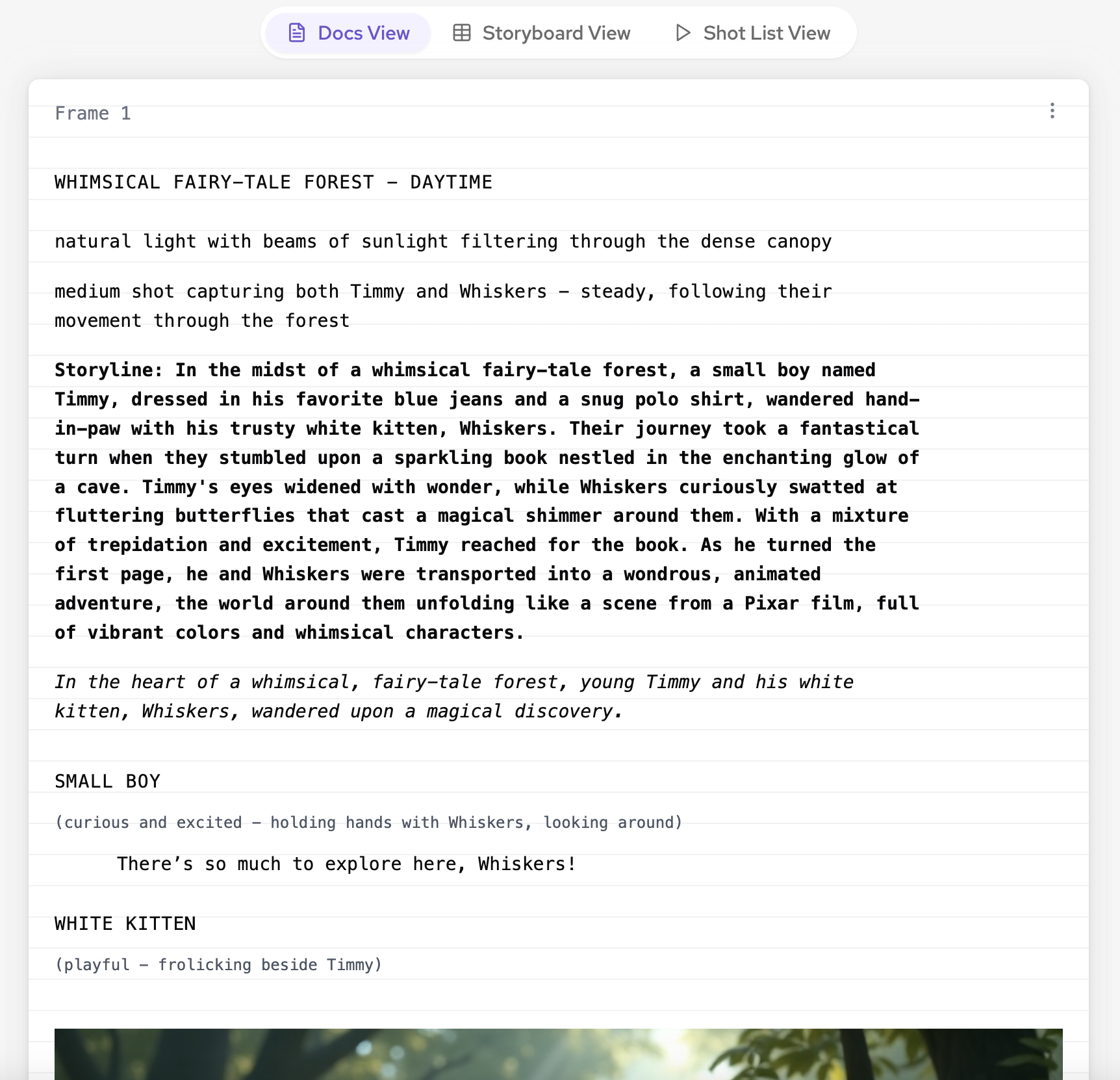
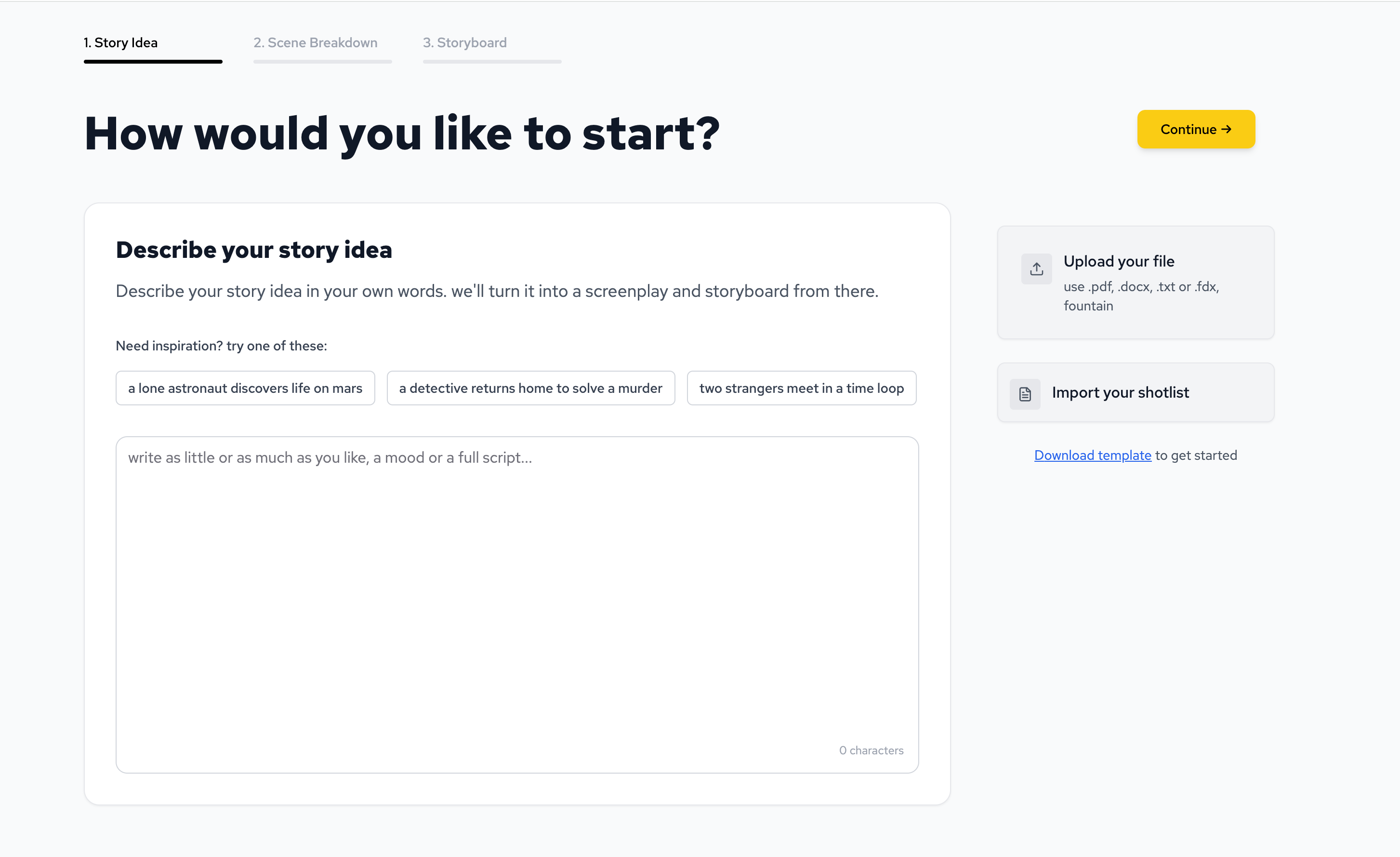
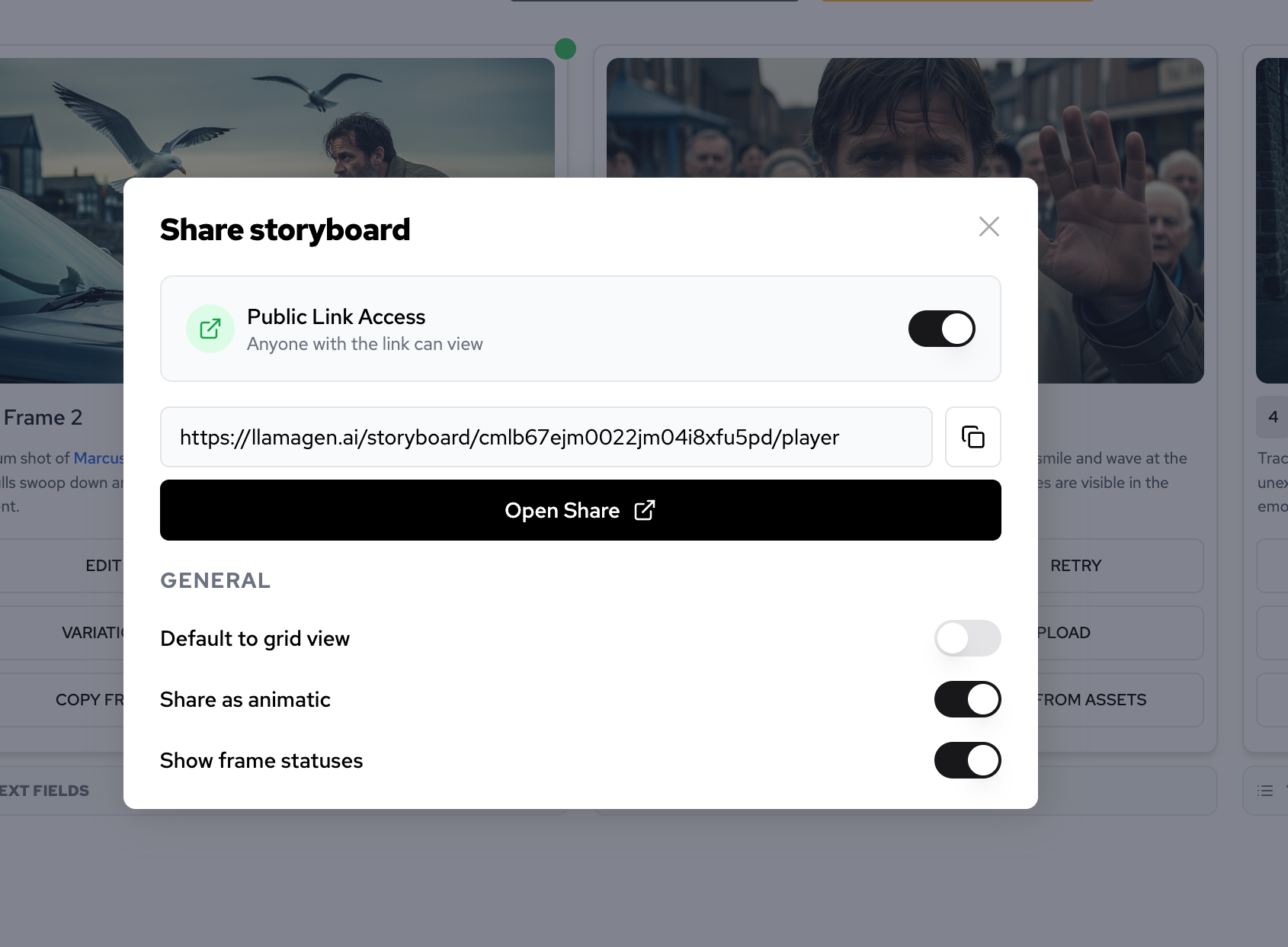
Here are the product surfaces used as visual workflow references.
The test question was:
Can a writer turn a script into a visual plan that keeps character, object, and mystery continuity intact before video generation?
This is the test script.
Title: The Glass Orchard - 45-second trailer

Mira returns to the floating greenhouse her mother vanished from years ago.

Rain shakes the glass. Silver branches glow in the dark. Every fruit in the orchard stores a witnessed memory.

A salvage company has already begun dismantling the greenhouse.

Mira has one night to find the final memory her mother hid.

She carries only a brass catalog key, an old blue raincoat, and the rule she has lived by for years: evidence first, grief later.

Inside the orchard, a drone wakes. A music box begins playing her mother's song.

One fruit reflects a hand that is not in the room.

Before dawn, Mira must decide whether the truth is worth recovering if it changes the last thing she believed about her mother.
This is not enough for video. It is enough for a shot list.
Start by defining the job of the trailer.
Analyze this trailer script before creating visuals.

Return:
1. The core story promise.
2. The viewer question.
3. The emotional arc.
4. The visual motifs that must repeat.
5. The details that must not be revealed yet.
Output example:
| Field | Working note |
|---|---|
| Story promise | A restrained mystery about a daughter searching for a hidden memory in a dying greenhouse. |
| Viewer question | What did Mira's mother hide, and why was it worth protecting? |
| Emotional arc | Evidence first, grief underneath, decision at dawn. |
| Repeating motifs | Rain on glass, silver branches, brass key, blue raincoat, music box light, drone lens. |
| Do not reveal yet | Mother's face, full memory, final truth, any clear villain explanation. |
This step keeps the video from becoming a montage of unrelated beautiful images.
Now turn the script into shots.
Create an 8-shot list for a 45-second book trailer.

For each shot include:
- duration
- framing
- action
- visual continuity
- audio or motion note
- story purpose
- what must remain unreadable or unrevealed
Output example:
| Shot | Duration | Framing | Story purpose |
|---|---|---|---|
| 1 | 4s | Wide exterior | Establish the floating greenhouse in rain. |
| 2 | 5s | Medium side profile | Introduce Mira in blue raincoat with brass key. |
| 3 | 5s | Over-the-shoulder | Show silver branches and glowing memory-fruit. |
| 4 | 4s | Insert | Brass key turns in an old catalog panel. |
| 5 | 6s | Tracking shot | Salvage drone wakes and follows. |
| 6 | 6s | Close-up | Music box glows beneath wet roots. |
| 7 | 6s | Insert |
The shot list is the first real bridge from script to video.
The storyboard prompt should be visual only. Do not ask the model to render titles, captions, or fake interface text inside the image.
Turn each shot into a storyboard image prompt.

Rules:
- No readable text.
- No logos or UI screenshots.
- Preserve Mira's blue raincoat and brass catalog key.
- Keep the greenhouse old, wet, luminous, and partially automated.
- Keep the tone restrained and mysterious.
- Do not reveal the mother's face.
- Each prompt should describe one frame only.
Example storyboard prompts:
| Shot | Storyboard prompt |
|---|---|
| 1 | Wide cinematic frame of an old floating glass greenhouse in heavy rain above dark water, silver branches faintly glowing inside, restrained mystery tone, no text. |
| 2 | Medium side-profile frame of Mira in a weathered blue raincoat holding a brass catalog key near a broken service hatch, rain on glass, no readable signs. |
| 3 | Over-the-shoulder frame from behind Mira looking into rows of silver branches and softly glowing memory-fruit, old greenhouse machinery in shadow, no text. |
| 4 | Close-up insert of a brass catalog key turning in an aged archive panel, water droplets, warm metal against cold glass, no labels. |
| 5 | Tense tracking frame of an industrial salvage drone lens lighting up behind Mira between wet branches, no cute design, no branding. |
| 6 | Close-up of a small music box glowing under tangled roots, warm light contrasting with rain-blue greenhouse shadows, no visible writing. |
| 7 | Insert shot of a translucent memory-fruit reflecting a woman's hand that is not physically present, subtle and eerie, no full face reveal. |
| 8 | Wide interior frame of Mira standing before the orchard before dawn, blue coat silhouette, silver branches fading into soft gray light, unresolved mood. |
These prompts can move into the storyboard workflow or into a later video tool as consistent reference frames.
Motion should follow the storyboard, not replace it.
| Shot | Motion note | Audio note |
|---|---|---|
| 1 | Slow push toward greenhouse. | Rain, low glass creak. |
| 2 | Subtle coat movement, key catches light. | Single distant drone tone. |
| 3 | Slow pan across memory-fruit rows. | Soft electrical hum. |
| 4 | Tiny key turn, panel unlocks. | Metal click. |
| 5 | Drone lens brightens and rotates. | Mechanical wake sound. |
| 6 | Music box light flickers. | Thin melody under rain. |
| 7 | Reflection shifts slightly in the fruit. | Melody skips. |
| 8 | Dawn light grows but answer remains hidden. | Rain fades, unresolved note. |
Now the video generation step has a plan instead of guessing what the script means.
Before generating video, run a quick review.
| Check | Pass condition |
|---|---|
| Story clarity | A viewer can explain the premise without reading the script. |
| Character continuity | Mira's coat, key, posture, and restraint remain stable. |
| Object continuity | The brass key, music box, memory-fruit, and drone do not change roles. |
| Mystery restraint | The trailer does not reveal the mother or final truth. |
| Visual rhythm | Wide, medium, close-up, and insert shots create variety. |
| Adaptation path | Frames can support a book trailer, pitch deck, comic test, or animatic. |
If this review fails, fix the shot list before generating video.
Here is the weak shortcut:
Create a cinematic AI video from this script. Make it mysterious and beautiful.
The output usually fails for predictable reasons.
| Failure | What happens | Fix |
|---|---|---|
| Random imagery | The greenhouse changes style every shot. | Lock environment rules before video. |
| Character drift | Mira changes coat, age, or expression. | Add character continuity to every shot. |
| Text artifacts | Fake title cards or unreadable signs appear. | Require visual-only frames and no readable text. |
| Over-reveal | The mother's face appears too early. | Add do-not-reveal rules. |
| Weak story | The video looks atmospheric but has no progression. | Build a shot list with story purpose per shot. |
The repair prompt was:
Do not generate video yet.

First create:
- scene intent
- 8-shot list
- character continuity notes
- object continuity notes
- storyboard prompts
- motion notes
- do-not-reveal rules

Only after that, prepare video prompts.
This is the core script-to-video habit: slow down before speeding up.
Copy this into LlamaGen.AI's AI storyboard generator.
I want to turn this script into a video-ready storyboard.

Do not generate final video prompts first.

Step 1: Extract story intent.
Step 2: Create a shot list.
Step 3: Create storyboard prompts for each shot.
Step 4: Add character continuity, object continuity, and environment continuity.
Step 5: Add motion notes and audio notes.
Step 6: List risks that could make the video unclear.

Rules:
- No readable text in image prompts.
- No logos or UI screenshots.
- Keep characters visually consistent.
- Keep the story clear without captions.
- Preserve what should not be revealed yet.
If your script is still rough, start in Story AI before the storyboard generator.
Use Story AI when you need:
Use the AI screenplay editor when the material needs screenplay formatting or shot-focused revision.
Use the AI storyboard generator when the story is ready to become frames.
AI script-to-video is the process of turning written material into video assets. A reliable workflow converts the script into scene intent, shot list, storyboard frames, and video prompts before generating motion.
Usually not. For fiction, trailers, and other story-led content, generate a storyboard first. It gives you more control over camera, continuity, pacing, and reveals.
Turn the script into a shot list. A shot list exposes what the viewer will actually see and prevents the video from turning into a random montage.
Yes. It works well for book trailers because it preserves premise, mood, character continuity, and mystery while creating visual assets for a pitch.
The best AI script-to-video workflow does not begin with video.
It begins with story decisions:
intent -> shot list -> storyboard -> motion -> video
For writers, this protects the story from visual drift. Start with the LlamaGen.AI AI storyboard generator, convert your script into a shot list and storyboard, and then move into video with a plan the viewer can actually follow.
| Fruit reflects a hand that is not in the room. |
| 8 | 9s | Wide interior | Mira faces the orchard before dawn, undecided. |
Just refer your friends, followers, and customers to earn up to 30% in recurring commissions for a lifetime!