A social media ad is not a small commercial.
It is an interruption.
The viewer is already moving. They are scrolling through TikTok, Reels, Shorts, YouTube, Instagram, Facebook, LinkedIn, or a feed full of personal posts, creator videos, product clips, news, memes, comments, and other ads. Your ad has to earn the next second before it can earn the click.
That changes how you storyboard it.
This is Day 5 of our advertising storyboard series.
Day 1 covered how to plan an ad storyboard before production. Day 2 shared a commercial storyboard template for video ads. Day 3 focused on billboard storyboards and 3-second outdoor readability. Day 4 explained digital billboard storyboards and DOOH motion loops.
Day 5 focuses on social media ads:
Turn a social ad idea into a short-form storyboard that survives the first 3 seconds, keeps the product visible, and can be resized into platform variants.
The goal is not to make a pretty sequence.
The goal is to make a scroll-stopping sequence that a team can generate, shoot, edit, test, and improve.
A social media ad storyboard is a frame-by-frame plan for a paid or organic social video.
It maps:
A traditional commercial storyboard may be built around a complete narrative.
A social ad storyboard is usually built around attention flow:
Why should the viewer stop?
What do they understand before they scroll away?
When does the product appear?
What makes the next second worth watching?
What should they do after the ad ends?
A social ad can be polished, UGC-style, animated, cinematic, tutorial-based, or product-led. The format changes, but the storyboard job stays the same:
Make the next action visible.
Many teams make the mistake of cutting a 30-second commercial into a vertical crop and calling it a social ad.
That usually fails.
A social ad has different constraints:
A good social media ad storyboard solves those constraints before editing starts.
It gives the creative team a practical map:
| Question | Why it matters |
|---|---|
| What appears in the first frame? | The viewer decides whether to stop |
| What changes by second 3? | Motion and contrast create attention |
| Where is the product? | Ads need commercial clarity |
| Can the ad work muted? | Many viewers watch without sound |
| Is the text safe from UI overlays? | Platform controls can hide copy |
| What variants will be tested? | Paid social usually improves through iteration |
If the storyboard does not answer these questions, the edit will probably become guesswork.
For social ads, use this rule:
The first 3 seconds must show a reason to continue.
That reason can be:
A rundown of the latest LlamaGen feature releases, product enhancements, design updates, and important bug fixes.
Weak opening:
A person sits at a desk and starts talking.
Stronger opening:
A creator scrolls through a messy folder of unused ad ideas, then freezes as the notes turn into clean storyboard frames.
The second opening creates a visible change.
The viewer does not need to understand the whole product yet. They only need enough curiosity or relevance to keep watching.
Before writing frames, choose the format.
Different social ad types need different storyboard logic.
| Format | Best For | Storyboard Focus |
|---|---|---|
| UGC-style ad | Creator-led trust and fast iteration | Hook line, face, product proof, casual CTA |
| Product demo | Apps, tools, ecommerce, software | Problem, workflow, result, CTA |
| Before-and-after | Clear transformation offers | Starting pain, change moment, outcome |
| Tutorial ad | Education, tools, creative products | Step sequence and visible progress |
| Founder ad | B2B, SaaS, launches, personal brand | Credibility, problem insight, product reason |
| Testimonial ad | Trust and proof | Specific result, human reaction, product cue |
| Meme or trend ad | Awareness and low-friction reach | Pattern recognition, twist, brand fit |
| Cinematic social ad | Premium brand or launch campaign | Mood, product reveal, memorable frame |
If this is your first paid social storyboard, start with one of these:
UGC-style proof ad
Product demo ad
Before-and-after ad
They are easier to test because each frame has a clear job.
Use this template for TikTok, Reels, Shorts, Instagram, Facebook, YouTube, LinkedIn, or paid social variants.
| Frame | Time | Visual Action | Message Beat | Audio / Caption | Product Cue | Review Check |
|---|---|---|---|---|---|---|
| 1 | 0-1s | Show the hook as a visual interruption | Stop the scroll | Short hook line or silent visual | Brand color, product shape, or workflow hint | Would this stop the right viewer? |
| 2 | 1-3s | Make the problem or desire specific | Relevance | One plain-language pain or question | Product category becomes visible | Does the viewer know why this matters? |
| 3 | 3-6s | Show the product action | Solution | Explain the core action | Product appears clearly | Is the product visible early enough? |
| 4 |
For a 6-second social ad:
| Frame | Time | Purpose |
|---|---|---|
| 1 | 0-1s | Hook |
| 2 | 1-3s | Product action |
| 3 | 3-5s | Result |
| 4 | 5-6s | CTA |
For a 15-second ad:
| Frame | Time | Purpose |
|---|---|---|
| 1 | 0-2s | Hook |
| 2 | 2-4s | Problem |
| 3 | 4-7s | Product action |
| 4 | 7-10s | Proof |
| 5 | 10-13s | Outcome |
| 6 | 13-15s | CTA |
For a 30-second ad:
| Frame | Time | Purpose |
|---|---|---|
| 1 | 0-2s | Hook |
| 2 | 2-5s | Problem |
| 3 | 5-8s | Product |
| 4 | 8-13s | Demo |
| 5 | 13-18s | Proof |
| 6 | 18-23s | Objection answer |
| 7 | 23-27s | Outcome |
| 8 | 27-30s | CTA |
Do not add frames just because the ad is longer.
Each frame should either increase attention, explain value, prove the claim, or move the viewer toward action.
Most social ad storyboards should generate multiple hook variants before production.
Use this matrix:
| Hook Type | What It Shows | Example for a Storyboard Tool |
|---|---|---|
| Problem hook | A pain the viewer recognizes | "The script is approved, but nobody can see the ad yet." |
| Result hook | The outcome first | A blank brief becomes six clean storyboard frames |
| Mistake hook | A common failure | A team starts filming before the sequence is clear |
| Speed hook | A faster path | A creator turns a rough idea into frames before a meeting |
| Contrast hook | Before and after | Messy notes on one side, organized visual plan on the other |
| Creator hook | Human reaction | A marketer sees a vague campaign become visual |
| Question hook | A direct curiosity gap | "Can your team understand the ad before you produce it?" |
For LlamaGen storyboard workflows, strong hooks often show transformation:
Loose idea -> storyboard frames
Script -> visual sequence
Messy notes -> production plan
Unclear ad -> approved shot list
That transformation is visual, which makes it useful for short-form video.
Most social ads need a vertical version.
That means the storyboard should protect the important area from platform UI.
In a 9:16 ad, avoid placing critical details:
Use a simple planning rule:
Keep the main action in the center third.
Keep subtitles and CTA in planned zones.
Do not rely on tiny details near the edges.
For horizontal or square variants, create a separate crop note:
| Format | Use Case | Storyboard Note |
|---|---|---|
| 9:16 | TikTok, Reels, Shorts | Put face, product, and action in the center column |
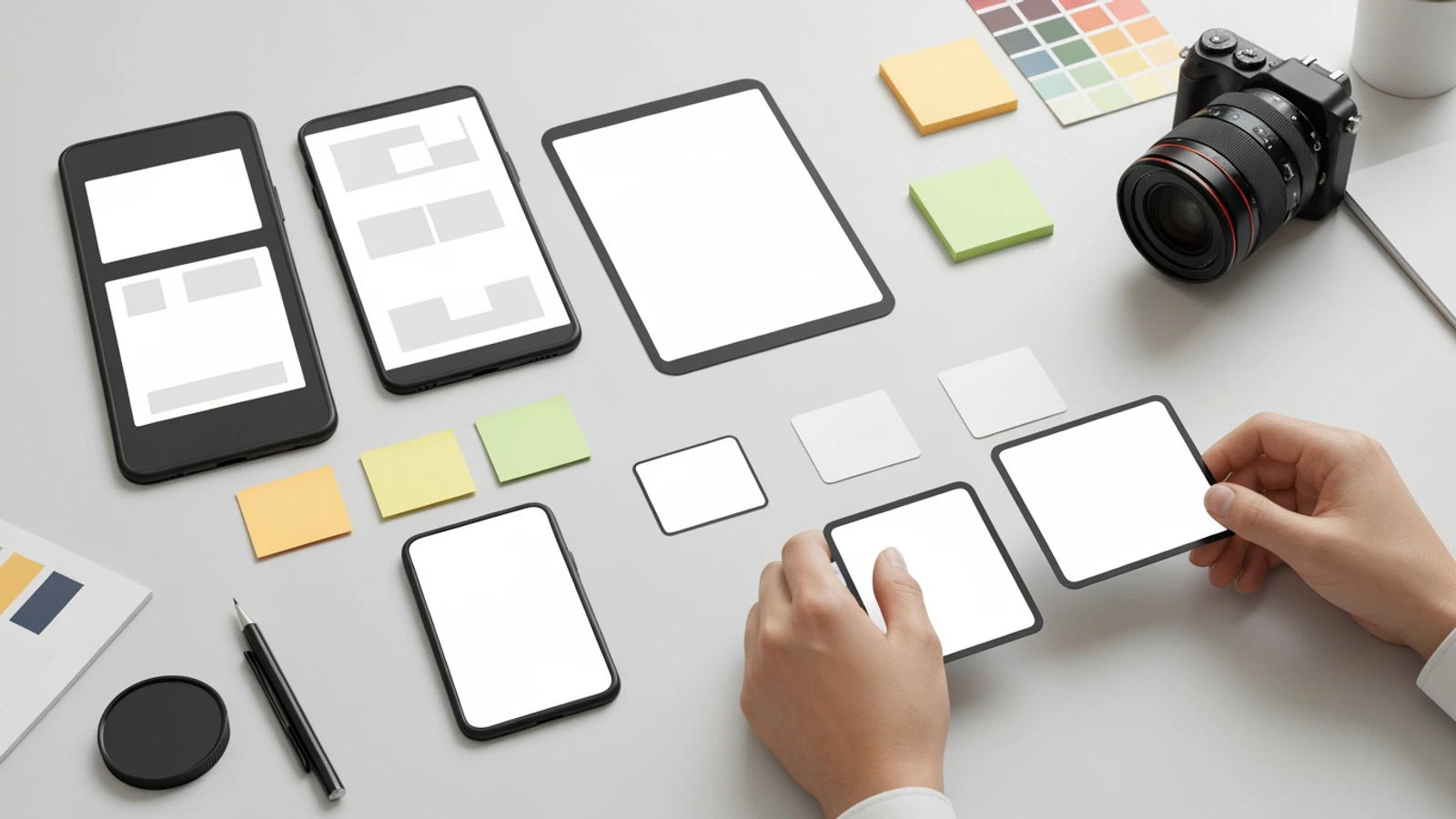
| 1:1 | Feed placements | Keep visual hierarchy compact |
| 4:5 | Instagram and Facebook feed | Preserve vertical energy with less height |
| 16:9 | YouTube, landing pages, presentations | Use wider environment and product context |
Do not crop after the fact if the concept depends on edge details.
Storyboard the safe zones early.
Here is a 15-second example for an AI storyboard product.
Offer:
Turn a rough ad idea into a visual storyboard before production.
Audience:
Marketing teams, creators, founders, agencies, and video producers who need to pitch or produce ad concepts faster.
Format:
Vertical social video, 15 seconds, product demo with creator reaction.
Storyboard:
| Frame | Time | Visual | Message Beat | Production Note |
|---|---|---|---|---|
| 1 | 0-2s | A creator stares at a messy campaign brief and an empty storyboard wall | Hook | Show the pain instantly, no tiny text |
| 2 | 2-4s | The creator highlights the core offer and drops it into a storyboard workflow | Problem to action | Use clear hand movement or over-shoulder shot |
| 3 | 4-7s | Blank frames become visual ad beats: hook, problem, product, proof, CTA | Product action | Make the sequence visible without UI text |
| 4 | 7-10s | Team reviews the frames on a wall or tablet and points to the strongest hook | Proof | Show decision-making, not just decoration |
| 5 | 10-13s | The same storyboard appears in vertical, square, and horizontal mockups |
This works because the viewer sees:
UGC-style ads can feel casual, but they still need structure.
Here is a template:
| Frame | Time | Visual | Spoken / Caption Idea | Storyboard Job |
|---|---|---|---|---|
| 1 | 0-2s | Creator holds a messy ad brief near camera | "I used to pitch ad ideas with a wall of text." | Hook |
| 2 | 2-5s | Creator shows blank storyboard frames | "The problem was nobody could picture the final ad." | Problem |
| 3 | 5-9s | Creator turns the brief into frames | "Now I turn the idea into a visual sequence first." | Product action |
| 4 | 9-12s | Side-by-side messy brief and clean storyboard | "The team can approve the story before production." | Proof |
| 5 | 12-15s | Creator prepares the storyboard for review | "Start with the storyboard, then make the ad." |
This ad does not need to look like a film.
It needs to feel clear and credible.
For a product demo, the danger is showing too many features.
Choose one workflow.
Example:
From campaign idea to storyboard frames.
Storyboard:
| Frame | Time | Visual | Message Beat |
|---|---|---|---|
| 1 | 0-2s | A campaign idea sits beside an empty storyboard grid | Hook |
| 2 | 2-4s | The user selects ad type and duration | Setup |
| 3 | 4-7s | The system creates a sequence of visual frames | Product action |
| 4 | 7-10s | The user replaces a weak hook frame with a stronger visual | Editing control |
| 5 | 10-13s | The storyboard is shown in vertical and square versions | Distribution |
| 6 | 13-15s | The user sends it for approval | CTA |
Notice what is not included:
The storyboard follows one path.
That makes the ad easier to watch.
LlamaGen.AI is useful for social ad planning because social ads are sequential visual problems.
You can use LlamaGen Storyboard to turn a rough campaign idea into a frame sequence, then refine the hook, product action, camera angle, and output variants. The AI Storyboard Generator is especially helpful when you already have a script, ad concept, or product pitch and need visual frames for review.
A practical workflow looks like this:
The important part is not only generation.
The important part is control:
That turns the storyboard into a production tool instead of a mood board.
Use this prompt when you want to generate a social ad plan.
Create a social media ad storyboard for a short-form video campaign.

Product or offer:
[Describe the product, service, or campaign]

Audience:
[Who should stop scrolling?]

Platform:
[TikTok / Reels / Shorts / Instagram / YouTube / LinkedIn / paid social]

Format:
[UGC-style / product demo / before-and-after / tutorial / founder-led / testimonial / cinematic]

Length:
[6 seconds / 15 seconds / 30 seconds]

Goal:
[Sign up / try product / shop / book demo / learn more / remember brand]

Requirements:
1. Start with 3 hook options.
2. Build a frame-by-frame storyboard with timing.
3. Include visual action, message beat, caption or voiceover note, product cue, and CTA.
4. Keep the product visible by the first half of the ad.
5. Make the ad understandable without sound.
6. Include vertical safe-zone notes.
7. Suggest 3 variants for A/B testing.
8. Avoid tiny UI text and avoid relying on unreadable details.
After the storyboard is approved, use a visual prompt like this:
Generate a vertical social media ad storyboard sequence.

Scene:
A creative marketer turns a messy campaign idea into a clear ad storyboard before production.

Frames:
1. Hook: messy ad brief and empty storyboard wall.
2. Problem: team cannot agree on the shot sequence.
3. Product action: rough idea becomes visual storyboard frames.
4. Proof: team reviews and selects the strongest hook.
5. Variants: the same idea appears in vertical, square, and horizontal layouts.
6. CTA: approved storyboard ready for production.

Style:
Modern realistic creator workspace, clean agency lighting, natural gestures, clear composition, consistent person across frames, visual-only screens and cards.

Restrictions:
No readable text inside the images, no fake logos, no watermarks, no title overlay, no UI screenshot text, no speech bubble text, no barcode.
Use this prompt before approving the storyboard:
Review this social media ad storyboard as a paid social creative director.

Focus on:
1. Does the first frame stop the right viewer?
2. Is the problem or desire clear by second 3?
3. Does the product appear early enough?
4. Can the ad work without sound?
5. Are captions and CTA areas safe for vertical platform UI?
6. Does each frame create a reason to watch the next one?
7. What 3 hook variants should we test?

Return:
- Top 5 problems
- Recommended revised frame order
- Stronger hook options
- Safe-zone notes
- Final CTA recommendation
Avoid these when storyboarding social media ads:
The biggest mistake is treating a social ad as a compressed brand film.
Most social ads need a sharper structure:
Hook -> relevance -> product action -> proof -> CTA
Before approving the storyboard, run this checklist.
If a storyboard passes this checklist, it is ready for visual production.
If it fails, fix the sequence before spending time on final assets.
For production, package the social ad storyboard like this:
social-ad-storyboard-package/
  01-offer-and-audience.md
  02-hooks.md
  03-storyboard-table.md
  04-visual-frames/
  05-vertical-safe-zones/
  06-variants/
  07-review-notes.md
  08-production-handoff.md
For each frame, include:
This handoff helps the editor, designer, motion artist, media buyer, and client review the same idea.
It also makes iteration faster. If hook A fails, you can test hook B without rebuilding the whole ad.
A social media ad storyboard is not just a list of shots.
It is an attention plan.
It decides what the viewer sees first, why they keep watching, when the product appears, how the benefit becomes visible, and what action the ad asks for at the end.
Use the template above to plan your next TikTok, Reels, Shorts, or paid social concept. Then bring the idea into LlamaGen Storyboard, generate the visual sequence, test the first 3 seconds, create platform-safe variants, and hand off a cleaner social ad storyboard.
Popular creator tools
Go from comics and storyboards to stylized photos with LlamaGen.
| 6-10s |
| Show transformation or proof |
| Benefit |
| Result, comparison, or creator reaction |
| Product creates the change |
| Is the benefit visible without sound? |
| 5 | 10-14s | Repeat the strongest visual result | Memory | Short summary or proof line | Brand or product returns | Can this become the thumbnail? |
| 6 | 14-18s | End with CTA | Action | Try it, start, download, book, shop, learn | CTA area stays clean | Is the next step obvious? |
| Variant value |
| Keep all mockups blank or abstract |
| 6 | 13-15s | Creator exports or presents the approved storyboard | CTA | Leave clean space for final CTA copy |
| CTA |
Visualize every scene before production starts.
© 2026 LlamaGen.Ai All rights reserved
Leading the Future of AI Comic Generation