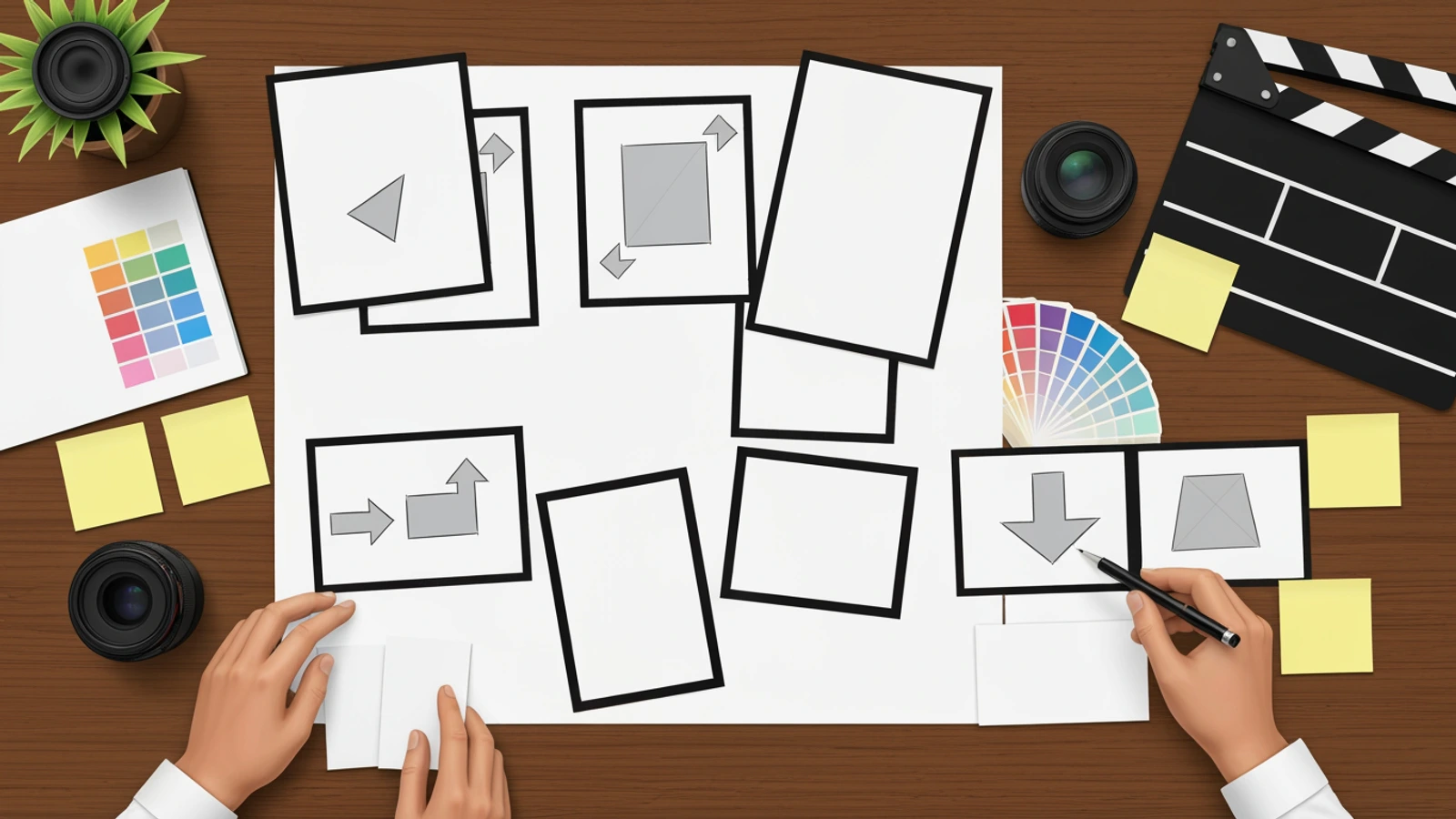
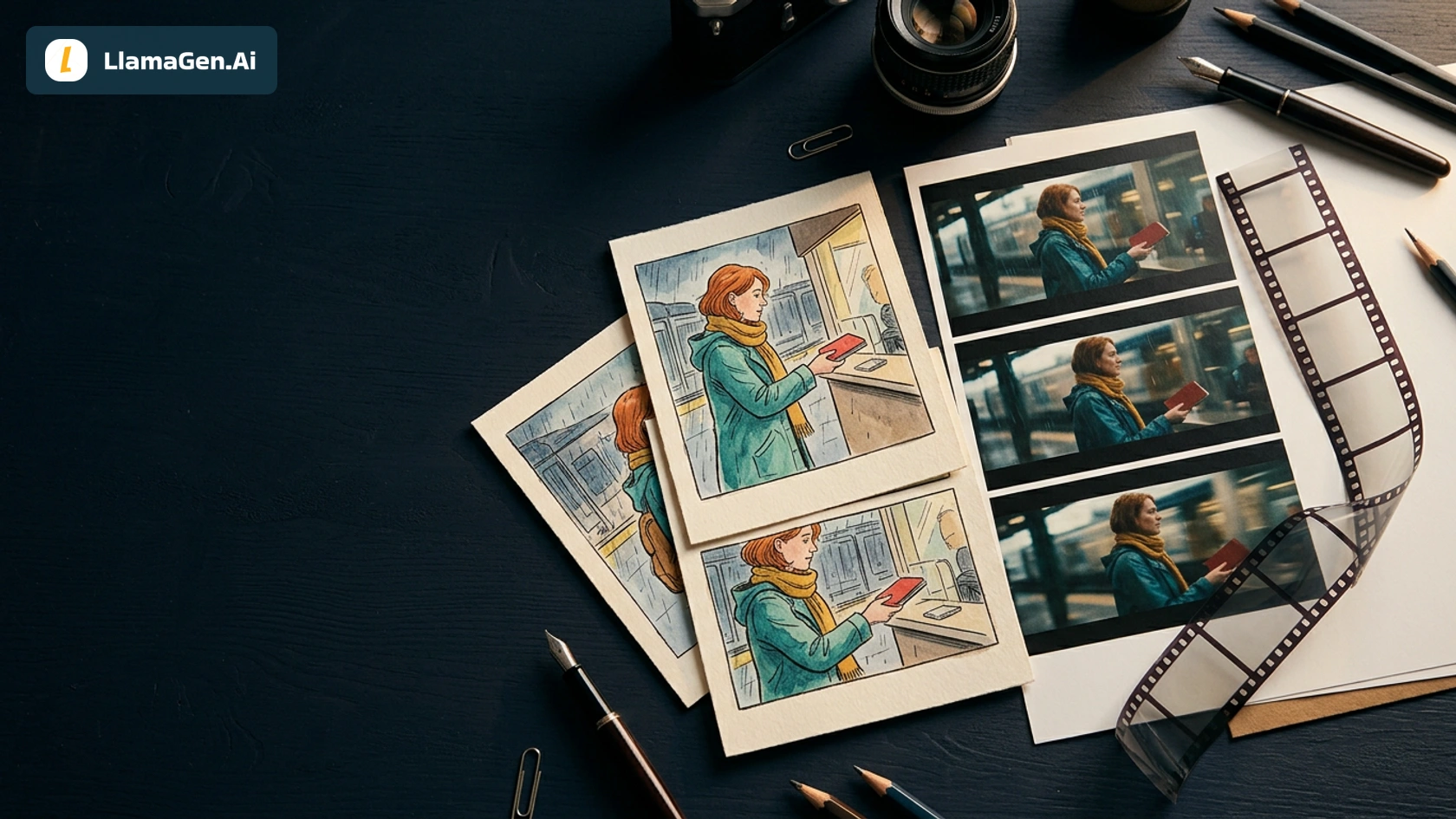
A commercial storyboard turns a marketing idea into something a team can actually produce.
It bridges the gap between the brief and the shoot.
Without it, a commercial can sound strong in a meeting but break down in production. Usually, the issue is not the camera, the editor, or the talent. The issue is that the team never aligned on what the viewer should see, when the product should appear, how the message should build, and what the final call to action should look like.
This is Day 2 of our advertising storyboard series.
Turn a commercial idea into a shot-by-shot storyboard your team can review.
You can use it for a product video, paid social ad, brand film, launch teaser, explainer commercial, app demo, or a short conversion-focused landing page video.
The goal is not to make every frame beautiful on the first pass.
The goal is to remove guesswork before production starts.
What Is a Commercial Storyboard Template?
A commercial storyboard template is a repeatable structure for planning a video advertisement.
It usually includes:
Frame number
Timing
Visual action
Camera angle
Product or offer beat
Voiceover, caption, or dialogue
Brand note
Transition
CTA
Production notes
The template gives each frame a job.
Instead of writing a loose paragraph like:
Show the product, explain the benefits, and end with a strong CTA.
you create a visual sequence like:
Frame 1: Show the problem in the first two seconds.
Frame 2: Introduce the product as the change agent.
Frame 3: Demonstrate the key feature.
Frame 4: Show proof or transformation.
Frame 5: End with the offer and CTA.
That difference matters.
A paragraph can hide uncertainty. A storyboard exposes it.
When to Use This Template
Use this template whenever a commercial needs visual clarity before production.
It works especially well for:
6-second bumper ads
15-second social ads
30-second product commercials
Changelog
Spark dreams for the young Where millions of stories come alive
A rundown of the latest LlamaGen feature releases, product enhancements, design updates, and important bug fixes.
✦
✧
✦
✧
A new medium for Storytelling
Vibe creating unlimited stories, comics, animations, games, and more—in seconds that resonate with modern audiences
Commercial Storyboard Template: Plan a Video Ad Shot by Shot - LlamaGen.AI Blog
App demo ads
Ecommerce product videos
Brand awareness videos
Founder-led launch videos
UGC-style paid ads
Tutorial commercials
Explainer ads
Crowdfunding campaign videos
Short YouTube ads
TikTok, Reels, and Shorts concepts
The format can also help with non-video ad assets.
For example, a billboard or static campaign may not need twelve frames, but the same thinking still helps: what does the viewer see first, what is the offer, what is the visual hook, and what should remain in memory after one glance?
The Simple Five-Part Commercial Structure
Most short commercial storyboards can be built around five beats.
You can adjust the number of frames, but the logic stays useful.
Beat
Purpose
Typical Timing
Hook
Stop the scroll or catch attention
0-3 seconds
Problem
Show the viewer's need, pain, or desire
3-7 seconds
Product
Introduce the solution clearly
7-12 seconds
Proof
Show the benefit, result, demo, or social proof
12-24 seconds
CTA
Tell the viewer what to do next
Final 3-6 seconds
This structure is simple because ads need speed.
Viewers rarely give a commercial unlimited patience. The storyboard has to make the message visible quickly.
Commercial Storyboard Template
Copy this template into your planning doc, creative brief, or LlamaGen storyboard prompt.
Frame
Time
Visual Action
Camera / Composition
Message Beat
Audio / Caption
Production Note
1
0-2s
Show the viewer's current problem or desire
Strong close-up or clear environmental setup
Hook
Short opening line or silent visual hook
Make the first image instantly readable
2
2-5s
Make the problem specific
Medium shot, screen detail, or reaction shot
Problem
Name the pain in simple language
Avoid abstract concepts
3
5-8s
Introduce the product or offer
Product hero shot or user interacting with product
Solution
One-line product promise
Product should be visible, not hidden
4
8-12s
Demonstrate the main feature
Over-the-shoulder, hands-on, screen flow, or before/after
Feature
Explain what changes
Use one key feature, not five
5
12-17s
Show the benefit in context
Wider lifestyle or workflow shot
Outcome
Benefit caption or voiceover
The viewer should understand the result
6
17-22s
Add proof, trust, or comparison
Split scene, review moment, metric card, or customer moment
Proof
Social proof or credibility line
Keep visual proof simple
7
22-26s
Repeat the product and emotional result
Clean hero frame
Memory beat
Brand phrase or benefit repeat
This is the frame viewers remember
8
26-30s
End with CTA
Product, URL area, app screen, or final brand frame
Action
Clear CTA
Leave enough negative space for final text
For a 15-second ad, compress the template:
Frame
Time
Purpose
1
0-2s
Hook
2
2-5s
Problem
3
5-8s
Product
4
8-12s
Proof or benefit
5
12-15s
CTA
For a 6-second ad, reduce it further:
Frame
Time
Purpose
1
0-1s
Hook
2
1-4s
Product and benefit
3
4-6s
CTA
The shorter the ad, the more ruthless the storyboard must be.
What Each Frame Needs to Decide
A commercial storyboard frame is not just a drawing box.
Each frame should answer six questions.
1. What does the viewer see?
Describe the visible action, not the marketing intention.
Weak:
The product feels premium and easy to use.
Stronger:
A founder opens the dashboard on a laptop; the screen shows three clean project cards and one highlighted result area.
The second version can be shot, generated, revised, and approved.
2. Why is this frame here?
Every frame needs a job.
Possible jobs include:
Hook attention
Show pain
Introduce the product
Demonstrate a feature
Show transformation
Add credibility
Create emotion
Prepare the CTA
Deliver the CTA
If a frame does not have a job, remove it.
3. What changes from the previous frame?
Commercials need momentum.
If frame 3 and frame 4 show the same idea, the viewer feels repetition. The storyboard should move from confusion to clarity, from problem to solution, or from before to after.
Use this quick check:
Frame 1 shows the problem.
Frame 2 makes the problem specific.
Frame 3 reveals the product.
Frame 4 proves the product works.
Frame 5 shows the better outcome.
That sequence has movement.
4. Where is the product?
Many weak ads hide the product too long.
That can work for a cinematic brand film, but most performance ads need earlier clarity. If the product is not visible by the middle of the storyboard, ask why.
Product visibility can mean:
Physical product in hand
App or website on screen
Service workflow in action
Branded package
Customer using the offer
Result created by the product
The product should feel like the reason the scene changes.
5. What text or voice supports the image?
Captions and voiceover should not fight the visual.
If the frame already shows a product demo, the caption can name the benefit. If the frame shows the viewer's problem, the voiceover can make the pain feel specific.
Avoid using captions to explain what the image failed to show.
Weak:
This amazing tool saves time and improves workflow efficiency.
Stronger:
Plan the whole campaign before the first shoot.
Specific beats usually work better than generic praise.
6. What does production need to know?
Add practical notes:
Location
Props
Wardrobe
Screen capture
Product angle
Lighting
Motion
Aspect ratio
Safe area for captions
Required brand color
CTA placement
This is where a storyboard becomes a handoff tool, not just a creative idea.
Example: 30-Second Product Commercial Storyboard
Here is a complete example for a fictional productivity app.
Frame
Time
Visual Action
Camera / Composition
Message Beat
Audio / Caption
Production Note
1
0-2s
A marketer looks at scattered notes, half-finished campaign boards, and multiple open tabs
Close-up on messy desk, shallow depth of field
Hook
"Your campaign idea is not the problem."
Keep clutter visual but readable
2
2-5s
The marketer tries to explain the ad concept to a team; everyone sees a different version
Medium shot around table
Problem
"The problem is that no one can see the same plan."
Show confused hand gestures
3
5-8s
The product appears as the team converts the brief into storyboard frames
Over-the-shoulder screen shot
Product
"Turn the brief into a visual storyboard."
Screen should be clean and simple
4
8-12s
Frames appear: hook, product demo, proof, CTA
Top-down table with storyboard cards
Feature
"Map each shot before production."
Use blank or abstract cards if needed
5
12-17s
The team reviews the storyboard and replaces one weak frame
Close-up on hand moving a card
Control
"Revise the ad before you spend on the shoot."
Make iteration visible
6
17-22s
The final storyboard sits beside a camera, product sample, and shot list
Hero table composition
Proof
"A clearer plan means a faster shoot."
Strong production mood
7
22-26s
Finished ad frames play as thumbnails in sequence
Clean screen grid
Outcome
"From idea to production-ready sequence."
No tiny unreadable UI text
8
26-30s
Final brand frame and CTA
Simple product hero frame with negative space
CTA
"Start your storyboard today."
Leave space for CTA overlay
Notice that each frame has a reason.
The storyboard is not just "show people using the app." It creates a visible argument:
Messy idea -> shared visual plan -> easier revision -> production-ready ad.
That argument is what the viewer remembers.
How to Build the Storyboard from a Creative Brief
A creative brief often contains too much information.
The storyboard should not include everything. It should translate the most important parts into visible moments.
Use this extraction process.
Step 1: Write the one-sentence offer
Before you make frames, write the offer in one sentence.
This product helps [audience] achieve [outcome] without [pain].
Example:
This tool helps marketing teams plan video ads before production without wasting shoots on unclear concepts.
If the sentence is weak, the storyboard will probably be weak too.
Step 2: Pick one viewer problem
Do not try to show every pain point.
Choose the problem that is easiest to visualize.
Good commercial problems are visible:
A creator staring at an empty page
A team arguing over a vague brief
A customer comparing messy options
A founder reshooting the same clip
A designer rebuilding assets manually
A student trying to explain a story without visuals
A marketer losing the product message in a crowded ad
Visible problems become stronger openings.
Step 3: Choose the product moment
The product moment is where the viewer understands how the solution works.
It might be:
Opening a dashboard
Uploading a file
Selecting a template
Generating frames
Editing a panel
Exporting a storyboard
Sharing a review link
Comparing before and after
Keep it simple.
The product moment should be understood in one glance.
Step 4: Decide the proof
Proof can be emotional, practical, or visual.
Possible proof frames:
Before and after
Customer reaction
Cleaner workflow
Side-by-side comparison
Faster handoff
Finished asset preview
Team approval moment
Reusable template
For most short ads, proof should be visible before it is verbal.
Step 5: Make the CTA frame
The CTA should be planned, not added at the end.
Decide:
What is the action?
Where does the CTA sit?
What visual supports it?
Is there enough negative space?
Does the final frame repeat the product or outcome?
A good CTA frame is easy to crop for different platforms.
AI Prompt for a Commercial Storyboard
Use this prompt when you want LlamaGen or another AI storyboard workflow to turn your ad plan into frames.
Create a commercial storyboard for a [15-second / 30-second / 60-second] video ad.

Product:
[Describe the product or offer]

Audience:
[Describe the target viewer]

Main problem:
[Describe the visible problem]

One-sentence offer:
[This product helps X achieve Y without Z]

Ad format:
[TikTok / Instagram Reels / YouTube pre-roll / landing page video / launch teaser / product demo]

Visual style:
[realistic studio photography / cinematic product demo / clean SaaS interface / lifestyle commercial / premium editorial / energetic social ad]

Storyboard requirements:
- Create [5 / 8 / 12] frames.
- Each frame must include visual action, camera angle, message beat, caption or voiceover, and production note.
- Show the product clearly before the midpoint.
- Include a hook, problem, product reveal, proof or benefit, and CTA.
- Avoid generic stock-photo scenes.
- Avoid unreadable UI text, fake logos, watermarks, title banners, and random typography.
- Keep each frame easy to understand at mobile size.
- Leave safe space for captions and CTA overlays.

Output format:
Frame 1:
- Time:
- Visual:
- Camera:
- Message beat:
- Caption or voiceover:
- Production note:
This prompt is intentionally specific.
It tells the AI what the storyboard must decide, not just what the image should look like.
Image Prompt for a Commercial Storyboard Cover or Hero Frame
If you need a cover image, do not ask for a poster with text. Text generation often creates fake letters, broken headlines, or unwanted logos.
Use a visual-only prompt:
16:9 premium realistic editorial photography, no text and no typography anywhere. A clean advertising pre-production studio table viewed from a slightly elevated angle: blank storyboard cards with simple visual frame sketches, camera angle thumbnails made of abstract marks, color swatches, product mockup blocks with no labels, a tablet showing visual storyboard thumbnails with no readable UI, hands arranging cards for a commercial ad storyboard. Visual story: a loose marketing brief becomes an organized shot sequence. Absolutely no words, no letters, no title banner, no headline, no captions, no logo, no watermark, no barcode, no speech bubbles, no fake interface text. Natural studio light, high-end commercial production mood, crisp details, clean focal hierarchy, responsive crop safe, realistic photography.
The key principles are:
Ask for visual evidence, not headline text.
Specify "no text" clearly and repeatedly.
Use blank cards or abstract UI instead of fake readable interfaces.
Make the subject specific to the article.
Keep the image crop-safe for blog cards and social previews.
How LlamaGen Fits the Workflow
LlamaGen.AI is useful here because commercial storyboarding is a sequential visual problem.
A one-shot image generator can produce a nice hero image, but a commercial usually needs a chain of decisions:
What happens first?
What changes in the middle?
Where does the product appear?
What should stay consistent across frames?
What needs revision before production?
What can be exported or shared for review?
LlamaGen.AI is built around visual storytelling workflows such as storyboards, scenes, panels, character consistency, editable frames, captions, export, and production review. That makes it a practical fit for turning a commercial idea into a frame-by-frame plan.
Use the commercial template above as your prompt skeleton. Then generate frames, review the sequence, revise weak beats, and export the storyboard for your team.
Commercial Storyboard Checklist
Before you approve the storyboard, check every item below.
Message
The one-sentence offer is clear.
The hook is visible in the first frame.
The problem is specific.
The product appears before the midpoint.
The benefit is shown, not only described.
The CTA is clear.
Visual Flow
Each frame has a different job.
The sequence moves from problem to solution.
The viewer can understand the story without reading a long caption.
Important details are visible at mobile size.
The final frame is easy to crop for different platforms.
Production
Camera angles are written down.
Props and locations are listed.
Screen captures or product shots are identified.
Caption safe areas are planned.
Brand colors or visual rules are included.
The team knows which frames need generation, shooting, editing, or motion design.
Review
The storyboard has been checked against the brief.
Stakeholders can comment on specific frames.
Weak or repeated frames have been removed.
The CTA frame is approved before editing starts.
The storyboard can be handed to production without a long explanation.
Common Commercial Storyboard Mistakes
Mistake 1: Starting with a logo instead of a hook
A logo can matter, but it rarely works as the first image unless the brand is already widely recognized.
Start with the viewer's problem, desire, or transformation. Let the logo support the story instead of carrying the whole opening.
Mistake 2: Showing too many features
A short ad is not a product manual.
Pick the one feature that best proves the promise. If you need to show several features, make a longer demo or a campaign sequence.
Mistake 3: Hiding the product
Some teams write storyboards that build atmosphere but never clearly show the offer.
That can produce beautiful footage and weak conversion.
For most commercial storyboards, the product should appear early enough that the viewer understands what is being sold.
Mistake 4: Using vague visual notes
Avoid notes like:
Make it exciting.
Show success.
Create premium feeling.
Replace them with visible decisions:
Fast push-in on the product as the messy desk becomes a clean shot list.
Customer closes laptop and smiles after approving the final storyboard.
Warm studio light on a finished product beside organized storyboard cards.
Specific images are easier to generate, shoot, and edit.
Mistake 5: Treating the CTA as an afterthought
The CTA frame needs composition.
Plan where text can sit, where the product appears, and what image reinforces the action. A rushed CTA often looks detached from the rest of the ad.
How to Review a Commercial Storyboard with a Team
Do not ask the team, "Do you like it?"
That creates vague feedback.
Ask specific questions:
Can you understand the offer by frame 3?
Is the product visible early enough?
Which frame feels repeated or unnecessary?
Which frame best proves the benefit?
Does the CTA match the ad objective?
Can production shoot or generate every frame?
Would this still make sense without sound?
Does the final frame leave enough space for platform-specific text?
Good review turns opinions into decisions.
Platform Notes
Different ad placements need different storyboard choices.
TikTok, Reels, and Shorts
Use a fast hook, close framing, and simple captions. Plan for vertical cropping from the beginning.
The storyboard should make sense even if the viewer watches with sound off.
YouTube Pre-Roll
Show value quickly. If the ad is skippable, the first five seconds must communicate the problem and product direction.
Do not save the product reveal until the final third unless the brand strategy demands it.
Landing Page Video
You can slow down slightly because the viewer already clicked into context.
Use the storyboard to show workflow, proof, and product details more clearly.
Product Launch Teaser
Emotion and anticipation matter more, but the storyboard still needs a visible promise.
Use mystery carefully. Confusion is not the same as curiosity.
A Production-Ready Handoff Format
When the storyboard is approved, package it like this:
This handoff helps the team move from creative approval to production without losing the strategic reason behind each shot.
Final Takeaway
A commercial storyboard template is valuable because it makes the invisible visible.
It turns:
We need a strong product ad.
into:
Here is the hook, the problem, the product moment, the proof, and the CTA.
That clarity saves time, reduces revision loops, and helps creative teams make ads that are easier to produce and easier to understand.
Use the template above for your next commercial.
Then bring it into LlamaGen Storyboard, generate the first visual sequence, revise the weak frames, and turn the plan into a production-ready ad storyboard.
Related hot tags
Storyboarding
Advertising
Commercial Production
Video Ads
AI Storyboard
Popular creator tools
Turn inspiration into your next story
Create comics, storyboards and stylized photos with LlamaGen.