The news hit the creative community like a shockwave: OpenAI's Sora, the AI video generator that promised to turn simple text into realistic clips, was being shut down. If you were one of the thousands of creators, marketers, or filmmakers who had started building your dreams and projects around that technology, the feeling is all too familiar—a mix of frustration, uncertainty, and a project timeline that just got thrown into chaos. It's tough when a tool you were counting on suddenly vanishes. But what if this isn't an ending, but an opportunity to move to a platform built not just for one-off clips, but for complete, end-to-end visual storytelling?
This isn't just about finding another tool that makes videos. It's about finding a stable, powerful, and production-ready ecosystem where your creative vision can thrive. We're going to walk through how you can pivot your project in minutes and start using The Sora alternative that's available today. This guide is for you—the creator left with a brilliant idea but a broken workflow. We'll show you how to get back on track, not just by replacing a single feature, but by upgrading your entire creative process with LlamaGen.AI.
When Sora disappeared, the immediate search was for a "Sora replacement." But that thinking is too small. The real challenge with AI video isn't just generating a single, impressive clip; it's telling a coherent story. It's about characters who look the same from one scene to the next, about building a narrative arc, and about having the control to edit and refine your work. This is where a dedicated visual storytelling platform like LlamaGen.AI shines, and why it's more than just a simple alternative.
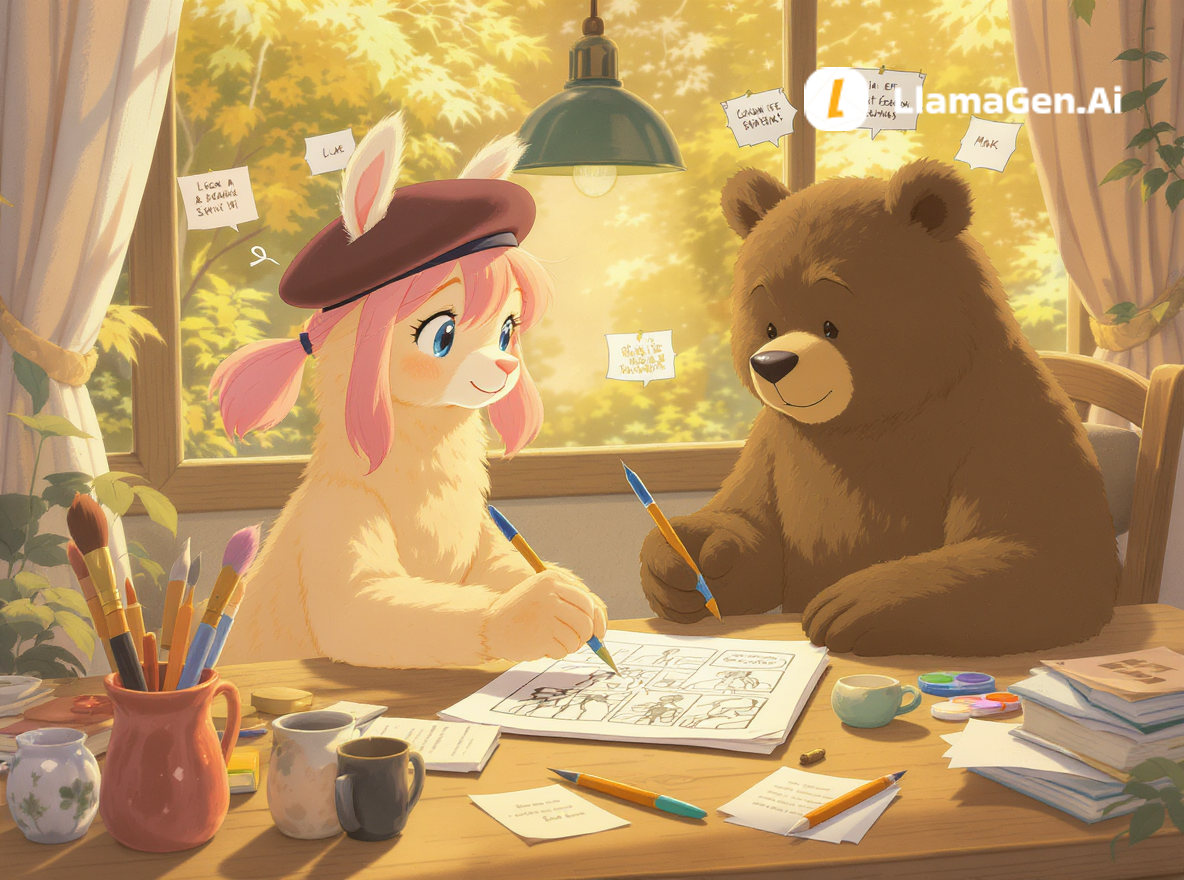
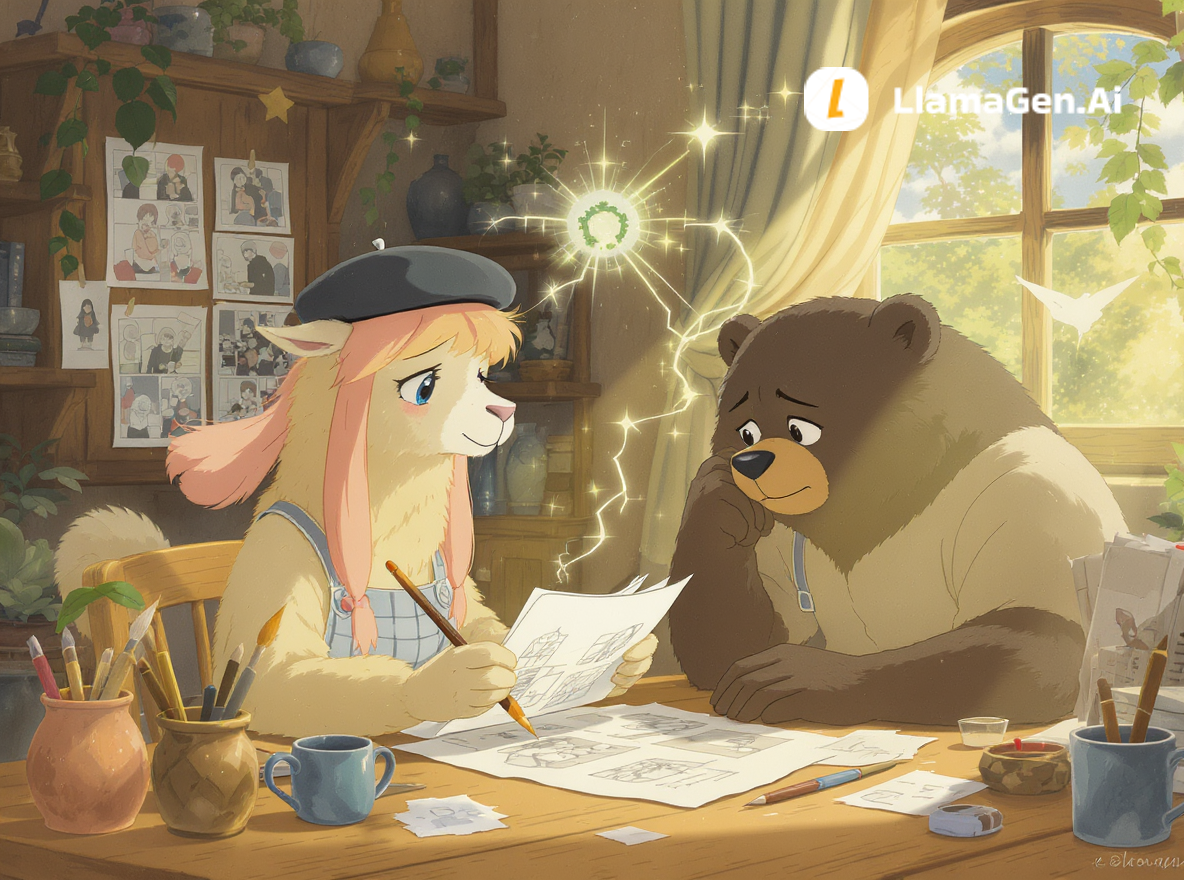
While Sora focused on text-to-video, LlamaGen.AI is an AI-native creative suite built around a core principle: sequential storytelling. It's designed for creators who need to produce comics, storyboards, webtoons, and, yes, animated videos with consistency and control.
Think about the biggest frustrations with most AI video tools:
LlamaGen.AI was built to solve these specific problems from day one. It’s not a generic image model with a video feature tacked on; it's a vertically integrated system for story production.
Let's get practical. You have a project that was stalled by Sora's shutdown. Here’s how you can get it back on track today using the LlamaGen.AI ecosystem. No steep learning curve—just a logical, creator-focused workflow.
Before you even think about visuals, a good story needs a script. Instead of juggling different apps, you can start right inside LlamaGen.AI's story tools.
This is the step that trips up almost every other AI video tool. With LlamaGen.AI, character consistency isn't a happy accident; it's a core feature.
Now that you have a storyboard with consistent characters, turning it into a video is seamless. You're not just generating a video from a single prompt; you're animating a story you've already structured and designed.
In less than an hour, you've gone from a stalled idea to a fully storyboarded and animated sequence with consistent characters and a clear narrative—a feat that was simply out of reach with single-shot video generators.
The true power of a production-ready Sora alternative lies in its ability to handle complex narratives. A story is rarely a single, 10-second clip. It’s a series of shots that build on each other.
The AI Multi-Shot Video Generator in LlamaGen.AI is designed for this. Instead of one prompt for one video, you can input a sequence of prompts, each defining a different shot.
Example Multi-Shot Prompt Sequence:
Wide shot. LYRA stands on a rooftop overlooking a rainy, neon-lit city. Anime style.Close-up shot. LYRA's face, rain dripping from her pink hair. She looks determined.Point-of-view shot. Looking down at the bustling street below.The generator will create a single video that flows through these three distinct shots, maintaining Lyra's appearance throughout thanks to the underlying Character Consistency engine. This is how you move from making "AI videos" to directing an "AI-assisted film."
If you're making the switch, you probably have some immediate questions. Let's get them answered.
How quickly can I get started? You can create your first animation in minutes. The workflow is intuitive: write a script (or have AI help you), generate panels, and convert to video. There’s no complex software to install.
Can I maintain a specific art style, like anime or cartoons? Absolutely. LlamaGen.AI excels at stylized visuals. You can specify "anime style," "manga style," "Ghibli AI style," or "cartoon comic style" in your prompts. You can even use the [AI Anime Art Generator](https://llamagen.ai/ai-
A rundown of the latest LlamaGen feature releases, product enhancements, design updates, and important bug fixes.
Just refer your friends, followers, and customers to earn up to 30% in recurring commissions for a lifetime!