1. Setup
Introduce the scene.
Hello!


Comic strip creator
Turn your idea into a readable visual story with panels, short dialogue and a clear beginning, middle and ending.
Your choices are passed as prompt guidance. Review the result.
Try a story idea
Draft and edit in your browser. AI generation follows your LlamaGen plan and available credits.
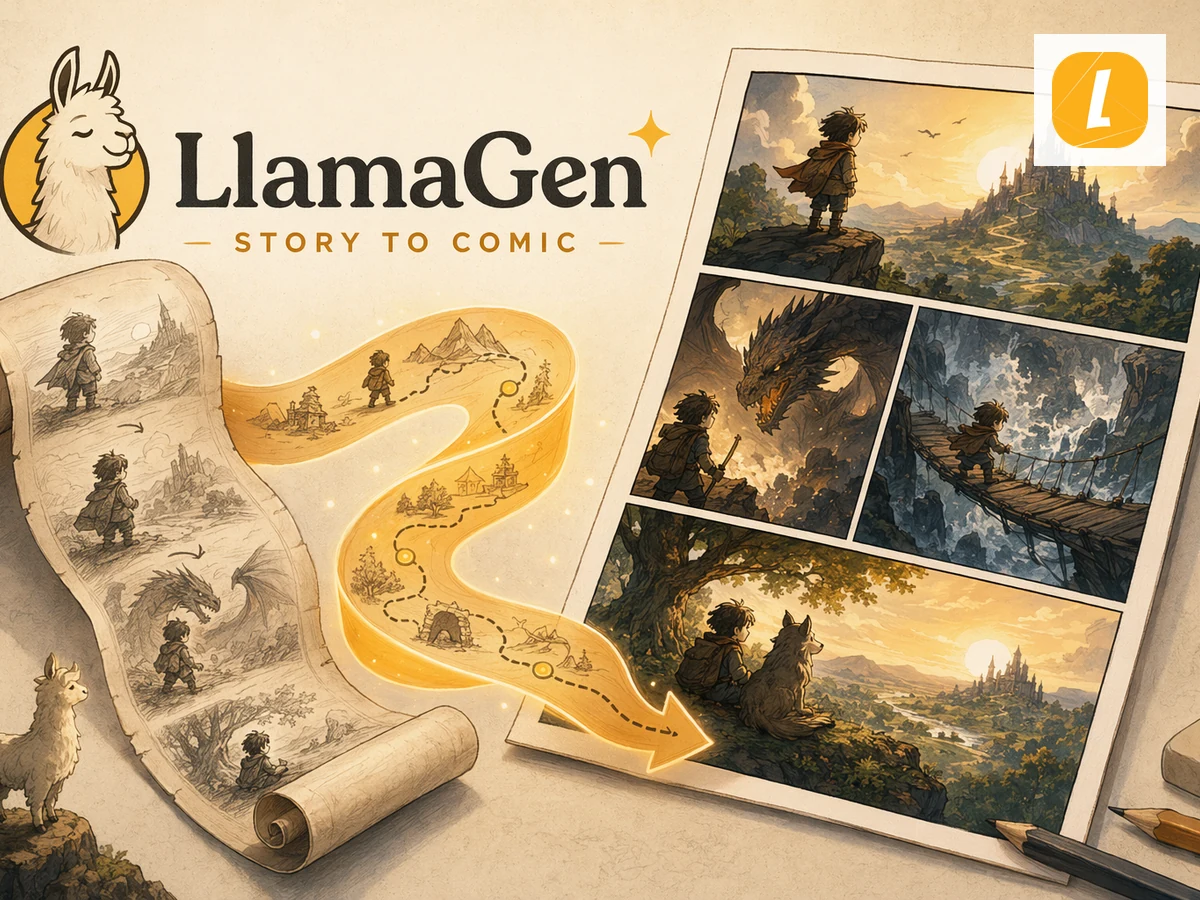
Panel storytelling
Start with a real story, then edit every step
01 Describe your idea
02 Arrange and edit the draft
03 Continue in LlamaGen Studio
Hands-on studio
Edit pages, add illustrations, reorder scenes and save your story as a PDF.
This draft stays in your browser. Uploaded photos are not automatically sent to an AI model.
Introduce the scene.
Review pages and dialogue before sharing.
Introduce the scene.
Hello!
Show the surprising moment.
Oh no!
How will the character respond?
Wait...
Reveal the final twist.
We did it!
What makes it useful
Go beyond an attractive picture. Build a project you can actually review, revise and continue.
Use two, four or six panels with a clear reading order.
Keep dialogue short so text fits the artwork.
Describe the character's defining features before generating scenes.
A real, editable workflow
Keep control of the sequence instead of starting over when one detail needs work.
Choose a character and the problem they need to solve.
Split the action across a small number of clear moments.
Review dialogue, image continuity and available export options.
Questions before starting
Yes. Start with a script and build a visual draft, then continue AI-assisted generation in Studio.
Four panels work well for a short setup, development, reaction and ending.
Yes. The browser editor supports panel text and speech-bubble descriptions.
Comics can help students explain science, history or literature through visual sequences.
Your next story starts here
Write a first idea, refine the pages in the browser, or continue with AI creation in LlamaGen Studio.
Start creating →AI generation uses credits. View current plans.